How do I use the Cyber Club Anime Fashion Portrait template?
Choose the primary action to open PicX Studio with the available template settings. Review the model and format, personalize the creative direction, and generate when ready.
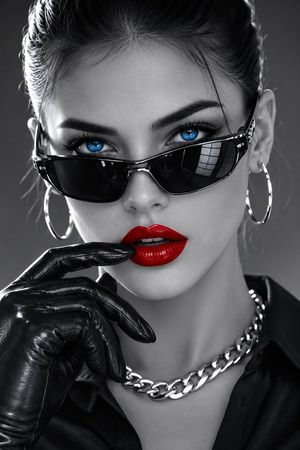
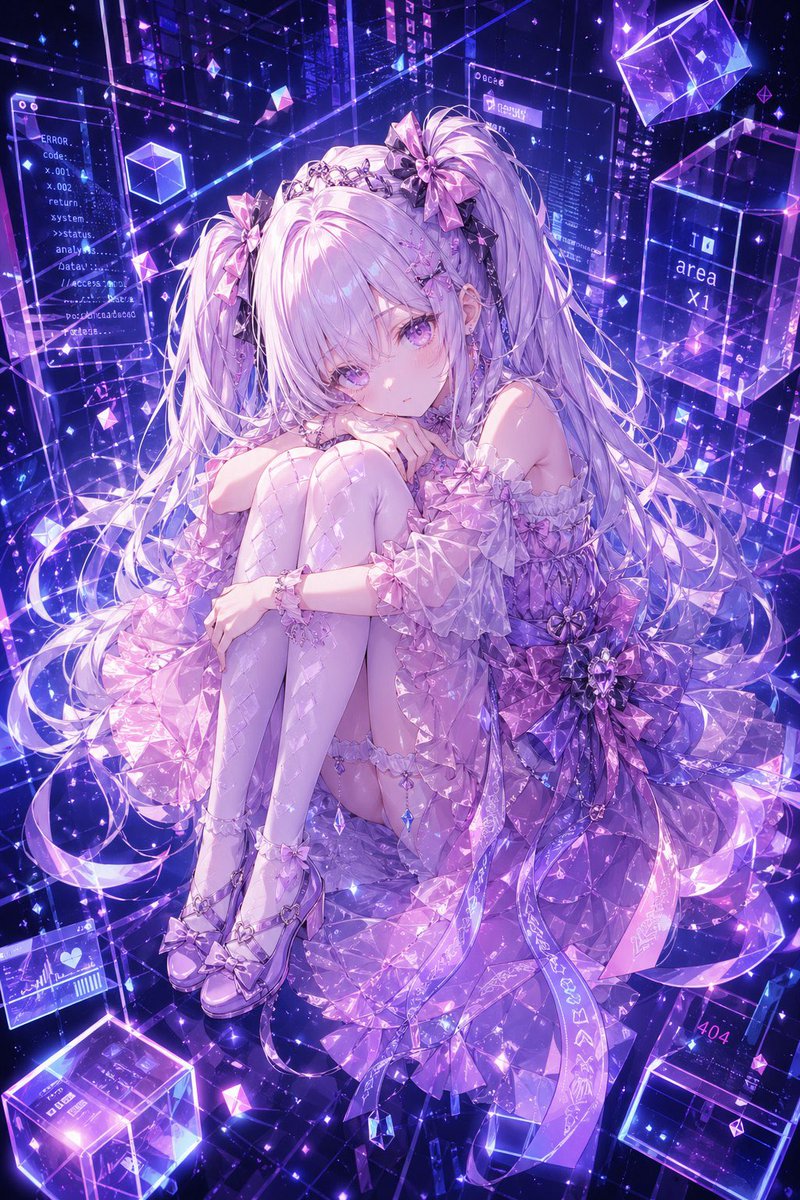
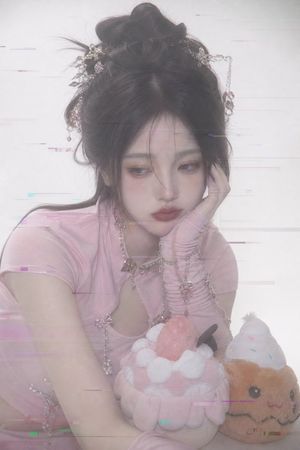
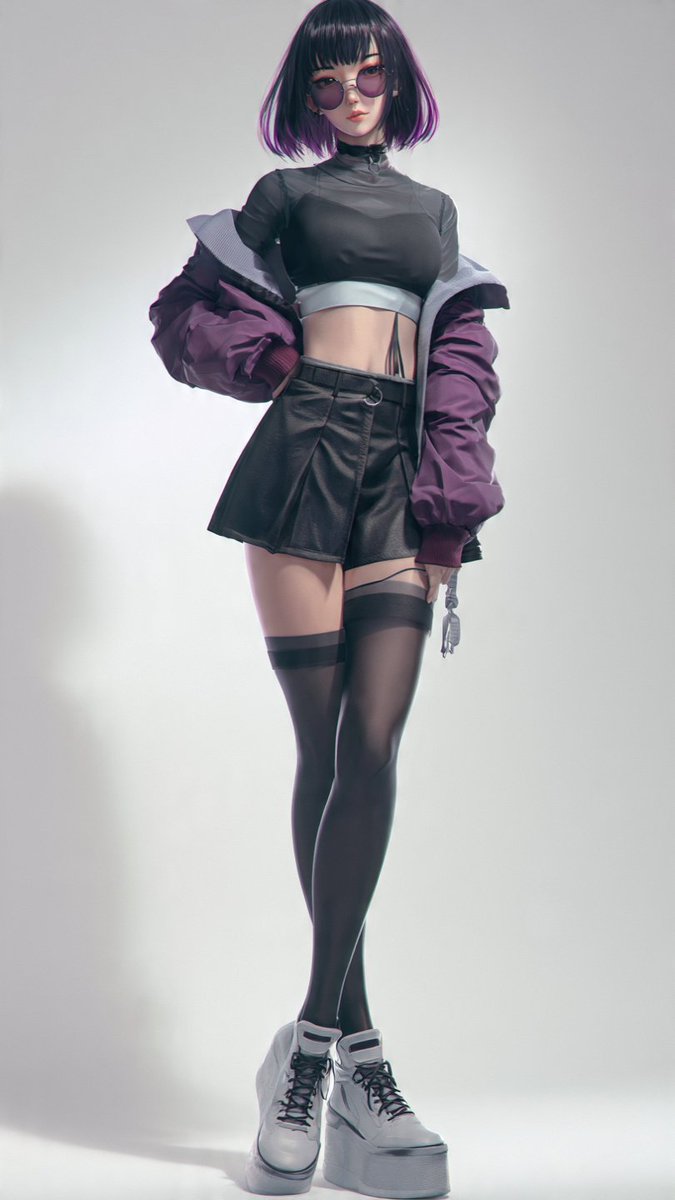
A polished anime-style fashion portrait of a cool headphone-wearing woman with mirrored concert sunglasses and an iridescent cyber jacket.
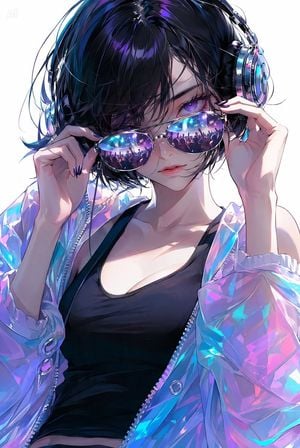
Create a stylish vertical anime portrait of {argument name="character name" default="a fashionable young woman"} from the upper thighs to head, centered against a clean white studio background. She has {argument name="hair color" default="short tousled black hair with electric blue and violet highlights"}, pale luminous skin, glossy lips, and one visible intense violet eye partly hidden by bangs. She wears large metallic cyberpunk over-ear headphones with cyan and magenta reflections, mirrored aviator sunglasses held delicately with both hands, and the sunglasses lenses reflect exactly one packed neon concert crowd scene with raised hands, stage lights, blue-purple lasers, and glowing citylike highlights. Her outfit consists of exactly 3 main clothing/accessory pieces: a fitted black low-neck tank dress, an oversized translucent iridescent holographic jacket with zipper and circular metal snaps, and the reflective aviator sunglasses. Pose her with a cool confident expression, one hand lifting the left side of the sunglasses and the other touching the right temple near the headphones; show long dark glossy nails. Use a high-fashion cyber club aesthetic, ultra-detailed polished digital anime illustration, sharp linework, soft skin rendering, luminous rim lighting, prismatic cyan, violet, pink, and silver highlights, high contrast, crisp focus, close-up editorial composition, no extra characters outside the lens reflections, no readable text, no watermark.
Choose the primary action to open PicX Studio with the available template settings. Review the model and format, personalize the creative direction, and generate when ready.
Yes. You can change the subject, setting, lighting, mood, format, and available model controls before creating your image.
This template is free to open and customize. Generation usage is shown in PicX Studio before you create.
Start with GPT Image 2, which is the model associated with this template. You can compare another compatible model for a different finish.
Follow a topic to a crawlable collection of related PicX Studio templates.