How do I use the Minimalist Fashion Editorial Portrait template?
Choose the primary action to open PicX Studio with the available template settings. Review the model and format, personalize the creative direction, and generate when ready.
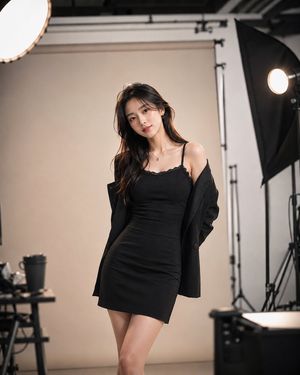
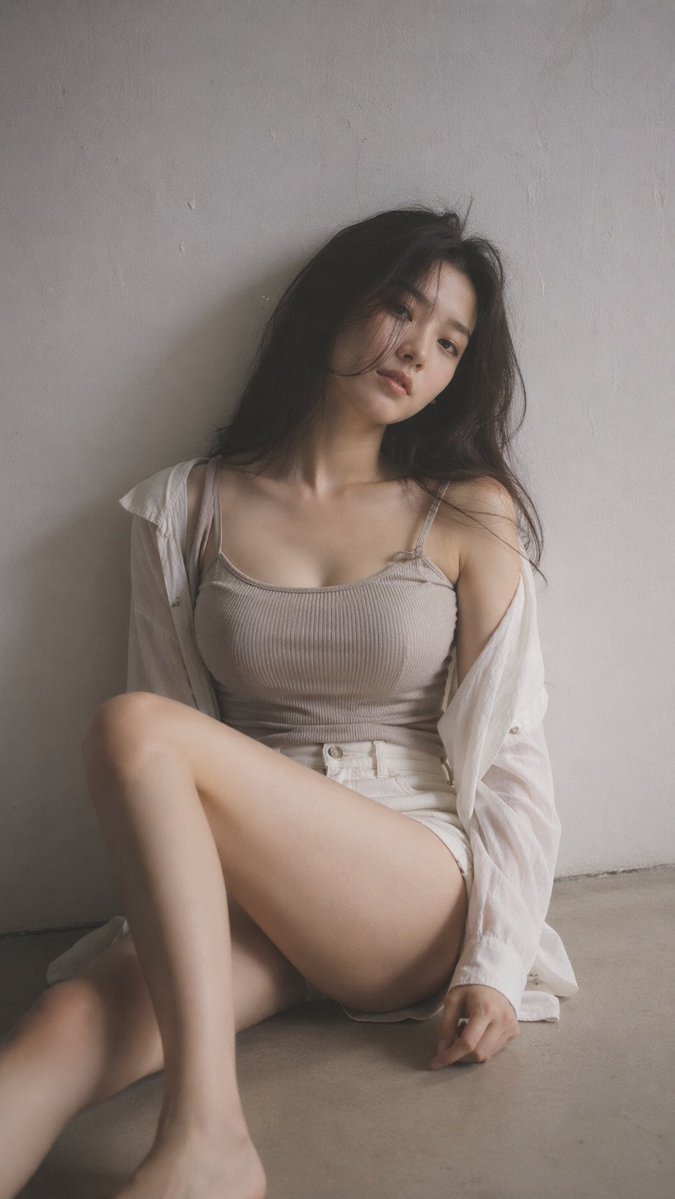
Generates a clean, Scandinavian-style fashion editorial portrait featuring minimalist architecture and muted tones.
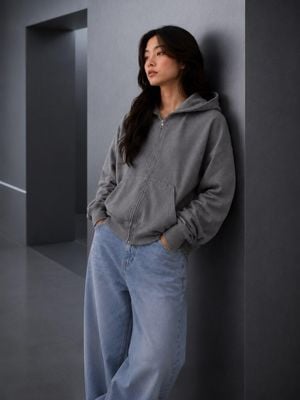
Minimalist fashion editorial portrait of a young woman leaning casually against a {argument name="background" default="smooth charcoal-gray architectural wall"}, wearing an {argument name="outfit" default="oversized washed gray zip-up hoodie, light-wash baggy jeans, and white sneakers"}, hands in pockets, relaxed posture, calm confident expression, long natural dark wavy hair, soft natural makeup, modern minimalist interior with geometric architecture, muted monochromatic palette, {argument name="lighting" default="soft diffused window light"}, subtle shadows, luxury lifestyle campaign, Scandinavian aesthetic, premium streetwear lookbook, ultra-realistic, photorealistic, high-end commercial photography, clean composition, shallow depth of field, 85mm lens, f/2.8, RAW photo, highly detailed fabric textures, natural skin tones, editorial magazine quality. Style keywords Minimalist luxury Quiet luxury Scandinavian interior Muji / COS / Uniqlo aesthetic Clean architectural backdrop Neutral gray color palette Soft ambient lighting Contemporary lifestyle editorial Relaxed oversized silhouette Photorealistic commercial fashion photography Camera & Lighting Eye-level composition, full-body portrait, 85mm lens, f/2.8, soft indirect daylight from the left, subtle rim lighting, realistic shadows, muted contrast, natural color grading, crisp focus on subject, cinematic depth of field, premium advertising campaign.
Choose the primary action to open PicX Studio with the available template settings. Review the model and format, personalize the creative direction, and generate when ready.
Yes. You can change the subject, setting, lighting, mood, format, and available model controls before creating your image.
This template is free to open and customize. Generation usage is shown in PicX Studio before you create.
Start with GPT Image 2, which is the model associated with this template. You can compare another compatible model for a different finish.
Follow a topic to a crawlable collection of related PicX Studio templates.