How do I use the Modern Minimalist Editorial Poster template?
Choose the primary action to open PicX Studio with the available template settings. Review the model and format, personalize the creative direction, and generate when ready.
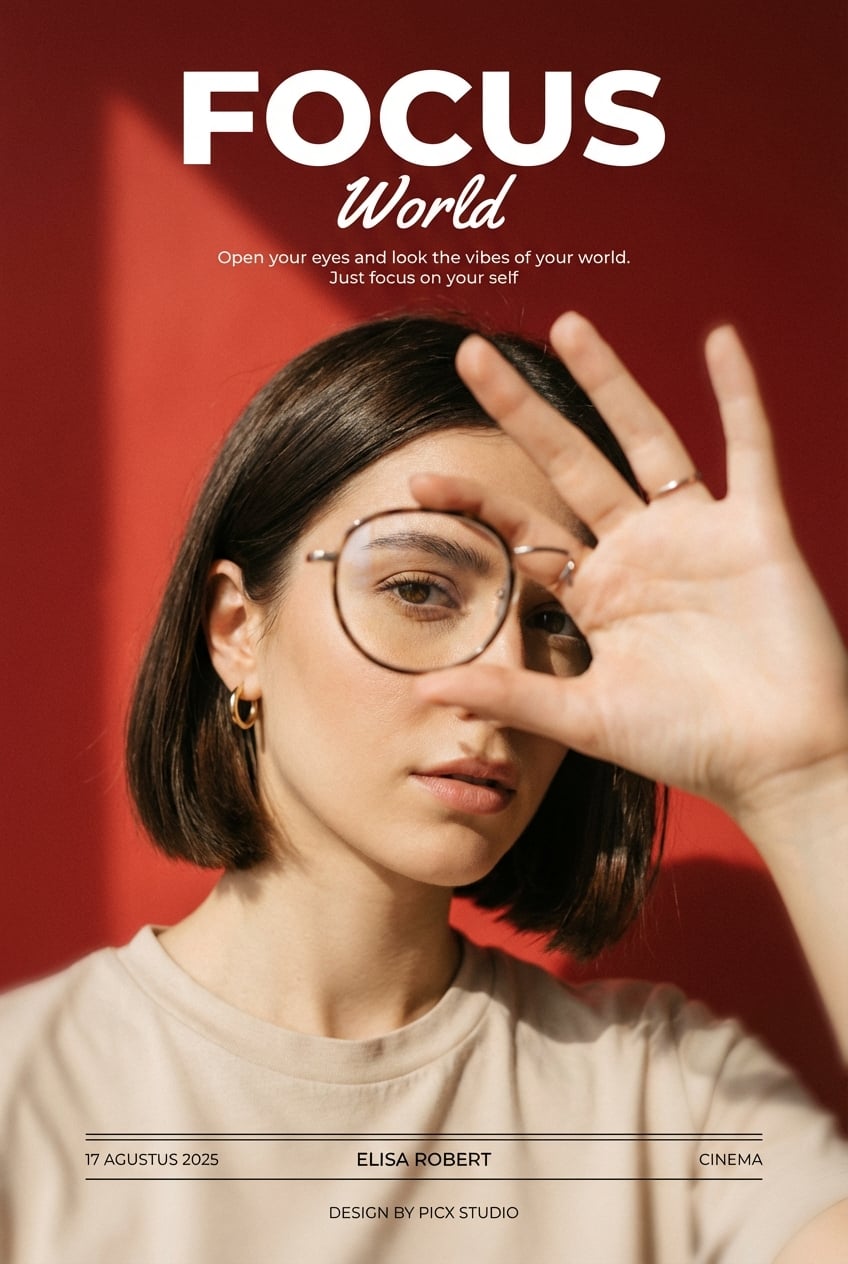
Generates a stylish minimalist editorial poster with a retro aesthetic, featuring bold typography and clean studio lighting.

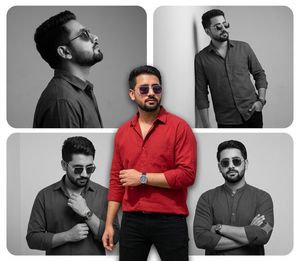
Design a modern minimalist editorial poster centered on an {argument name="subject" default="Asian man"} seated on a simple stool. He wears a {argument name="clothing" default="beige hoodie, relaxed black trousers, and beige sneakers"}. His posture should feel casual and confident, with a slight forward lean and both hands resting on his knees. Set the scene in a clean studio with a bold retro graphic layout. Use a {argument name="background color" default="warm orange"} field across the upper area, contrasted with a soft textured beige floor. Place a large ivory white "01" behind the subject, partially cropped so it stretches across the canvas. Include these typography details: "TRACK NUMBER" in bold black sans serif on the left side, a small "HARBORIS" caption above it, and a small upper right caption reading "Anggadaras1908". Keep the design modern and editorial, with Swiss style typography, clear negative space, and balanced composition. Use soft studio lighting with subtle shadows beneath the chair. The image should feel cinematic but clean, with no harsh contrast. Frame it as an eye level, medium range, full body shot with centered composition, sharp focus, and high resolution. Color palette: orange, cream, off white, and black accents. Add slight grain, poster paper texture, and a vintage print feel. Keep the face and body exactly the same as the uploaded reference image. Final aspect ratio 3:4.
Choose the primary action to open PicX Studio with the available template settings. Review the model and format, personalize the creative direction, and generate when ready.
Yes. You can change the subject, setting, lighting, mood, format, and available model controls before creating your image.
This template is free to open and customize. Generation usage is shown in PicX Studio before you create.
Start with GPT Image 2, which is the model associated with this template. You can compare another compatible model for a different finish.
Follow a topic to a crawlable collection of related PicX Studio templates.