How do I use the Vintage Polaroid Café Snapshot template?
Choose the primary action to open PicX Studio with the available template settings. Review the model and format, personalize the creative direction, and generate when ready.
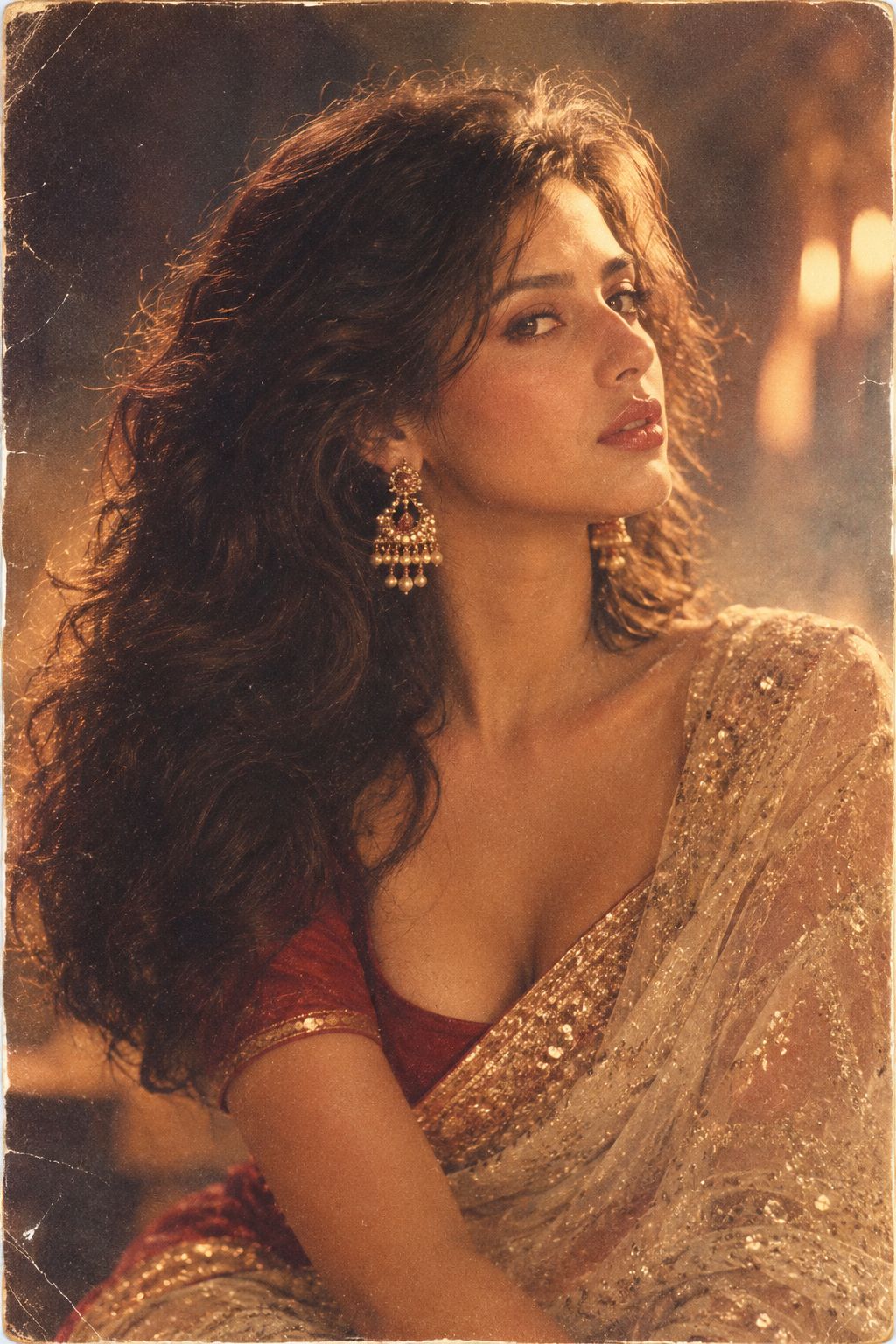
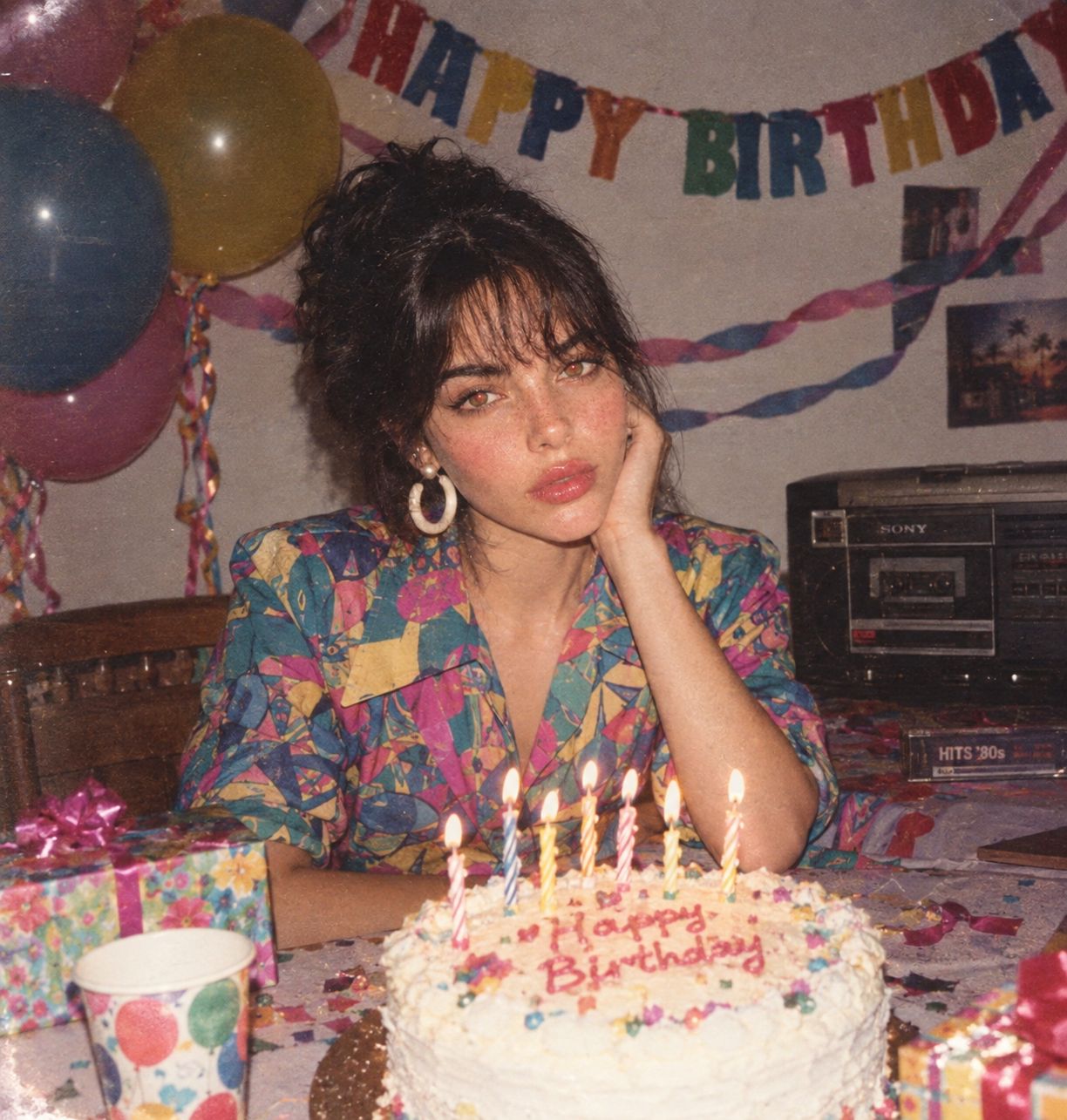
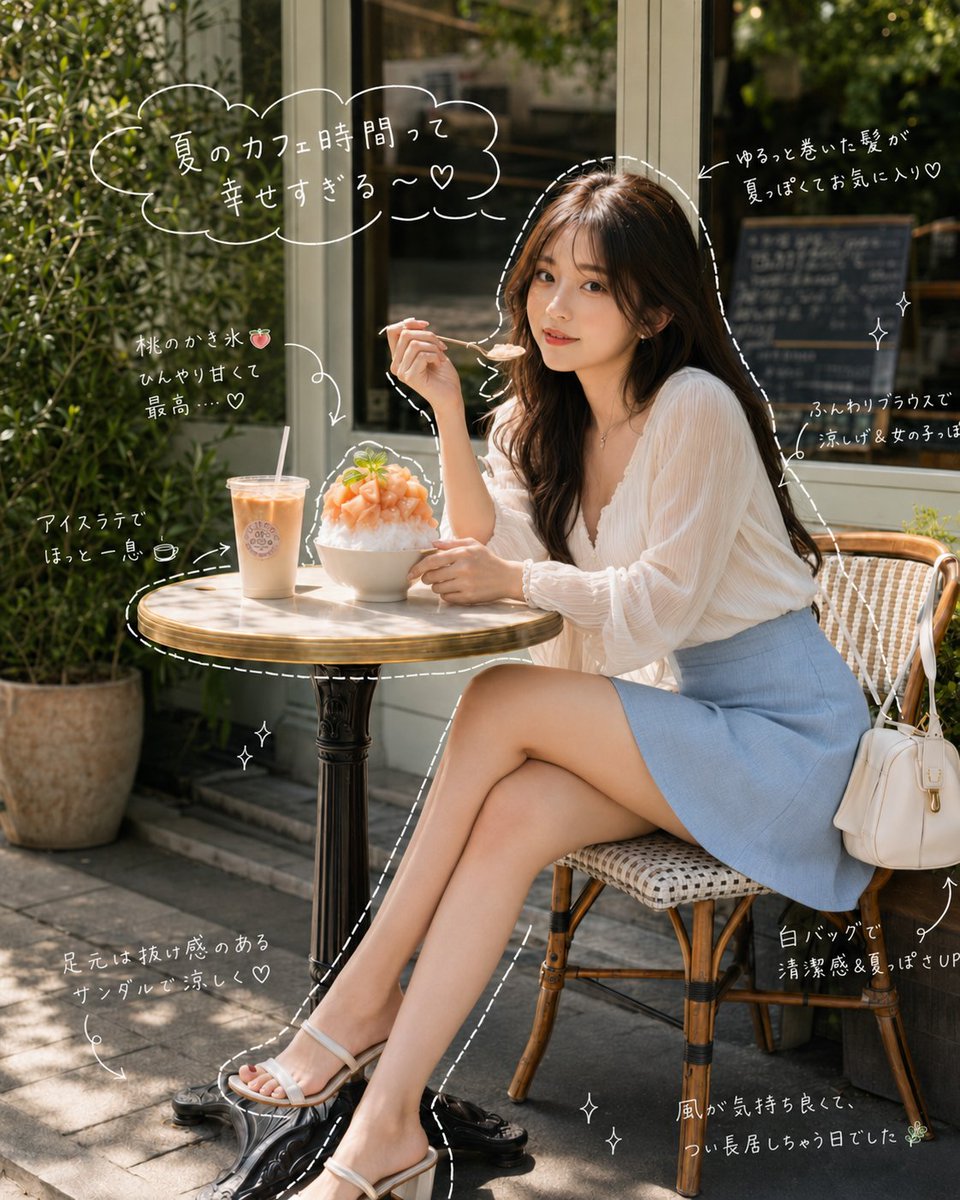
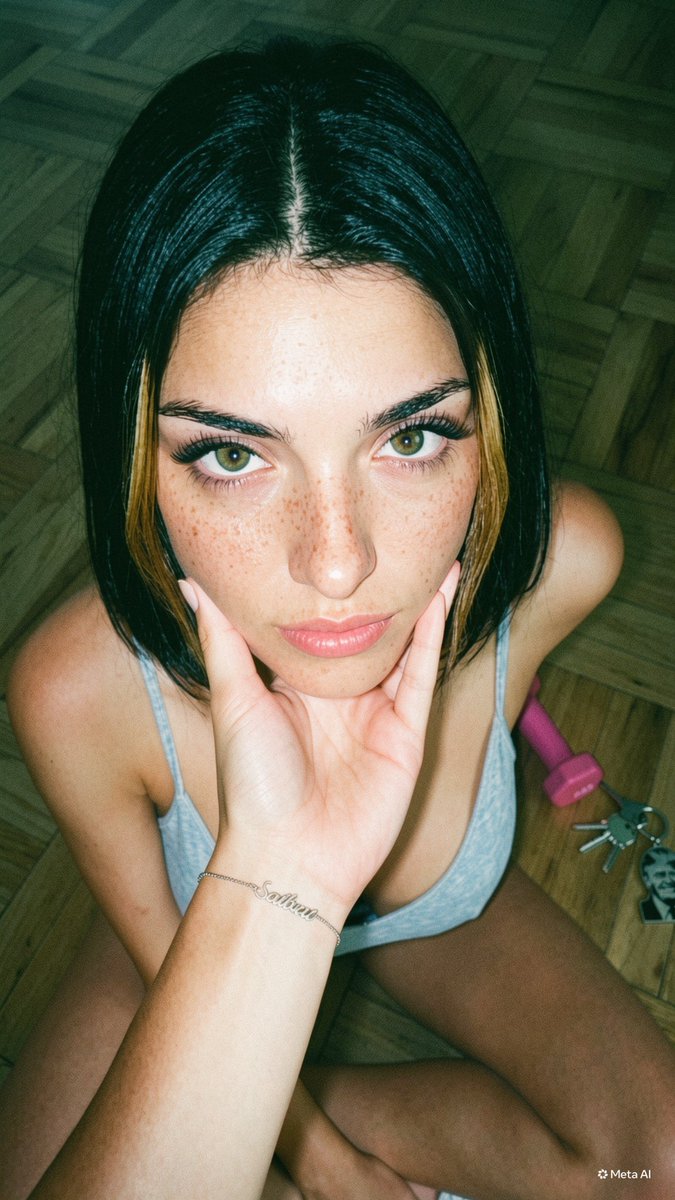
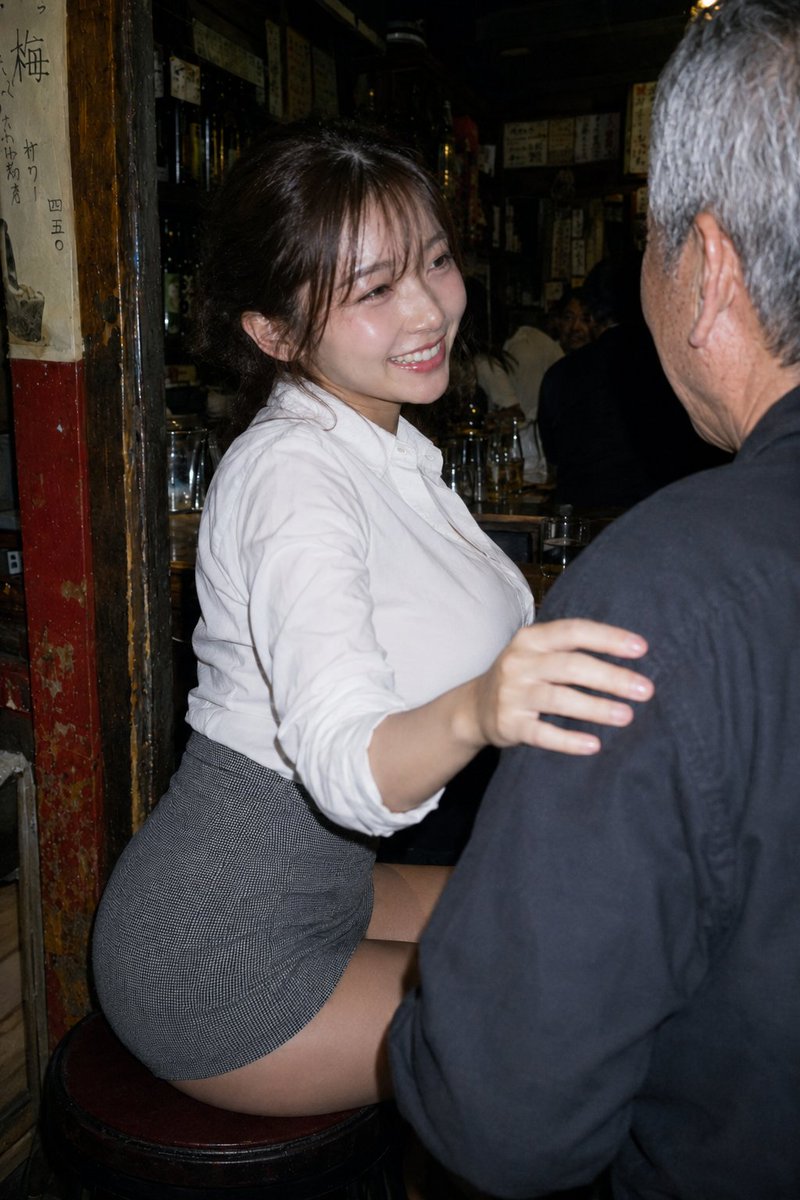
A candid aesthetic café scene presented as a vintage Polaroid photo with realistic film textures and handwritten text.

create image 4:5 Aesthetic candid café snapshot presented as a realistic vintage Polaroid instant photo, featuring a {argument name="subject" default="young woman"} is sitting on a wooden chair in front of a dining table beside a large café window, wearing a {argument name="outfit" default="fitted sleeveless dark charcoal knit crop top, high-waisted dark blue jeans"}, and a chunky gold cuff bracelet. She naturally holds a burger with both hands at chest level, her body facing the table while her head turns toward the camera with slightly widened eyes and softly parted lips, as if caught off guard by someone taking the picture. Short layered wavy bob with messy windblown strands partially covering one eye, natural editorial makeup with glossy natural lips. Warm vintage café interior with dark green walls, deep red window frame, bright overexposed window, blurred trees and cars outside, drinks, plates, and condiments on the wooden dining table, soft background blur creating depth. Eye-level candid handheld composition, warm cinematic daylight, delicate rim light, subtle film grain, matte instant-film texture, nostalgic earthy tones. Printed as an authentic Polaroid with a clean white border and a thicker bottom margin. Handwritten black ink text on the bottom border reads: "my favorite view ♡". Small vintage date stamp in the lower right corner: "{argument name="date" default="06.26.2026"}"
Choose the primary action to open PicX Studio with the available template settings. Review the model and format, personalize the creative direction, and generate when ready.
Yes. You can change the subject, setting, lighting, mood, format, and available model controls before creating your image.
This template is free to open and customize. Generation usage is shown in PicX Studio before you create.
Start with GPT Image 2, which is the model associated with this template. You can compare another compatible model for a different finish.
Follow a topic to a crawlable collection of related PicX Studio templates.