
Moonlit Anime Woman with Peony
A detailed fantasy anime illustration prompt for creating a melancholic moonlit woman holding a pink peony beneath a starry night sky.
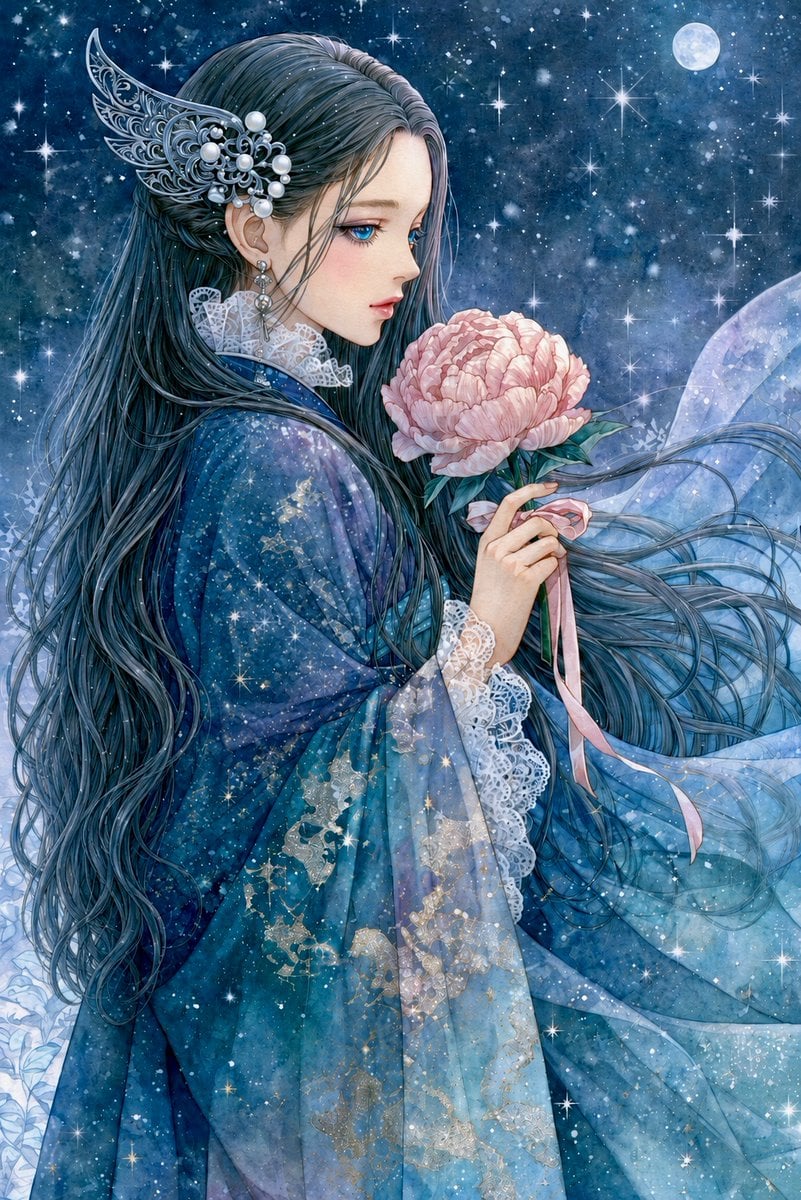
- Prompt included
- Model and format preset
- Premium template
The prompt behind this image
Copy the exact prompt behind Moonlit Anime Woman with Peony, or open it in the studio and make it yours.
Create a vertical 2:3 fantasy anime-style illustration of one sorrowful young woman in left-facing side profile, standing under a star-filled midnight sky. She has very long flowing {argument name="hair color" default="deep blue-black"} hair streaming across the image, with countless fine strands, and her face is intentionally covered by one plain soft-edged taupe-gray rectangular blur centered over the facial area. She wears an ornate translucent layered {argument name="robe color" default="deep teal and icy blue"} robe with wide sleeves, white lace cuffs and collar, subtle gold floral embroidery, and a gauzy veil-like train blowing to the right. Add one elaborate silver filigree wing-shaped hair ornament behind her ear, decorated with multiple pearl beads, plus one dangling earring. In her hands she holds exactly one large pale pink peony blossom with green leaves and exactly two long pink ribbon tails hanging from the stem. The background is a dreamy cosmic night: dense blue nebula texture, many tiny snow-like specks, bright starbursts scattered throughout, and exactly one full moon in the upper right. Use delicate shoujo manga linework, luminous watercolor textures, intricate fabric and hair detail, melancholic romantic mood, cool blue palette with soft pink flower contrast, sparkling highlights, no text, no watermark.
How to use Moonlit Anime Woman with Peony in 3 steps
- 1Upload ImagePNG, JPG or paste
Add your photo
Upload the photo the template builds on. The prompt, model and format are already set.
- 2…a portrait of your subject in softgolden-hour light, 85mm…
Personalize
Edit the subject and creative details for your destination.
- 3Generate
Generate
Press Generate — your image is created in PicX Studio, so you can compare it with the original and refine one variable at a time.
More like this
Templates with the same subject, style or setup. Open one to see its prompt.












Make it yours
Moonlit Anime Woman with Peony works as-is. These are the safest ways to change it without losing the look.
Change one field
Copy a single group, rewrite it, and generate again so you can see what that field is doing.
Keep the frame, change the subject
Hold the composition and light of Moonlit Anime Woman with Peony, then swap wardrobe, props or the person for a new take.
| If the result… | Why | Fix |
|---|---|---|
| The result drifts from the preview | Too many fields changed at once. | Reuse Moonlit Anime Woman with Peony as-is first, then change one group — subject, light, or setting. |
| The model over-stylizes the scene | The prose prompt leaves finish and camera underspecified. | Add one camera or lighting sentence and stay on GPT Image 2. |
More GPT Image 2 templates
Other prompts made for GPT Image 2.

Six VTuber Japanese Logo Sheet

Realistic Portrait of Woman and Deer

The Vista Modular Condo Poster

AI Model Routing Comparison Infographic

2.5D Anime Art Board

Isometric Productivity Desk Scene

New York Double Exposure Poster

Four-Panel AI Landscape Comparison

Japanese Tatami Lifestyle Magazine Cover

NESCAFÉ Coffee Map Poster
More image prompts
Fresh picks from across the catalog.

SRK Motorcycle Jump Action Shot Prompt
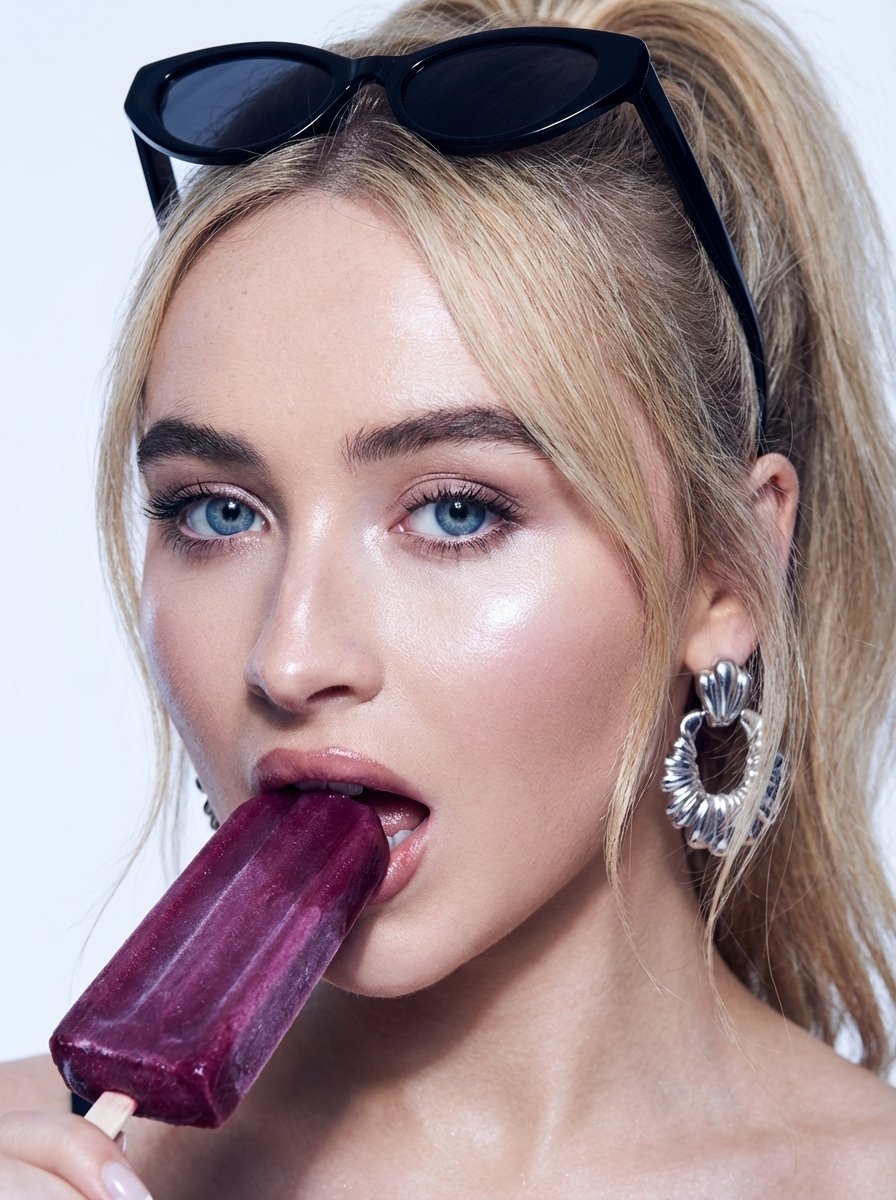
High-Fashion Beauty Close-Up Portrait Prompt for Nano Banana Pro
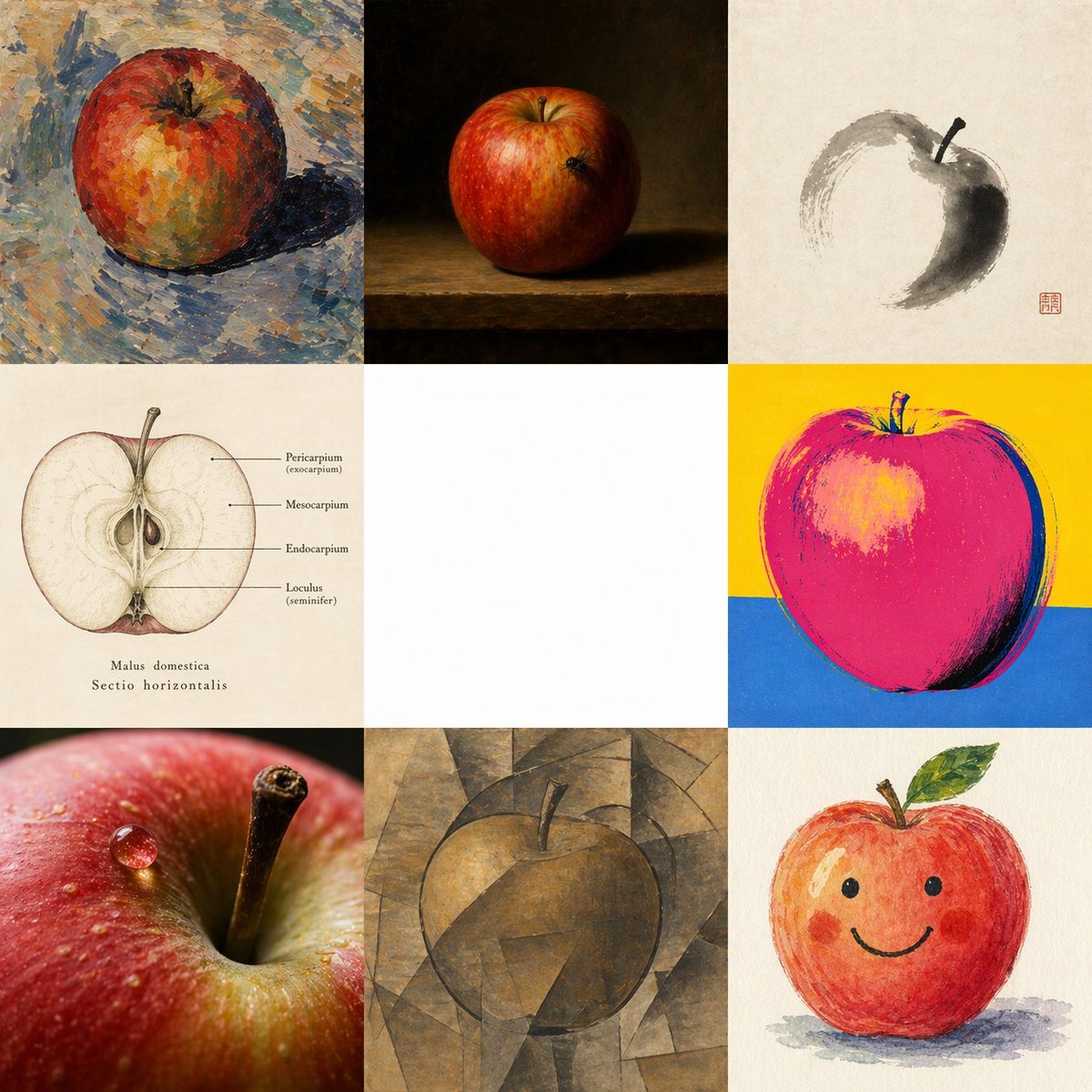
Apple in Eight Visual Grammars
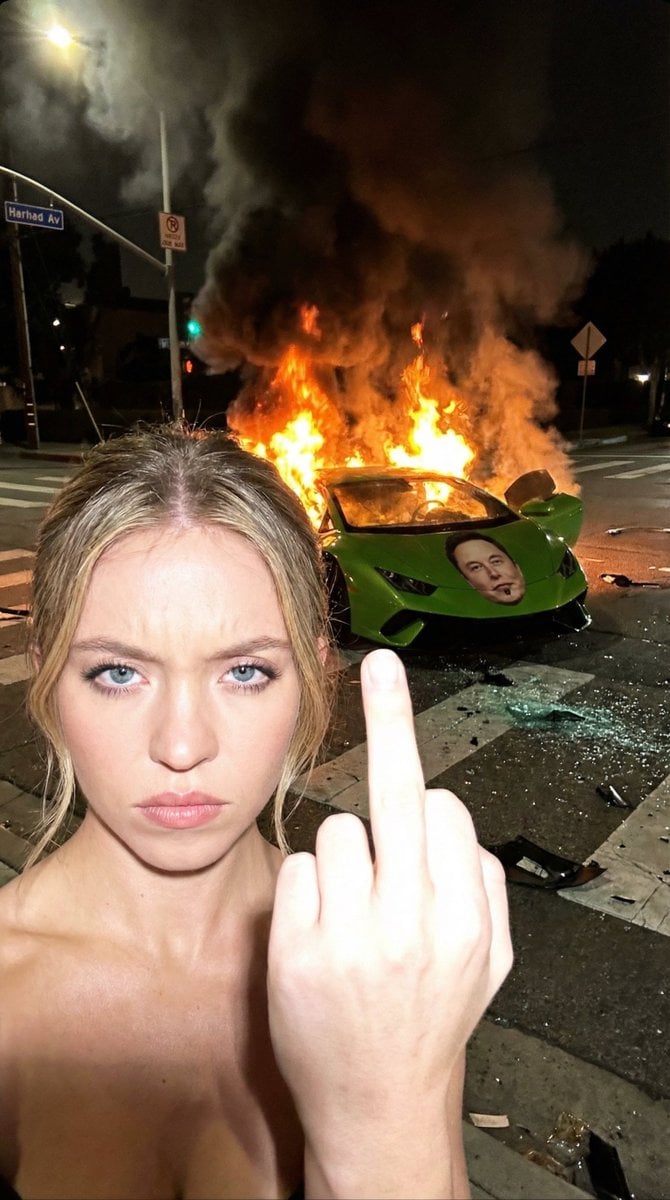
Gritty Night Photo of Woman Flipping Off Camera with Burning Lamborghini
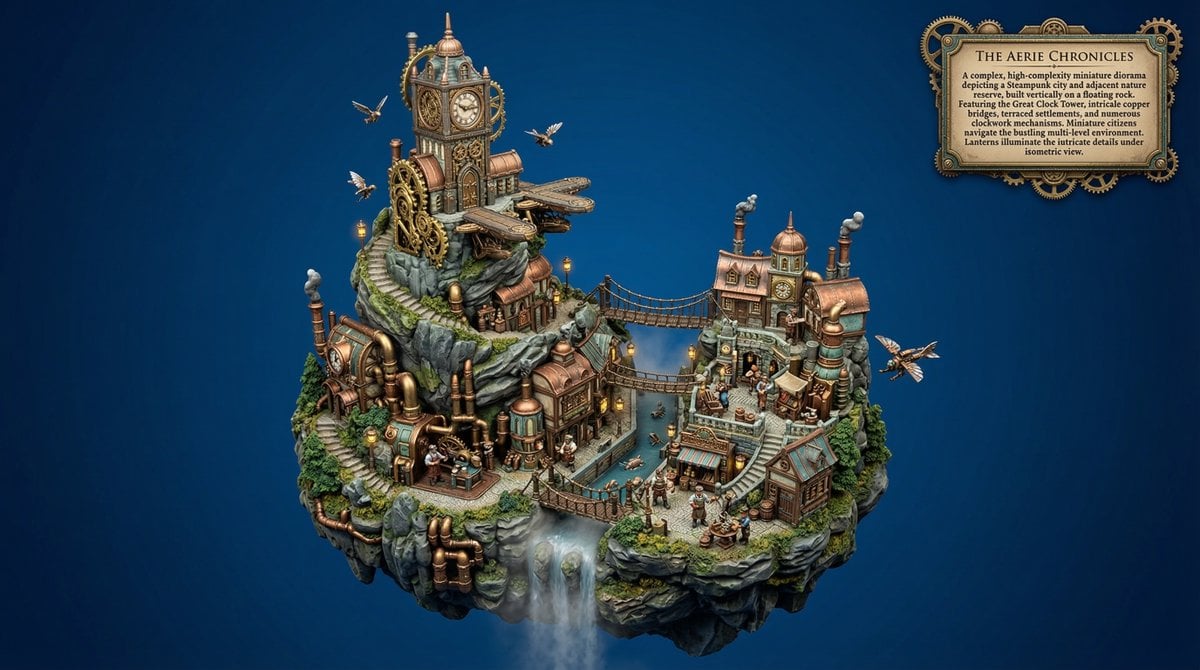
Procedural Whimsical Mono-Punk Floating Diorama Generator
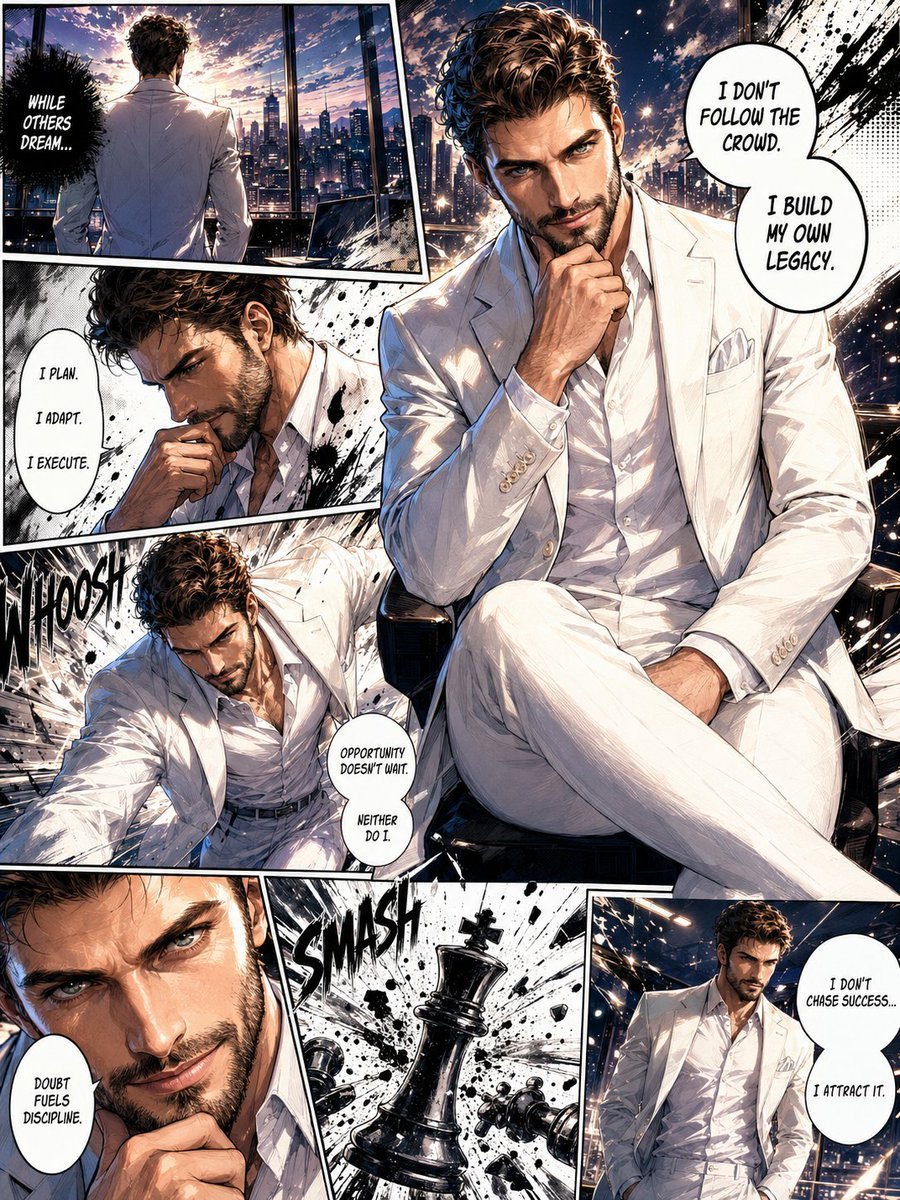
Full Page Manga Illustration
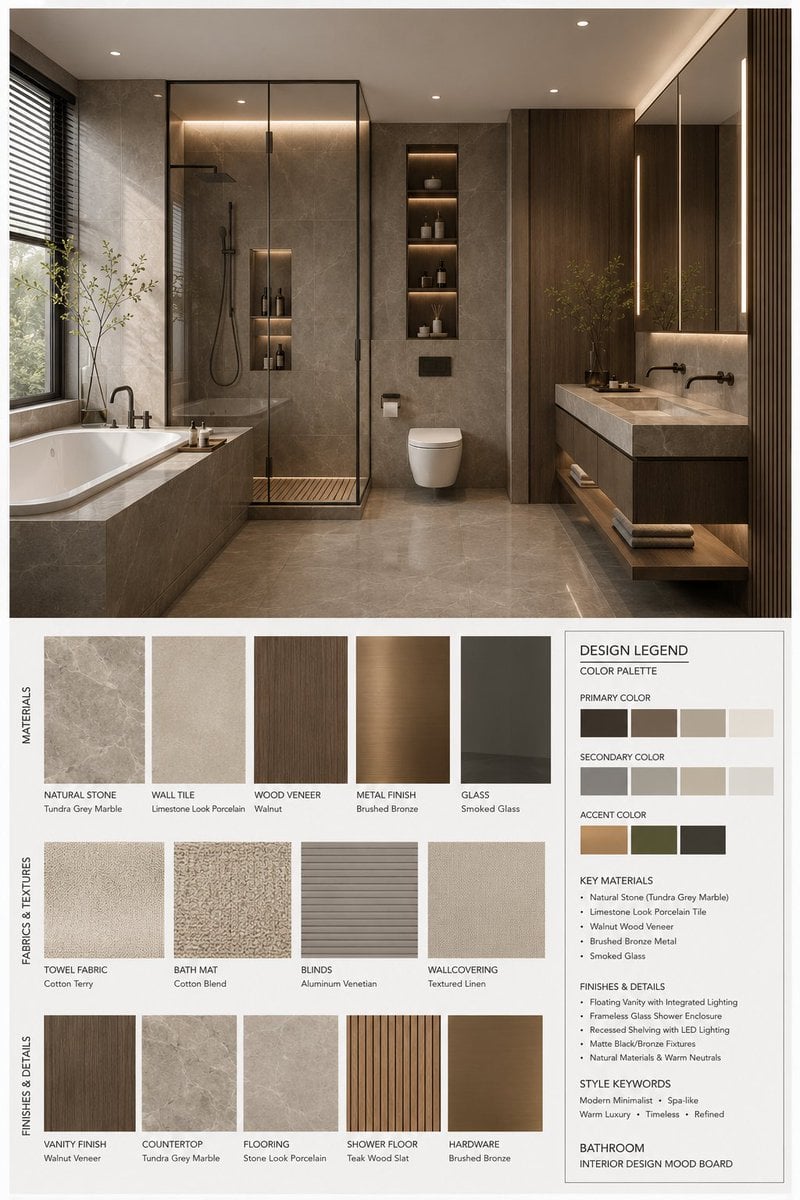
Interior Design Mood Board Generator
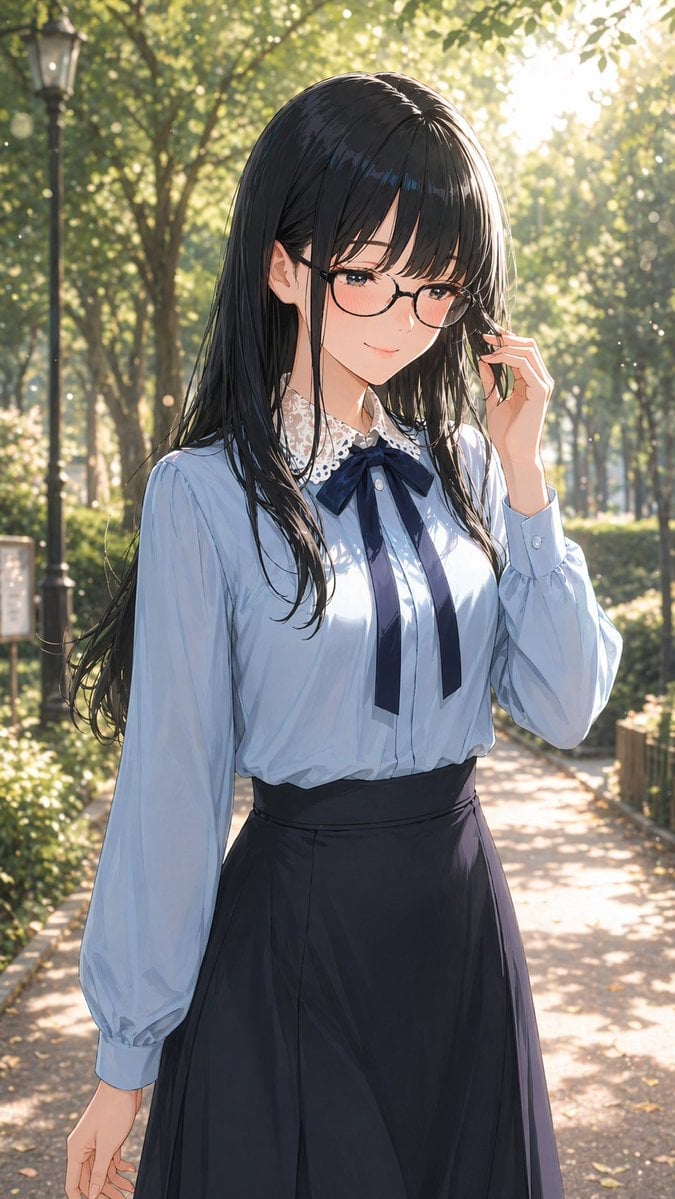
Gpt2 Profile Avatar Portrait of a Gentle Woman with Glasses
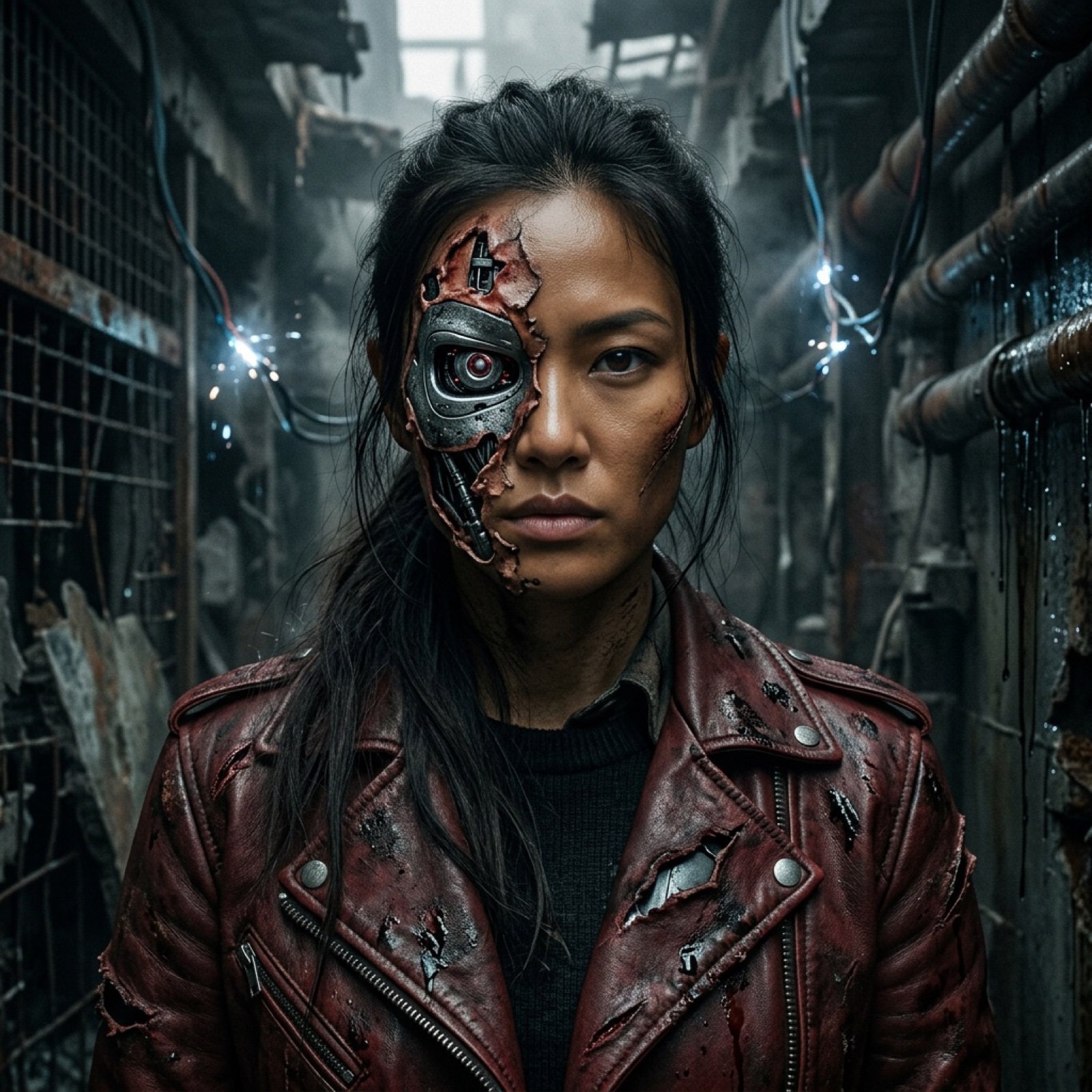
Terminator Girl
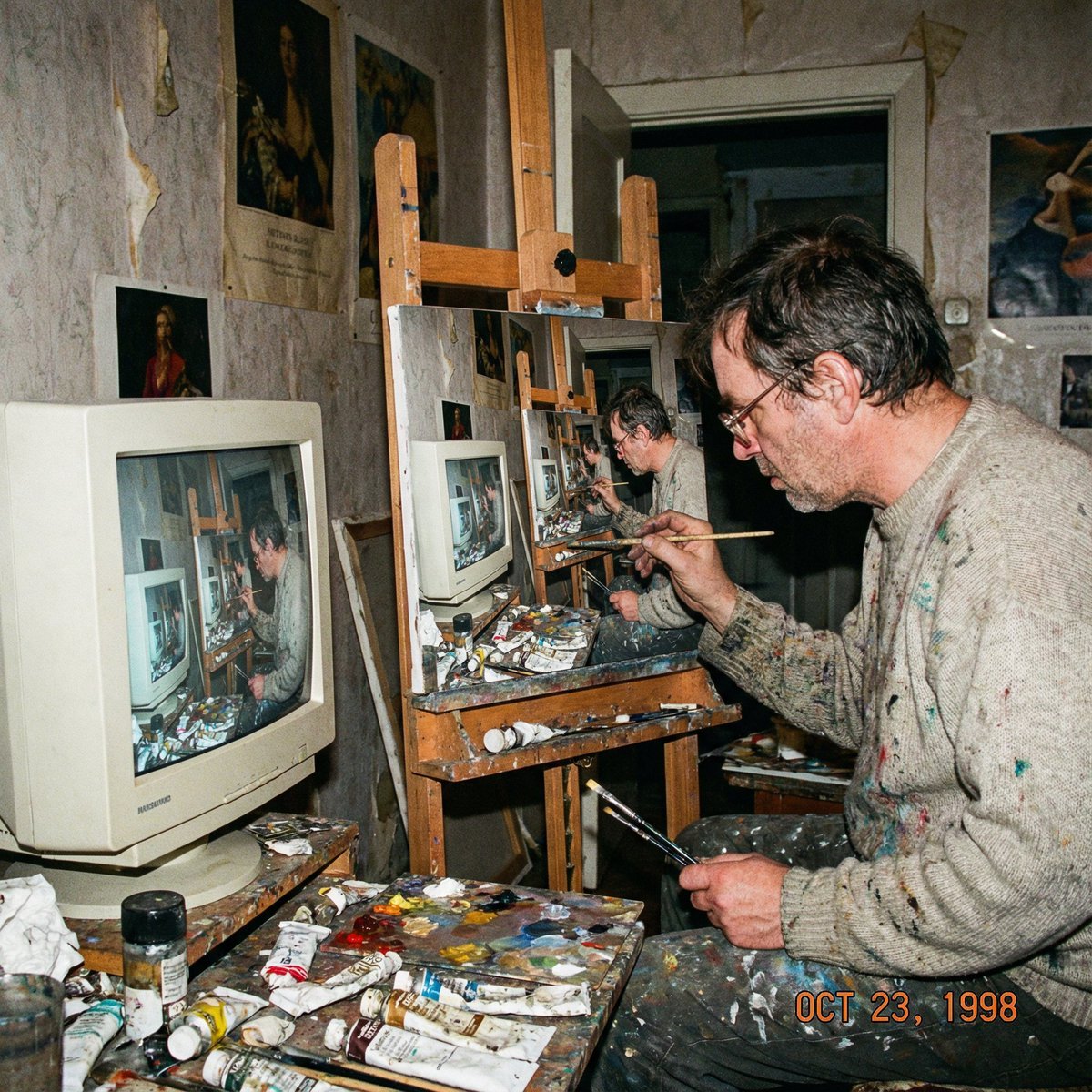
Recursive artist painting a photo of himself painting
Browse template categories
Moonlit Anime Woman with Peony questions
How do I use the Moonlit Anime Woman with Peony template?
Add your photo if the template asks for one, edit the prompt if you like — the template's model and format are already selected — and press Generate. Your version opens in PicX Studio.
Can I customize the Moonlit Anime Woman with Peony template?
Yes. You can change the subject, setting, lighting, mood, format, and available model controls before creating your image.
Is the Moonlit Anime Woman with Peony template free?
Opening and editing this template is free. Generating uses credits, shown on the Generate button when you are signed in.
Which AI model should I use?
Start with GPT Image 2, which is the model associated with this template. You can compare another compatible model for a different finish.
Looking for something else? Browse all templates.

Your photo, any look
Thousands of ready templates for every top image and video model, from one credit balance.