How do I use the Night Rooftop Fashion Portrait template?
Choose the primary action to open PicX Studio with the available template settings. Review the model and format, personalize the creative direction, and generate when ready.
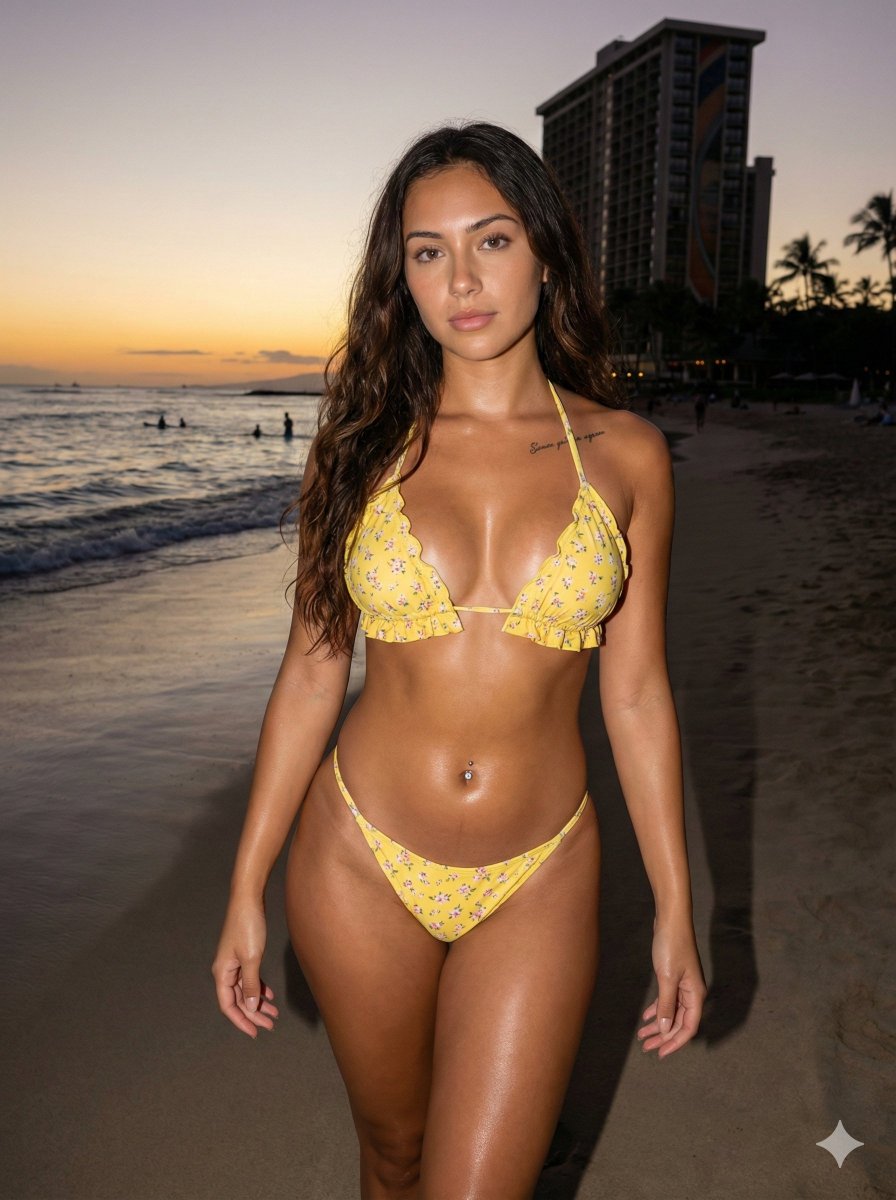
A realistic full-body urban night portrait of a young woman on a rooftop, suitable for fashion or lifestyle photography generation.
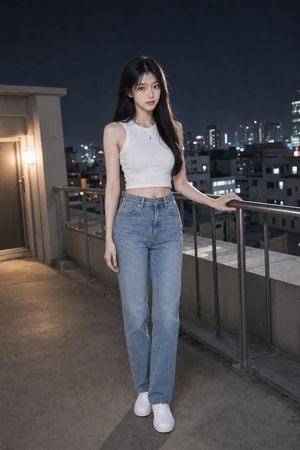
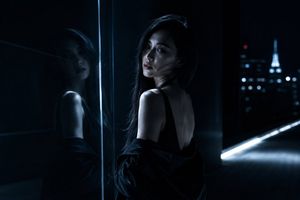
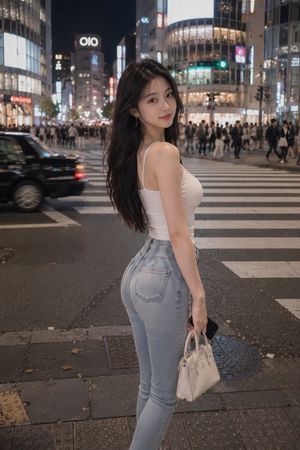
Create a realistic full-body nighttime rooftop portrait of {argument name="character name" default="a young East Asian woman"} standing on a concrete apartment rooftop terrace with a city skyline in the background. She has {argument name="hair color and style" default="long straight black hair with soft bangs"}, fair skin, a slim build, and a calm slightly serious expression while looking directly at the camera. She wears {argument name="top" default="a fitted white sleeveless ribbed cropped tank top"}, {argument name="pants" default="high-waisted light blue straight-leg jeans"}, white low-top sneakers, and a delicate small pendant necklace. Pose her upright near a metal safety railing, one hand lightly resting on the rail and the other relaxed by her side, with one foot subtly forward. The setting is an urban rooftop at night: dark navy sky, distant high-rise buildings with softly blurred window lights and red antenna lights, concrete floor, low parapet walls, metal railings, and a warm wall light glowing near a rooftop door on the left. Use cinematic realistic photography, vertical full-body composition, natural skin texture, soft flash or diffused key light on the subject, shallow depth of field, cool ambient city tones balanced with warm side light, 35mm lens look, high detail, no text, no watermark, no extra people.
Choose the primary action to open PicX Studio with the available template settings. Review the model and format, personalize the creative direction, and generate when ready.
Yes. You can change the subject, setting, lighting, mood, format, and available model controls before creating your image.
This template is free to open and customize. Generation usage is shown in PicX Studio before you create.
Start with GPT Image 2, which is the model associated with this template. You can compare another compatible model for a different finish.
Follow a topic to a crawlable collection of related PicX Studio templates.