
90s Street Racer Manga Style
A comprehensive prompt to transform reference images into high-quality 1990s-style Japanese street racing manga panels with speed lines and onomatopoeia.
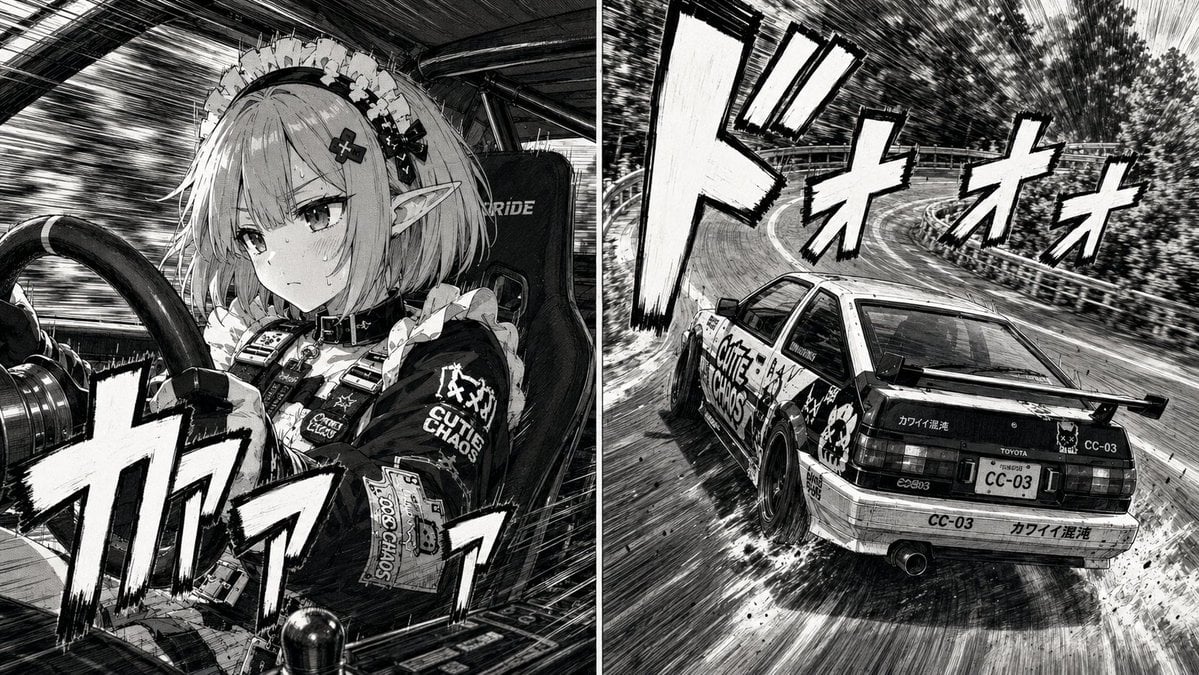
- Prompt included
- Model and format preset
- Free template
The prompt behind this image
Copy the exact prompt behind 90s Street Racer Manga Style, or open it in the studio and make it yours.
参照画像の構図、キャラクター、車両、背景、左右二分割レイアウト、カメラアングル、遠近感、シーン内容を完全に維持すること。 カラーイラストではなく、日本の{argument name="年代" default="1990年代"}走り屋漫画の完成原稿として描き直す。 画面全体を白黒漫画へ変換。 高品質な漫画原稿。 印刷前の完成原稿品質。 インクによる繊細なペン画。 Gペンによる強弱のある線。 細密なクロスハッチング。 スクリーントーンによる陰影。 衣装、髪、車体、背景すべてを漫画技法で描写。 紙の質感。 インクのにじみ。 トーン粒子。 原稿用紙へ描かれたような自然な仕上がり。 【躍動感】 画面全体へ大胆なスピード線。 流線。 集中線。 車体後方へ長く伸びる移動線。 背景流し。 路面にも流線を追加。 タイヤスモークはペンとスクリーントーンのみで描写。 煙にも流線を加える。 背景の木々。 ガードレール。 路面。 すべて高速移動による流れを漫画らしく描写。 【振動表現】 キャラクター。 髪。 肩。 腕。 手。 ハンドル。 シフトノブ。 車体。 タイヤ。 ホイール。 サスペンション。 マフラー。 リアスポイラー。 これらの輪郭周囲へ短く細い縦方向の振動線を多数追加。 高回転エンジンの振動。 荒れた路面から伝わる微振動。 高速走行時の共振。 緊張感。 速度感を漫画表現として描写。 輪郭は崩さない。 極めて細かい補助線として描く。 【人物】 真剣な表情。 鋭い視線。 高速コーナリング中の集中。 汗。 髪にも細かな振動線。 衣装にもわずかなブレ。 【車両】 車両デザインは維持。 ホイール回転は漫画表現。 タイヤ変形。 荷重移動。 車体ロール。 サスペンションの沈み込み。 ドリフト角。 タイヤスモーク。 飛び石。 路面の削れ。 すべて迫力ある漫画描写。 【擬音】 画面内へ巨大な漫画擬音を追加する。 擬音は1コマにつき主役となるものを1種類のみ配置する。 小さな擬音を大量に配置しない。 複数種類の擬音を散りばめない。 巨大な擬音が画面全体の印象を支配する構図とする。 擬音は漫画の描画要素として描く。 フォントではない。 漫画家が筆とペンで直接描いたような手描き文字。 白ベタ塗り。 極太黒縁。 勢いのある輪郭。 筆圧のムラ。 インクのかすれ。 わずかな歪み。 遠近法に合わせて自然に変形。 背景のパースへ沿わせる。 人物や車体へ大胆に重ねてもよい。 背景へ食い込ませてもよい。 コマから大胆にはみ出してもよい。 画面外へ見切れてもよい。 可読性より画面演出を優先する。 巨大なグラフィックとして画面へ溶け込ませる。 その場面に最適な擬音を1種類のみ自然に選択する。 例として {argument name="擬音" default="ギャアアア"} など。 【仕上げ】 左右は同じ瞬間を異なる視点から描いた漫画コマとして扱う。 セリフ。 吹き出し。 モノローグ。 タイトル。 ページ番号。 作者名。 ロゴ。 ウォーターマークは追加しない。 画面全体を、日本の1990年代走り屋漫画雑誌へ掲載される完成原稿品質で仕上げる。
How to use 90s Street Racer Manga Style in 3 steps
- 1Upload ImagePNG, JPG or paste
Add your photo
Upload the photo the template builds on. The prompt, model and format are already set.
- 2…a portrait of your subject in softgolden-hour light, 85mm…
Personalize
Edit the subject and creative details for your destination.
- 3Generate
Generate
Press Generate — your image is created in PicX Studio, so you can compare it with the original and refine one variable at a time.
More like this
Templates with the same subject, style or setup. Open one to see its prompt.

Two Tickets, One Night

Meet Me When It Rains

Two Hearts. One Scooter.

1986 Street Couple

1985 Street Scene
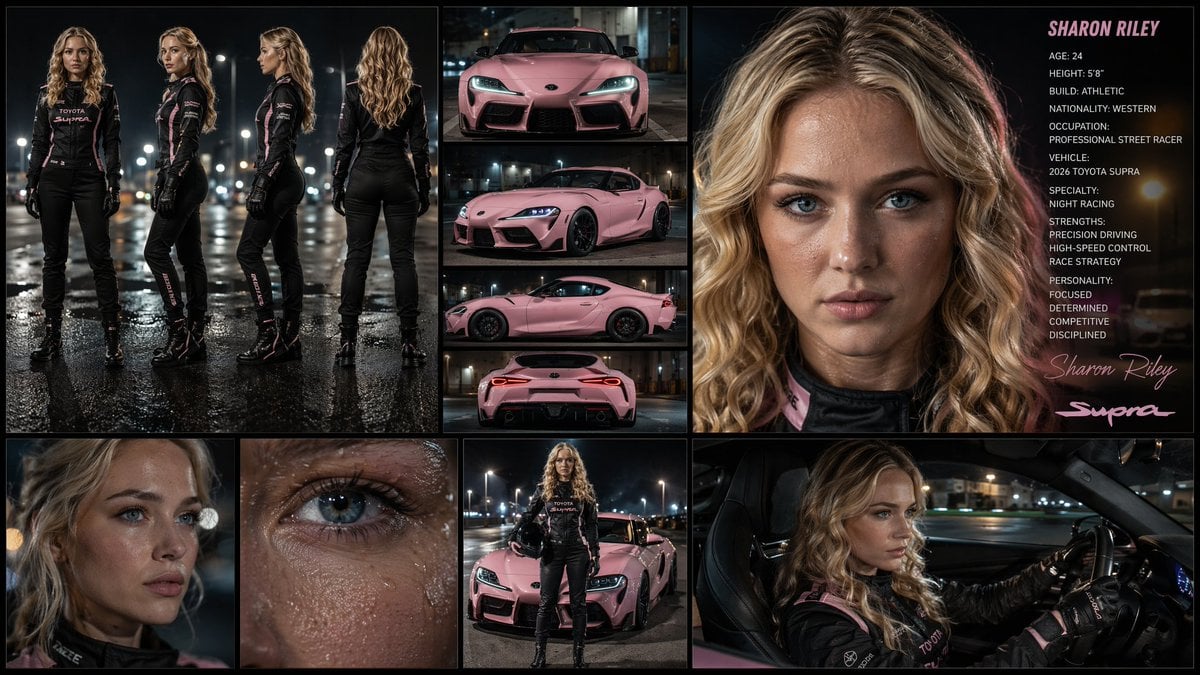
Female Street Racer Reference Sheet
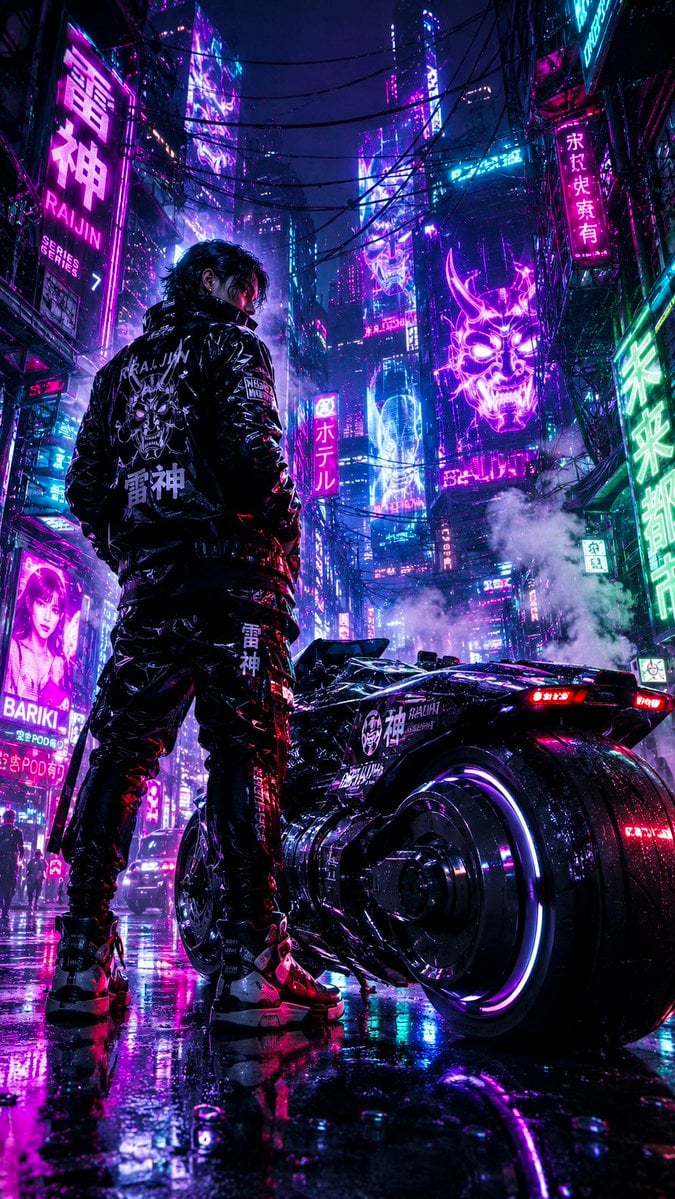
Cyberpunk Neon Street Racer
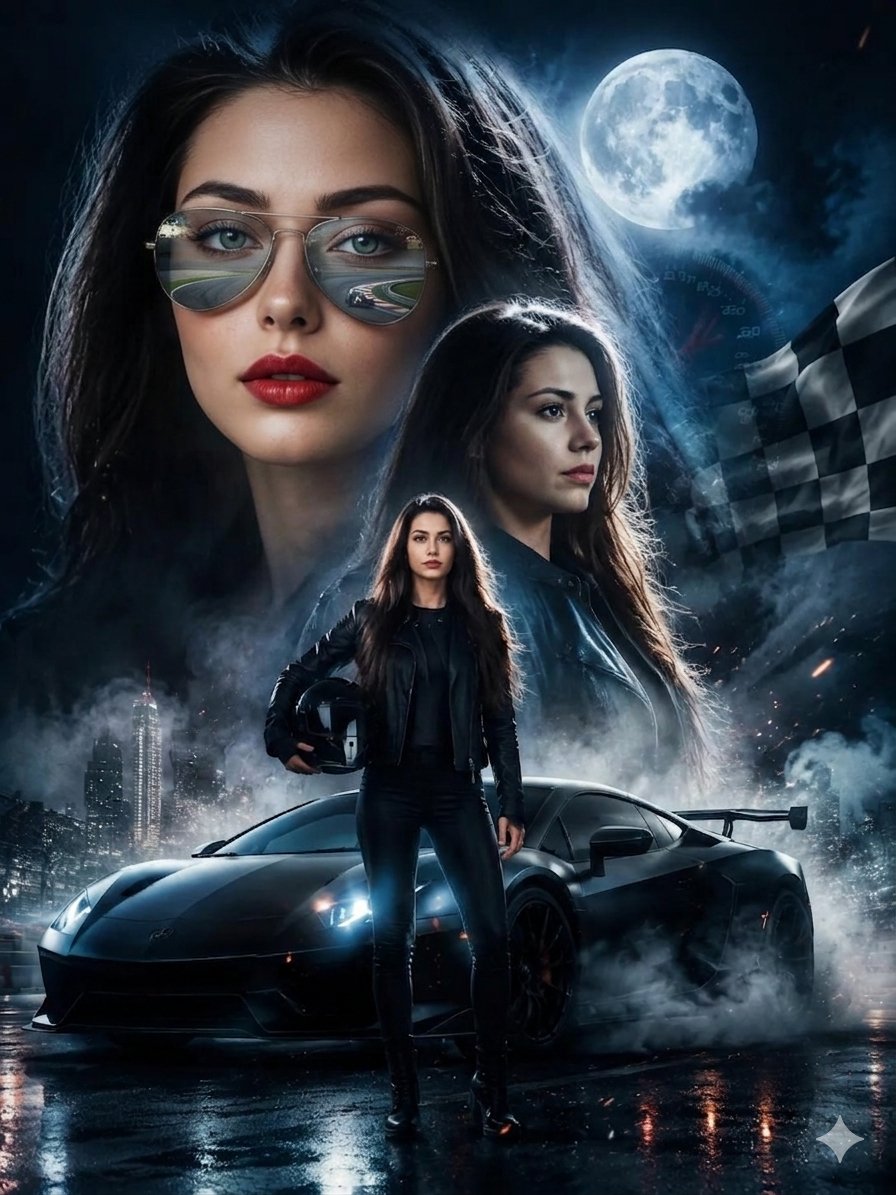
Female Street Racer Movie Poster
90s Retro Laundromat Streetwear

Cinematic Street Fashion Portrait Motion Blur Crowd

Blue Hour Editorial Fashion Portrait
Golden Hour Street Motion Portrait
Make it yours
90s Street Racer Manga Style works as-is. These are the safest ways to change it without losing the look.
Change one field
Copy a single group, rewrite it, and generate again so you can see what that field is doing.
Keep the frame, change the subject
Hold the composition and light of 90s Street Racer Manga Style, then swap wardrobe, props or the person for a new take.
| If the result… | Why | Fix |
|---|---|---|
| The result drifts from the preview | Too many fields changed at once. | Reuse 90s Street Racer Manga Style as-is first, then change one group — subject, light, or setting. |
| The model over-stylizes the scene | The prose prompt leaves finish and camera underspecified. | Add one camera or lighting sentence and stay on GPT Image 2. |
More GPT Image 2 templates
Other prompts made for GPT Image 2.

Six VTuber Japanese Logo Sheet

Realistic Portrait of Woman and Deer

The Vista Modular Condo Poster

AI Model Routing Comparison Infographic

2.5D Anime Art Board

Isometric Productivity Desk Scene

New York Double Exposure Poster

Four-Panel AI Landscape Comparison

Japanese Tatami Lifestyle Magazine Cover

NESCAFÉ Coffee Map Poster
More image prompts
Fresh picks from across the catalog.
Red-Haired Woman Cinematic Close-Up Portraits
Augmented Reality Spotify Player Visual Prompt
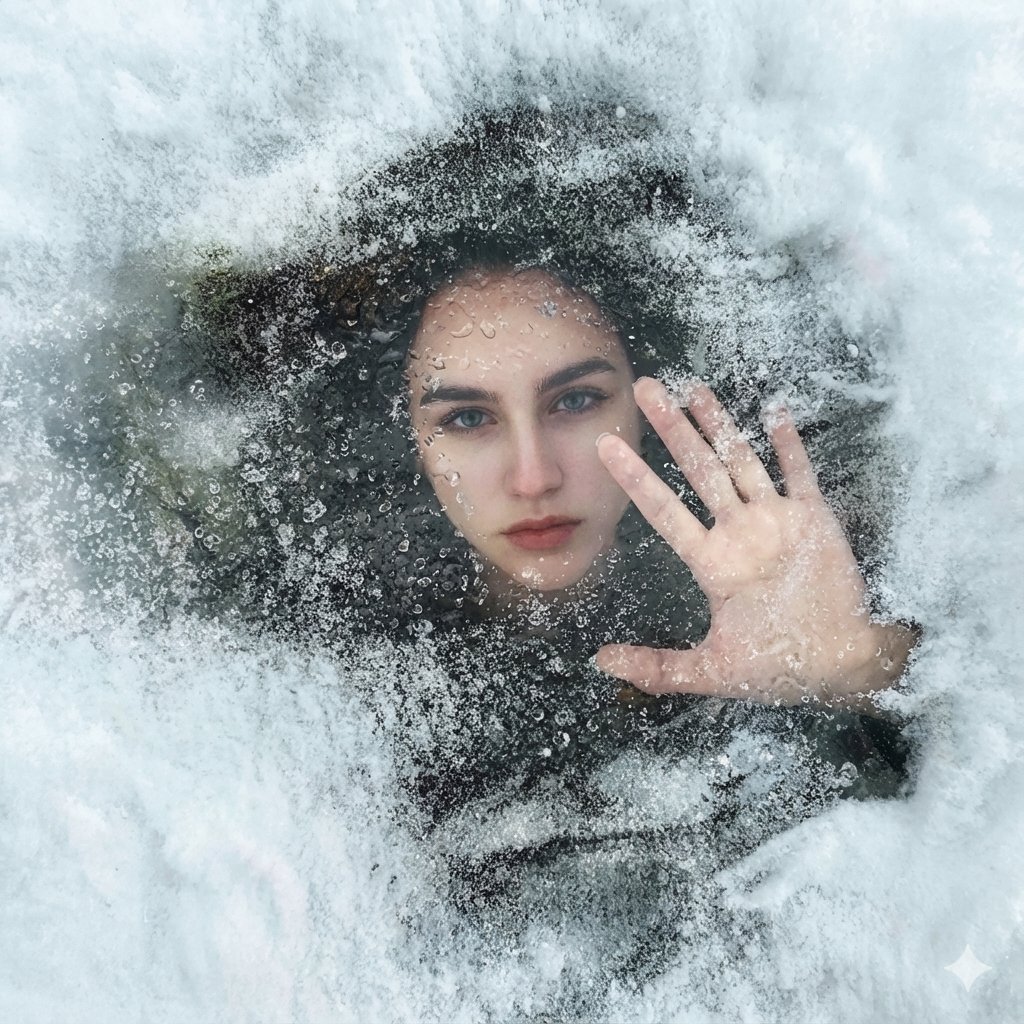
Surreal Conceptual Portrait Submerged Under Ice (JSON Format)
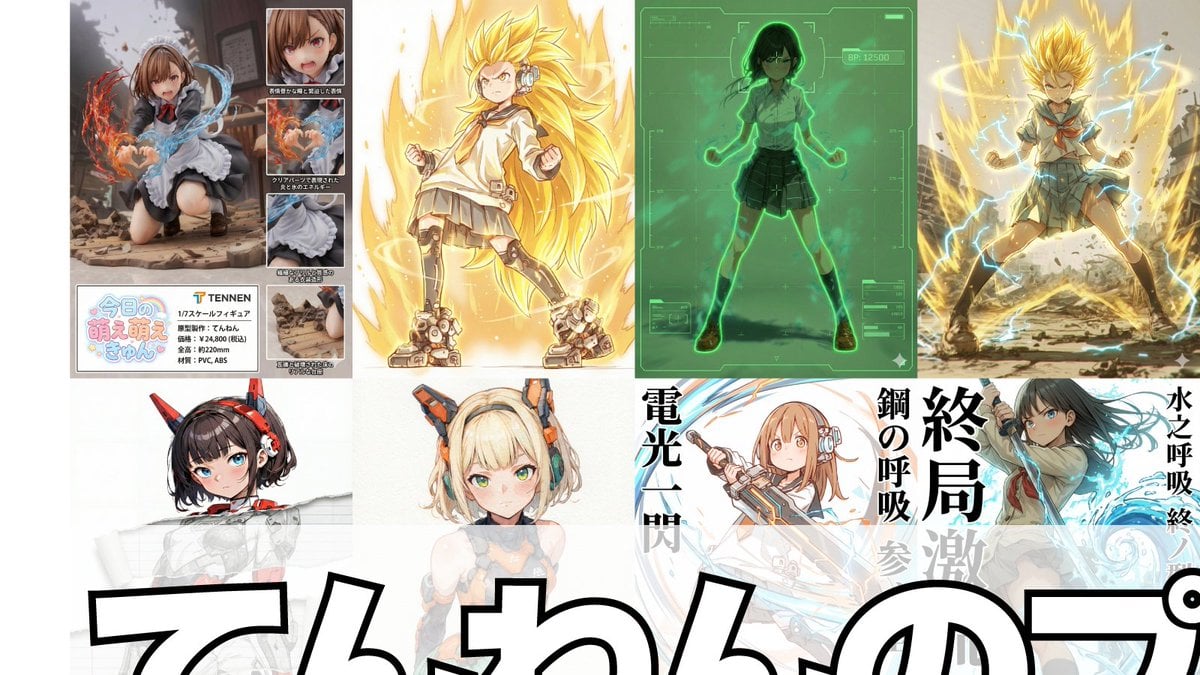
Compilation of 18 Nano Banana Pro Prompts (Tennen's Prompt Festival)
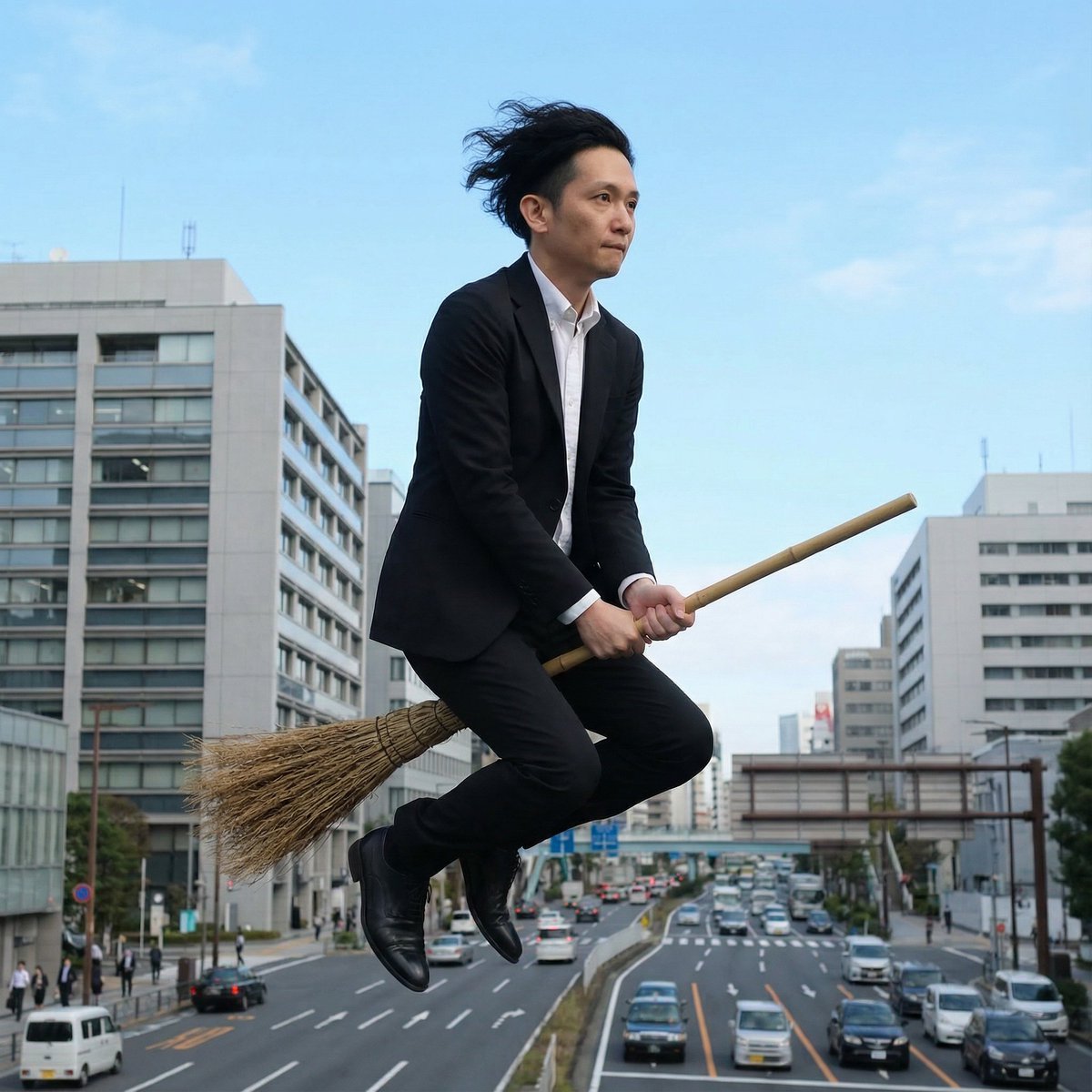
Commuting on a Flying Broomstick in a Suit
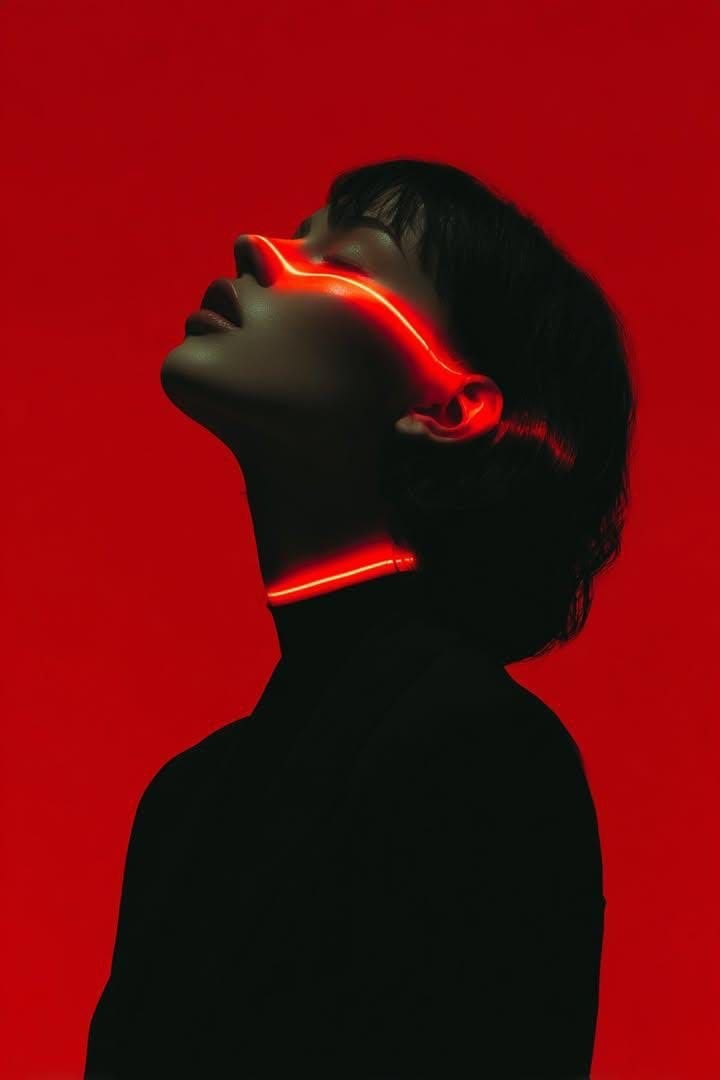
Cyberpunk Neon Portrait
Golden Hour Fitness Muse
Kuromi Influencer Portrait Prompt for Nano Banana Pro
Simple Portrait Prompt (Implied)
Harsh Flash Fashion Portrait in Flower Field Prompt
Browse template categories
90s Street Racer Manga Style questions
How do I use the 90s Street Racer Manga Style template?
Add your photo if the template asks for one, edit the prompt if you like — the template's model and format are already selected — and press Generate. Your version opens in PicX Studio.
Can I customize the 90s Street Racer Manga Style template?
Yes. You can change the subject, setting, lighting, mood, format, and available model controls before creating your image.
Is the 90s Street Racer Manga Style template free?
Opening and editing this template is free. Generating uses credits, shown on the Generate button when you are signed in.
Which AI model should I use?
Start with GPT Image 2, which is the model associated with this template. You can compare another compatible model for a different finish.
Looking for something else? Browse all templates.

Your photo, any look
Thousands of ready templates for every top image and video model, from one credit balance.