
Gothic Anime Forest Farewell
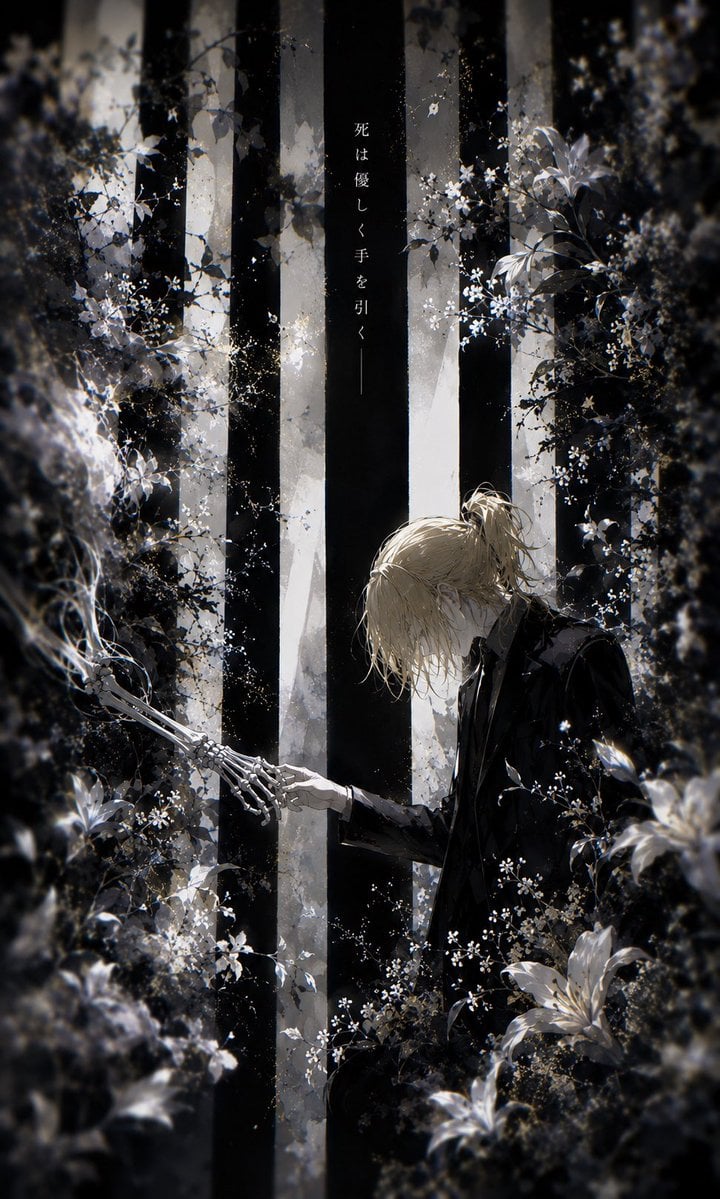
A melancholic monochrome anime illustration of a bowed young man tenderly touching a skeletal hand in a flower-filled gothic forest.
- Prompt included
- Model and format preset
- Free template
The prompt behind this image
Copy the exact prompt behind Gothic Anime Forest Farewell, or open it in the studio and make it yours.
Create a vertical 2:3 dark gothic anime illustration in a monochrome black, white, and muted silver palette. In a dense, dreamlike forest, show {argument name="character name" default="a pale young man"} with {argument name="hair color" default="messy blond hair tied in a loose low ponytail"}, wearing a black formal suit and white shirt, kneeling or bending forward at the lower right. His head is bowed in sorrow and tenderness as he extends one human hand to gently touch one skeletal hand reaching in from the lower left, making exactly two central hands: one living hand and one exposed bone hand. Surround them with thick shadowed foliage, mist, tiny white blossoms, and several large white lilies in the foreground, with a soft vignette and painterly bokeh blur around the edges. Behind them, place tall vertical black-and-white tree trunks like solemn pillars, with cold backlight filtering through fog. Add a single narrow vertical Japanese inscription near the upper center on a dark trunk reading {argument name="vertical text" default="死は優しく手を引く——"}. The mood should be elegiac, poetic, and quiet, like a funeral garden at night; use fine ink-like linework, delicate floral detail, high contrast chiaroscuro lighting, subtle film grain, and no modern objects, no extra characters, no watermark.
How to use Gothic Anime Forest Farewell in 3 steps
- 1Upload ImagePNG, JPG or paste
Add your photo
Upload the photo the template builds on. The prompt, model and format are already set.
- 2…a portrait of your subject in softgolden-hour light, 85mm…
Personalize
Edit the subject and creative details for your destination.
- 3Generate
Generate
Press Generate — your image is created in PicX Studio, so you can compare it with the original and refine one variable at a time.
More like this
Templates with the same subject, style or setup. Open one to see its prompt.












Make it yours
Gothic Anime Forest Farewell works as-is. These are the safest ways to change it without losing the look.
Change one field
Copy a single group, rewrite it, and generate again so you can see what that field is doing.
Keep the frame, change the subject
Hold the composition and light of Gothic Anime Forest Farewell, then swap wardrobe, props or the person for a new take.
| If the result… | Why | Fix |
|---|---|---|
| The result drifts from the preview | Too many fields changed at once. | Reuse Gothic Anime Forest Farewell as-is first, then change one group — subject, light, or setting. |
| The model over-stylizes the scene | The prose prompt leaves finish and camera underspecified. | Add one camera or lighting sentence and stay on GPT Image 2. |
More GPT Image 2 templates
Other prompts made for GPT Image 2.

Six VTuber Japanese Logo Sheet

Realistic Portrait of Woman and Deer

The Vista Modular Condo Poster

AI Model Routing Comparison Infographic

2.5D Anime Art Board

Isometric Productivity Desk Scene

New York Double Exposure Poster

Four-Panel AI Landscape Comparison

Japanese Tatami Lifestyle Magazine Cover

NESCAFÉ Coffee Map Poster
More image prompts
Fresh picks from across the catalog.

Epic French Rooster Over Paris
Dragon Wolf in Jungle Ruins

Maroon Dress Fashion Magazine Cover
Golden Hour Rooftop Fashion Portrait
Nostalgic Vacation iPhone Snapshot Grid
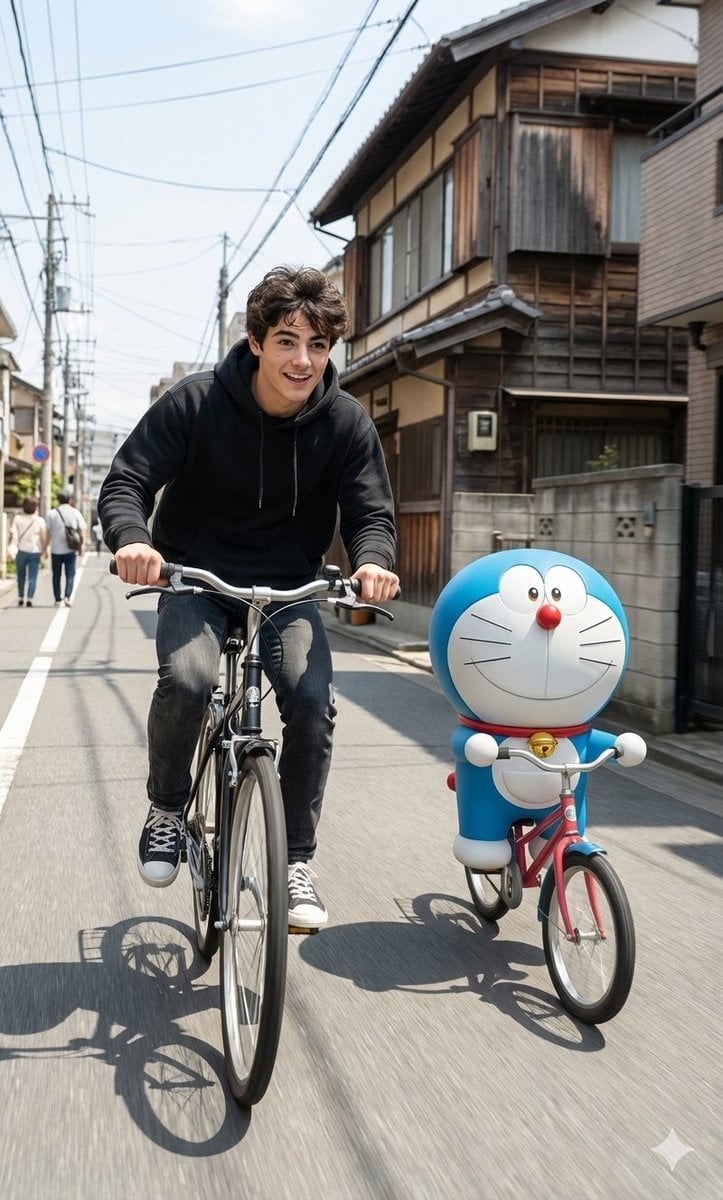
Cinematic Realism with Cartoon Character on Bicycle

Explosive Chili Peppers Food Photography Prompt for Nano Banana 2
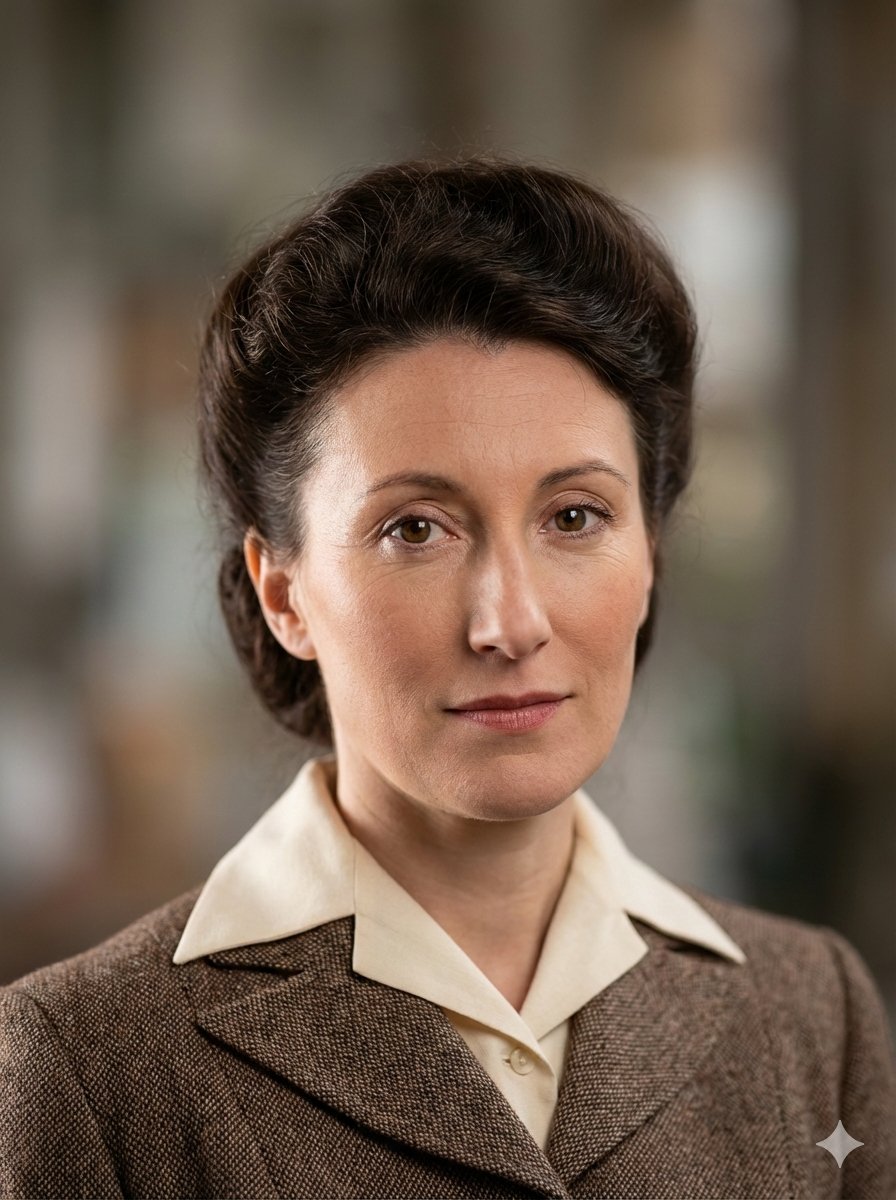
Photo Restoration to DSLR Quality

Surreal Advertising Concept Grid

Nostalgic 90s Disposable Camera Snapshot
Browse template categories
Gothic Anime Forest Farewell questions
How do I use the Gothic Anime Forest Farewell template?
Add your photo if the template asks for one, edit the prompt if you like — the template's model and format are already selected — and press Generate. Your version opens in PicX Studio.
Can I customize the Gothic Anime Forest Farewell template?
Yes. You can change the subject, setting, lighting, mood, format, and available model controls before creating your image.
Is the Gothic Anime Forest Farewell template free?
Opening and editing this template is free. Generating uses credits, shown on the Generate button when you are signed in.
Which AI model should I use?
Start with GPT Image 2, which is the model associated with this template. You can compare another compatible model for a different finish.
Looking for something else? Browse all templates.

Your photo, any look
Thousands of ready templates for every top image and video model, from one credit balance.