
Vintage Polaroid Portrait
A vintage Polaroid-style photograph of a Japanese woman, capturing a raw and unposed moment with nostalgic light leaks and film grain.
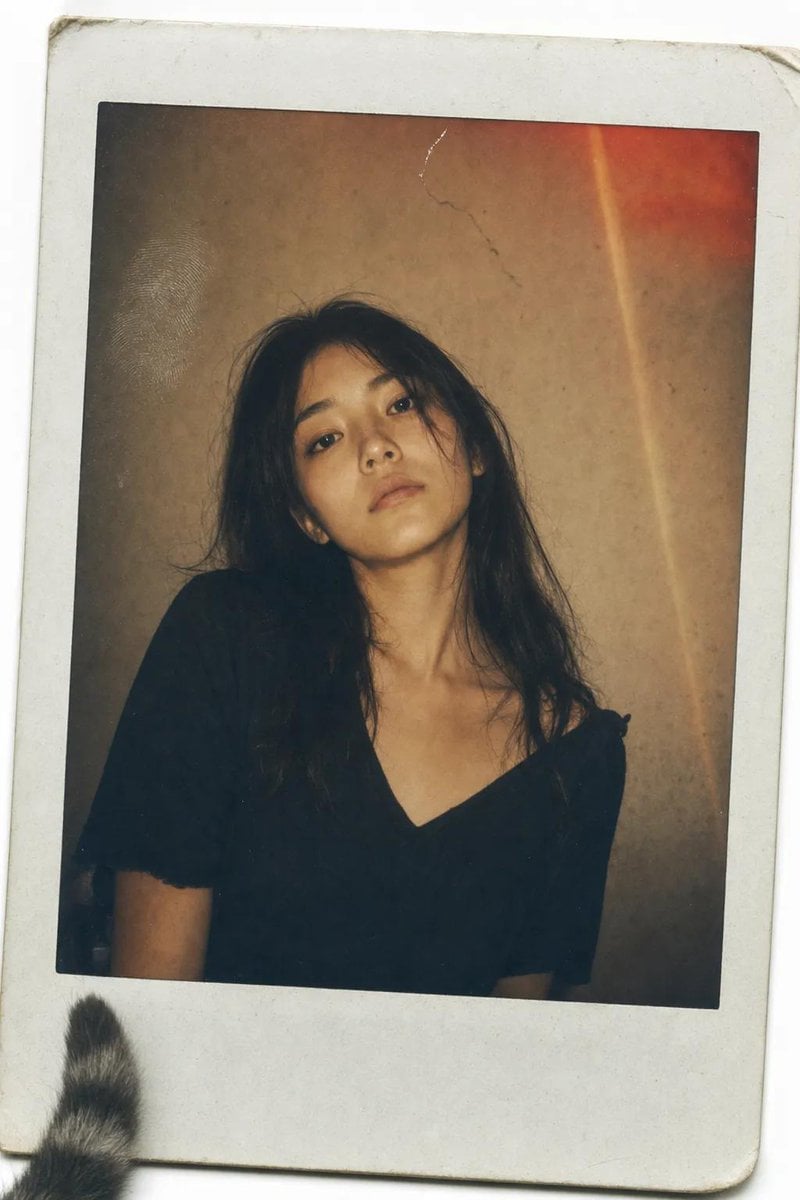
- Prompt included
- Model and format preset
- Free template
The prompt behind this image
Copy the exact prompt behind Vintage Polaroid Portrait, or open it in the studio and make it yours.
A vintage Polaroid instant photograph with a classic thick white border, slightly curled at the edges. The image has been handled roughly—a faint fingerprint visible on the glossy surface, a tiny scratch near the top. A {argument name="subject" default="young Japanese woman"} with {argument name="hair style" default="long, dark, slightly messy hair"} stares directly into the camera. Her expression is not posed—a quiet, tired stillness, her chin slightly raised, her mouth a flat line, as if she was caught between thoughts. She wears a simple {argument name="outfit" default="black V-neck top"}, slightly wrinkled at the shoulder. The lighting is flat and warm, the kind from a cheap living room lamp. The background is a mottled brown-grey wall, unevenly lit, with a small crack near the top. A distinct, reddish-orange light leak bleeds across the upper right corner, and a faint vertical lens flare streaks down the frame—accidents of a dying flash. Soft film grain, slightly desaturated warm sepia tones, muted shadows. The photo feels like it was found in a shoebox, forgotten for twenty years. A stray cat tail peeks from the bottom left corner of the white border. dutch angle, stray cat tail --ar 9:16
How to use Vintage Polaroid Portrait in 3 steps
- 1Upload ImagePNG, JPG or paste
Add your photo
Upload the photo the template builds on. The prompt, model and format are already set.
- 2…a portrait of your subject in softgolden-hour light, 85mm…
Personalize
Edit the subject and creative details for your destination.
- 3Generate
Generate
Press Generate — your image is created in PicX Studio, so you can compare it with the original and refine one variable at a time.
More like this
Templates with the same subject, style or setup. Open one to see its prompt.









Make it yours
Vintage Polaroid Portrait works as-is. These are the safest ways to change it without losing the look.
Change one field
Copy a single group, rewrite it, and generate again so you can see what that field is doing.
Keep the frame, change the subject
Hold the composition and light of Vintage Polaroid Portrait, then swap wardrobe, props or the person for a new take.
| If the result… | Why | Fix |
|---|---|---|
| The result drifts from the preview | Too many fields changed at once. | Reuse Vintage Polaroid Portrait as-is first, then change one group — subject, light, or setting. |
| The model over-stylizes the scene | The prose prompt leaves finish and camera underspecified. | Add one camera or lighting sentence and stay on GPT Image 2. |
More GPT Image 2 templates
Other prompts made for GPT Image 2.

Six VTuber Japanese Logo Sheet

Realistic Portrait of Woman and Deer

The Vista Modular Condo Poster

AI Model Routing Comparison Infographic

2.5D Anime Art Board

Isometric Productivity Desk Scene

New York Double Exposure Poster

Four-Panel AI Landscape Comparison

Japanese Tatami Lifestyle Magazine Cover

NESCAFÉ Coffee Map Poster
More image prompts
Fresh picks from across the catalog.
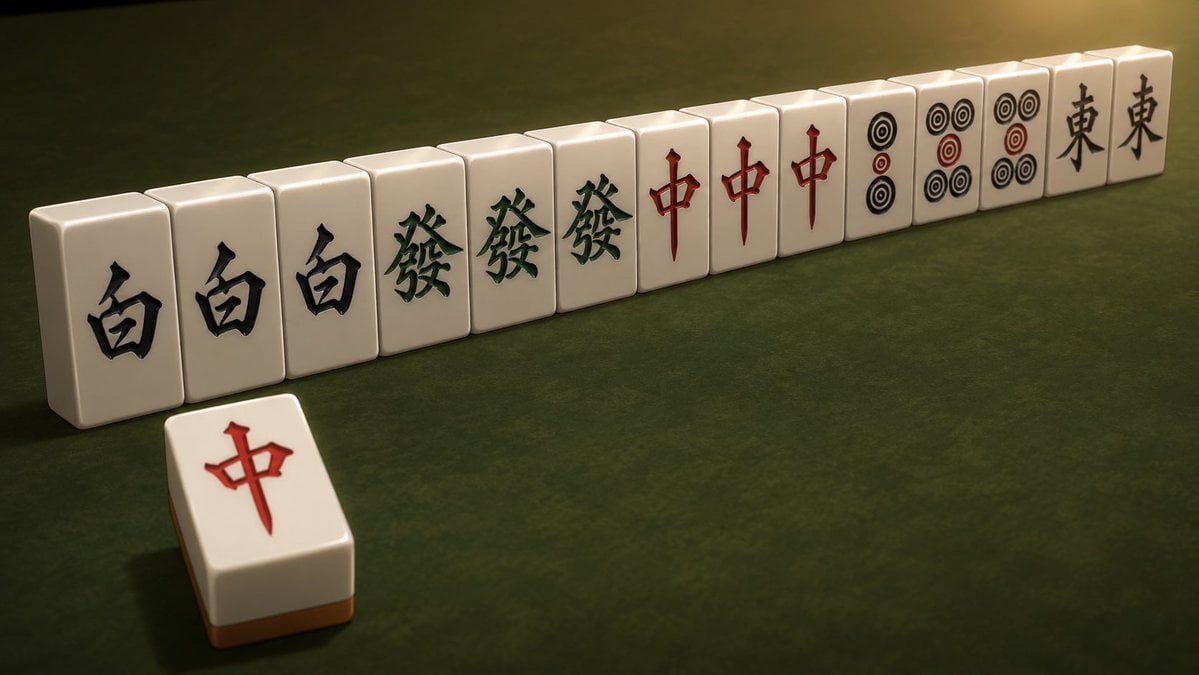
Cinematic Daisangen Mahjong Hand
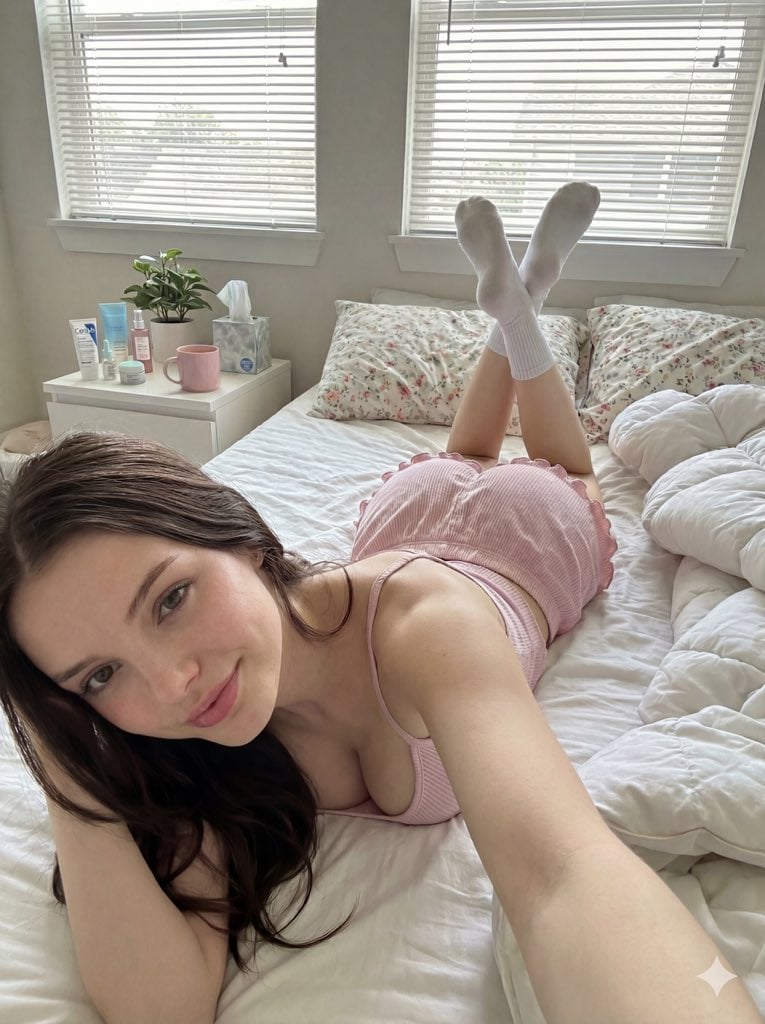
Cozy Bedroom Selfie Prompt (Lying Prone)
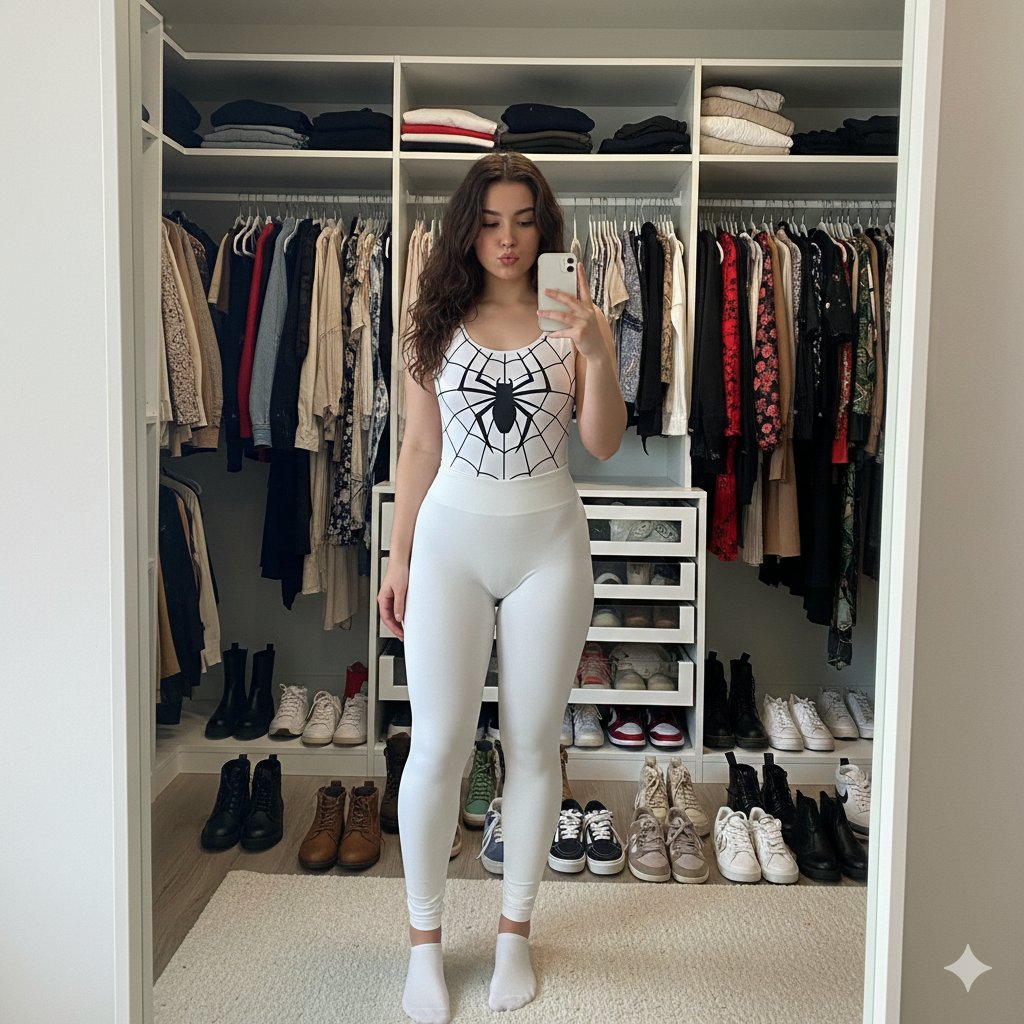
Spider-Girl Cosplay Selfie Prompt (White)
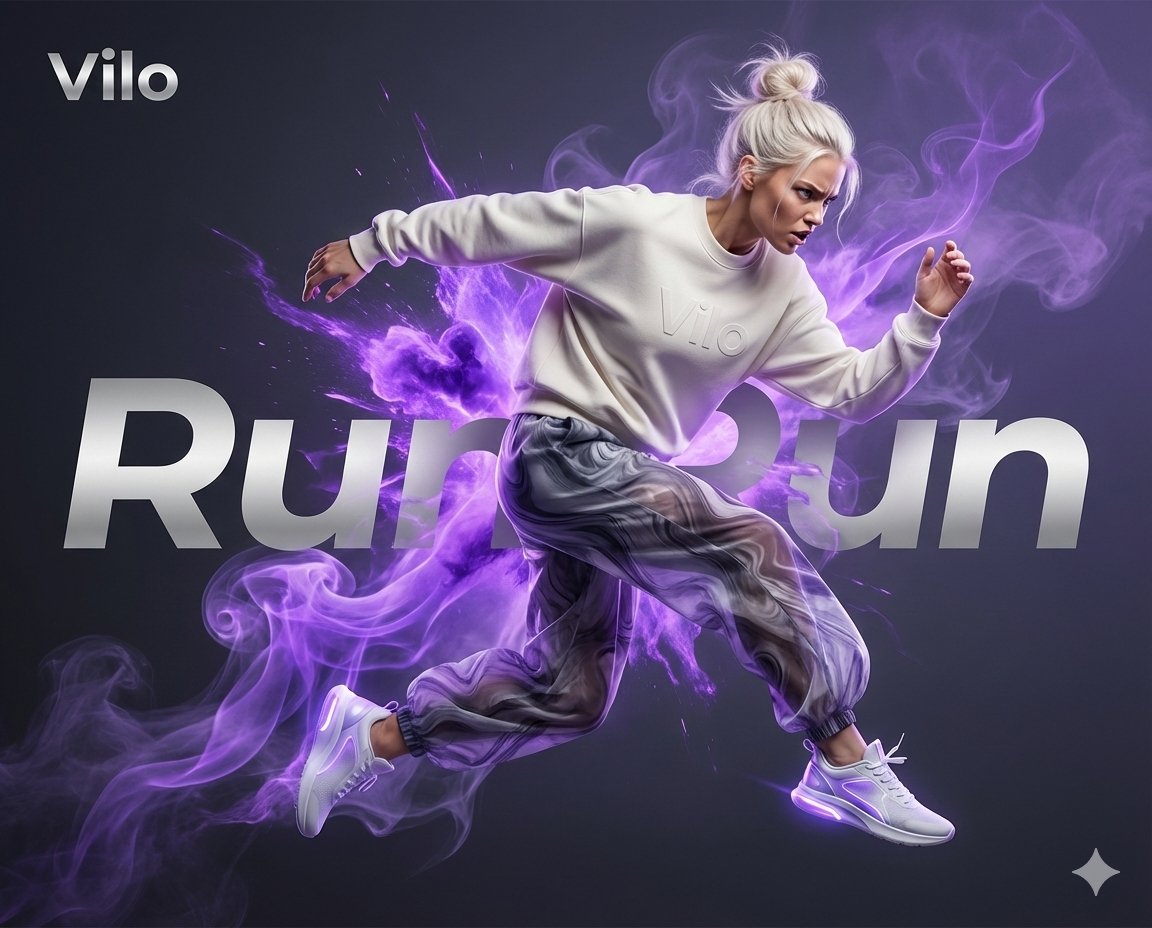
Surreal Athletic Advertising Art
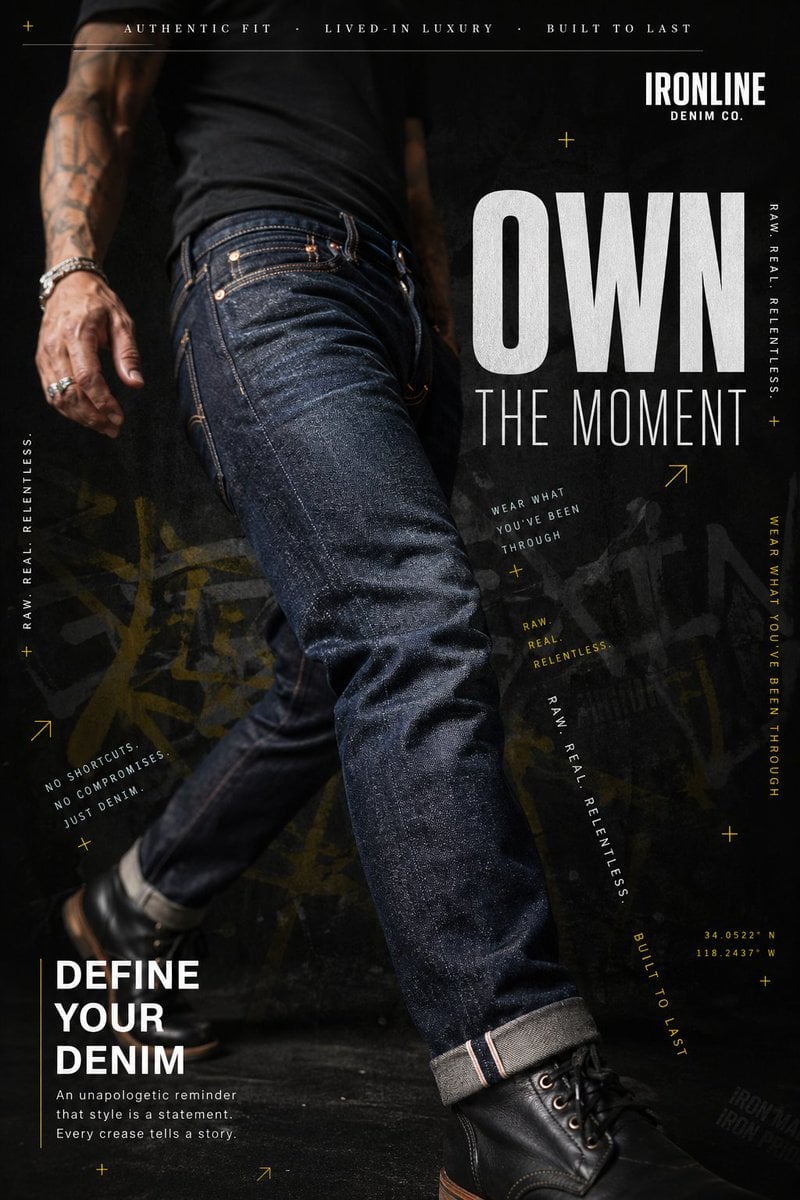
Premium Denim Editorial Advertisement
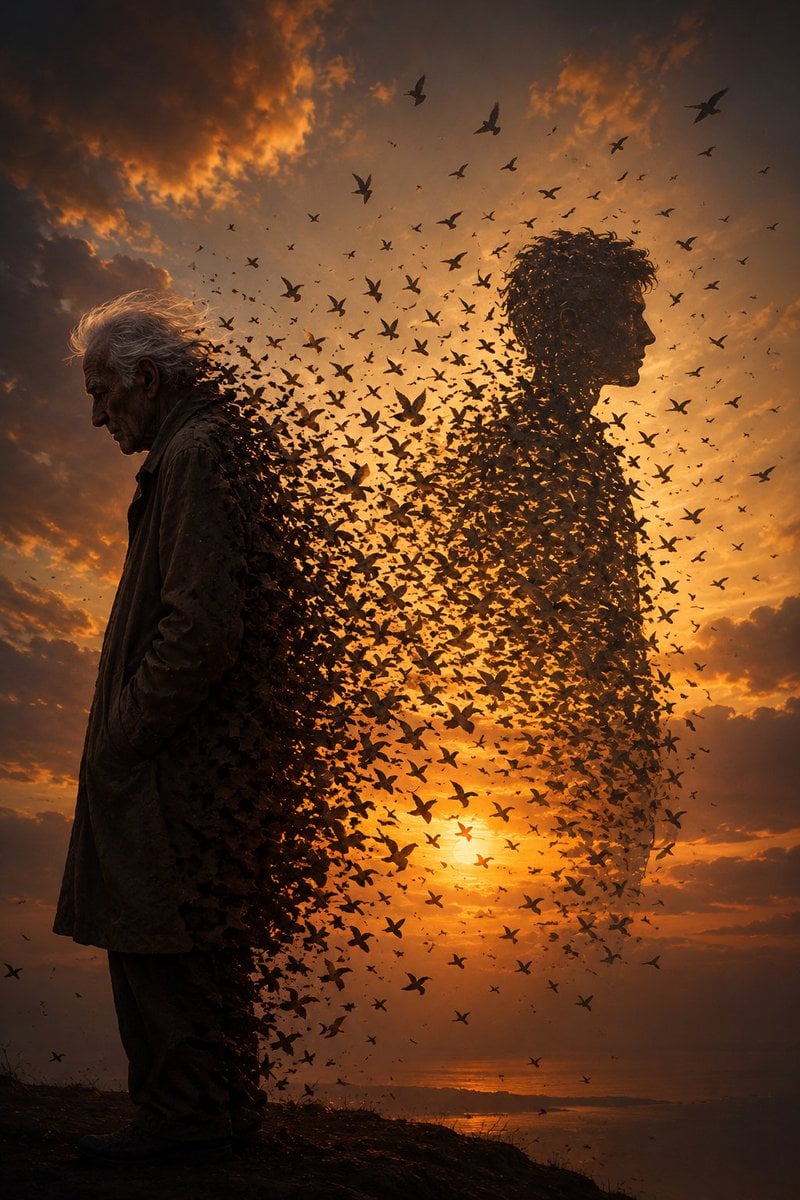
Elderly Man Dissolving Into Birds

Jon Jones vs Poatan Care Bears Style
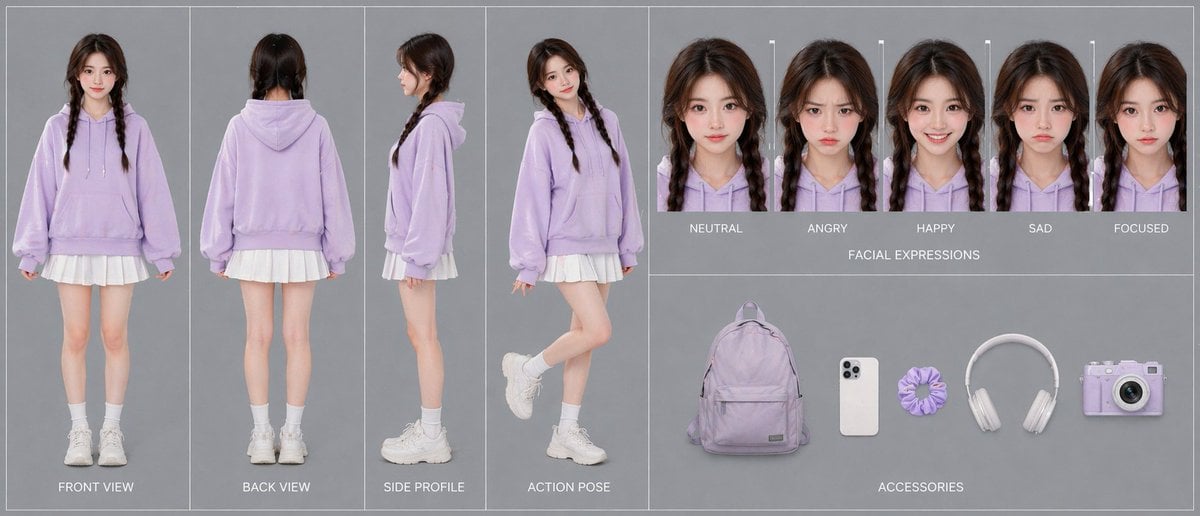
Lavender Hoodie Character Reference Sheet

Japanese Four-Panel Healing Ad Collage
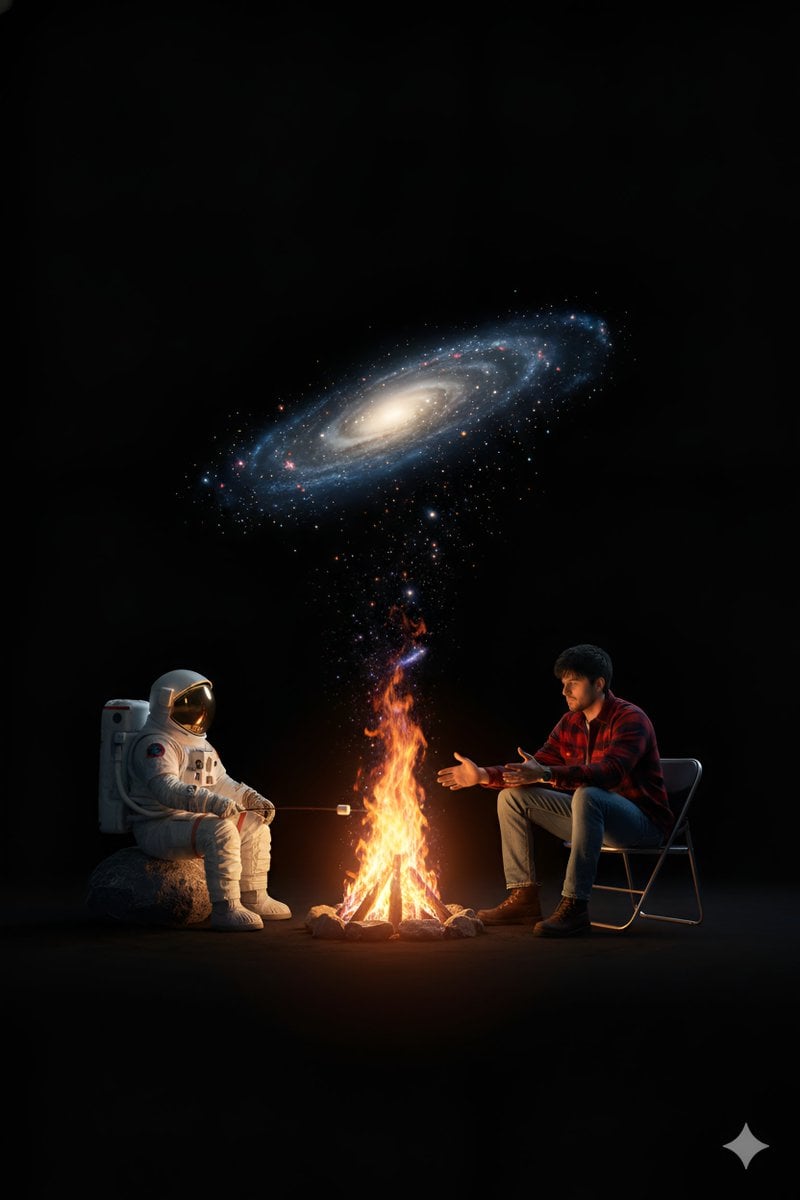
Surreal Campfire in Cosmic Void
Browse template categories
Vintage Polaroid Portrait questions
How do I use the Vintage Polaroid Portrait template?
Add your photo if the template asks for one, edit the prompt if you like — the template's model and format are already selected — and press Generate. Your version opens in PicX Studio.
Can I customize the Vintage Polaroid Portrait template?
Yes. You can change the subject, setting, lighting, mood, format, and available model controls before creating your image.
Is the Vintage Polaroid Portrait template free?
Opening and editing this template is free. Generating uses credits, shown on the Generate button when you are signed in.
Which AI model should I use?
Start with GPT Image 2, which is the model associated with this template. You can compare another compatible model for a different finish.
Looking for something else? Browse all templates.

Your photo, any look
Thousands of ready templates for every top image and video model, from one credit balance.