How do I use the Surreal Vertical Street Vertigo template?
Choose the primary action to open PicX Studio with the available template settings. Review the model and format, personalize the creative direction, and generate when ready.
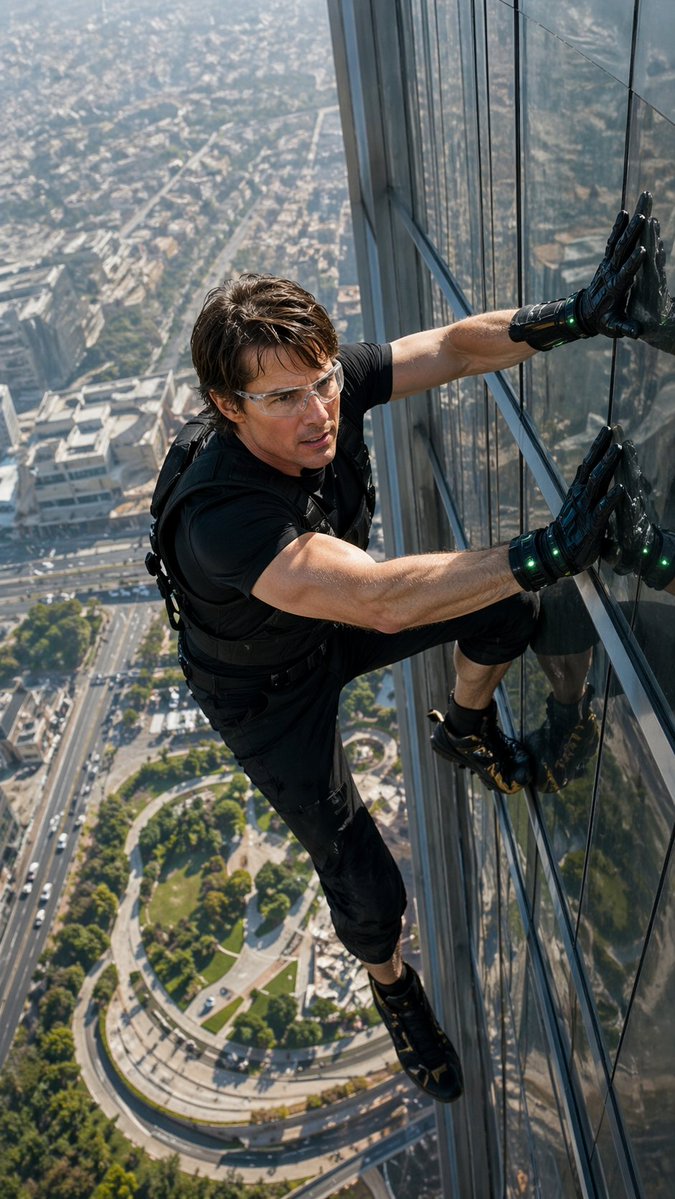
A surreal photography prompt creating a dizzying vertical perspective of a suburban neighborhood, looking down from a high altitude.

A surreal cinematic photograph of a {argument name="subject" default="lone young man"} standing in the middle of an impossibly steep suburban street, viewed from behind, as if the entire neighborhood drops vertically beneath his feet like a giant cliff. The road stretches dramatically downward into a sprawling {argument name="neighborhood style" default="American residential"} neighborhood filled with detached houses, manicured lawns, driveways, parked cars, swimming pools, trees, sidewalks, and blue recycling bins. Extreme forced perspective combined with a high altitude aerial drone view creates a dizzying sense of vertigo and impossible scale. The man wears a simple {argument name="clothing" default="dark navy T shirt, dark pants, and light sneakers"}, standing calmly at the edge of the surreal descent. Bright natural midday sunlight, crisp shadows, realistic architecture, ultra detailed textures, photorealistic aerial photography, cinematic composition, mind bending optical illusion, dreamlike but believable, deep depth of field, sharp focus, realistic colors, vertical 1:1 framing, no text, no watermark.
Choose the primary action to open PicX Studio with the available template settings. Review the model and format, personalize the creative direction, and generate when ready.
Yes. You can change the subject, setting, lighting, mood, format, and available model controls before creating your image.
This template is free to open and customize. Generation usage is shown in PicX Studio before you create.
Start with GPT Image 2, which is the model associated with this template. You can compare another compatible model for a different finish.
Follow a topic to a crawlable collection of related PicX Studio templates.