
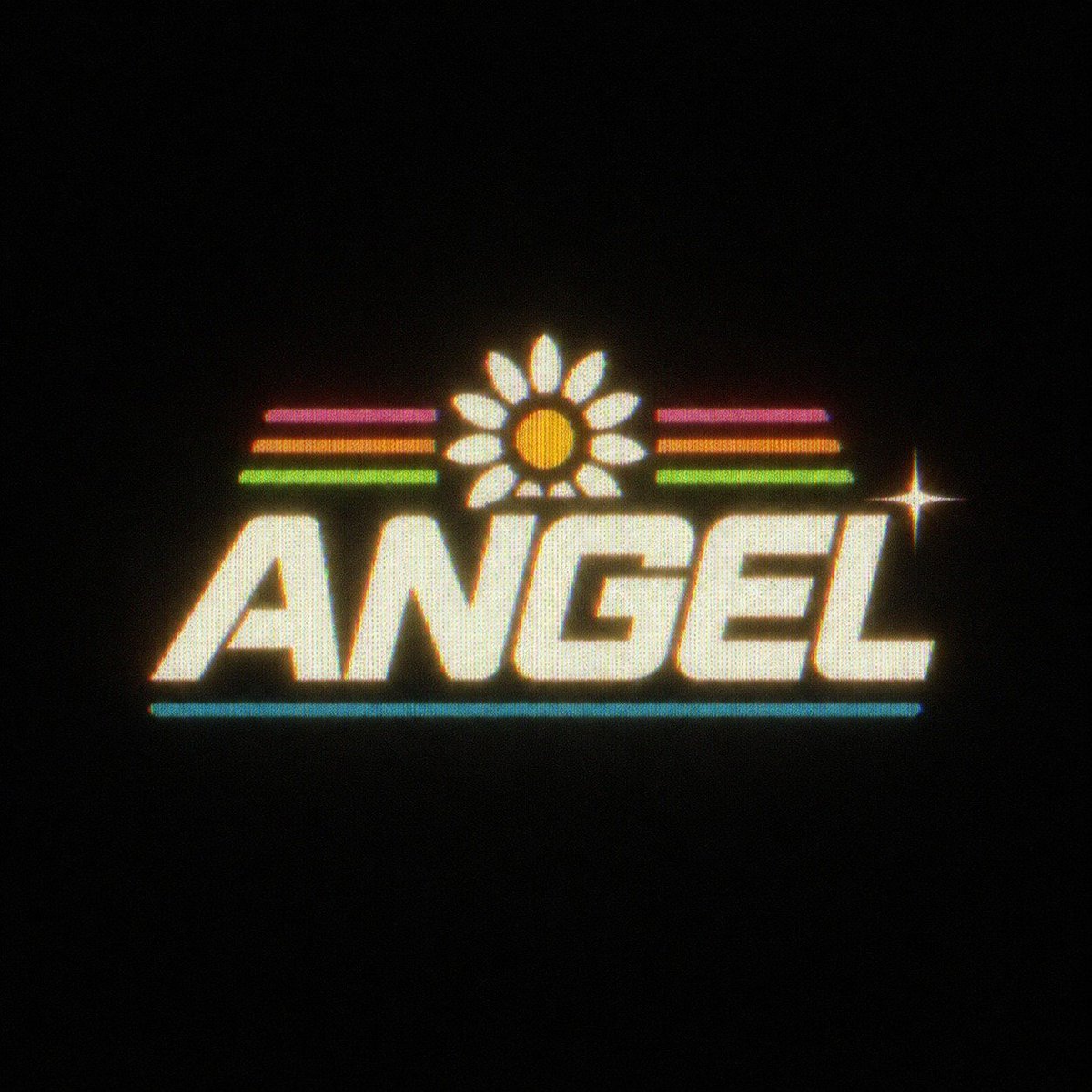
Retro Neon Angel Logo
A square retro VHS-style neon wordmark with a daisy, colored stripes, cyan underline, and star sparkle for nostalgic logo design.
- Prompt included
- Model and format preset
- Free template
The prompt behind this image
Copy the exact prompt behind Retro Neon Angel Logo, or open it in the studio and make it yours.
Create a centered retro 1980s neon logo on a pure black background. The main word is {argument name="logo text" default="ANGEL"} in huge bold italic all-caps block lettering, creamy off-white with a warm yellow glow, slightly rounded edges, and a subtle halftone/CRT scanline texture. Above the word, place one daisy icon centered over the middle letters: exactly 1 orange circular center and exactly 12 white oval petals, all glowing softly. On both sides of the daisy, add exactly 6 short horizontal neon stripes total: 3 on the left and 3 on the right, stacked in magenta, orange, and green from top to bottom. Beneath the word, add exactly 1 thin cyan horizontal underline spanning most of the logo width. Add exactly 1 bright four-point star sparkle to the right of the logo near the upper-right edge of the final letters. Use chromatic aberration with red/cyan fringe, bloom, slight grain, fuzzy VHS softness, and a dark vignette, as if photographed from an old glowing arcade sign. Keep the composition minimal with lots of empty black space, square canvas, no extra text, no mockup frame, no watermark.
How to use Retro Neon Angel Logo in 3 steps
- 1Upload ImagePNG, JPG or paste
Add your photo
Upload the photo the template builds on. The prompt, model and format are already set.
- 2…a portrait of your subject in softgolden-hour light, 85mm…
Personalize
Edit the subject and creative details for your destination.
- 3Generate
Generate
Press Generate — your image is created in PicX Studio, so you can compare it with the original and refine one variable at a time.
More like this
Templates with the same subject, style or setup. Open one to see its prompt.










Make it yours
Retro Neon Angel Logo works as-is. These are the safest ways to change it without losing the look.
Change one field
Copy a single group, rewrite it, and generate again so you can see what that field is doing.
Keep the frame, change the subject
Hold the composition and light of Retro Neon Angel Logo, then swap wardrobe, props or the person for a new take.
| If the result… | Why | Fix |
|---|---|---|
| The result drifts from the preview | Too many fields changed at once. | Reuse Retro Neon Angel Logo as-is first, then change one group — subject, light, or setting. |
| The model over-stylizes the scene | The prose prompt leaves finish and camera underspecified. | Add one camera or lighting sentence and stay on GPT Image 2. |
More GPT Image 2 templates
Other prompts made for GPT Image 2.

Six VTuber Japanese Logo Sheet

Realistic Portrait of Woman and Deer

The Vista Modular Condo Poster

AI Model Routing Comparison Infographic

2.5D Anime Art Board

Isometric Productivity Desk Scene

New York Double Exposure Poster

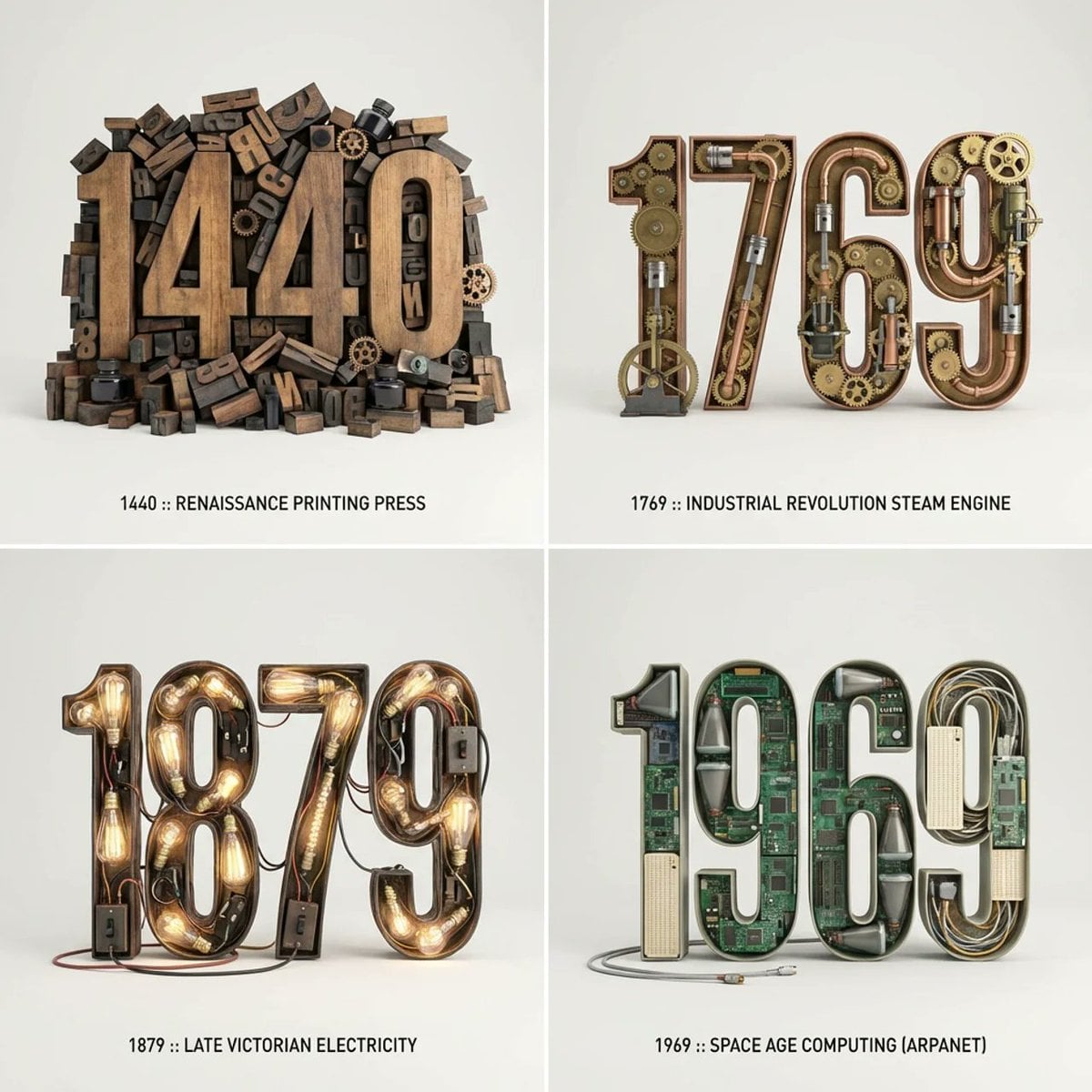
Four-Panel AI Landscape Comparison

Japanese Tatami Lifestyle Magazine Cover

NESCAFÉ Coffee Map Poster
More image prompts
Fresh picks from across the catalog.
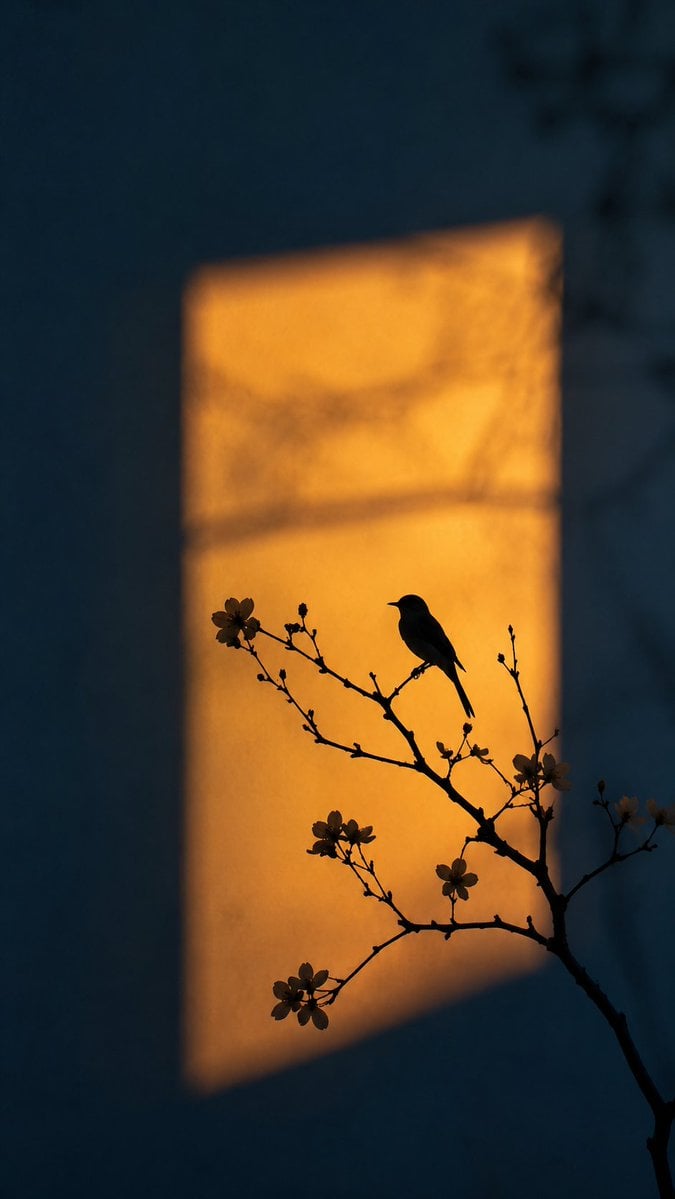
Artistic Silhouette Amber Light Photography
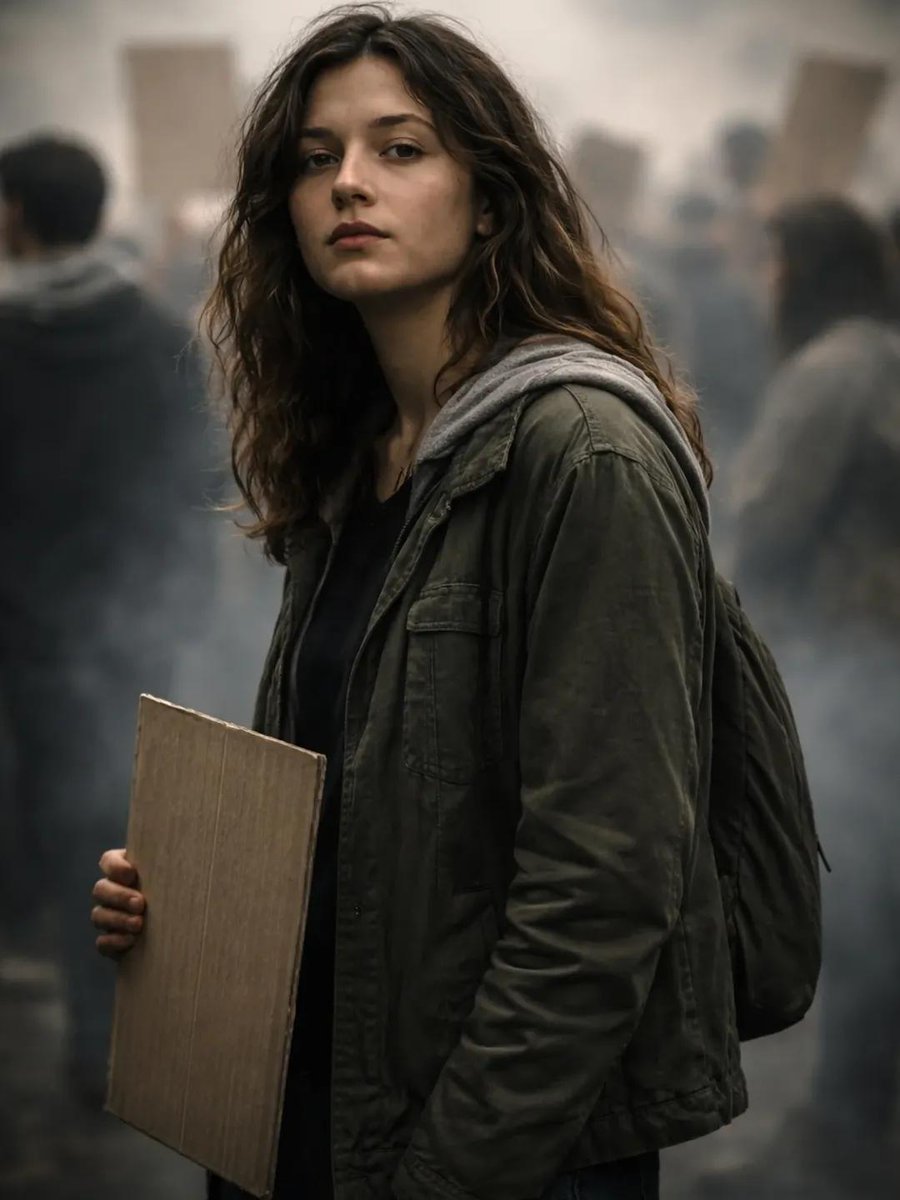
Documentary Portrait of Resilience in Protest
Google Nano Banana 2 — Cozy Bedroom Editorial
Neon Cyberpunk Watercolor Fusion Illustration Prompt
Persephone deity card
Elegant Luxurious Floral Vector Pattern Prompts (2 variations)
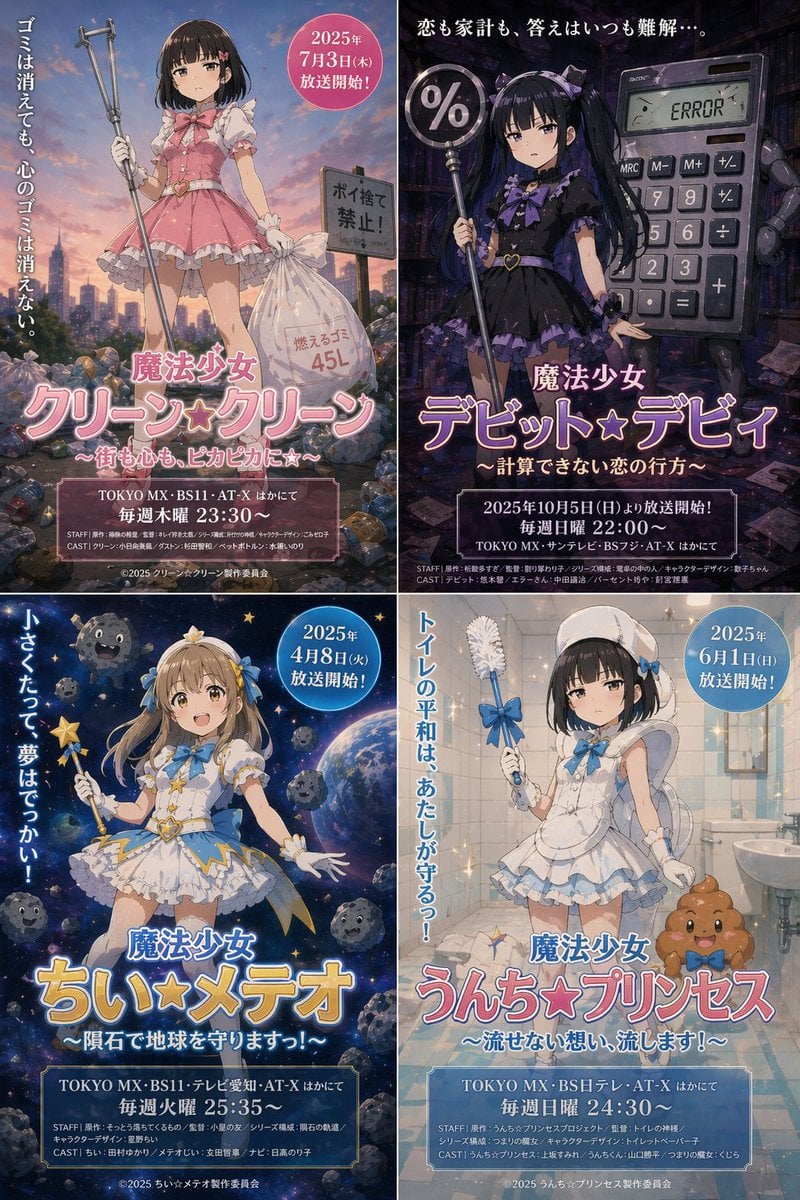
Surreal Japanese Anime Poster Prompt
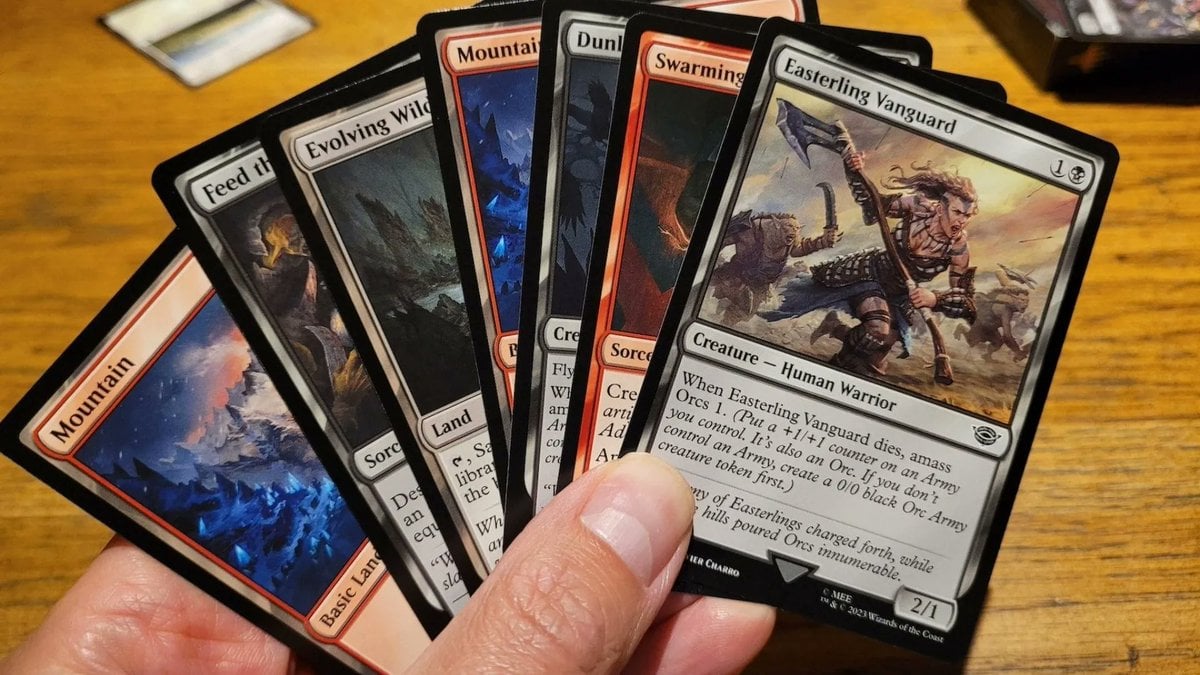
Cards, Shakespeare, and Nabokov scenes
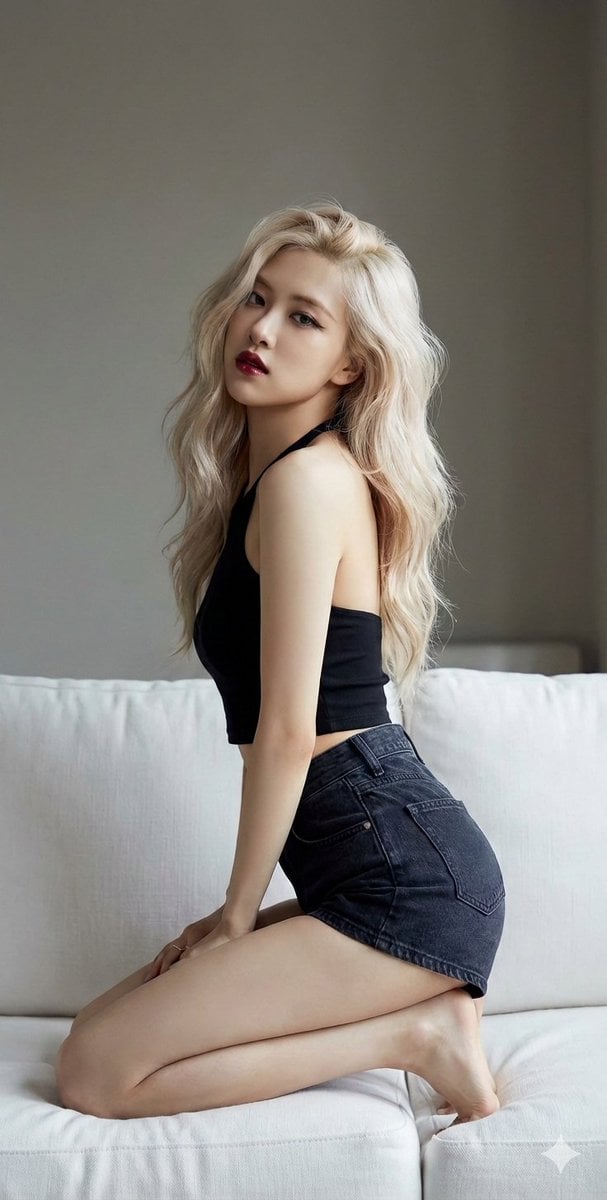
K-Pop Star Rosé High-Fashion Editorial Prompt
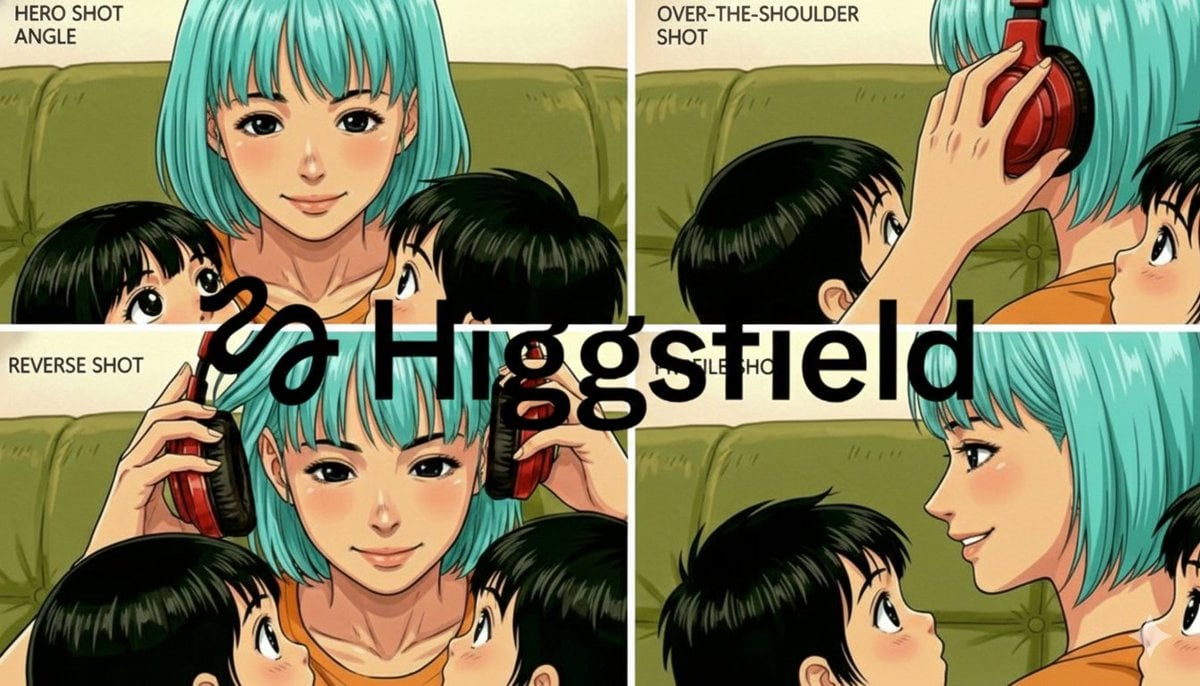
Grid of four camera angles from reference image
Browse template categories
Retro Neon Angel Logo questions
How do I use the Retro Neon Angel Logo template?
Add your photo if the template asks for one, edit the prompt if you like — the template's model and format are already selected — and press Generate. Your version opens in PicX Studio.
Can I customize the Retro Neon Angel Logo template?
Yes. You can change the subject, setting, lighting, mood, format, and available model controls before creating your image.
Is the Retro Neon Angel Logo template free?
Opening and editing this template is free. Generating uses credits, shown on the Generate button when you are signed in.
Which AI model should I use?
Start with GPT Image 2, which is the model associated with this template. You can compare another compatible model for a different finish.
Looking for something else? Browse all templates.

Your photo, any look
Thousands of ready templates for every top image and video model, from one credit balance.