
Cinematic Golden Hour Bridge Portrait
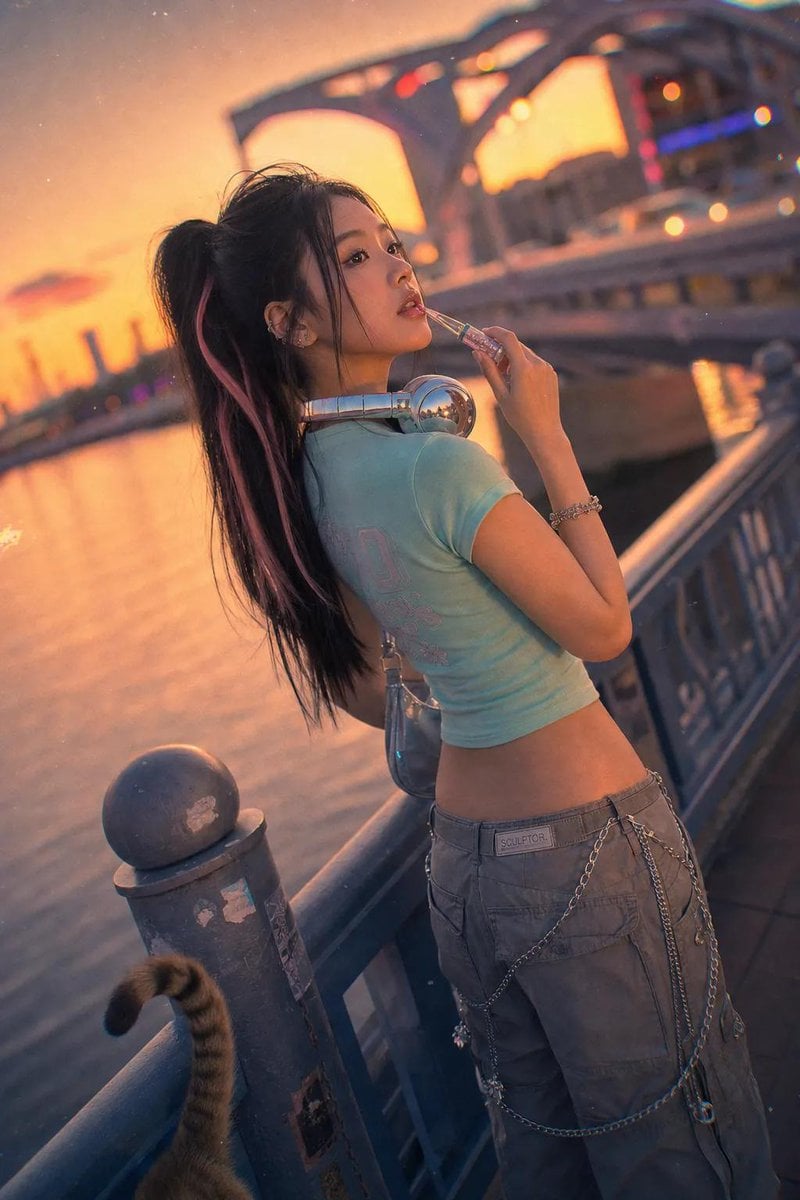
A cinematic, high-quality portrait of a woman on a city bridge during sunset, featuring a Y2K aesthetic and high-end photography specifications.
- Prompt included
- Model and format preset
- Free template
The prompt behind this image
Copy the exact prompt behind Cinematic Golden Hour Bridge Portrait, or open it in the studio and make it yours.
A cinematic, high-quality portrait captured on a Canon EOS R5 with an RF 85mm f/1.2L lens. A stylish {argument name="subject" default="young East Asian woman"} stands on a bustling city bridge during a golden hour sunset. She wears a {argument name="outfit" default="trendy Y2K-inspired outfit featuring a pastel mint baby tee, low-rise cargo pants with silver chains, and reflective mirror-glass headphones resting on her shoulders"}. Her dark hair is styled in a {argument name="hairstyle" default="sleek, high ponytail with a single pink streak"}. She leans casually against the railing, one hand holding a shiny frosted lip gloss tube near her lips. Her expression is a dreamy, distant gaze—a soft **Looking Over Shoulder**, eyes gazing at the sunset. The background is a soft bokeh of warm amber and pink neon lights, a bridge arch, and the calm river below. Authentic film grain, slight chromatic aberration at the edges. A stray cat tail curls around a railing post at the bottom left corner. Nostalgic, retro-futuristic aesthetic. dutch angle, stray cat tail --ar 9:16
How to use Cinematic Golden Hour Bridge Portrait in 3 steps
- 1
Open
The prompt is already in the box next to the preview, with the template's model and format selected.
- 2…a portrait of your subject in softgolden-hour light, 85mm…
Personalize
Edit the subject and creative details for your destination.
- 3Generate
Generate
Press Generate — your image is created in PicX Studio, so you can compare it with the original and refine one variable at a time.
More like this
Templates with the same subject, style or setup. Open one to see its prompt.

80s Golden Hour Cinema

Rooftop Fisheye — Cat-Ear Balaclava at Golden Hour

Night City Bridge Triptych Portrait Session

Cinematic Golden Hour Garden Portrait

Cinematic Golden Hour Urban Portrait

Golden Hour Redhead Portrait

Golden Hour Cinematic Boss Energy Portrait

Golden Hour Cinematic Portrait
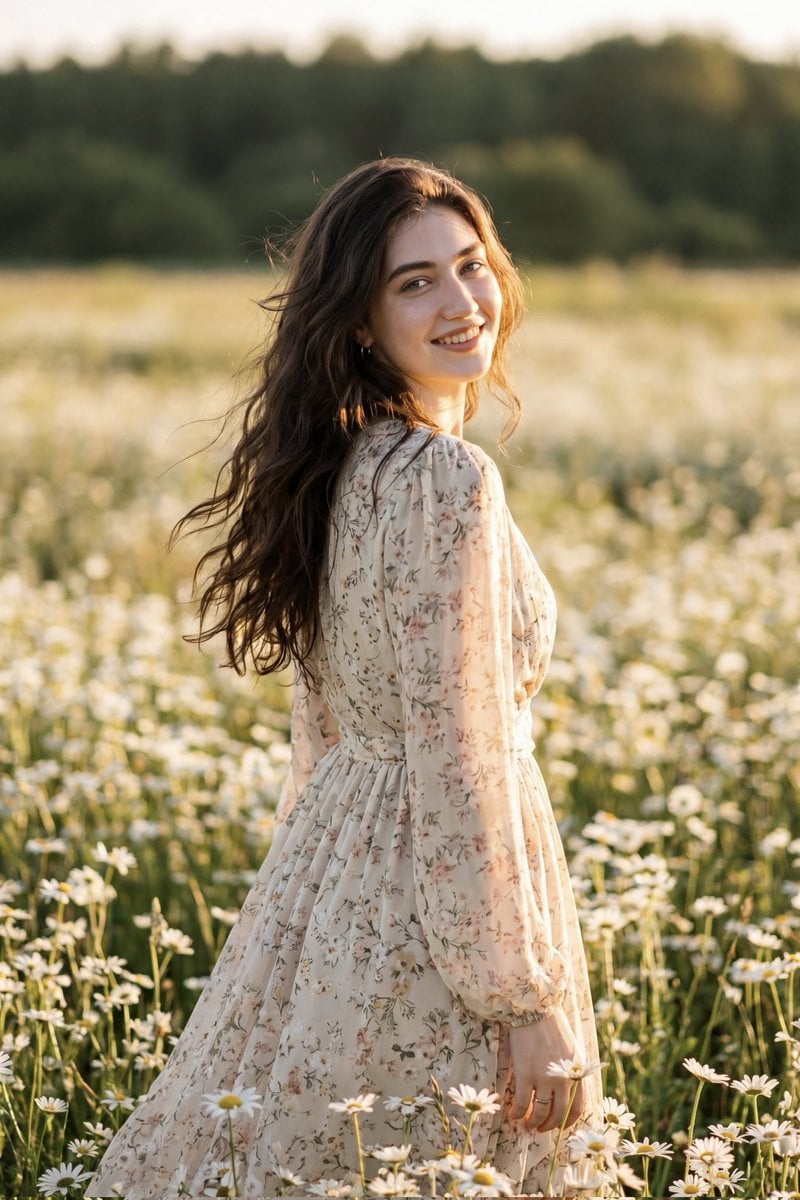
Golden Hour Daisy Field Portrait
Night City Bridge Triptych Portrait Session
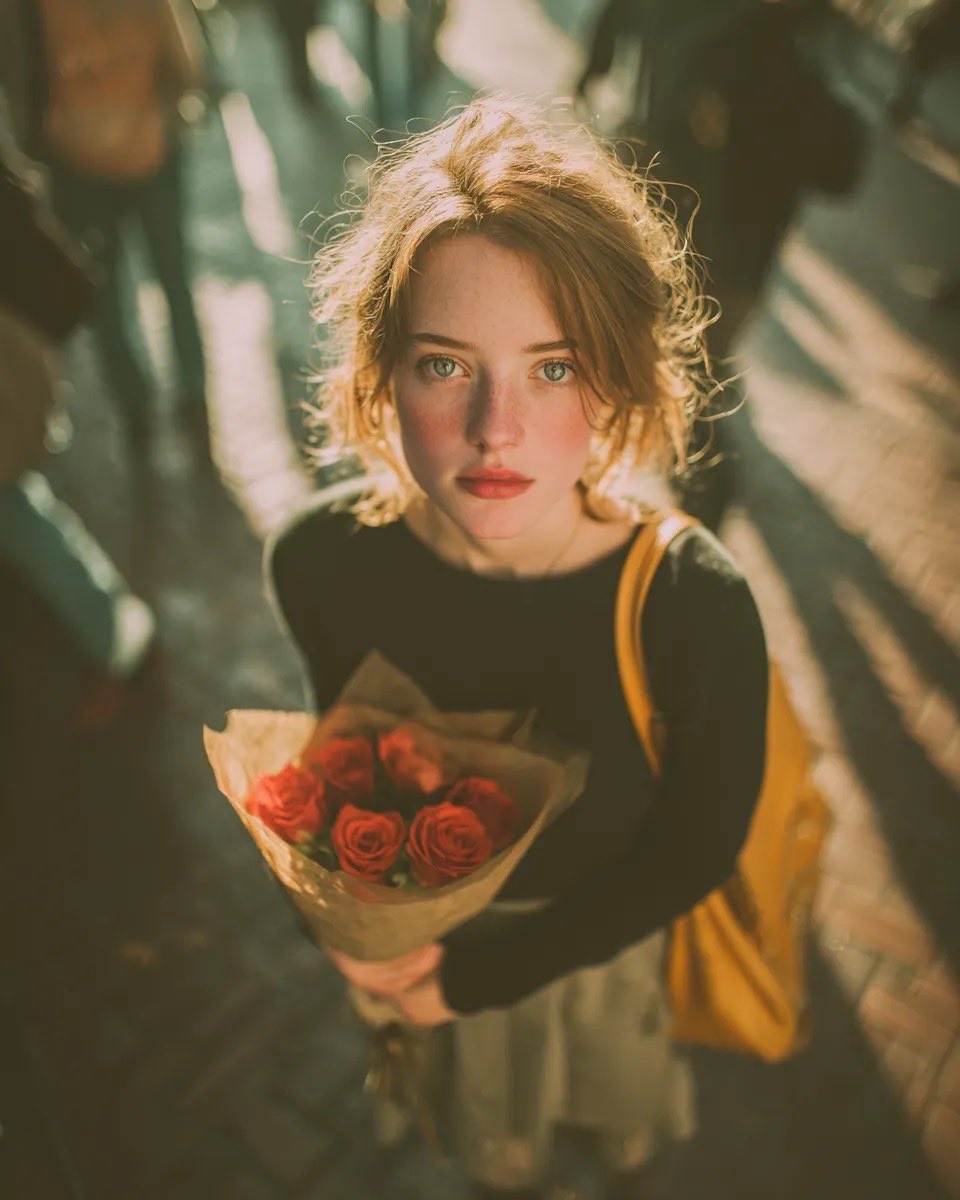
Golden Hour Rose Portrait

Golden Hour Korean Classroom Portrait
Make it yours
Cinematic Golden Hour Bridge Portrait works as-is. These are the safest ways to change it without losing the look.
Change one field
Copy a single group, rewrite it, and generate again so you can see what that field is doing.
Keep the frame, change the subject
Hold the composition and light of Cinematic Golden Hour Bridge Portrait, then swap wardrobe, props or the person for a new take.
| If the result… | Why | Fix |
|---|---|---|
| The result drifts from the preview | Too many fields changed at once. | Reuse Cinematic Golden Hour Bridge Portrait as-is first, then change one group — subject, light, or setting. |
| The model over-stylizes the scene | The prose prompt leaves finish and camera underspecified. | Add one camera or lighting sentence and stay on GPT Image 2. |
More GPT Image 2 templates
Other prompts made for GPT Image 2.

Six VTuber Japanese Logo Sheet

Realistic Portrait of Woman and Deer

The Vista Modular Condo Poster

AI Model Routing Comparison Infographic

2.5D Anime Art Board

Isometric Productivity Desk Scene

New York Double Exposure Poster

Four-Panel AI Landscape Comparison

Japanese Tatami Lifestyle Magazine Cover

NESCAFÉ Coffee Map Poster
More image prompts
Fresh picks from across the catalog.
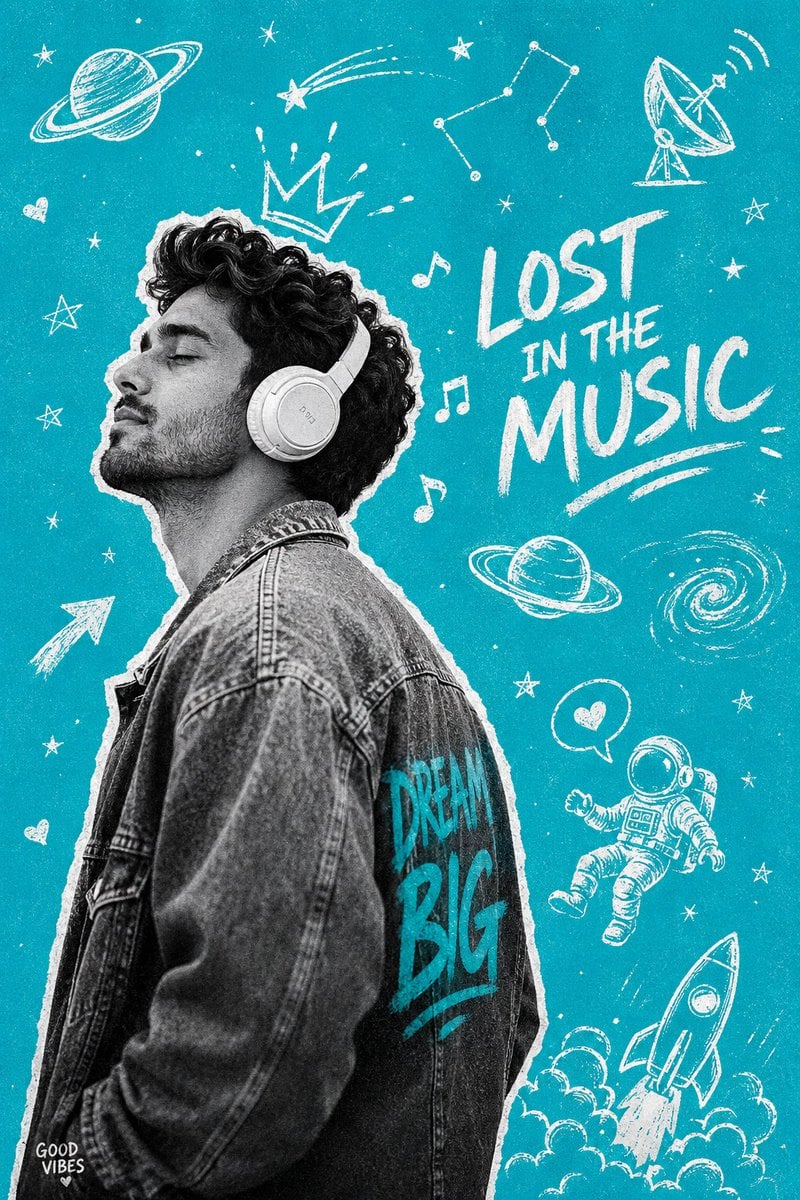
Gen-Z Music Doodle Poster
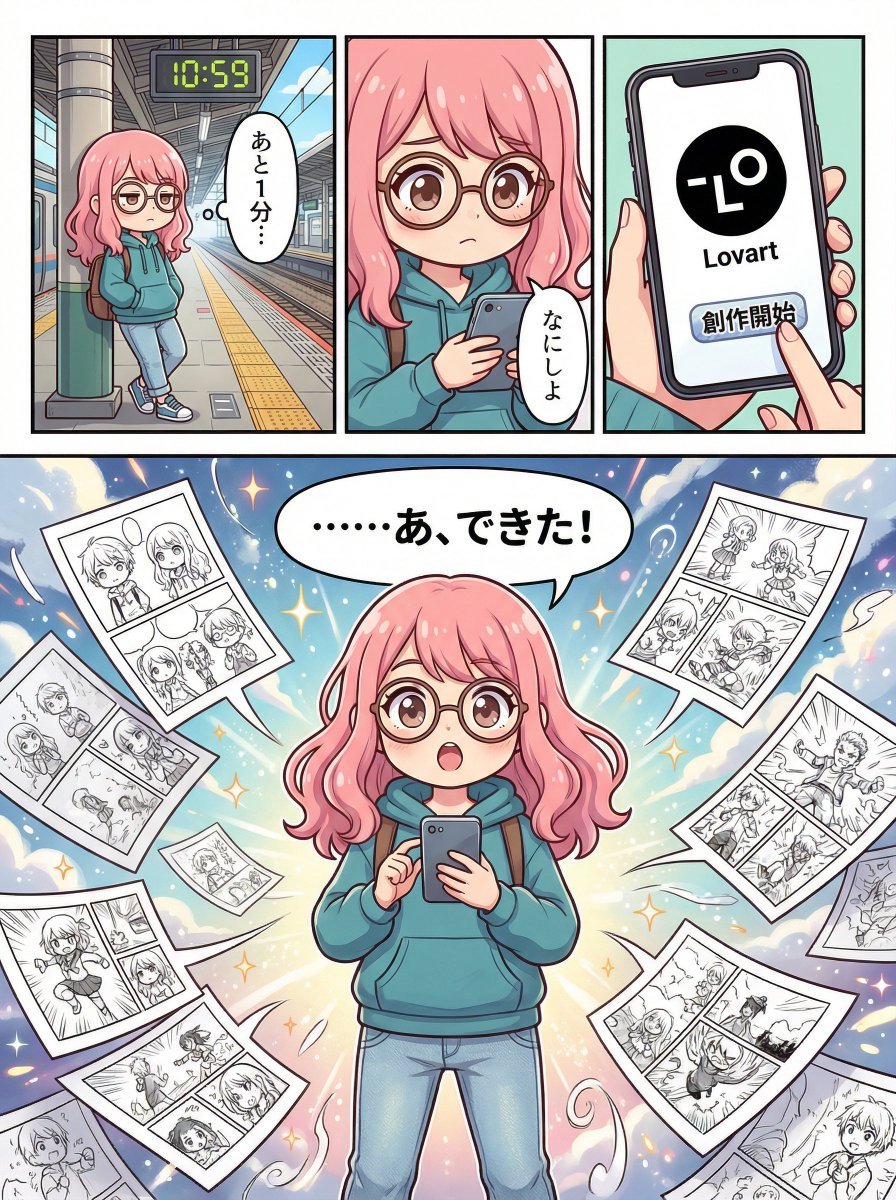
Four-Panel Manga Creation about Lovart App
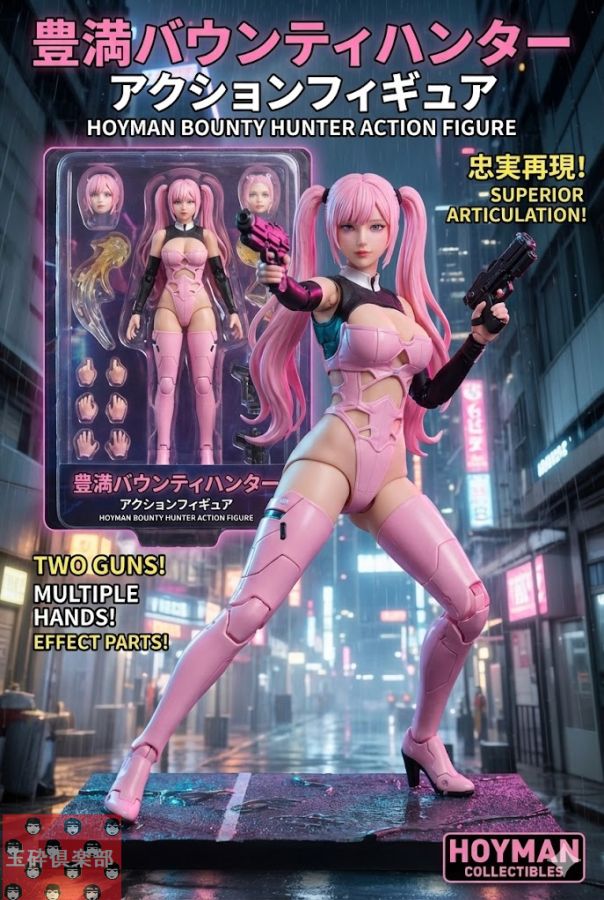
Action Figure Product Advertisement Image
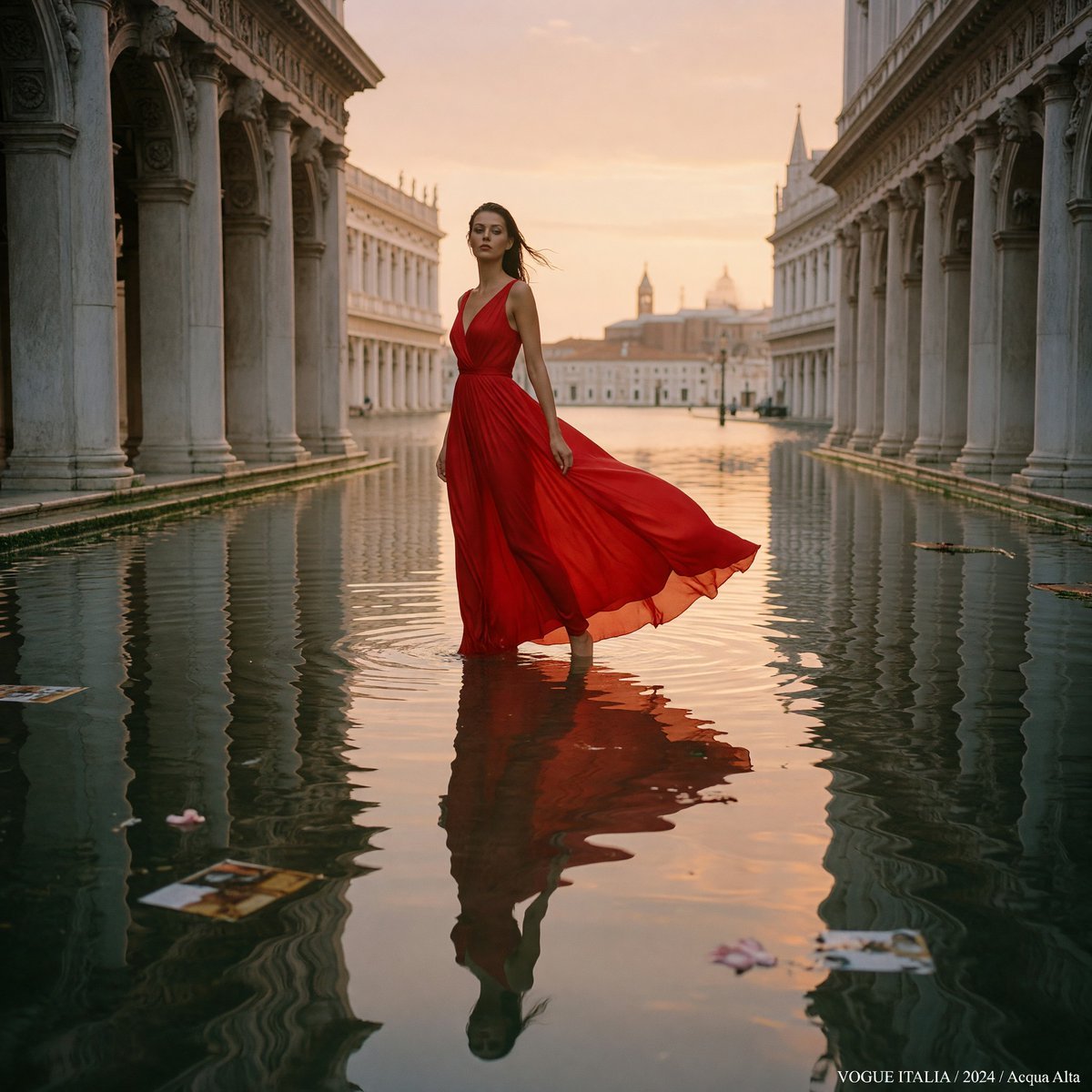
Crimson Gown in Flooded Venice
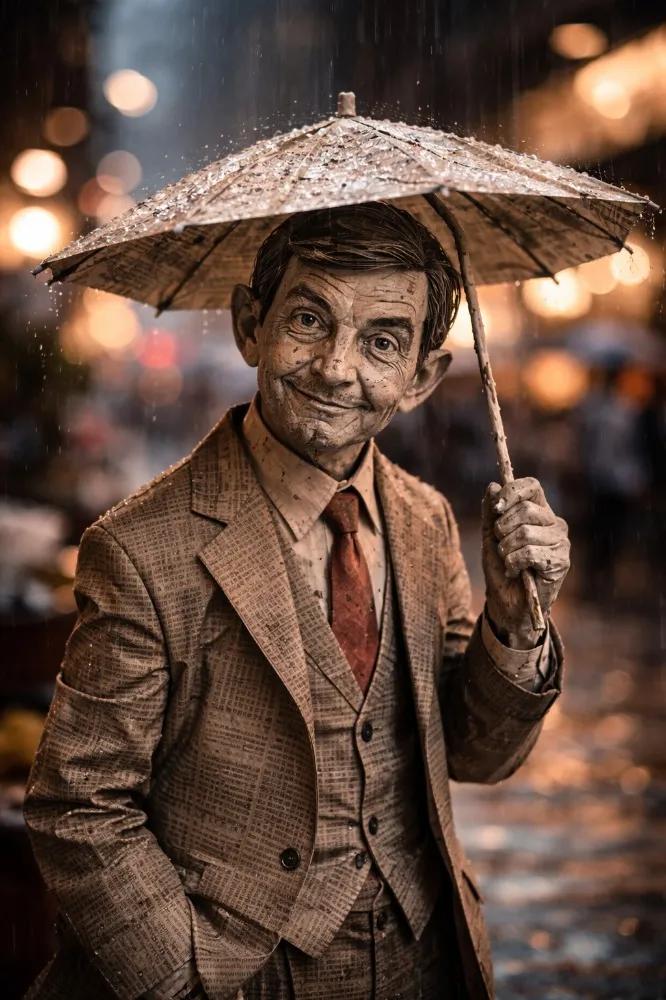
Cinematic Paper Figure in the Rain
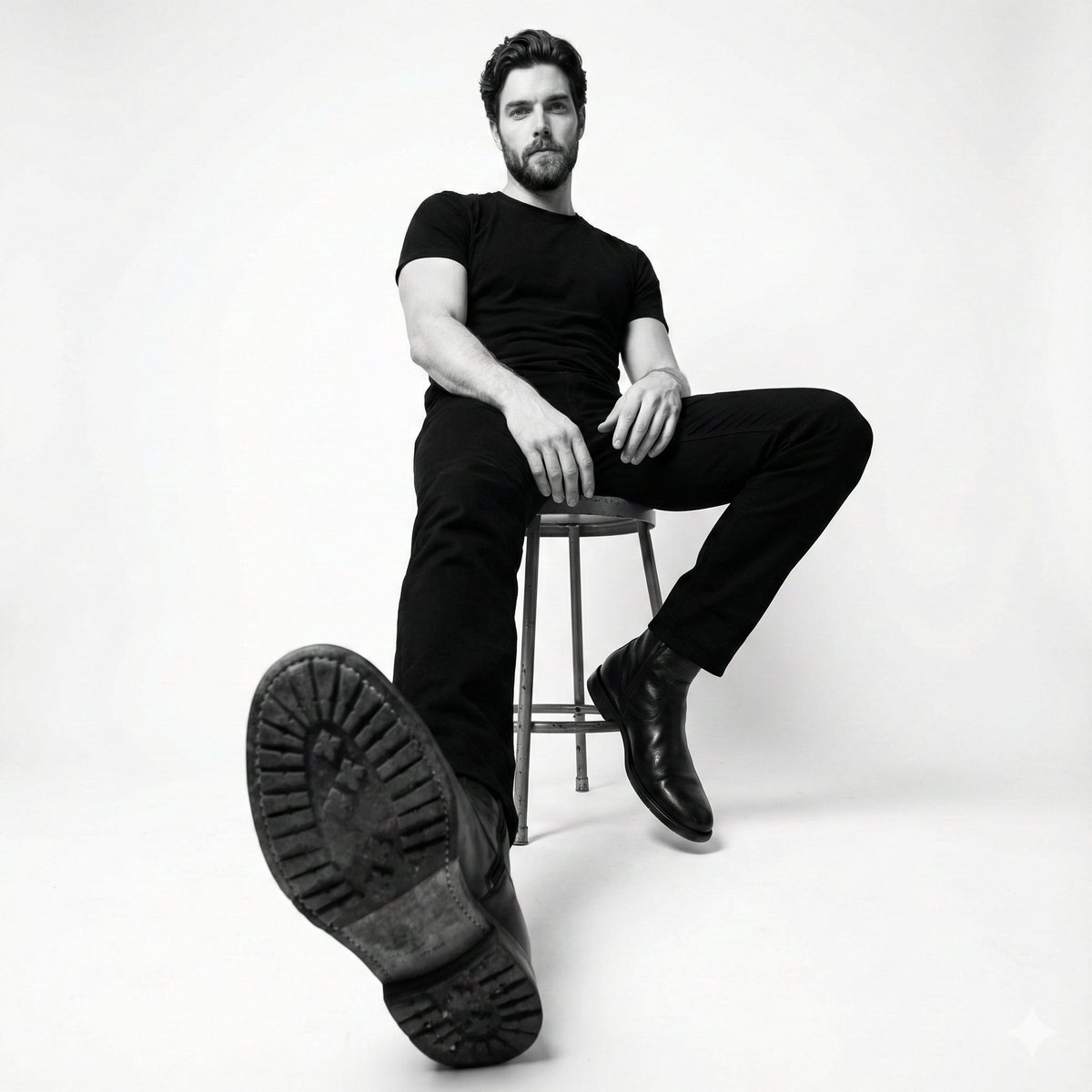
High-Contrast Black and White Fashion Photography
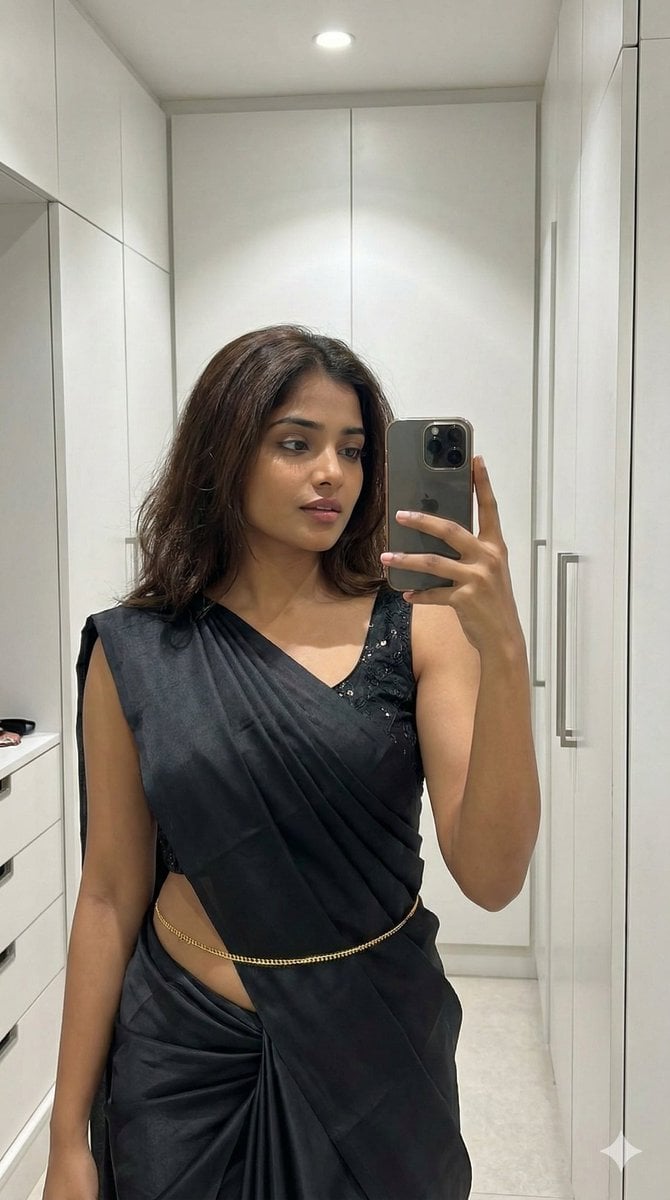
Ultra-Photorealistic Saree Mirror Selfie
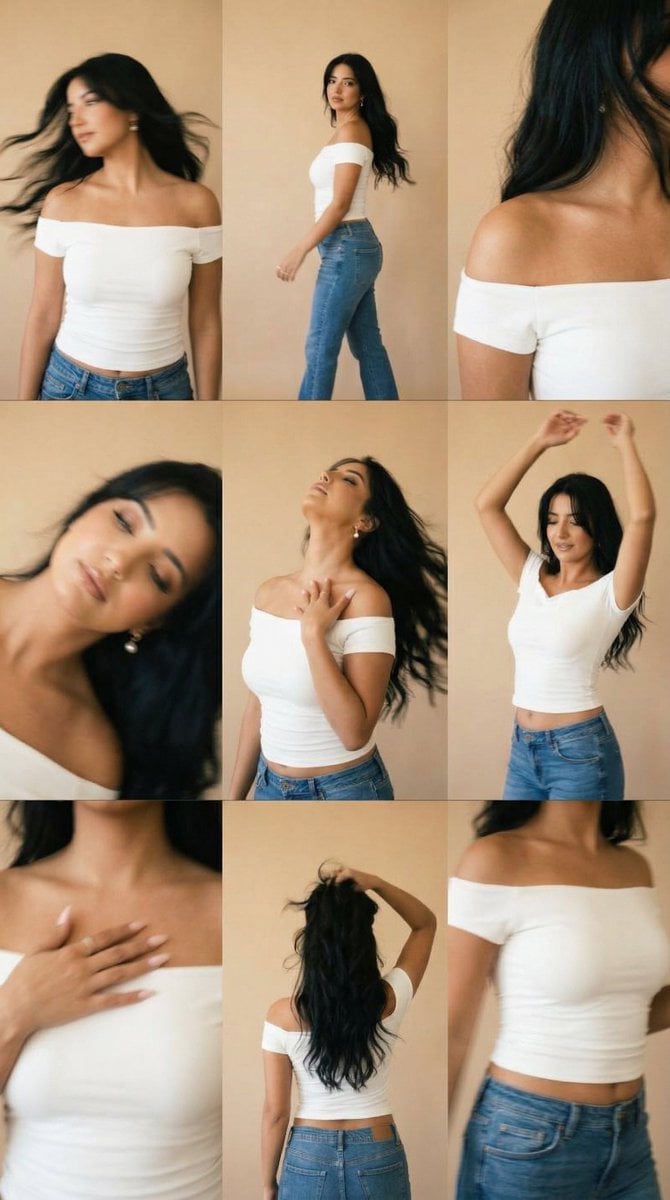
Lo-Fi Warm Studio Motion Contact Sheet 3x3 Grid
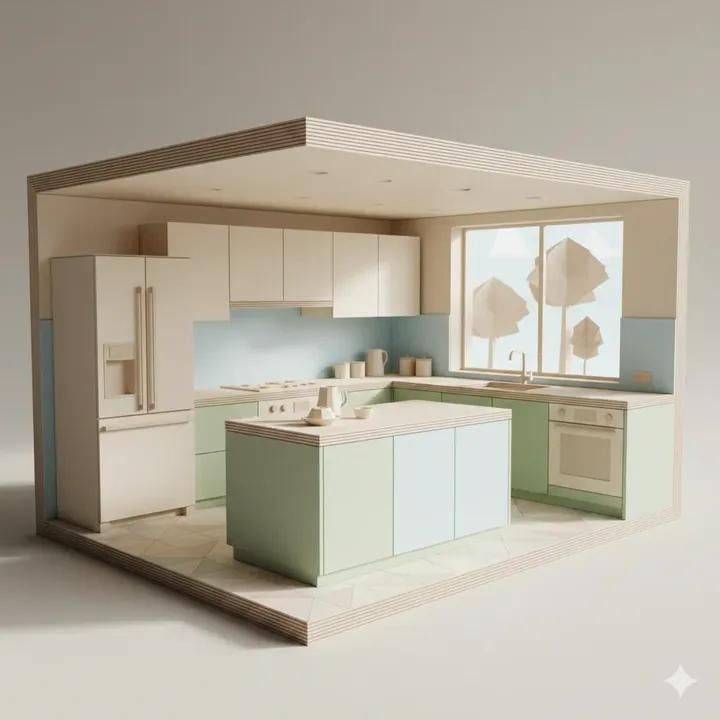
Origami Kitchen Cutaway

Ancient Pyramid Floating Over a Modern Battlefield
Browse template categories
Cinematic Golden Hour Bridge Portrait questions
How do I use the Cinematic Golden Hour Bridge Portrait template?
Add your photo if the template asks for one, edit the prompt if you like — the template's model and format are already selected — and press Generate. Your version opens in PicX Studio.
Can I customize the Cinematic Golden Hour Bridge Portrait template?
Yes. You can change the subject, setting, lighting, mood, format, and available model controls before creating your image.
Is the Cinematic Golden Hour Bridge Portrait template free?
Opening and editing this template is free. Generating uses credits, shown on the Generate button when you are signed in.
Which AI model should I use?
Start with GPT Image 2, which is the model associated with this template. You can compare another compatible model for a different finish.
Looking for something else? Browse all templates.

Your photo, any look
Thousands of ready templates for every top image and video model, from one credit balance.