
Melancholic Cinematic Car Portrait
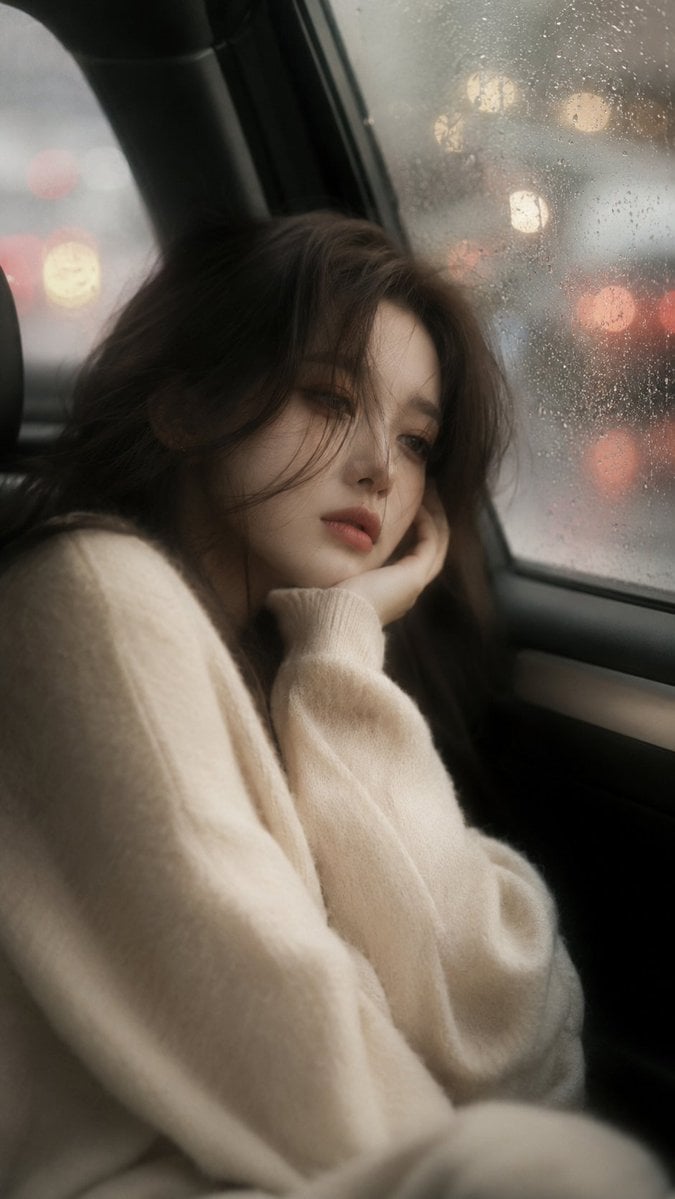
A photography-inspired prompt for creating realistic, moody portraits of a woman inside a car during a rainy day, using specific lens and filter effects.
- Prompt included
- Model and format preset
- Free template
The prompt behind this image
Copy the exact prompt behind Melancholic Cinematic Car Portrait, or open it in the studio and make it yours.
Ultra-realistic cinematic portrait of a {argument name="subject" default="beautiful young woman"} sitting inside a car, long {argument name="hair color" default="dark brown"} hair partially covering one eye, soft porcelain skin, oversized {argument name="clothing" default="cream sweater"}, resting her cheek on her hand, dreamy melancholic expression, soft focus, dreamy blur, diffusion filter effect, Black Pro Mist filter, subtle glow, cinematic haze, bloom lighting, ethereal atmosphere, shallow depth of field, creamy bokeh, warm muted color grading, rainy day outside the window, natural window light, low contrast, film photography, 85mm lens, f/1.2, photorealistic, editorial fashion portrait, masterpiece, ultra detailed, 9:16. Dreamy soft blur, gauzy atmosphere, misty lens, delicate glow, cinematic diffusion, velvety focus, soft cinematic haze, romantic film look, gentle bloom, dreamy aesthetic. Negative Prompt: sharp focus, overly detailed pores, harsh contrast, HDR, oversaturated, crisp edges, strong sharpening, digital look, cartoon, anime, CGI
How to use Melancholic Cinematic Car Portrait in 3 steps
- 1
Open
The prompt is already in the box next to the preview, with the template's model and format selected.
- 2…a portrait of your subject in softgolden-hour light, 85mm…
Personalize
Edit the subject and creative details for your destination.
- 3Generate
Generate
Press Generate — your image is created in PicX Studio, so you can compare it with the original and refine one variable at a time.
More like this
Templates with the same subject, style or setup. Open one to see its prompt.
Ultra Detailed 3d Plush Cartoon Characte

Ultra Realistic Commercial Skincare Prod
Found Photograph: Us, 1970
80s Couple Studio Portrait
80s Bollywood Star
80s Golden Hour Cinema
Me in 1985
1985 Studio Portrait
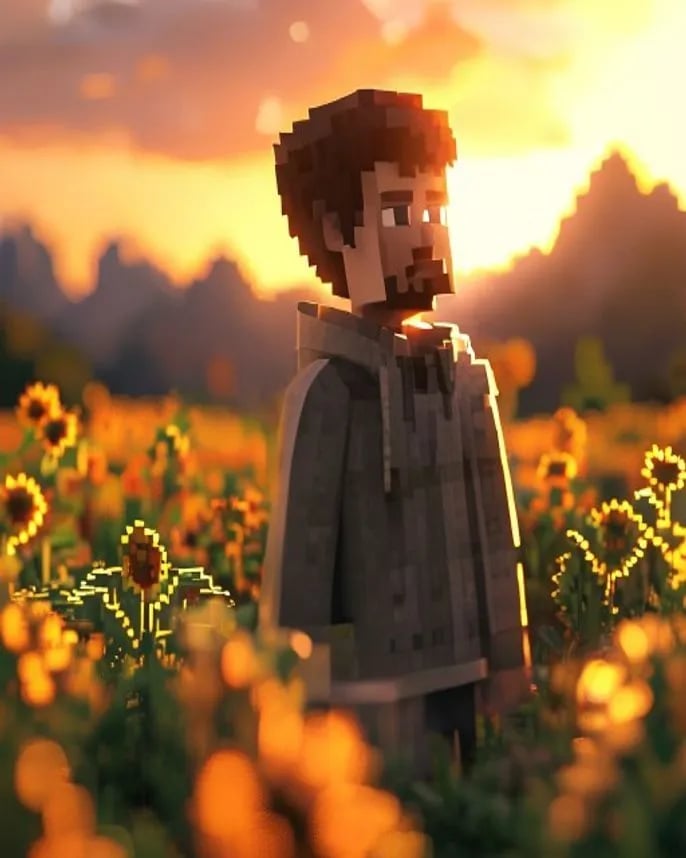
Hyper-Realistic Minecraft POV Portrait
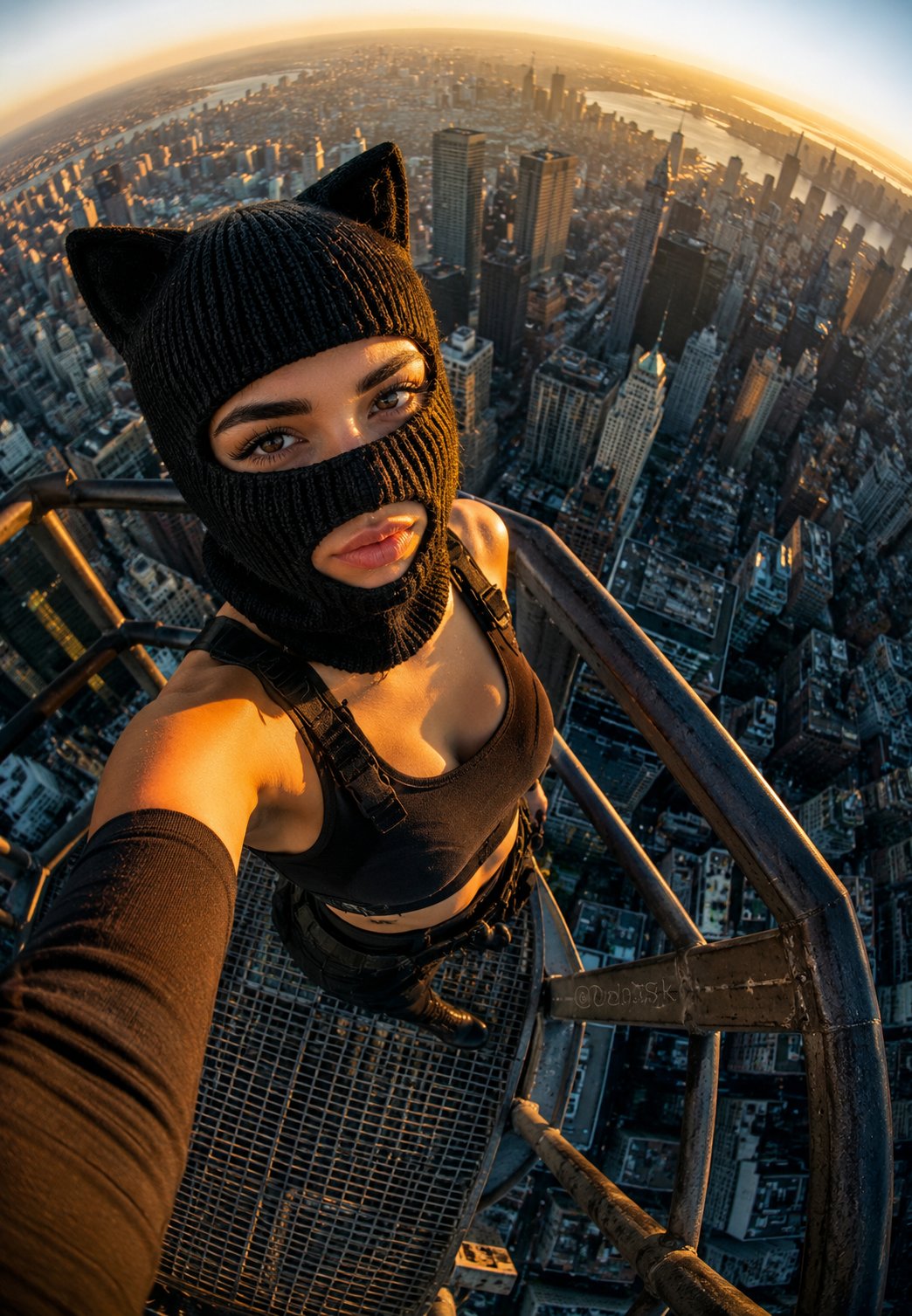
Rooftop Fisheye — Cat-Ear Balaclava at Golden Hour
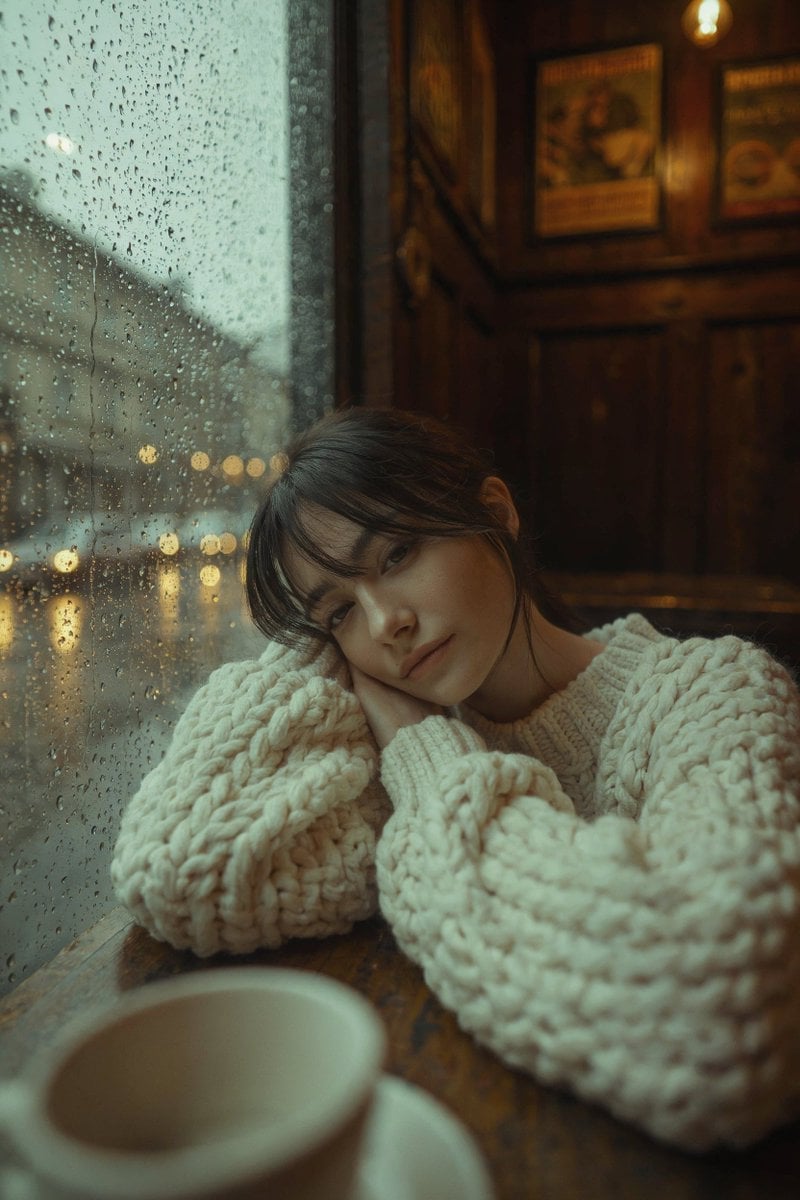
Rainy Café Window Moody Portrait
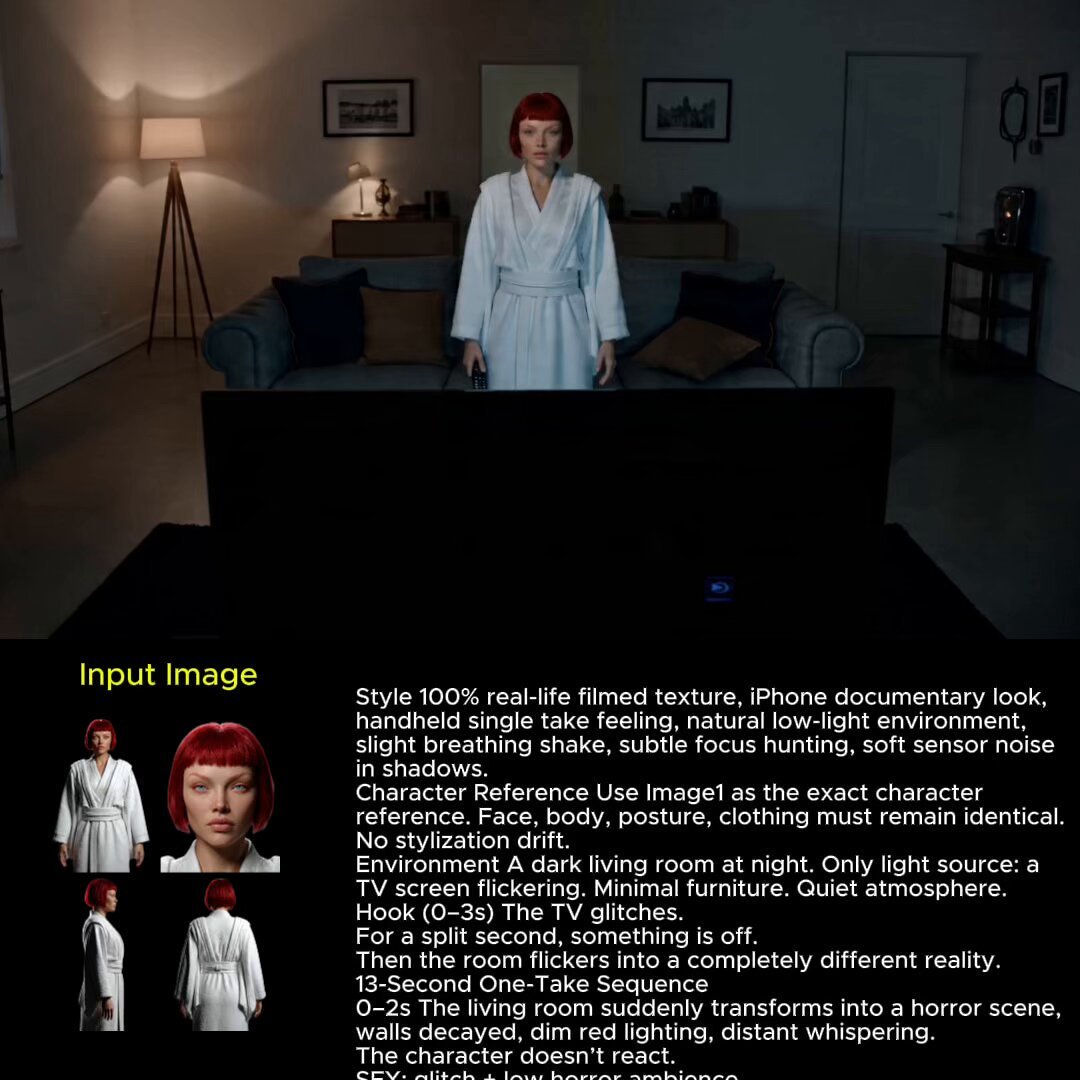
2025 Aesthetic Photography
Make it yours
Melancholic Cinematic Car Portrait works as-is. These are the safest ways to change it without losing the look.
Change one field
Copy a single group, rewrite it, and generate again so you can see what that field is doing.
Keep the frame, change the subject
Hold the composition and light of Melancholic Cinematic Car Portrait, then swap wardrobe, props or the person for a new take.
| If the result… | Why | Fix |
|---|---|---|
| The result drifts from the preview | Too many fields changed at once. | Reuse Melancholic Cinematic Car Portrait as-is first, then change one group — subject, light, or setting. |
| The model over-stylizes the scene | The prose prompt leaves finish and camera underspecified. | Add one camera or lighting sentence and stay on GPT Image 2. |
More GPT Image 2 templates
Other prompts made for GPT Image 2.

Six VTuber Japanese Logo Sheet
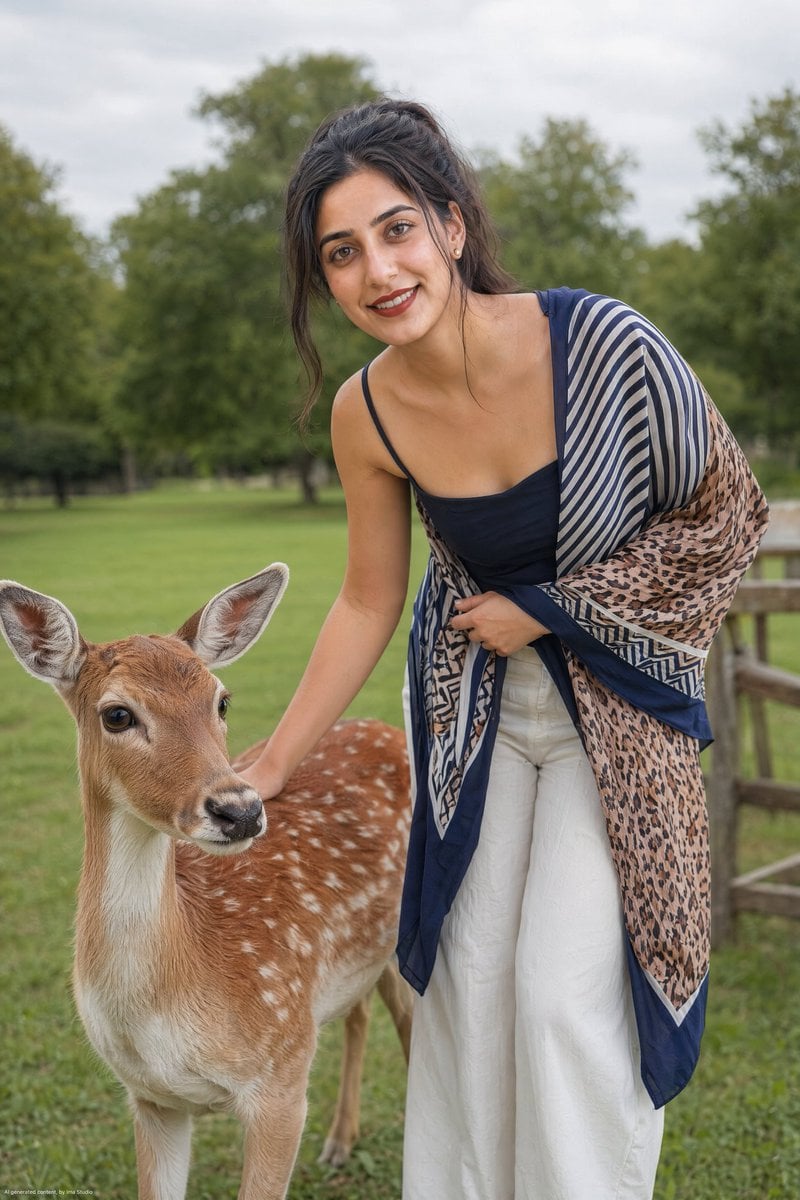
Realistic Portrait of Woman and Deer
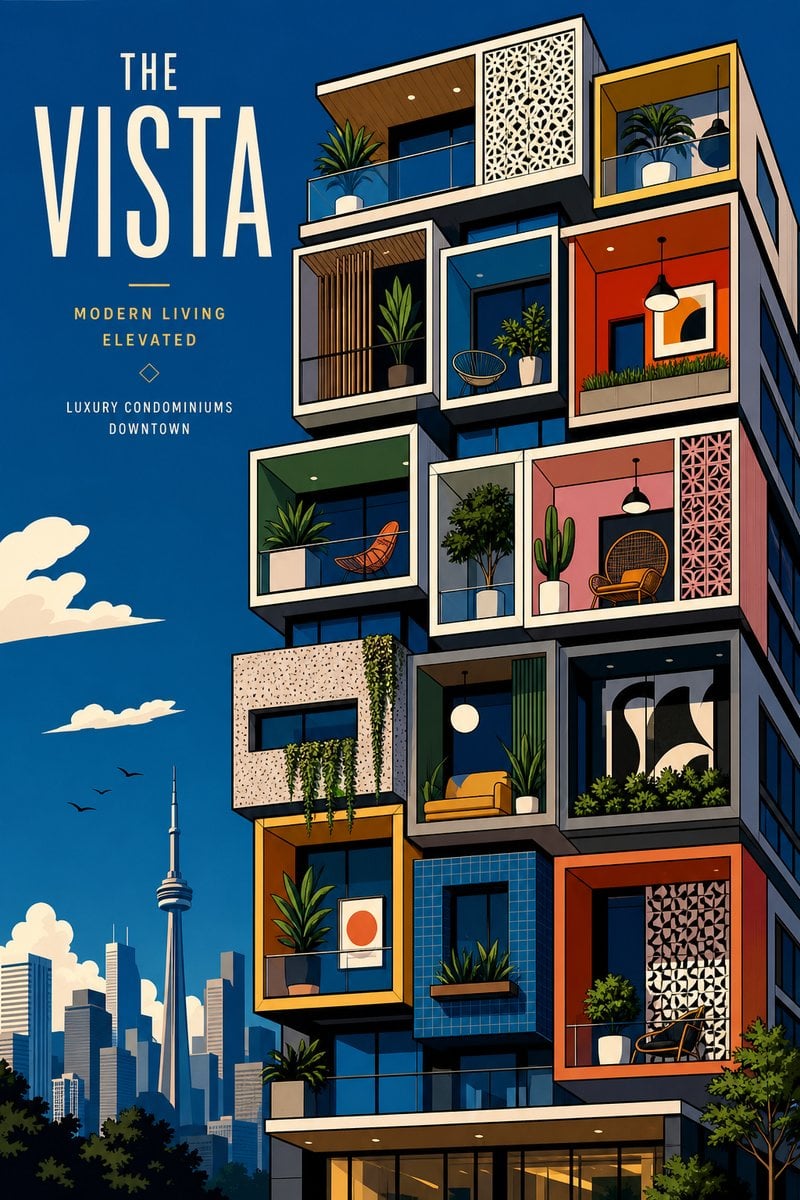
The Vista Modular Condo Poster

AI Model Routing Comparison Infographic
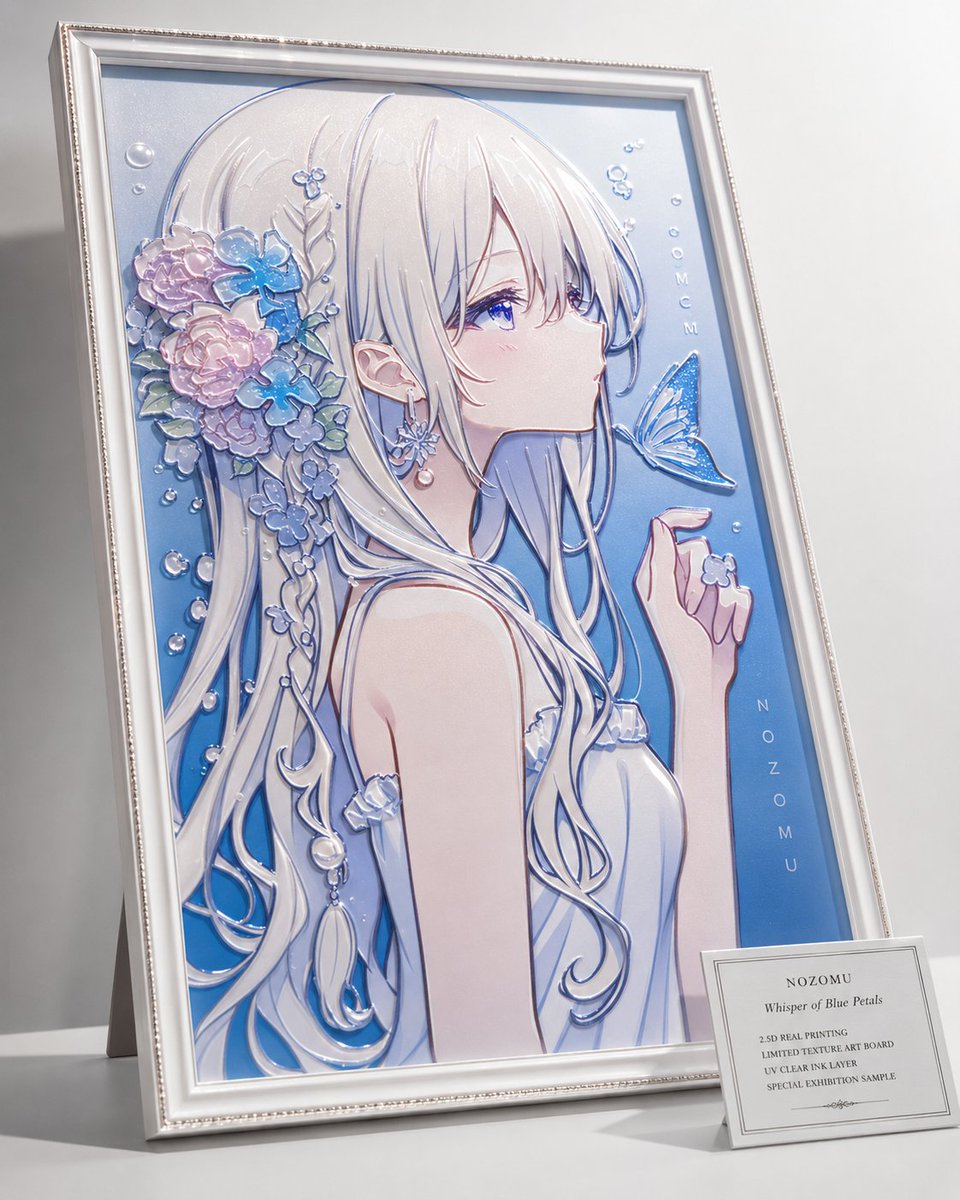
2.5D Anime Art Board

Isometric Productivity Desk Scene
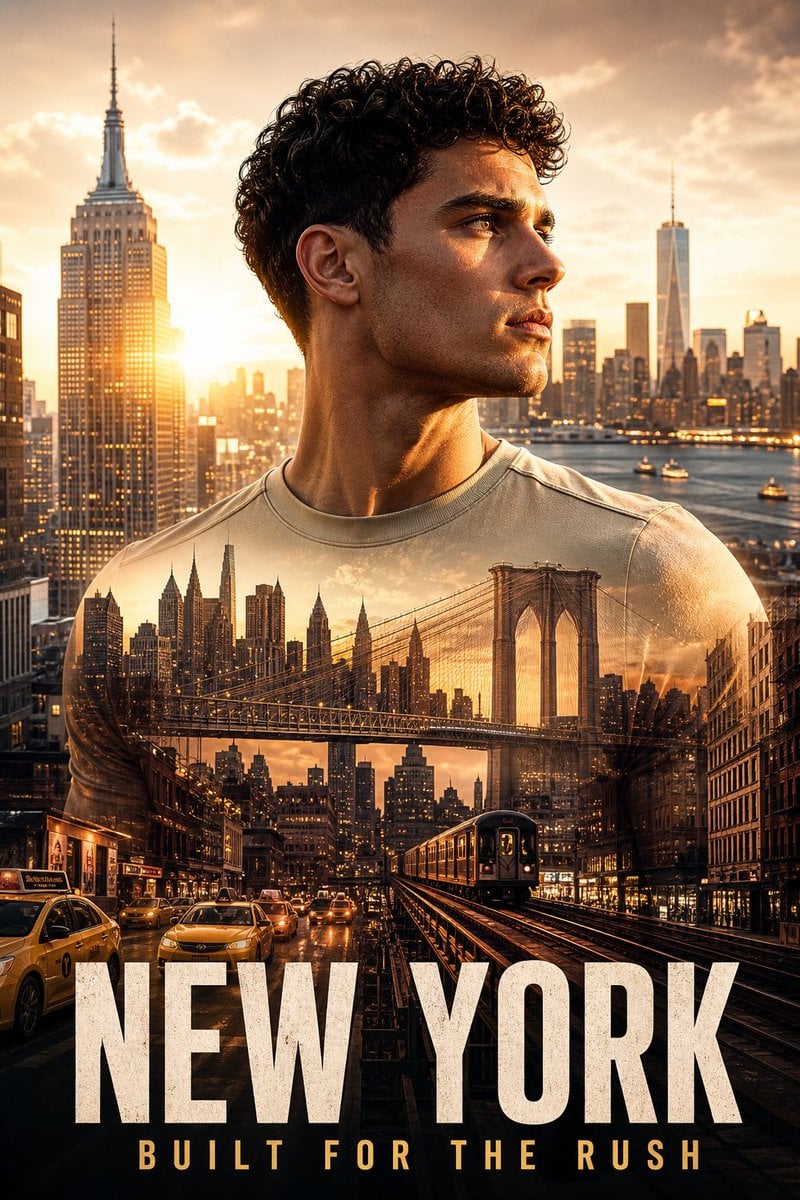
New York Double Exposure Poster
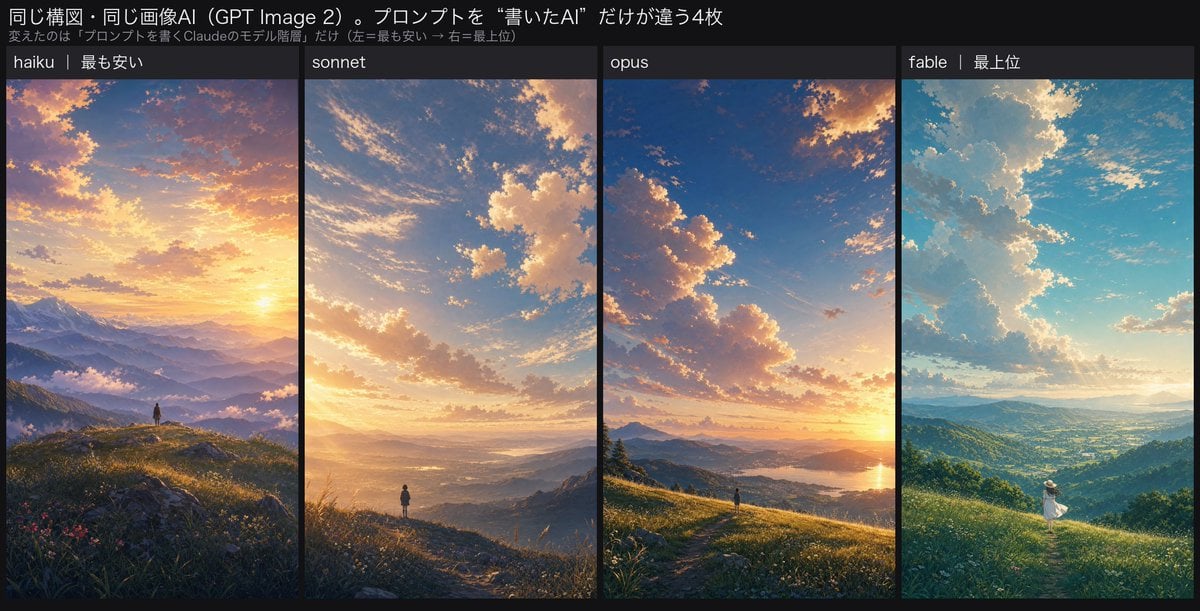
Four-Panel AI Landscape Comparison
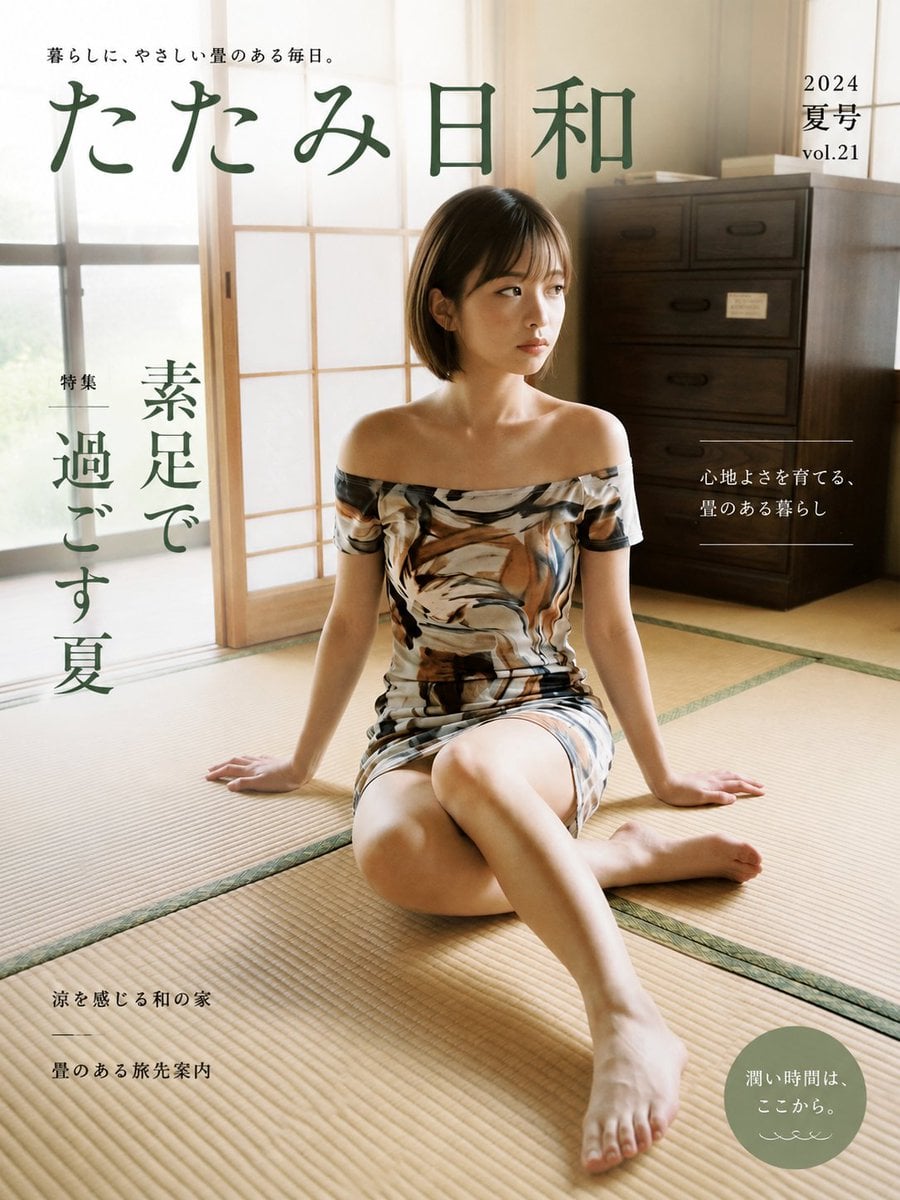
Japanese Tatami Lifestyle Magazine Cover

NESCAFÉ Coffee Map Poster
More image prompts
Fresh picks from across the catalog.
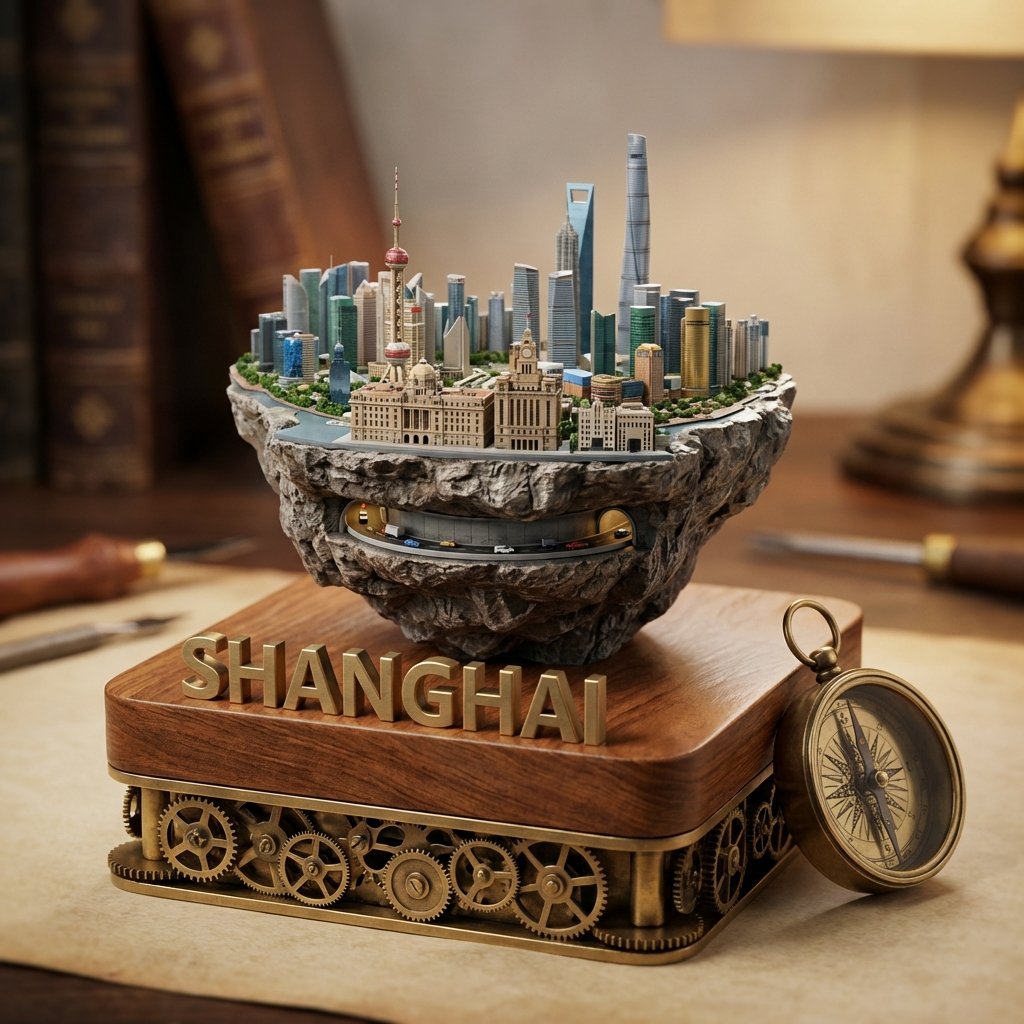
Tilt-Shift Diorama Miniature City Prompt (Shanghai)

Image-to-Character Christmas Tree Prompt
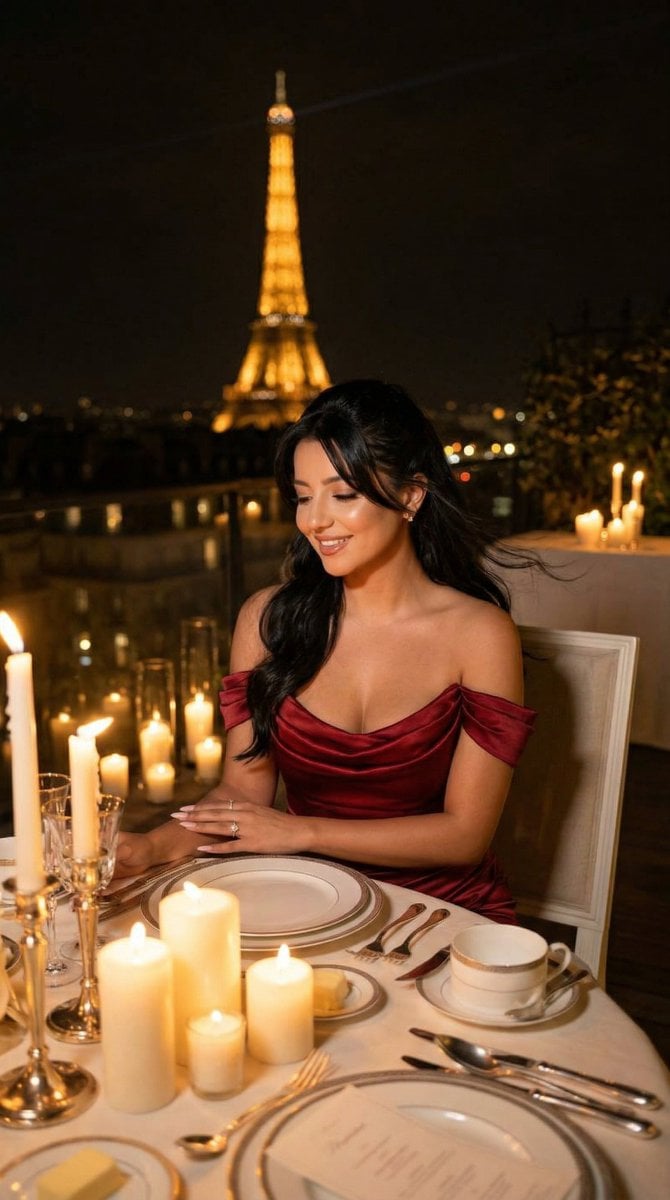
Nano Banana - Opera Red Gown Couture

Cinematic rainy night bus stop prompt
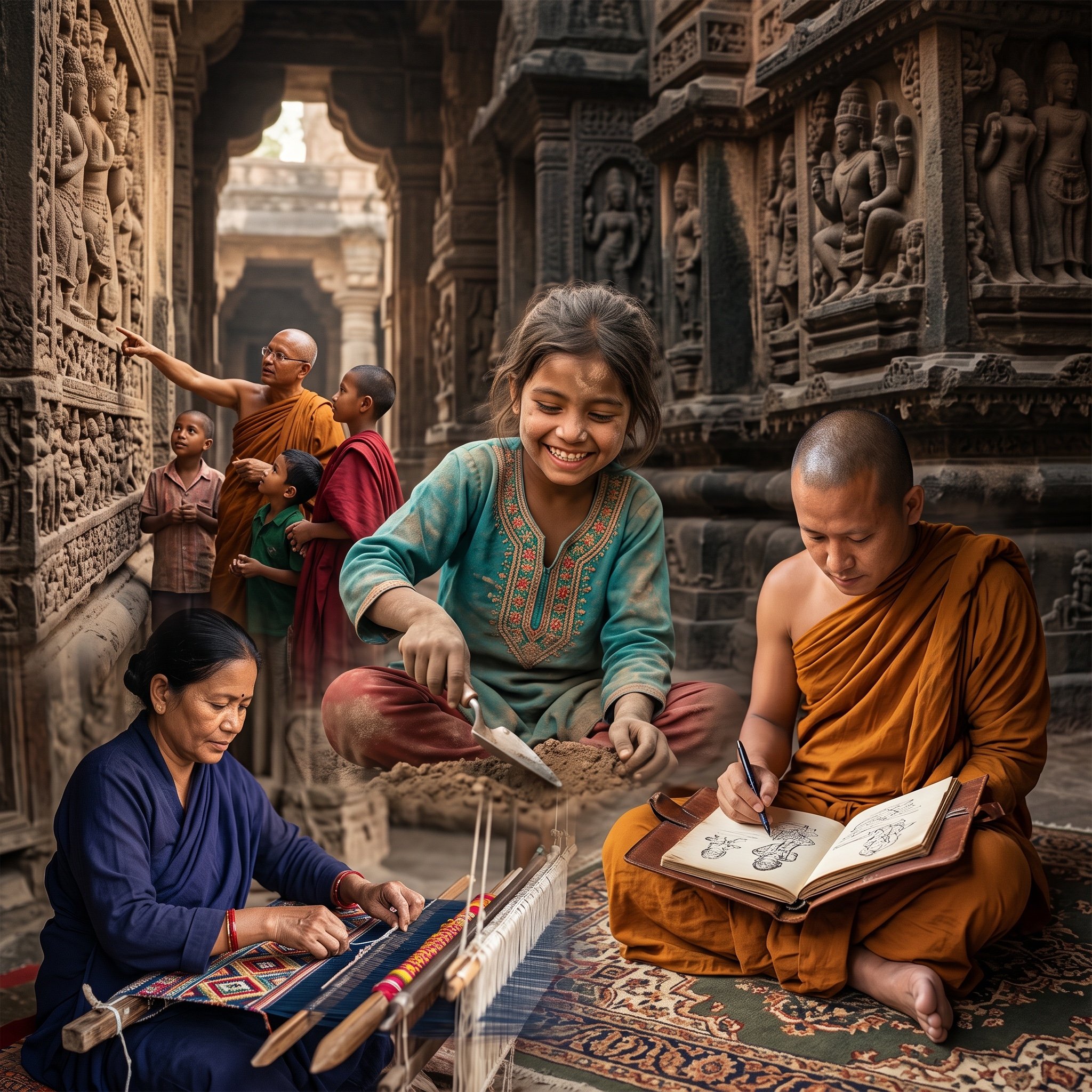
Image Fusion Prompt
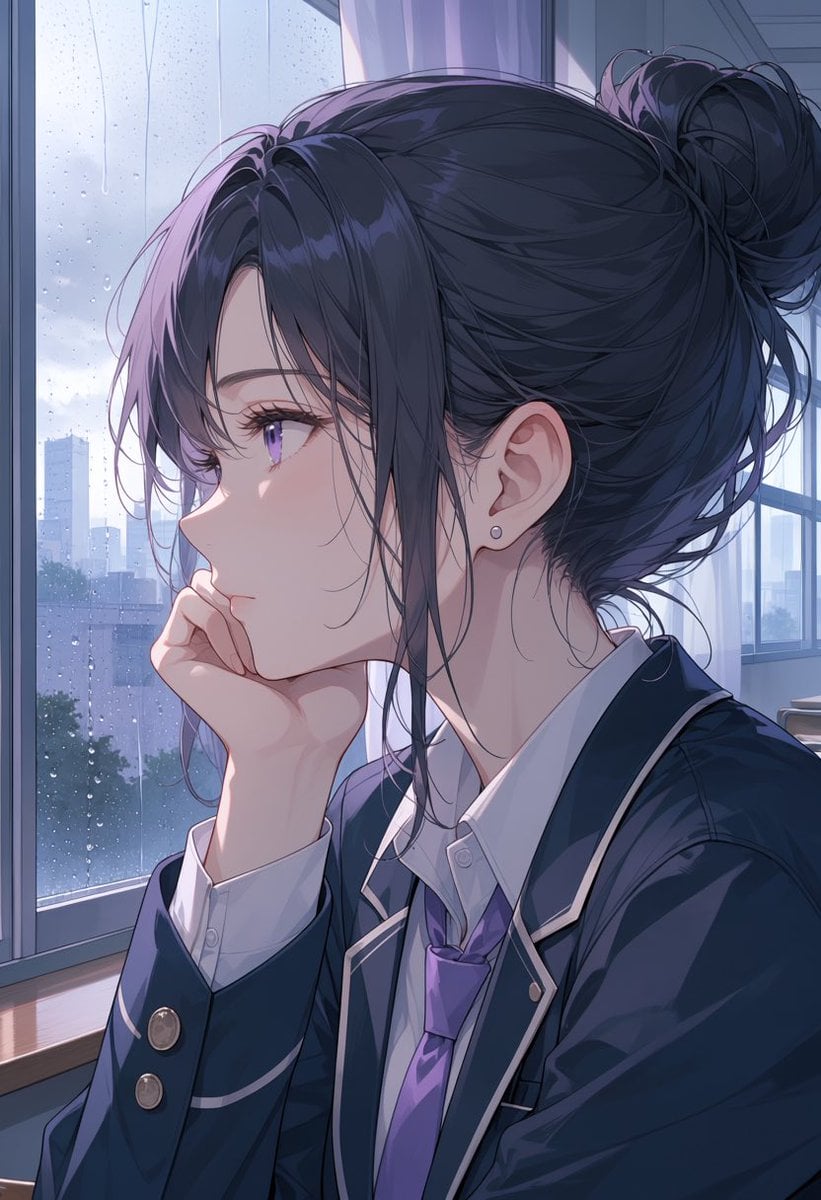
Rainy Anime Student Portrait
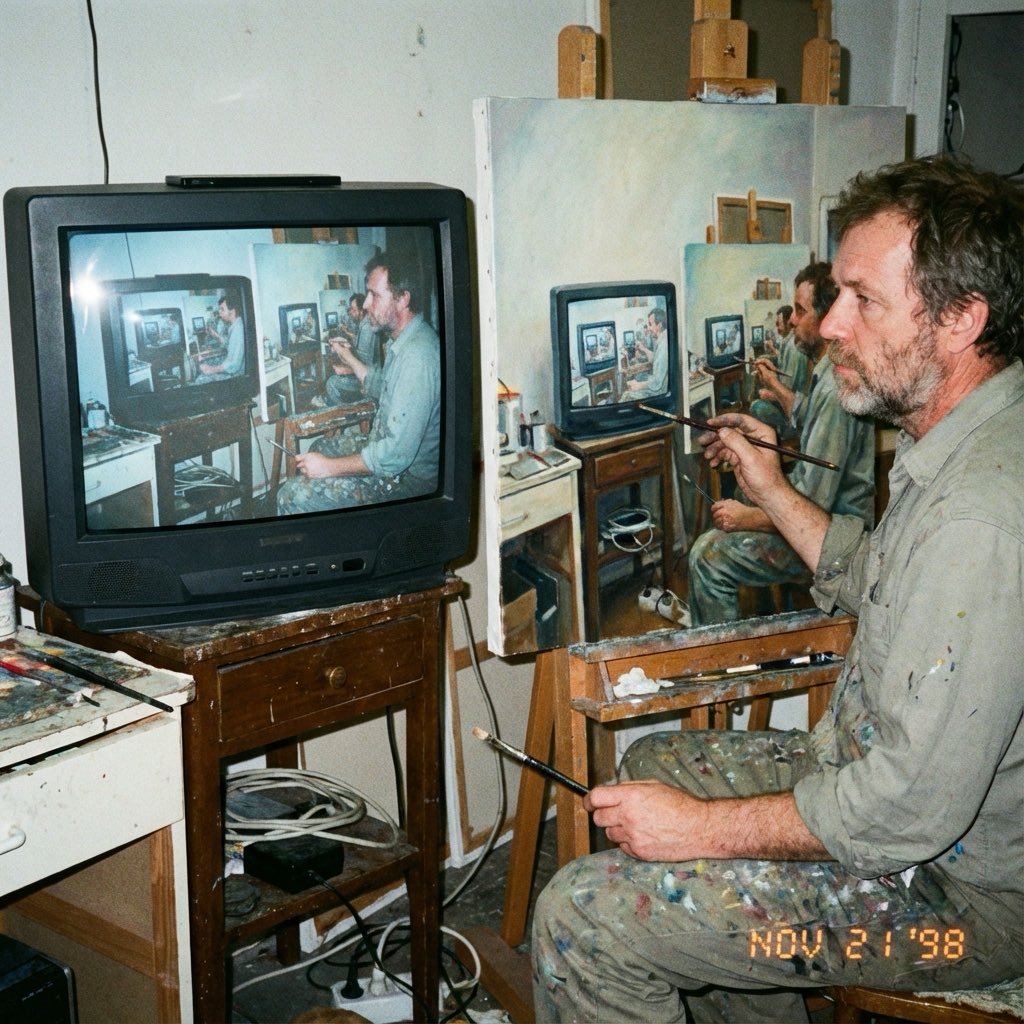
Recursive Painting Photograph Prompt
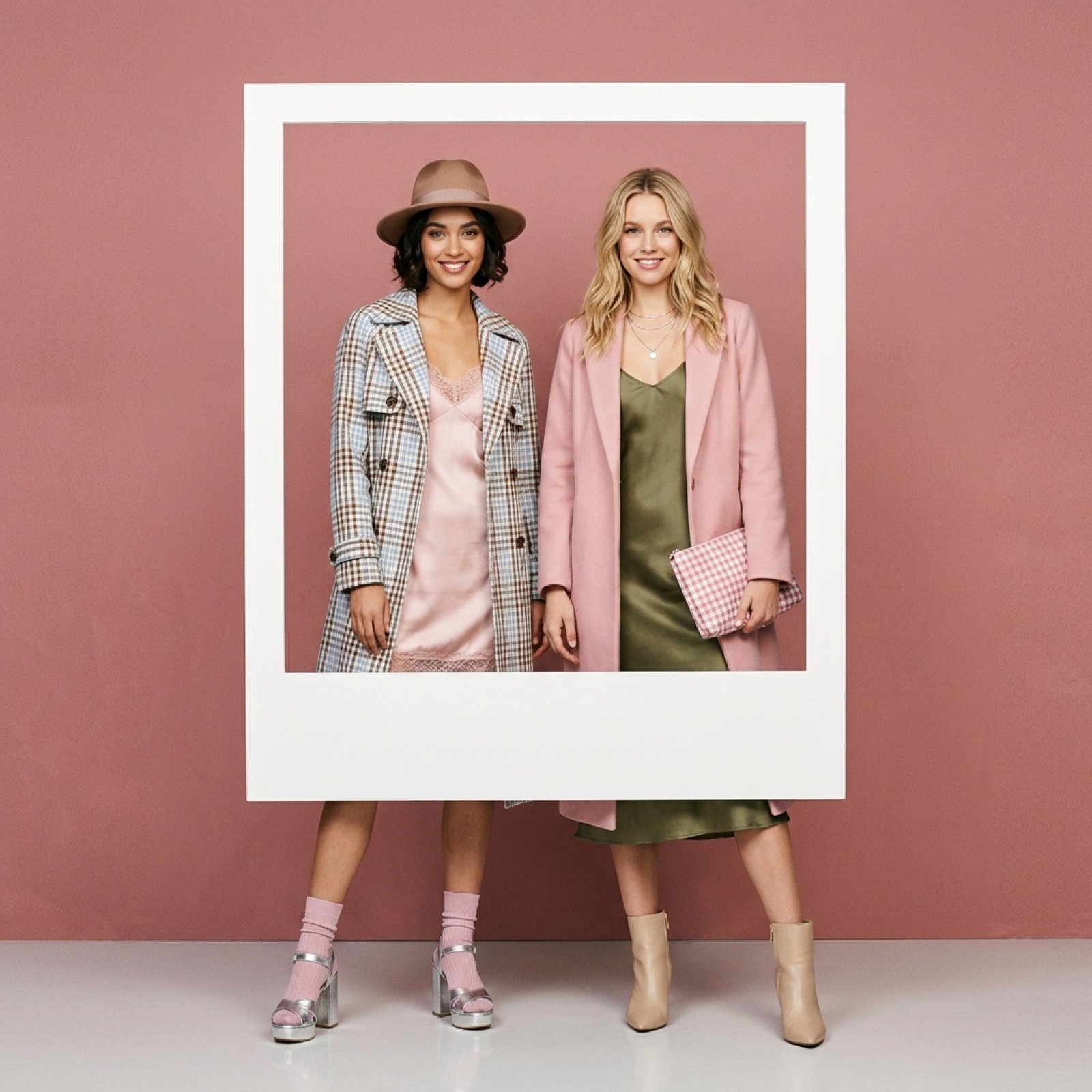
Fashion editorial with two models in a polaroid frame
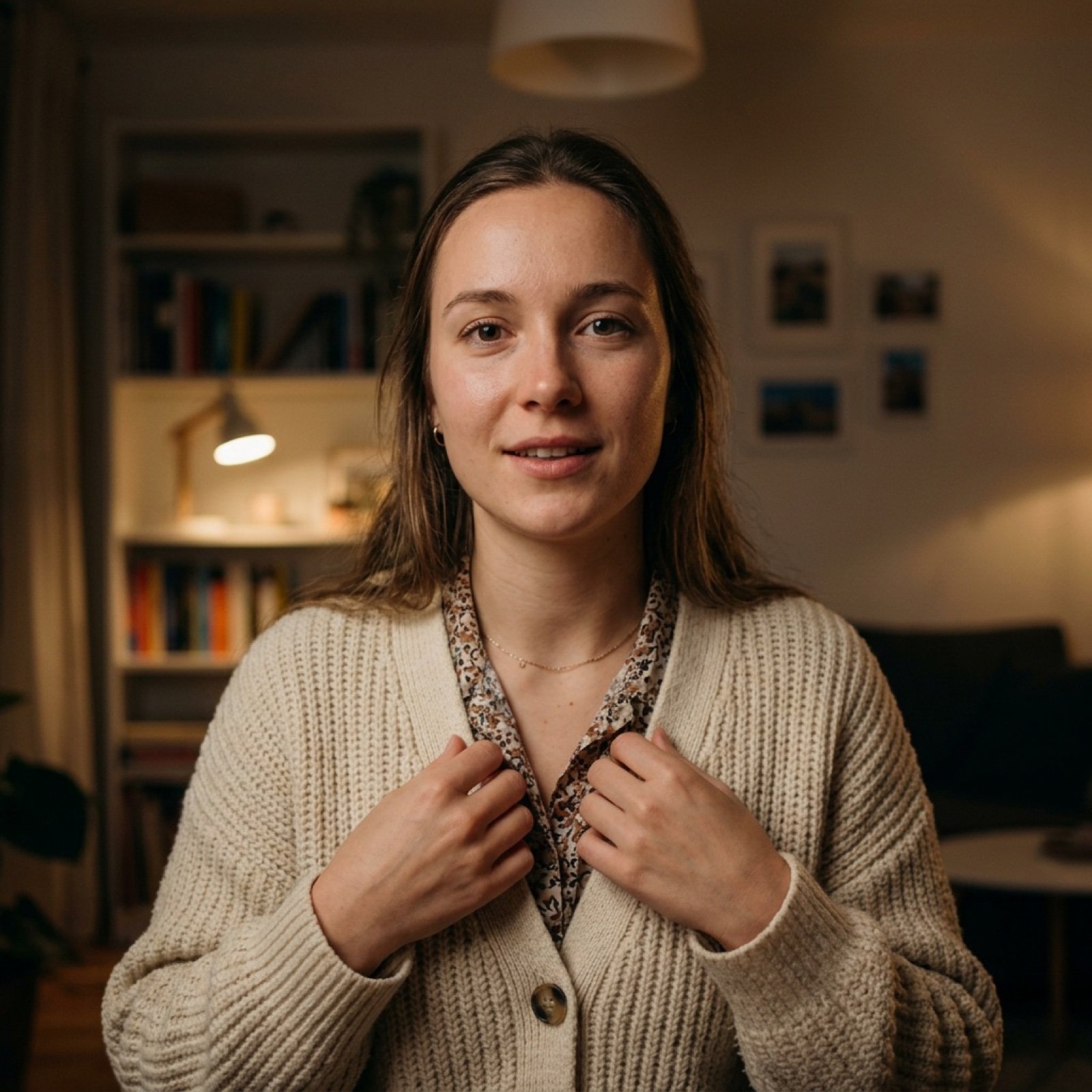
Vlog Style Video Generation from Nano Banana Pro Image
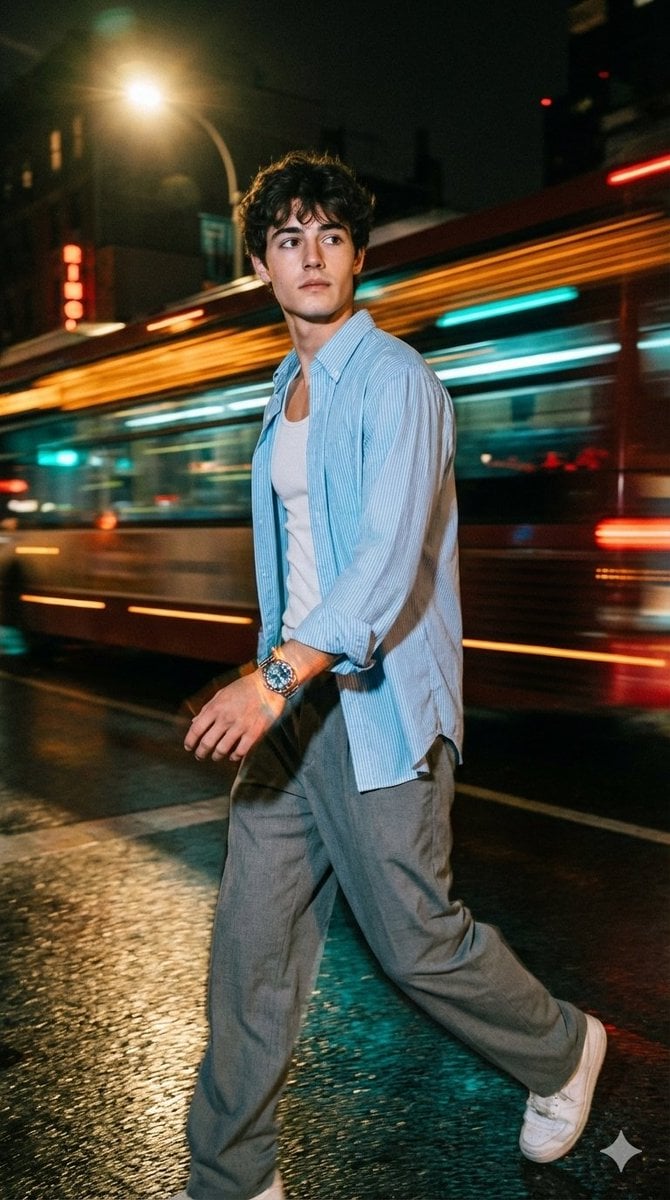
Cinematic Night Street Portrait of Indian Man
Browse template categories
Melancholic Cinematic Car Portrait questions
How do I use the Melancholic Cinematic Car Portrait template?
Add your photo if the template asks for one, edit the prompt if you like — the template's model and format are already selected — and press Generate. Your version opens in PicX Studio.
Can I customize the Melancholic Cinematic Car Portrait template?
Yes. You can change the subject, setting, lighting, mood, format, and available model controls before creating your image.
Is the Melancholic Cinematic Car Portrait template free?
Opening and editing this template is free. Generating uses credits, shown on the Generate button when you are signed in.
Which AI model should I use?
Start with GPT Image 2, which is the model associated with this template. You can compare another compatible model for a different finish.
Looking for something else? Browse all templates.

Your photo, any look
Thousands of ready templates for every top image and video model, from one credit balance.