How do I use the Whimsical Street Style Collage template?
Edit the prompt in the box under the preview — the template's model and format are already selected — and press Generate. Your version appears right on this page.
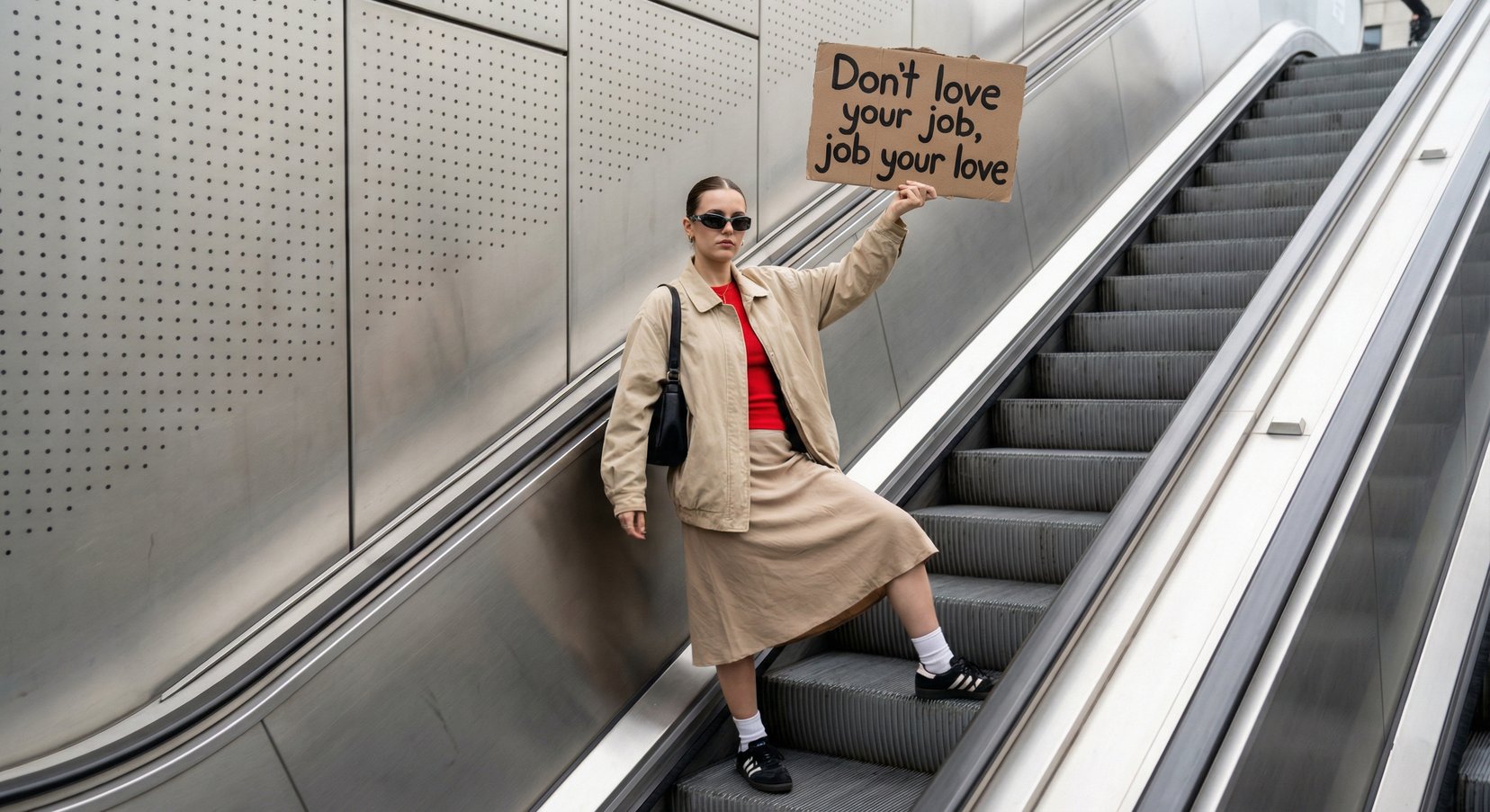
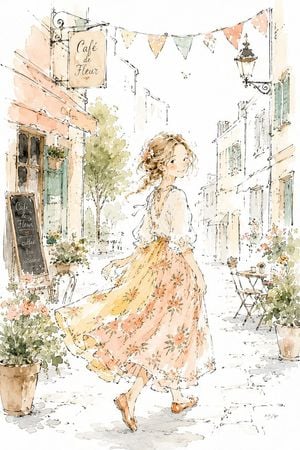
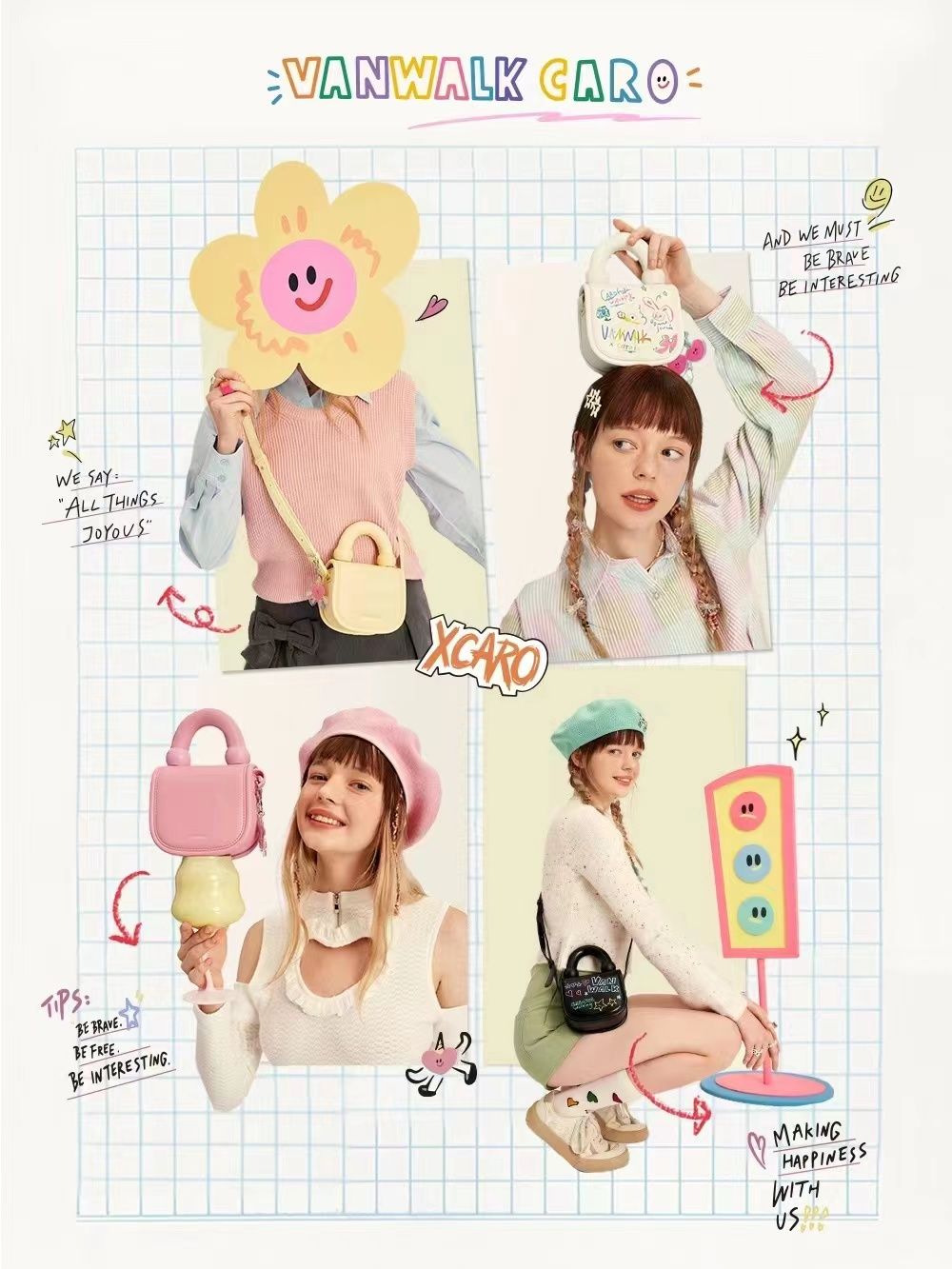
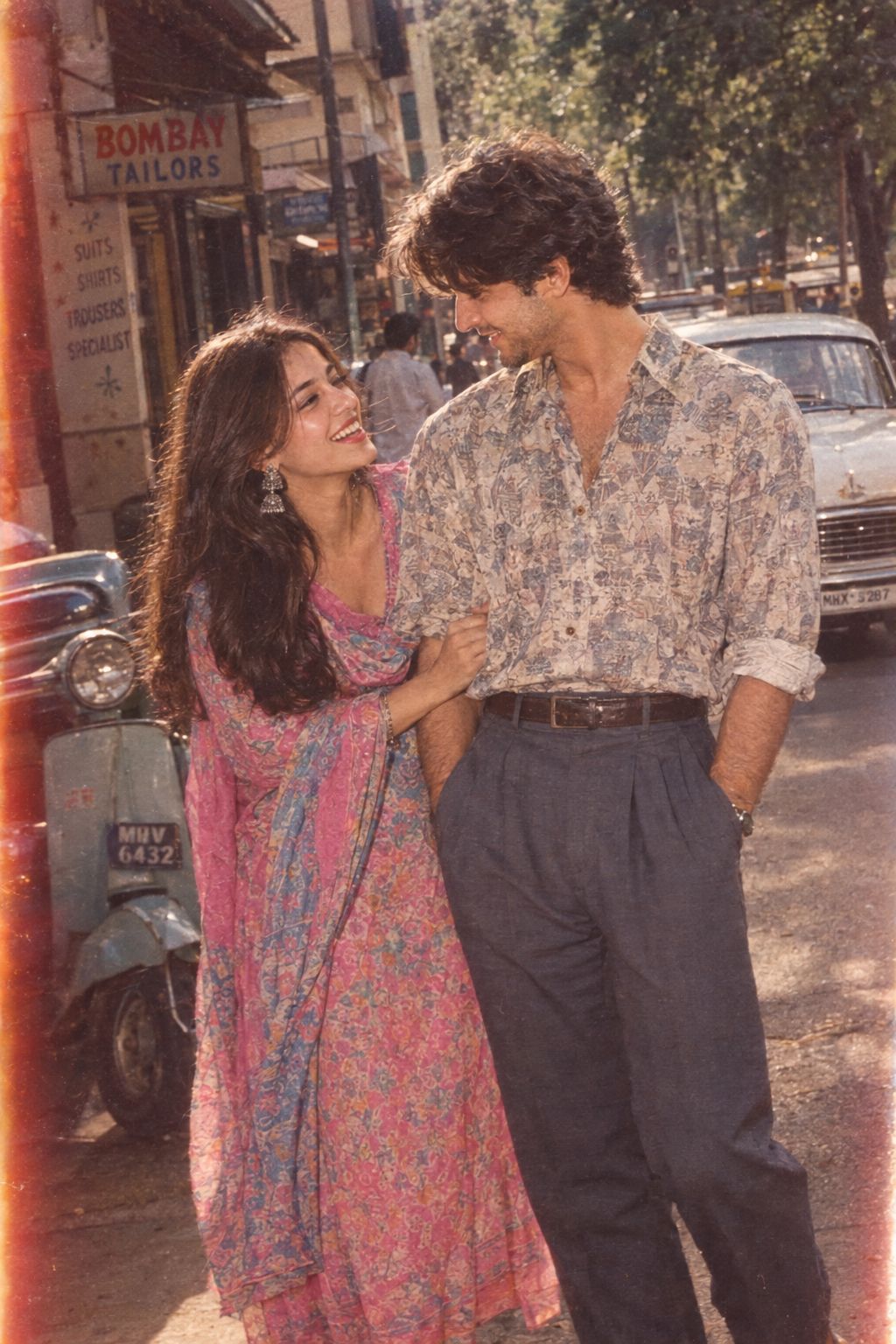
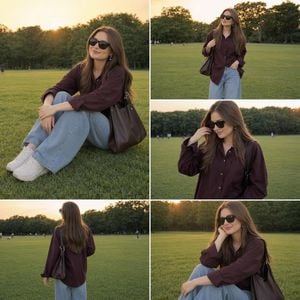
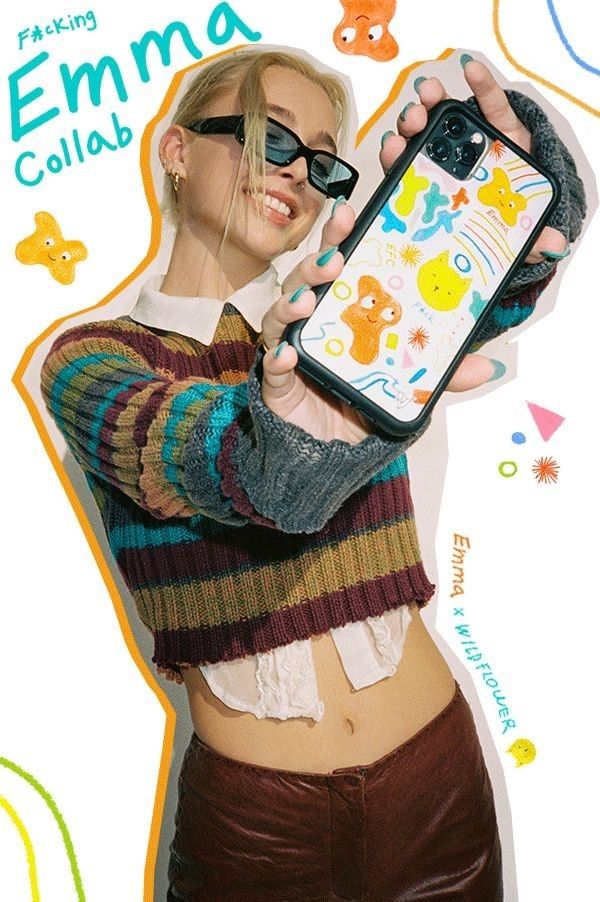
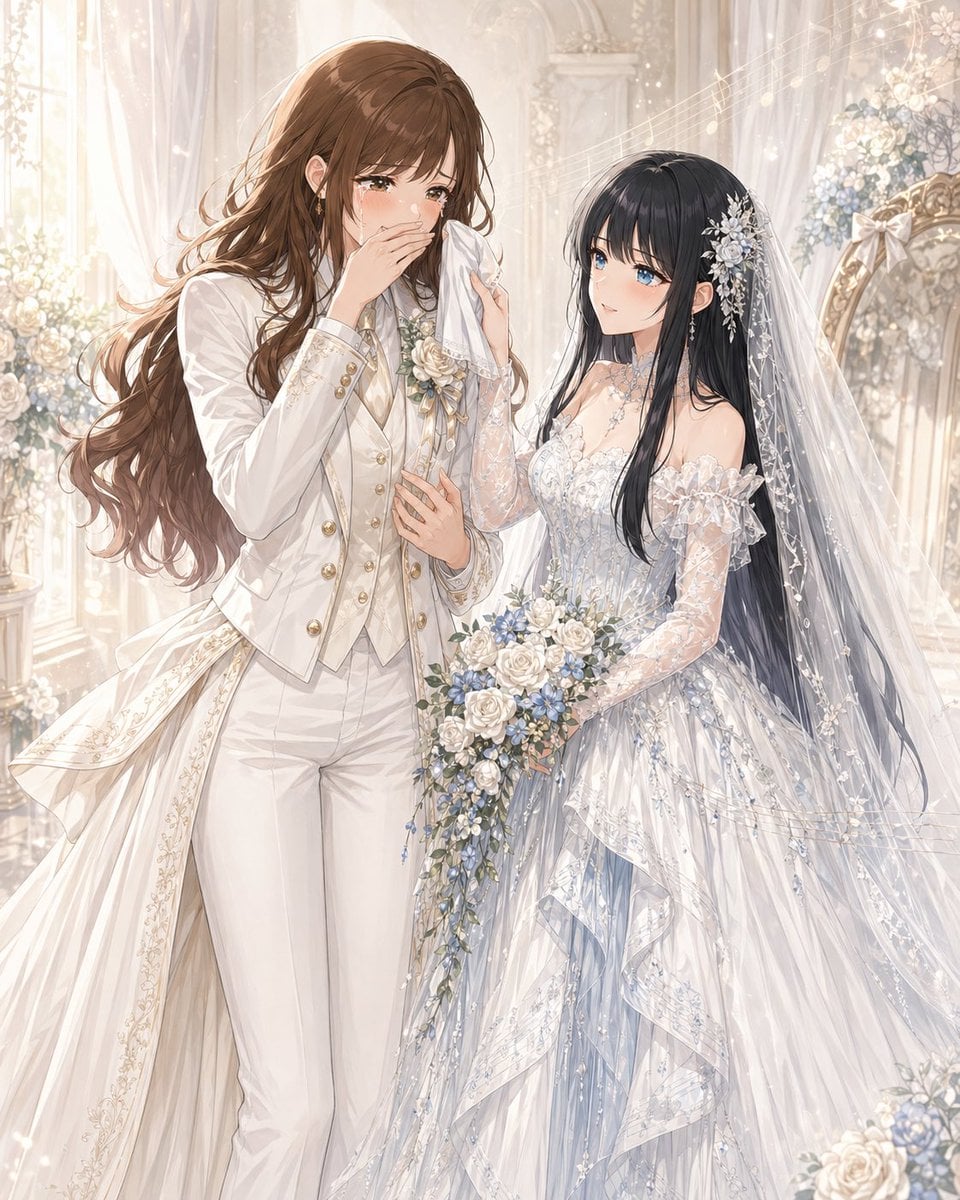
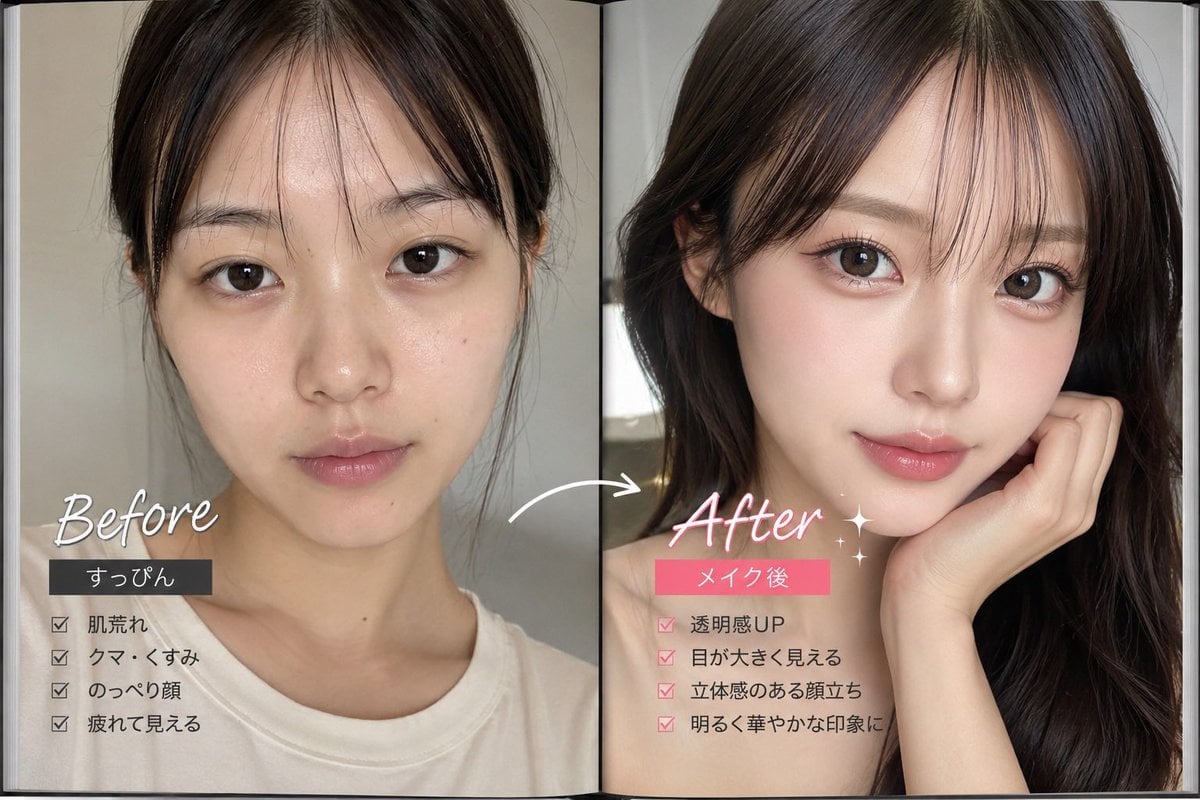
Whimsical Street Style Collage is a ready photo look.

{ "prompt": "A modern lifestyle fashion advertisement featuring a stylish young woman wearing a black polka dot top, white wide-leg pants, and sunglasses, standing on a city street. She is reaching out toward a collection of floating aesthetic objects like a teapot, cosmetics, key, slippers, letters, and small decorative items arranged in a collage style around her. The background shows elegant urban buildings and natural daylight. Trendy, editorial, ultra realistic, high-end fashion photography, 4K.", "size": "1024x1024", "n": 1 }
Edit the prompt in the box under the preview — the template's model and format are already selected — and press Generate. Your version appears right on this page.
Yes. You can change the subject, setting, lighting, mood, format, and available model controls before creating your image.
Opening and editing this template is free. Generating uses credits, shown on the Generate button when you are signed in.
Choose a compatible model in PicX Studio based on the style, speed, and output controls your project needs.
Follow a topic to a crawlable collection of related PicX Studio templates.