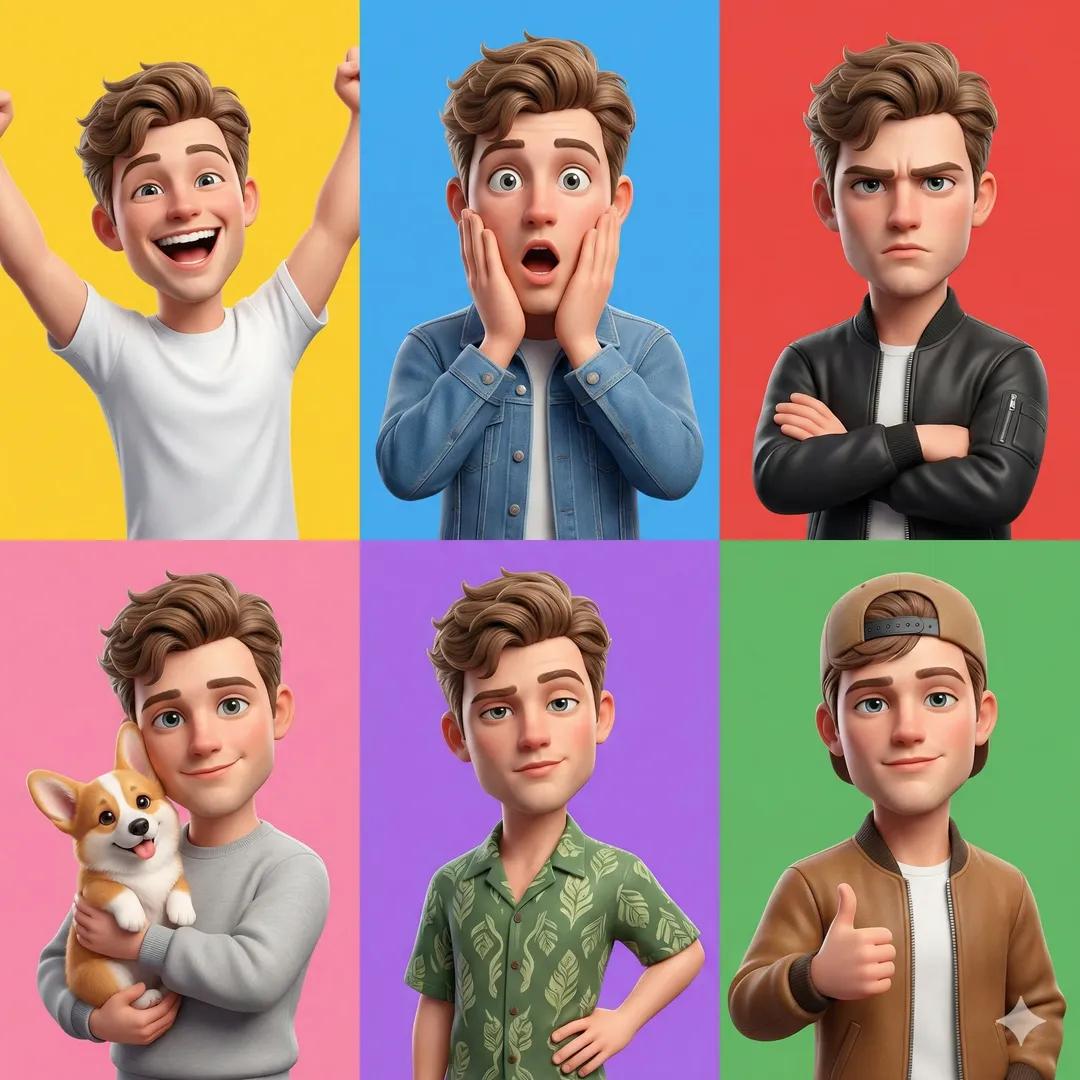
How do I use the 3D Cartoon Character Emotion Grid template?
Choose the primary action to open PicX Studio with the available template settings. Review the model and format, personalize the creative direction, and generate when ready.
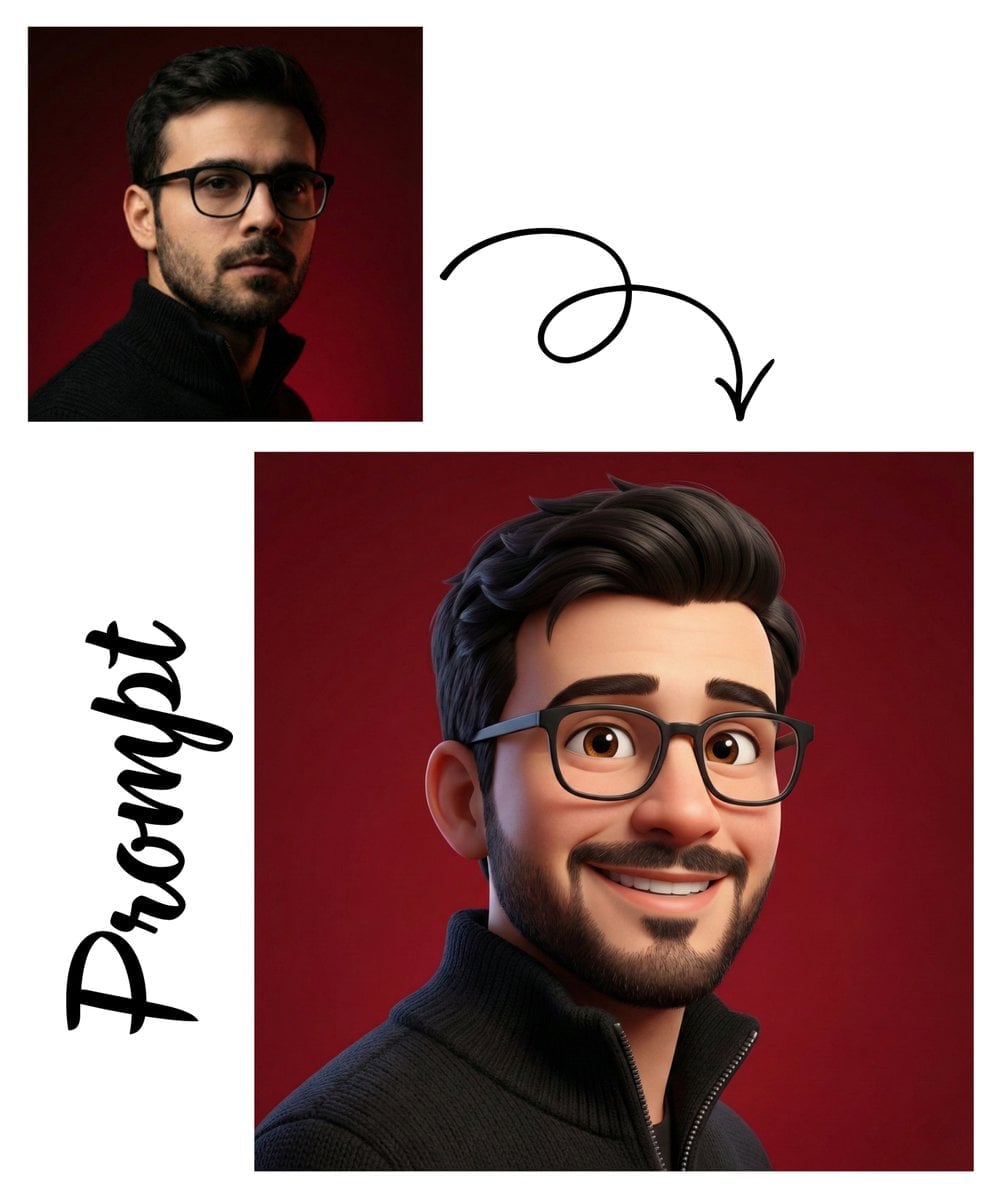
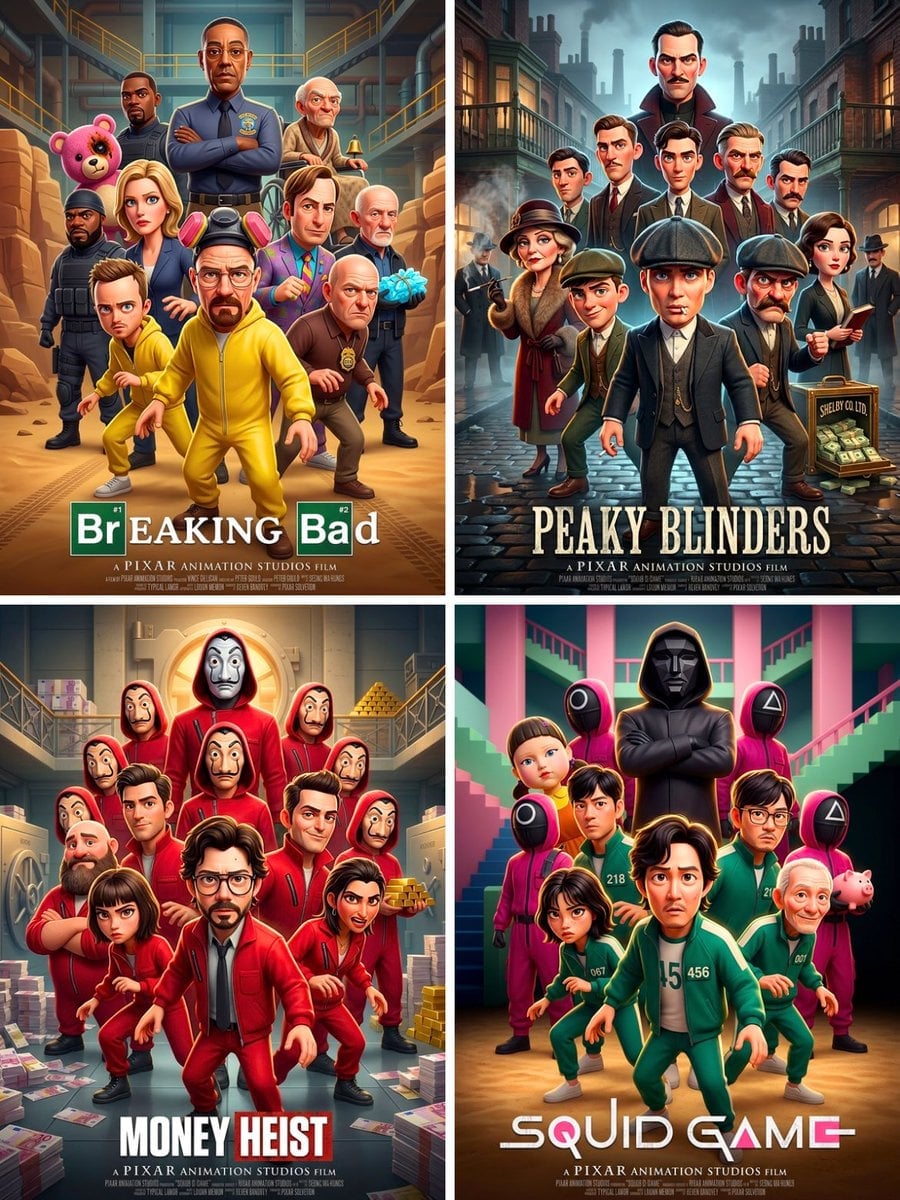
A Pixar-style animation prompt that generates a 3x3 grid of a character displaying various distinct emotions.
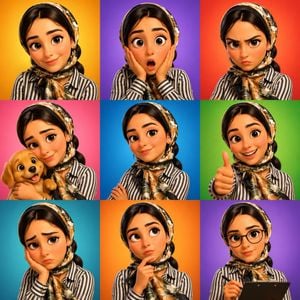
3D {argument name="character type" default="cartoon avatar character"} showing different emotions arranged in a 3x3 grid, same {argument name="gender" default="male/female"} character, {argument name="animation style" default="Pixar-style"} animation, each square showing a different expression (happy, shocked, angry, caring with a puppy, confident, thumbs up, sad, thinking, professional), colorful gradient backgrounds for each panel, soft studio lighting, smooth 3D rendering, expressive eyes and facial expressions, modern emoji-style character design, clean composition, ultra-detailed, vibrant colors, 8K.
Choose the primary action to open PicX Studio with the available template settings. Review the model and format, personalize the creative direction, and generate when ready.
Yes. You can change the subject, setting, lighting, mood, format, and available model controls before creating your image.
This template is free to open and customize. Generation usage is shown in PicX Studio before you create.
Start with GPT Image 2, which is the model associated with this template. You can compare another compatible model for a different finish.
Follow a topic to a crawlable collection of related PicX Studio templates.