
Realistic Japanese Restaurant Portrait
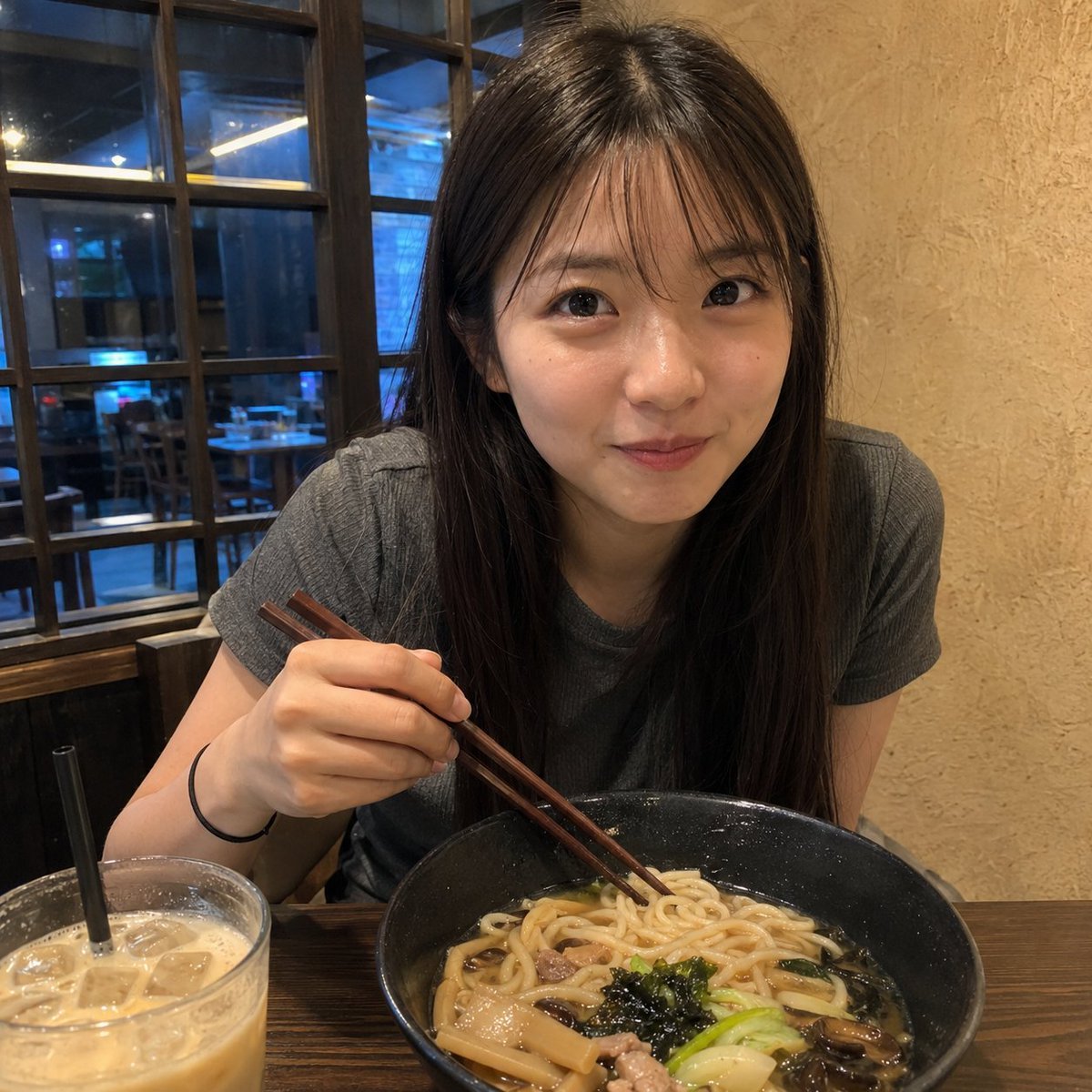
A detailed prompt for generating a hyper-realistic smartphone-style photo of a young East Asian woman dining in a Japanese restaurant, capturing a candid, gentle expression.
- Prompt included
- Model and format preset
- Free template
The prompt behind this image
Copy the exact prompt behind Realistic Japanese Restaurant Portrait, or open it in the studio and make it yours.
生成一张 1:1 比例的超写实手机随拍照片。一位{argument name="人物" default="二十多岁的漂亮东亚女生"}坐在{argument name="餐厅环境" default="温暖安静的日式餐厅"}里吃面,身体稍微前倾,正面看向镜头。她有自然清秀的圆润鹅蛋脸、白皙真实的皮肤、深棕色大眼睛和淡淡的腮红;长直深棕发披在肩前,额前是轻薄、略微凌乱的空气刘海,穿{argument name="上衣样式" default="简单的深灰色短袖上衣"}。重点还原她的神情:眼睛微微睁大,目光安静专注地看着镜头;嘴唇轻轻抿住,嘴角只有一点点上扬,脸颊略微鼓起,像刚吃完一口面、突然发现朋友在拍她,带着害羞、温柔又有一点忍笑的感觉。不要露齿大笑,不要夸张表情。她一只手自然握着黑色筷子,筷子停在面碗上方。桌面中央是一只装有粗面、海带、蘑菇和蔬菜的黑色陶瓷大碗,左侧放着一杯带冰块和黑色吸管的浅色奶饮。背景是米黄色墙面和黑色木格栅窗,窗后透出轻微的冷蓝色光。朋友坐在桌子对面用手机拍摄,略微俯拍,人物上半身、面碗和饮料完整入镜。真实皮肤纹理、自然五官比例、轻微手机广角感、普通餐厅灯光、随意构图、轻微噪点,不要影棚感、不要磨皮、不要动漫感、不要文字和水印。
How to use Realistic Japanese Restaurant Portrait in 3 steps
- 1
Open
The prompt is already in the box next to the preview, with the template's model and format selected.
- 2…a portrait of your subject in softgolden-hour light, 85mm…
Personalize
Edit the subject and creative details for your destination.
- 3Generate
Generate
Press Generate — your image is created in PicX Studio, so you can compare it with the original and refine one variable at a time.
More like this
Templates with the same subject, style or setup. Open one to see its prompt.

Found Photograph: Us, 1970

80s Couple Studio Portrait

80s Bollywood Star

80s Golden Hour Cinema

Me in 1985

1985 Studio Portrait

Hyper-Realistic Minecraft POV Portrait

Minecraft Japanese Research Lab Exploration

Rooftop Fisheye — Cat-Ear Balaclava at Golden Hour

Rainy Café Window Moody Portrait
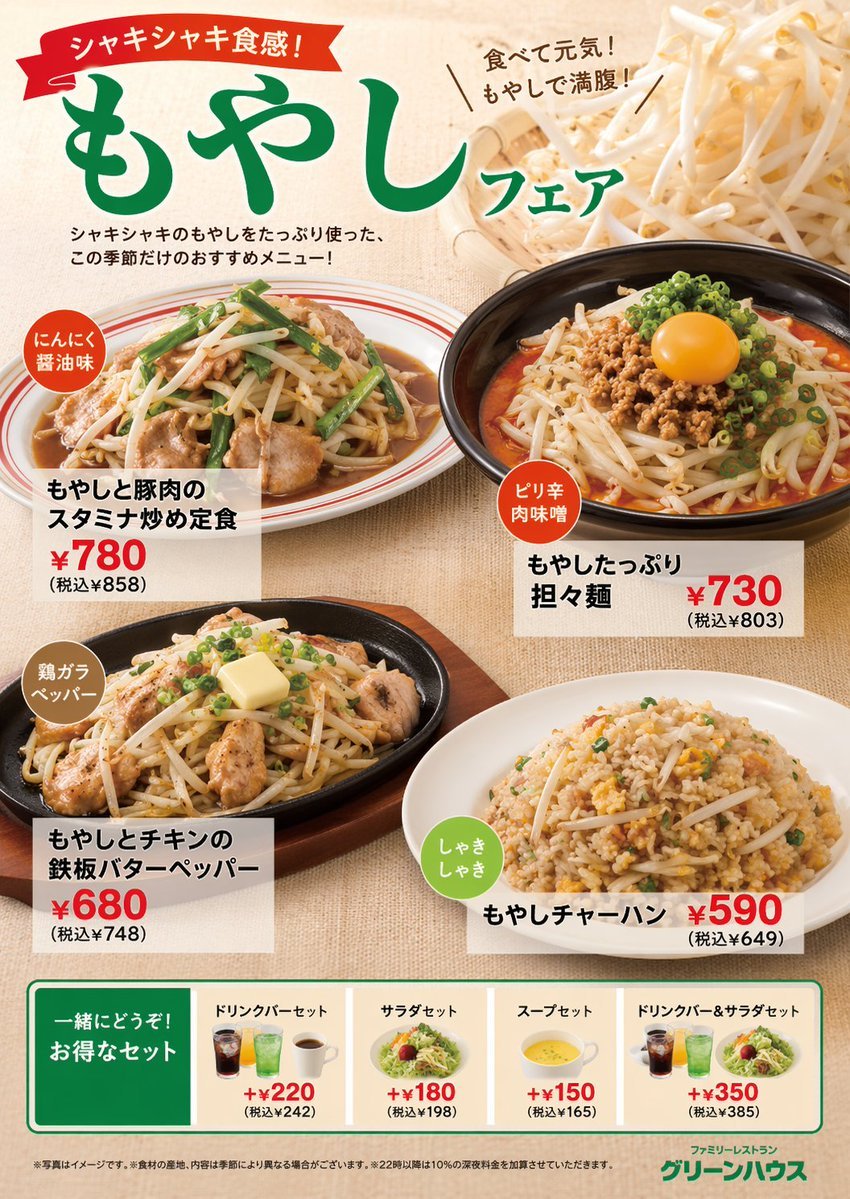
Japanese Restaurant Promotional Menu Poster

untitled
Make it yours
Realistic Japanese Restaurant Portrait works as-is. These are the safest ways to change it without losing the look.
Change one field
Copy a single group, rewrite it, and generate again so you can see what that field is doing.
Keep the frame, change the subject
Hold the composition and light of Realistic Japanese Restaurant Portrait, then swap wardrobe, props or the person for a new take.
| If the result… | Why | Fix |
|---|---|---|
| The result drifts from the preview | Too many fields changed at once. | Reuse Realistic Japanese Restaurant Portrait as-is first, then change one group — subject, light, or setting. |
| The model over-stylizes the scene | The prose prompt leaves finish and camera underspecified. | Add one camera or lighting sentence and stay on GPT Image 2. |
More GPT Image 2 templates
Other prompts made for GPT Image 2.

Six VTuber Japanese Logo Sheet

Realistic Portrait of Woman and Deer

The Vista Modular Condo Poster

AI Model Routing Comparison Infographic

2.5D Anime Art Board

Isometric Productivity Desk Scene

New York Double Exposure Poster

Four-Panel AI Landscape Comparison

Japanese Tatami Lifestyle Magazine Cover

NESCAFÉ Coffee Map Poster
More image prompts
Fresh picks from across the catalog.
Gacha Game UI Mockup
Surreal deep sea storage illusion prompt
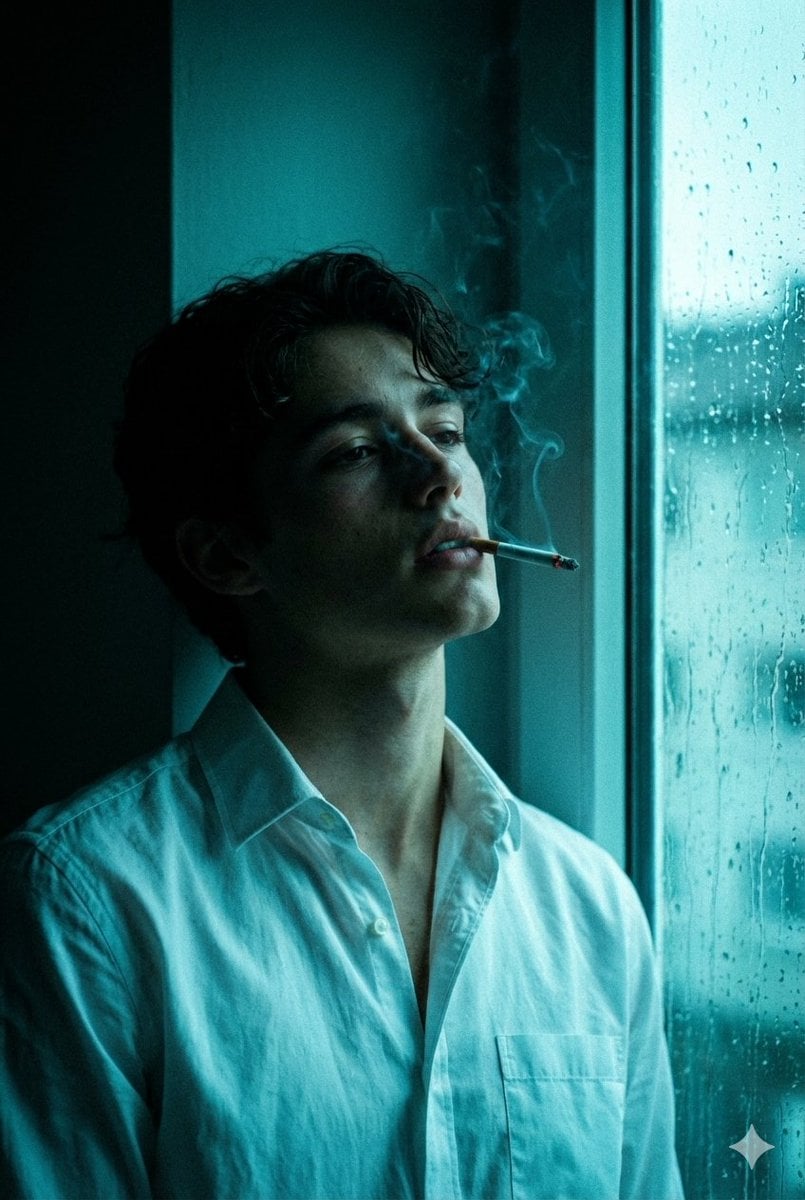
Cinematic Melancholy Portrait in Turquoise
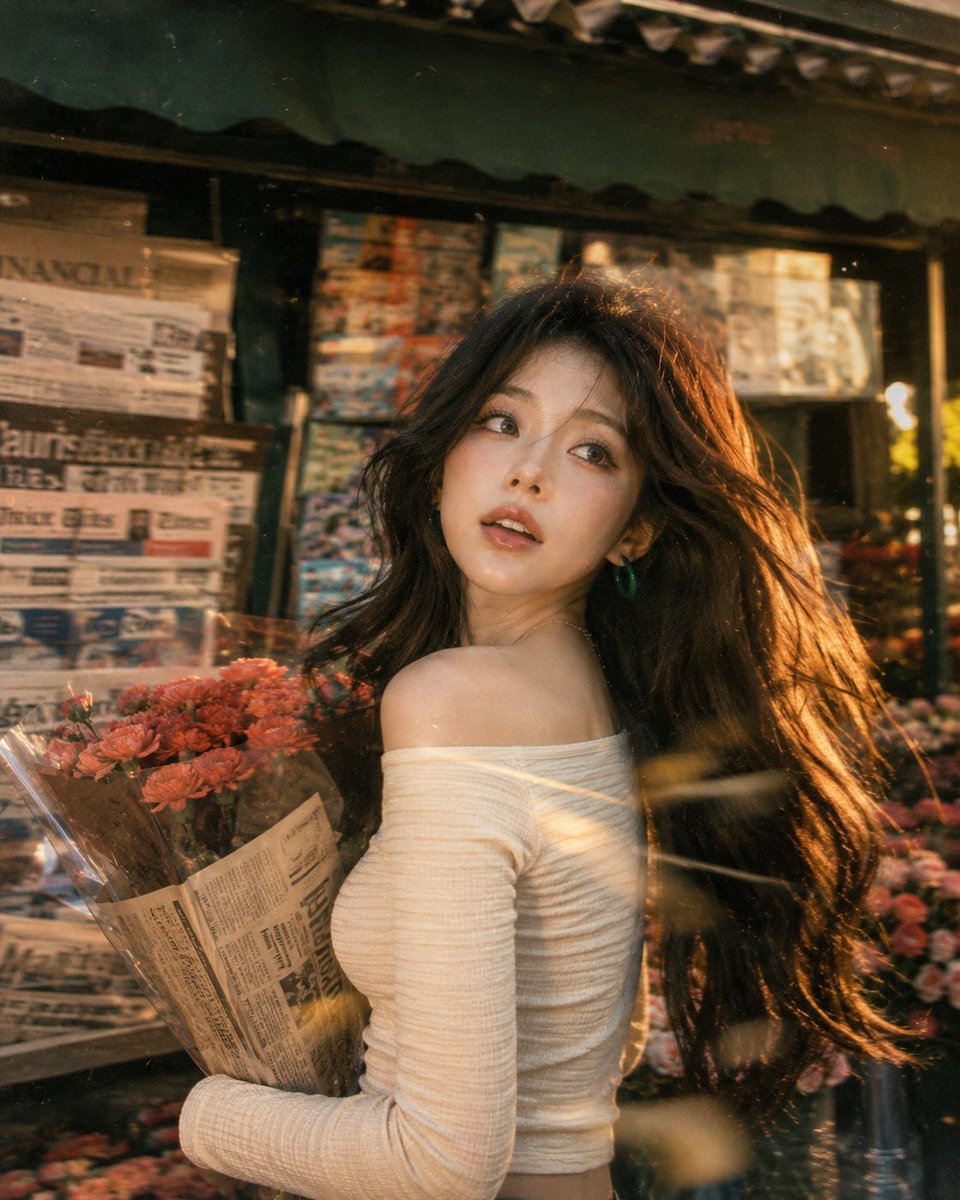
Vintage Fujifilm Film Portrait
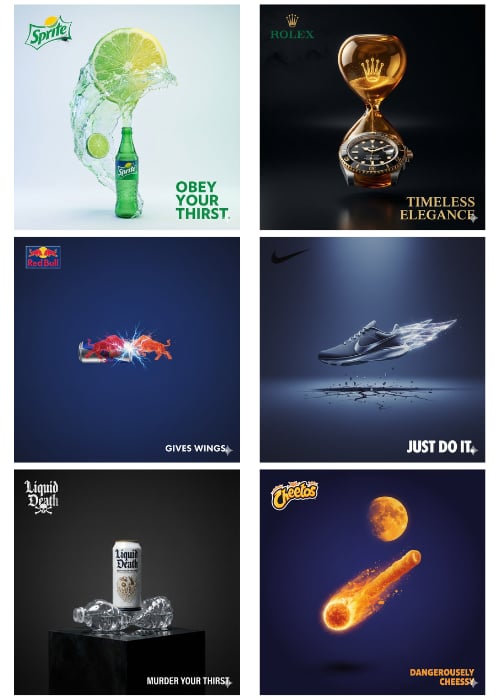
1Wrd Ad Generator
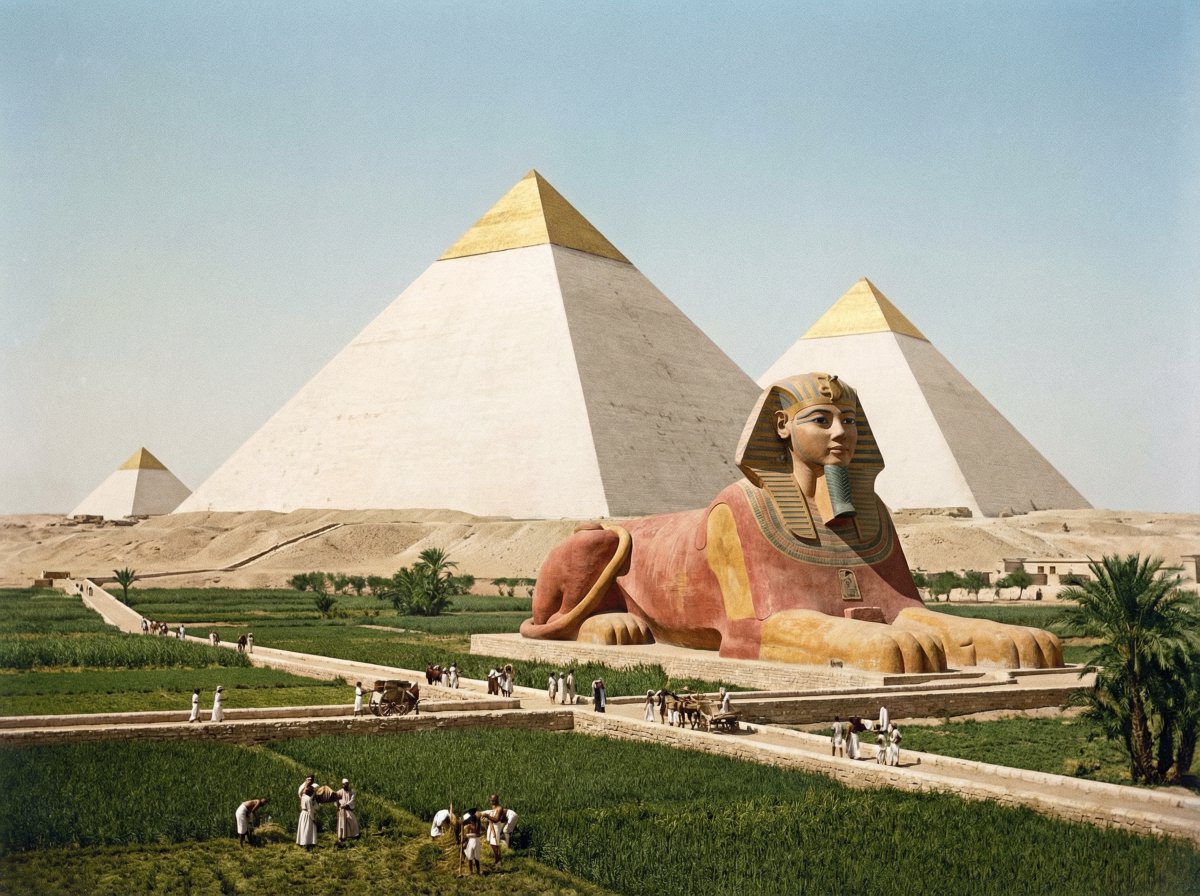
Restored pyramids and Sphinx
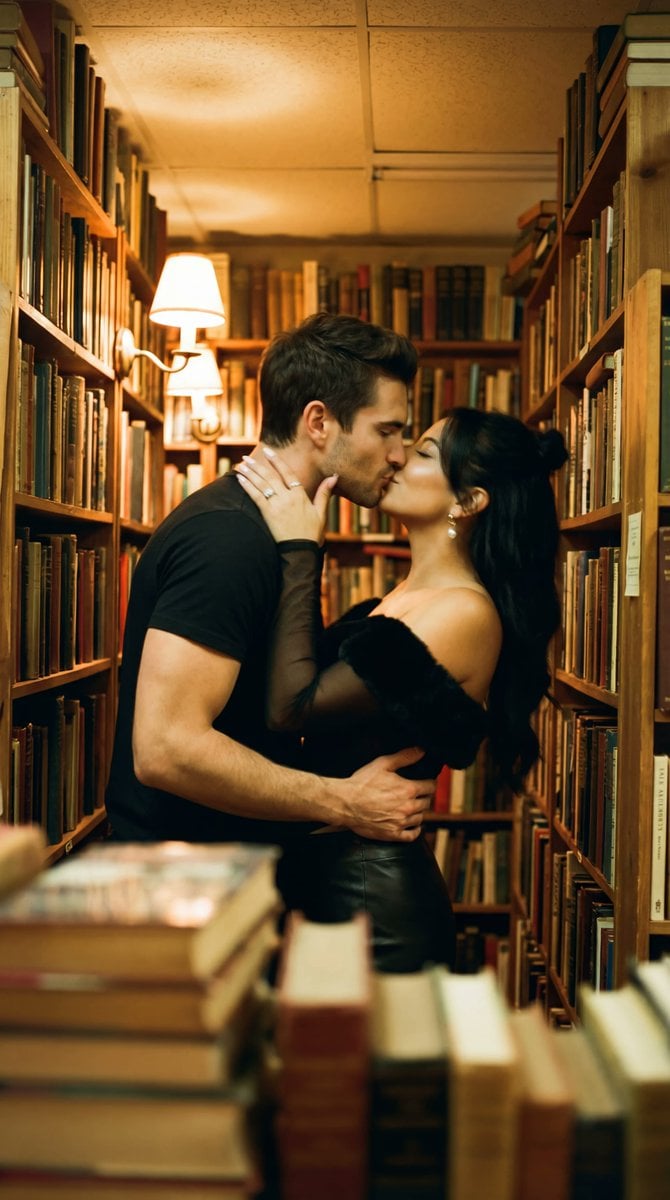
Photorealistic Cinematic Kiss in a Cozy Bookstore Aisle
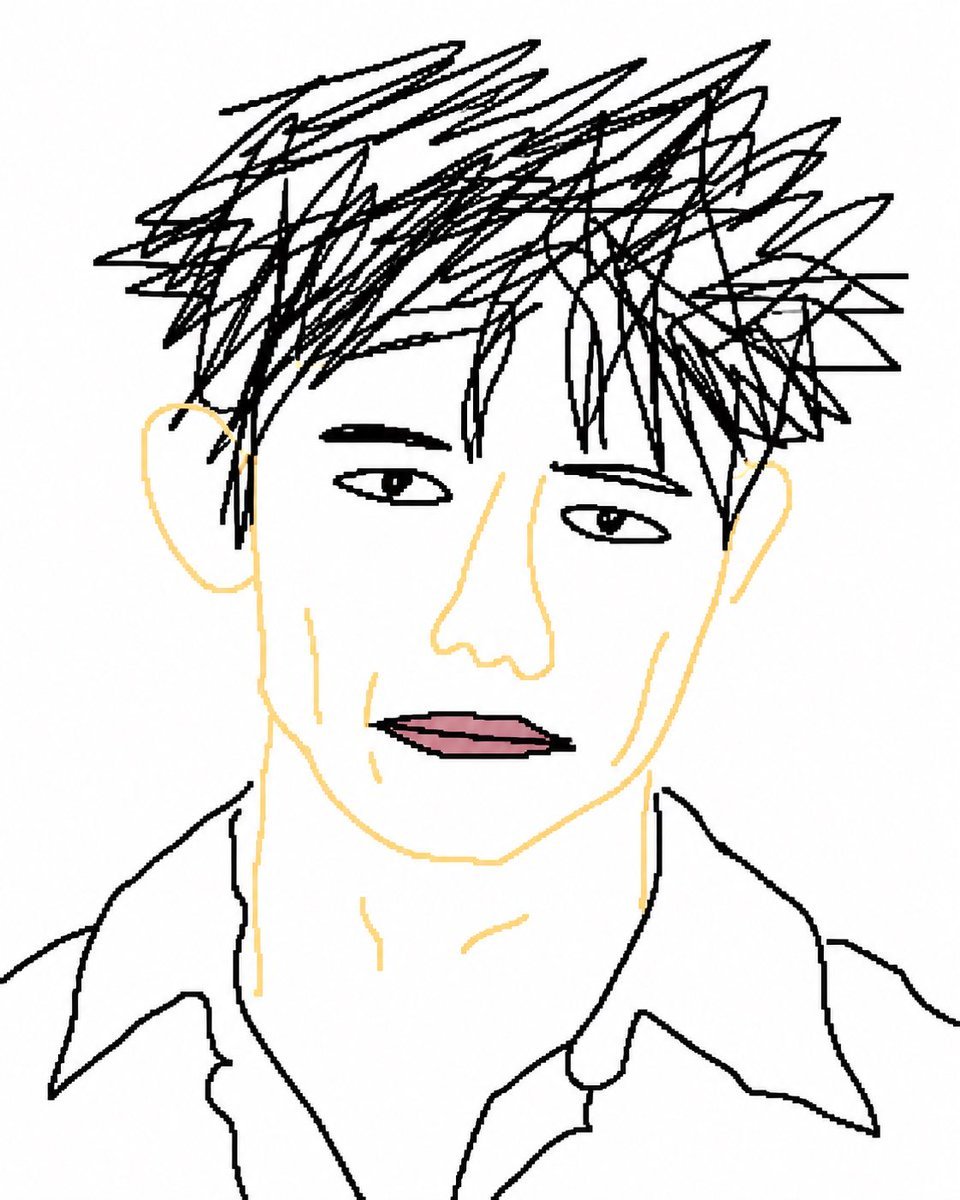
Intentionally Bad MS Paint Redraw
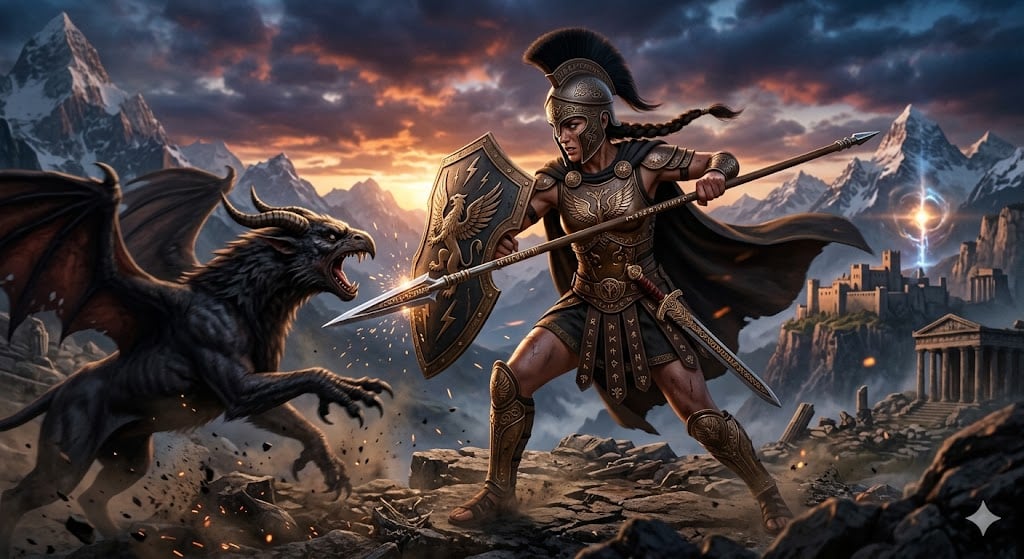
Nano Banana Pro Image Generation of a Mythological Warrior
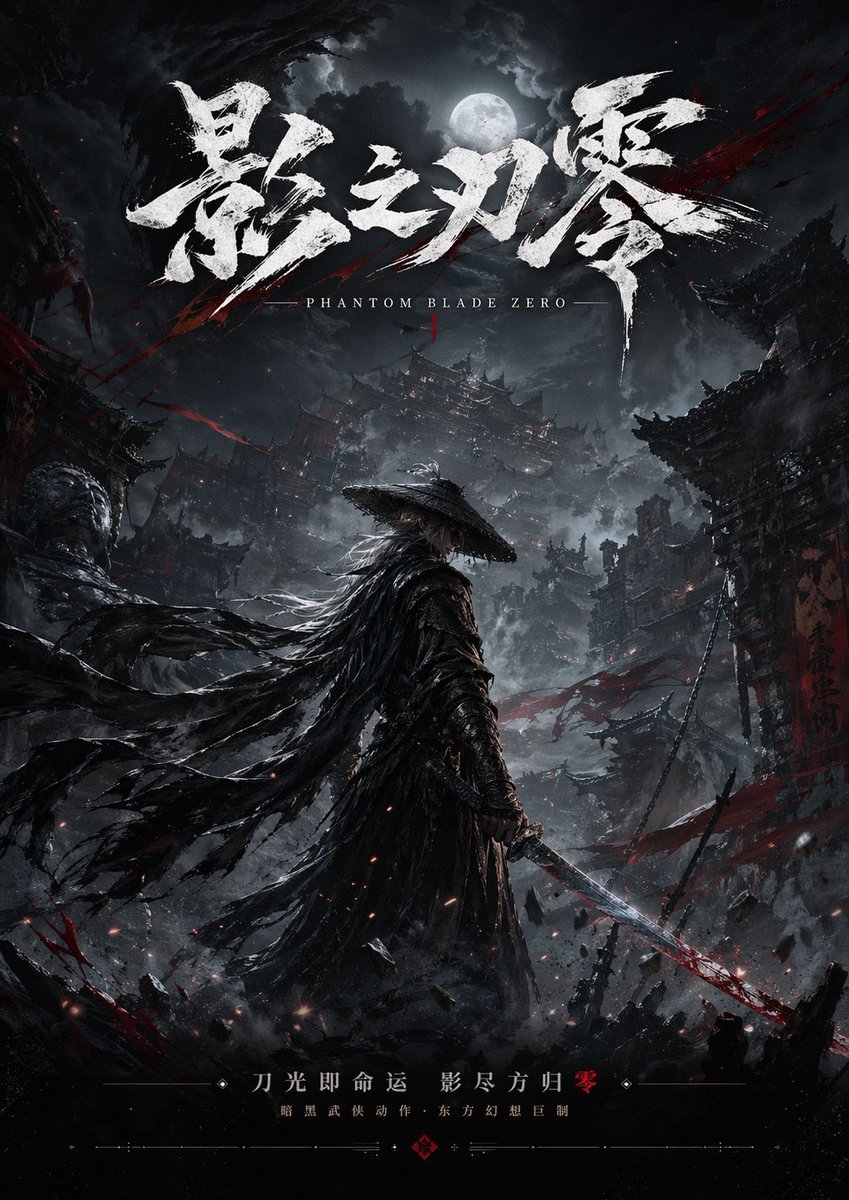
Dark Wuxia Game Poster
Browse template categories
Realistic Japanese Restaurant Portrait questions
How do I use the Realistic Japanese Restaurant Portrait template?
Add your photo if the template asks for one, edit the prompt if you like — the template's model and format are already selected — and press Generate. Your version opens in PicX Studio.
Can I customize the Realistic Japanese Restaurant Portrait template?
Yes. You can change the subject, setting, lighting, mood, format, and available model controls before creating your image.
Is the Realistic Japanese Restaurant Portrait template free?
Opening and editing this template is free. Generating uses credits, shown on the Generate button when you are signed in.
Which AI model should I use?
Start with GPT Image 2, which is the model associated with this template. You can compare another compatible model for a different finish.
Looking for something else? Browse all templates.

Your photo, any look
Thousands of ready templates for every top image and video model, from one credit balance.