How do I use the Minimalist Streetwear Portrait template?
Edit the prompt in the box under the preview — the template's model and format are already selected — and press Generate. Your version appears right on this page.
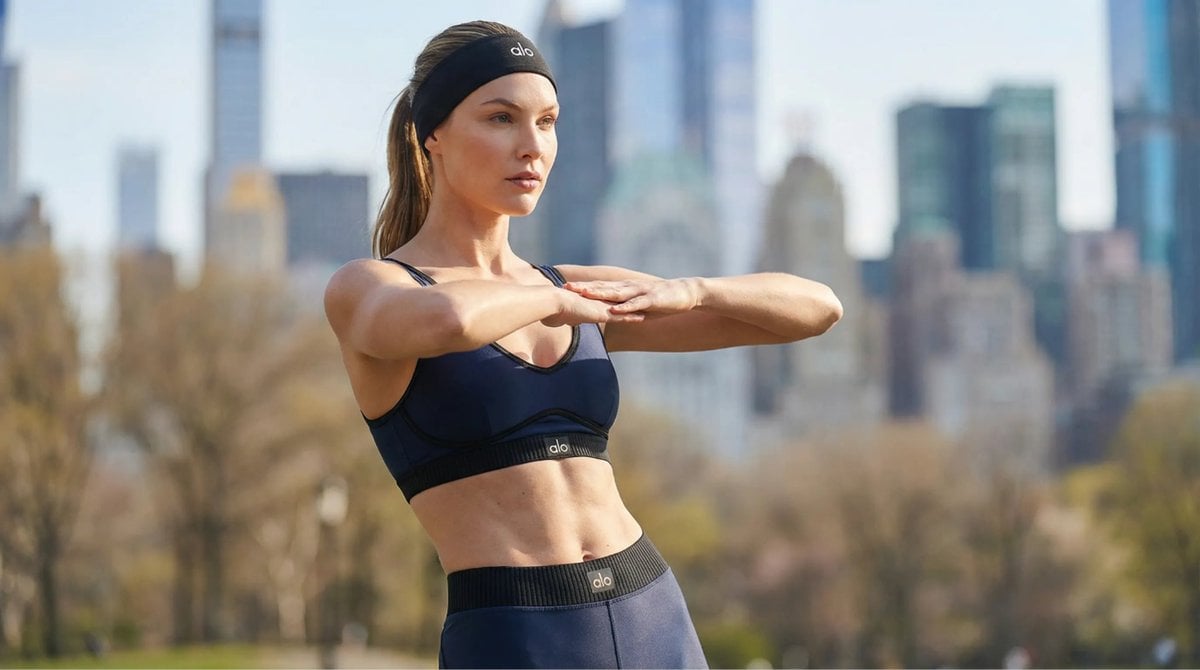
An urban fashion prompt for a male subject wearing oversized streetwear in a minimalist neutral palette.

Handsome fair-skinned young man, {argument name="bottoms" default="oversized wide-leg trousers"}, relaxed fit shirts, premium streetwear fashion, {argument name="colors" default="minimalist neutral color palette"}, sunglasses and cap, modern urban lifestyle, casual luxury aesthetic, confident walking pose, {argument name="setting" default="European street background"}, fashion influencer style, editorial menswear photography, ultra-realistic, sharp focus, trendy Gen-Z outfit inspiration, soft natural lighting, 8K,
Handsome fair-skinned young man, {argument name="bottoms" default="oversized wide-leg trousers"}, relaxed fit shirts, premium streetwear fashion, {argument name="colors" default="minimalist neutral color palette"}, sunglasses and cap, modern urban lifestyle, casual luxury aesthetic, confident walking pose, {argument name="setting" default="European street background"}, fashion influencer style, editorial menswear photography, ultra-realistic, sharp focus, trendy Gen-Z outfit inspiration, soft natural lighting, 8K,
Edit the prompt in the box under the preview — the template's model and format are already selected — and press Generate. Your version appears right on this page.
Yes. You can change the subject, setting, lighting, mood, format, and available model controls before creating your image.
Opening and editing this template is free. Generating uses credits, shown on the Generate button when you are signed in.
Start with GPT Image 2, which is the model associated with this template. You can compare another compatible model for a different finish.
Follow a topic to a crawlable collection of related PicX Studio templates.