
Act as a 3D Type Designer and CGI Artist working at the intersection
[BRAND NAME] [COLOR] Act as a 3D Type Designer and CGI Artist working at the intersection of streetwear culture, Y2K aesthetics, and high-end digital sculpture.
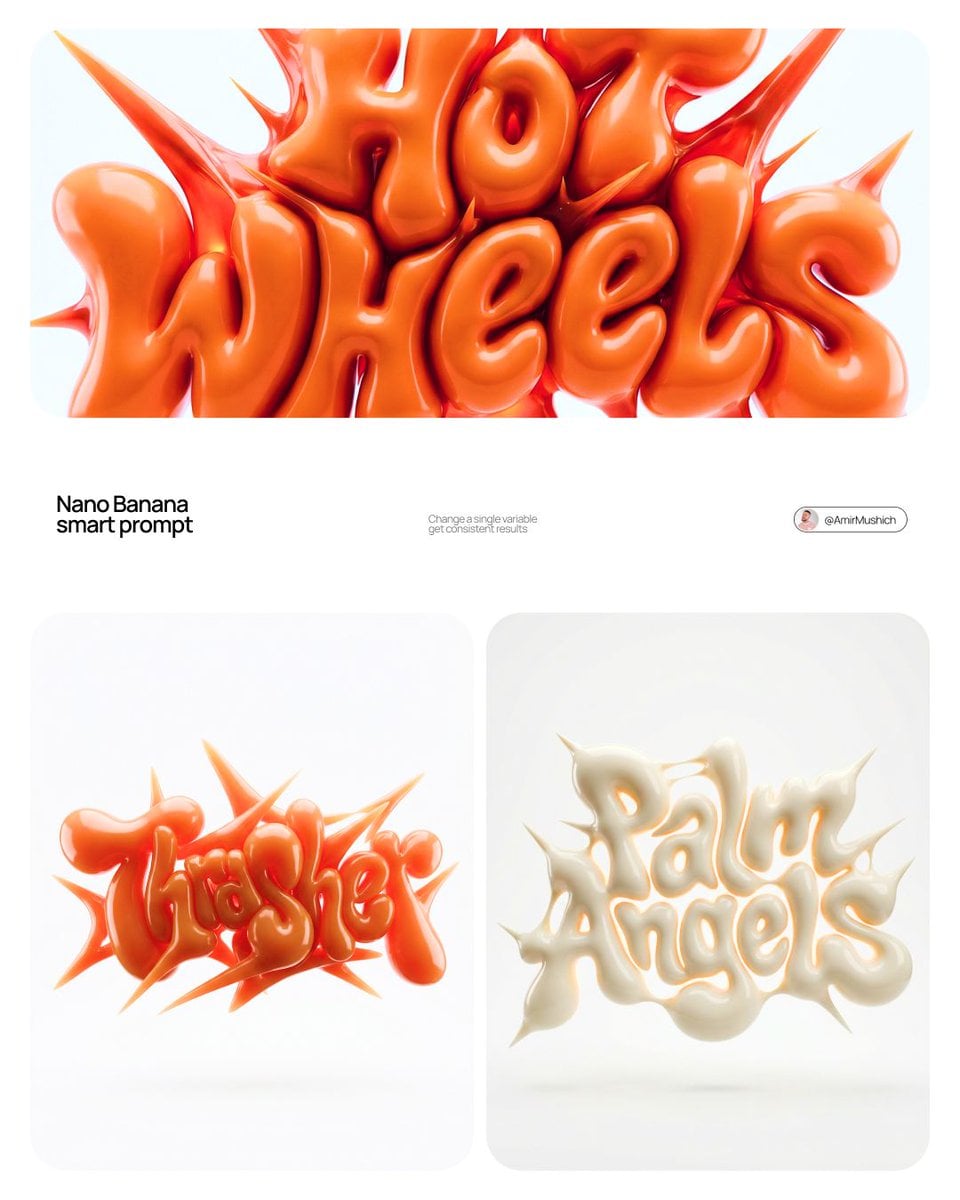
- Prompt included
- Model and format preset
- Premium template
The prompt behind this image
Copy the exact prompt behind Act as a 3D Type Designer and CGI Artist working at the intersection, or open it in the studio and make it yours.
[BRAND NAME] | [COLOR] Act as a 3D Type Designer and CGI Artist working at the intersection of streetwear culture, Y2K aesthetics, and high-end digital sculpture. Your references: Nigo, Futura, Guccimaze, Soulwax art direction. --- PHASE 1: TYPOGRAPHIC CONCEPT Render the word or logotype [BRAND NAME] as a fully 3D sculptural object — not a flat text with extrusion, but a living, inflated, organic type sculpture. Style: Wildstyle graffiti DNA fused with inflatable balloon morphology. Letters are not separate — they flow into each other as one continuous organic mass. Each letterform has: bulbous pneumatic body as if inflated under high pressure from within, stretching the surface taut. Aggressive spike extensions — sharp tapered protrusions erupting between and around letters, directional, asymmetric, energetic, some long and blade-like, others short and thorn-like. Wildstyle overlaps — letters partially occlude each other creating depth layers, classic graffiti ambiguity where readability fights with visual complexity. Organic connective tissue — negative spaces between letters filled with stretched membrane forms, like rubber pulled between two inflated surfaces. --- PHASE 2: MATERIAL & SURFACE Single unified material across the entire sculpture — no color variation between letters. Material type: high-gloss latex / inflated rubber / soft silicone — the surface behaves like a balloon skin stretched to near-bursting point. Subsurface scattering: active — light penetrates slightly into the material, creating a translucent inner glow at thin edges and spike tips. Thinner areas read lighter, denser volumes read darker. Specular highlights: large, soft, slightly elongated — the kind you get on inflated latex, not hard plastic. Multiple secondary highlights in concave zones. Apply [COLOR] as the sole material color of the entire sculpture — this is non-negotiable. [COLOR] defines the pure midtone of the material. Highlights push toward the most luminous near-white version of [COLOR]. Shadow zones and deep crevices push toward the darkest most saturated version of [COLOR]. The entire chromatic range of the sculpture lives within the [COLOR] family — no hue deviation, no neutral grays. --- PHASE 3: COMPOSITION & STAGING Background: pure white (#FFFFFF) — clinical studio isolation. Zero texture, zero gradient. Shadow: none, or absolute minimum contact shadow directly beneath the sculpture — the object appears to float slightly. Orientation: horizontal spread — the sculpture is wider than tall, expanding laterally. Spike elements breach the invisible bounding box on all sides — top spikes reach upward, side extensions push outward. Camera angle: straight-on frontal, slightly elevated 5 to 10° above center — reveals the full typographic mass while showing the 3D depth of overlapping elements. Depth of field: none — sharp from foreground spikes to background letter bodies, every detail in focus. Scale feel: monumental — as if the sculpture is 2 meters wide in physical space, photographed in a white infinity studio. --- PHASE 4: TECH SPECS Render engine: Octane Render or Redshift — physically accurate subsurface scattering mandatory. Global illumination: large soft HDRI dome light, neutral white temperature 5500K. No directional shadows. No rim lights. No background elements. Ray tracing: on — for accurate specular and inter-reflection between letter surfaces. Anti-aliasing: maximum — edges must be razor-clean against white background. Output feel: this is a CGI product render, not AI art. Precision over expressionism. Aspect ratio: 1:1 square — centered composition with breathing room on all four sides.
How to use Act as a 3D Type Designer and CGI Artist working at the intersection in 3 steps
- 1
Open
The prompt is already in the box next to the preview, with the template's model and format selected.
- 2…a portrait of your subject in softgolden-hour light, 85mm…
Personalize
Edit the subject and creative details for your destination.
- 3Generate
Generate
Press Generate — your image is created in PicX Studio, so you can compare it with the original and refine one variable at a time.
More like this
Templates with the same subject, style or setup. Open one to see its prompt.

Act as a 3D Product Visualization Artist
Act as a 3D Motion Graphics Director and CGI Type Artist specializing
Act as a High-End CGI Product Photographer and 3D Render Artist
You are an experienced UI designer embracing modern, minimalistic
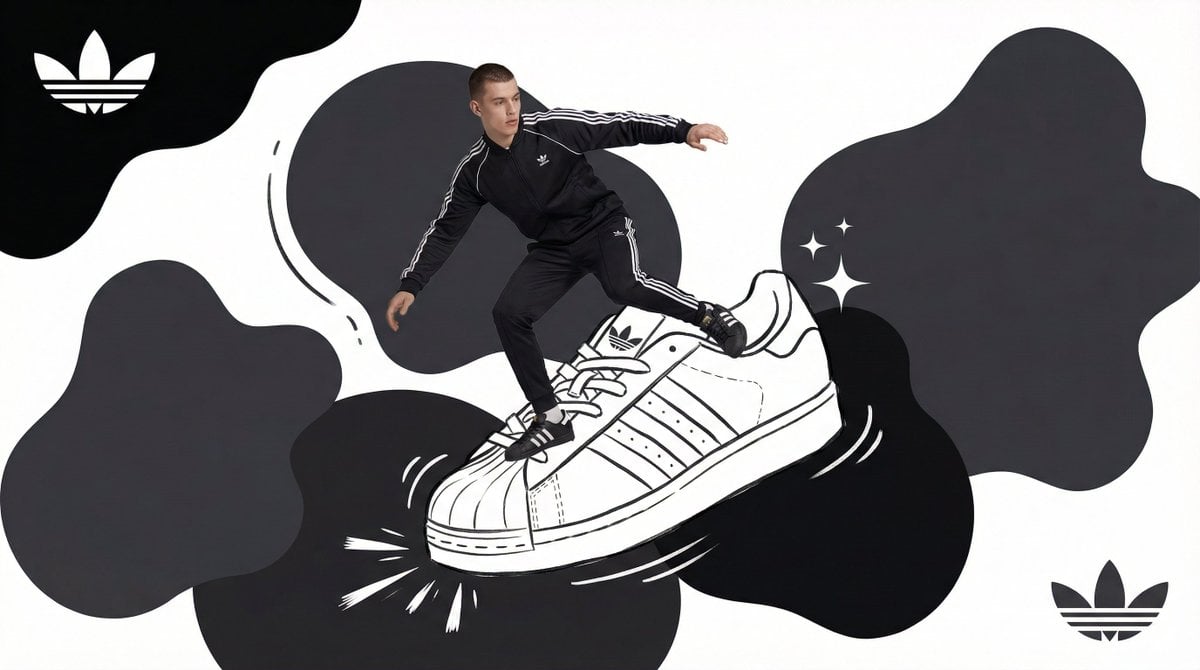
Act as a Mixed-Media Campaign Art Director
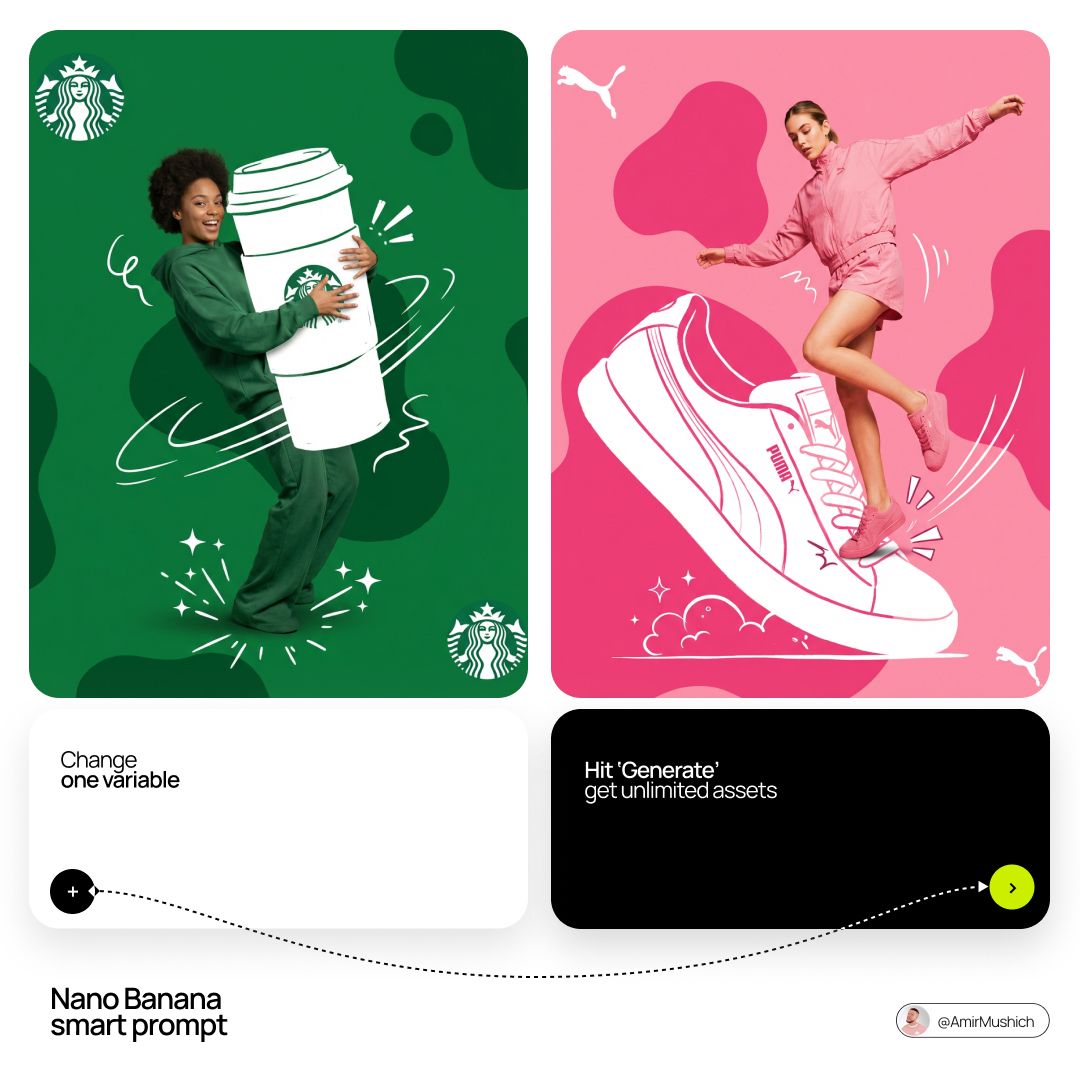
Act as a Mixed-Media Campaign Art Director
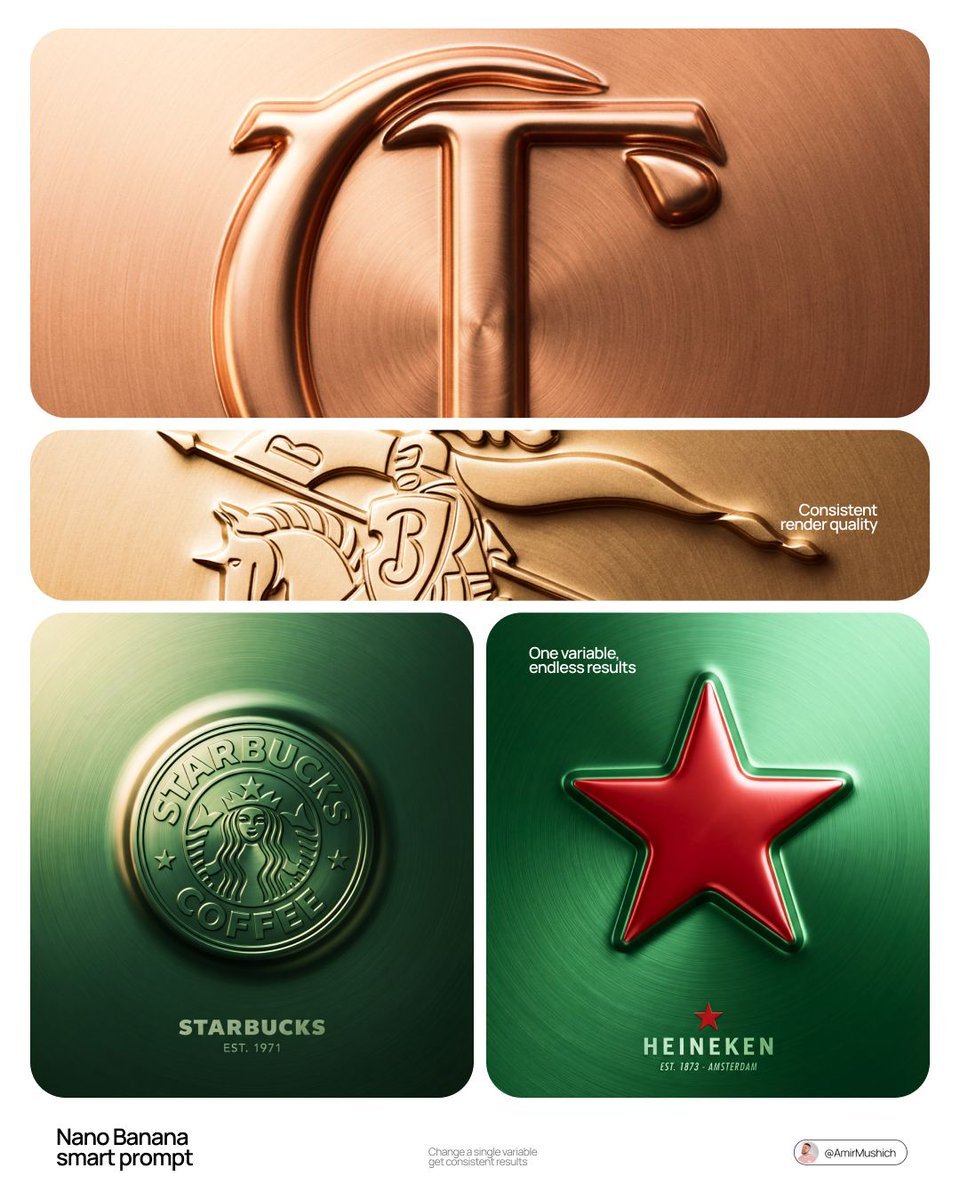
Act as a Senior CGI Artist and Brand Identity Director specializing

Act as a Senior CGI Artist and Brand Identity Director specializing

Premium 4 3 presentation cover slide introducing Chronicle

A trendy, high-end Sticker Sheet set
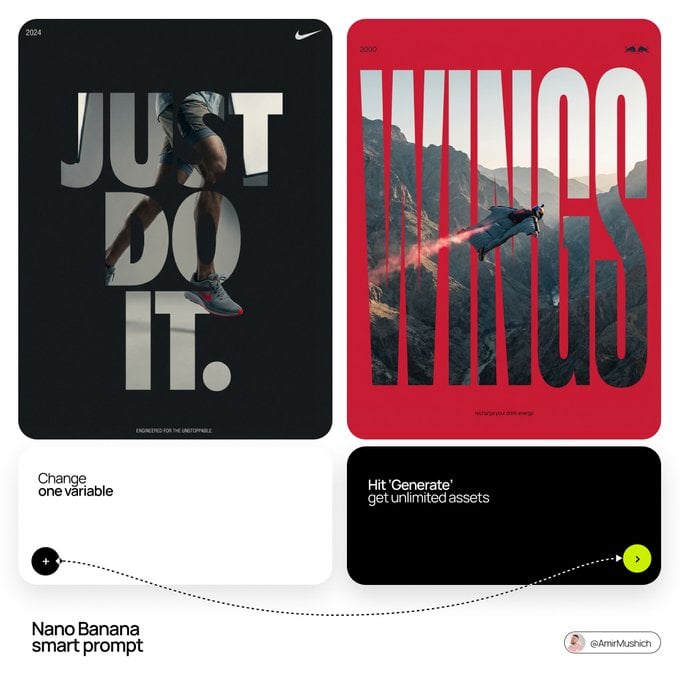
Act as a Senior Editorial Designer and Typographer

Act as a Senior Editorial Designer and Typographer
Make it yours
Act as a 3D Type Designer and CGI Artist working at the intersection works as-is. These are the safest ways to change it without losing the look.
Change one field
Copy a single group, rewrite it, and generate again so you can see what that field is doing.
Keep the frame, change the subject
Hold the composition and light of Act as a 3D Type Designer and CGI Artist working at the intersection, then swap wardrobe, props or the person for a new take.
| If the result… | Why | Fix |
|---|---|---|
| The result drifts from the preview | Too many fields changed at once. | Reuse Act as a 3D Type Designer and CGI Artist working at the intersection as-is first, then change one group — subject, light, or setting. |
| The model over-stylizes the scene | The prose prompt leaves finish and camera underspecified. | Add one camera or lighting sentence and stay on Nano Banana 2. |
More Nano Banana 2 templates
Other prompts made for Nano Banana 2.

Photorealistic Leaf Shaped Like a Dragon

K-Pop Idol Portrait Grid for Rapid Selection

Poetic Rain Forest Portrait During Golden Hour

Urban Street Portrait with Cartoon Inner Self Duo

Candid Nighttime Photo with Cat Prompt

High-Concept 3D Diorama Generation Prompt

Cinematic Futuristic Studio Portrait Template

Skincare Editorial Photography Collage Prompt

Hyper-Realistic Commercial Product Photography (Splash Effect)

Hyper-Realistic Nightclub Portrait Prompt
More image prompts
Fresh picks from across the catalog.

Gpt2 Social Media Post Nostalgic 16 Photo Couple Grid
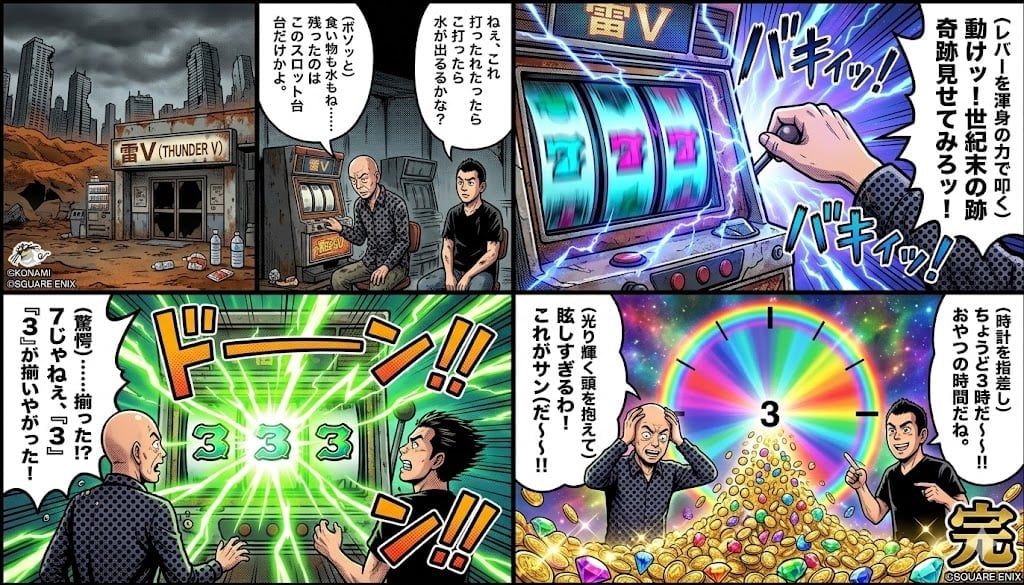
Four-Panel Manga: Viking Thunder V Century's End Version
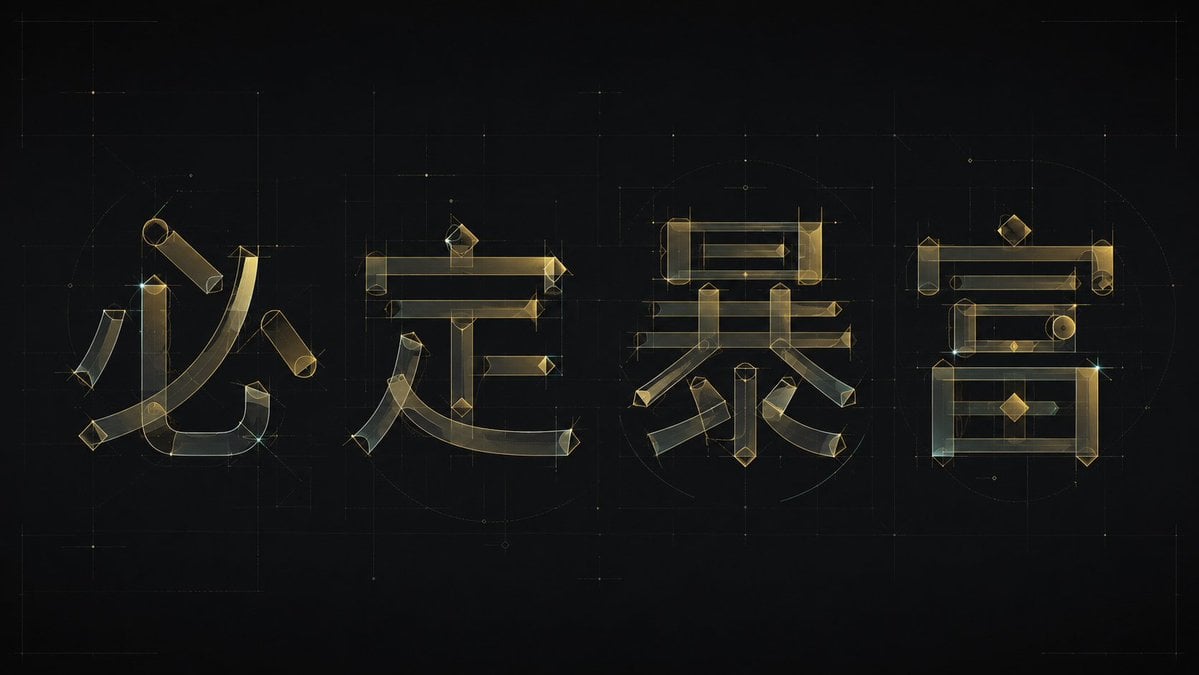
Experimental Chinese Typography Design
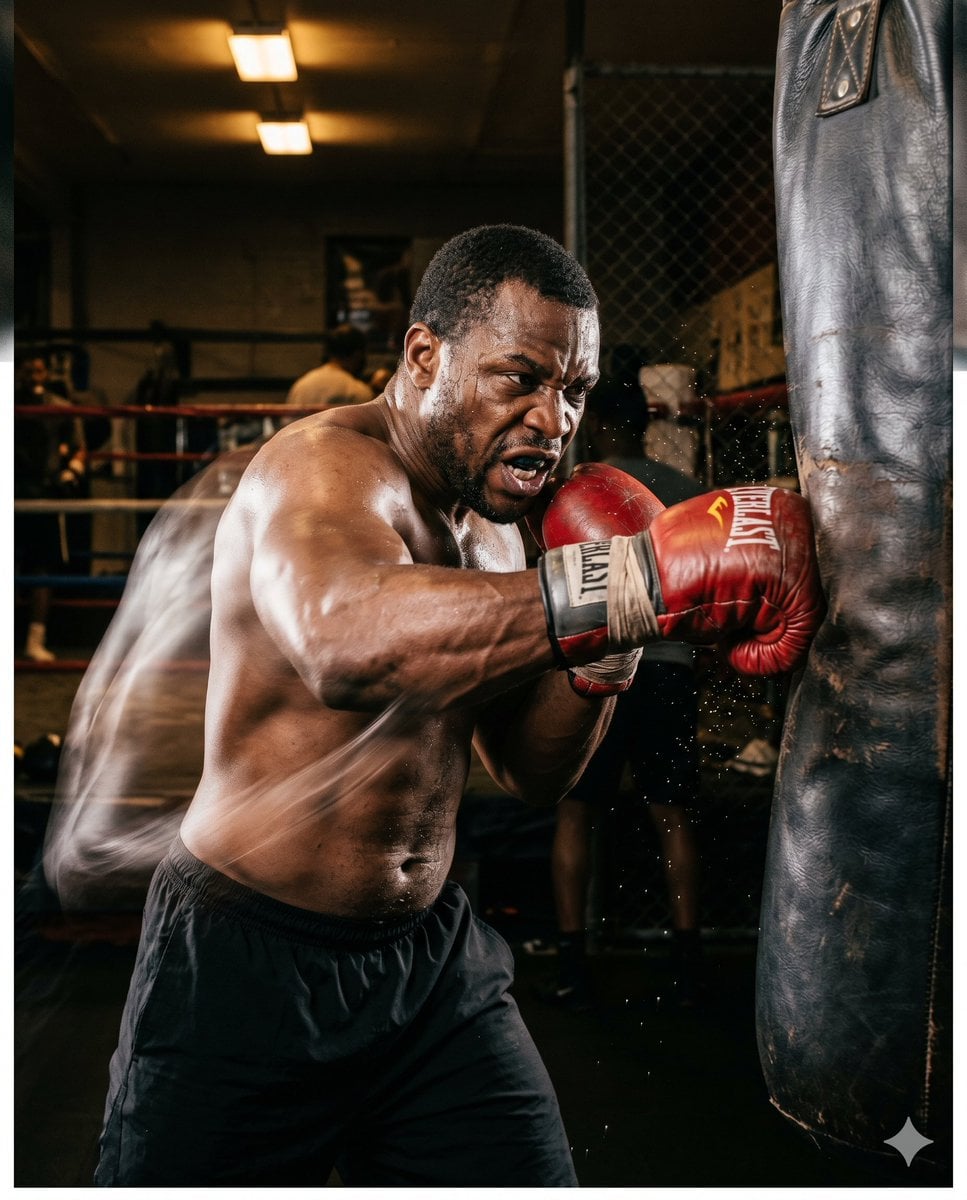
Boxer Training Action Shot
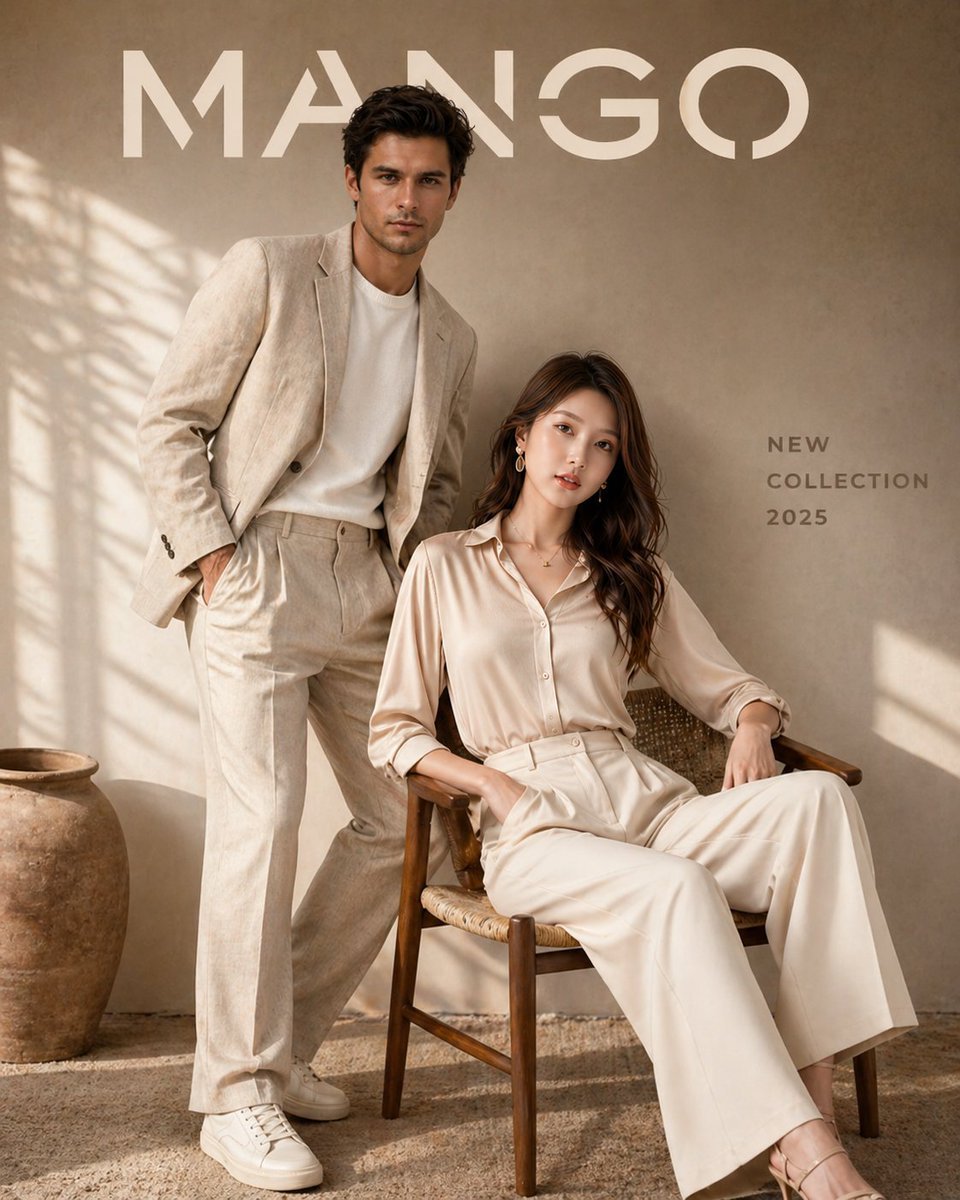
Luxury Fashion Brand Advertisement
Hyper-realistic Portrait in Graffiti Room
Cinematic Portrait Collage of an East Asian Woman
Perspective Shift Card Modification

Pink Chibi Mascot Holding Triangle Logo

Serene Sunlit Garden Reading Scene
Browse template categories
Act as a 3D Type Designer and CGI Artist working at the intersection questions
How do I use the Act as a 3D Type Designer and CGI Artist working at the intersection template?
Add your photo if the template asks for one, edit the prompt if you like — the template's model and format are already selected — and press Generate. Your version opens in PicX Studio.
Can I customize the Act as a 3D Type Designer and CGI Artist working at the intersection template?
Yes. You can change the subject, setting, lighting, mood, format, and available model controls before creating your image.
Is the Act as a 3D Type Designer and CGI Artist working at the intersection template free?
Opening and editing this template is free. Generating uses credits, shown on the Generate button when you are signed in.
Which AI model should I use?
Start with Nano Banana 2, which is the model associated with this template. You can compare another compatible model for a different finish.
Looking for something else? Browse all templates.

Your photo, any look
Thousands of ready templates for every top image and video model, from one credit balance.