
Left aligned relative to the vertical axis for product name, centered
{ "subject": { "primary": "Cosmetic spray bottle", "secondary": "Hummingbird", "brand": "IDUN MINERALS", "product_name": "READY SET REFRESH" }, "packaging": { "form_factor": "Cylindrical bottle", "component_parts": […
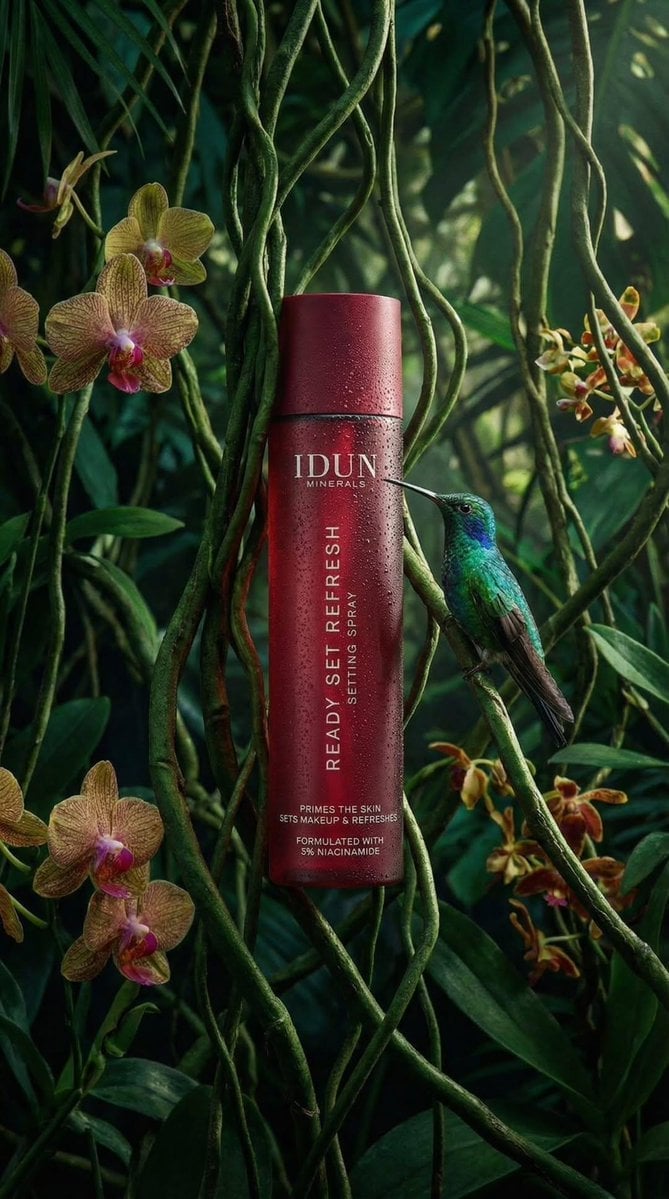
- Prompt included
- Model and format preset
- Premium template
The prompt behind this image
Copy the exact prompt behind Left aligned relative to the vertical axis for product name, centered, or open it in the studio and make it yours.
- Subject › Primary
- Cosmetic spray bottle
- Subject › Secondary
- Hummingbird
- Subject › Brand
- IDUN MINERALS
- Subject › Product Name
- READY SET REFRESH
- Packaging › Form Factor
- Cylindrical bottle
- Packaging › Component Parts
- Main body, Cap (flush with body)
- Packaging › Material Appearance
- Matte finish, likely plastic or coated metal
- Packaging › Condition
- Pristine, new
- Packaging › Reflections
- Vertical highlight on the left side, mirrored reflection in water below
- Label Design › Type
- Direct print onto bottle
- Label Design › Layout Orientation
- Mixed (Horizontal brand/details, Vertical product name)
- Label Design › Typography › Font Family
- Sans-serif
- Label Design › Typography › Casing
- All uppercase
- Label Design › Typography › Style
- Clean, minimalist
- Label Design › Typography › Alignment
- Left aligned relative to the vertical axis for product name, centered horizontally for brand
- Text Visible › Brand Header
- IDUN, MINERALS
- Text Visible › Body Vertical
- READY SET REFRESH, SETTING SPRAY
- Text Visible › Footer Details
- PRIMES THE SKIN, SETS MAKEUP & REFRESHES, FORMULATED WITH, 3% NIACINAMIDE
- Text Visible › Reflection Text
- Inverted mirror image of all text visible on the water surface
- Colors › Packaging Base
- Deep red / Burgundy
- Colors › Text
- White
- Colors › Foliage
- Deep emerald green, Forest green, Moss green
- Colors › Hummingbird
- Iridescent green (head/back), Dark grey/brown (wings), Reddish/pink (tail feathers), Black (beak)
- Colors › Water
- Dark, almost black with reflections
Raw JSON
{
  "subject": {
    "primary": "Cosmetic spray bottle",
    "secondary": "Hummingbird",
    "brand": "IDUN MINERALS",
    "product_name": "READY SET REFRESH"
  },
  "packaging": {
    "form_factor": "Cylindrical bottle",
    "component_parts": [
      "Main body",
      "Cap (flush with body)"
    ],
    "material_appearance": "Matte finish, likely plastic or coated metal",
    "condition": "Pristine, new",
    "reflections": "Vertical highlight on the left side, mirrored reflection in water below"
  },
  "label_design": {
    "type": "Direct print onto bottle",
    "layout_orientation": "Mixed (Horizontal brand/details, Vertical product name)",
    "typography": {
      "font_family": "Sans-serif",
      "casing": "All uppercase",
      "style": "Clean, minimalist",
      "alignment": "Left aligned relative to the vertical axis for product name, centered horizontally for brand"
    }
  },
  "text_visible": {
    "brand_header": [
      "IDUN",
      "MINERALS"
    ],
    "body_vertical": [
      "READY SET REFRESH",
      "SETTING SPRAY"
    ],
    "footer_details": [
      "PRIMES THE SKIN",
      "SETS MAKEUP & REFRESHES",
      "FORMULATED WITH",
      "3% NIACINAMIDE"
    ],
    "reflection_text": "Inverted mirror image of all text visible on the water surface"
  },
  "colors": {
    "packaging_base": "Deep red / Burgundy",
    "text": "White",
    "foliage": [
      "Deep emerald green",
      "Forest green",
      "Moss green"
    ],
    "hummingbird": [
      "Iridescent green (head/back)",
      "Dark grey/brown (wings)",
      "Reddish/pink (tail feathers)",
      "Black (beak)"
    ],
    "water": "Dark, almost black with reflections"
  },
  "materials": {
    "bottle": "Matte rigid material",
    "environment": [
      "Liquid water",
      "Moss",
      "Fern leaves",
      "Palm-like leaves"
    ],
    "biological": "Feathers (bird)"
  },
  "human_elements": {
    "visible": false
  },
  "environment": {
    "setting": "Simulated rainforest or jungle floor",
    "foreground": "Still water surface",
    "midground": "Mossy bank, bottle placement",
    "background": "Dense tropical foliage"
  },
  "lighting": {
    "quality": "Soft, moody, atmospheric",
    "direction": "Side lighting from left (creating highlight on bottle)",
    "shadows": "Soft shadows in the foliage, dark water providing high contrast reflection",
    "highlights": "specular highlight on hummingbird head, diffuse highlight on bottle curve"
  },
  "camera": {
    "angle": "Eye-level with water surface",
    "framing": "Vertical portrait",
    "focus": "Sharp focus on bottle and hummingbird",
    "depth_of_field": "Shallow (background leaves are blurred/bokeh)",
    "composition": "Rule of thirds (bottle on left third line, bird entering from right)"
  },
  "style": {
    "category": "Product photography",
    "theme": "Nature, Organic, Eco-luxury",
    "mood": "Serene, fresh, premium"
  }
}How to use Left aligned relative to the vertical axis for product name, centered in 3 steps
- 1
Open
The prompt is already in the box next to the preview, with the template's model and format selected.
- 2…a portrait of your subject in softgolden-hour light, 85mm…
Personalize
Edit the subject and creative details for your destination.
- 3Generate
Generate
Press Generate — your image is created in PicX Studio, so you can compare it with the original and refine one variable at a time.
More like this
Templates with the same subject, style or setup. Open one to see its prompt.

A hyper-realistic beauty product photograph of a pink jar placed
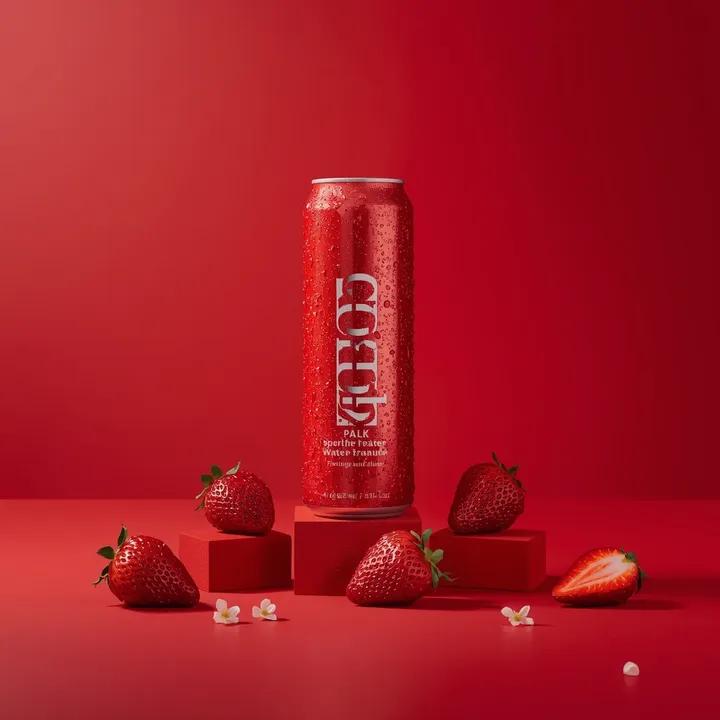
A premium studio product photograph of a tall, slim red aluminum
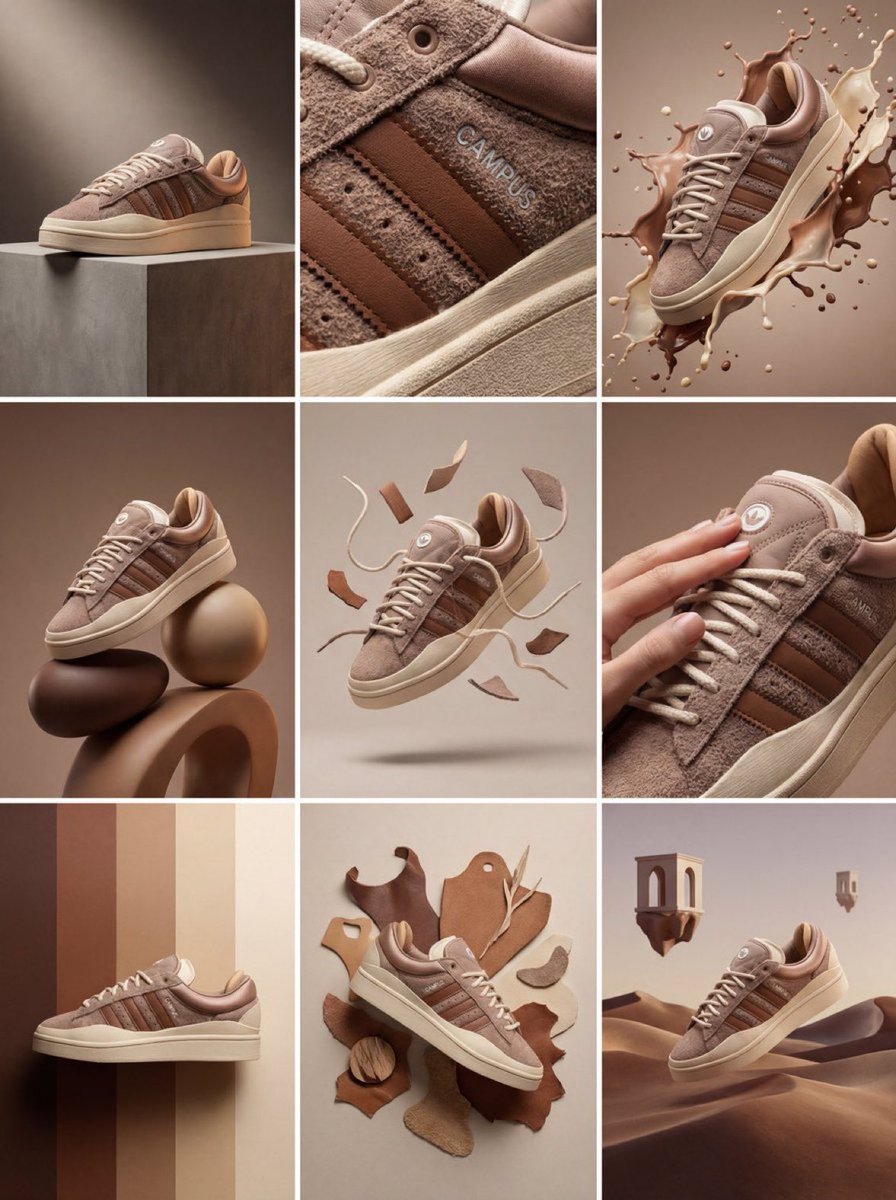
Product & Brand Prompt #1444
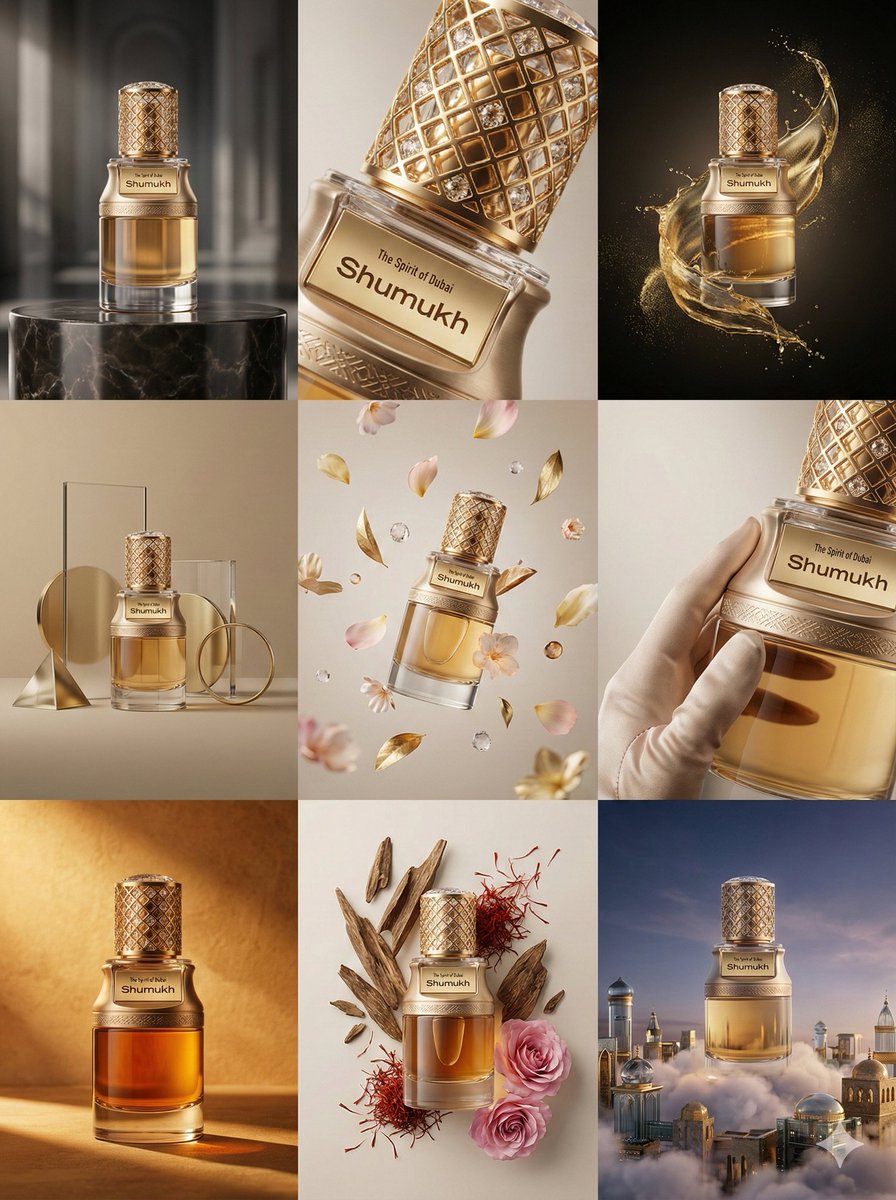
Product & Brand Prompt #569
Product & Brand Prompt #285
Product & Brand Prompt #953
Product & Brand Prompt #341
Product & Brand Prompt #230
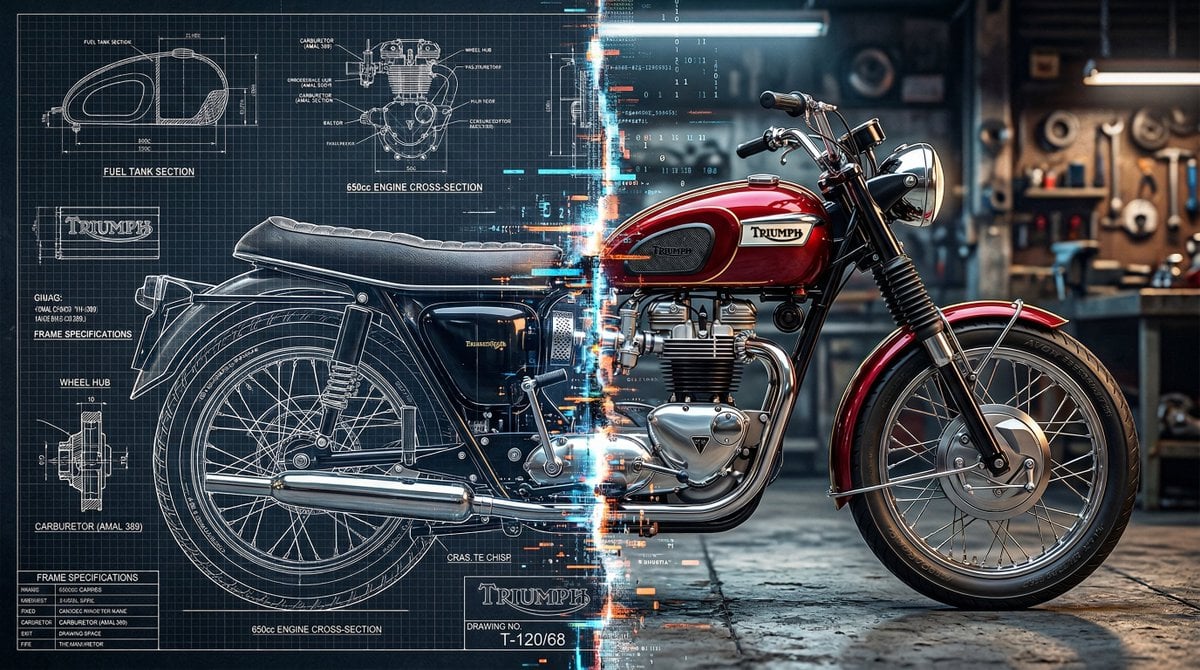
A split vertically down the center, left half as a technical blueprint

ChatGPT Image 1 5 Google Veo 3 1

Act as a Senior Editorial Designer and Typographer
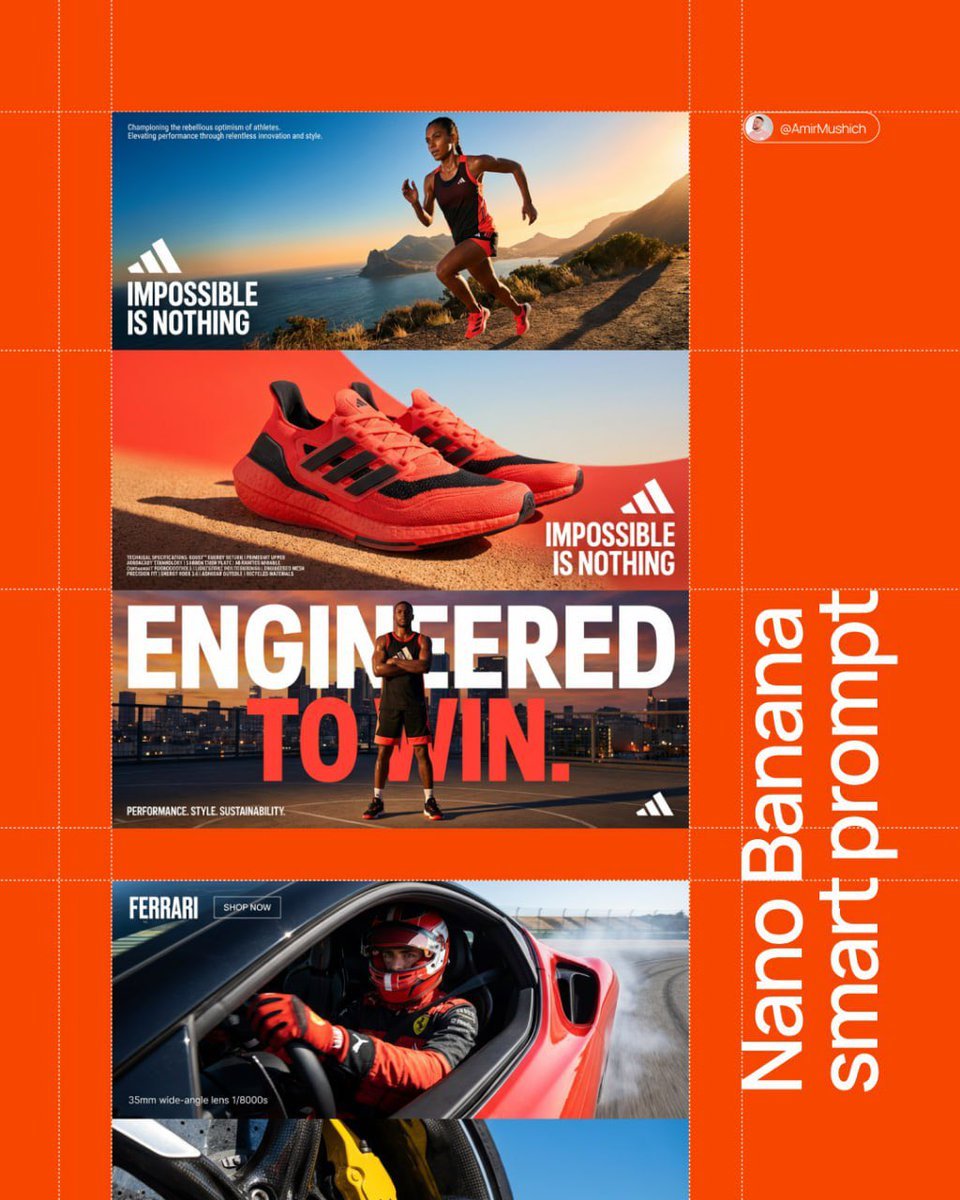
Aesthetic and fill the negative space
Make it yours
Left aligned relative to the vertical axis for product name, centered works as-is. These are the safest ways to change it without losing the look.
Swap the setting
Keep the rest of the prompt and replace the location block. The current setting is “Liquid water, Moss, Fern leaves, Palm-like leaves”.
Swap the light
One lighting change is enough to compare takes. Current light: “Soft, moody, atmospheric”.
Change one field
Copy a single group, rewrite it, and generate again so you can see what that field is doing.
| If the result… | Why | Fix |
|---|---|---|
| The result drifts from the preview | Too many fields changed at once. | Reuse Left aligned relative to the vertical axis for product name, centered as-is first, then change one group — subject, light, or setting. |
| Nano Banana 2 ignores part of the JSON | Some models flatten or skip nested keys. | Keep the same values and paste them as a short paragraph instead. |
More Nano Banana 2 templates
Other prompts made for Nano Banana 2.

Photorealistic Leaf Shaped Like a Dragon

K-Pop Idol Portrait Grid for Rapid Selection

Poetic Rain Forest Portrait During Golden Hour

Urban Street Portrait with Cartoon Inner Self Duo

Candid Nighttime Photo with Cat Prompt

High-Concept 3D Diorama Generation Prompt

Cinematic Futuristic Studio Portrait Template

Skincare Editorial Photography Collage Prompt

Hyper-Realistic Commercial Product Photography (Splash Effect)

Hyper-Realistic Nightclub Portrait Prompt
More image prompts
Fresh picks from across the catalog.
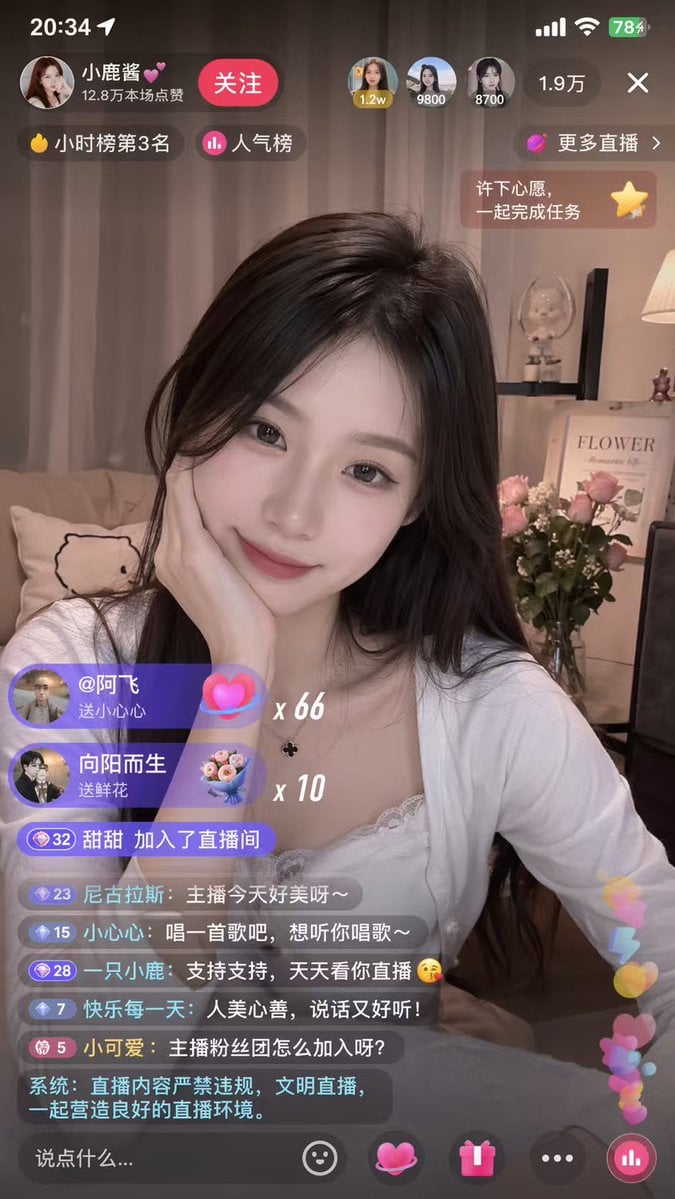
Mobile Live-Streaming Interface Mockup
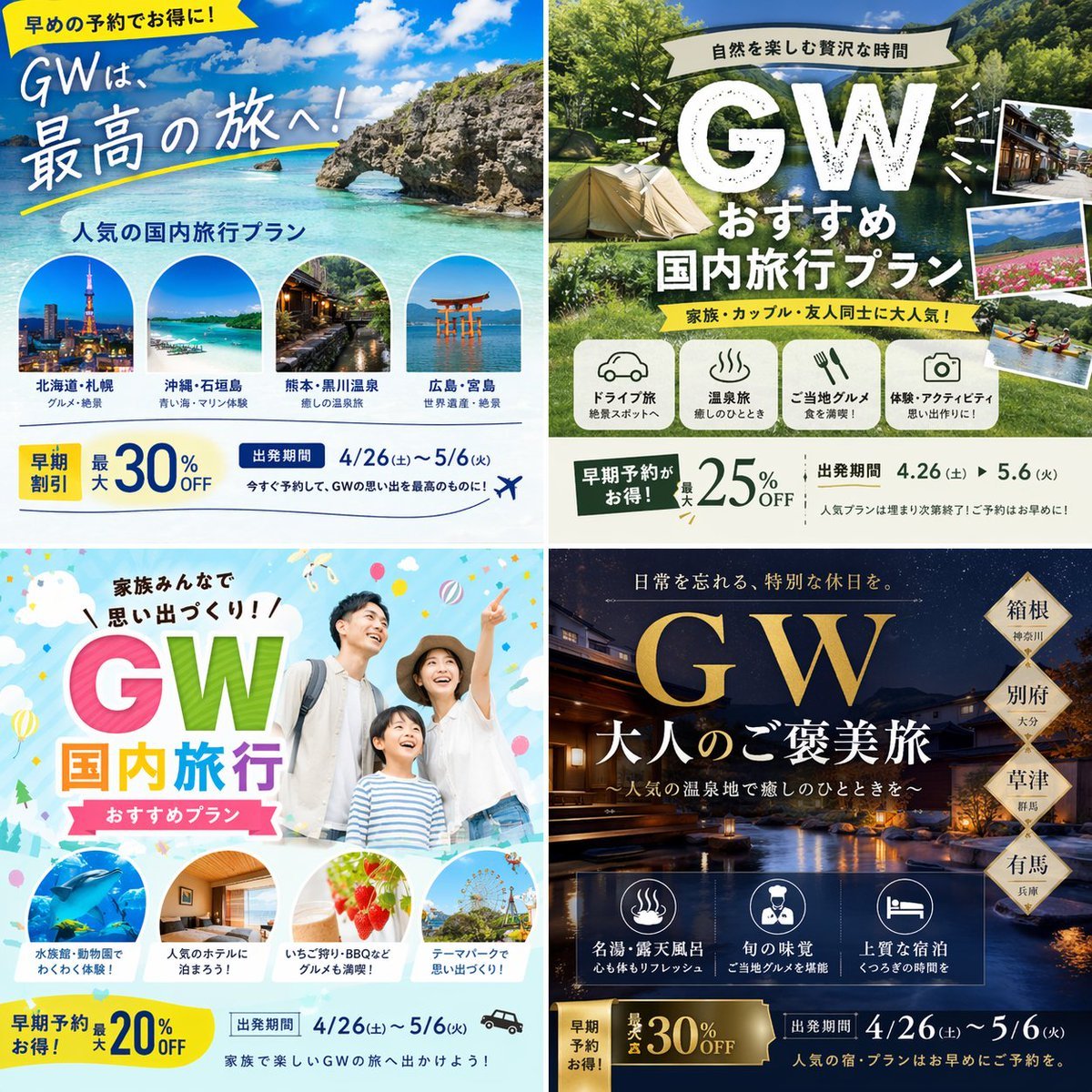
Research-Driven Ad Layout Designer
Neo-Noir Fashion Portrait with High Contrast

Elephant Riding a Horse
Color comic of a character getting energized by barbecue

Cinematic Portrait Prompt for Outdoor Expedition Vibe

Ultra-Photorealistic Jet Ski Vacation Selfie Kiss
High-Contrast Abstract Mixed Media Portrait Prompt
Stunning Glamorous Photo Prompt for Gemini Nano Banana
European Stone Alley Night Portrait
Browse template categories
Left aligned relative to the vertical axis for product name, centered questions
How do I use the Left aligned relative to the vertical axis for product name, centered template?
Add your photo if the template asks for one, edit the prompt if you like — the template's model and format are already selected — and press Generate. Your version opens in PicX Studio.
Can I customize the Left aligned relative to the vertical axis for product name, centered template?
Yes. You can change the subject, setting, lighting, mood, format, and available model controls before creating your image.
Is the Left aligned relative to the vertical axis for product name, centered template free?
Opening and editing this template is free. Generating uses credits, shown on the Generate button when you are signed in.
Which AI model should I use?
Start with Nano Banana 2, which is the model associated with this template. You can compare another compatible model for a different finish.
Looking for something else? Browse all templates.

Your photo, any look
Thousands of ready templates for every top image and video model, from one credit balance.