
Logo completely wrapped in a single layer of elastic plastic or shrink
logo completely wrapped in a single layer of elastic plastic or shrink wrap.
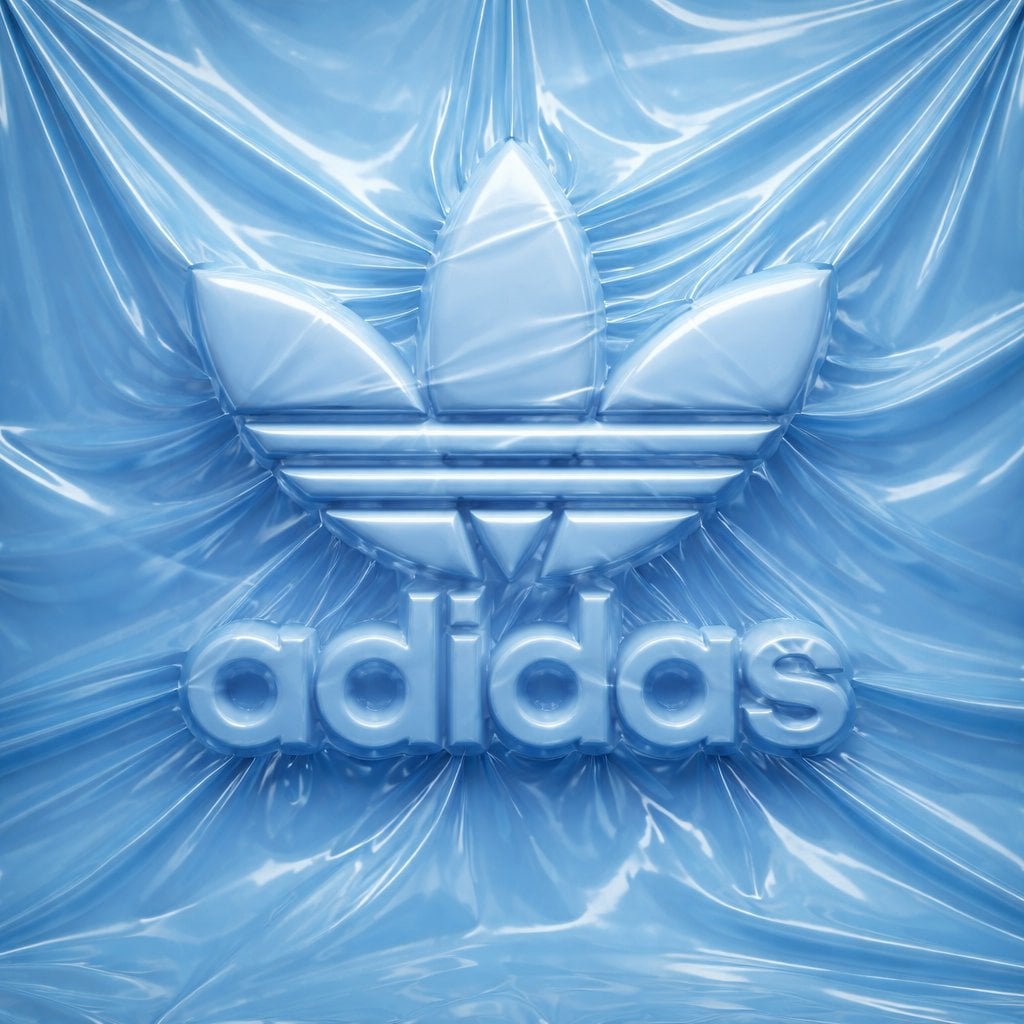
- Prompt included
- Model and format preset
- Premium template
The prompt behind this image
Copy the exact prompt behind Logo completely wrapped in a single layer of elastic plastic or shrink, or open it in the studio and make it yours.
logo completely wrapped in a single layer of elastic plastic or shrink wrap. The shapes of the logo should be visible only through the relief under the film, the logo surfaces themselves are not visible. Brand Analysis System: Logo geometry: Determine the full visual brand identifier [ADIDAS ORIGINAL] according to the official catalog: an icon, a text element, or a combination thereof. Keep the exact spatial relationship between the icon and the text. Color system: Use one monochrome tone [ADIDAS ORIGINAL] for all elements of the scene — background, film, wrapped object. Variations are achieved only through light and shadow. The nature of the film: Based on the selected color [ADIDAS ORIGINAL], determine the behavior of the material: bright saturated colors create a dense glossy or latex film with visible tension lines; neutral — matte stretch film; dark - translucent vacuum film; light — matte food film. Stage 1: Stage and Surface The whole scene is monochromatic, the [ADIDAS ORIGINAL] color covers every surface without exception. The background is made of the same film material, which is freely assembled and crumpled around the logo. Natural tension lines are created, the folds diverge from the peaks of the relief. There are no floor lines, walls, or horizons — the stage is completely immersed in a solid plastic material. Stage 2: Applying the logo Each element of the logo is voluminous, rounded, like a balloon, with visual depth. The logo is fixed on the background and is completely covered with a single layer of film, tightly stretched over the tops of the elements, creating visible tension lines. Free folds are formed in the hollows between the letters, geometric elements of the icon and around the perimeter of the logo. The logo remains fully readable, the icon is recognizable, but not a single surface of the logo itself is visible. The physics of the film is precise: tight tension at high points, diverging stress lines, small raised areas between elements, shadows in the gaps. Stage 3: Lighting The main light source is soft, diffused, from the top left, emphasizing the relief of the film. For glossy films, there are subtle highlights along the stretched areas, for matte films, there is only diffused light. Global lighting preserves details in deep folds without smoothing out the overall relief. Technical specifications Only the [ADIDAS ORIGINAL] color, variations through light and shadow. There are no exposed logo surfaces and unnecessary text. The film is realistic: the tension, the folds, the physics of plastic, not fabric. The film grain corresponds to ISO 400. Mood: the product is packed and ready for opening, the shape is known, but not yet touched.
How to use Logo completely wrapped in a single layer of elastic plastic or shrink in 3 steps
- 1
Open
The prompt is already in the box next to the preview, with the template's model and format selected.
- 2…a portrait of your subject in softgolden-hour light, 85mm…
Personalize
Edit the subject and creative details for your destination.
- 3Generate
Generate
Press Generate — your image is created in PicX Studio, so you can compare it with the original and refine one variable at a time.
More like this
Templates with the same subject, style or setup. Open one to see its prompt.
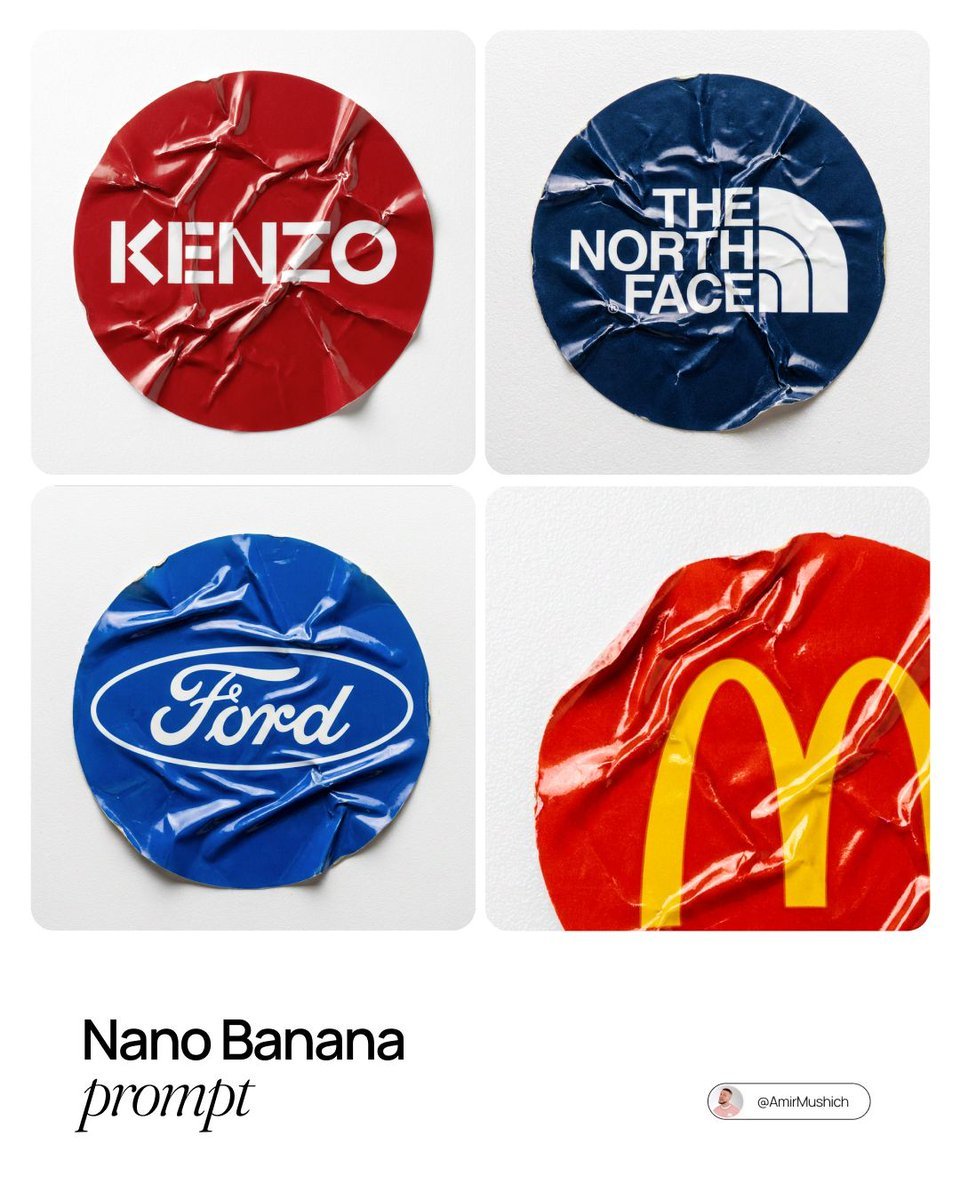
A sharp, top-down macro photograph of a single
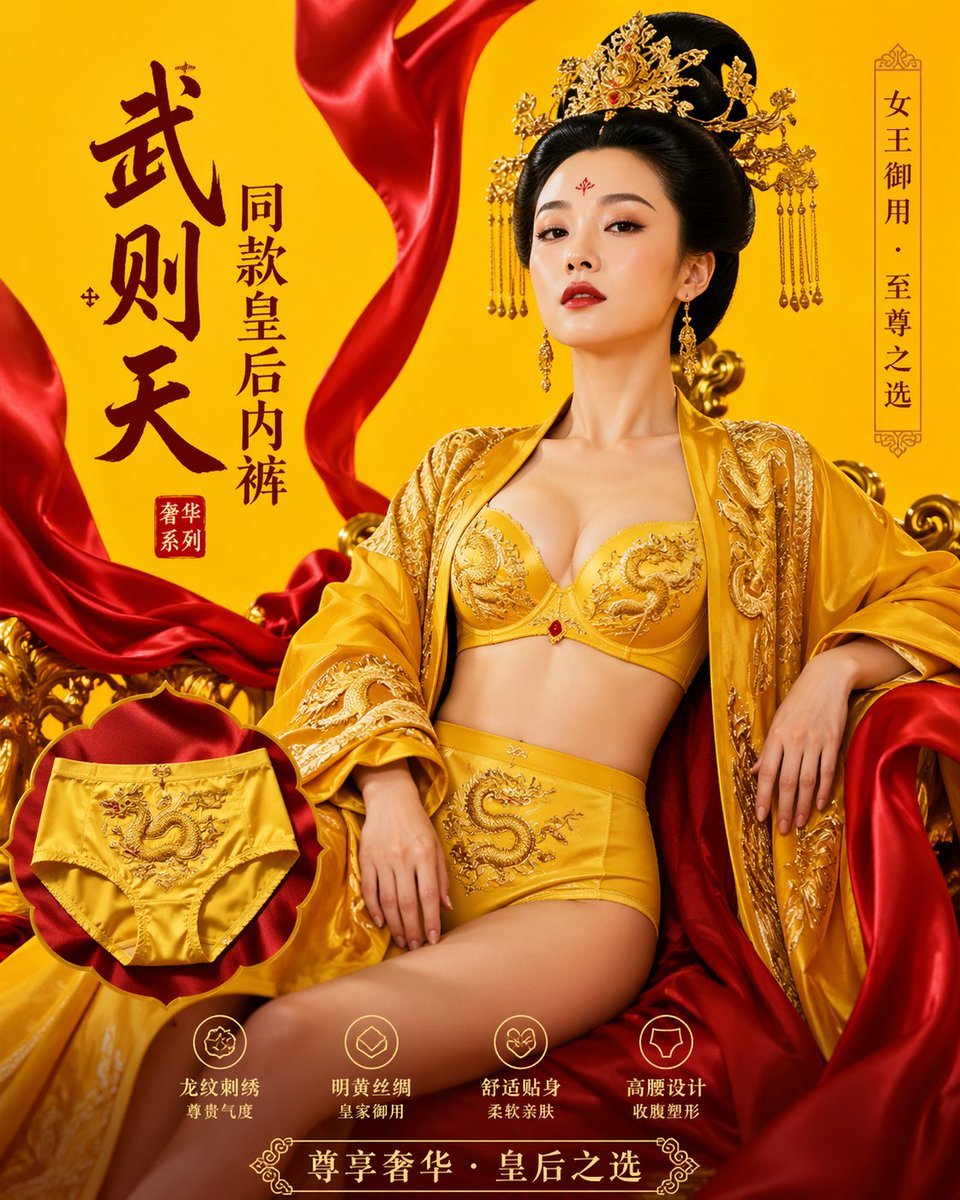
武则天同款皇后内衣广告大片,明黄底色龙纹刺绣,大红丝绸飘带衬托
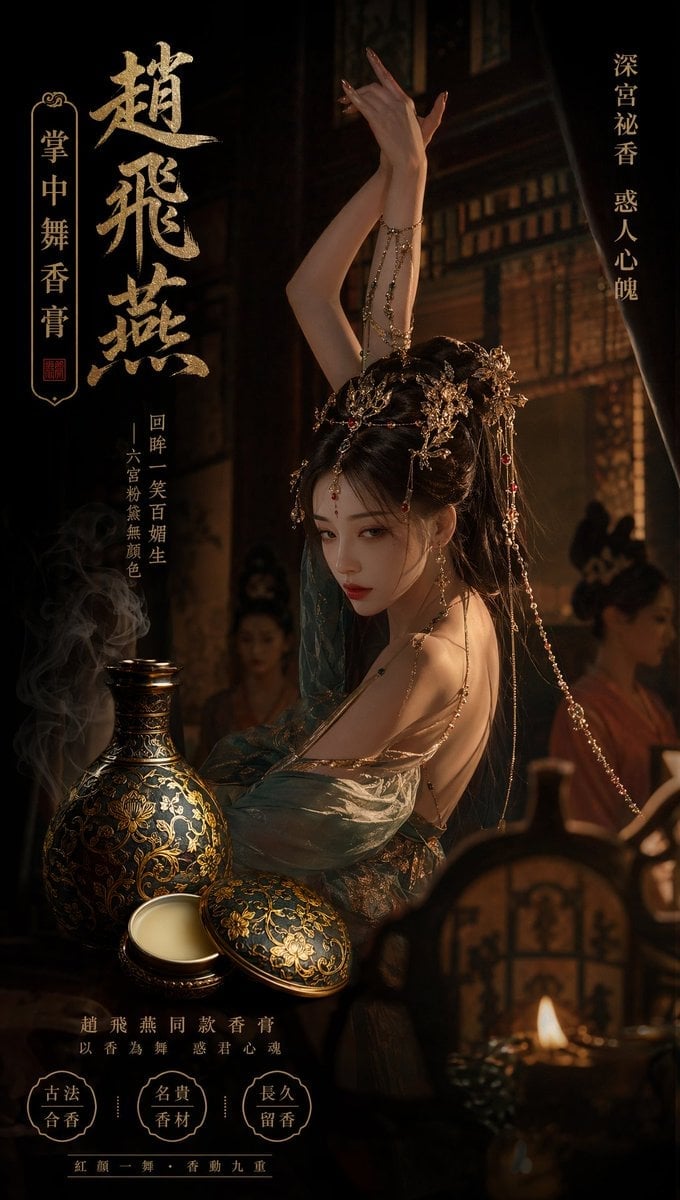
赵飞燕同款掌中舞香膏广告,错金缠枝莲铜瓶,冷艳诡谲深宫氛围感,竖屏9 16
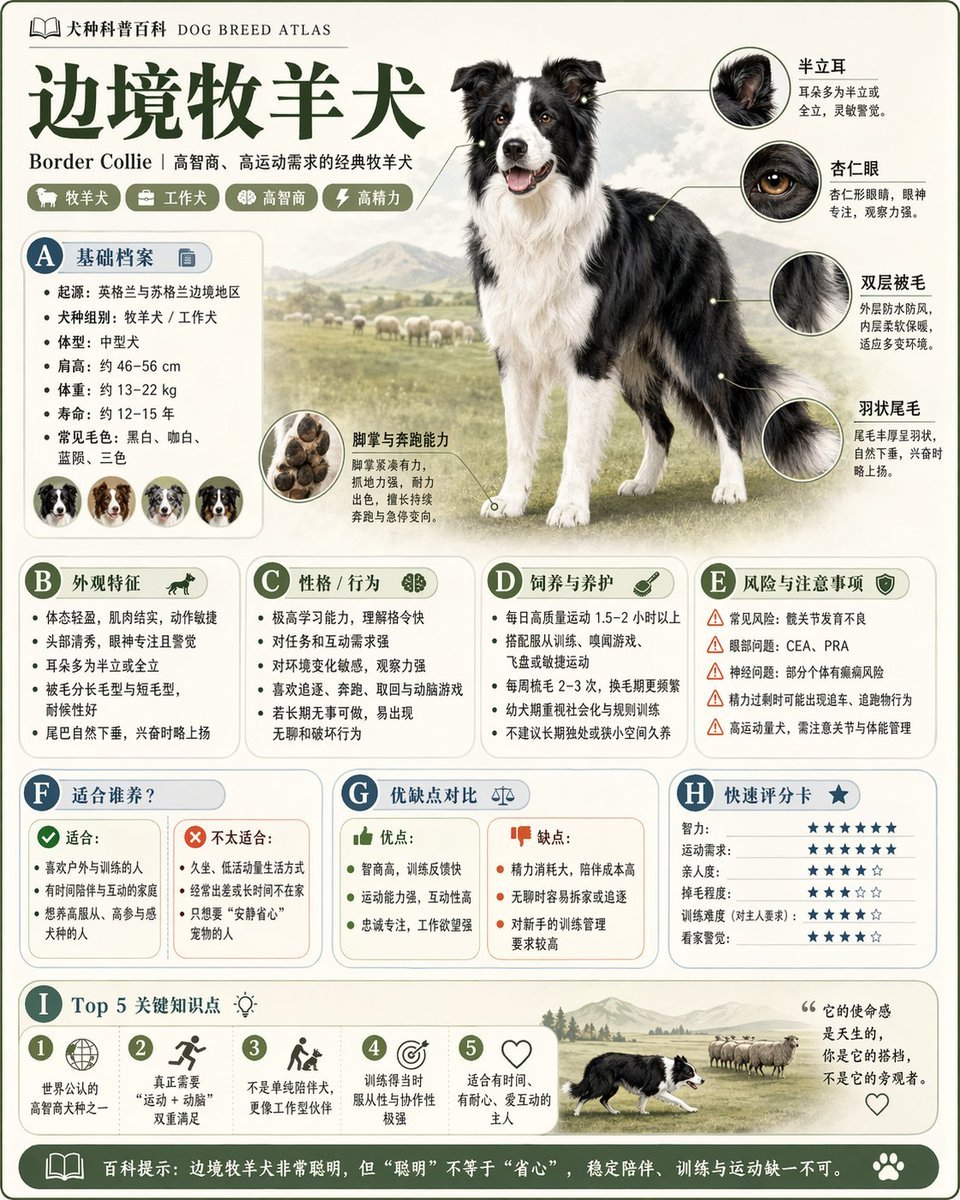
请根据 主题 生成一张高质量竖版 科普百科图

A hyper-realistic beauty product photograph of a pink jar placed

ChatGPT Image 1 5 Google Veo 3 1

Minimalist conceptual fashion editorial poster, studio shot on a clean
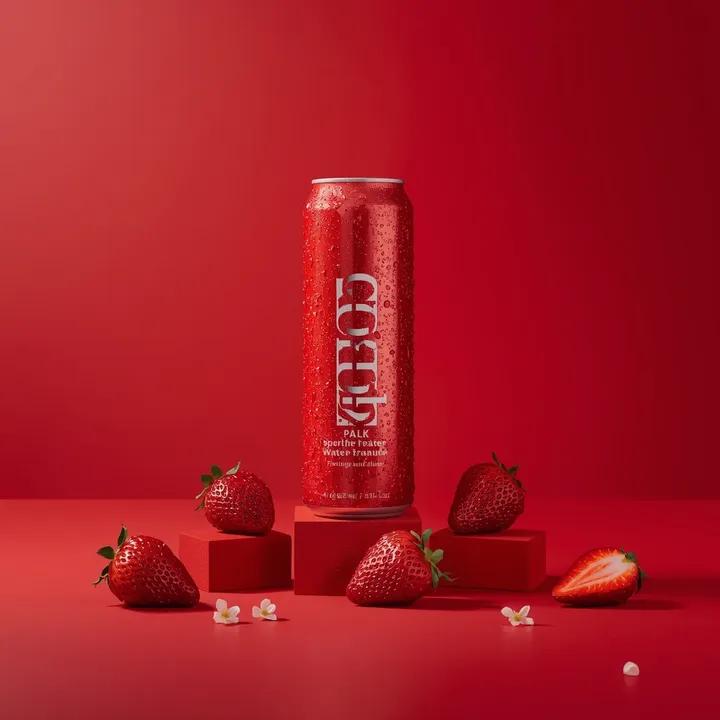
A premium studio product photograph of a tall, slim red aluminum
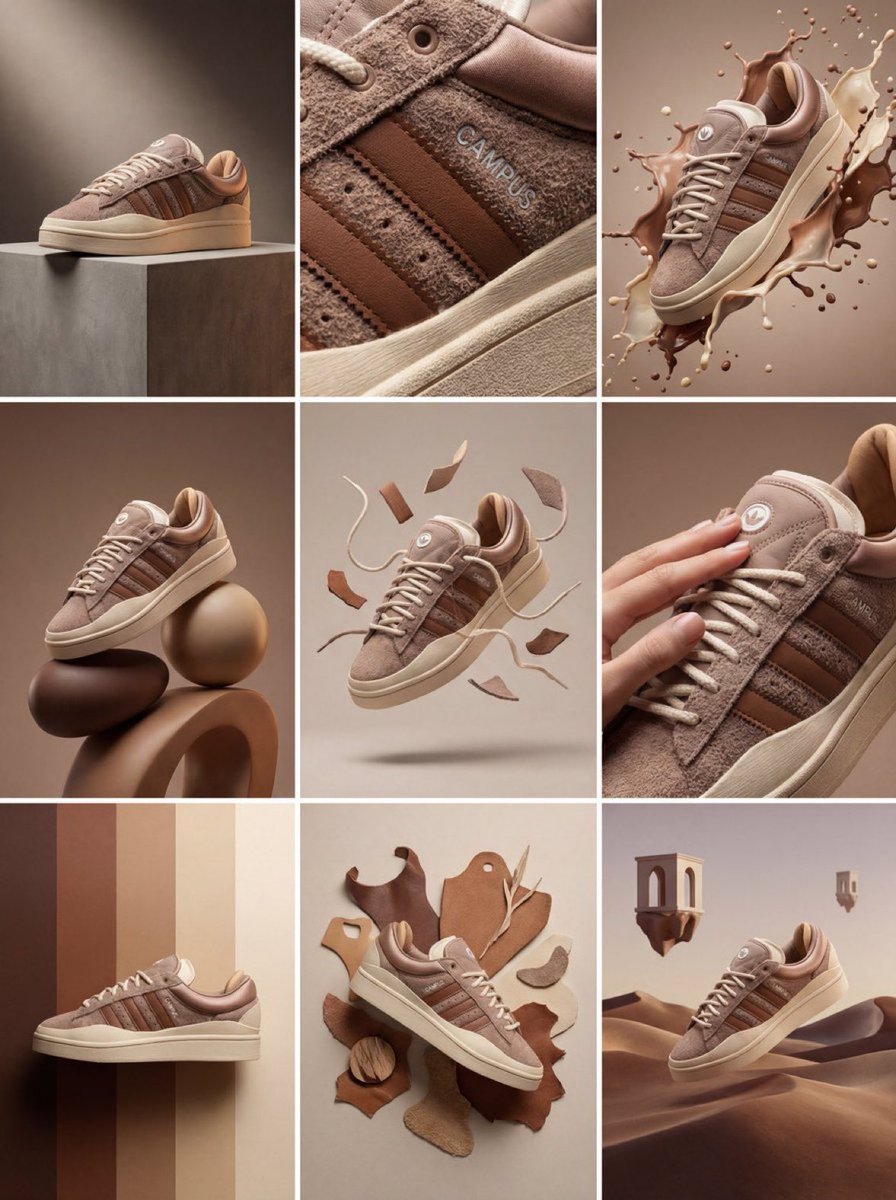
Product & Brand Prompt #1444
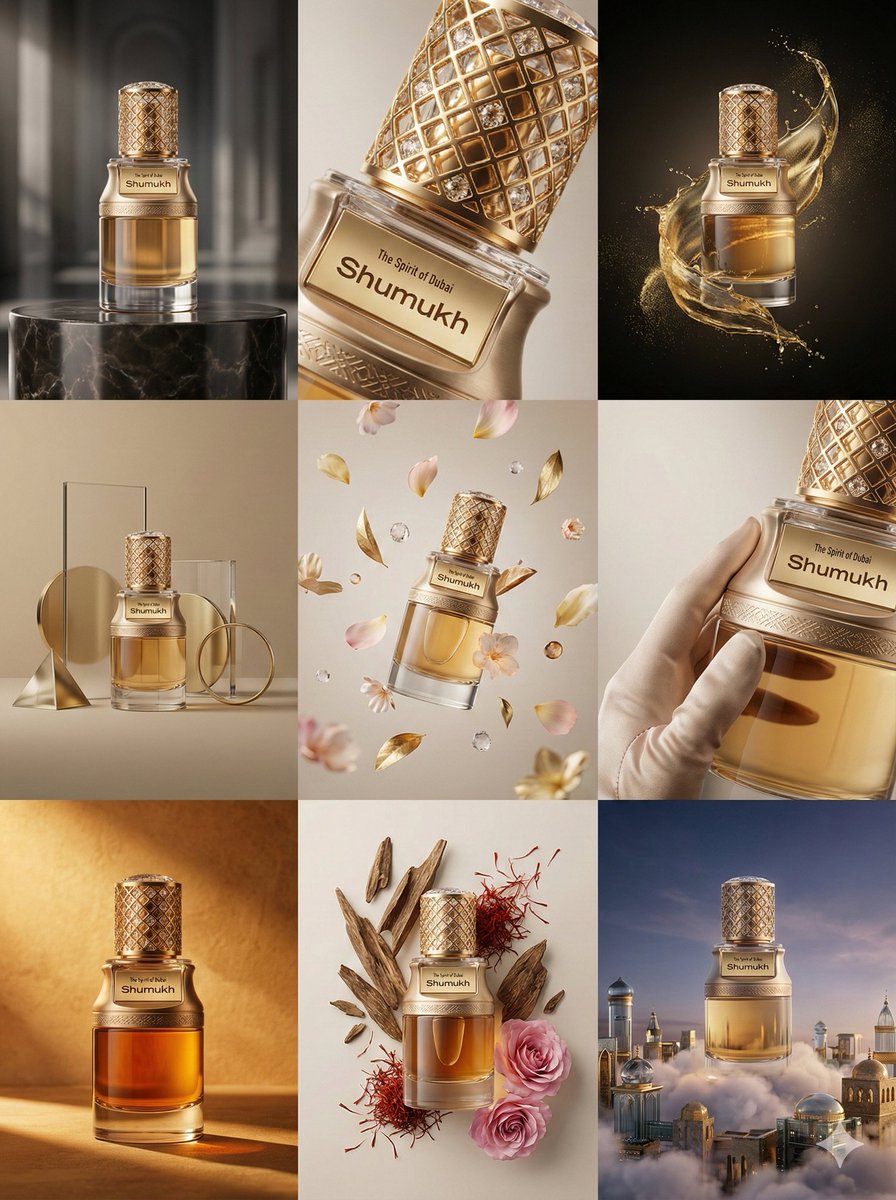
Product & Brand Prompt #569
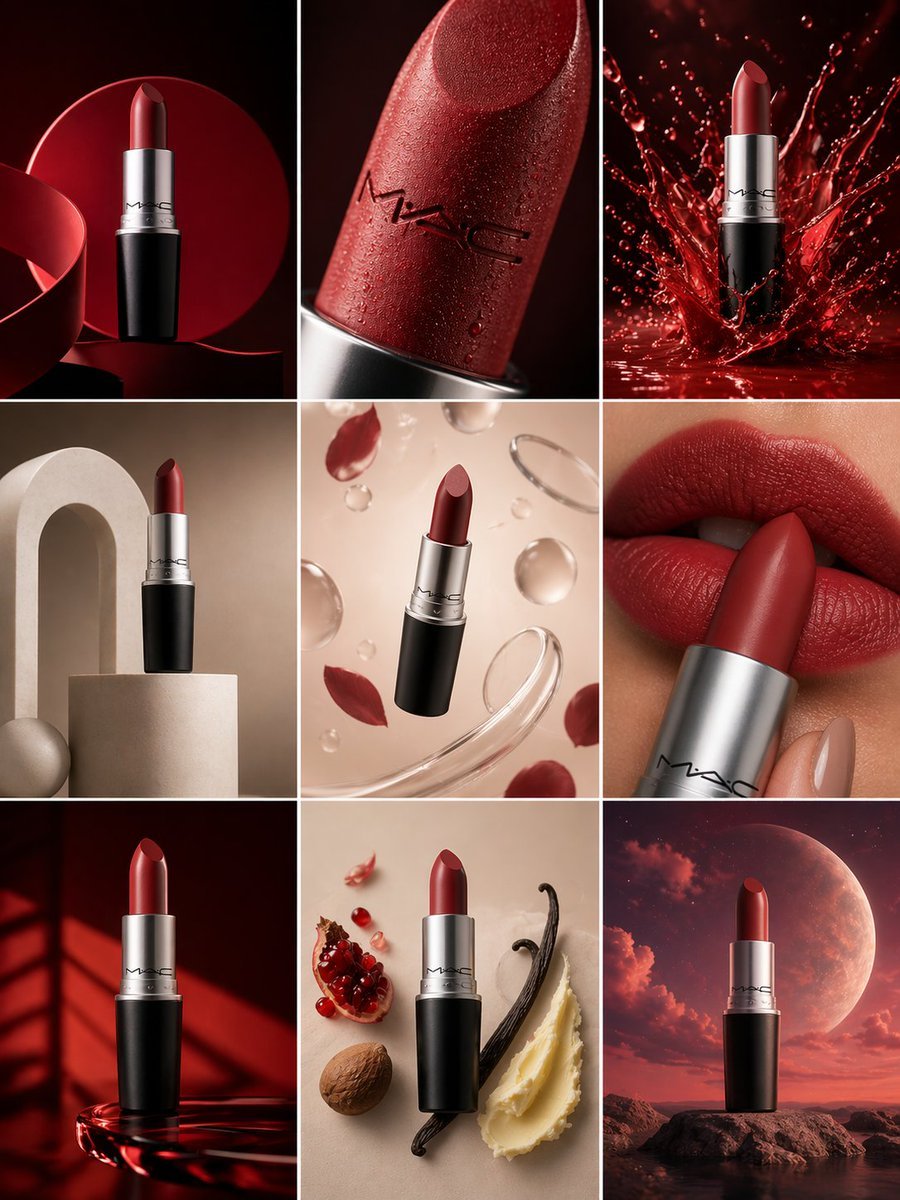
Product & Brand Prompt #285
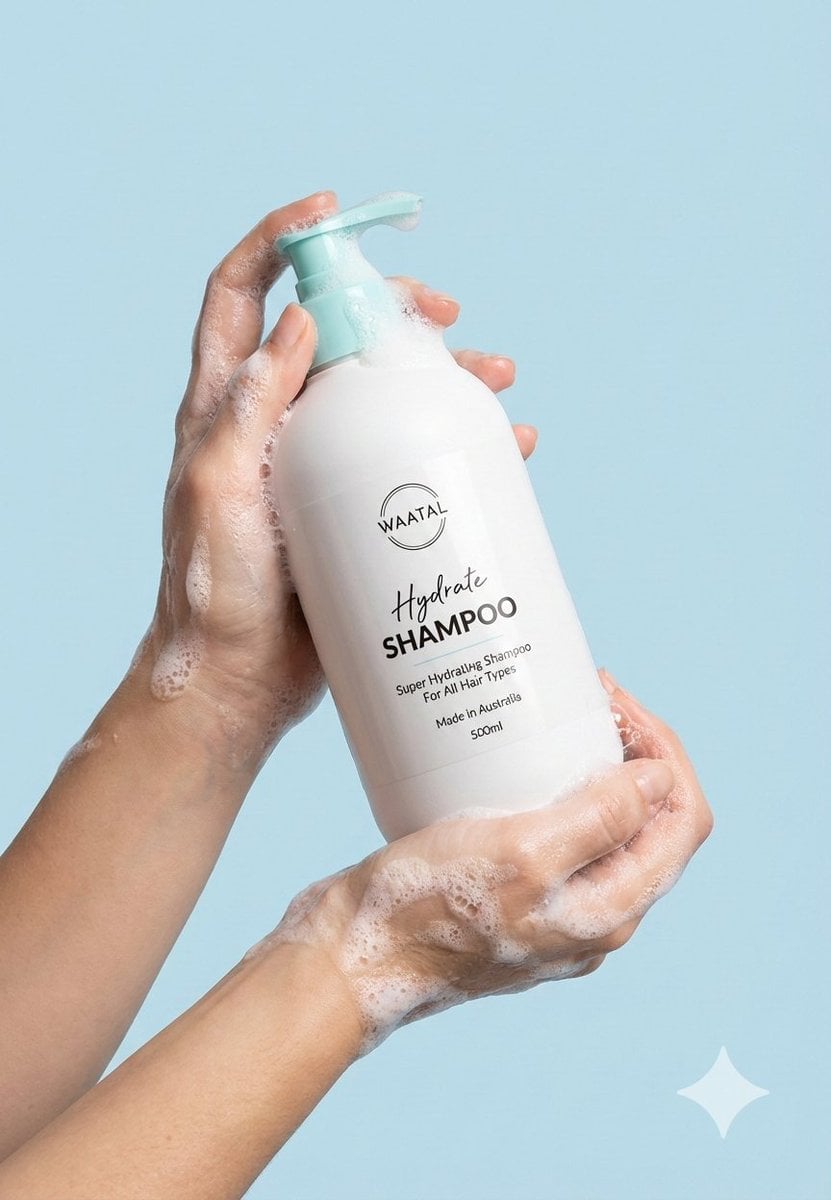
Product & Brand Prompt #953
Make it yours
Logo completely wrapped in a single layer of elastic plastic or shrink works as-is. These are the safest ways to change it without losing the look.
Change one field
Copy a single group, rewrite it, and generate again so you can see what that field is doing.
Keep the frame, change the subject
Hold the composition and light of Logo completely wrapped in a single layer of elastic plastic or shrink, then swap wardrobe, props or the person for a new take.
| If the result… | Why | Fix |
|---|---|---|
| The result drifts from the preview | Too many fields changed at once. | Reuse Logo completely wrapped in a single layer of elastic plastic or shrink as-is first, then change one group — subject, light, or setting. |
| The model over-stylizes the scene | The prose prompt leaves finish and camera underspecified. | Add one camera or lighting sentence and stay on GPT Image 2. |
More GPT Image 2 templates
Other prompts made for GPT Image 2.

Six VTuber Japanese Logo Sheet

Realistic Portrait of Woman and Deer

The Vista Modular Condo Poster

AI Model Routing Comparison Infographic

2.5D Anime Art Board

Isometric Productivity Desk Scene

New York Double Exposure Poster

Four-Panel AI Landscape Comparison

Japanese Tatami Lifestyle Magazine Cover

NESCAFÉ Coffee Map Poster
More image prompts
Fresh picks from across the catalog.
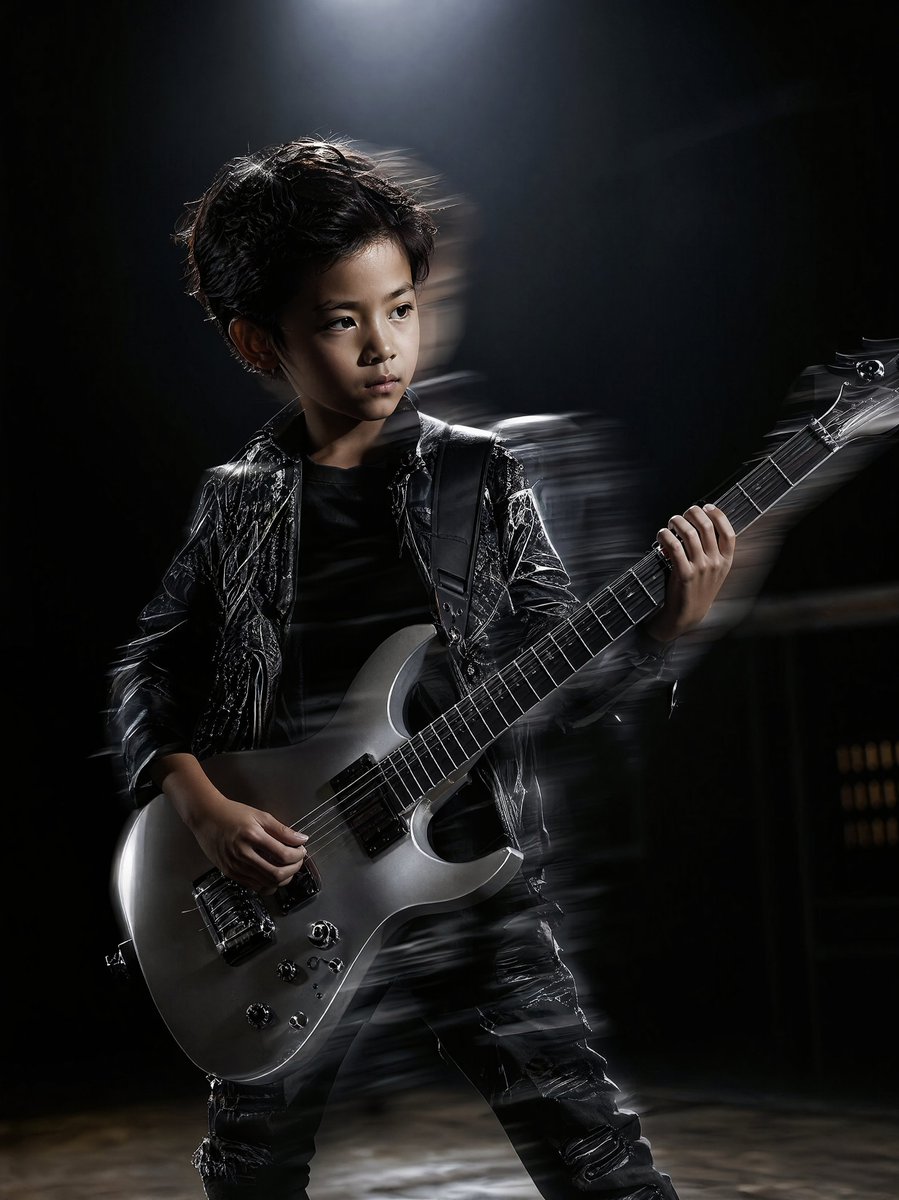
Moody Guitarist Portrait
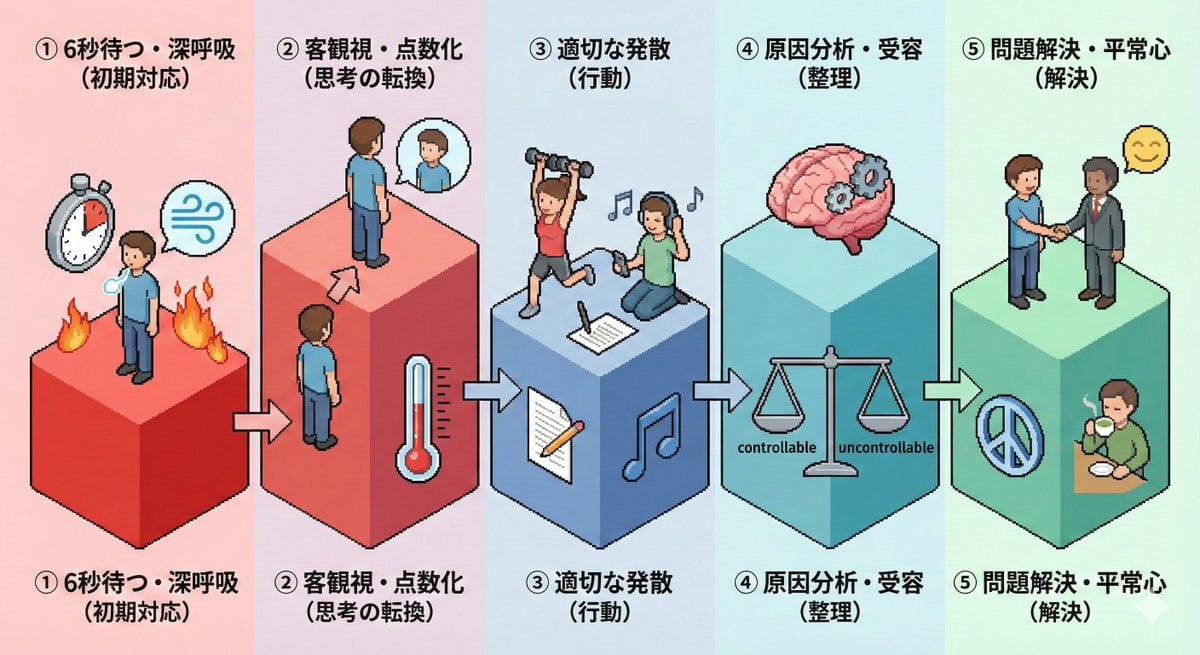
Isometric Pictogram Diagram Prompt for Nano Banana Pro
Fisheye Studio Portrait with Branded Drink Can

Golden Hour Guitar Bedroom Scene
Bruce Lee sparring with Yoda in a dojo

Candid European Café Portrait
Gpt2 Profile Avatar Portrait of a Gentle Woman with Glasses
Cartoon Character Design Sheet with Personality
Nano-Scale Cityscape Inside a Banana Peel Prompt
Premium Depth Gradient for Atmospheric Realism
Browse template categories
Logo completely wrapped in a single layer of elastic plastic or shrink questions
How do I use the Logo completely wrapped in a single layer of elastic plastic or shrink template?
Add your photo if the template asks for one, edit the prompt if you like — the template's model and format are already selected — and press Generate. Your version opens in PicX Studio.
Can I customize the Logo completely wrapped in a single layer of elastic plastic or shrink template?
Yes. You can change the subject, setting, lighting, mood, format, and available model controls before creating your image.
Is the Logo completely wrapped in a single layer of elastic plastic or shrink template free?
Opening and editing this template is free. Generating uses credits, shown on the Generate button when you are signed in.
Which AI model should I use?
Start with GPT Image 2, which is the model associated with this template. You can compare another compatible model for a different finish.
Looking for something else? Browse all templates.

Your photo, any look
Thousands of ready templates for every top image and video model, from one credit balance.