
A high-resolution, photorealistic 3D action RPG mobile game screenshot
A high-resolution, photorealistic 3D action RPG mobile game screenshot of an epic battle featuring Doraemon characters.
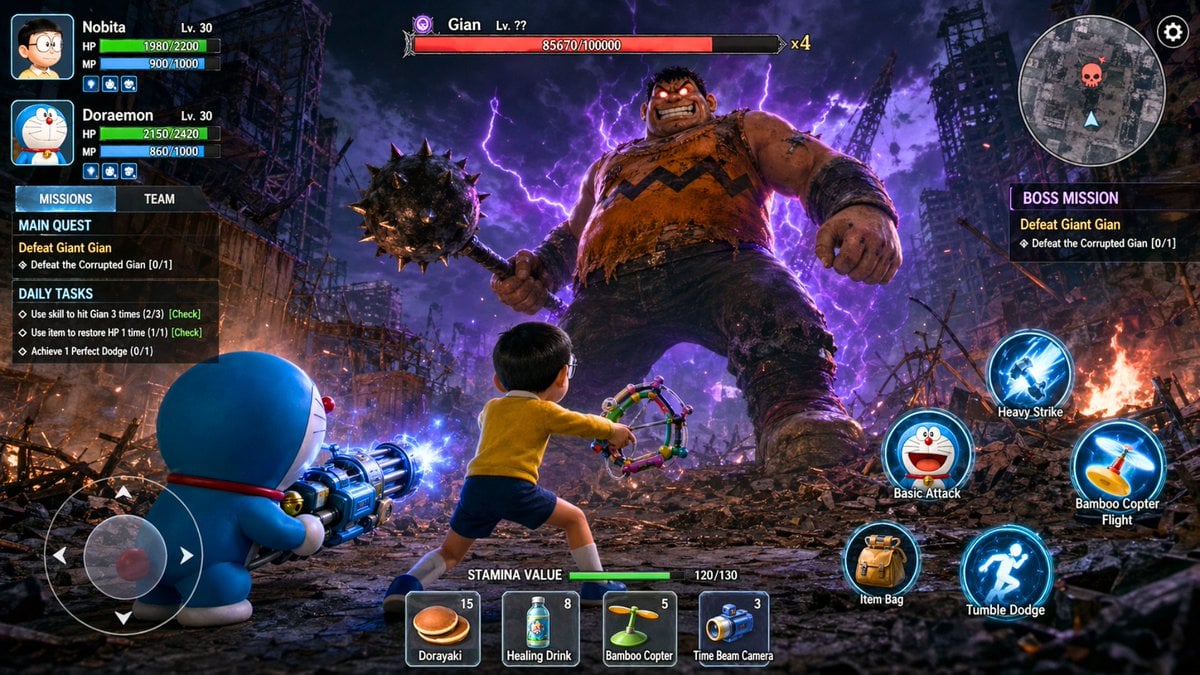
- Prompt included
- Model and format preset
- Premium template
The prompt behind this image
Copy the exact prompt behind A high-resolution, photorealistic 3D action RPG mobile game screenshot, or open it in the studio and make it yours.
A high-resolution, photorealistic 3D action RPG mobile game screenshot of an epic battle featuring Doraemon characters. The perspective is from behind the main player character, Nobita. The background is a post-apocalyptic urban scene of rubble, crumbling concrete, rebar, debris, small fires, and intense purple and blue lightning in a dark, cloudy night sky. Characters: Foreground Left: Doraemon, holding an elaborate, multi-barrel gatling-style cannon which hums with blue energy in his hand. Foreground Center: Nobita, in a combat stance with his multi-layered slingshot weapon, wearing his classic yellow shirt, blue shorts, and glasses. Middle Ground Center: Giant Gian (the boss), massive, muscular, intimidating, holding a spiked mace, with glowing sinister red eyes and surrounded by purple energy effects. Nameplates: Doraemon (Lv. 30, HP: 2150/2420, MP: 860/1000), Nobita (Lv. 30, HP: 1980/2200, MP: 900/1000), Gian (Lv. ??, HP: 85670/100000, x4). UI Elements (All in English): Left Side Panel: The title is "MISSIONS" and "TEAM". The "MAIN QUEST" header is followed by "Defeat Giant Gian" and "Defeat the Corrupted Gian [0/1]". The "DAILY TASKS" header is followed by "Use skill to hit Gian 3 times (2/3) [Check]", "Use item to restore HP 1 time (1/1) [Check]", and "Achieve 1 Perfect Dodge (0/1)". Right Side Panel: The header "BOSS MISSION" is followed by "Defeat Giant Gian" and "Defeat the Corrupted Gian [0/1]". Bottom Right Skill Buttons: Labels (clockwise from top): "Heavy Strike", "Basic Attack" (with Doraemon head), "Bamboo Copter Flight", "Item Bag", "Tumble Dodge". Glowing blue skill icons are present. Bottom Center Item Bar: Above the items, "STAMINA VALUE" followed by "120/130". The items are "Dorayaki (15)", "Healing Drink (8)", "Bamboo Copter (5)", "Time Beam Camera (3)". Mini-Map: Top right corner mini-map with skull icon. D-pad: English text virtual D-pad on the bottom left. Screen Details: Cinematic lighting and effects. The cool blue of Doraemon's weapon light, warm orange firelight, cold purple lightning, and Gian's sinister red eyes. Detailed textures on clothing and weapons. All English text is clean, legible, and accurate. The low-angle emphasizes the scale difference and battle tension.
How to use A high-resolution, photorealistic 3D action RPG mobile game screenshot in 3 steps
- 1
Open
The prompt is already in the box next to the preview, with the template's model and format selected.
- 2…a portrait of your subject in softgolden-hour light, 85mm…
Personalize
Edit the subject and creative details for your destination.
- 3Generate
Generate
Press Generate — your image is created in PicX Studio, so you can compare it with the original and refine one variable at a time.
More like this
Templates with the same subject, style or setup. Open one to see its prompt.
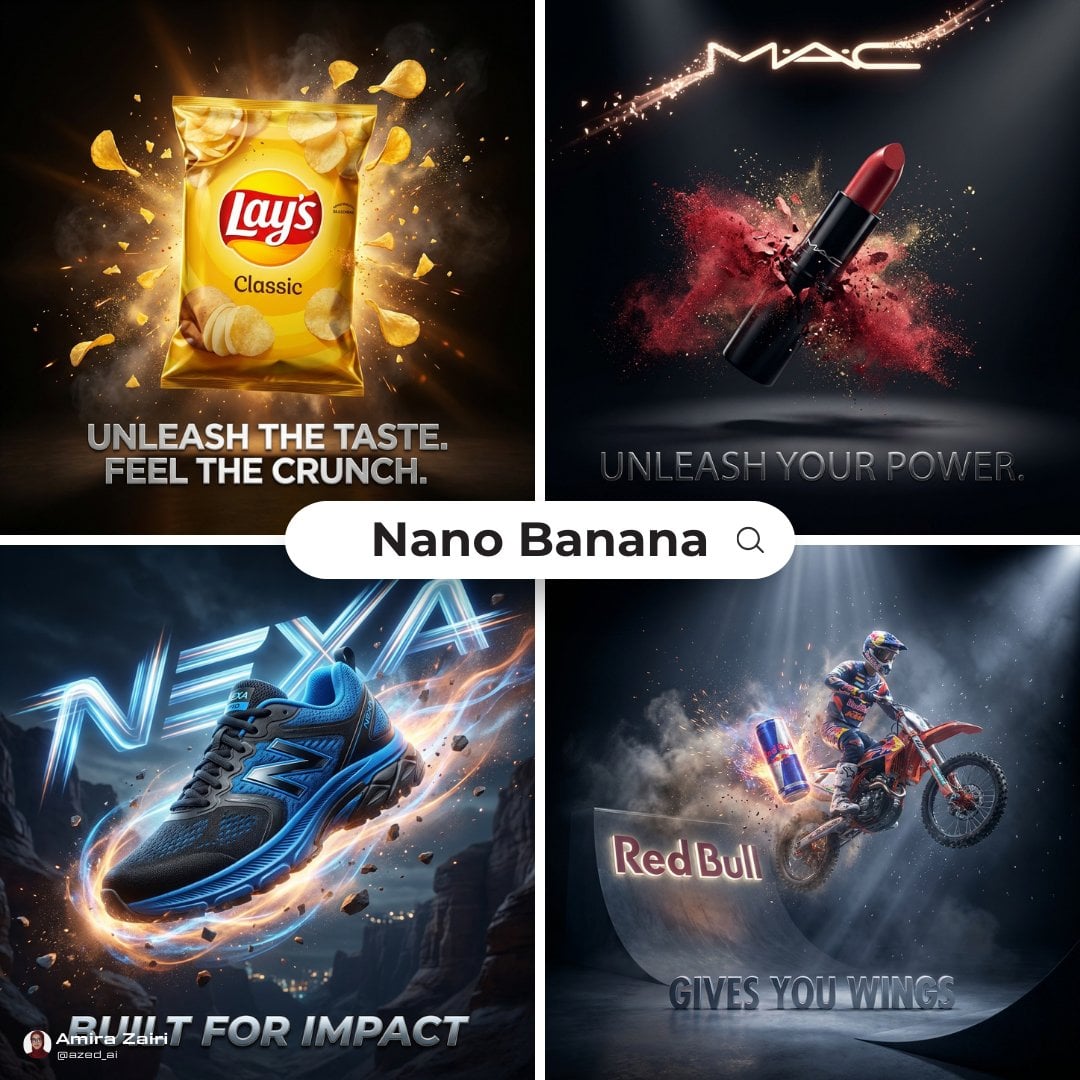
Cinematic 3D action-packed advertisement captured in an intense

AI-edited, hyper-detailed, photorealistic with stylized realism
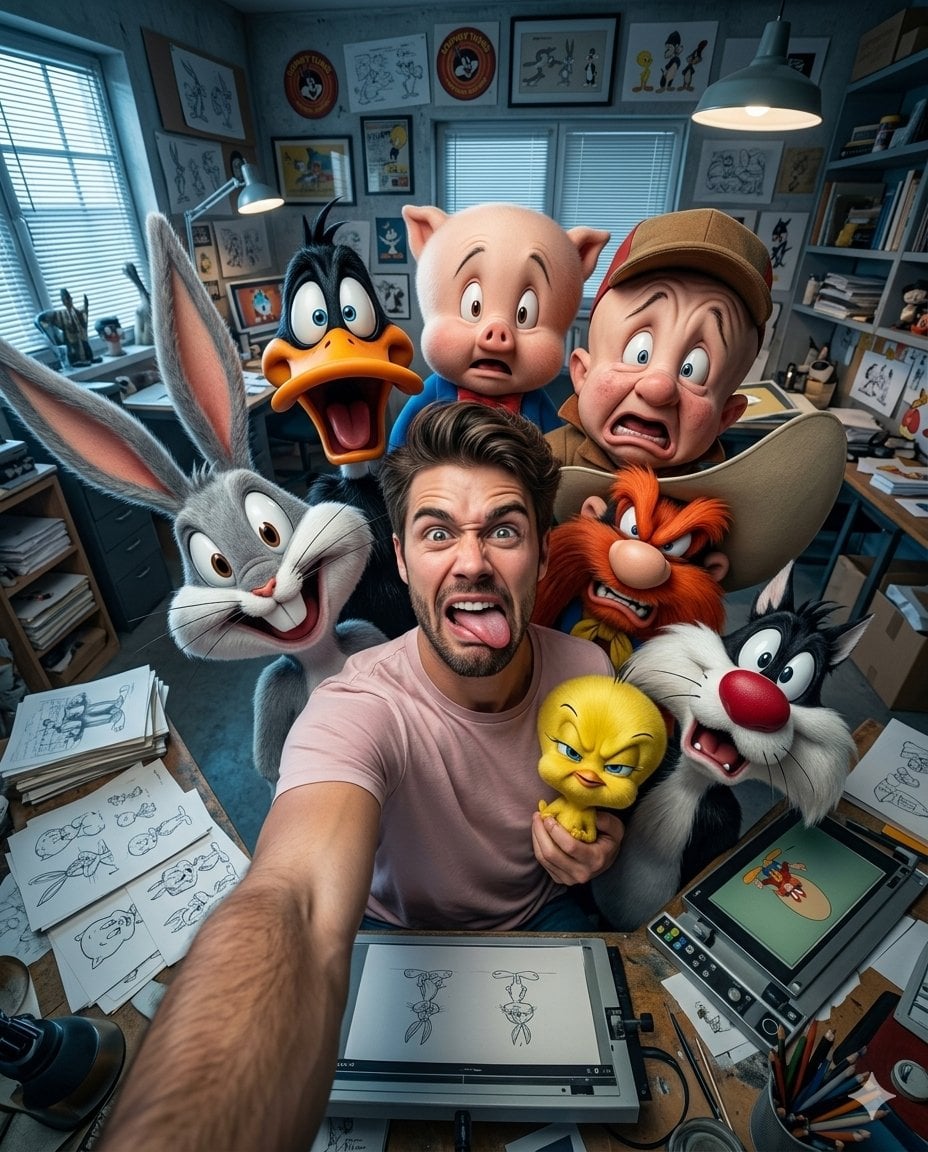
Illustration & 3D Prompt #533
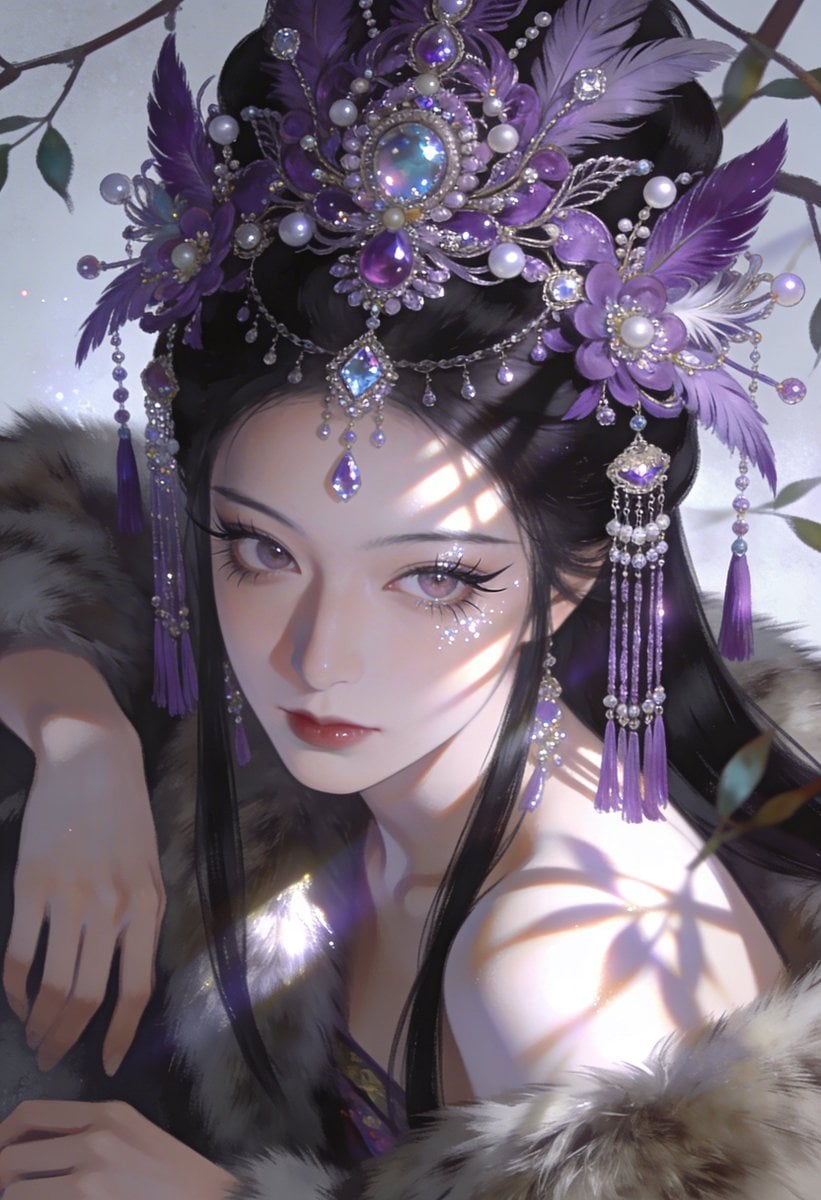
Ime characters into realistic human portraits Convert character

Clear, 45 top-down isometric miniature 3D cartoon scene of the iconic
Illustration & 3D Prompt #1437
To hyper-realistic 3D CGI collectible figurine render
Illustration & 3D Prompt #1419
Illustration & 3D Prompt #813
Illustration & 3D Prompt #313
Masterpiece, best quality, high resolution, 8k, Photorealistic 1 4
Illustration & 3D Prompt #1428
Make it yours
A high-resolution, photorealistic 3D action RPG mobile game screenshot works as-is. These are the safest ways to change it without losing the look.
Change one field
Copy a single group, rewrite it, and generate again so you can see what that field is doing.
Keep the frame, change the subject
Hold the composition and light of A high-resolution, photorealistic 3D action RPG mobile game screenshot, then swap wardrobe, props or the person for a new take.
| If the result… | Why | Fix |
|---|---|---|
| The result drifts from the preview | Too many fields changed at once. | Reuse A high-resolution, photorealistic 3D action RPG mobile game screenshot as-is first, then change one group — subject, light, or setting. |
| The model over-stylizes the scene | The prose prompt leaves finish and camera underspecified. | Add one camera or lighting sentence and stay on GPT Image 2. |
More GPT Image 2 templates
Other prompts made for GPT Image 2.

Six VTuber Japanese Logo Sheet

Realistic Portrait of Woman and Deer

The Vista Modular Condo Poster

AI Model Routing Comparison Infographic

2.5D Anime Art Board

Isometric Productivity Desk Scene

New York Double Exposure Poster

Four-Panel AI Landscape Comparison

Japanese Tatami Lifestyle Magazine Cover

NESCAFÉ Coffee Map Poster
More image prompts
Fresh picks from across the catalog.
Minimalist Personal Branding Mockup
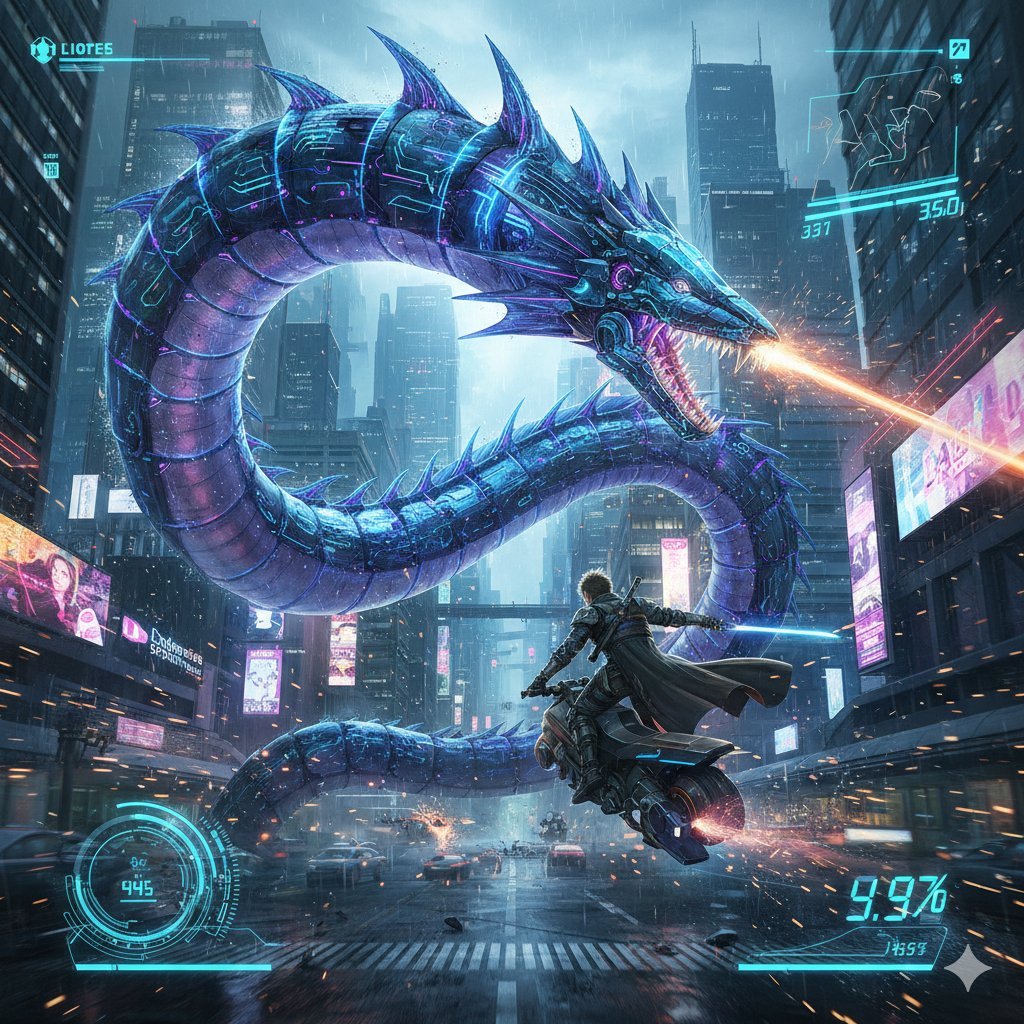
Nano Banana Pro Prompt: Final Fantasy Leviathan vs Player (Cyberpunk)
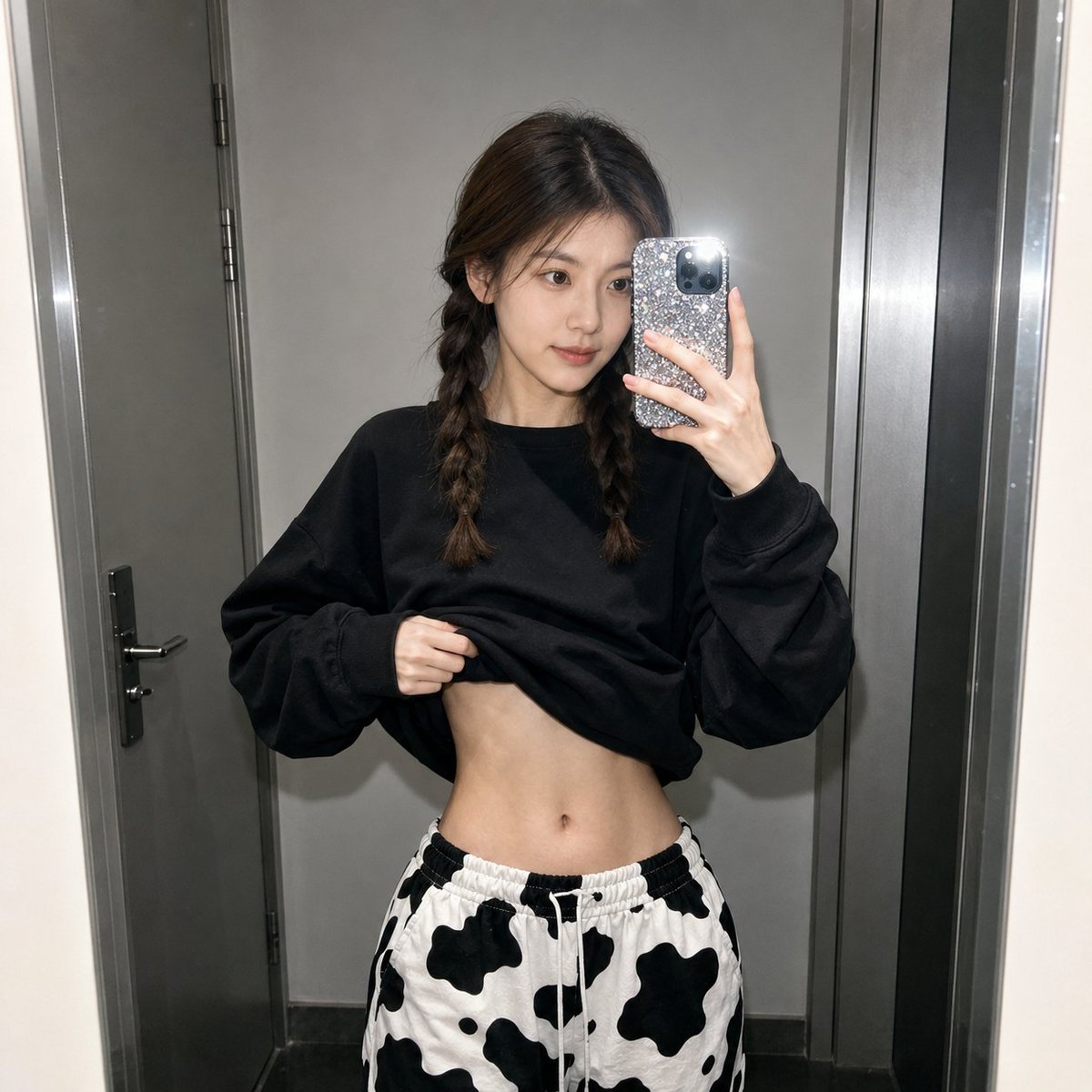
Realistic Raw Flash Mirror Selfie
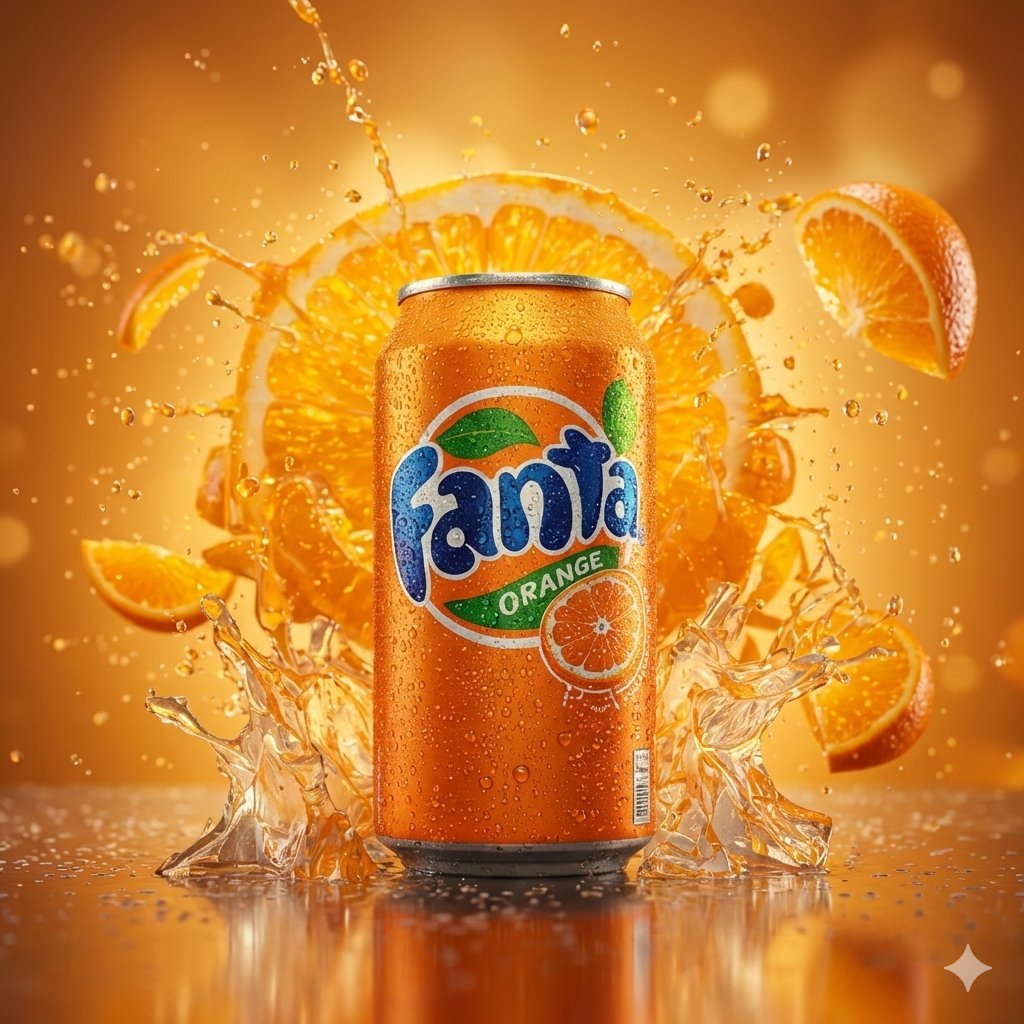
Hyper-realistic cinematic product shot of Fanta Orange can with exploding orange slices
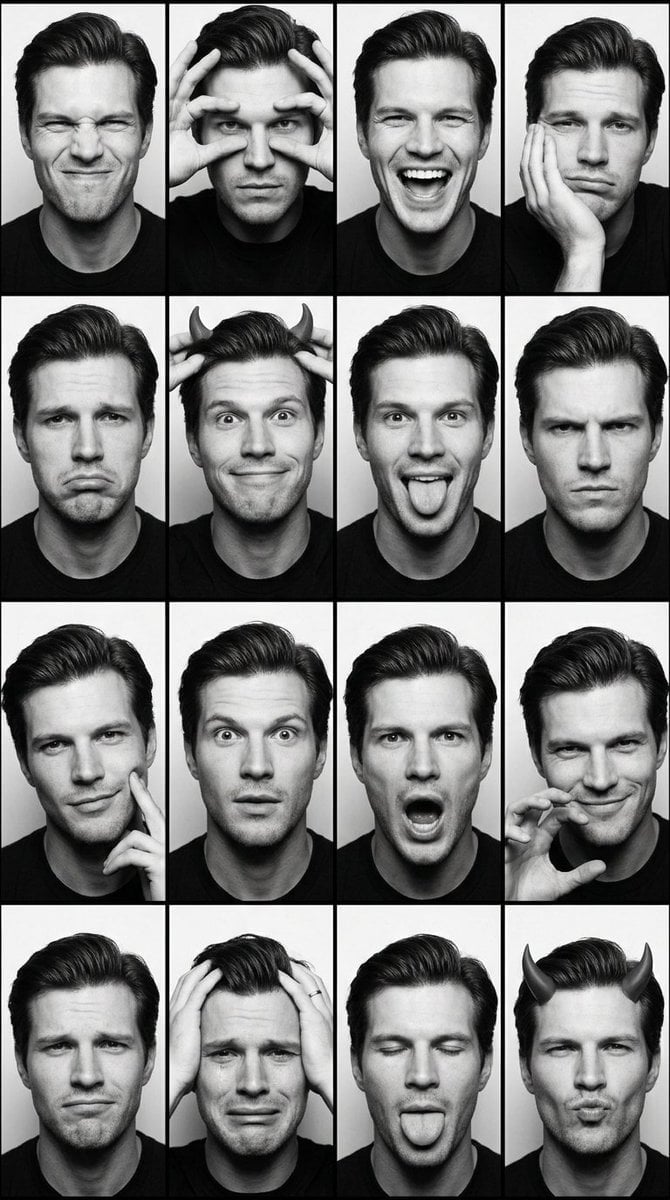
Black and White Photobooth Expression Grid
Cute Mermaid Puppy Underwater Game Screen
Minimal Interior Studio Website
Epic Milestone X Poster
GTA 6 CJ and Lucia crossover
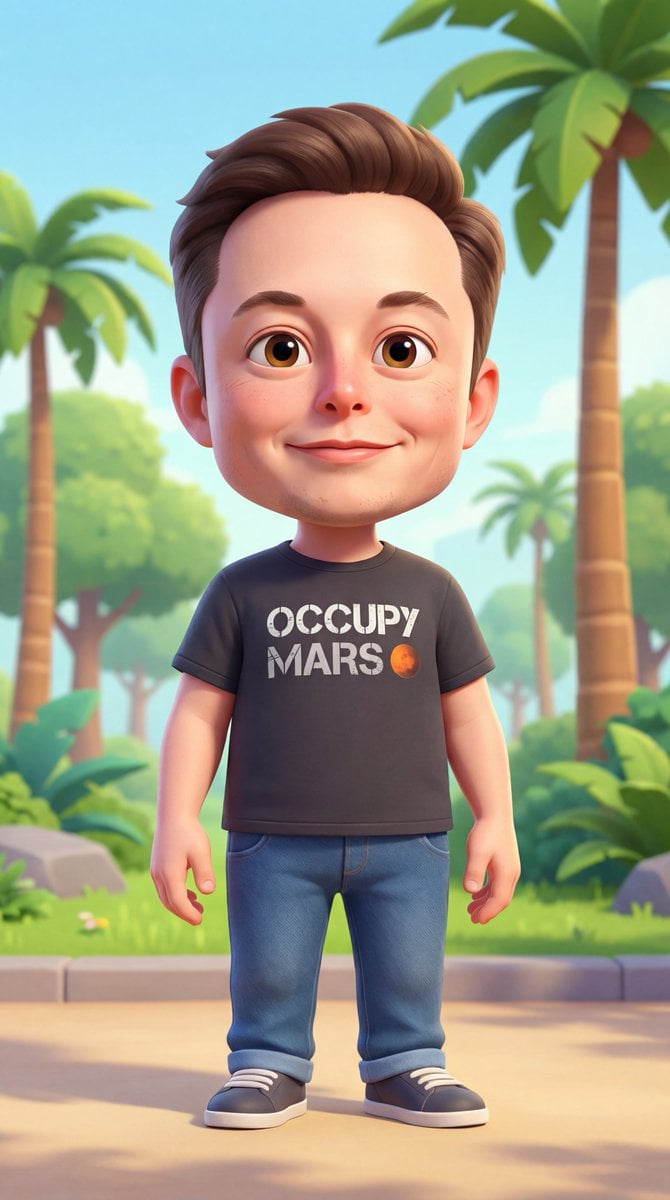
3D Cartoon Character Generation Prompt
Browse template categories
A high-resolution, photorealistic 3D action RPG mobile game screenshot questions
How do I use the A high-resolution, photorealistic 3D action RPG mobile game screenshot template?
Add your photo if the template asks for one, edit the prompt if you like — the template's model and format are already selected — and press Generate. Your version opens in PicX Studio.
Can I customize the A high-resolution, photorealistic 3D action RPG mobile game screenshot template?
Yes. You can change the subject, setting, lighting, mood, format, and available model controls before creating your image.
Is the A high-resolution, photorealistic 3D action RPG mobile game screenshot template free?
Opening and editing this template is free. Generating uses credits, shown on the Generate button when you are signed in.
Which AI model should I use?
Start with GPT Image 2, which is the model associated with this template. You can compare another compatible model for a different finish.
Looking for something else? Browse all templates.

Your photo, any look
Thousands of ready templates for every top image and video model, from one credit balance.