
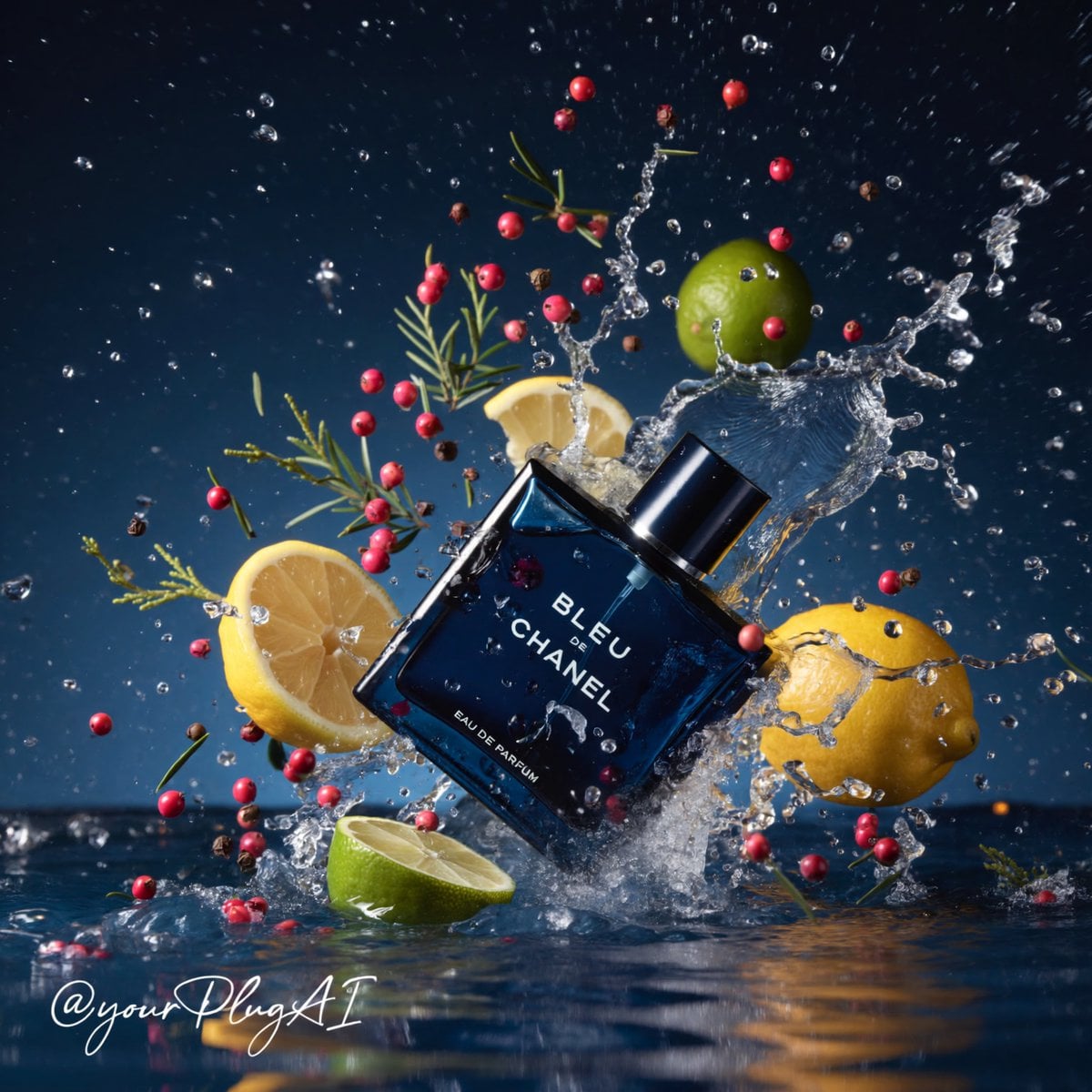
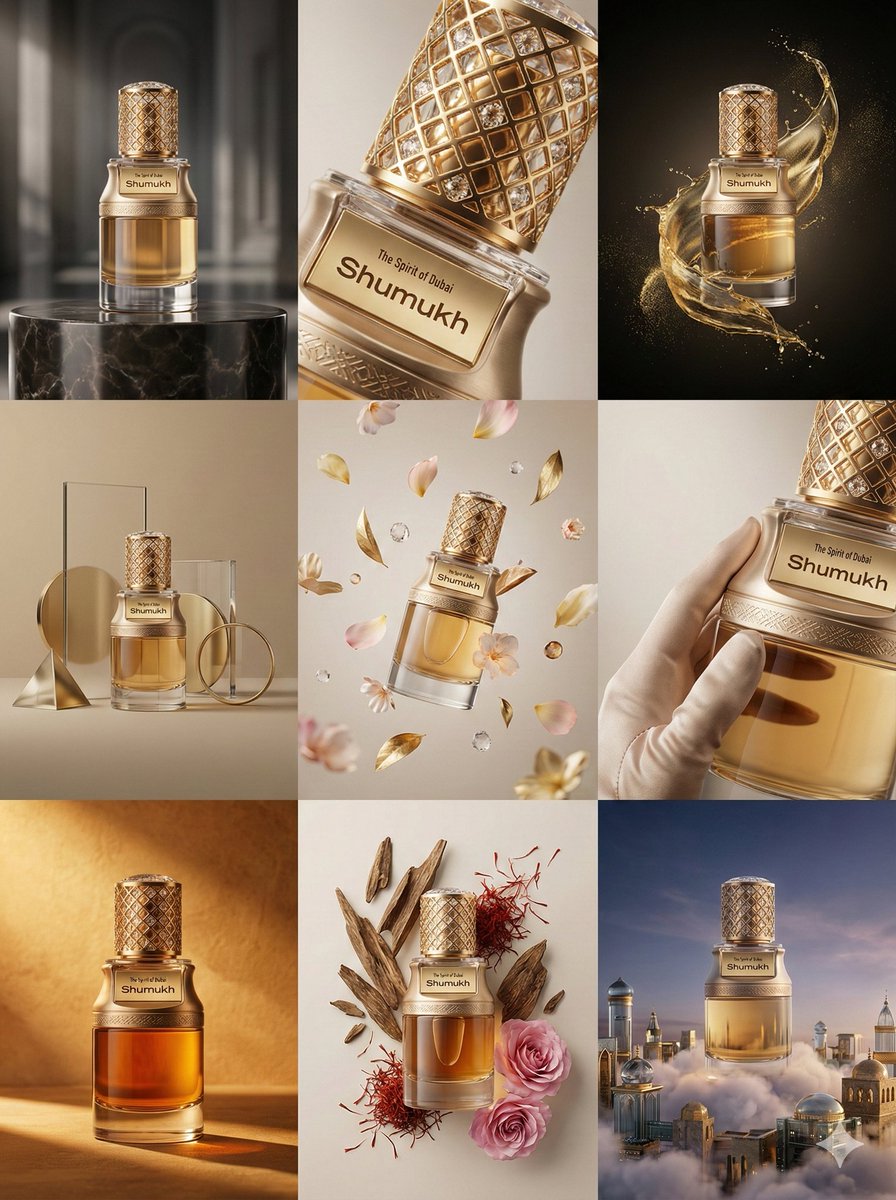
Hyper-realistic cinematic luxury perfume product photograph featuring
Create a hyper-realistic cinematic luxury perfume product photograph featuring [PERFUME BOTTLE DESIGN] positioned in [COMPOSITION / ANGLE] within a dramatic elemental environment of [ELEMENTAL SETTING: water, smoke…
- Prompt included
- Model and format preset
- Free template
The prompt behind this image
Copy the exact prompt behind Hyper-realistic cinematic luxury perfume product photograph featuring, or open it in the studio and make it yours.
Create a hyper-realistic cinematic luxury perfume product photograph featuring [PERFUME BOTTLE DESIGN] positioned in [COMPOSITION / ANGLE] within a dramatic elemental environment of [ELEMENTAL SETTING: water, smoke, ice, firelight, forest, florals, spices, gemstones]. The bottle should feel premium and tactile, with [MATERIAL DETAILS: glossy glass, metallic cap, gold label, transparent liquid, frosted surface, engraved text], sharp reflections, realistic refractions, and crisp readable branding: [BRAND / LABEL TEXT]. Surround the product with carefully arranged sensory ingredients such as [BOTANICALS / SPICES / FRUITS / OBJECTS], using strong contrast between [PRIMARY COLOR PALETTE] and [ACCENT COLORS]. Lighting should be cinematic and high-contrast, with [LIGHTING STYLE], deep shadows, sparkling highlights, volumetric atmosphere, and a luxurious commercial advertising finish. Background: [BACKGROUND DESCRIPTION], shallow depth of field, premium editorial composition, ultra-detailed textures, 8k resolution, photorealistic studio quality. Cheat Sheet [PERFUME BOTTLE DESIGN]: shape, color, cap, label style [COMPOSITION / ANGLE]: tilted crash, centered still life, close-up tray, hand interaction [ELEMENTAL SETTING]: splash, smoke, candlelight, ice, forest, aurora [MATERIAL DETAILS]: glass, metal, liquid, frost, reflections [BRAND / LABEL TEXT]: exact readable perfume text [BOTANICALS / SPICES / FRUITS / OBJECTS]: lemons, vanilla pods, roses, pinecones, gemstones [PRIMARY COLOR PALETTE]: navy, amber, silver, black, icy blue [ACCENT COLORS]: gold, red, lime green, magenta, teal [LIGHTING STYLE]: dramatic spotlight, candle glow, cool moonlight, golden rim light [BACKGROUND DESCRIPTION]: moody studio, dark forest, blurred luxury interior, smoky backdrop
How to use Hyper-realistic cinematic luxury perfume product photograph featuring in 3 steps
- 1
Open
The prompt is already in the box next to the preview, with the template's model and format selected.
- 2…a portrait of your subject in softgolden-hour light, 85mm…
Personalize
Edit the subject and creative details for your destination.
- 3Generate
Generate
Press Generate — your image is created in PicX Studio, so you can compare it with the original and refine one variable at a time.
More like this
Templates with the same subject, style or setup. Open one to see its prompt.
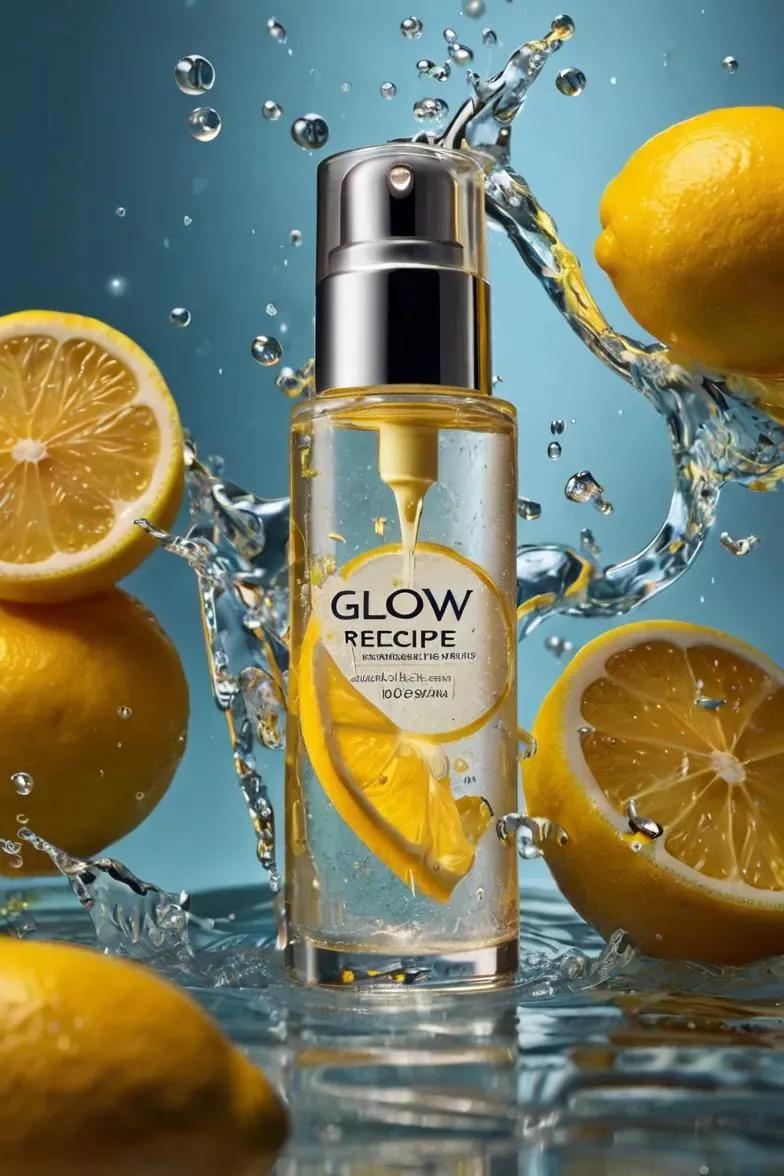
Ultra-realistic skincare advertising photography featuring a frosted
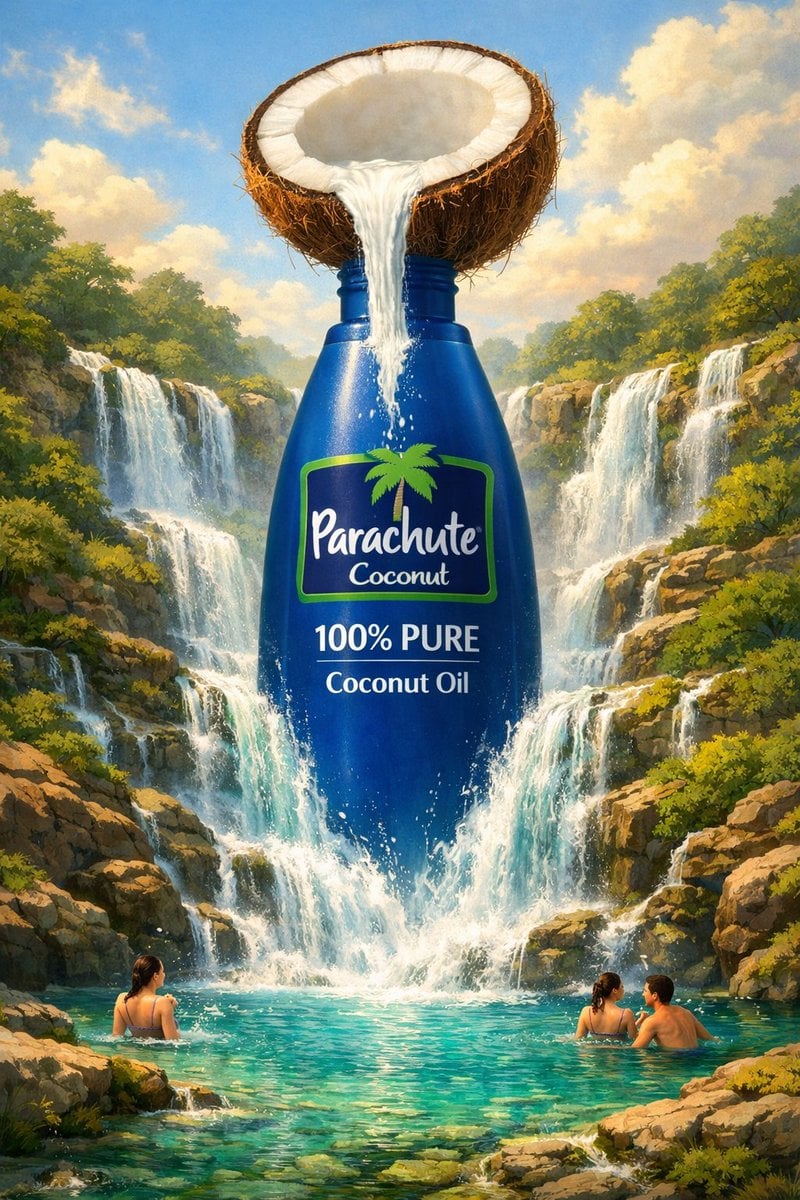
Surreal premium commercial illustration featuring the product bottle
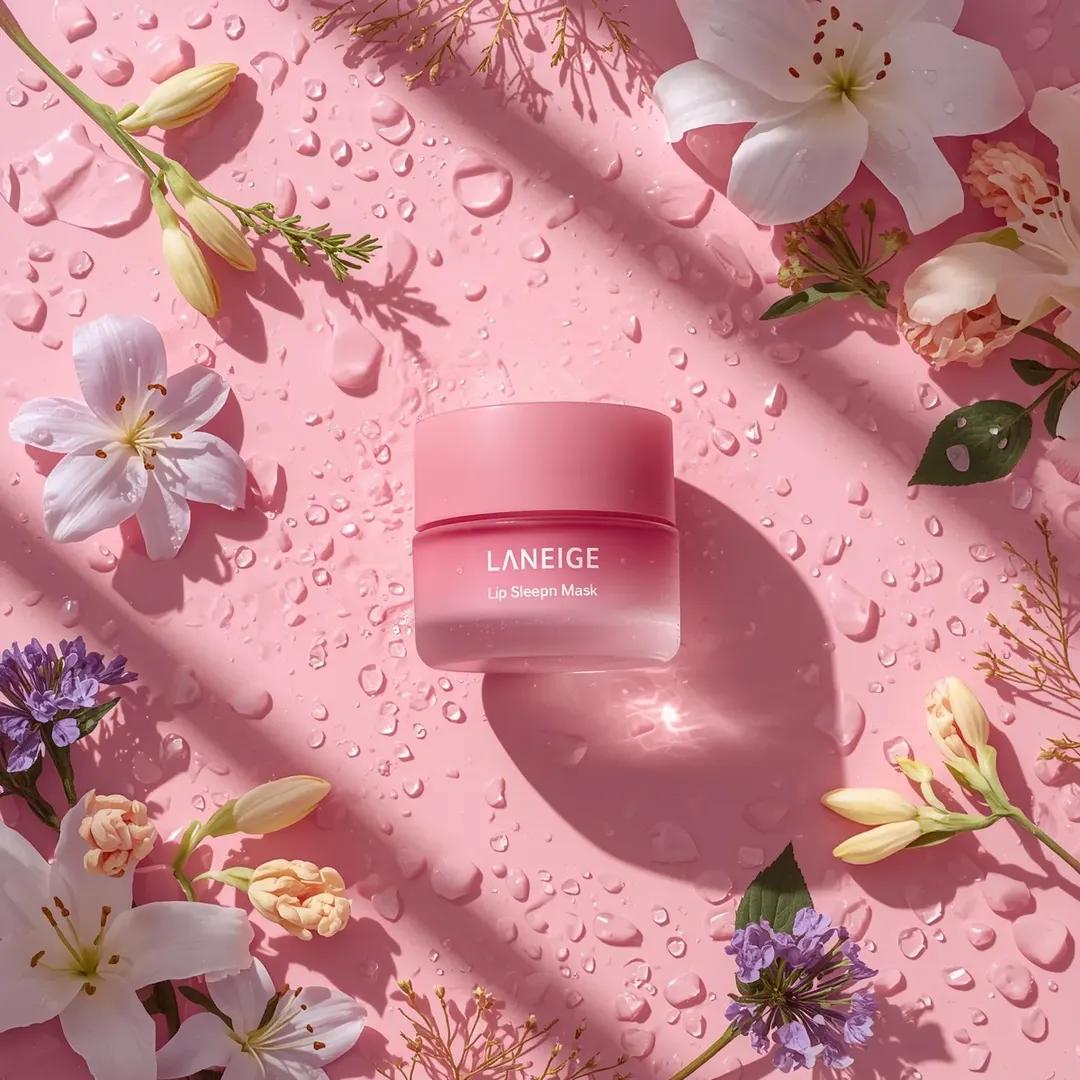
A hyper-realistic beauty product photograph of a pink jar placed
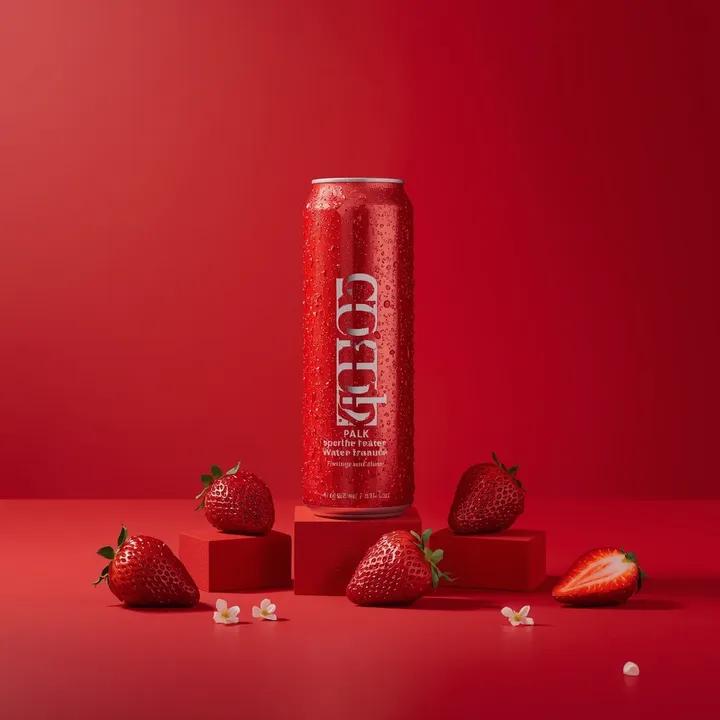
A premium studio product photograph of a tall, slim red aluminum
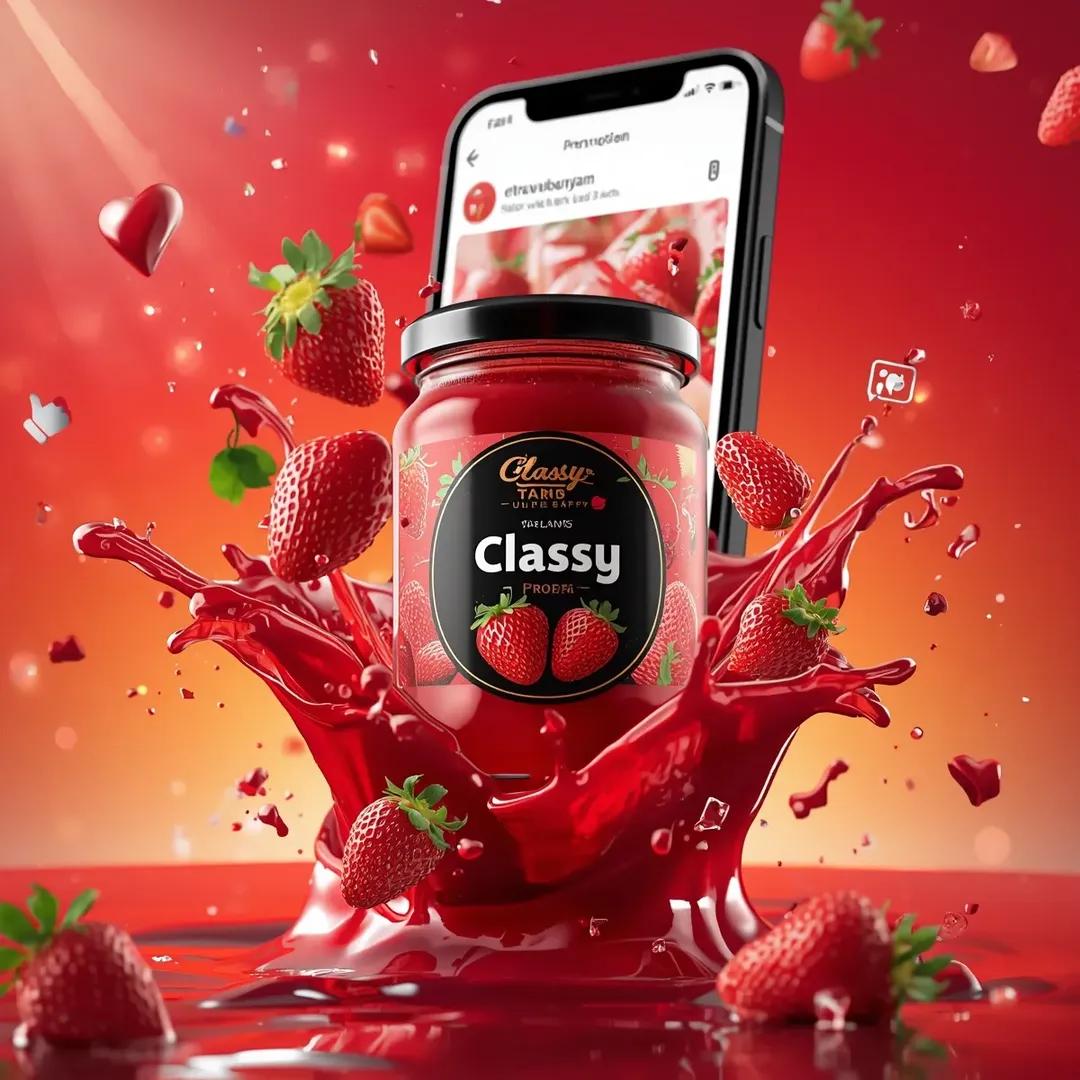
Ultra-realistic commercial food product advertising scene featuring
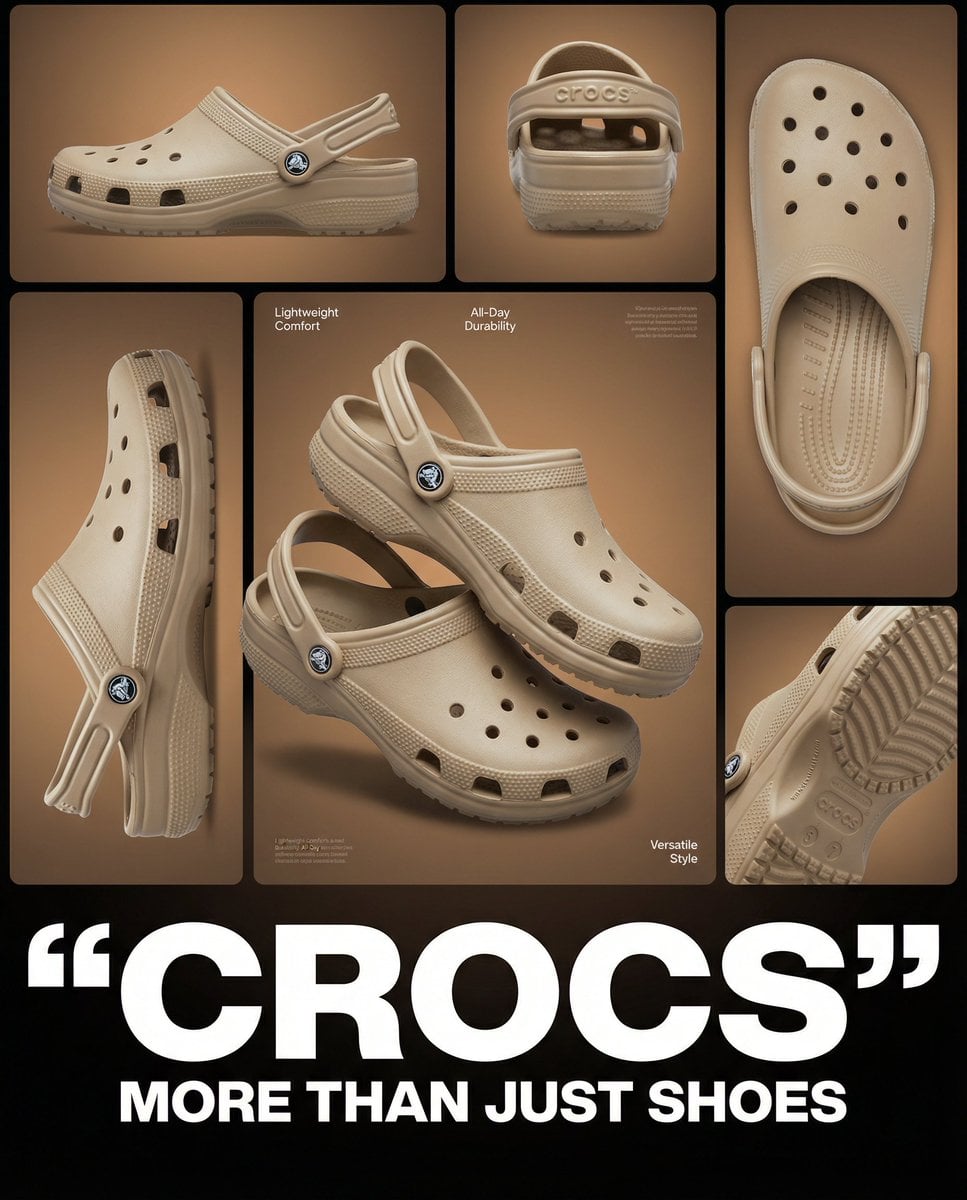
Multi-image product collage poster featuring beige/tan Crocs clog shoes
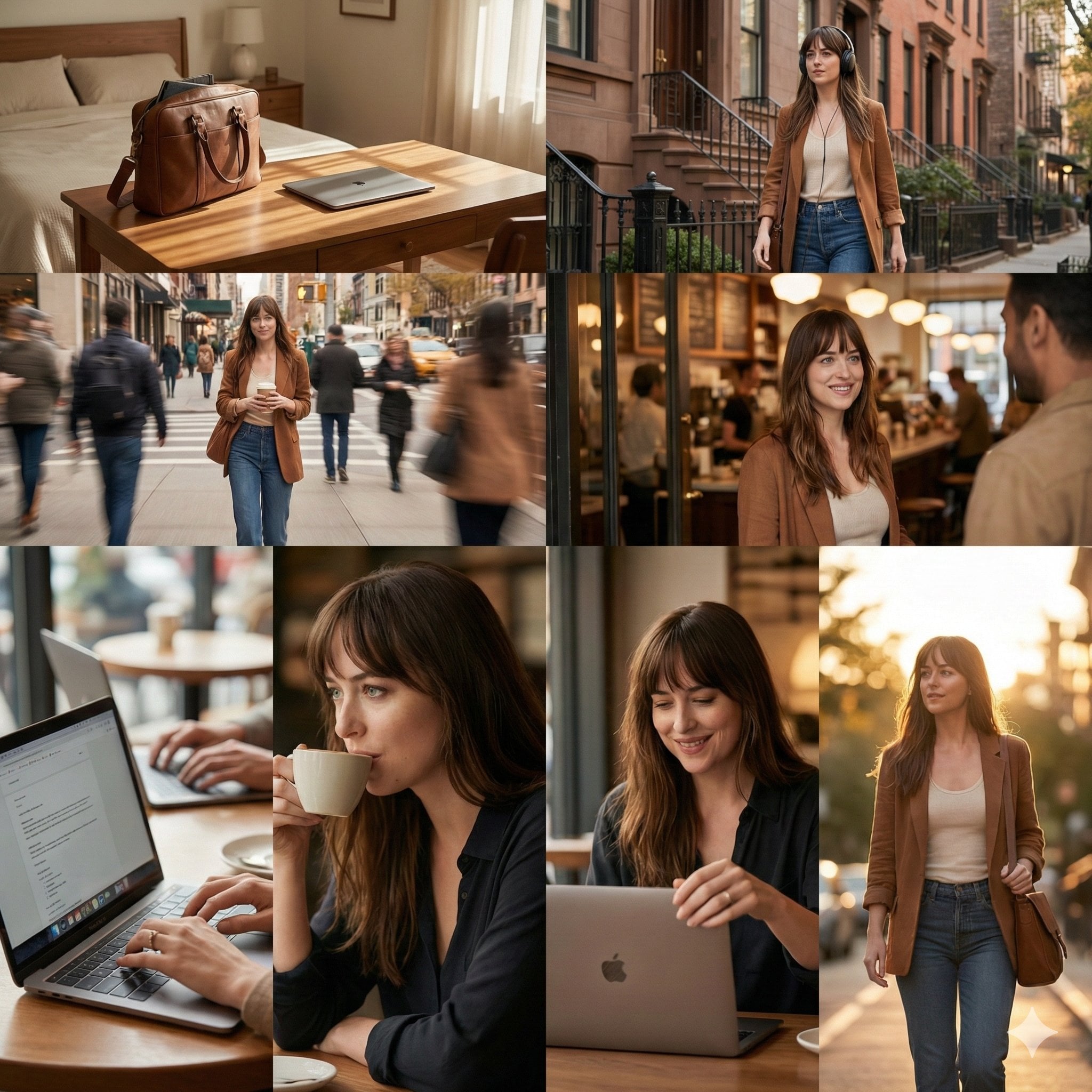
Cinematic 8-photo storytelling collage featuring the same girl
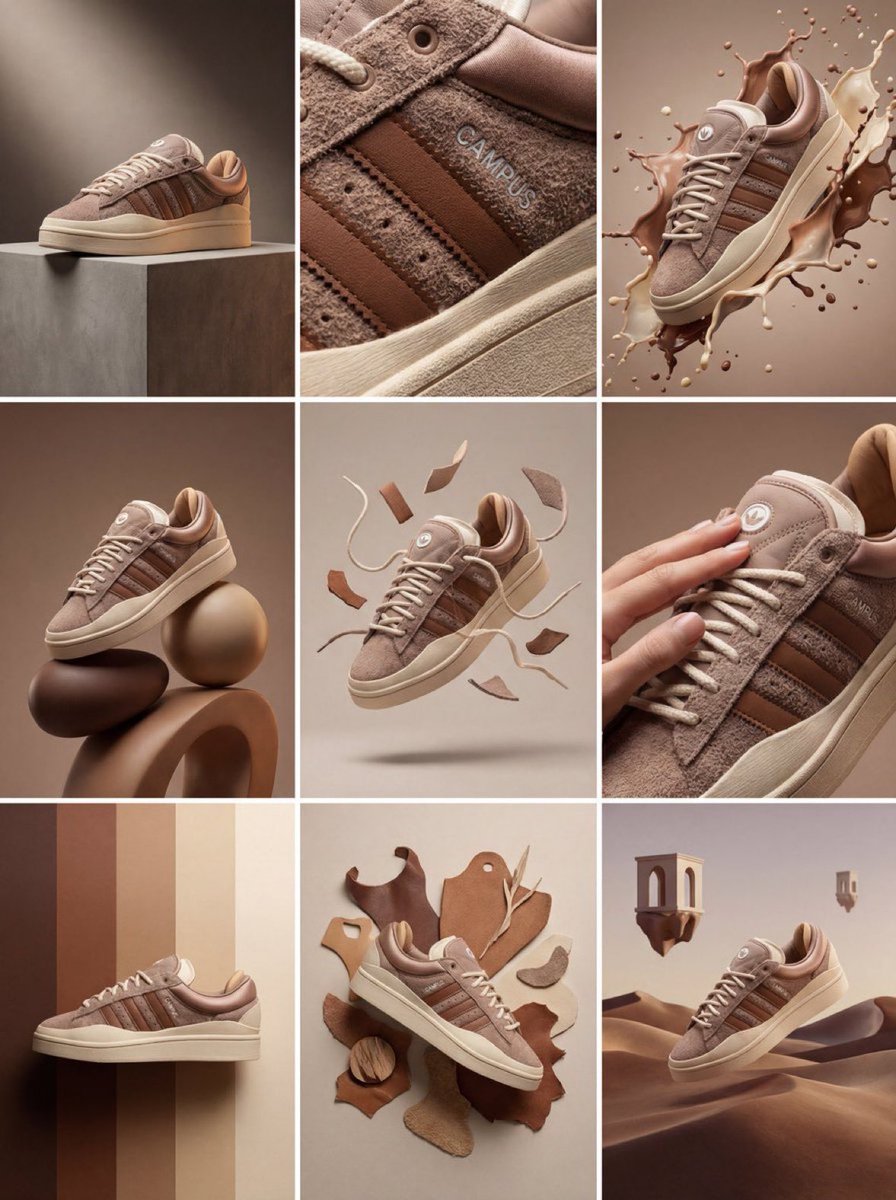
Product & Brand Prompt #1444
Product & Brand Prompt #569
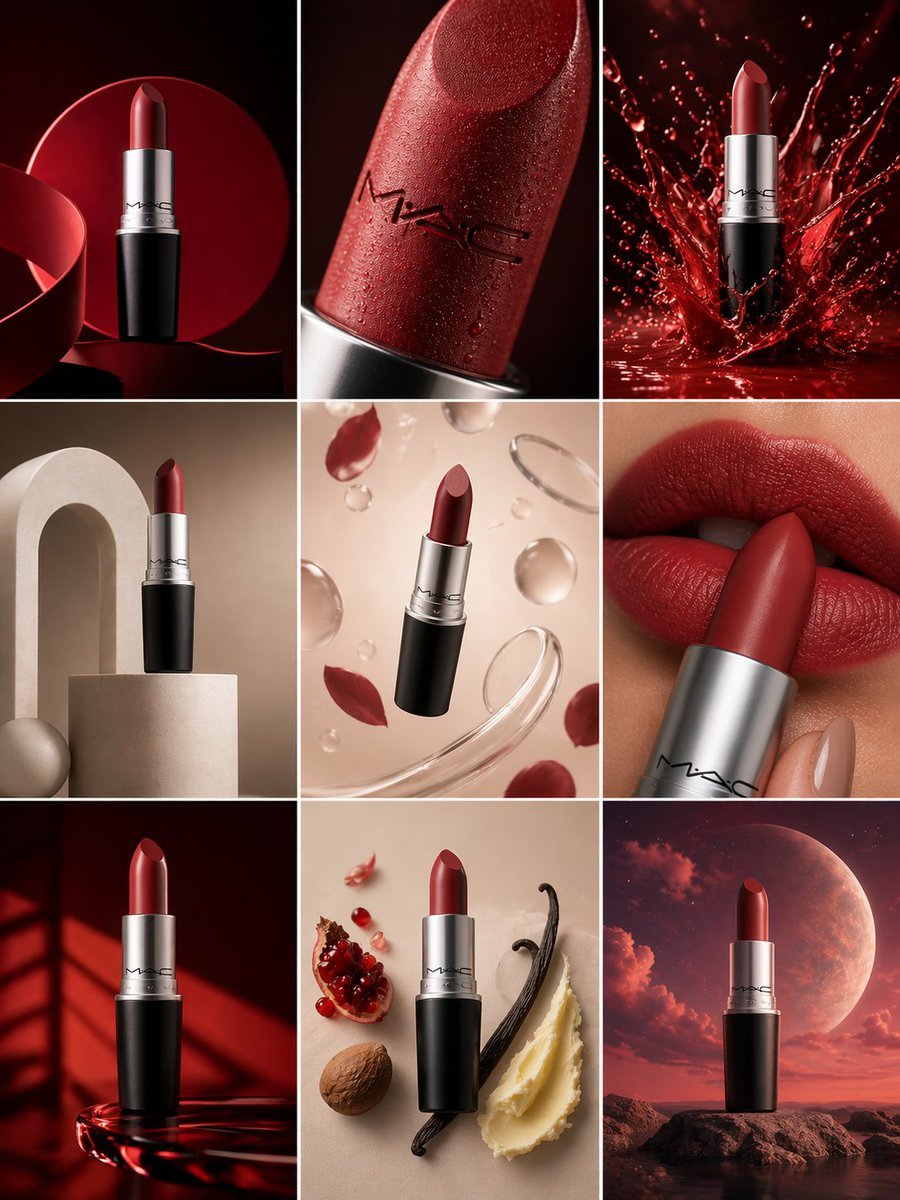
Product & Brand Prompt #285
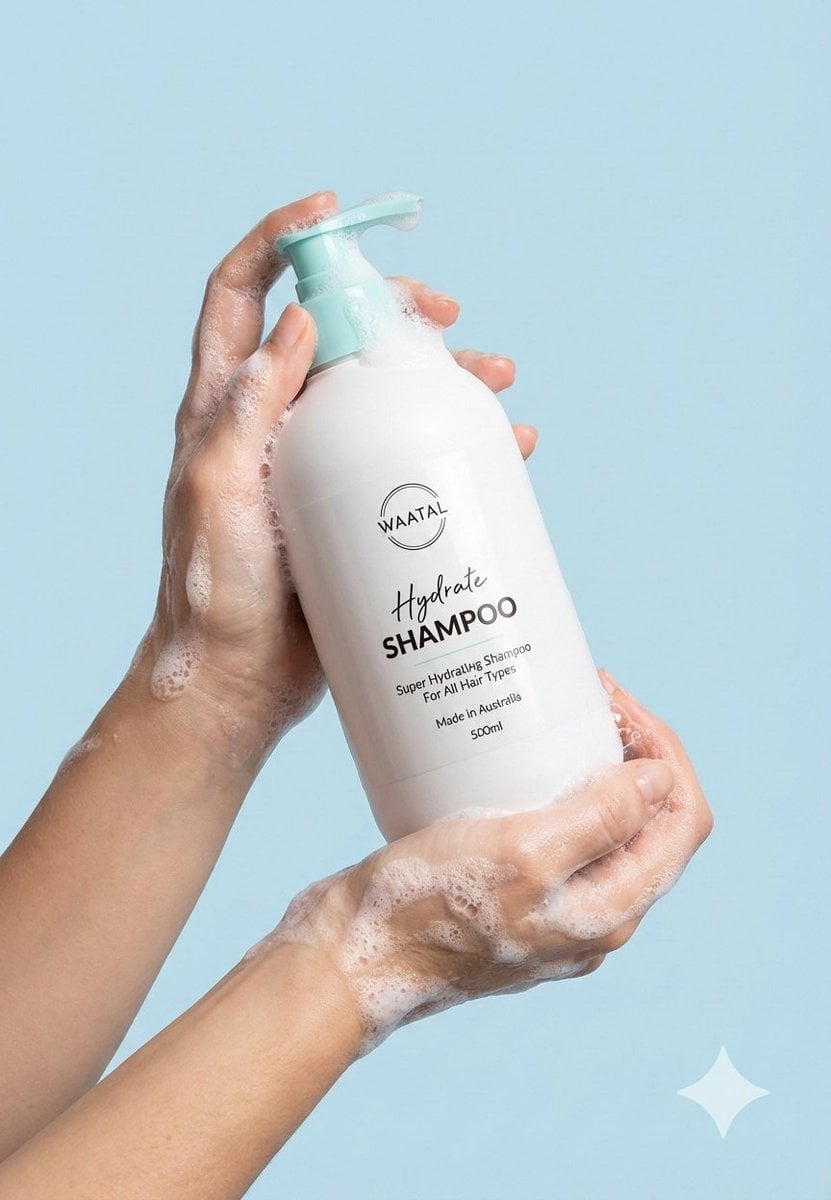
Product & Brand Prompt #953
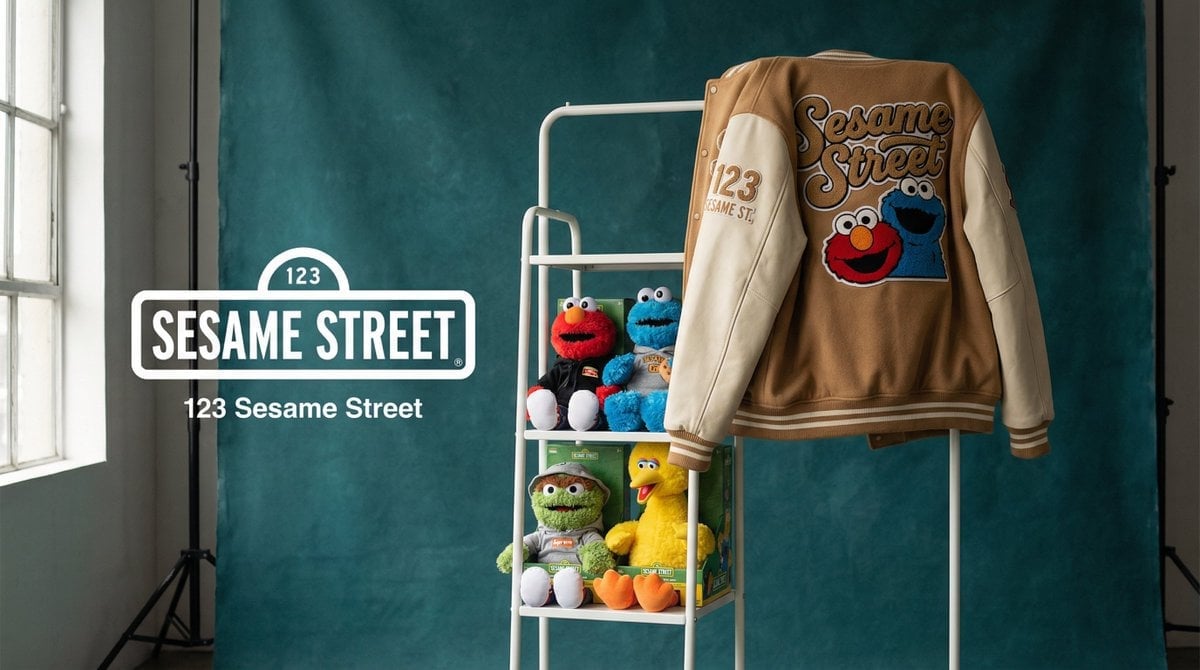
Photograph announcing a limited merchandise drop
Make it yours
Hyper-realistic cinematic luxury perfume product photograph featuring works as-is. These are the safest ways to change it without losing the look.
Change one field
Copy a single group, rewrite it, and generate again so you can see what that field is doing.
Keep the frame, change the subject
Hold the composition and light of Hyper-realistic cinematic luxury perfume product photograph featuring, then swap wardrobe, props or the person for a new take.
| If the result… | Why | Fix |
|---|---|---|
| The result drifts from the preview | Too many fields changed at once. | Reuse Hyper-realistic cinematic luxury perfume product photograph featuring as-is first, then change one group — subject, light, or setting. |
| The model over-stylizes the scene | The prose prompt leaves finish and camera underspecified. | Add one camera or lighting sentence and stay on GPT Image 2. |
More GPT Image 2 templates
Other prompts made for GPT Image 2.

Six VTuber Japanese Logo Sheet

Realistic Portrait of Woman and Deer

The Vista Modular Condo Poster

AI Model Routing Comparison Infographic

2.5D Anime Art Board

Isometric Productivity Desk Scene

New York Double Exposure Poster

Four-Panel AI Landscape Comparison

Japanese Tatami Lifestyle Magazine Cover

NESCAFÉ Coffee Map Poster
More image prompts
Fresh picks from across the catalog.
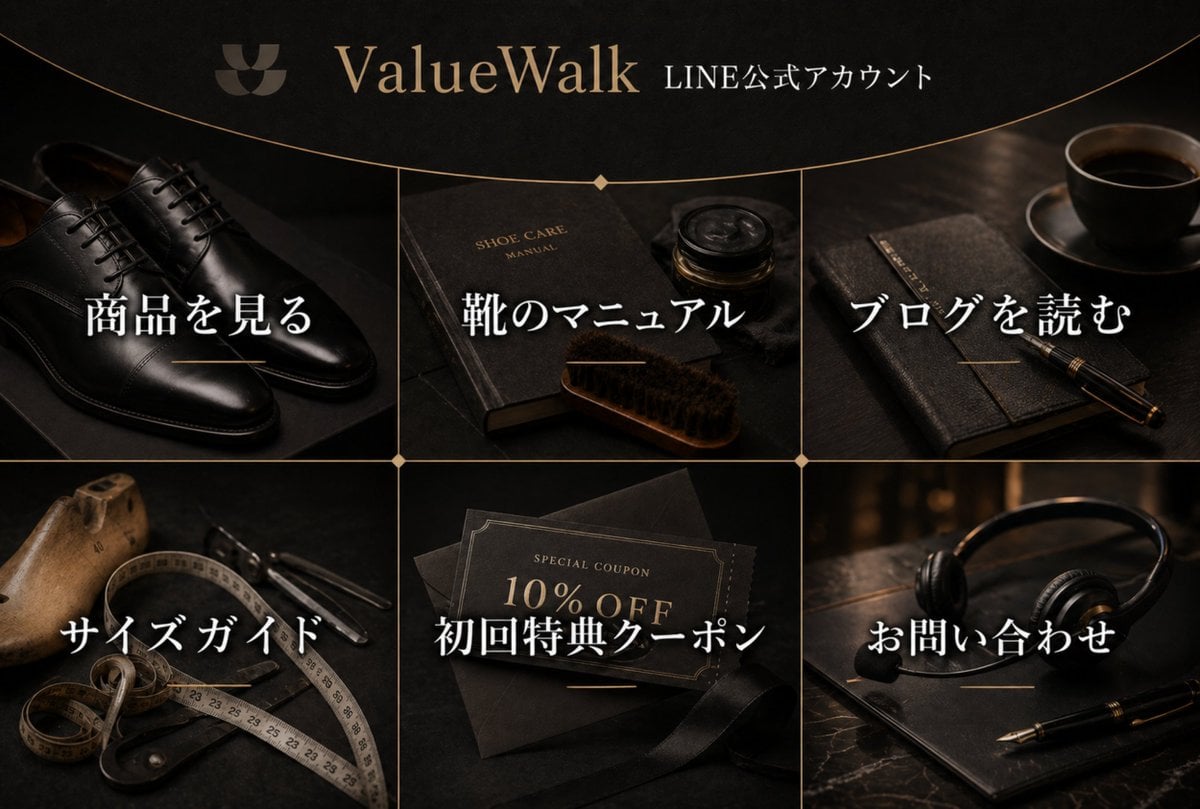
Luxury Shoe Brand LINE Rich Menu
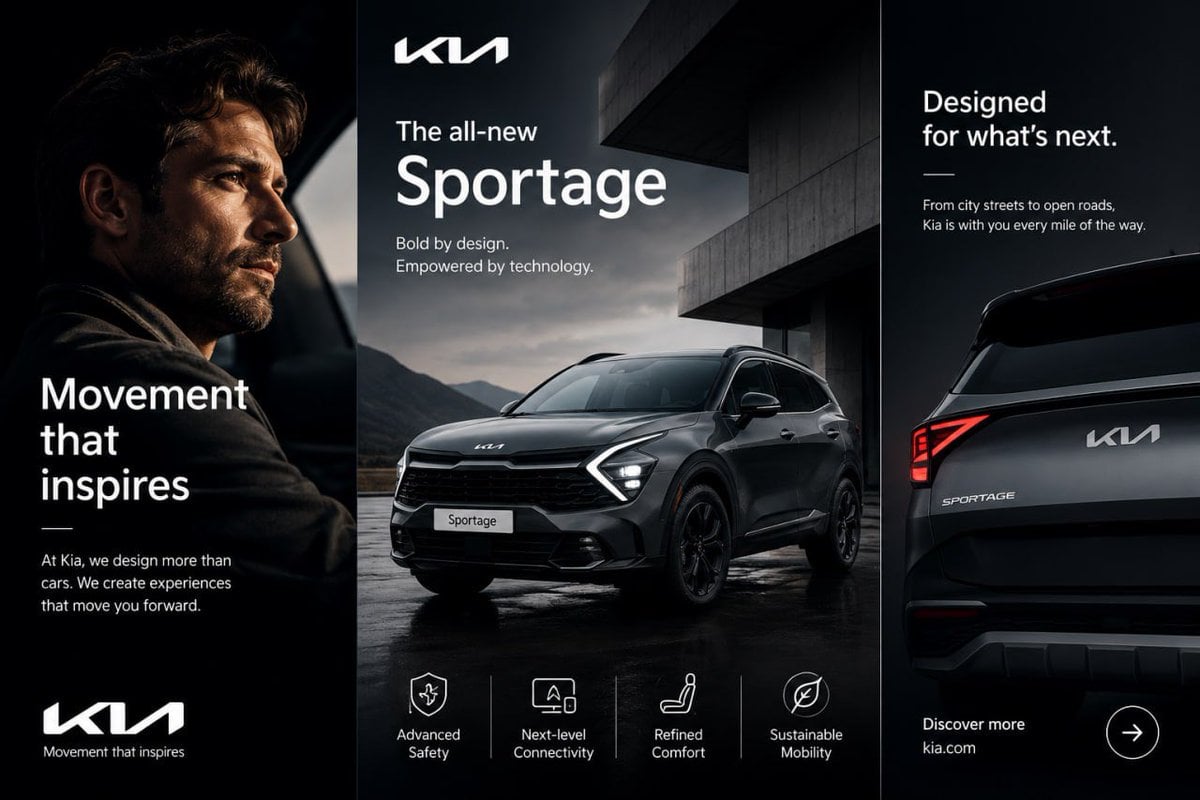
Kia Sportage Triptych Ad
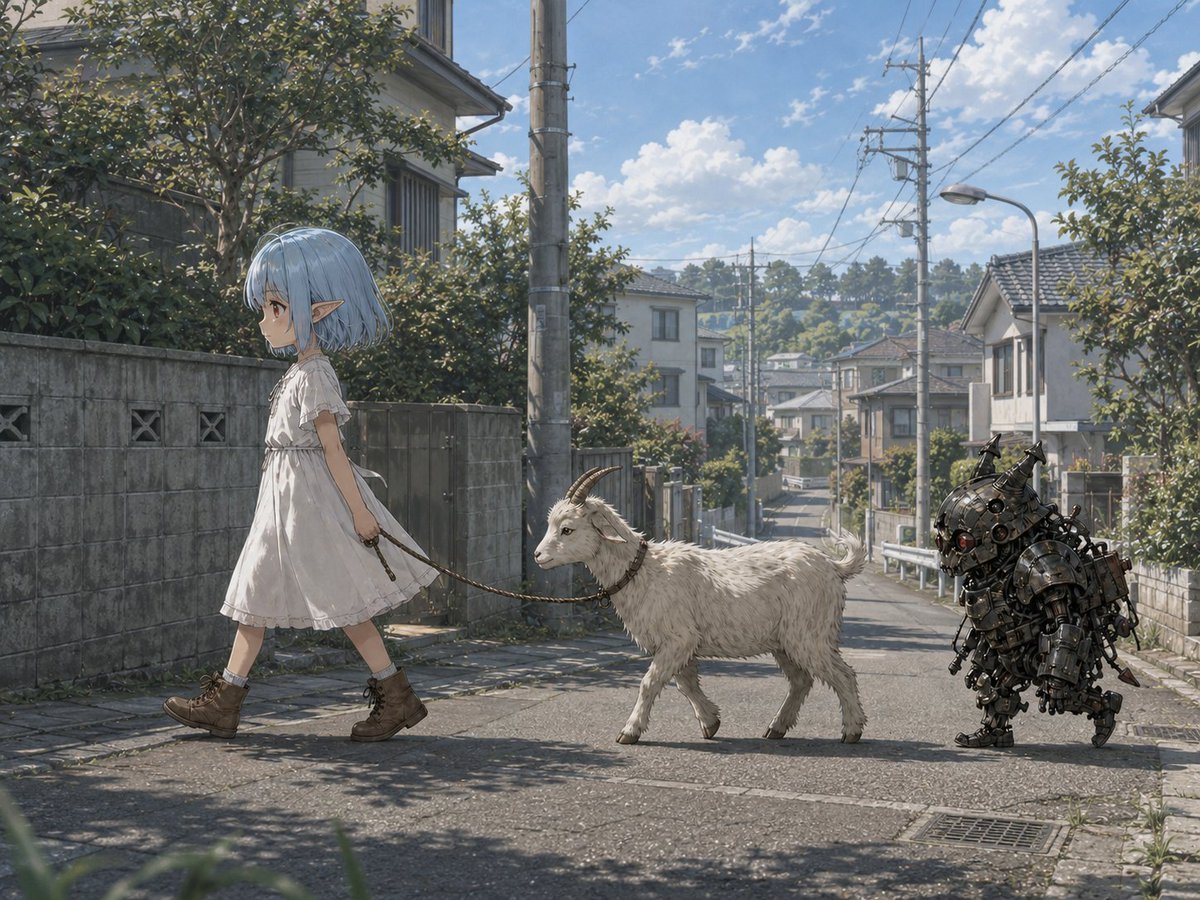
Elf Girl Walking Goat and Robot
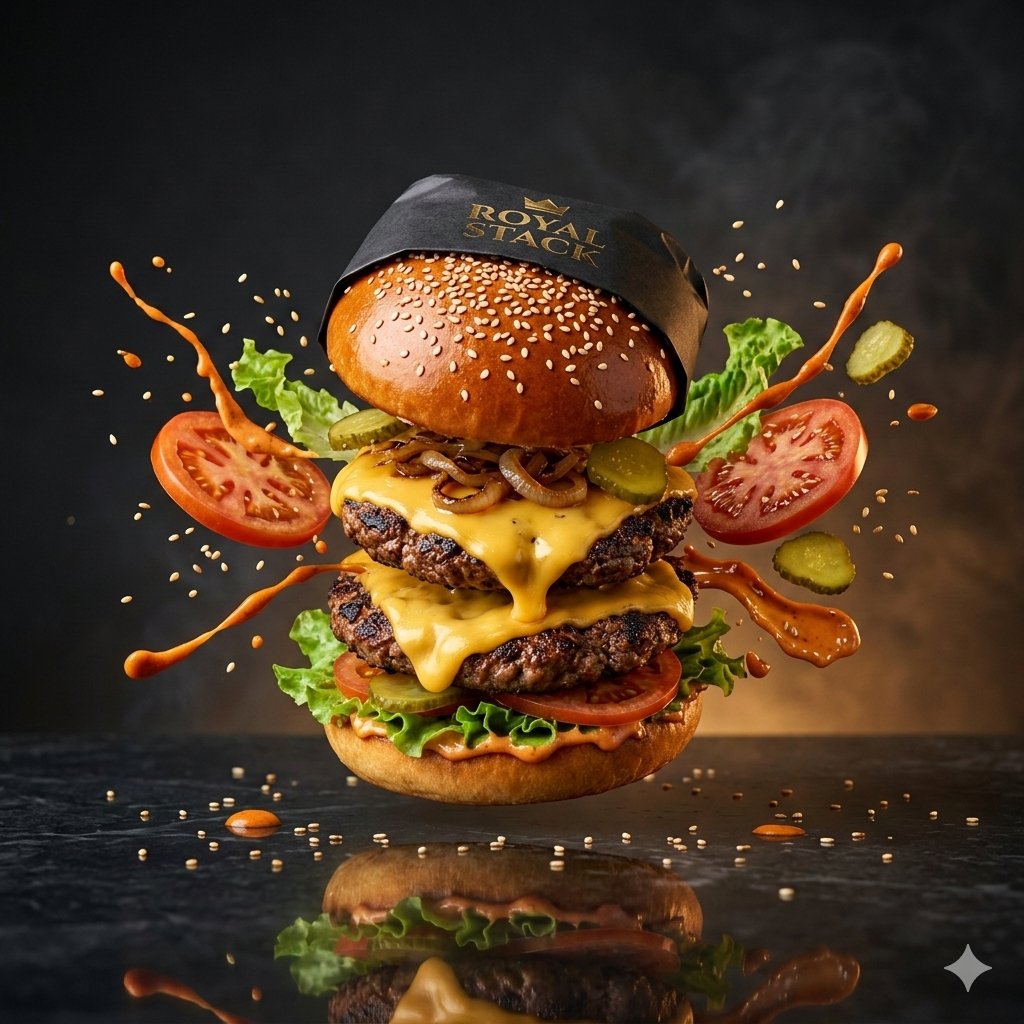
High-Speed Commercial Luxury Burger Photography
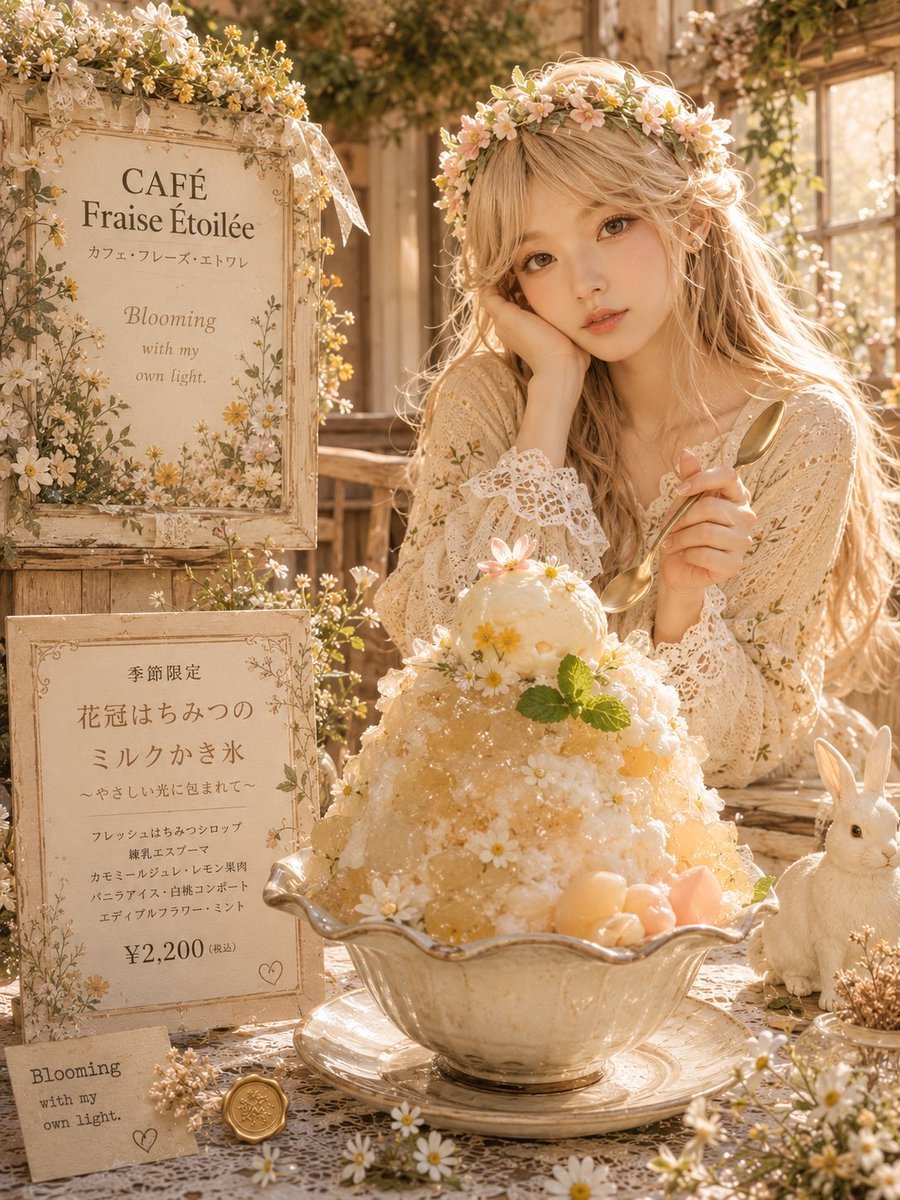
Cottagecore Shaved Ice Café Ad
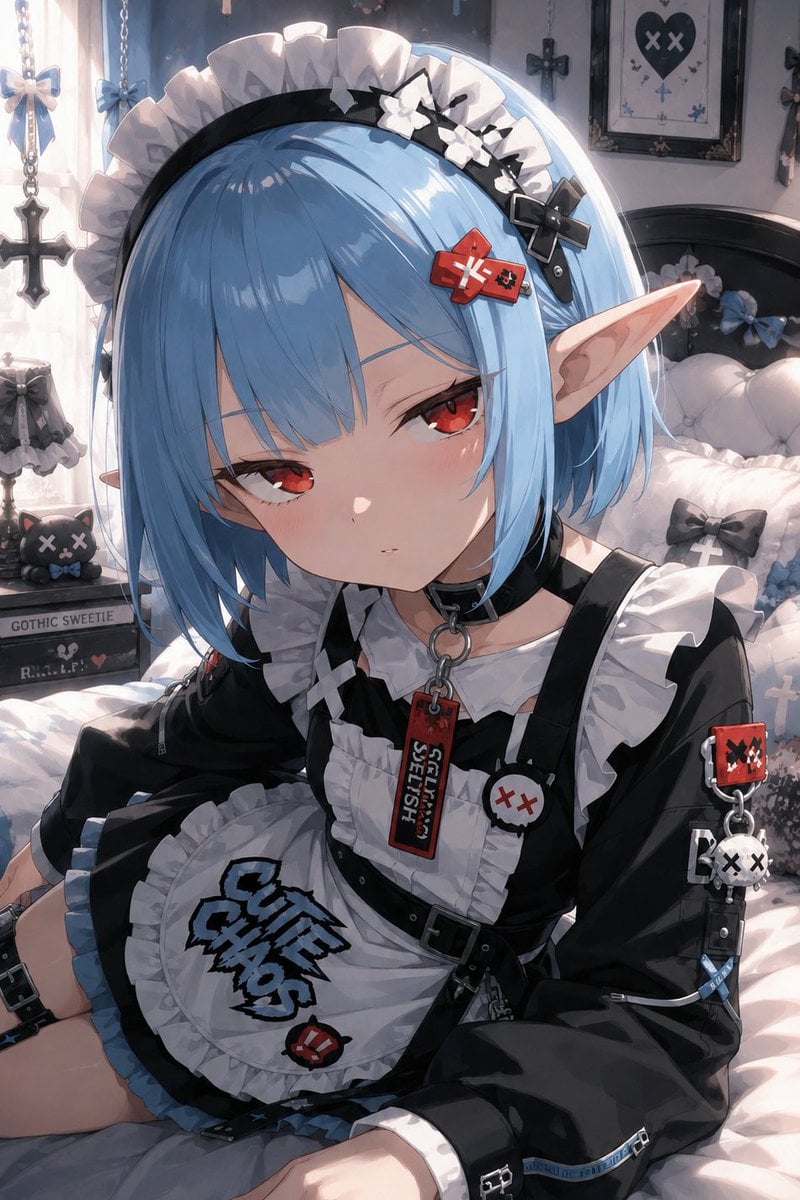
Character Background and Lighting Adjustment
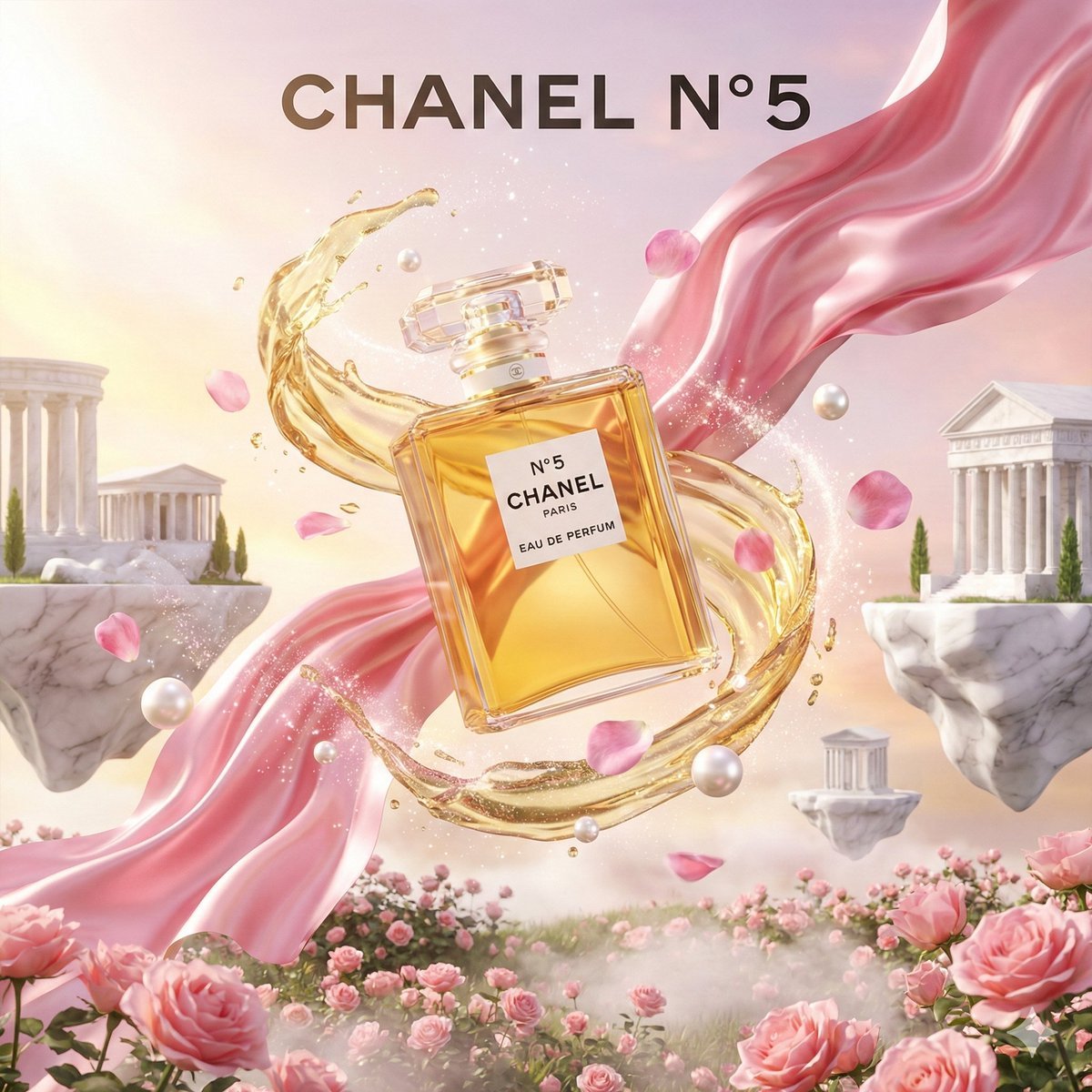
3D Advertising Poster Template Prompt
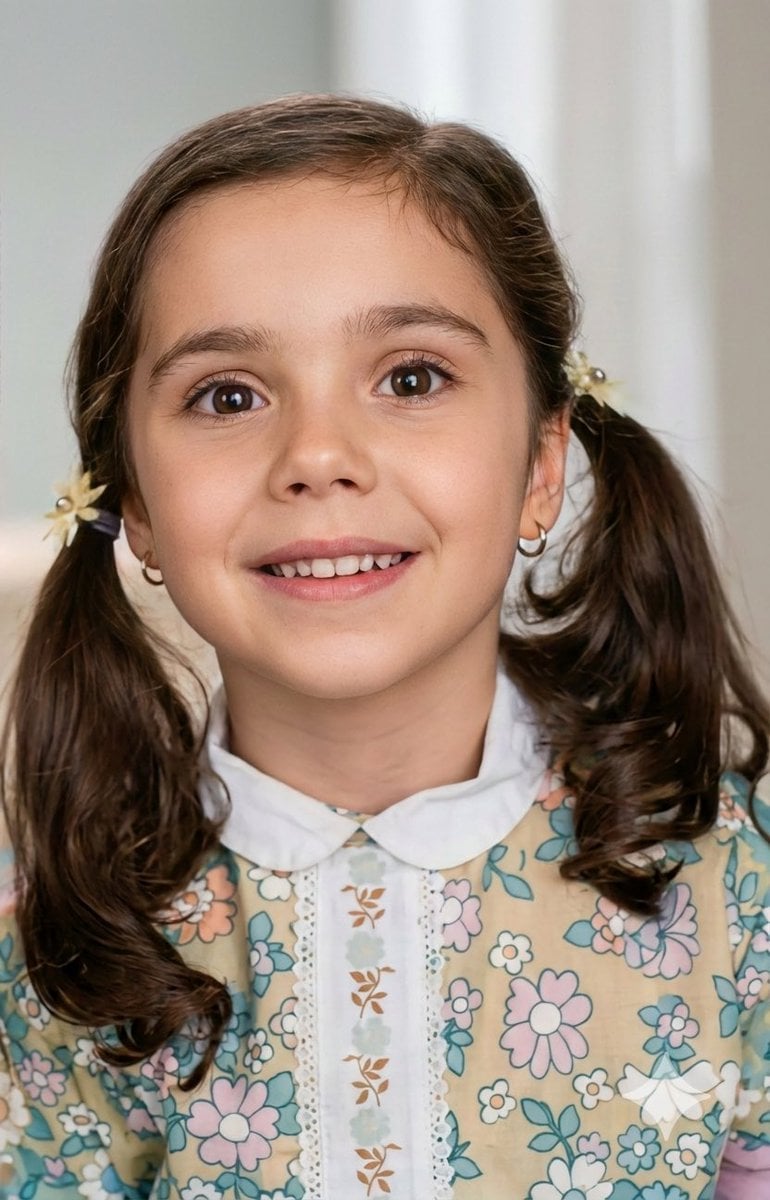
Vintage Photo Restoration to Modern Portrait Prompt
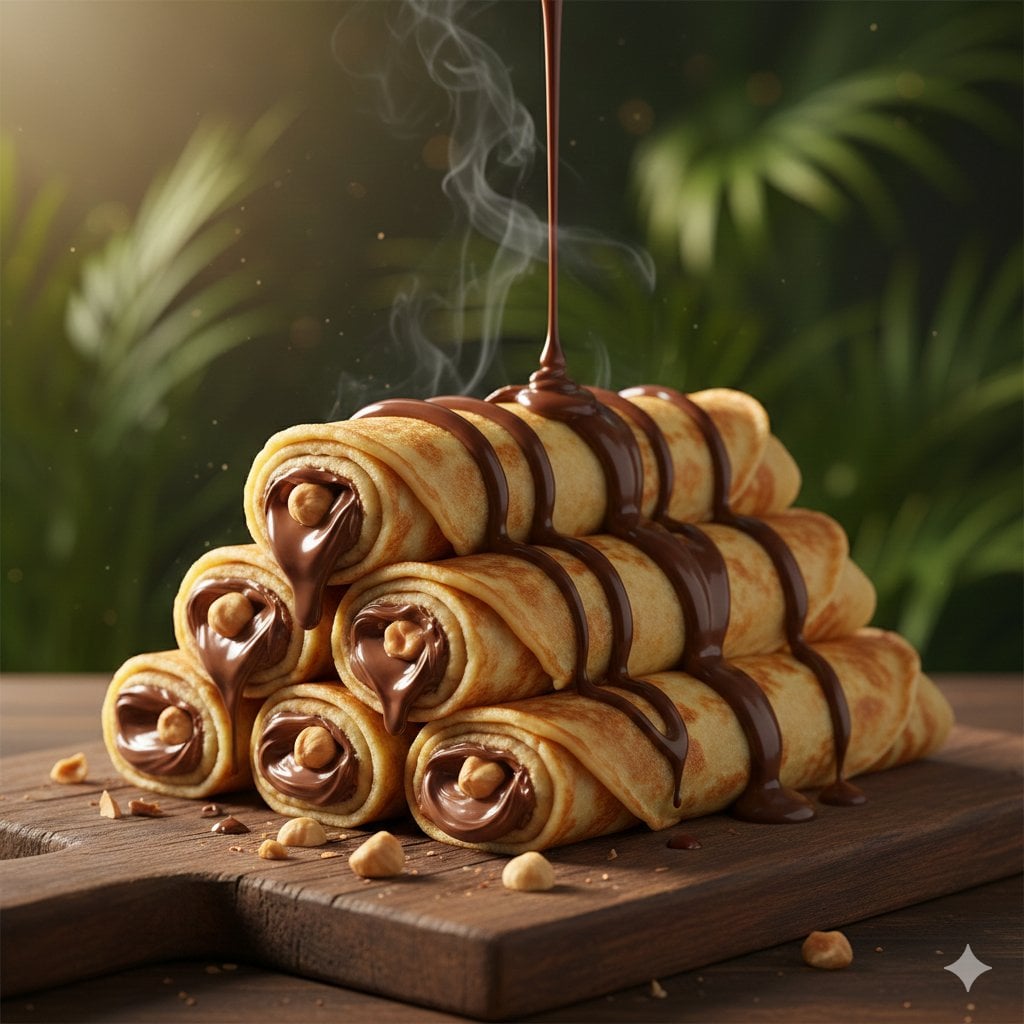
Chocolate Crepe Commercial Render Prompt (Python Class Style)
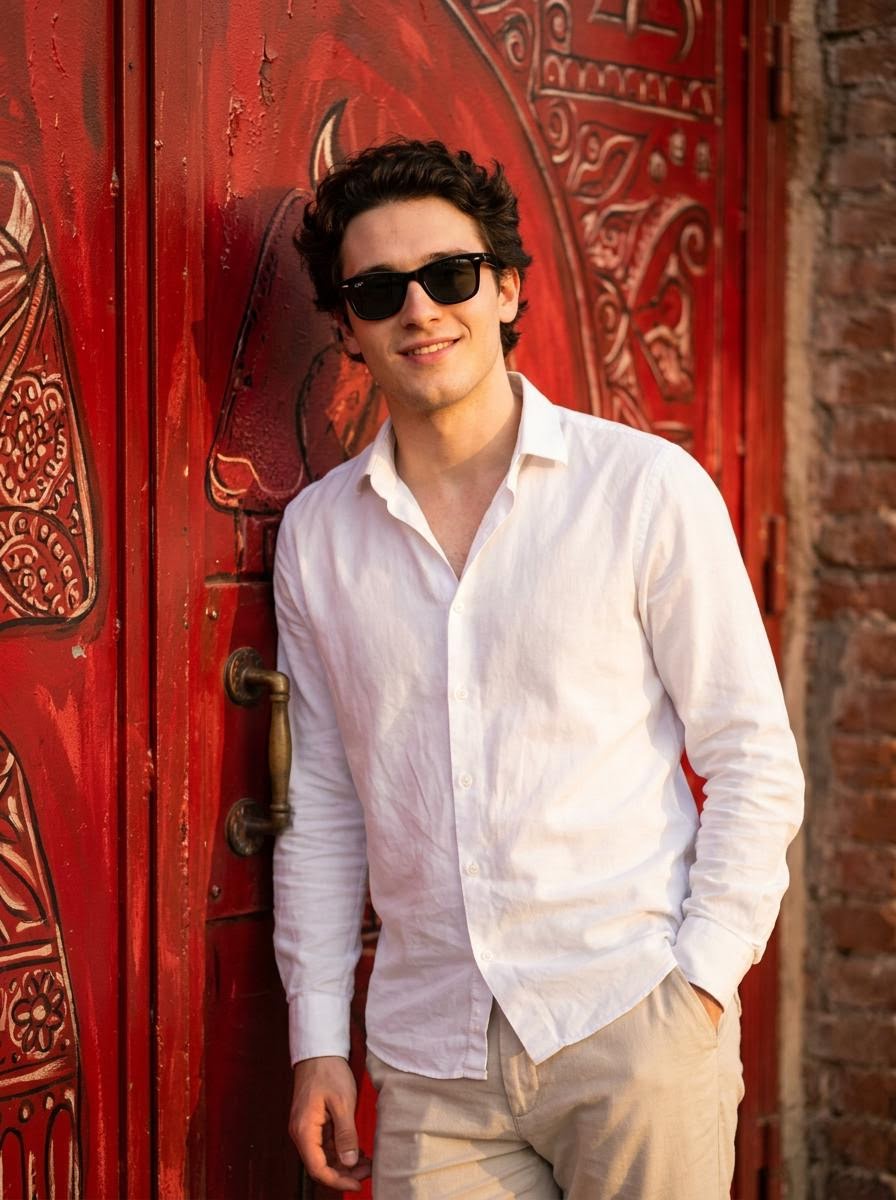
Realistic Photo with Face Swap and Cinematic Lighting
Browse template categories
Hyper-realistic cinematic luxury perfume product photograph featuring questions
How do I use the Hyper-realistic cinematic luxury perfume product photograph featuring template?
Add your photo if the template asks for one, edit the prompt if you like — the template's model and format are already selected — and press Generate. Your version opens in PicX Studio.
Can I customize the Hyper-realistic cinematic luxury perfume product photograph featuring template?
Yes. You can change the subject, setting, lighting, mood, format, and available model controls before creating your image.
Is the Hyper-realistic cinematic luxury perfume product photograph featuring template free?
Opening and editing this template is free. Generating uses credits, shown on the Generate button when you are signed in.
Which AI model should I use?
Start with GPT Image 2, which is the model associated with this template. You can compare another compatible model for a different finish.
Looking for something else? Browse all templates.

Your photo, any look
Thousands of ready templates for every top image and video model, from one credit balance.