How do I use the Do this for Pineapple Pizza template?
Choose the primary action to open PicX Studio with the available template settings. Review the model and format, personalize the creative direction, and generate when ready.
Do this for Pineapple Pizza: <instruction> Input A: user uploads an image or shares name of dish Logic Identify the historical inventor (e.g., Raffaele Esposito
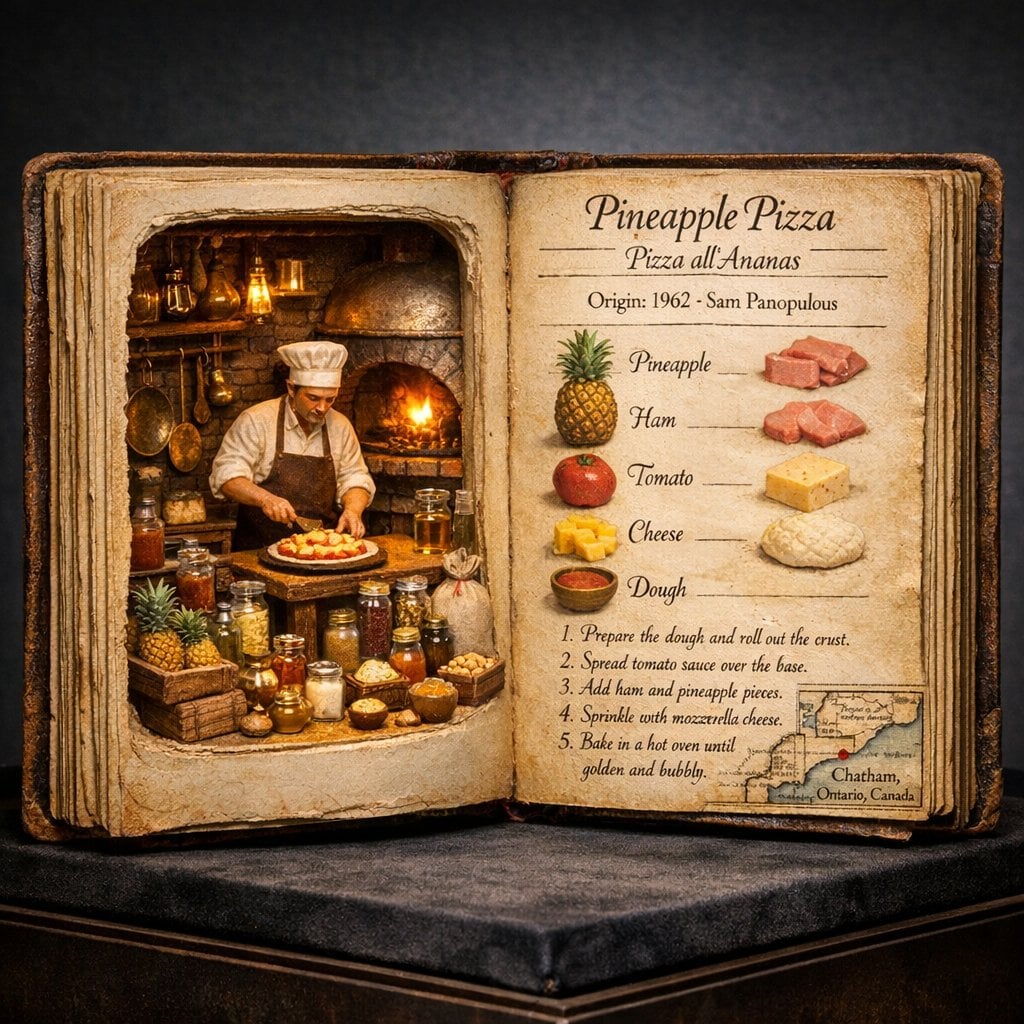
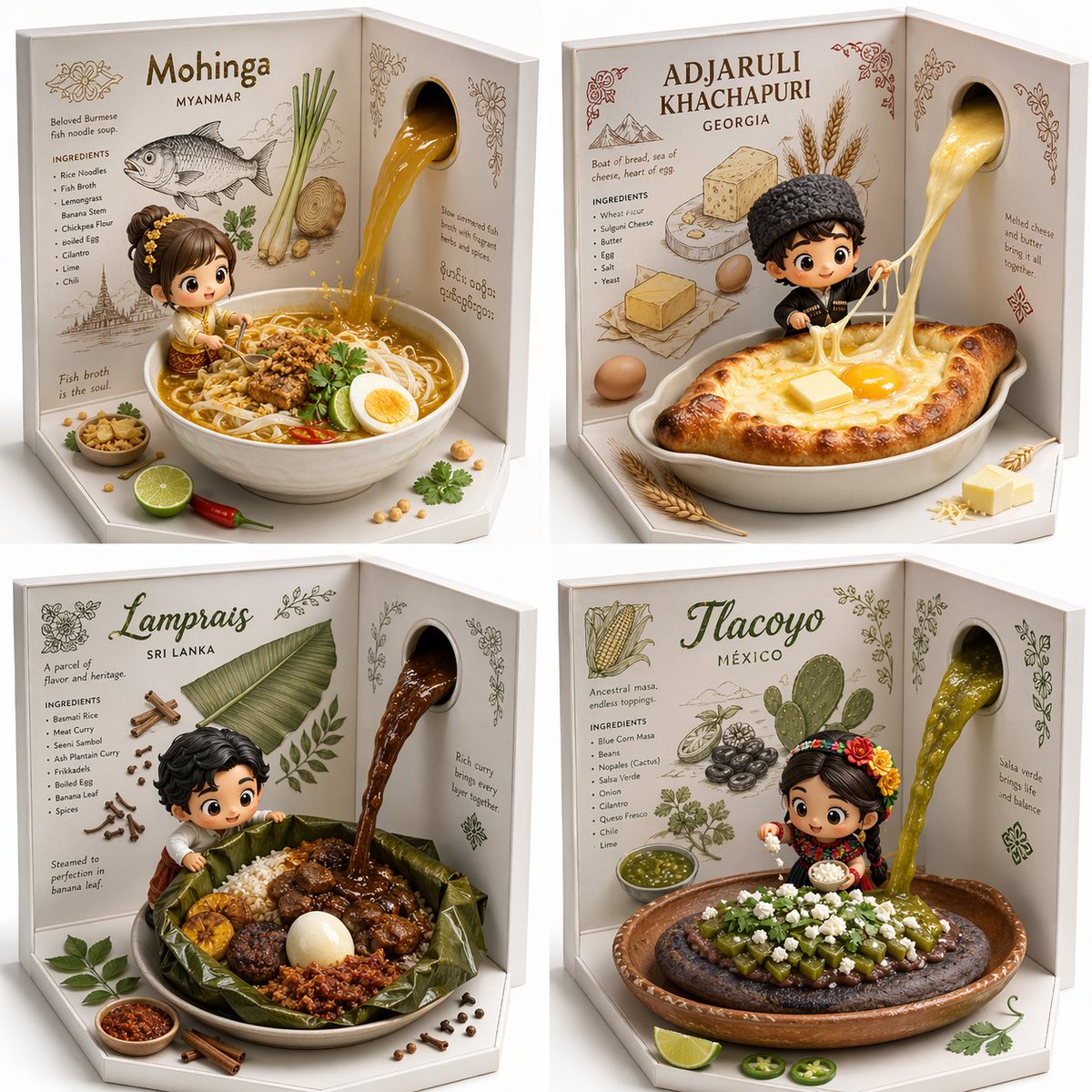
Do this for Pineapple Pizza: <instruction> Input A: user uploads an image or shares name of dish Logic Identify the historical inventor (e.g., Raffaele Esposito or Henri Charpentier) and the exact year of origin. Task: A hyper-realistic 4:5 macro photograph of an oversized, open antique culinary codex resting on a dark velvet museum plinth. Left Page (The Living Diorama): The left side of the book is hollowed out like a secret compartment. Inside is a breathtaking 3D miniature scene. A highly detailed figurine of the dish’s inventor is captured mid-motion in a period-accurate kitchen. Around them are microscopic versions of the 10-15 key ingredients, each in its own tiny hand-blown glass vial or micro-wooden crate. Include miniature brass cooking tools specific to the era. The scene is lit from within the "pages" by a warm, magical amber glow. Right Page (The Technical Recipe): The right page is flat, aged parchment featuring elegant, faded Spencerian calligraphy and hand-painted watercolor illustrations. 1. Top: The dish name in both English and its native language, with the bold "Origin Date." 2. Middle: A vertical "Ingredient Blueprint" with hyper-detailed sketches of each raw component. 3. Bottom: A small, detailed "Origin Map" showing the specific city of birth, styled like a 19th-century cartographic inset. 4. Text: Visible, legible recipe steps written in ink that looks slightly raised on the paper. Style: Museum specimen photography. 85mm macro lens. The lighting should be a mix of cool gallery spotlights and the warm "internal" glow of the book's diorama. Extreme texture on the weathered leather binding and the tooth of the paper. Output: ONE image, 4:5 aspect ratio. </instruction>
Choose the primary action to open PicX Studio with the available template settings. Review the model and format, personalize the creative direction, and generate when ready.
Yes. You can change the subject, setting, lighting, mood, format, and available model controls before creating your image.
This template is free to open and customize. Generation usage is shown in PicX Studio before you create.
Start with GPT Image 2, which is the model associated with this template. You can compare another compatible model for a different finish.
Follow a topic to a crawlable collection of related PicX Studio templates.