
Ultra-clean modern editorial infographic
Ultra-clean modern editorial infographic.
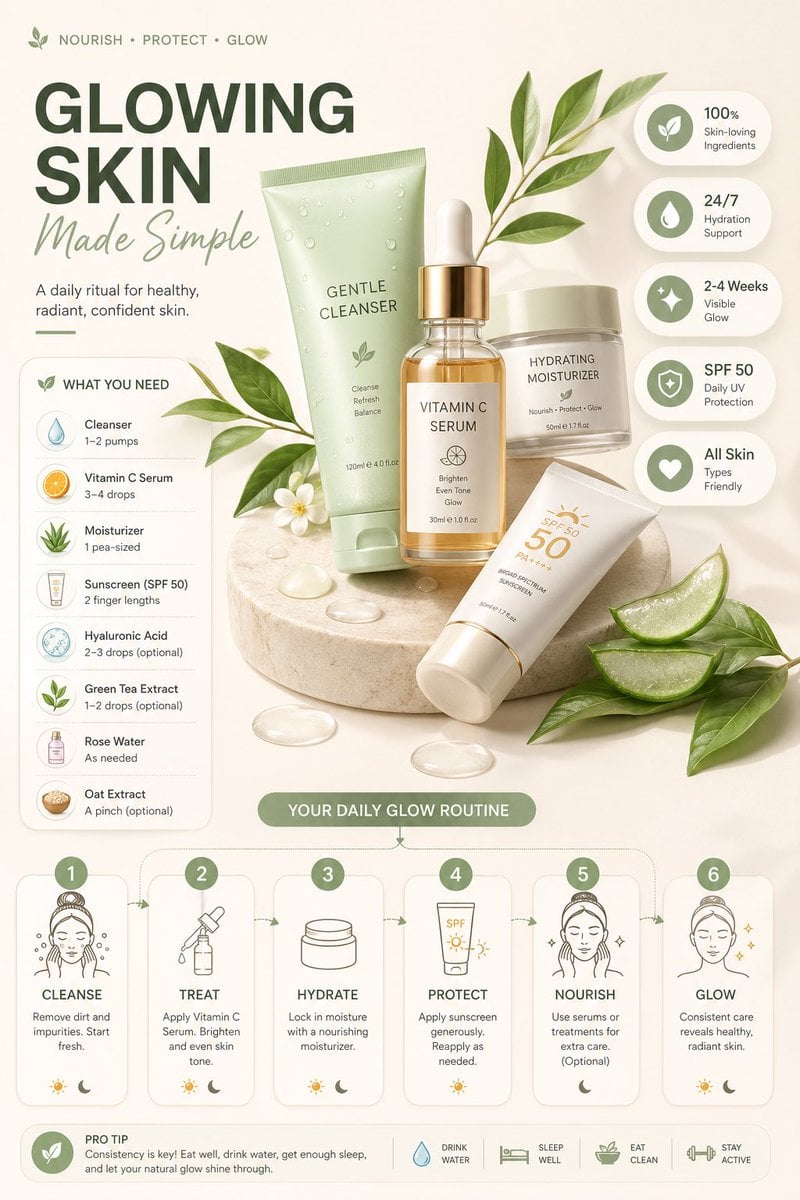
- Prompt included
- Model and format preset
- Free template
The prompt behind this image
Copy the exact prompt behind Ultra-clean modern editorial infographic, or open it in the studio and make it yours.
Ultra-clean modern editorial infographic. The topic is [ROUTINE] routine. Base all visuals, colors, objects, mood, ingredients, and steps entirely on this topic. Hero visual: a stylized flat-lay or floating arrangement of 3–4 iconic objects associated with this topic — slightly angled or in soft perspective, glowing subtly. All elements arranged dynamically around the hero in a non-restrictive editorial layout. Ingredients Section: Label it ‘What You Need’ — include 6–8 relevant items with small icons or emoji illustrations next to each, with a practical quantity or duration written like a recipe. Steps Section: 5–6 numbered panels with arrows or connecting lines forming a logical flow, each with a short action label and small relevant icon, using glassmorphism or frosted card styling. Stats Badges: 4–5 floating pill-shaped badges showing relevant metadata, displayed as clean minimal bubbles near the hero. Visual Style: Choose background color, accent colors, typography weight, and texture to naturally match the topic’s mood. Bold modern sans-serif typography. Clean vector icons. Subtle grain or texture. Composition: Hero centered or slightly offset, ingredients one side, steps opposite or below with connecting lines, stat badges as floating pills, generous negative space. Lighting: Soft natural studio lighting matching the topic’s tone. Premium editorial aesthetic, social-feed optimized. Ultra-crisp. No watermark
How to use Ultra-clean modern editorial infographic in 3 steps
- 1
Open
The prompt is already in the box next to the preview, with the template's model and format selected.
- 2…a portrait of your subject in softgolden-hour light, 85mm…
Personalize
Edit the subject and creative details for your destination.
- 3Generate
Generate
Press Generate — your image is created in PicX Studio, so you can compare it with the original and refine one variable at a time.
More like this
Templates with the same subject, style or setup. Open one to see its prompt.
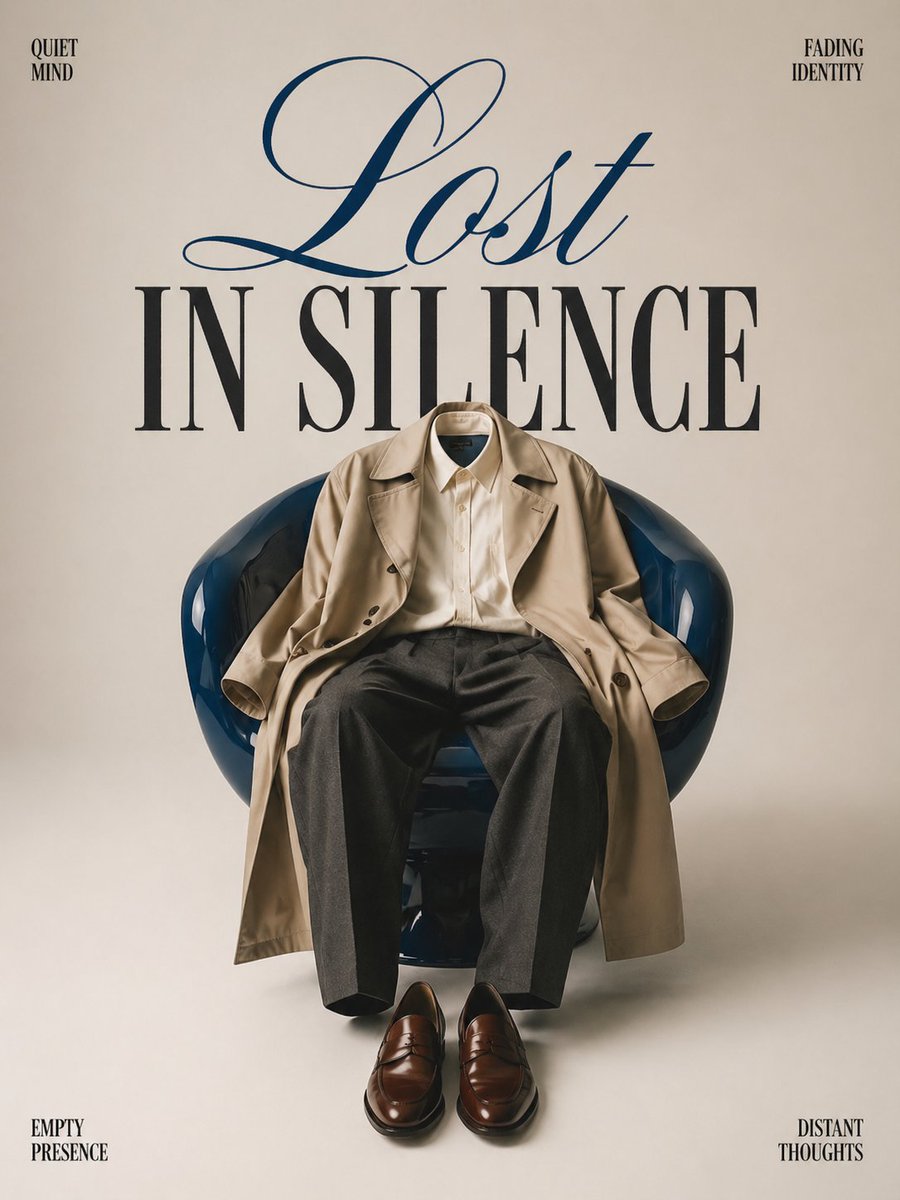
Minimalist conceptual fashion editorial poster, studio shot on a clean

Clean, minimalist fashion infographic from an uploaded reference photo

Act as a Senior Editorial Designer and Typographer
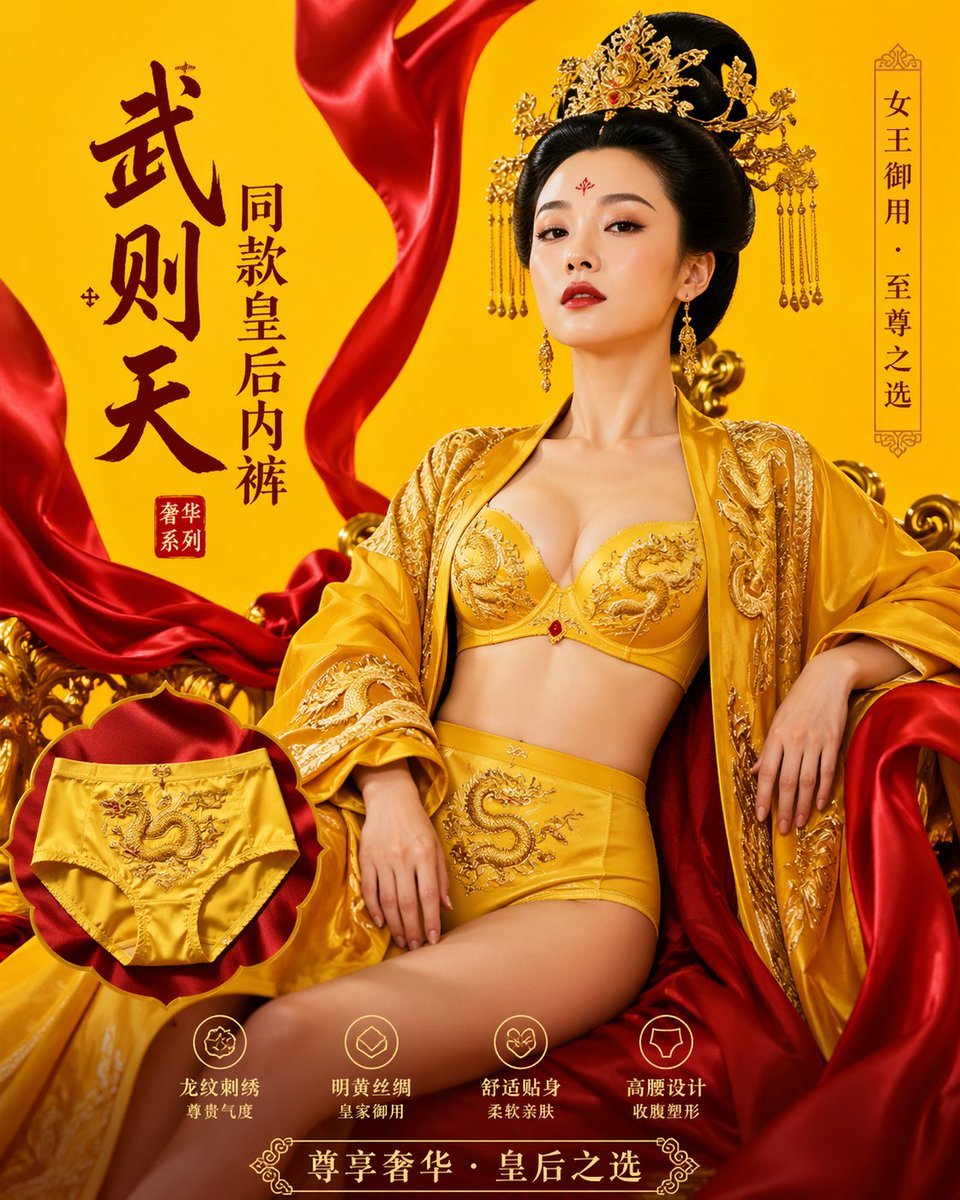
武则天同款皇后内衣广告大片,明黄底色龙纹刺绣,大红丝绸飘带衬托

A hyper-realistic beauty product photograph of a pink jar placed
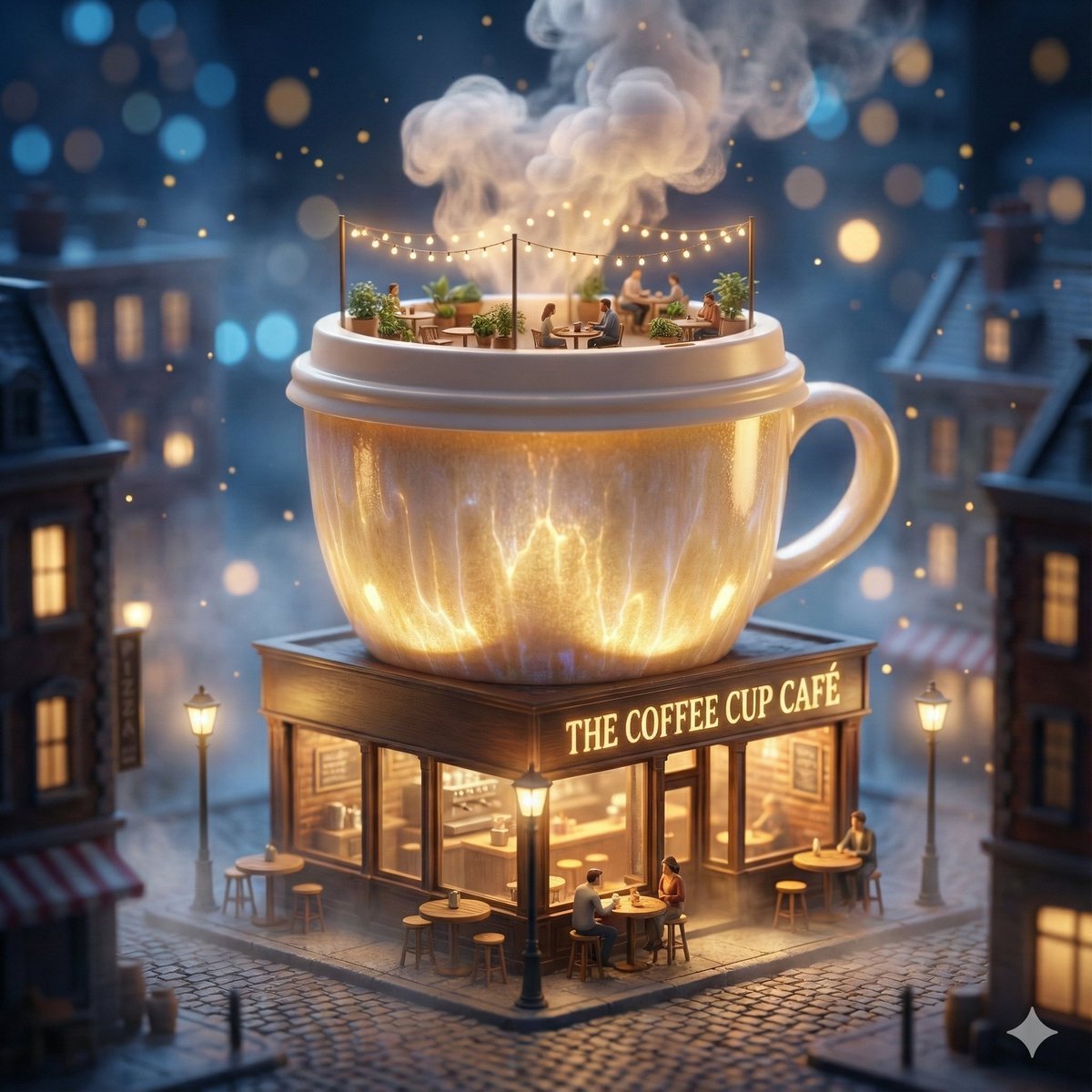
ChatGPT Image 1 5 Google Veo 3 1
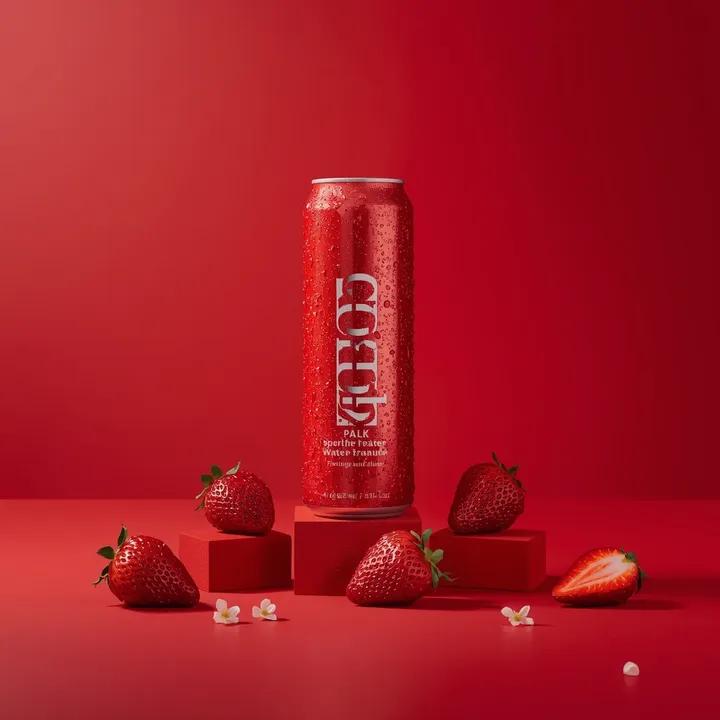
A premium studio product photograph of a tall, slim red aluminum
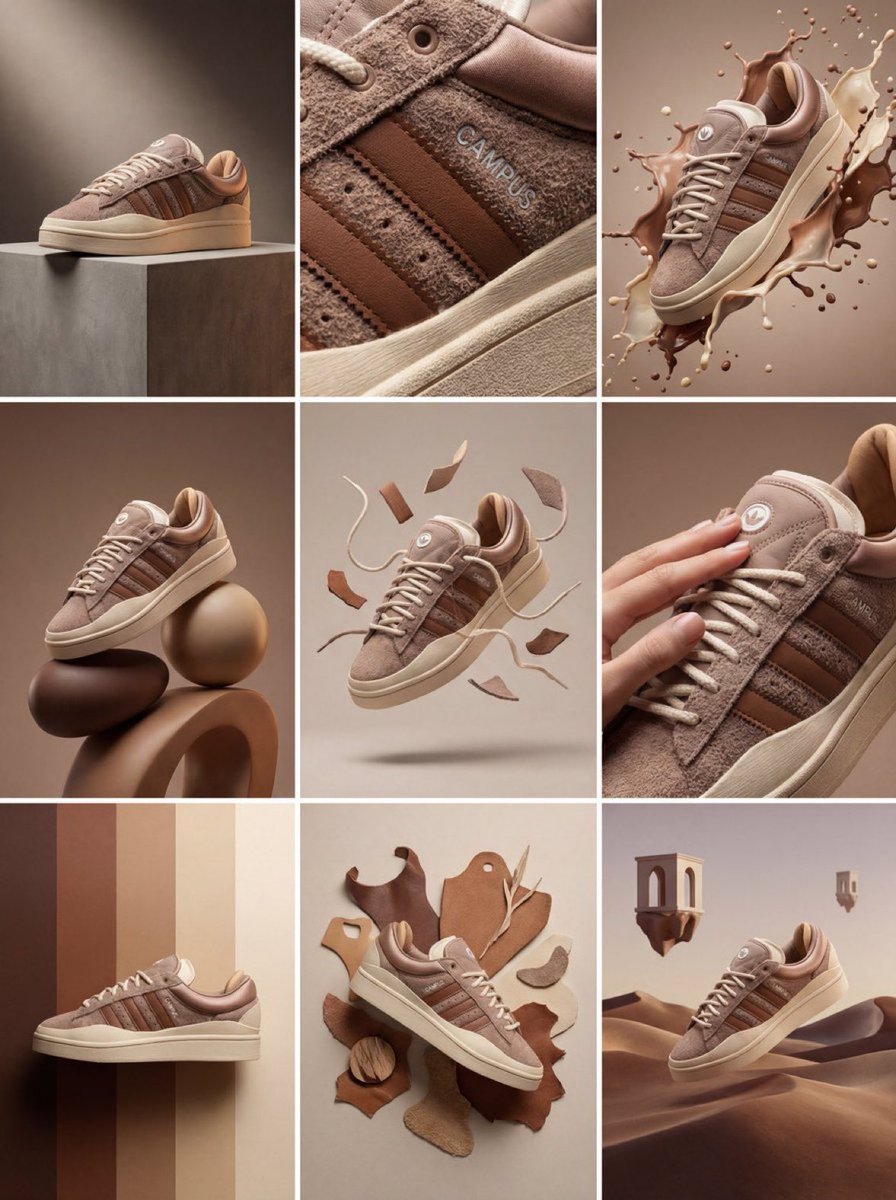
Product & Brand Prompt #1444
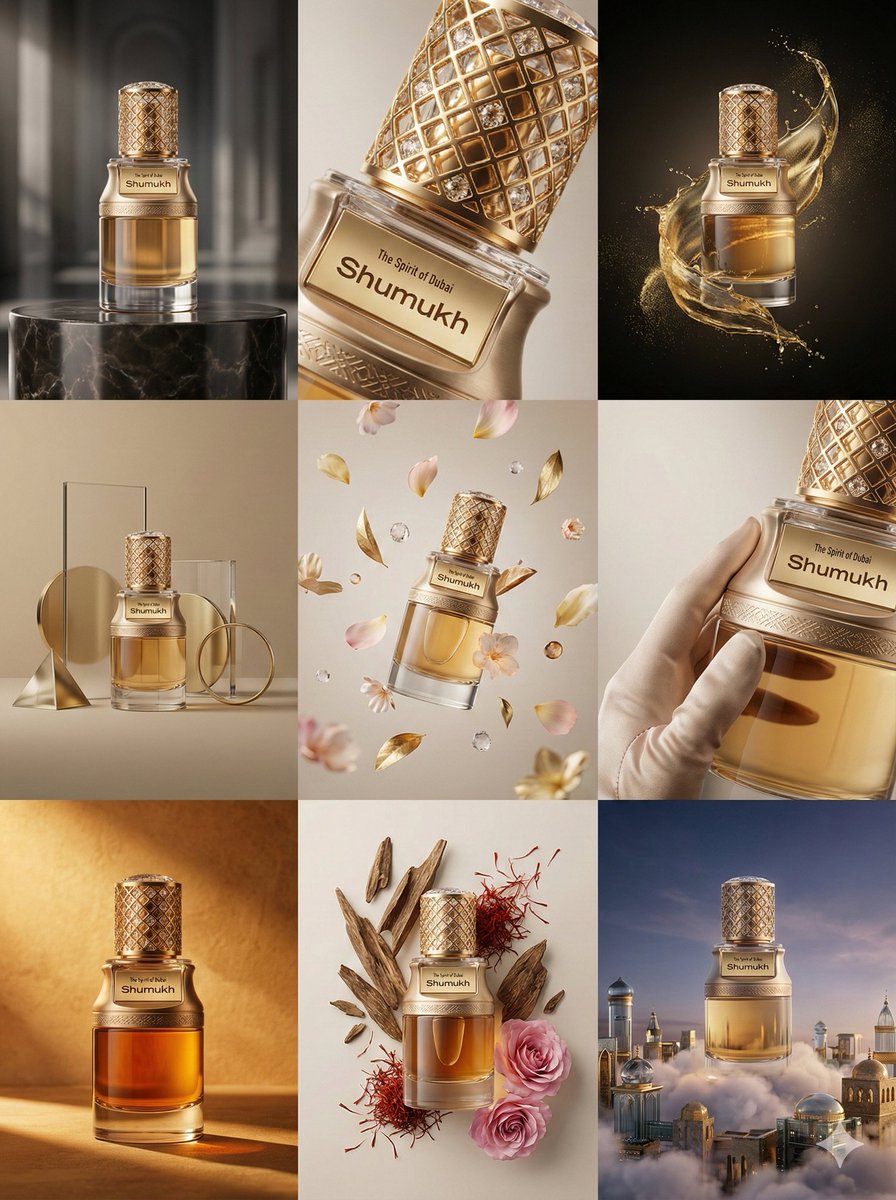
Product & Brand Prompt #569
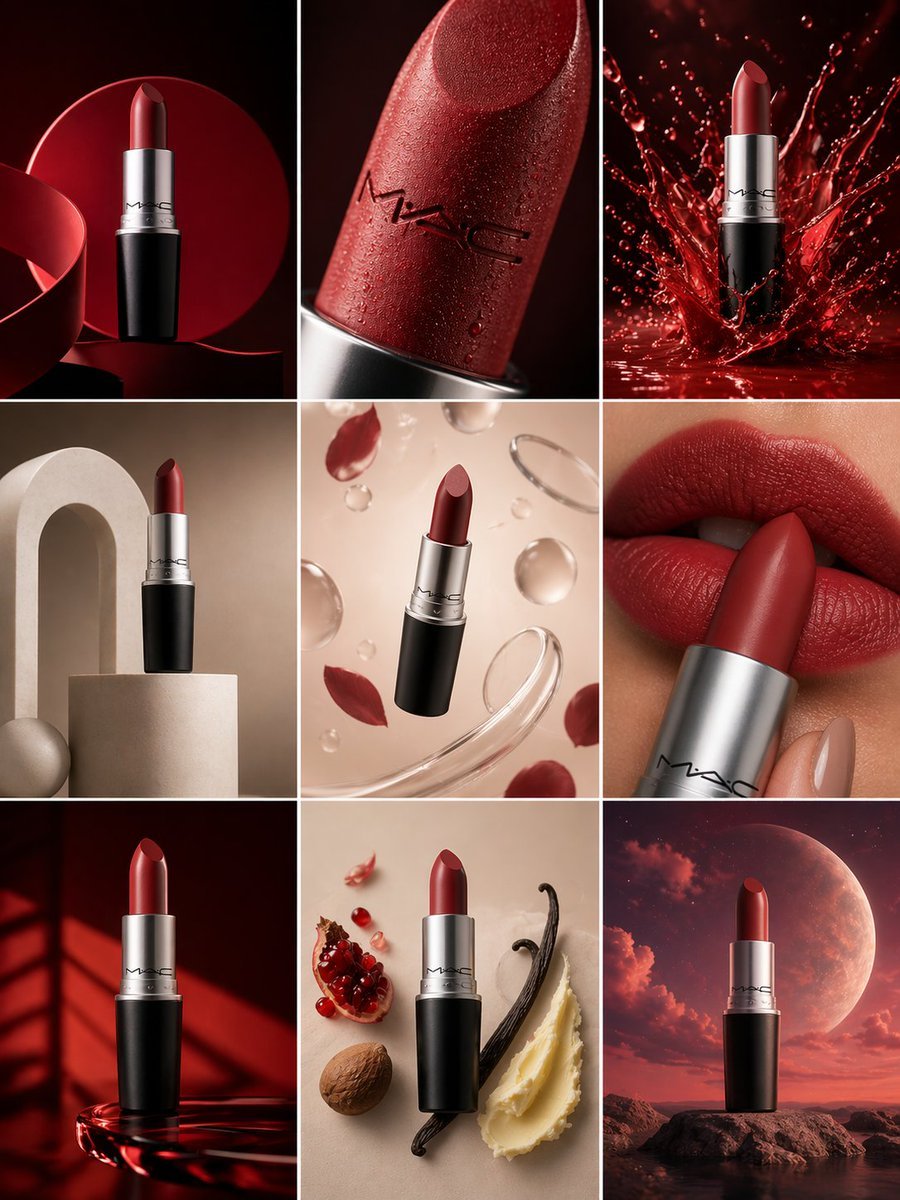
Product & Brand Prompt #285
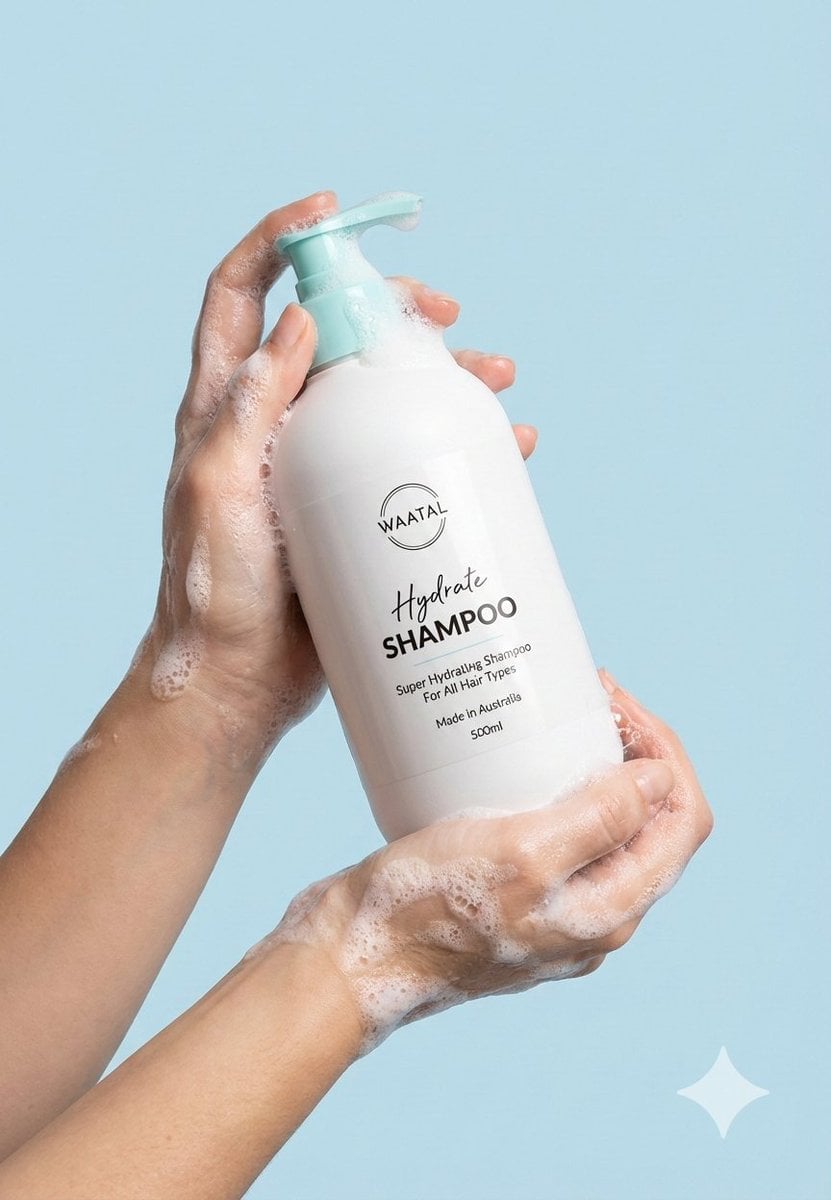
Product & Brand Prompt #953
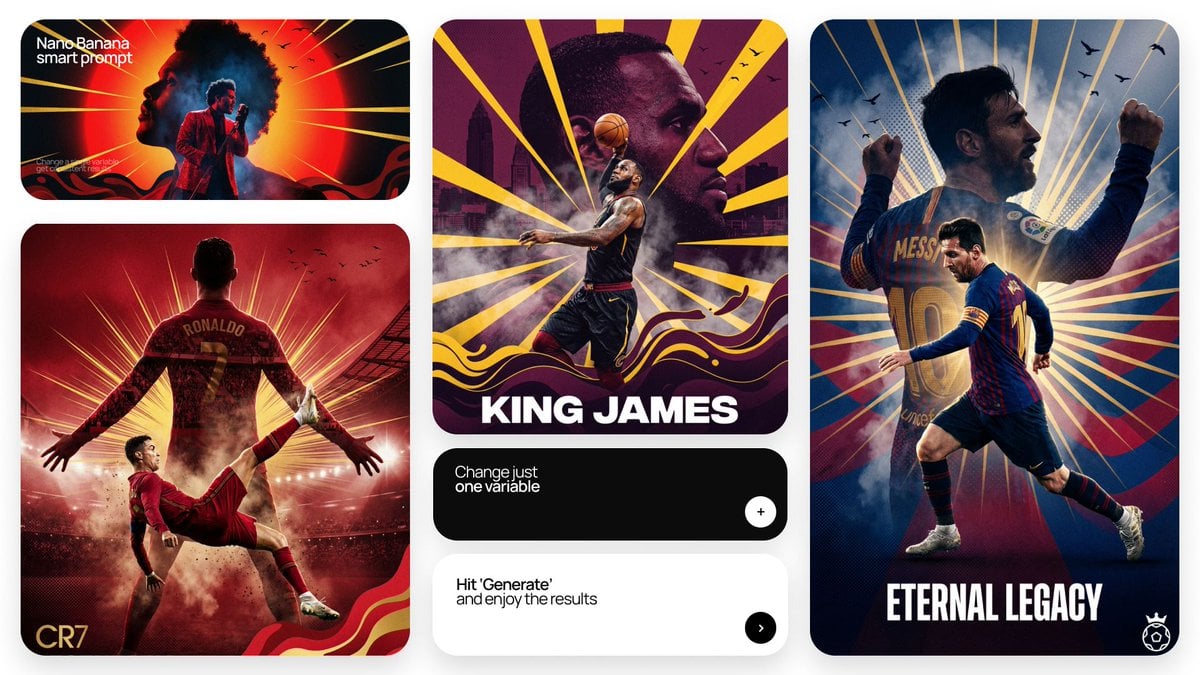
Act as a Senior Art Director
Make it yours
Ultra-clean modern editorial infographic works as-is. These are the safest ways to change it without losing the look.
Change one field
Copy a single group, rewrite it, and generate again so you can see what that field is doing.
Keep the frame, change the subject
Hold the composition and light of Ultra-clean modern editorial infographic, then swap wardrobe, props or the person for a new take.
| If the result… | Why | Fix |
|---|---|---|
| The result drifts from the preview | Too many fields changed at once. | Reuse Ultra-clean modern editorial infographic as-is first, then change one group — subject, light, or setting. |
| The model over-stylizes the scene | The prose prompt leaves finish and camera underspecified. | Add one camera or lighting sentence and stay on GPT Image 2. |
More GPT Image 2 templates
Other prompts made for GPT Image 2.

Six VTuber Japanese Logo Sheet

Realistic Portrait of Woman and Deer

The Vista Modular Condo Poster

AI Model Routing Comparison Infographic

2.5D Anime Art Board

Isometric Productivity Desk Scene

New York Double Exposure Poster

Four-Panel AI Landscape Comparison

Japanese Tatami Lifestyle Magazine Cover

NESCAFÉ Coffee Map Poster
More image prompts
Fresh picks from across the catalog.
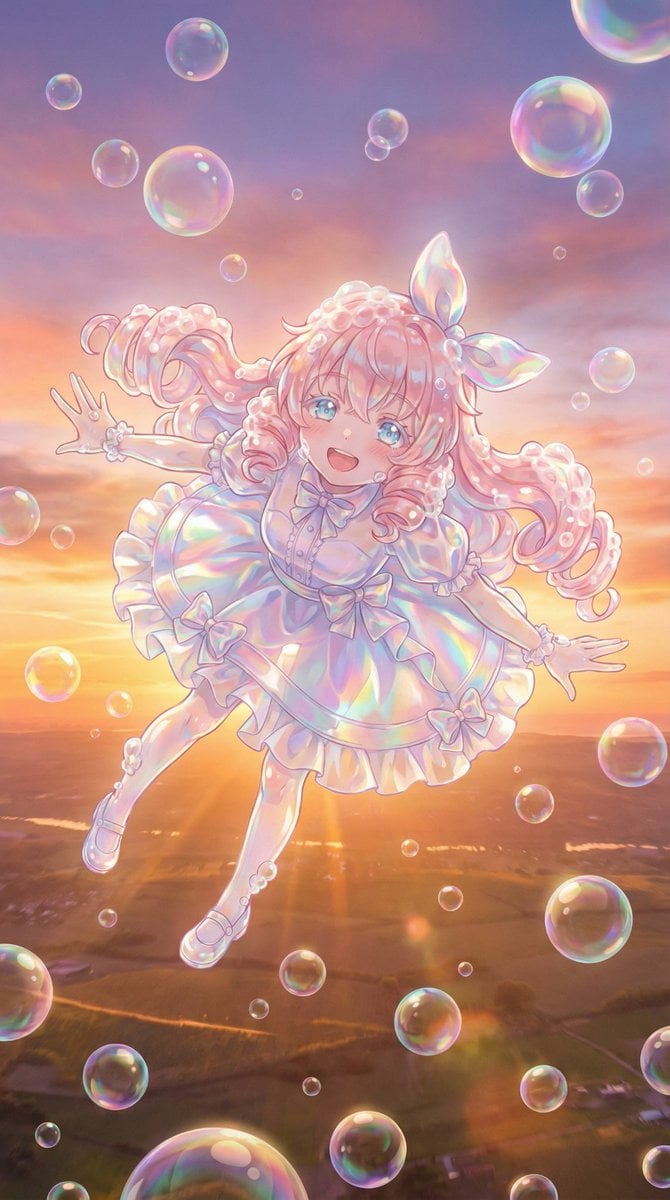
Bubble Transformation Narrative Prompt
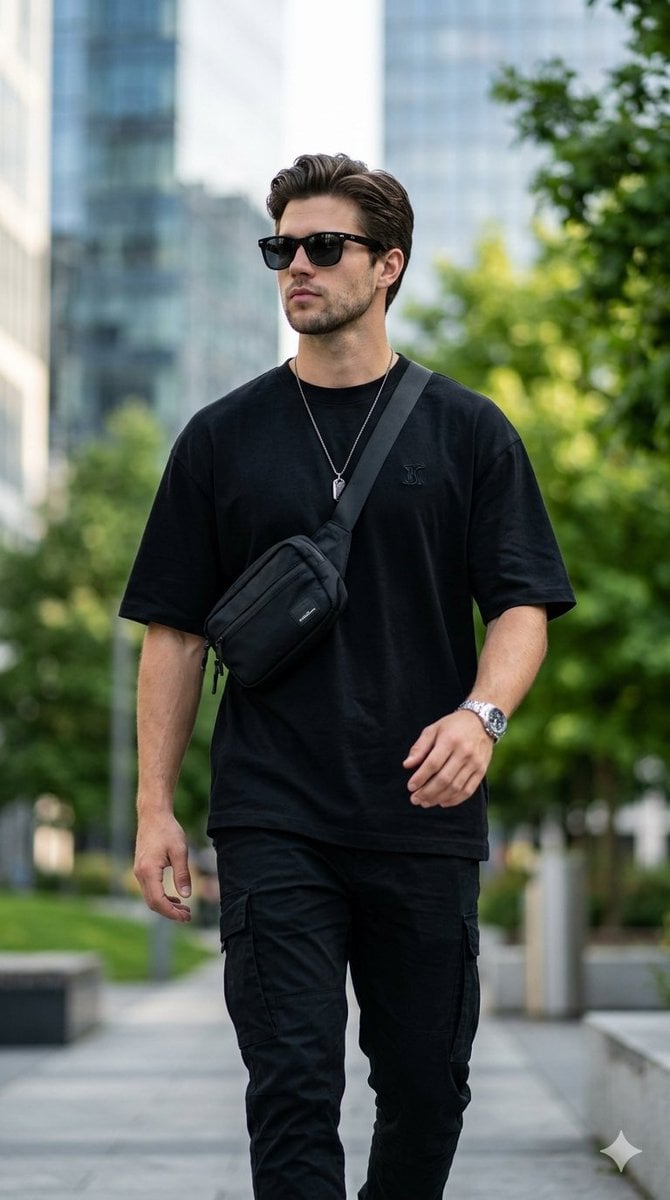
Ultra-Realistic Streetwear Portrait
Delorean 'Back to the Future' Scene Integration Prompt
Underground Subway Mirror Portrait
Extreme Perspective Ultra Wide-Angle Prompt
Magazine-style photo containing given article text
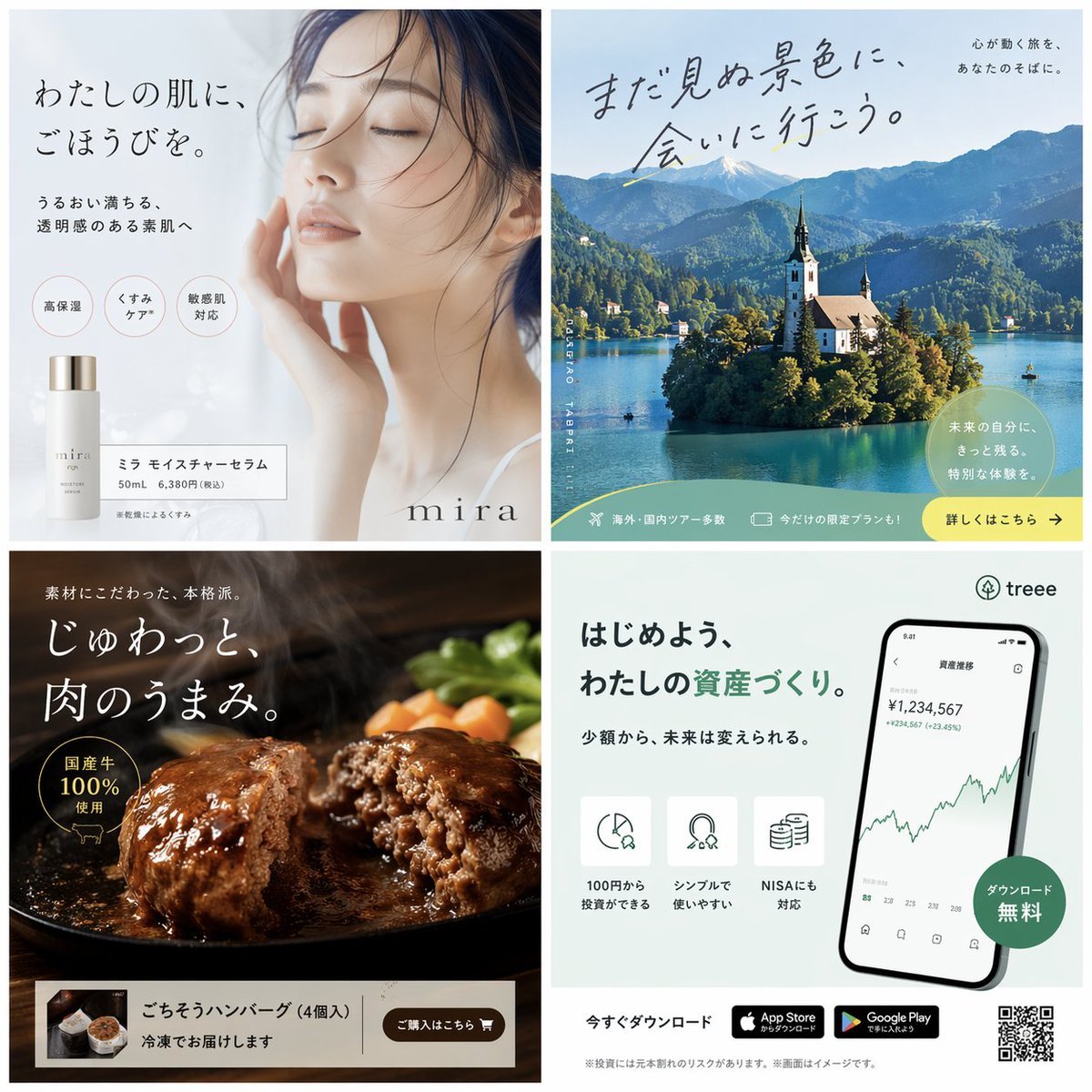
Panel Japanese Advertising Banner Grid
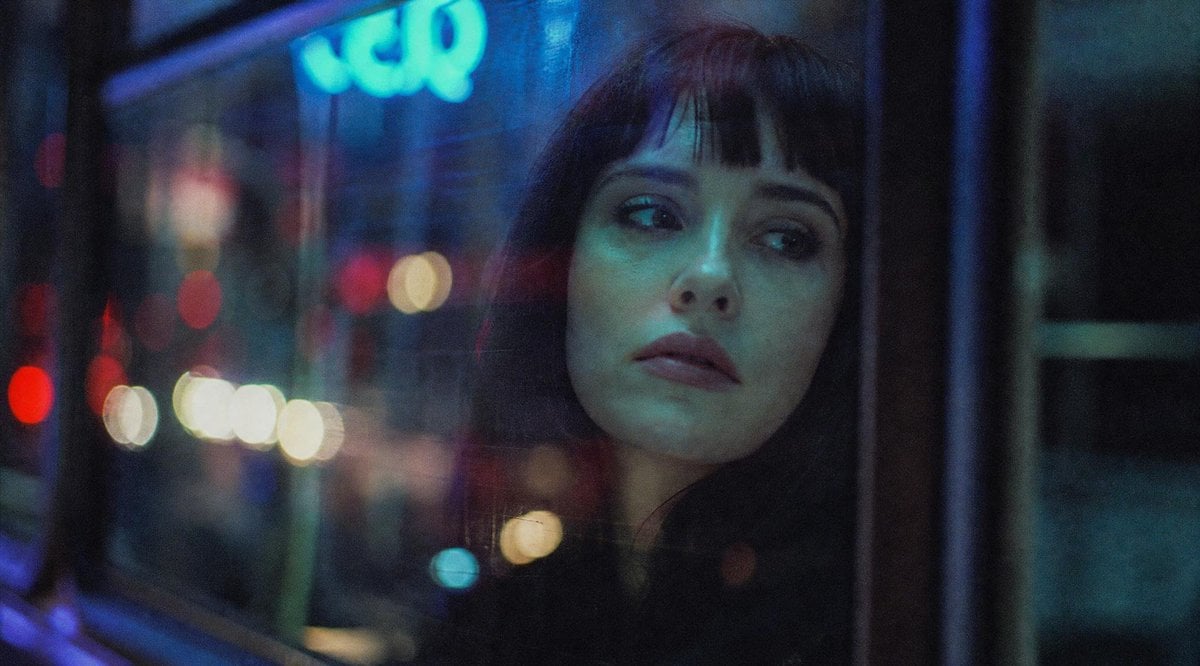
Censored Night Bus Window Scene
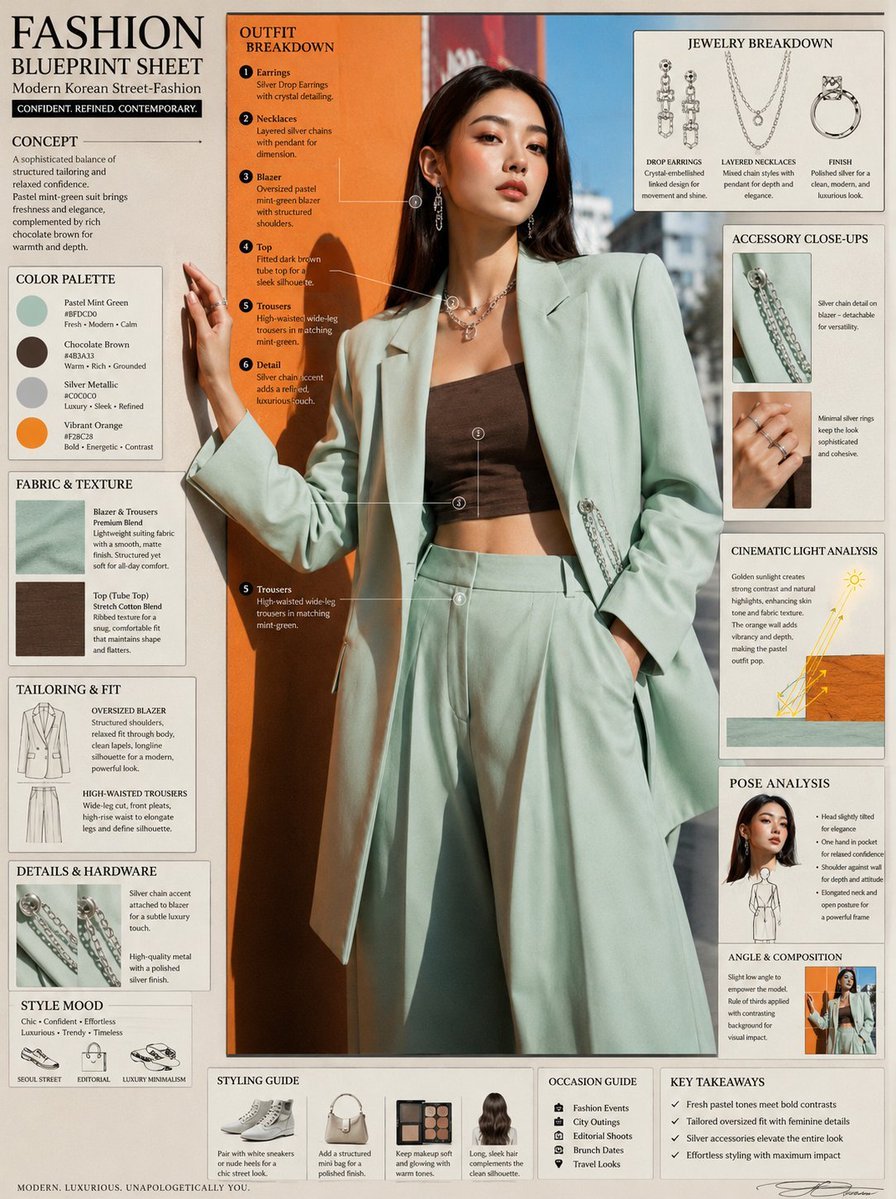
Fashion Editorial Blueprint Sheet
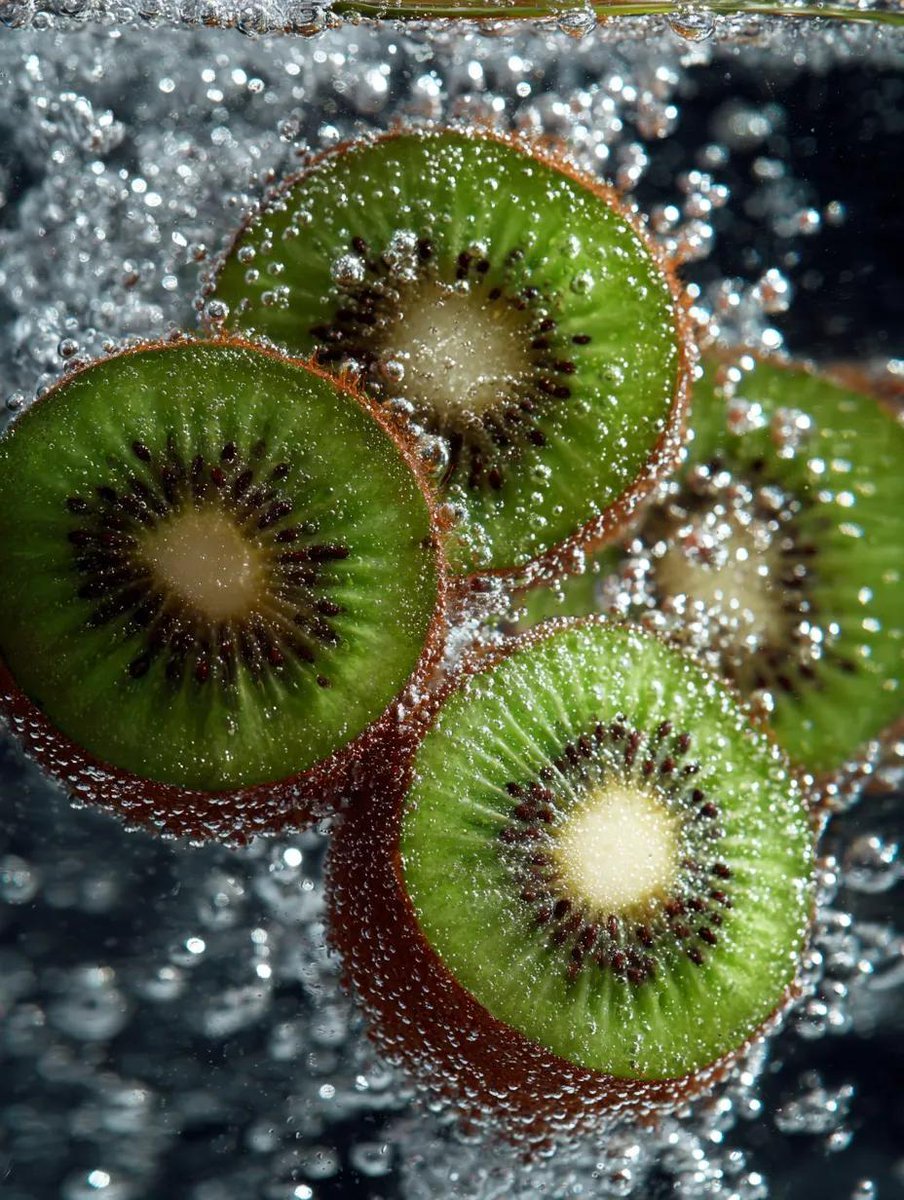
Macro Shot of Kiwi Slices in Sparkling Water
Browse template categories
Ultra-clean modern editorial infographic questions
How do I use the Ultra-clean modern editorial infographic template?
Add your photo if the template asks for one, edit the prompt if you like — the template's model and format are already selected — and press Generate. Your version opens in PicX Studio.
Can I customize the Ultra-clean modern editorial infographic template?
Yes. You can change the subject, setting, lighting, mood, format, and available model controls before creating your image.
Is the Ultra-clean modern editorial infographic template free?
Opening and editing this template is free. Generating uses credits, shown on the Generate button when you are signed in.
Which AI model should I use?
Start with GPT Image 2, which is the model associated with this template. You can compare another compatible model for a different finish.
Looking for something else? Browse all templates.

Your photo, any look
Thousands of ready templates for every top image and video model, from one credit balance.