
Car Racing
Car Racing is a ready photo look.
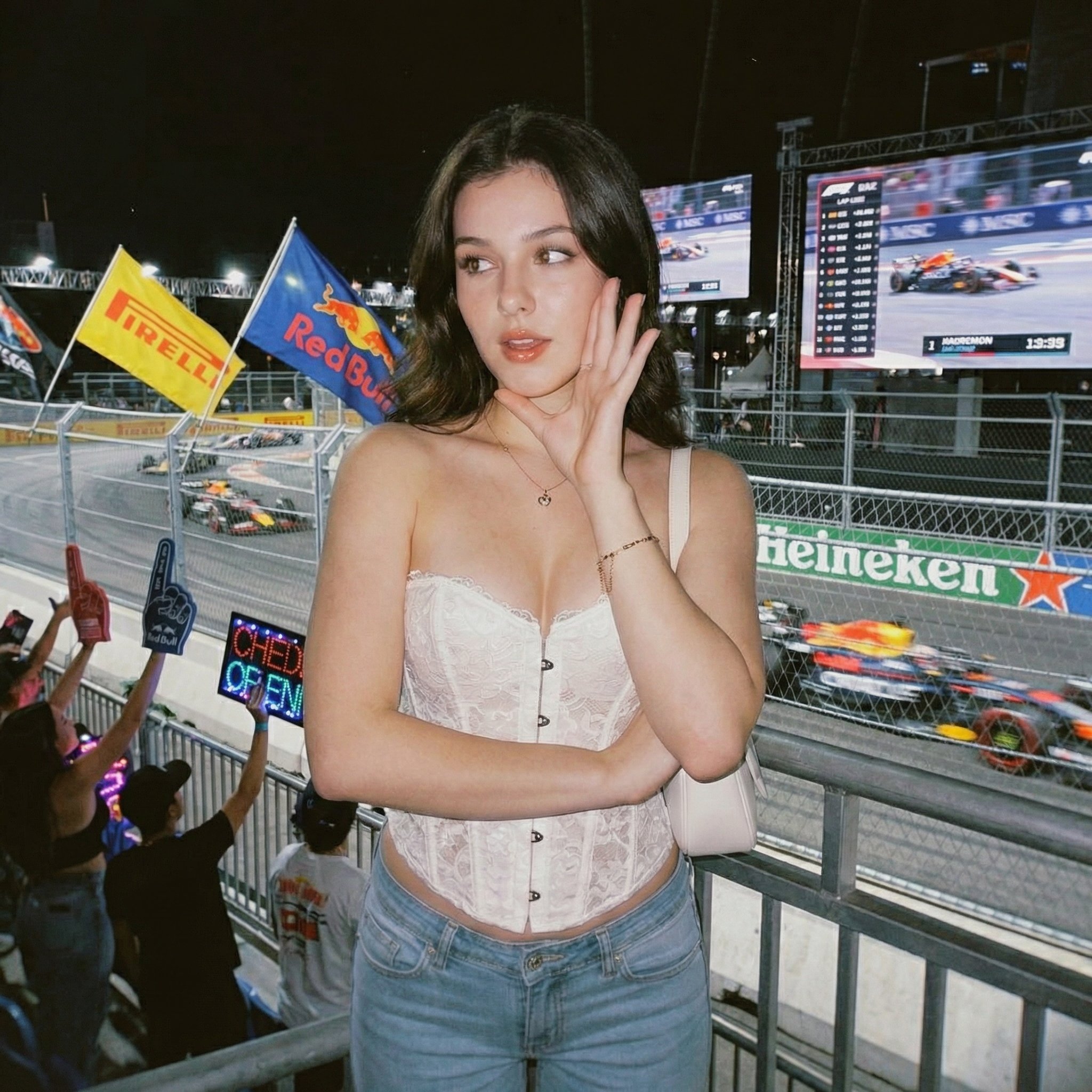
- Prompt included
- Model and format preset
- Premium template
The prompt behind this image
Copy the exact prompt behind Car Racing, or open it in the studio and make it yours.
Subject: Person in the image Create a hyper-realistic candid night-time event photo in an unedited iPhone rear-camera flash look. Shot handheld at chest-to-face height, close to the Subject, with a wide-angle feel (≈24–26mm equivalent), slight edge distortion, and deep depth-of-field keeping the Subject, nearby crowd, and racetrack background readable. Vertical medium-close framing from waist to slightly above the head. The Subject stands near a railing at a racing circuit, body angled slightly sideways, one arm bent casually near the railing, the other relaxed. Framing feels rushed and instinctive—slightly off-center, with background elements overlapping and partially cropped. Direct on-camera flash fires head-on, strongly illuminating the Subject and creating harsh highlights on skin, hair, and racing jacket, with abrupt shadow falloff behind the shoulders. Stadium lights, LED screens, and signage appear in the background as blown highlights and soft bokeh points. Low-level noise and grain remain visible in darker crowd and structure areas. Phone-style exposure prioritizes the Subject, lifting highlights and compressing shadows. Mild computational sharpening appears along hair strands, jacket seams, printed logos, and facial contours. The Subject’s expression is alert and slightly distracted, mouth gently parted, gaze directed off-frame as if reacting to live action nearby. The moment feels mid-event and unposed. The Subject wears a white-and-dark racing-style jacket with visible motorsport branding and patches over a fitted inner top, showing structured fabric, subtle sheen, and natural folds. A thin necklace catches small flash highlights at the collarbone, with jeans and a belt visible at the waist. The environment is a crowded night racing circuit with railings, spectators, sponsor signage, LED screens, lighting rigs, and structural beams. The background feels busy, noisy, and energetic, adding visual clutter and motion. The image should feel like a spontaneous iPhone flash photo taken during a live racing event—chaotic, energetic, and human. No cinematic lighting, no editorial posing, no beauty retouching. Do not change the Subject’s facial features or proportions. The Subject must look 1000% identical to the reference image.
How to use Car Racing in 3 steps
- 1Upload ImagePNG, JPG or paste
Add your photo
Upload the photo the template builds on. The prompt, model and format are already set.
- 2…a portrait of your subject in softgolden-hour light, 85mm…
Personalize
Edit the subject and creative details for your destination.
- 3Generate
Generate
Press Generate — your image is created in PicX Studio, so you can compare it with the original and refine one variable at a time.
More like this
Templates with the same subject, style or setup. Open one to see its prompt.
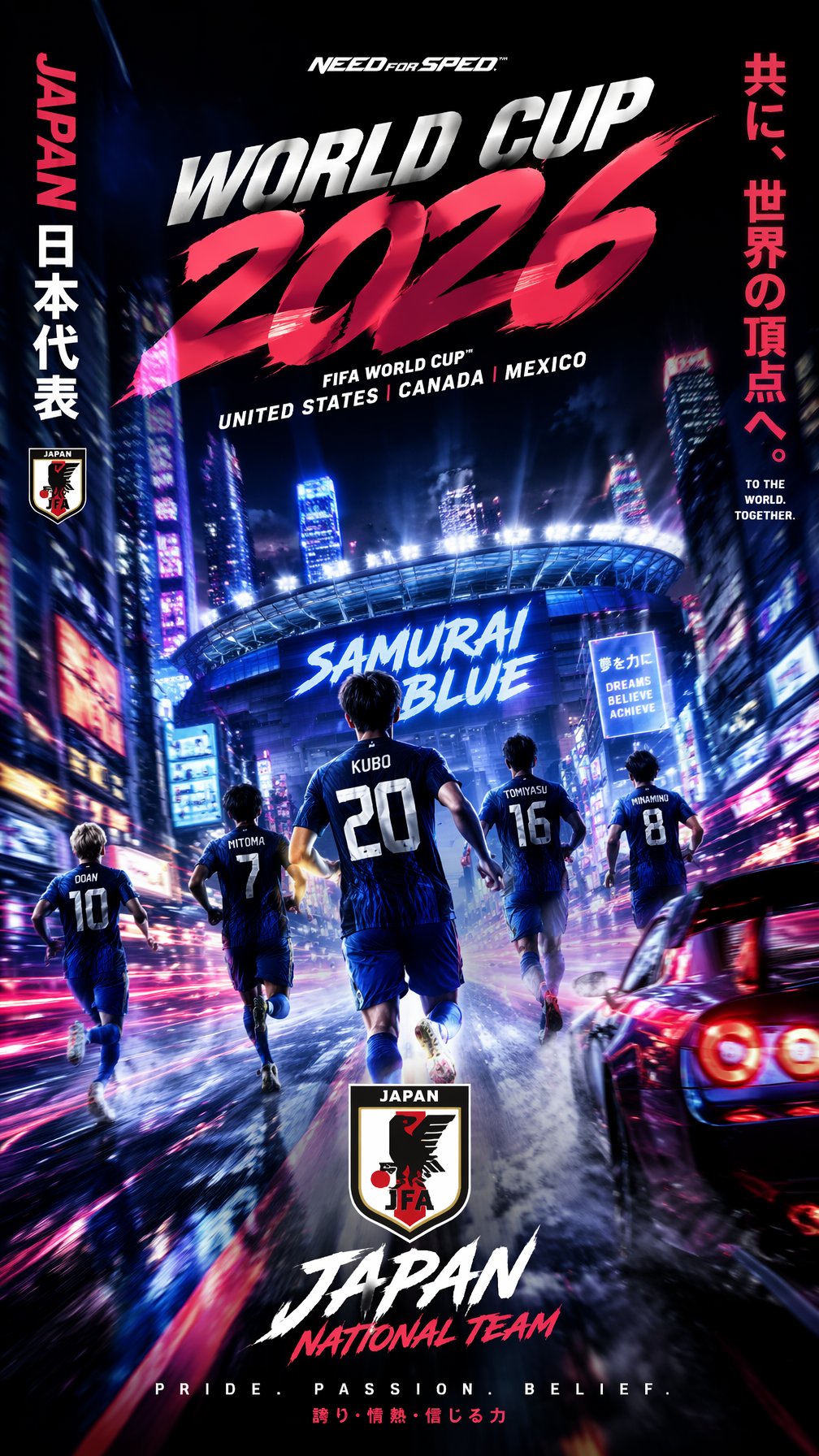
Japan Neon Speed City Racing Poster
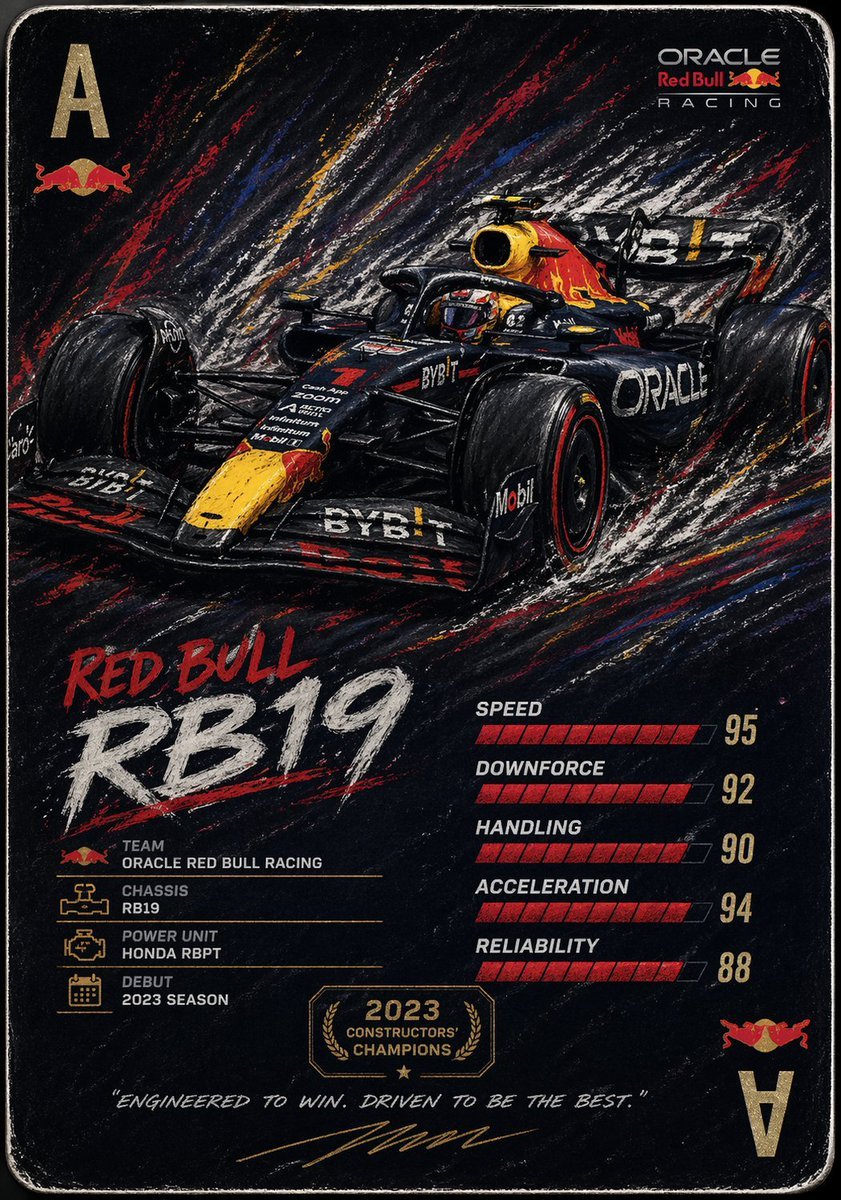
Racing Car Trading Card Illustration
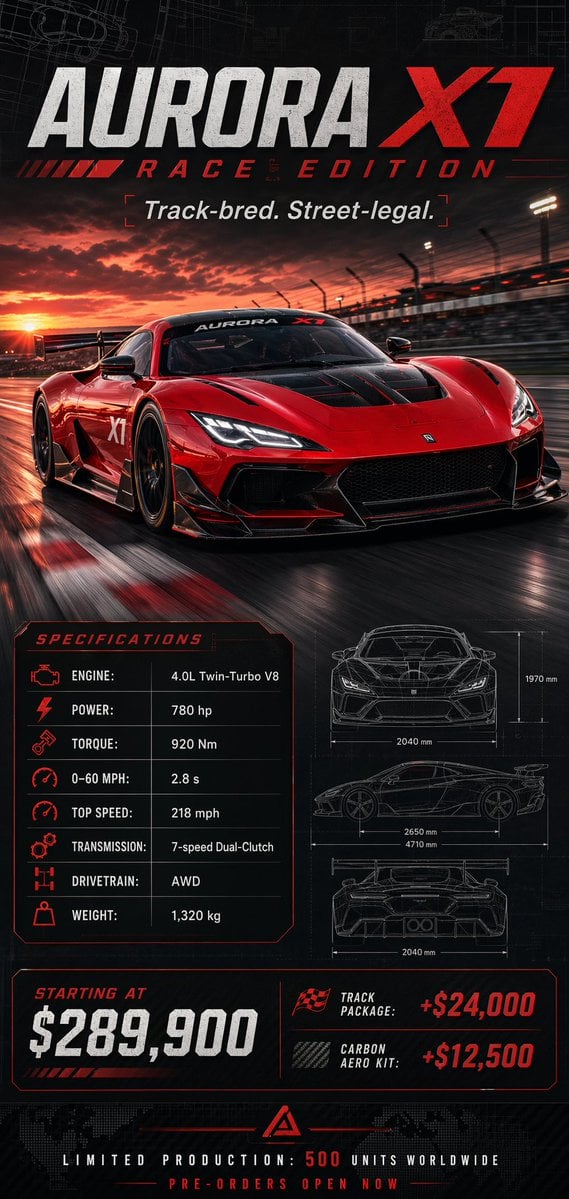
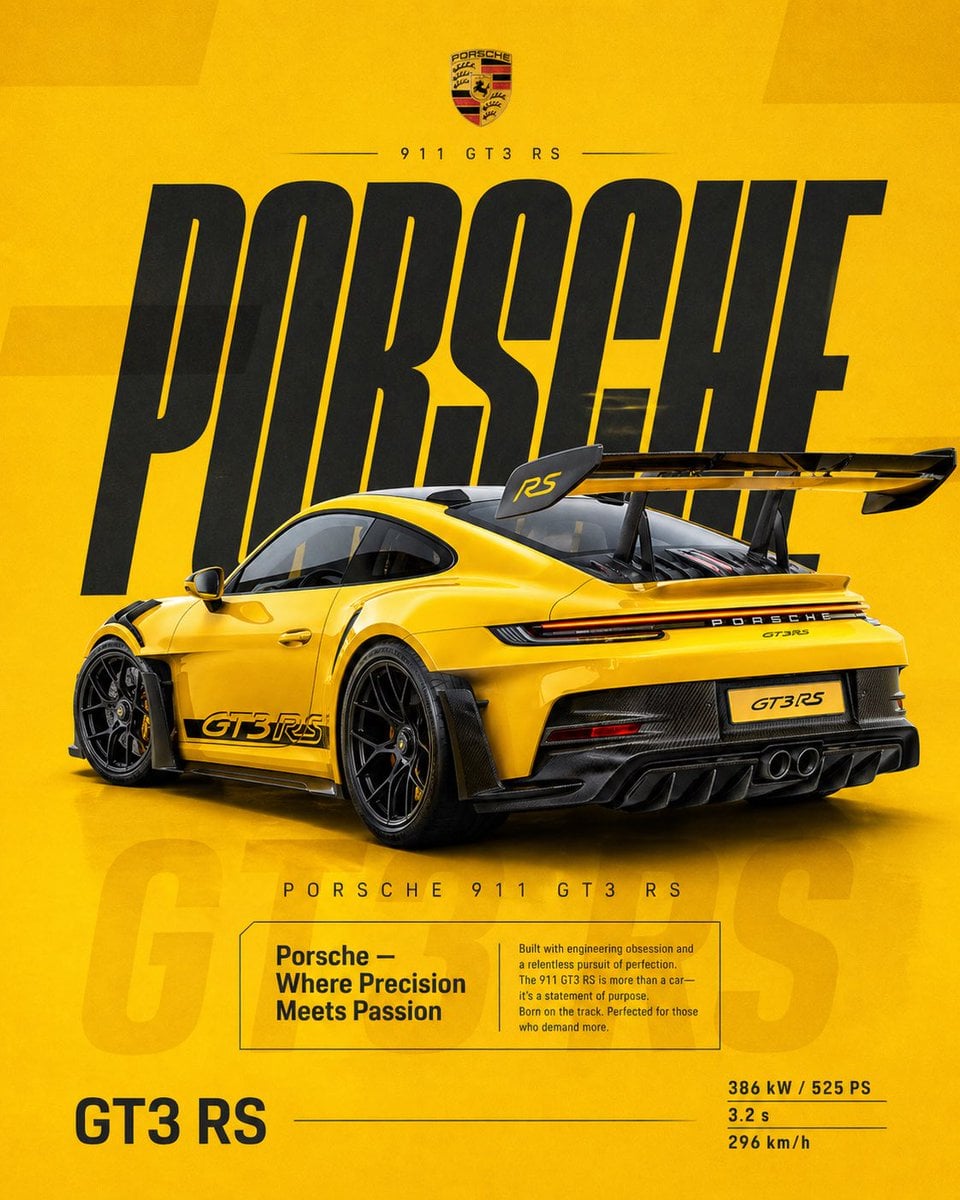
Racing Car Poster with Specs
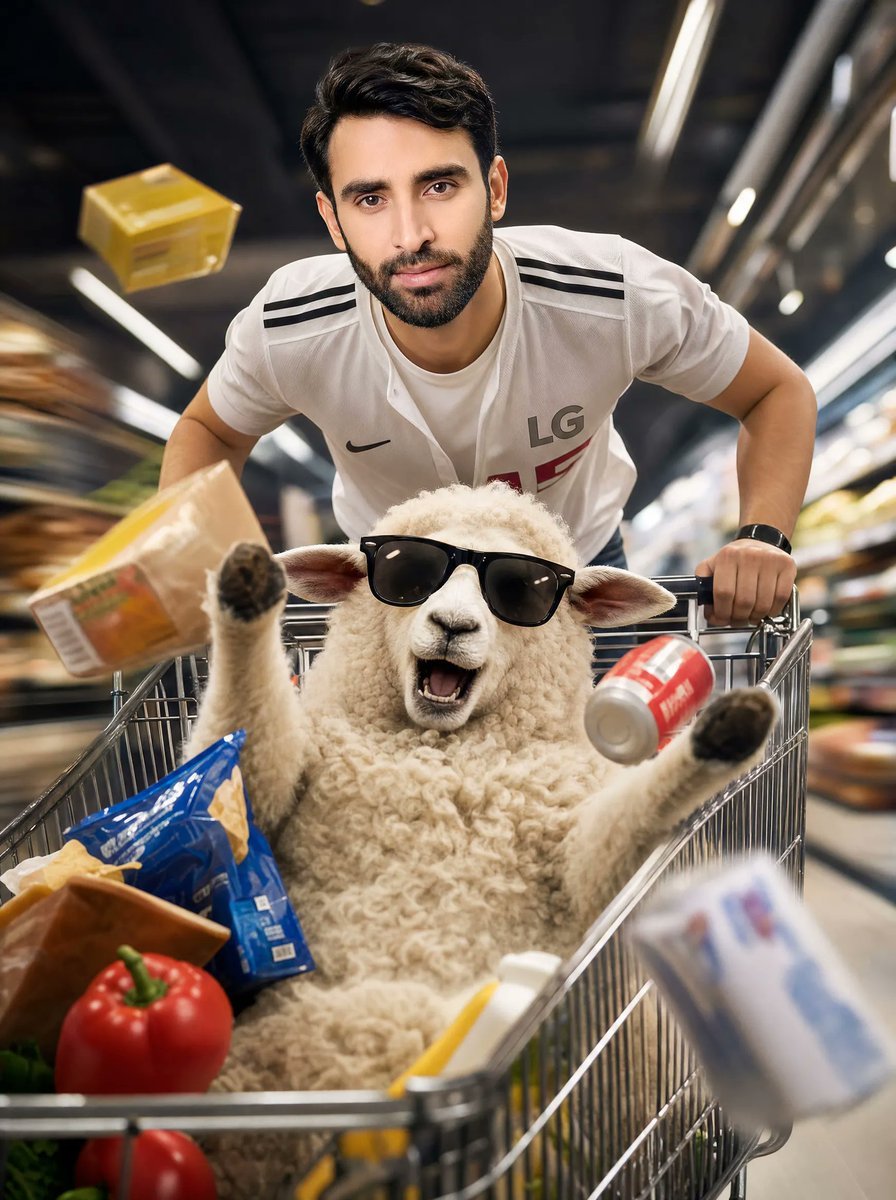
Man Racing Cart with Sheep
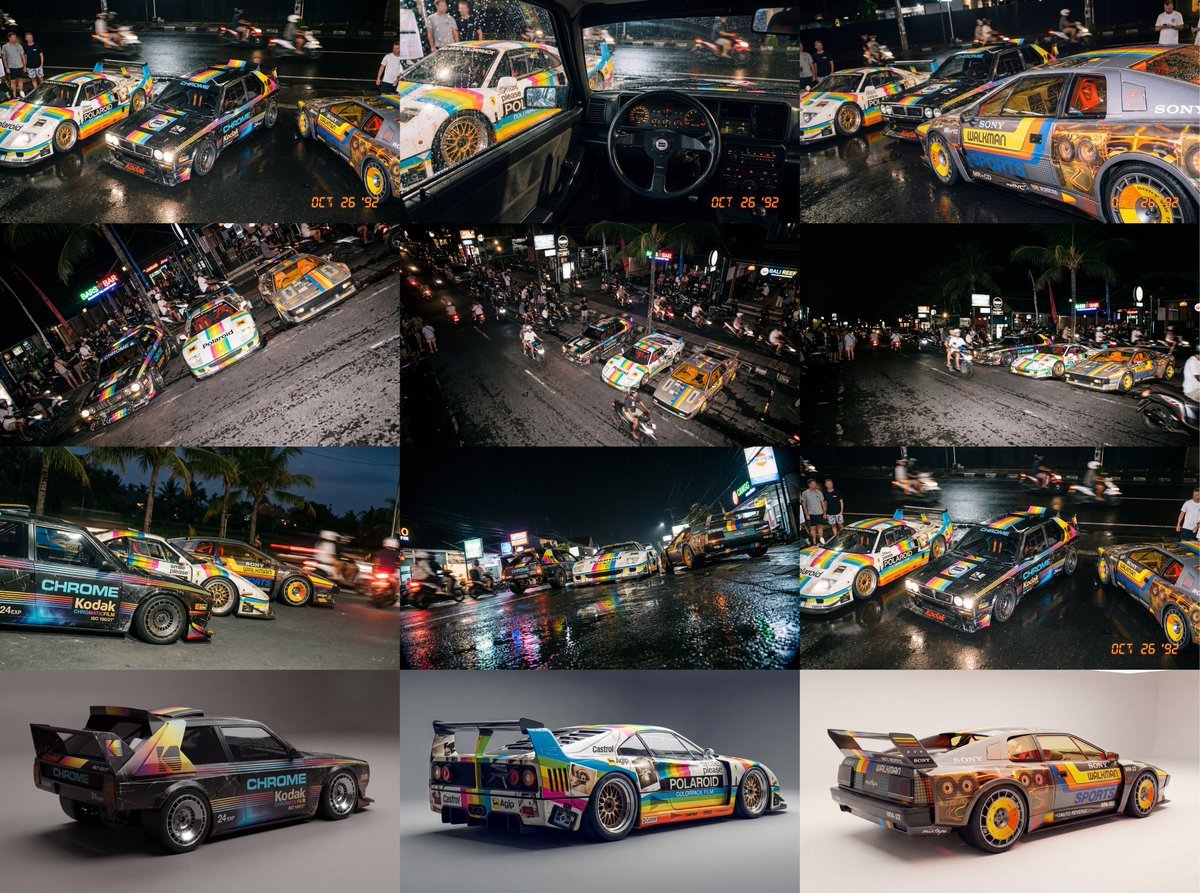
Composite Racing Car Shot with Vintage Film Branding
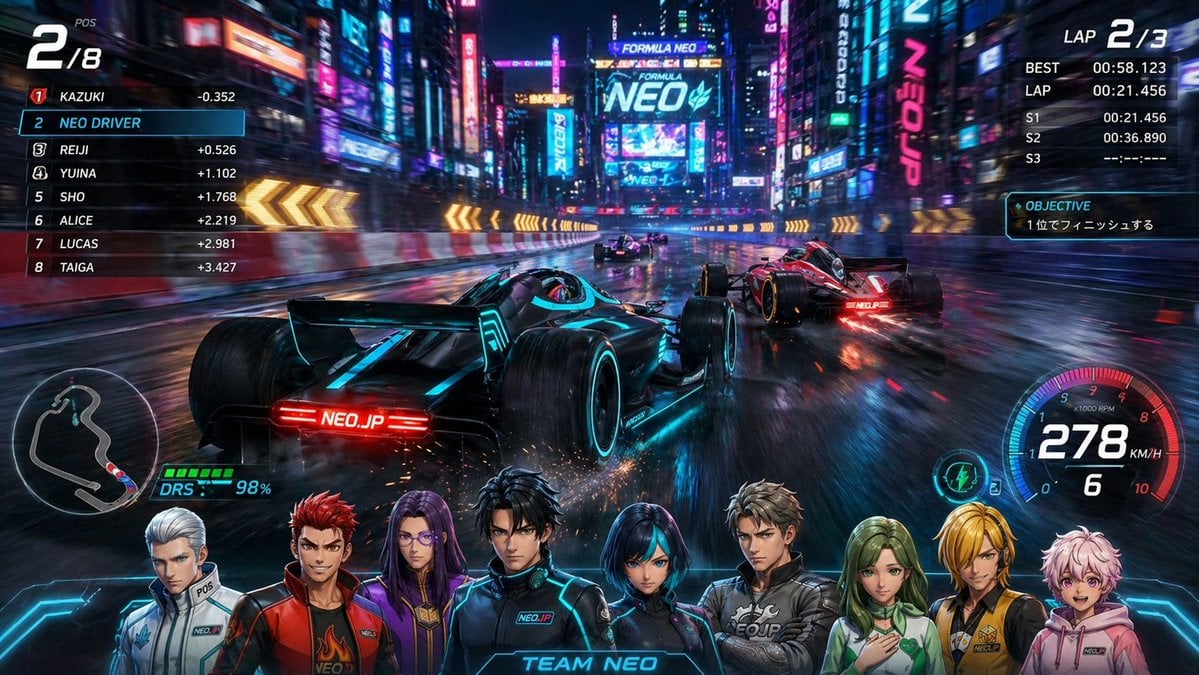
Cyberpunk Formula Neo Racing HUD
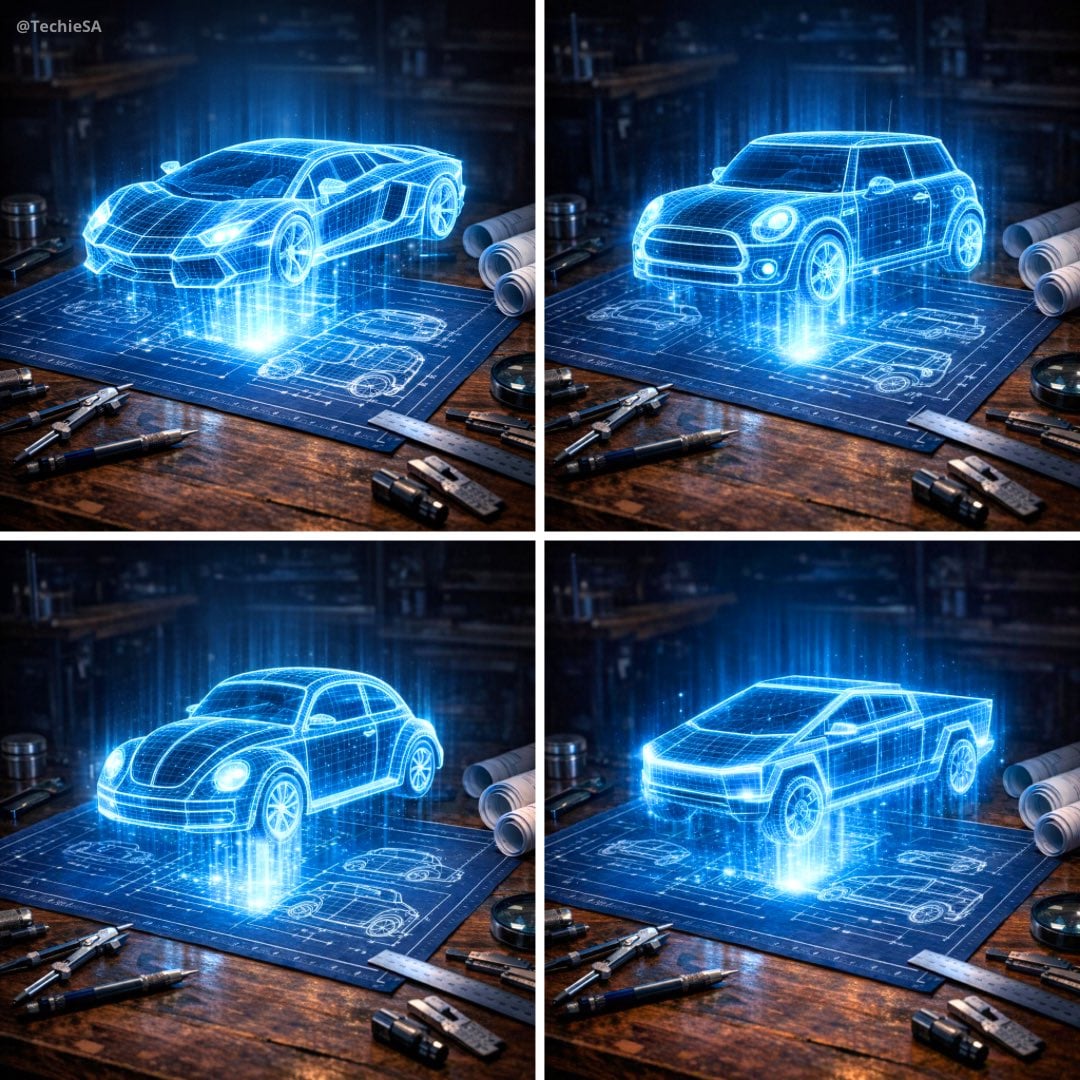
Holographic Car Blueprint Wireframe
Dual Car Typography Poster Series
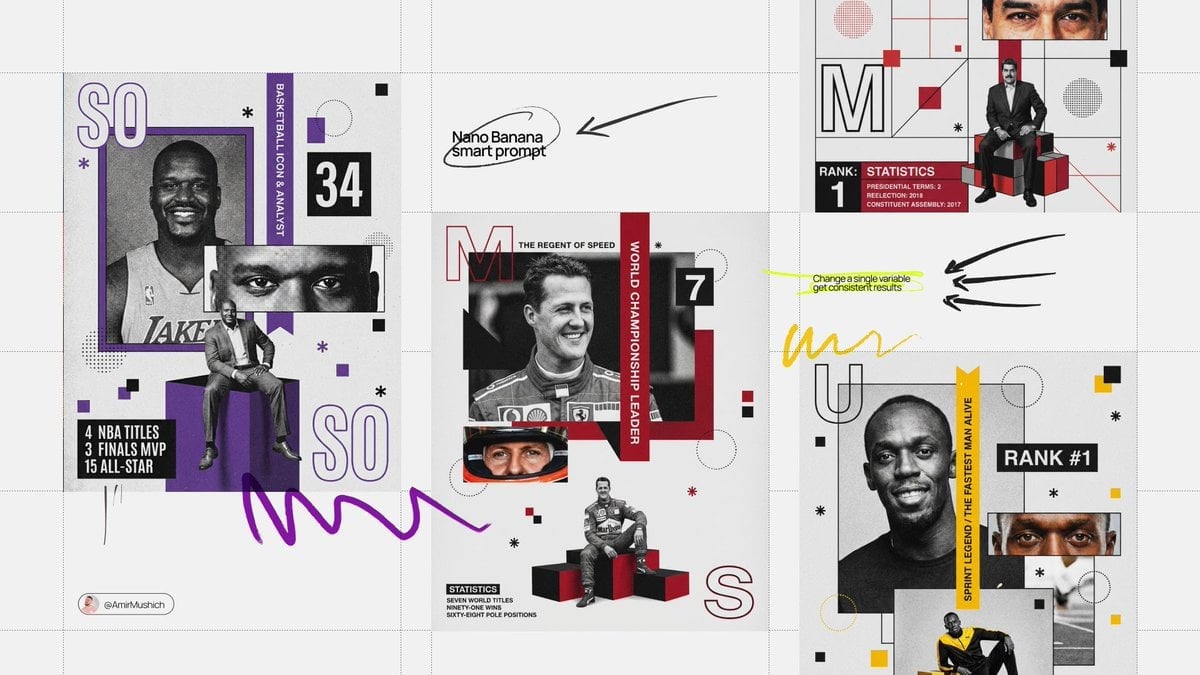
Based on their identity e g, Racing Orange for a driver, Neon Cyan
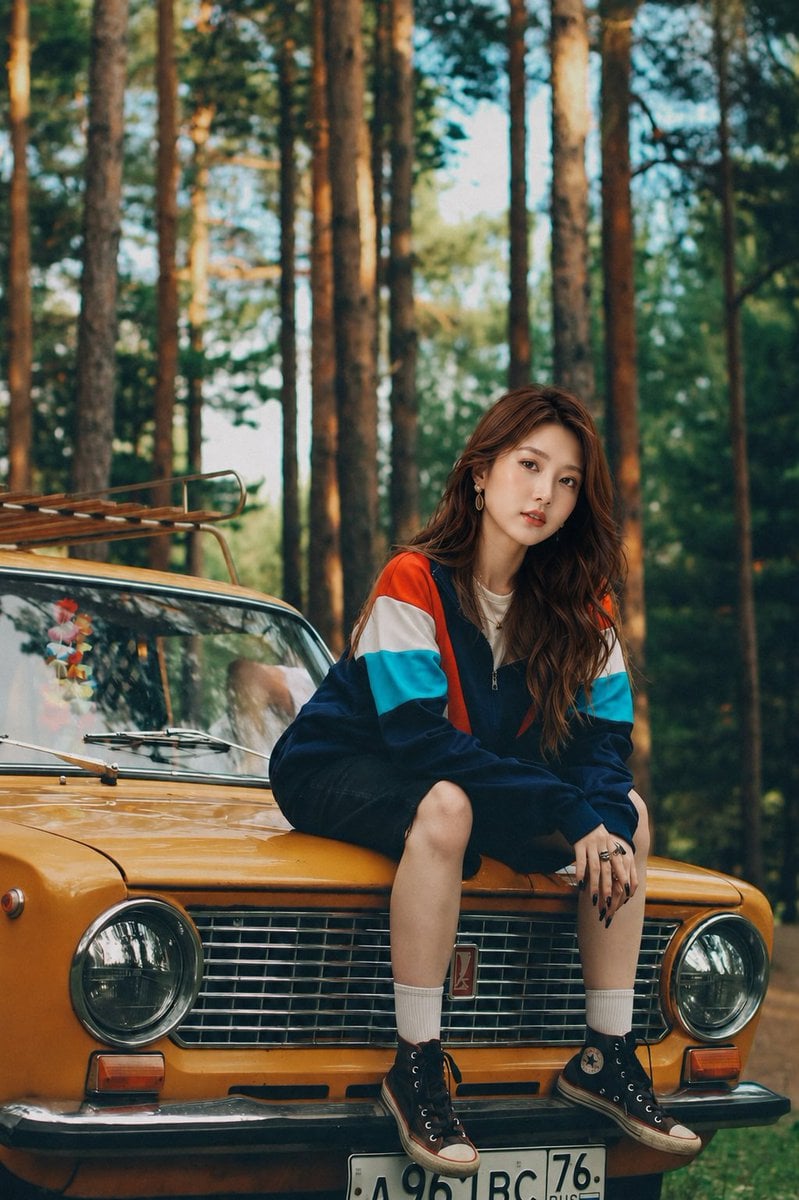
Cinematic Drone Photography of Vintage Soviet Car
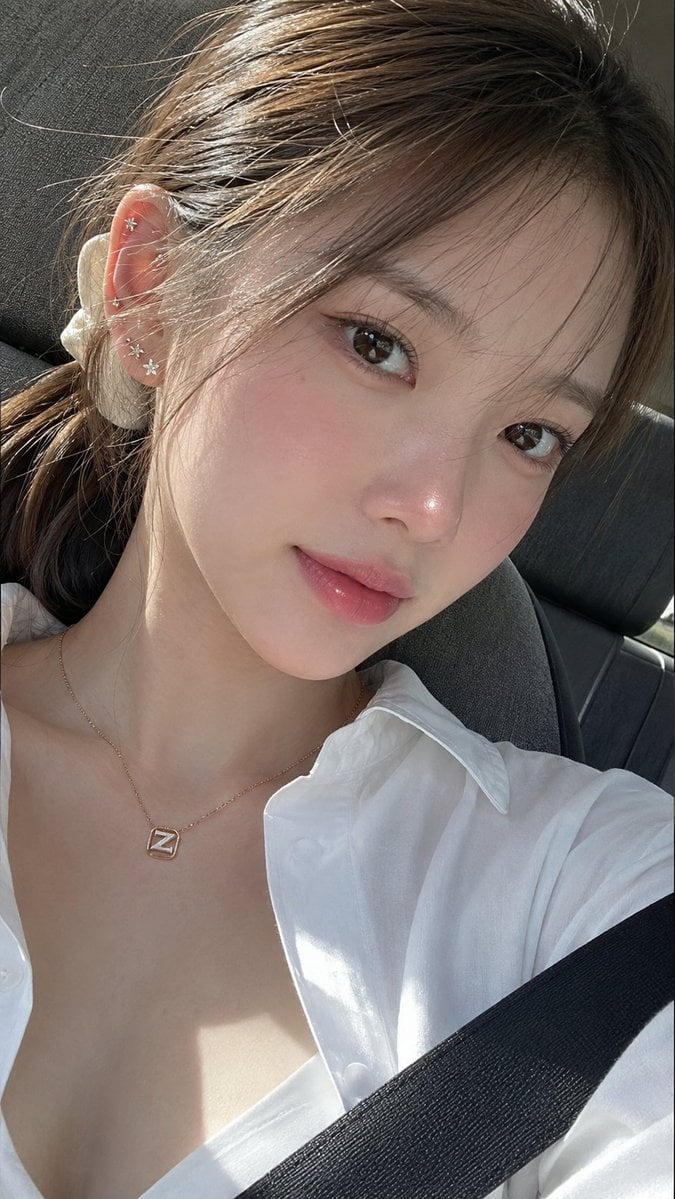
Ultra-Photorealistic Car Selfie
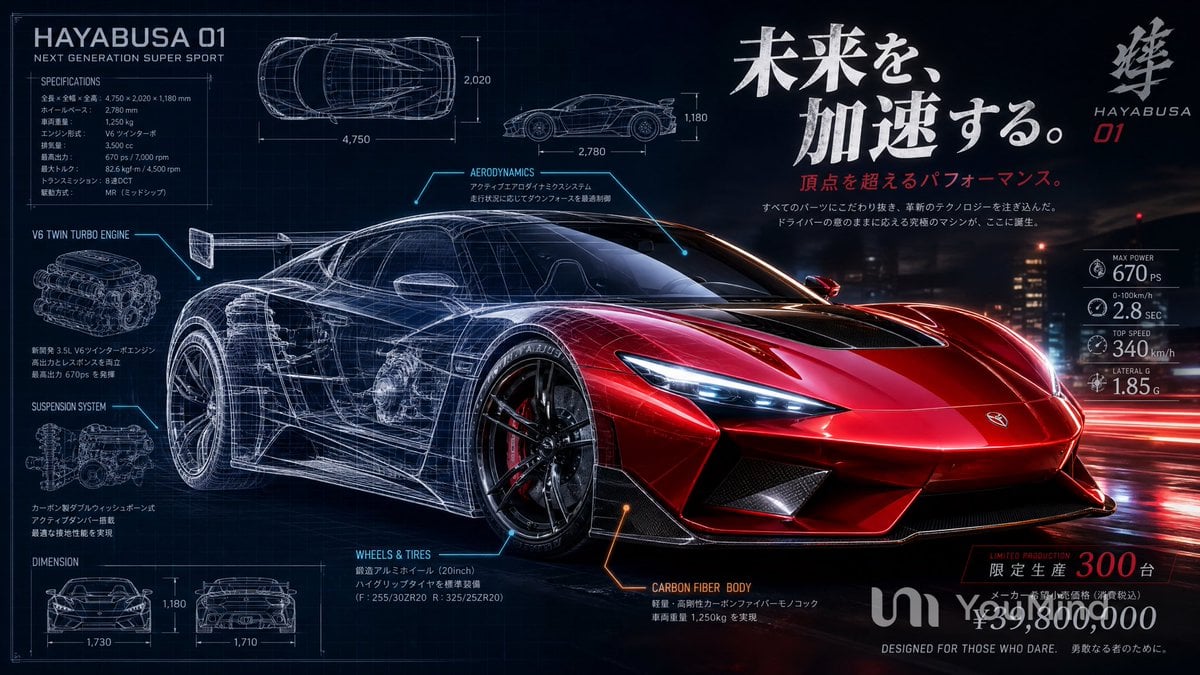
Japanese Hypercar Blueprint Poster
Make it yours
Car Racing works as-is. These are the safest ways to change it without losing the look.
Change one field
Copy a single group, rewrite it, and generate again so you can see what that field is doing.
Keep the frame, change the subject
Hold the composition and light of Car Racing, then swap wardrobe, props or the person for a new take.
| If the result… | Why | Fix |
|---|---|---|
| The result drifts from the preview | Too many fields changed at once. | Reuse Car Racing as-is first, then change one group — subject, light, or setting. |
| The model over-stylizes the scene | The prose prompt leaves finish and camera underspecified. | Add one camera or lighting sentence and stay on PicX Studio. |
More image prompts
Fresh picks from across the catalog.
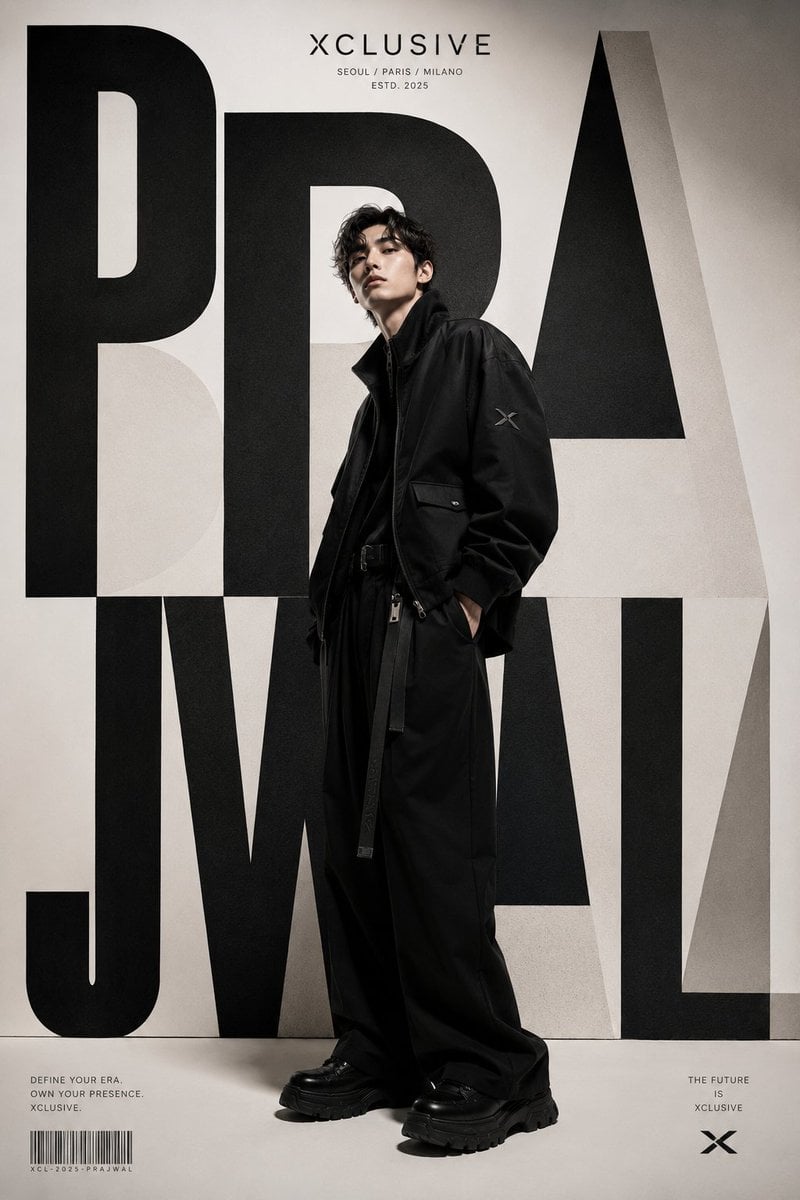
Korean Luxury Streetwear Poster
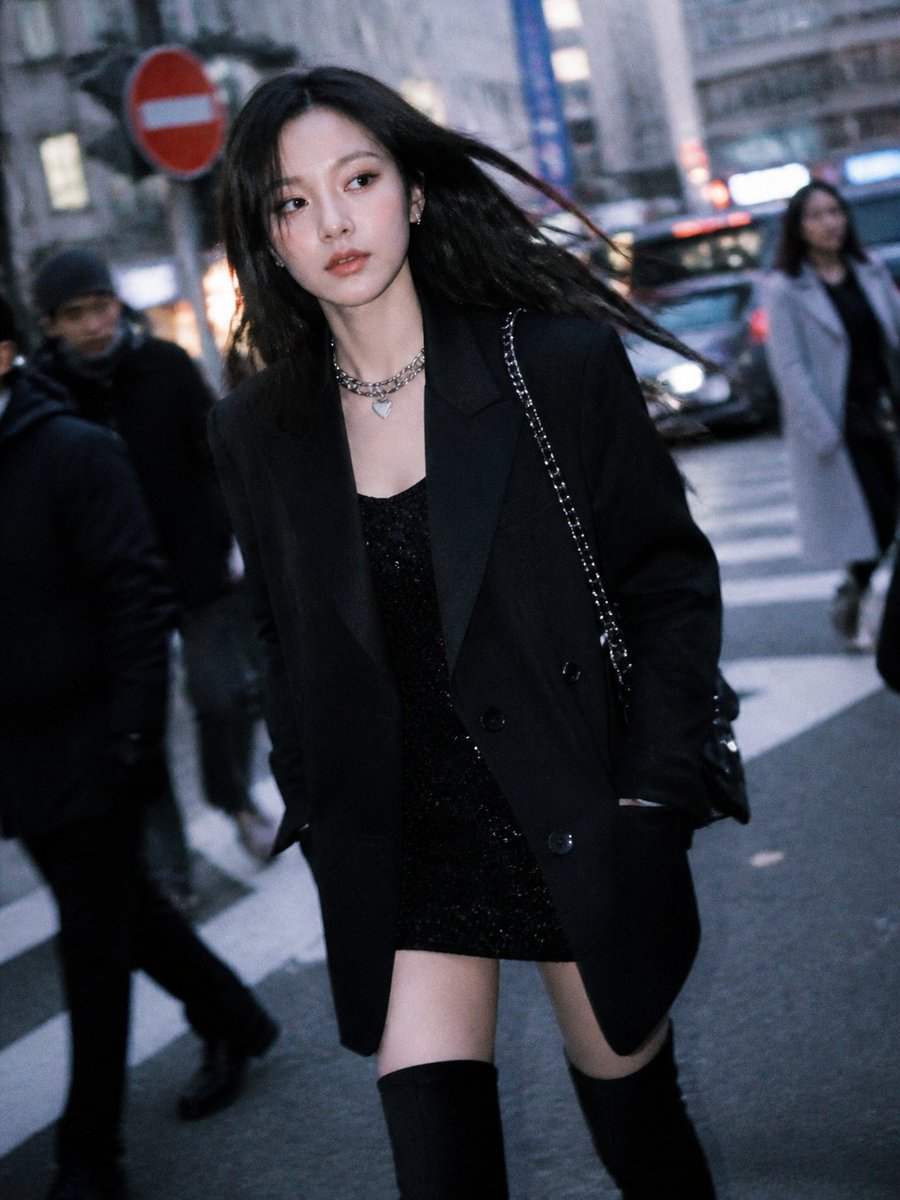
Moody Black Outfit Street Style
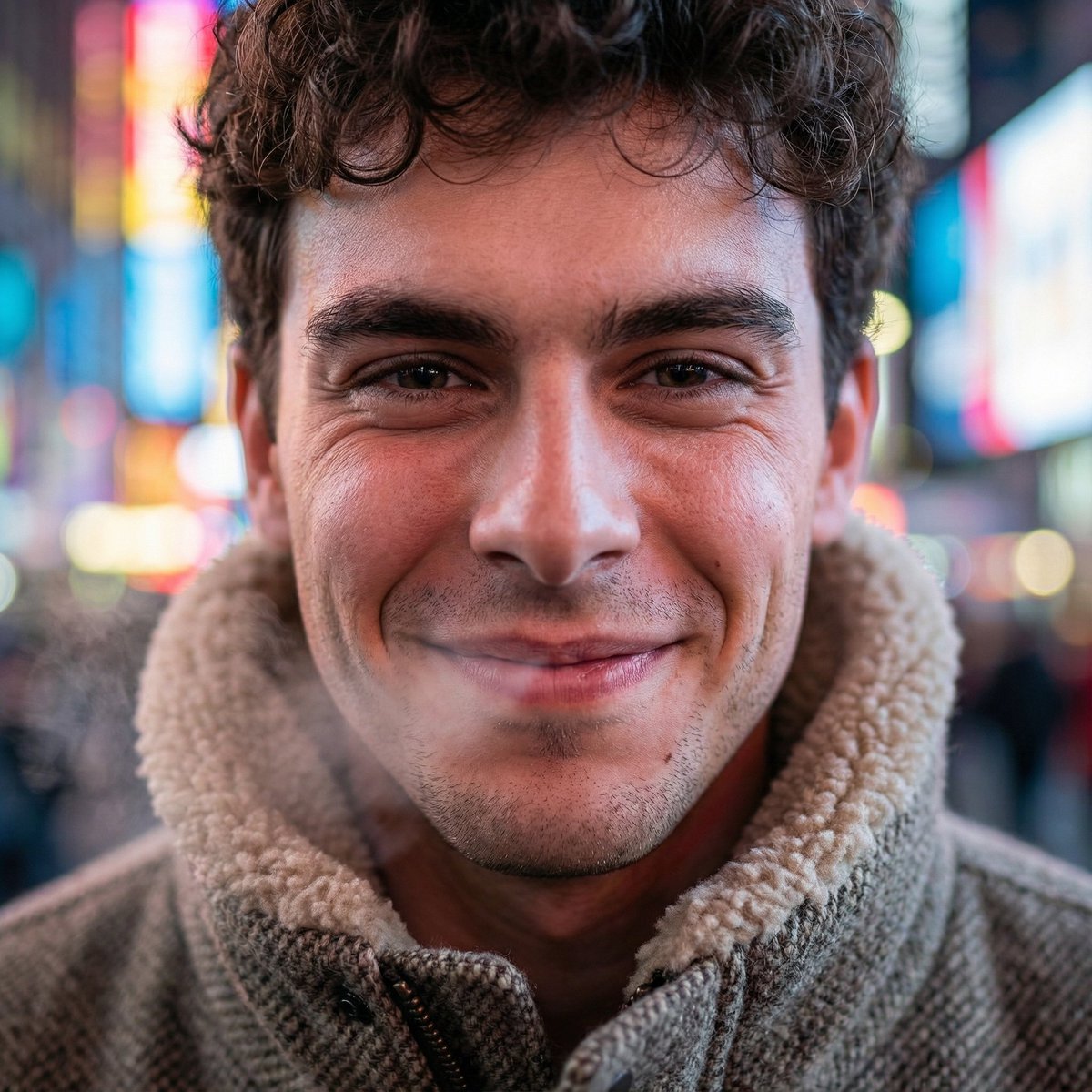
Hyper-Realistic Neon Times Square Portrait
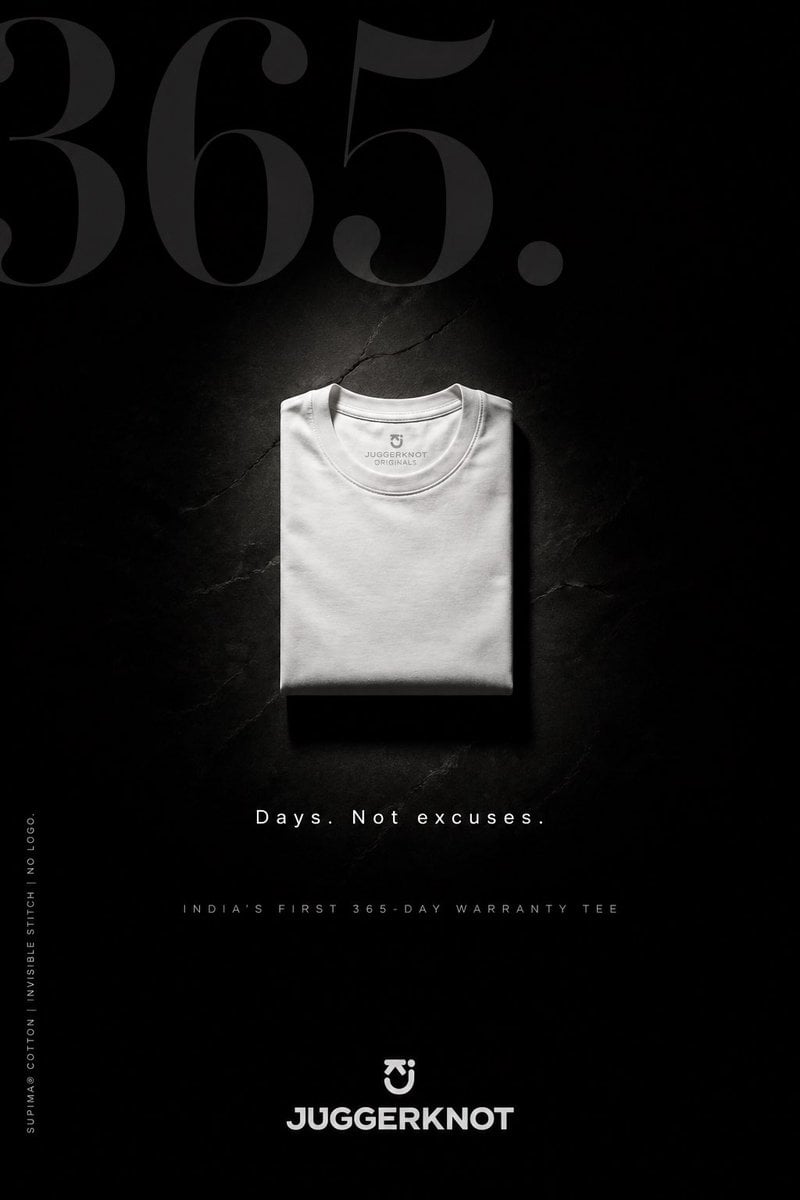
Minimal Luxury T-Shirt Ad Poster
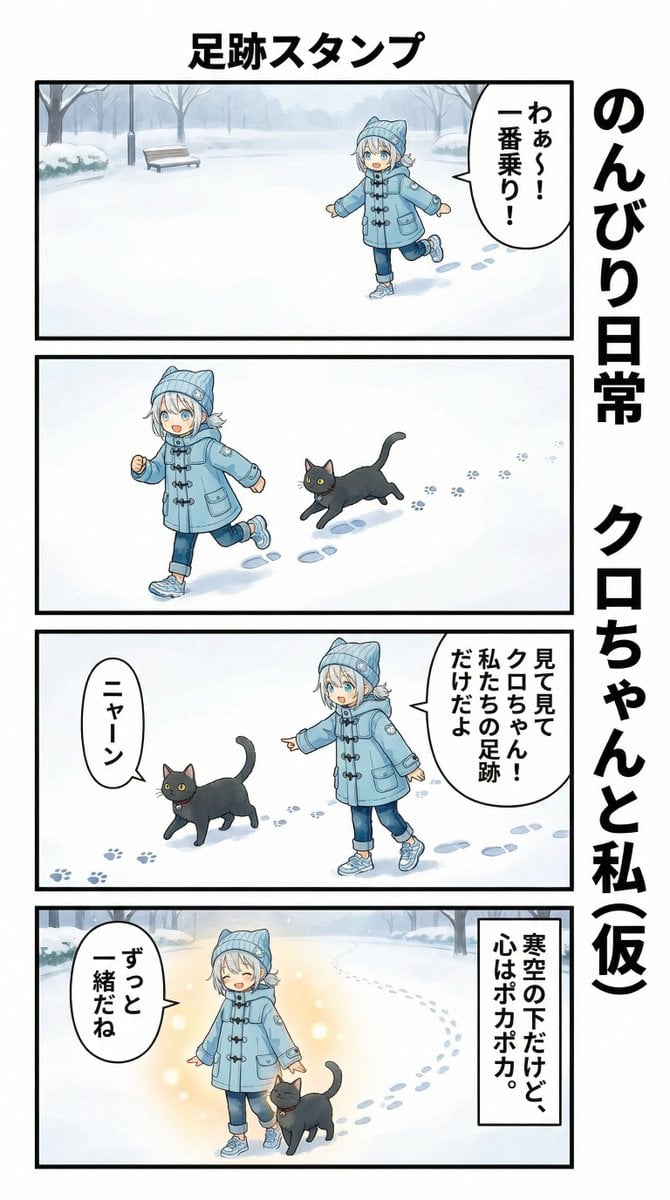
AI Manga Panel Generation
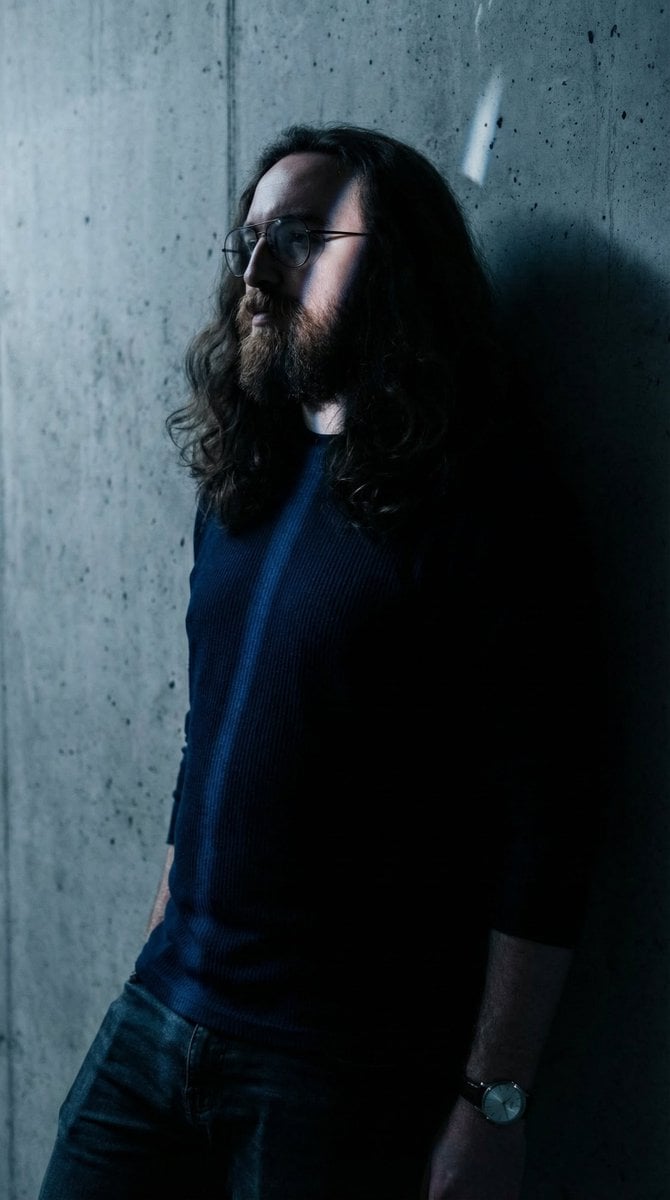
Moody High-Contrast Portrait with Rim Light
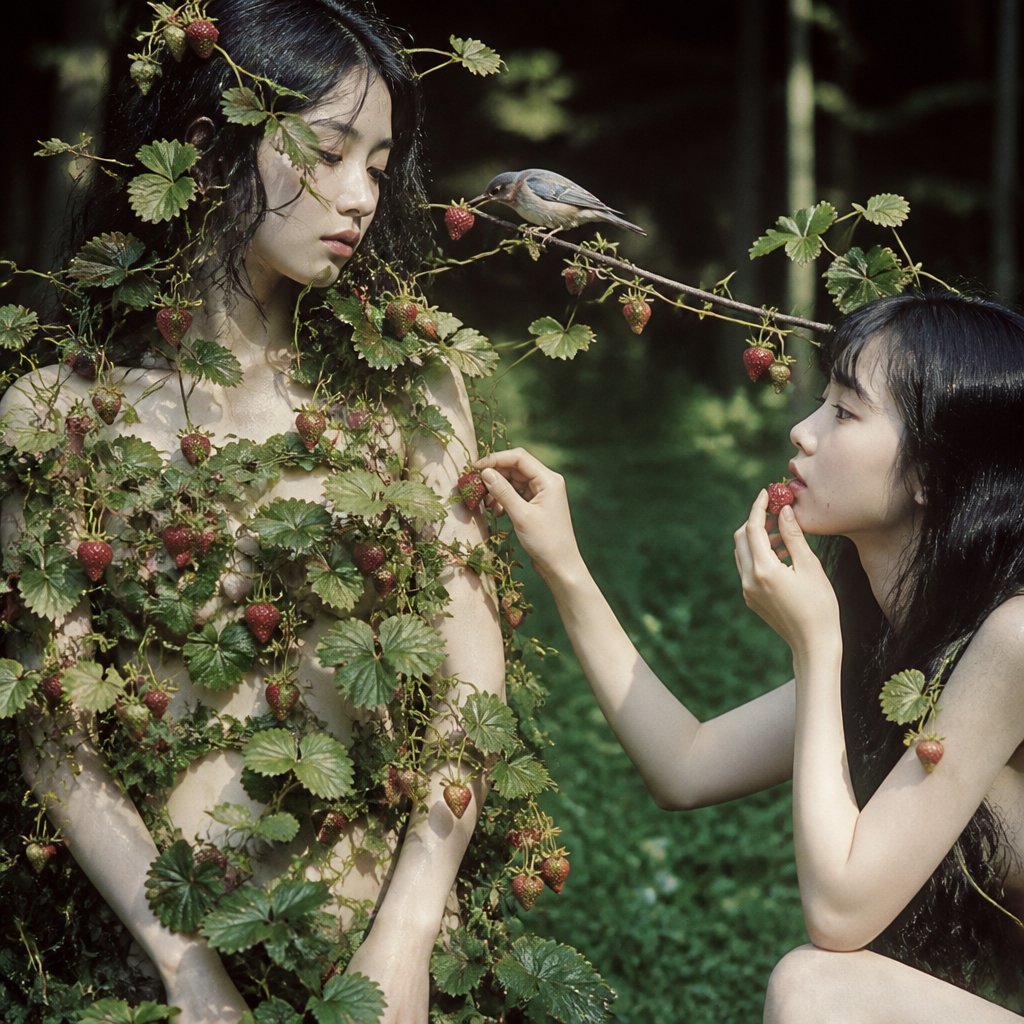
Surreal Strawberry Picking Forest
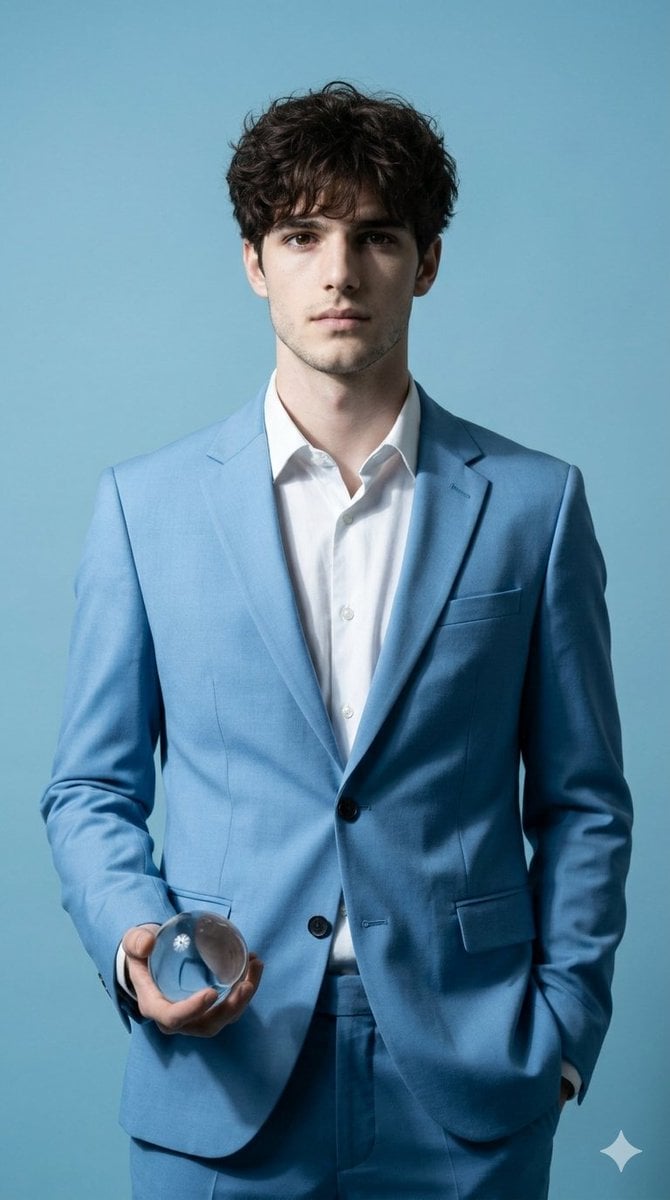
Hyper-Realistic Fine Art Fashion Portrait Prompt
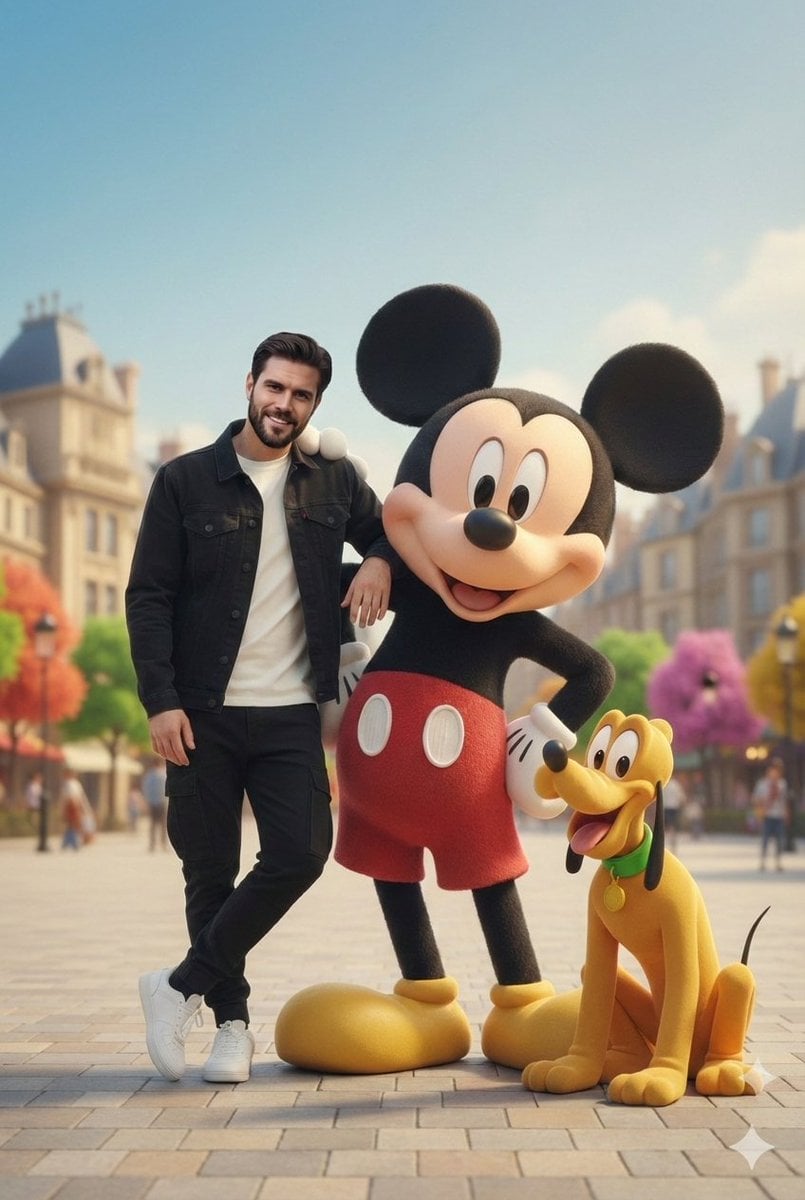
Cinematic Lifestyle with 3D Cartoon Characters
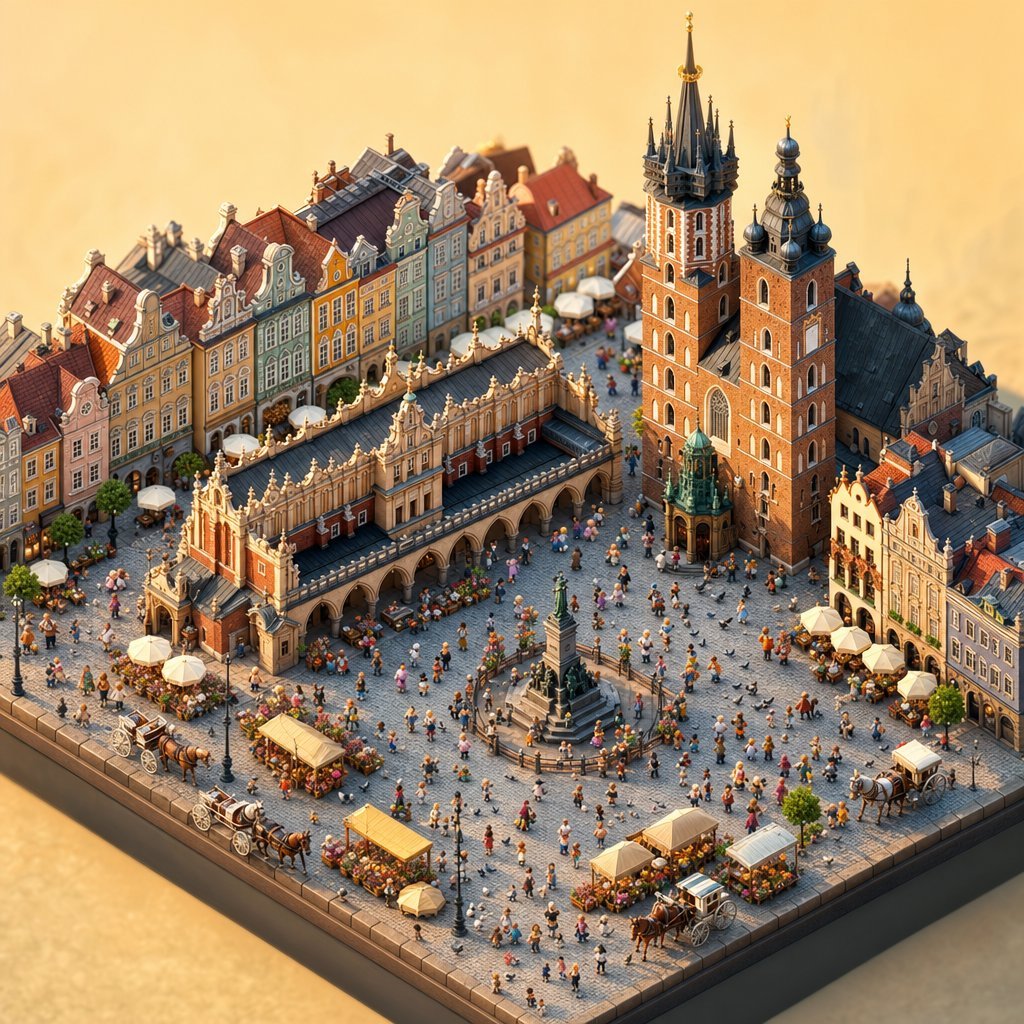
Isometric Krakow Market Square Diorama
Browse template categories
Car Racing questions
How do I use the Car Racing template?
Add your photo if the template asks for one, edit the prompt if you like — the template's model and format are already selected — and press Generate. Your version opens in PicX Studio.
Can I customize the Car Racing template?
Yes. You can change the subject, setting, lighting, mood, format, and available model controls before creating your image.
Is the Car Racing template free?
Opening and editing this template is free. Generating uses credits, shown on the Generate button when you are signed in.
Which AI model should I use?
Choose a compatible model in PicX Studio based on the style, speed, and output controls your project needs.
Looking for something else? Browse all templates.

Your photo, any look
Thousands of ready templates for every top image and video model, from one credit balance.