
Rose day
Rose day is a ready photo look.
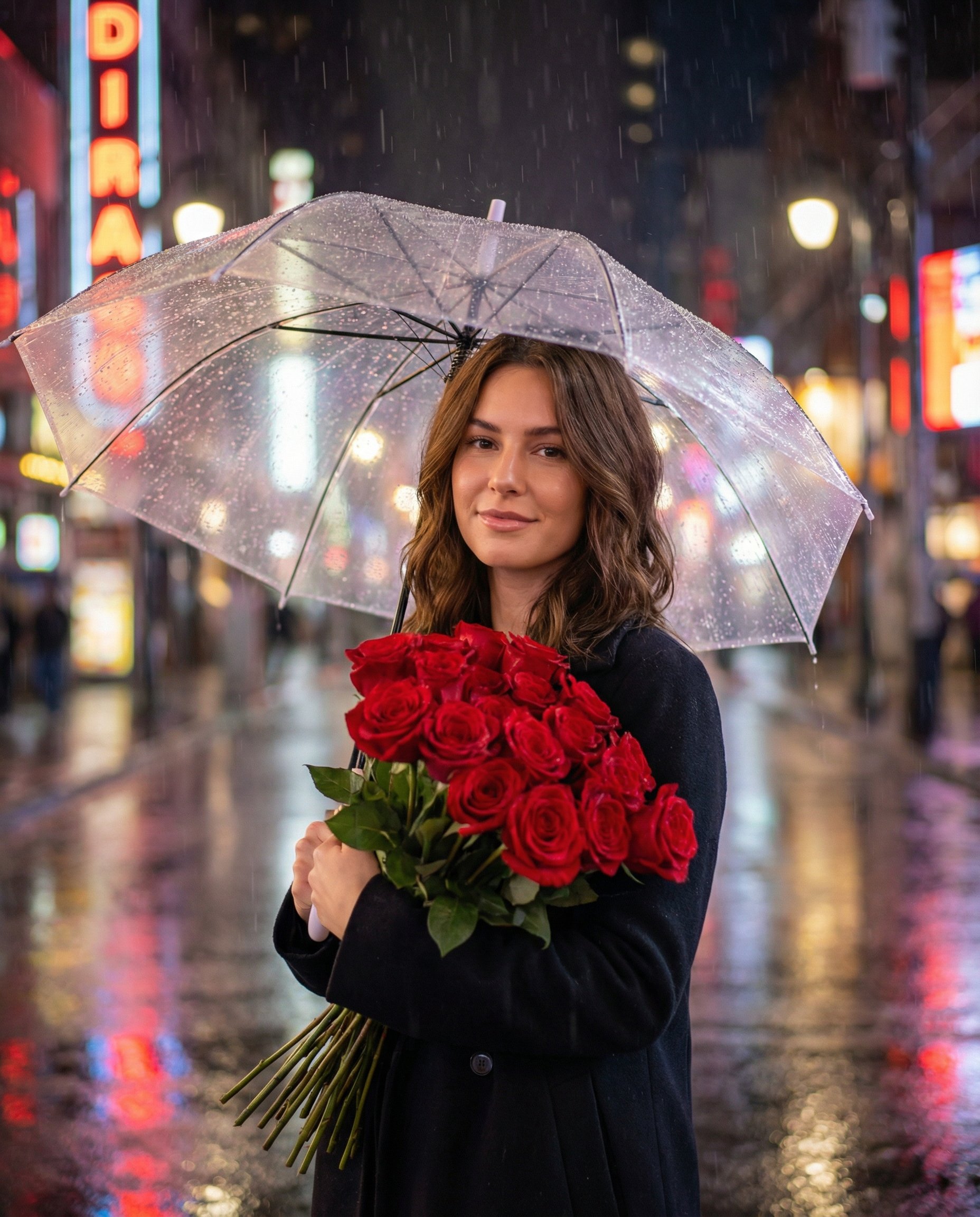
- Prompt included
- Model and format preset
- Premium template
The prompt behind this image
Copy the exact prompt behind Rose day, or open it in the studio and make it yours.
Keep source image's precise face, wavy brown shoulder-length hair, skin tone intact. Place in neon rainy city street at night: backlit pose from low angle, her glancing over shoulder at camera, transparent umbrella sheltering bouquet of vibrant red roses pressed to her side, light rain, soft fog, bokeh neon signs and wet reflections creating romantic halo. Waist-up shot, expressive eyes, glossy lips from mist. Ultra-detailed realistic, 85mm f/1.8, cinematic mood, pastel neon grading, 8K sharp. Negative: low res, anatomy errors, face alteration, oversaturation.
How to use Rose day in 3 steps
- 1
Open
The prompt is already in the box next to the preview, with the template's model and format selected.
- 2…a portrait of your subject in softgolden-hour light, 85mm…
Personalize
Edit the subject and creative details for your destination.
- 3Generate
Generate
Press Generate — your image is created in PicX Studio, so you can compare it with the original and refine one variable at a time.
More like this
Templates with the same subject, style or setup. Open one to see its prompt.
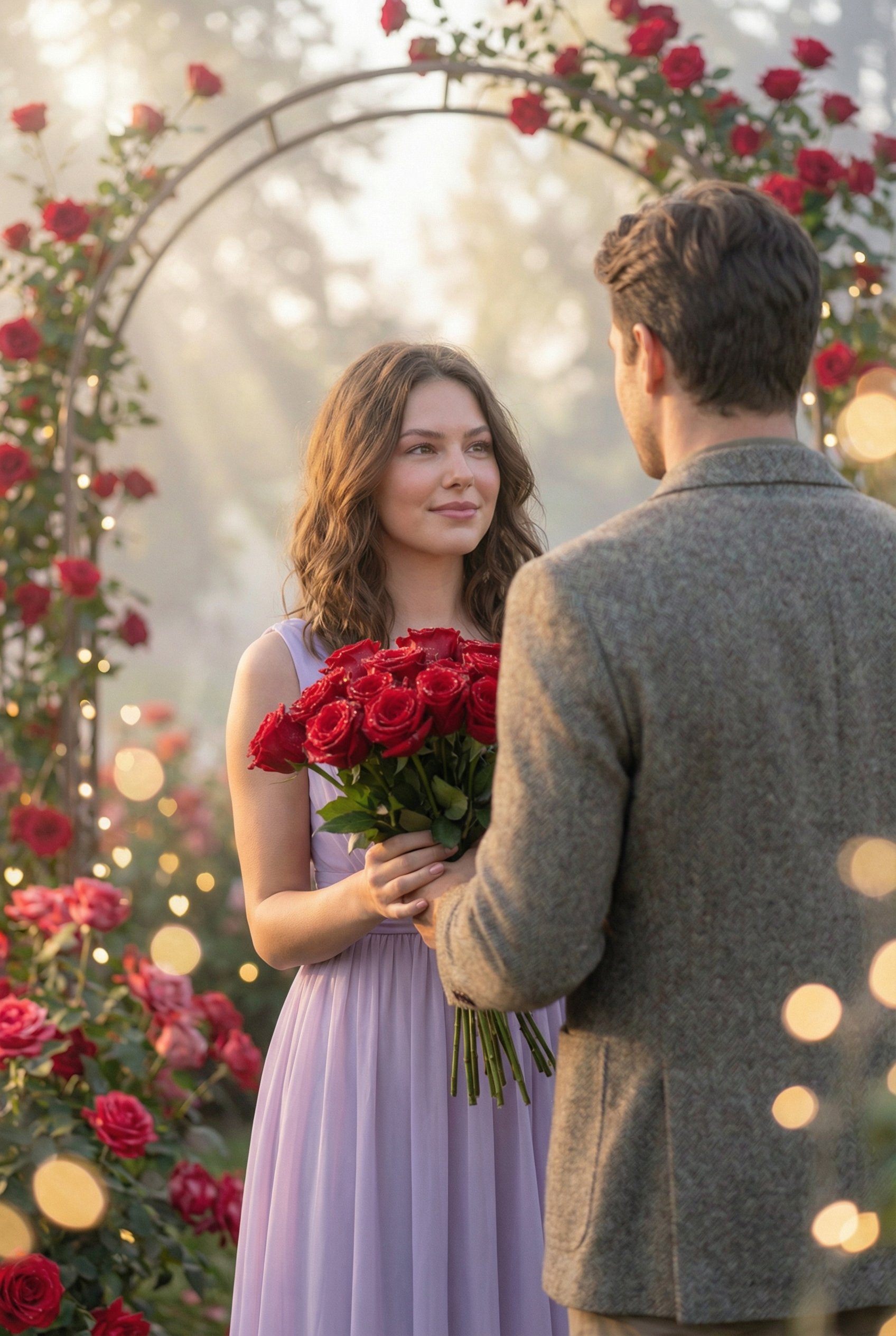
Rose Day
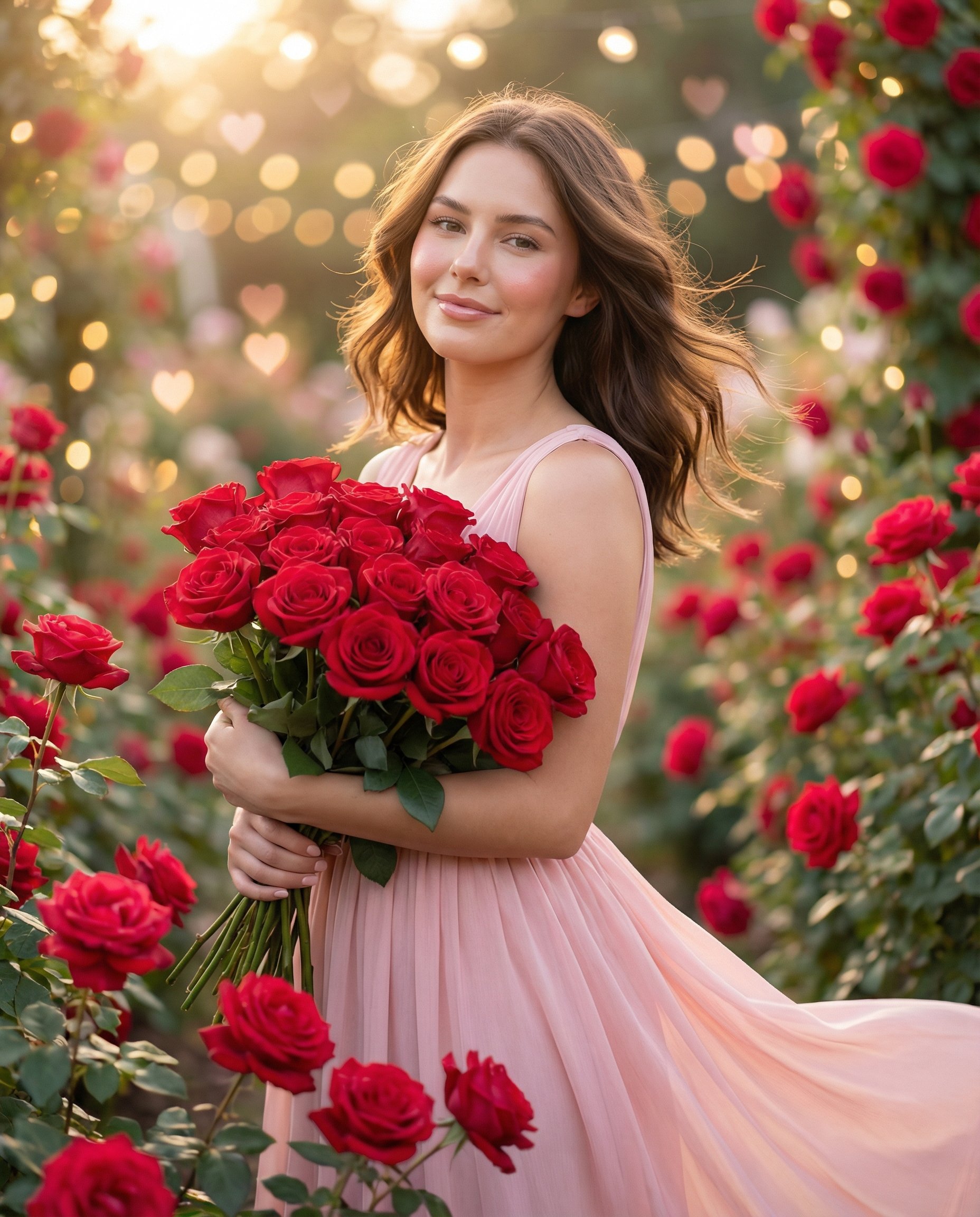
Rose day
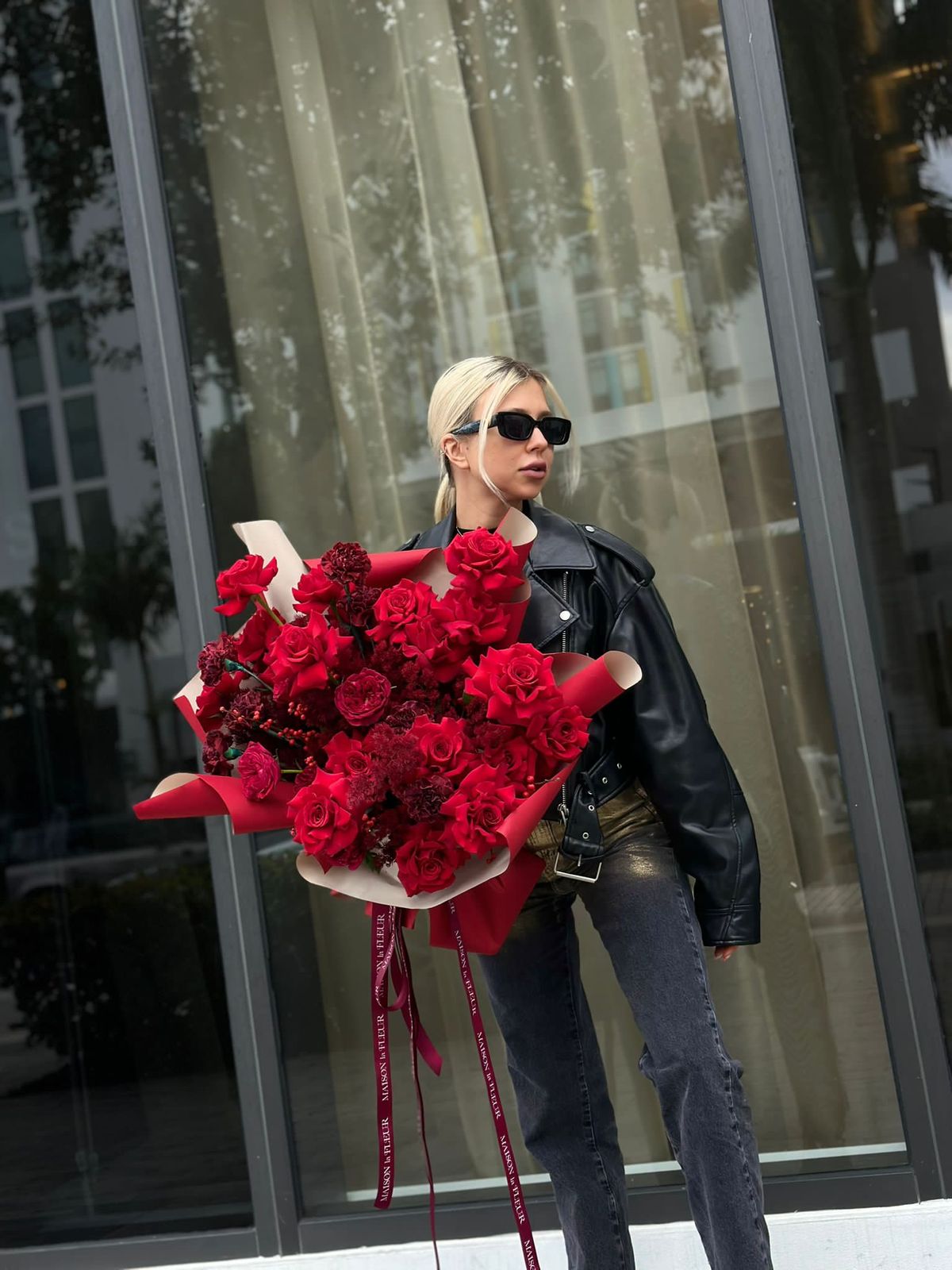
Urban Chic Floral Portrait
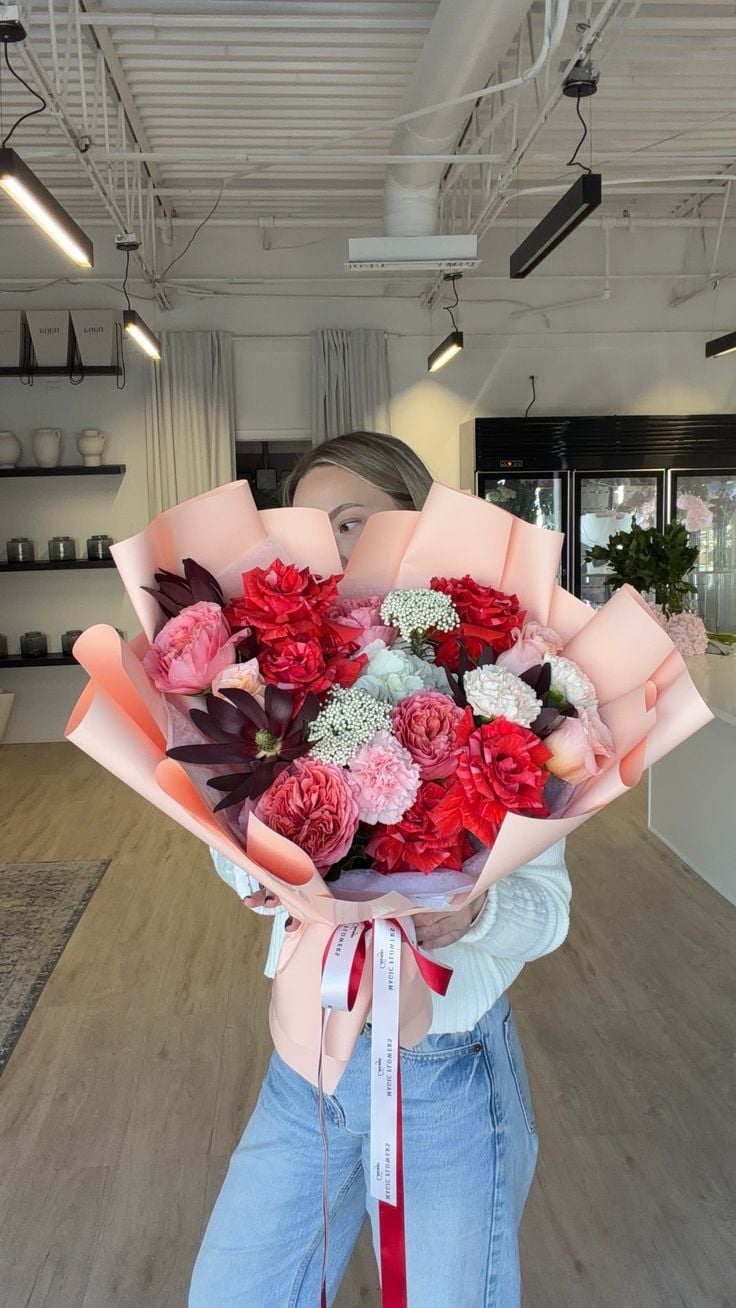
Blushing Bouquet Floral Template

Valentine's Day Chocolate and Roses Editorial Portrait

Miniature Sick Day Diorama
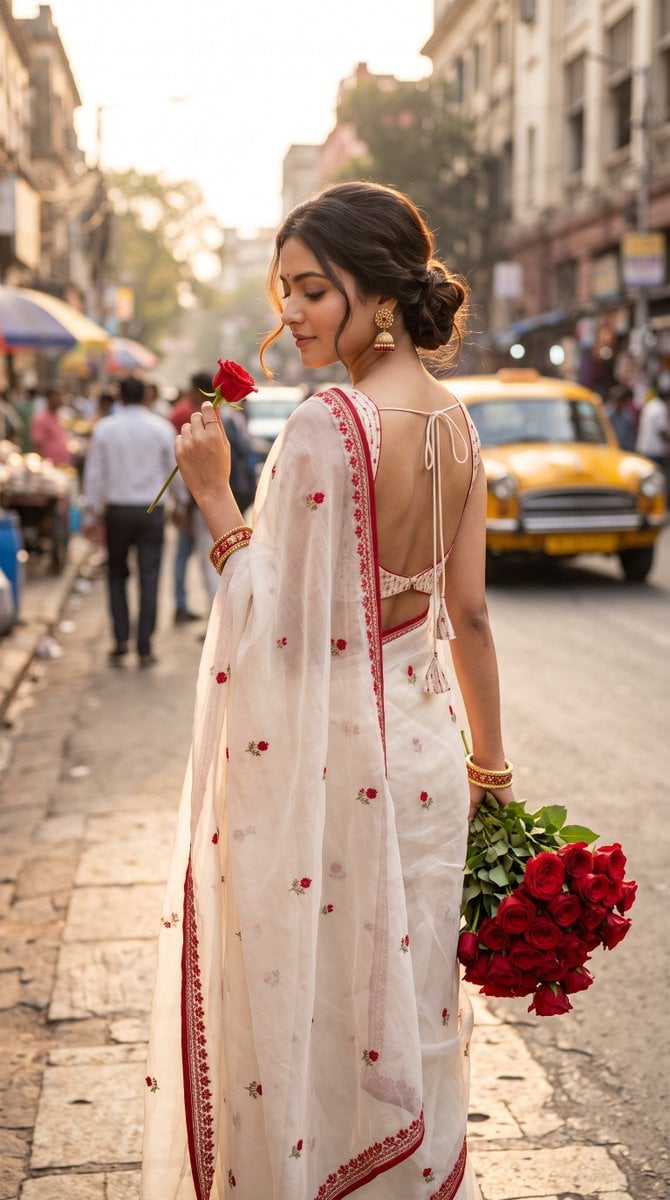
Ultra-Photorealistic Indian Woman with Roses
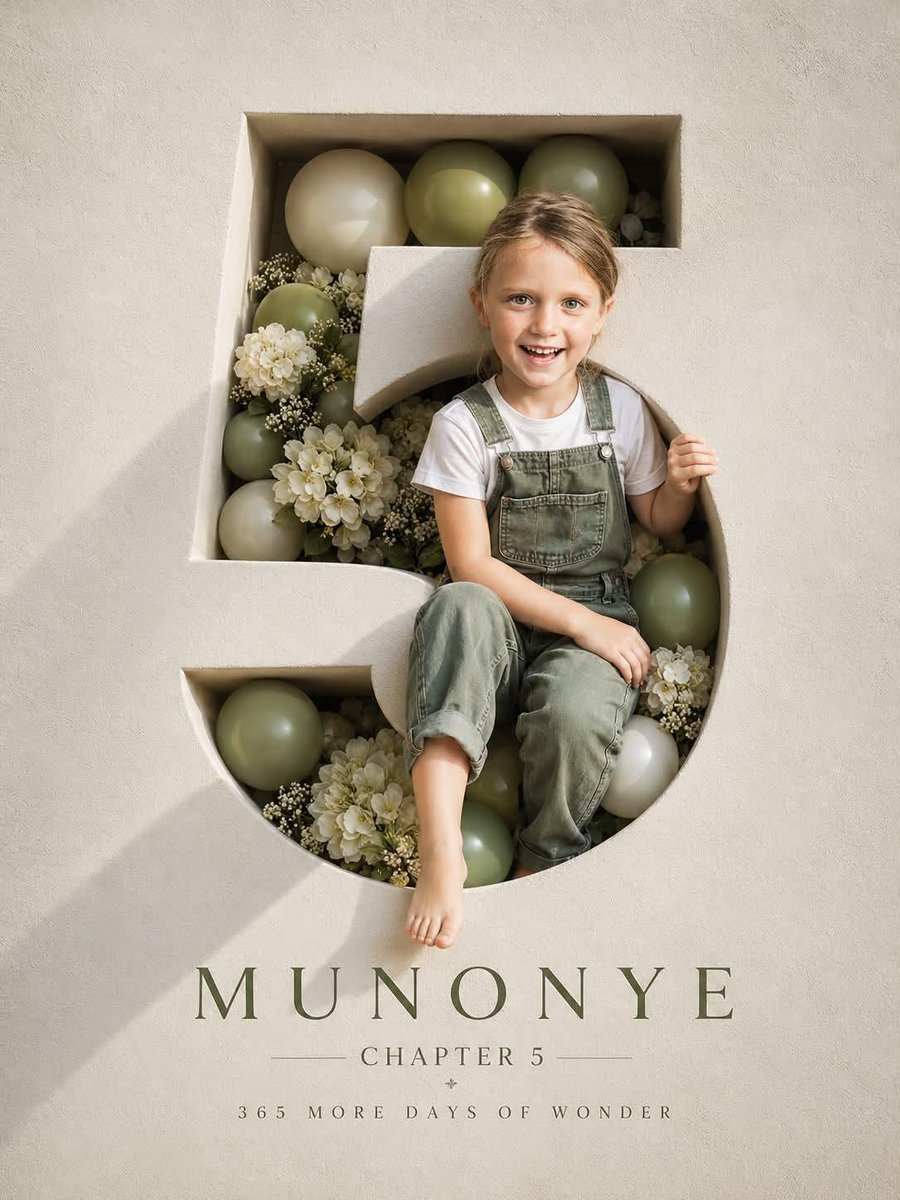
Luxury 3D Engraved Birthday Poster
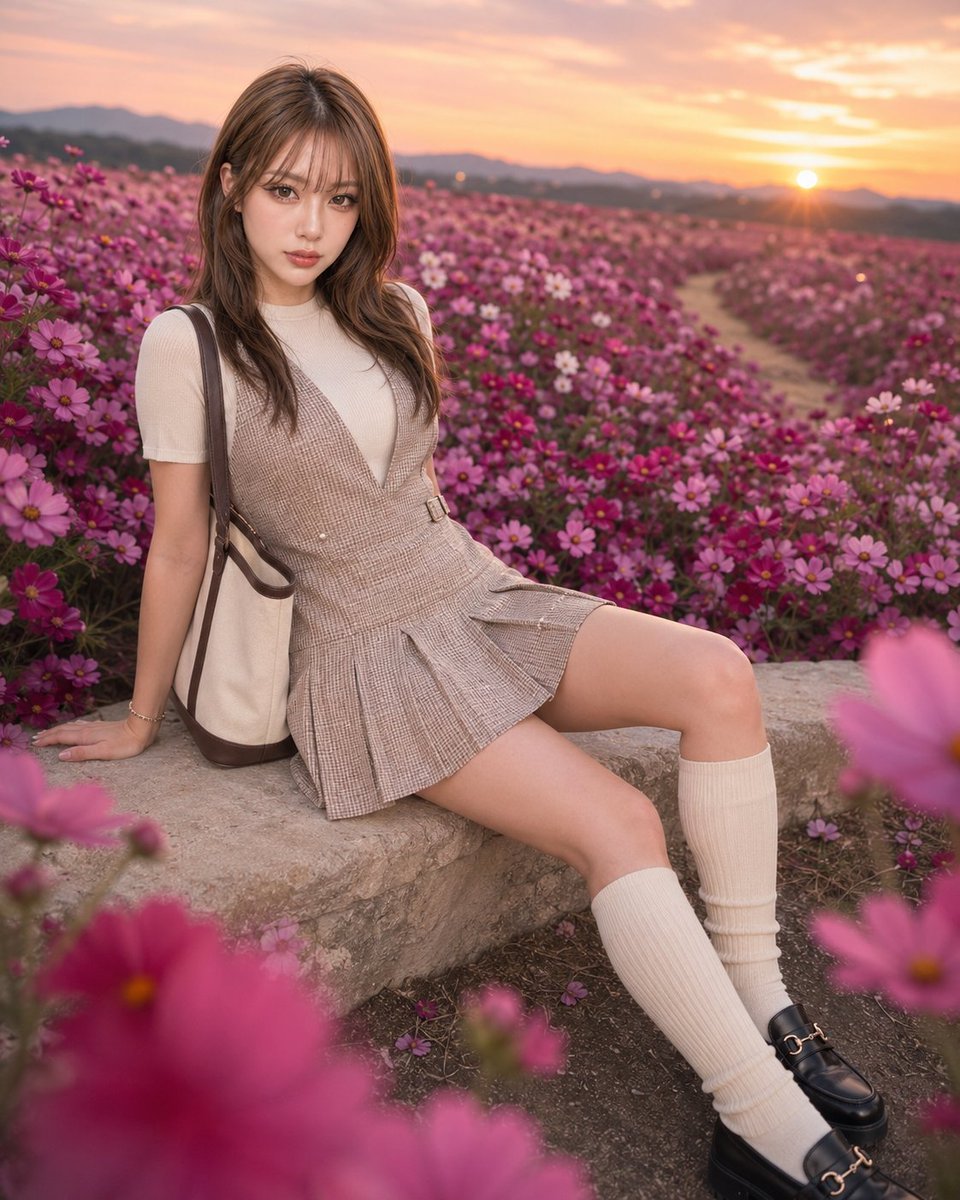
Fashion Portrait in Rose Cosmos Field
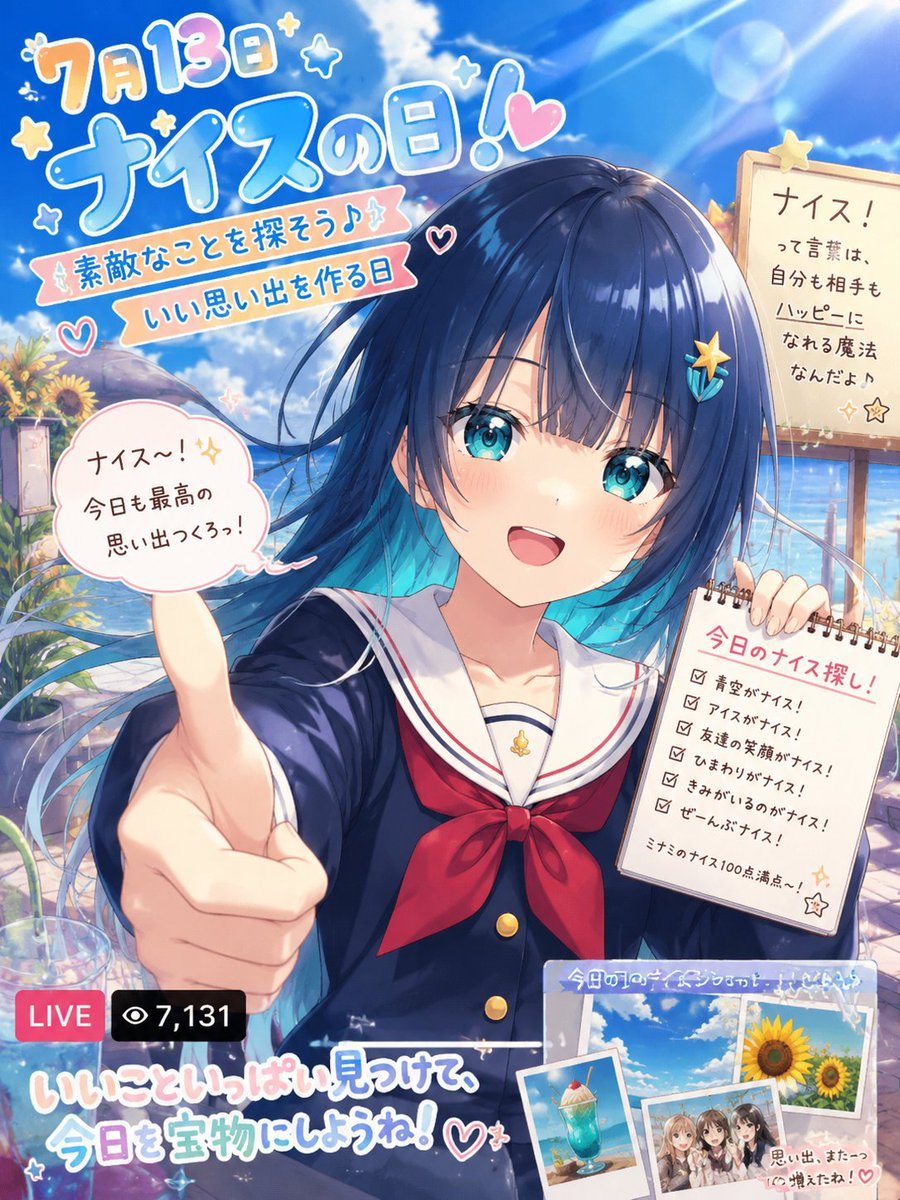
Nice Day Anime Poster
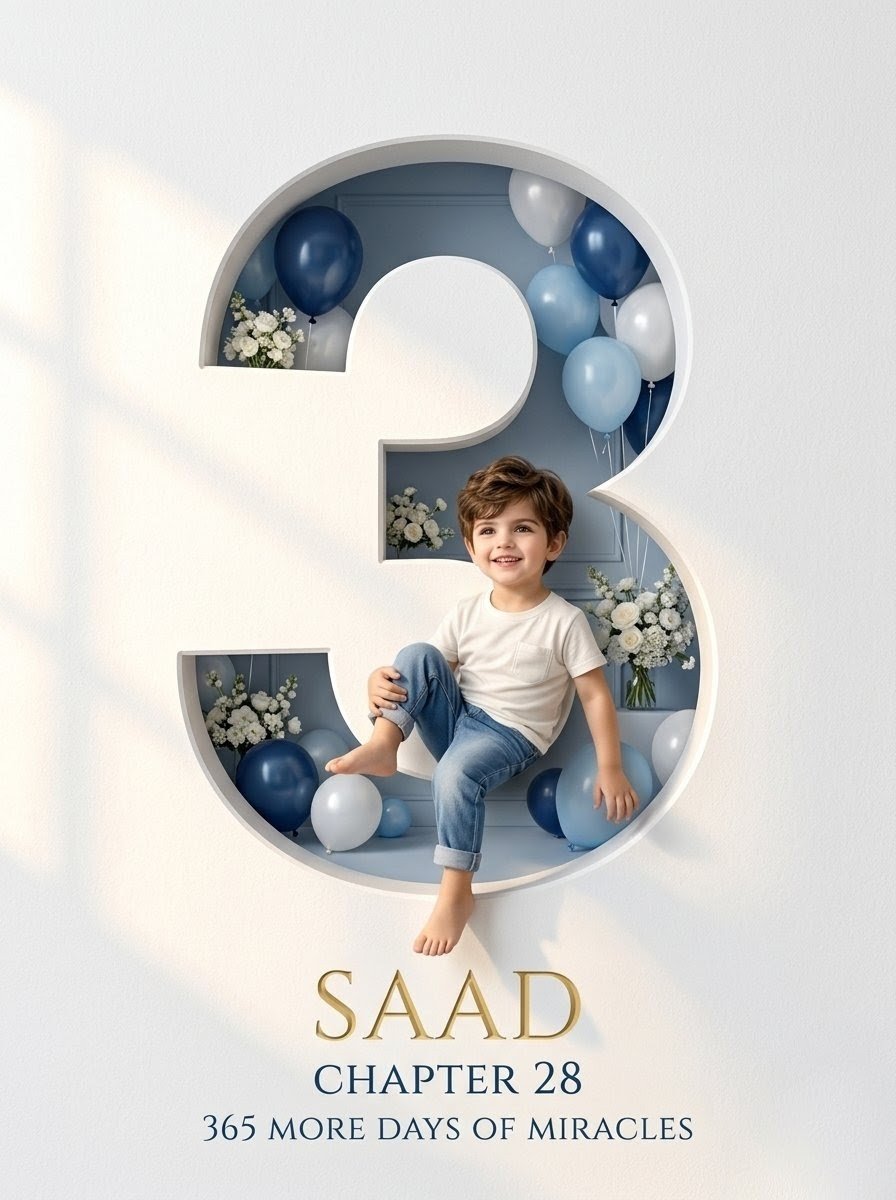
Luxury Number 3 Birthday Poster
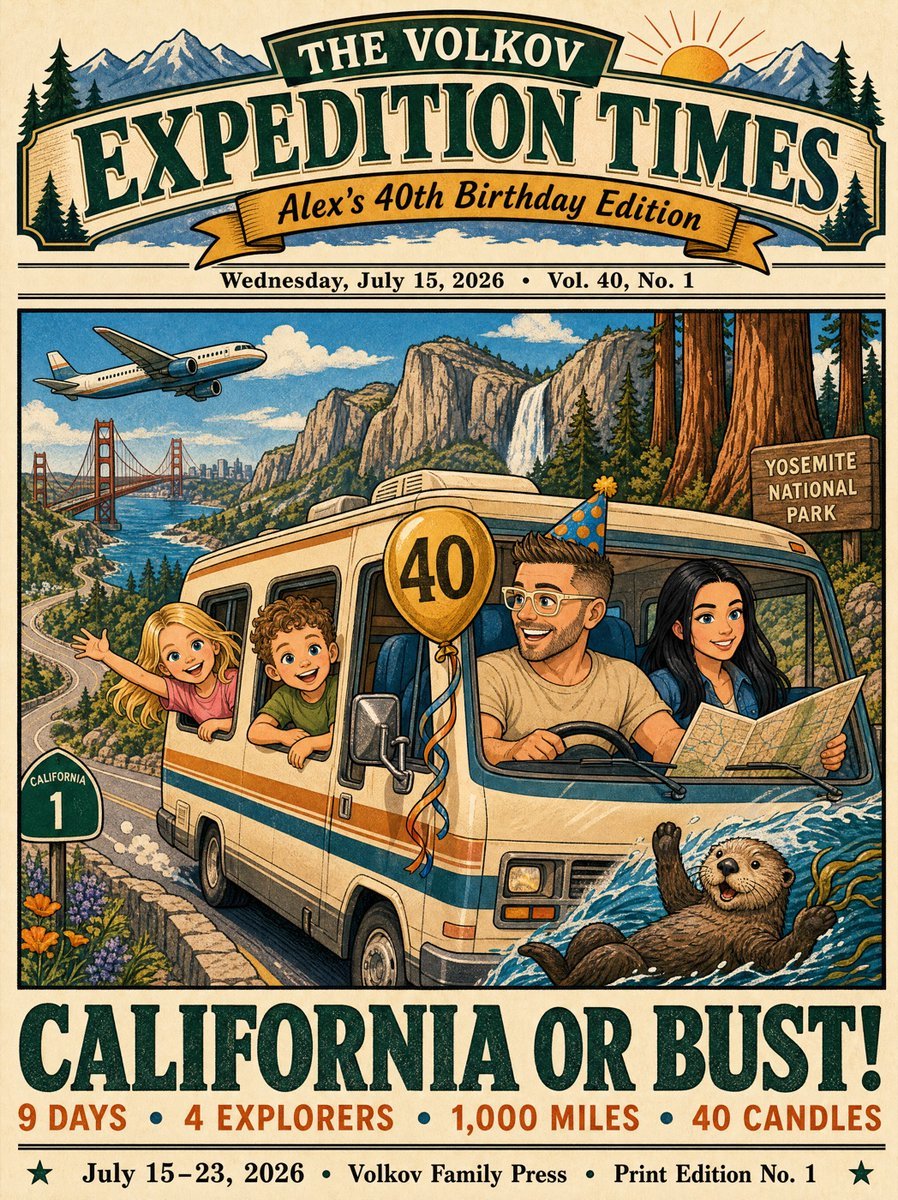
Vintage California Road Trip Birthday Poster
Make it yours
Rose day works as-is. These are the safest ways to change it without losing the look.
Change one field
Copy a single group, rewrite it, and generate again so you can see what that field is doing.
Keep the frame, change the subject
Hold the composition and light of Rose day, then swap wardrobe, props or the person for a new take.
| If the result… | Why | Fix |
|---|---|---|
| The result drifts from the preview | Too many fields changed at once. | Reuse Rose day as-is first, then change one group — subject, light, or setting. |
| The model over-stylizes the scene | The prose prompt leaves finish and camera underspecified. | Add one camera or lighting sentence and stay on PicX Studio. |
More image prompts
Fresh picks from across the catalog.

Ultra-Realistic Product Photography of Yogurt
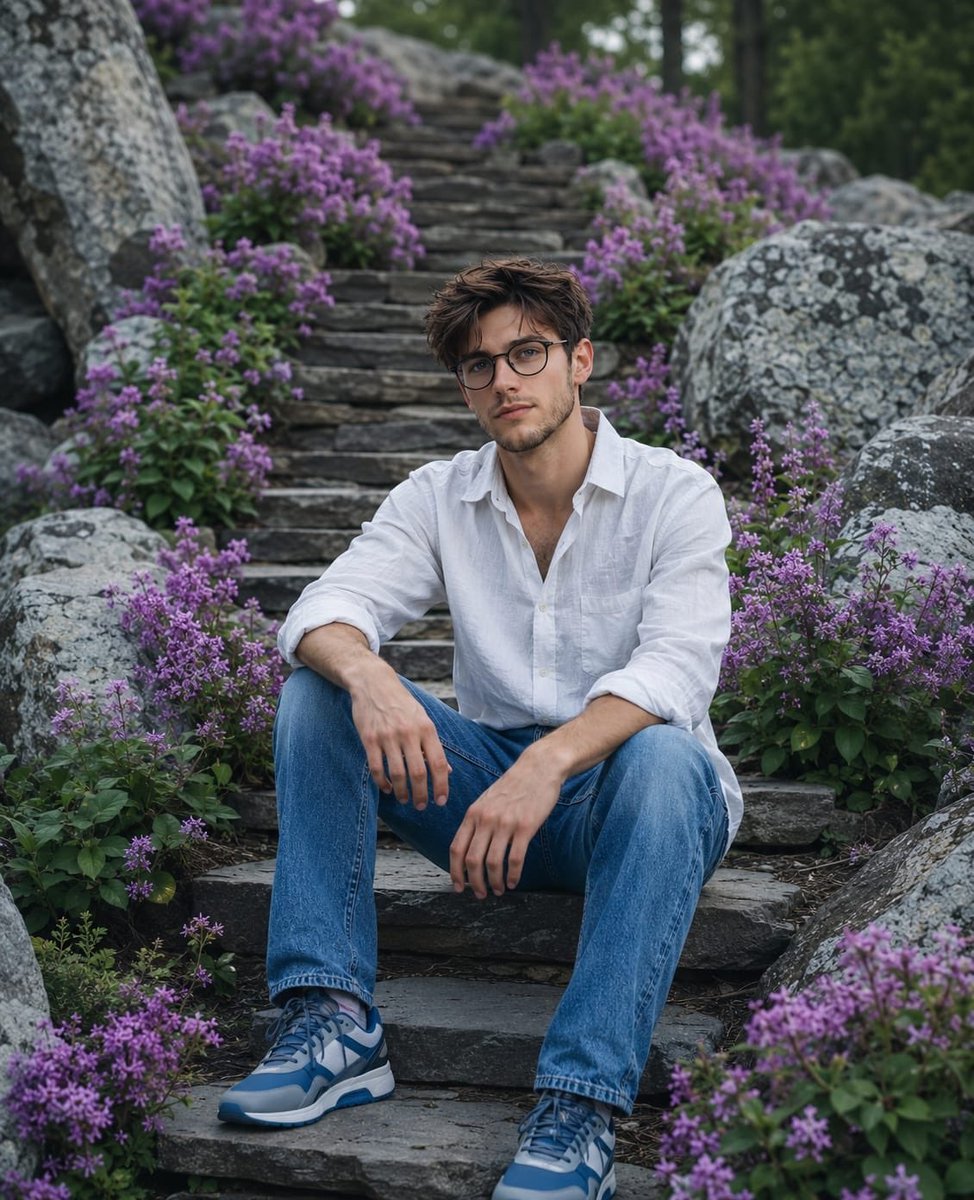
Cinematic Mountain Garden Portrait
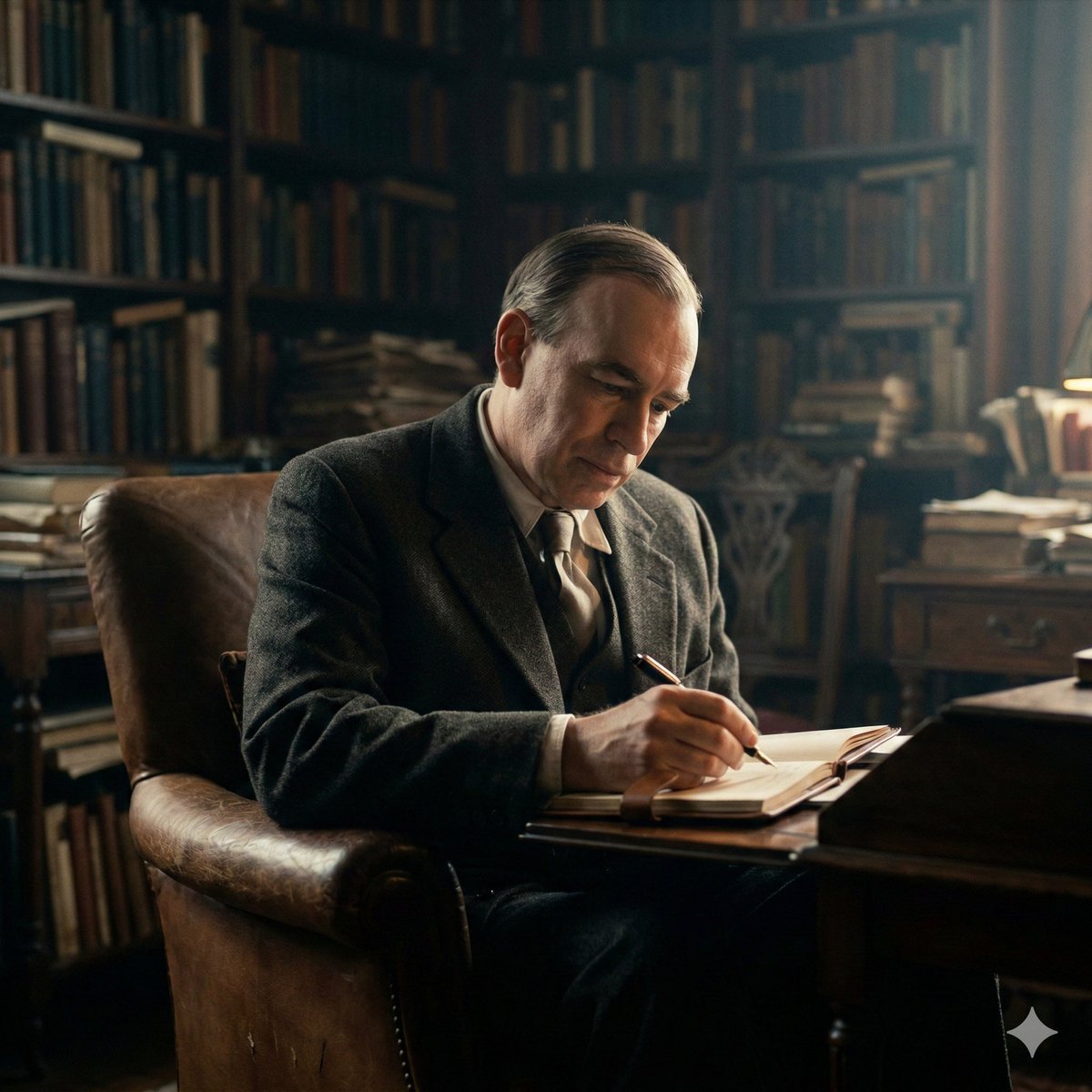
Cinematic Image of Keynes Writing
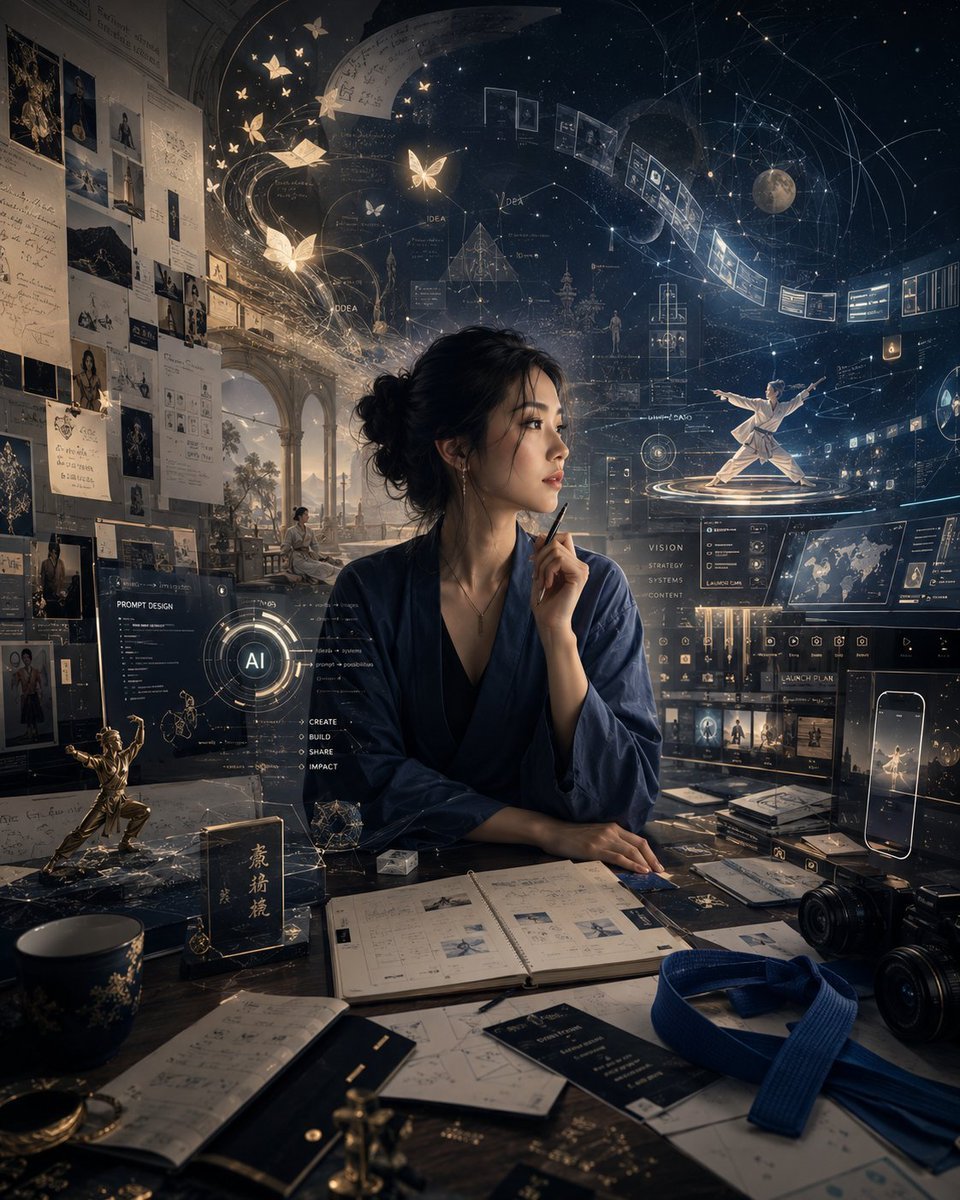
Personal High-Concept Portrait Generator
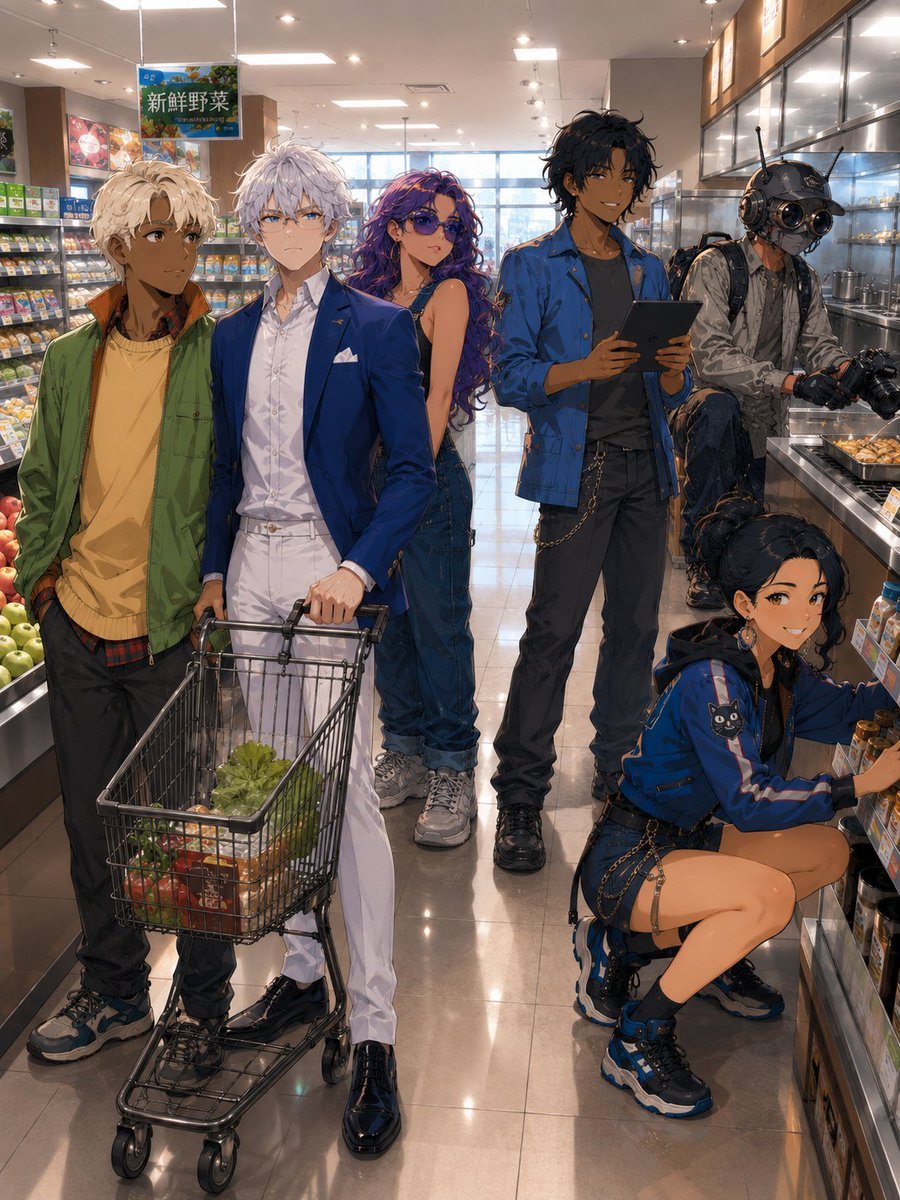
Anime Supermarket Group Scene
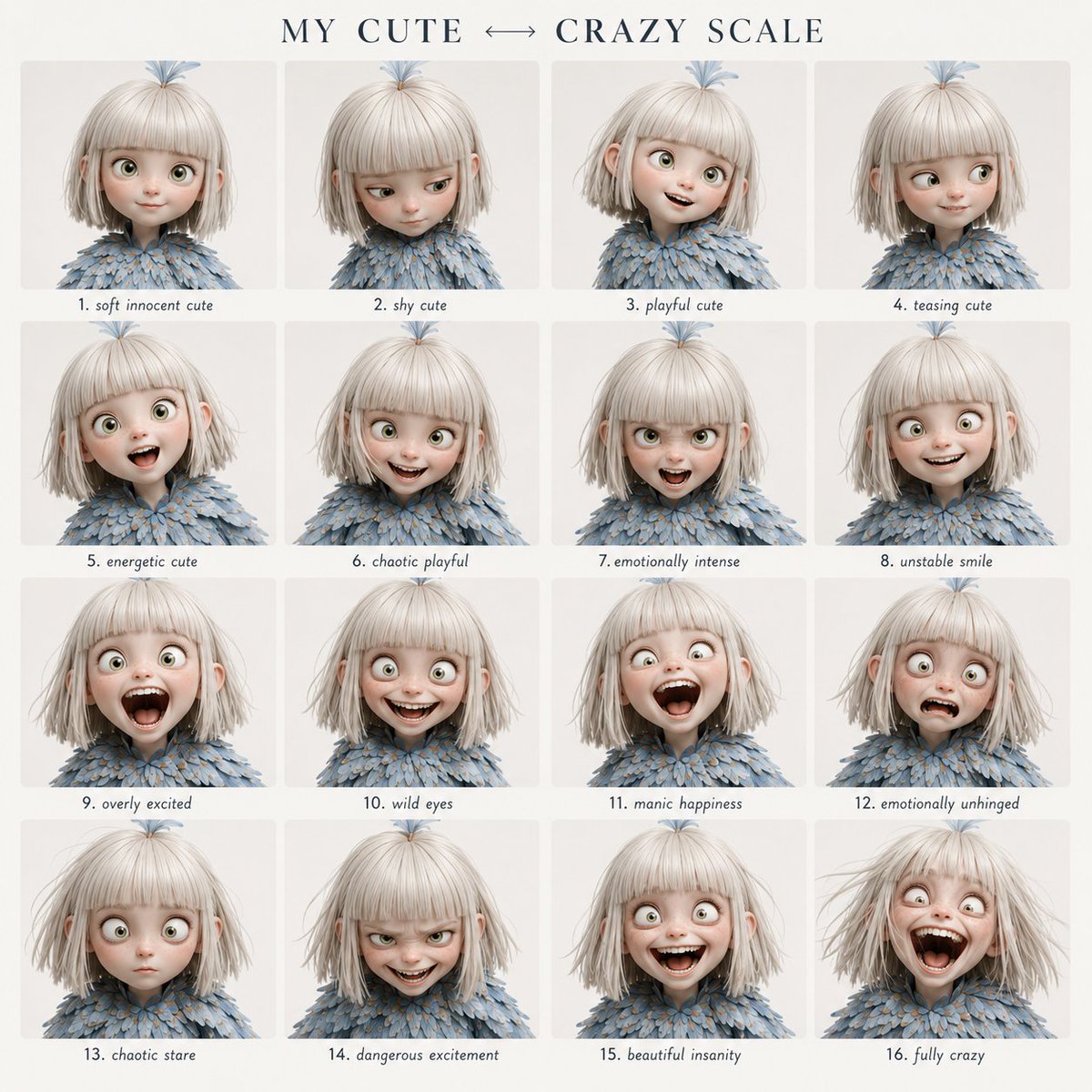
Character Emotional Performance Grid
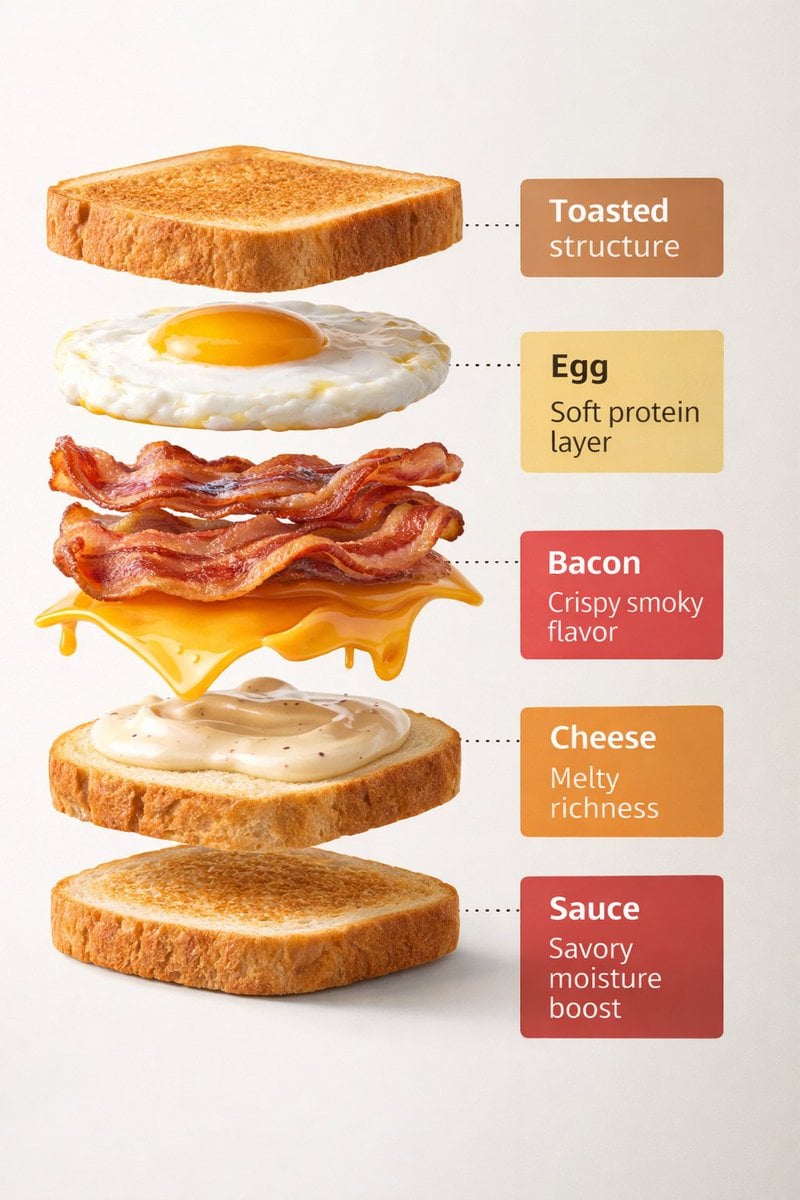
Exploded View Sandwich Animation Prompt
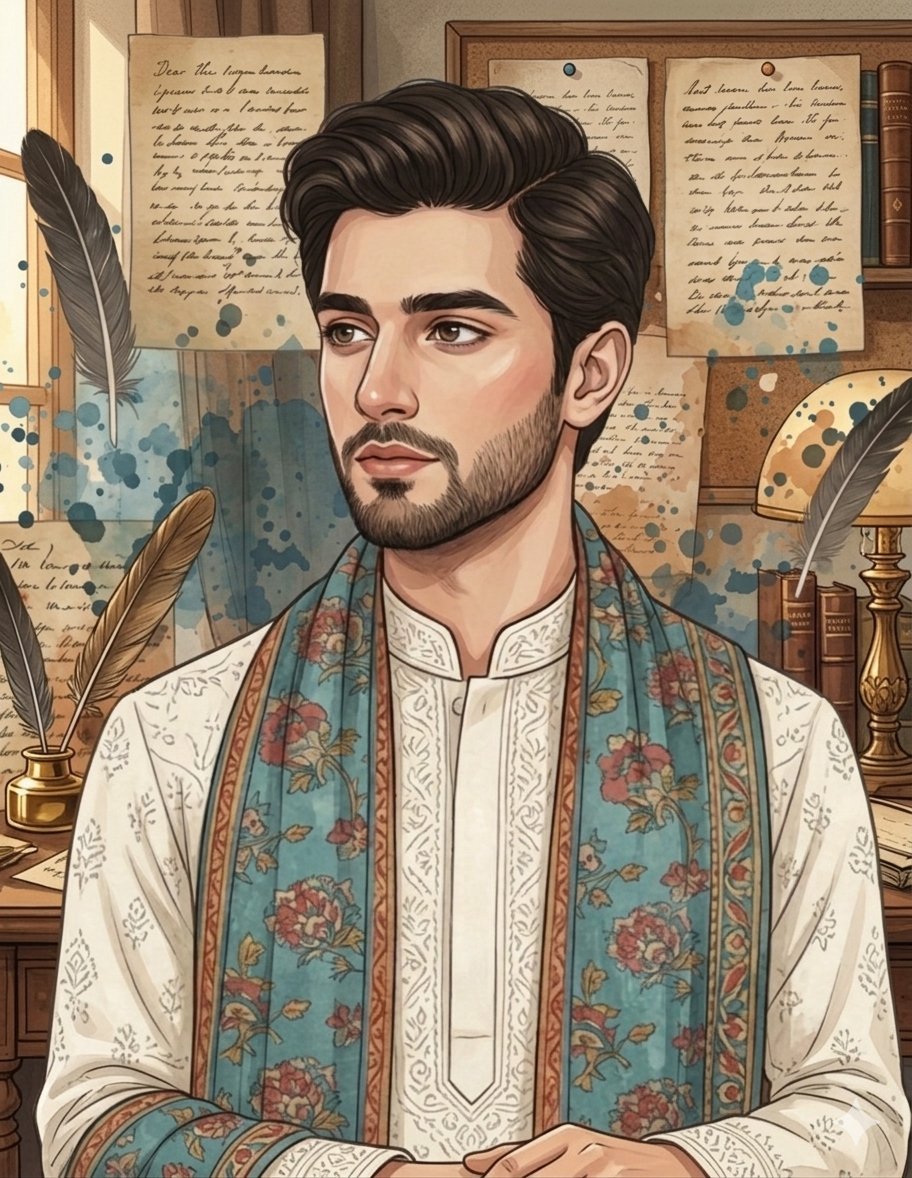
South Asian Male Character Illustration Prompt for Gemini Nano Banana Pro
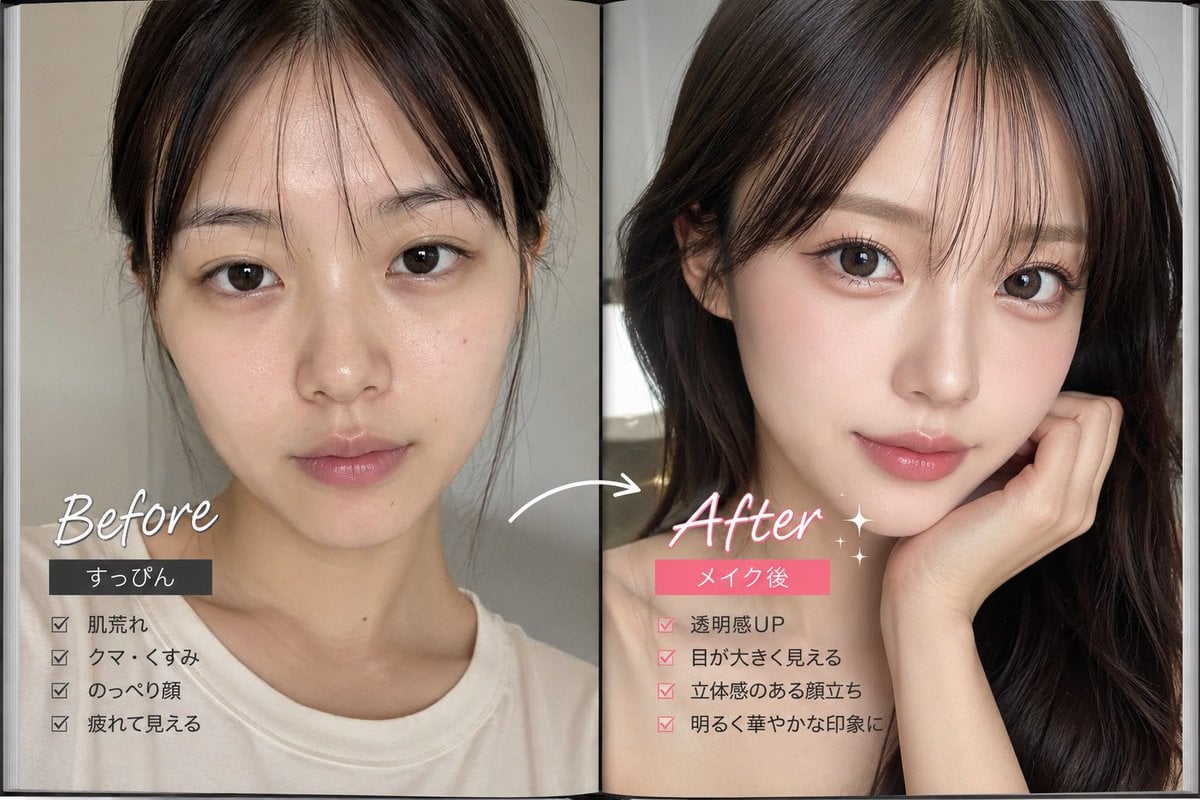
Makeup Before After Magazine Spread
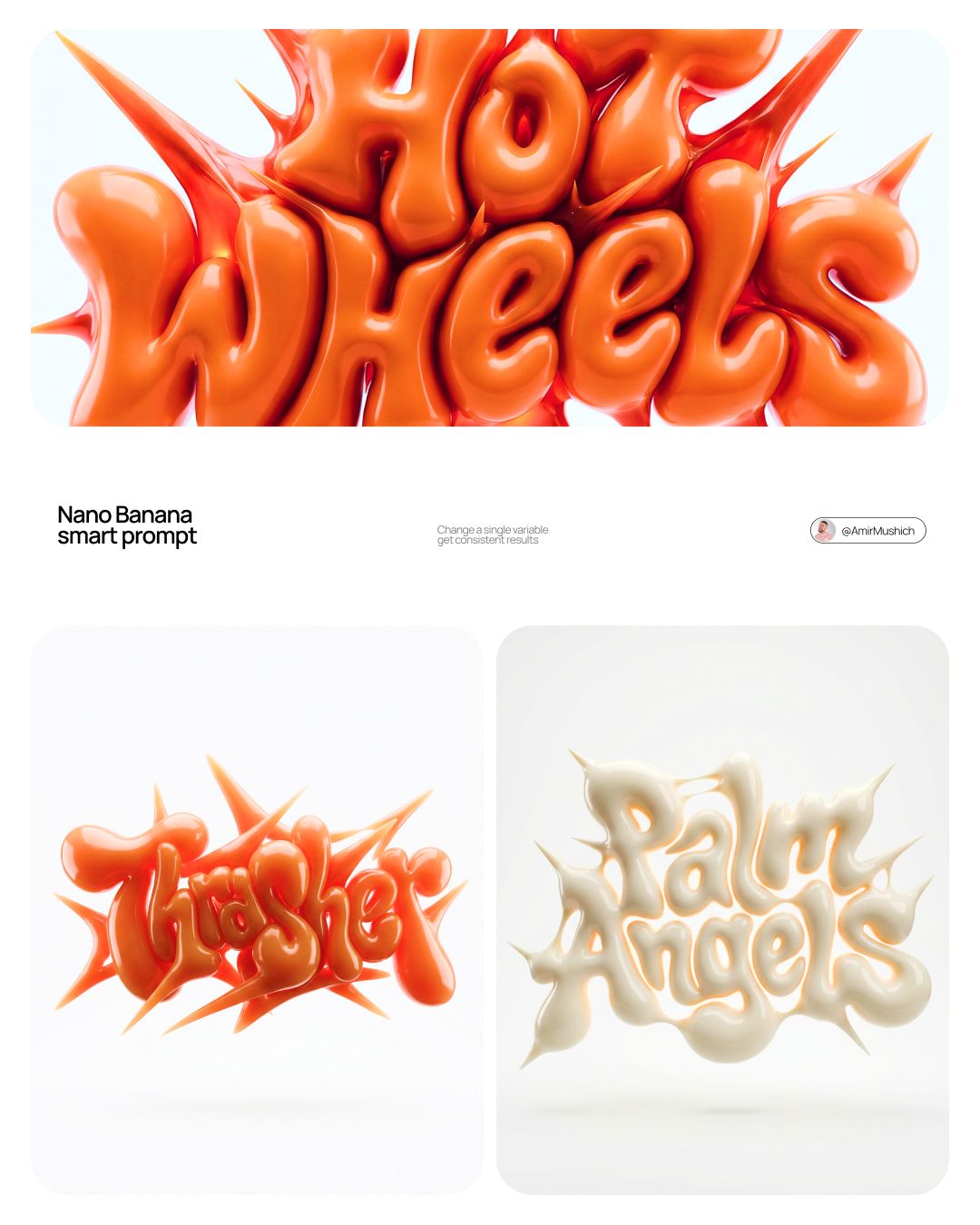
untitled
Browse template categories
Rose day questions
How do I use the Rose day template?
Add your photo if the template asks for one, edit the prompt if you like — the template's model and format are already selected — and press Generate. Your version opens in PicX Studio.
Can I customize the Rose day template?
Yes. You can change the subject, setting, lighting, mood, format, and available model controls before creating your image.
Is the Rose day template free?
Opening and editing this template is free. Generating uses credits, shown on the Generate button when you are signed in.
Which AI model should I use?
Choose a compatible model in PicX Studio based on the style, speed, and output controls your project needs.
Looking for something else? Browse all templates.

Your photo, any look
Thousands of ready templates for every top image and video model, from one credit balance.