
Blushing Bouquet Floral Template
Blushing Bouquet Floral Template is a ready photo look.
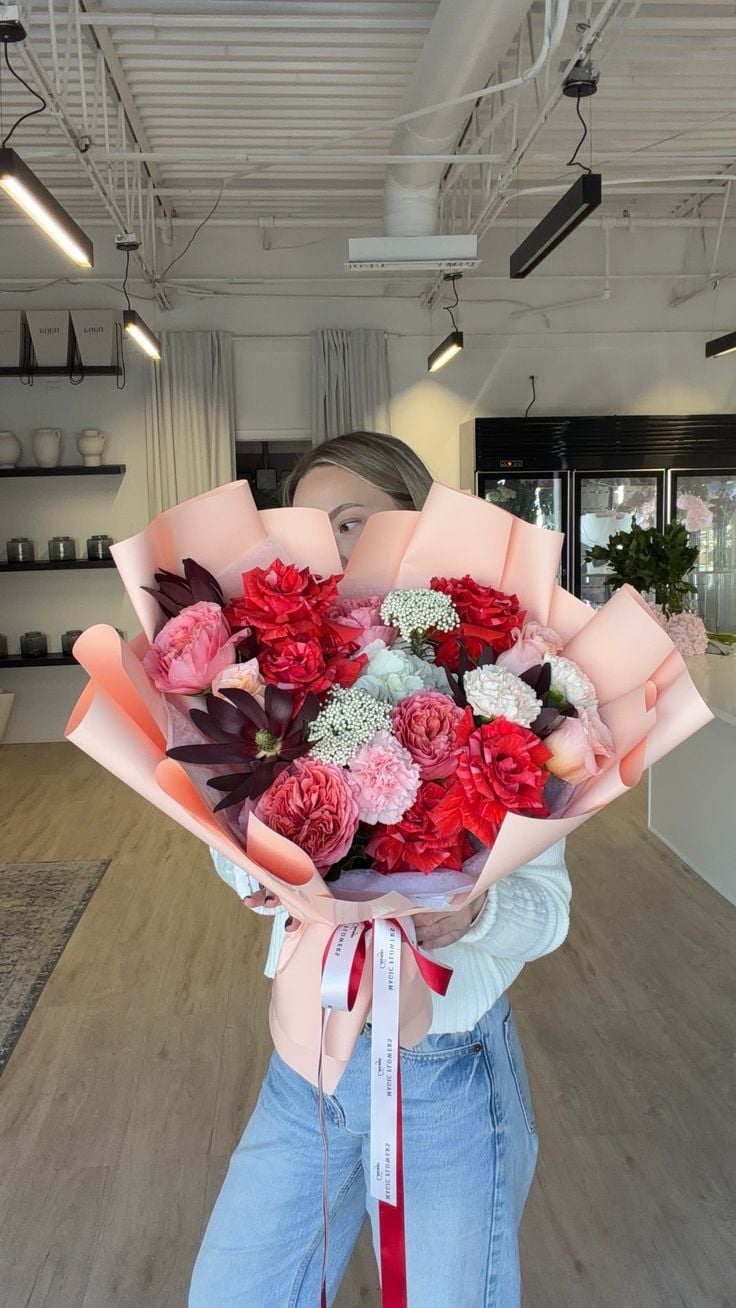
- Prompt included
- Model and format preset
- Premium template
The prompt behind this image
Copy the exact prompt behind Blushing Bouquet Floral Template, or open it in the studio and make it yours.
- Prompt
- A young woman standing inside a modern minimalist flower shop, holding a large luxury bouquet that completely covers her face. The bouquet is wrapped in soft pastel peach-pink paper with elegant folds and tied with white and red satin ribbons. The bouquet contains red dahlias, pink peonies, blush roses, dark burgundy flowers, white baby's breath and soft pastel carnations. The woman is wearing a light mint green sweater and high-waisted blue jeans. The background shows a bright, airy flower shop interior with white walls, open shelves with vases, hanging linear ceiling lights, wooden floor, and glass refrigerators with flowers. Soft natural daylight, high-end lifestyle photography, shallow depth of field, ultra realistic, 4k, professional product photography, Instagram aesthetic.
- Style
- photorealistic
- Aspect Ratio
- 3:4
- Lighting
- soft natural daylight
- Camera
- 50mm DSLR, shallow depth of field
- Quality
- ultra high
Raw JSON
{
  "prompt": "A young woman standing inside a modern minimalist flower shop, holding a large luxury bouquet that completely covers her face. The bouquet is wrapped in soft pastel peach-pink paper with elegant folds and tied with white and red satin ribbons. The bouquet contains red dahlias, pink peonies, blush roses, dark burgundy flowers, white baby's breath and soft pastel carnations. The woman is wearing a light mint green sweater and high-waisted blue jeans. The background shows a bright, airy flower shop interior with white walls, open shelves with vases, hanging linear ceiling lights, wooden floor, and glass refrigerators with flowers. Soft natural daylight, high-end lifestyle photography, shallow depth of field, ultra realistic, 4k, professional product photography, Instagram aesthetic.",
  "style": "photorealistic",
  "aspect_ratio": "3:4",
  "lighting": "soft natural daylight",
  "camera": "50mm DSLR, shallow depth of field",
  "quality": "ultra high"
}How to use Blushing Bouquet Floral Template in 3 steps
- 1
Open
The prompt is already in the box next to the preview, with the template's model and format selected.
- 2…a portrait of your subject in softgolden-hour light, 85mm…
Personalize
Edit the subject and creative details for your destination.
- 3Generate
Generate
Press Generate — your image is created in PicX Studio, so you can compare it with the original and refine one variable at a time.
More like this
Templates with the same subject, style or setup. Open one to see its prompt.
Urban Chic Floral Portrait
Floraverse Botanical Fusion
FLORAVERSE BOTANICAL FUSION
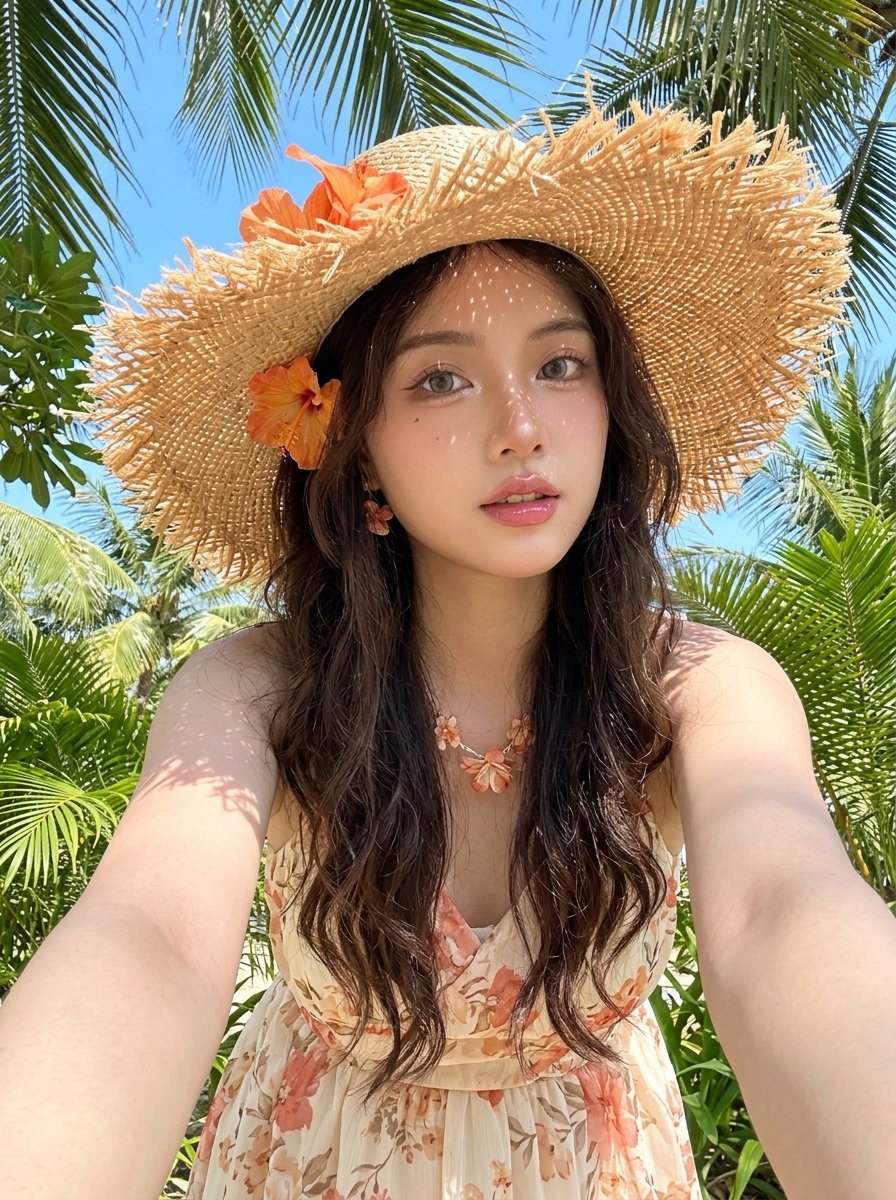
Tropical Vacation Selfie — Nano Banana (Chryzleen)
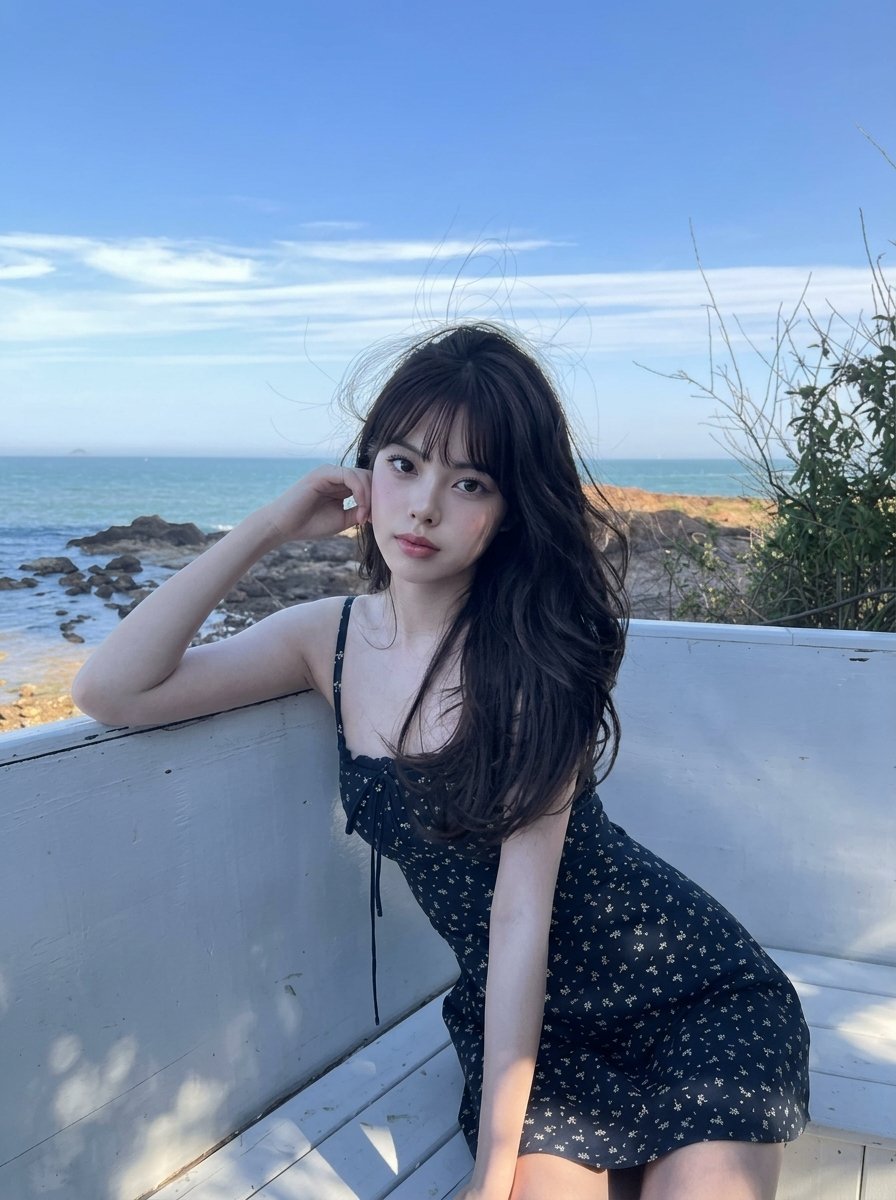
Coastal Bench Portrait — Navy Floral Sundress
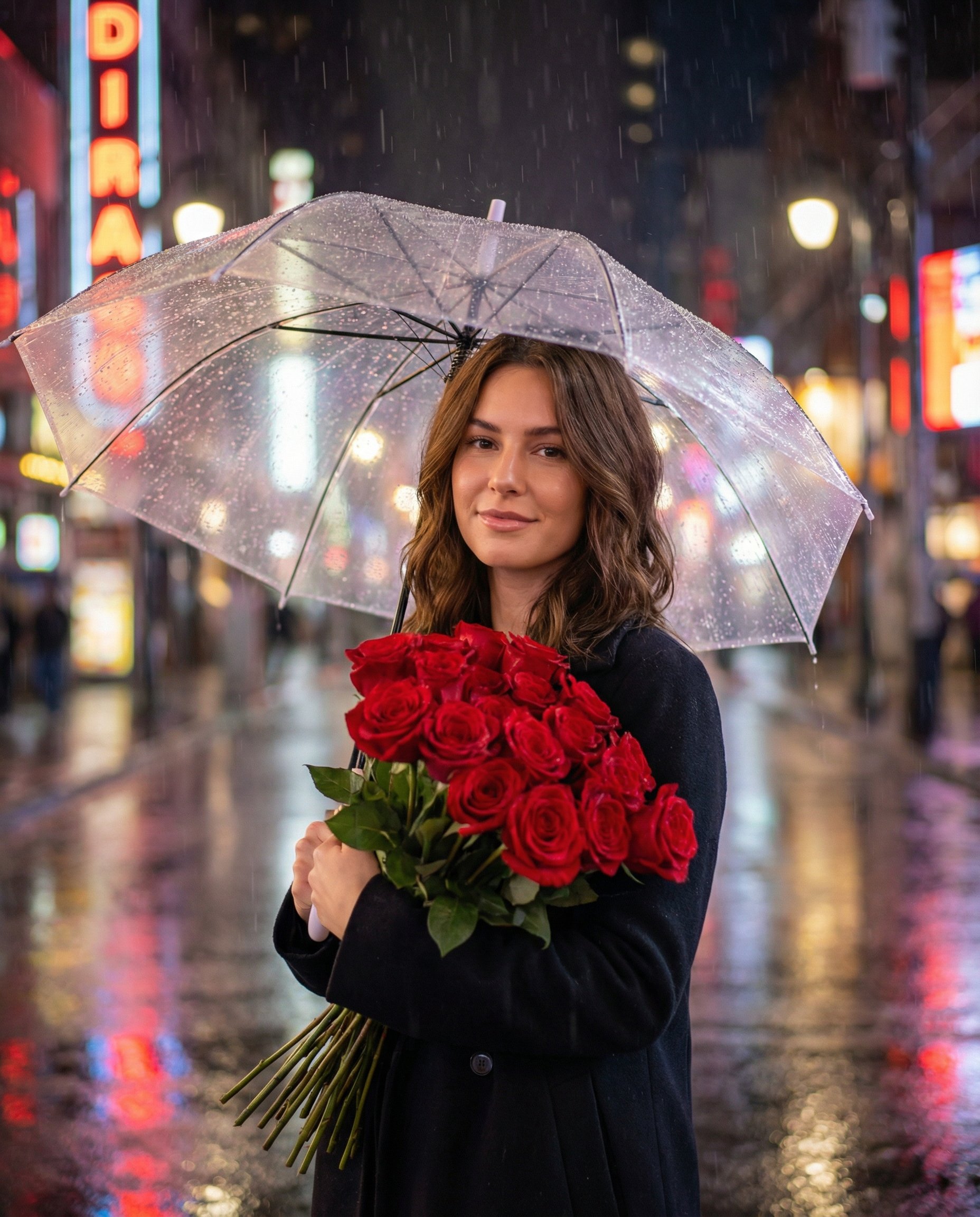
Rose day
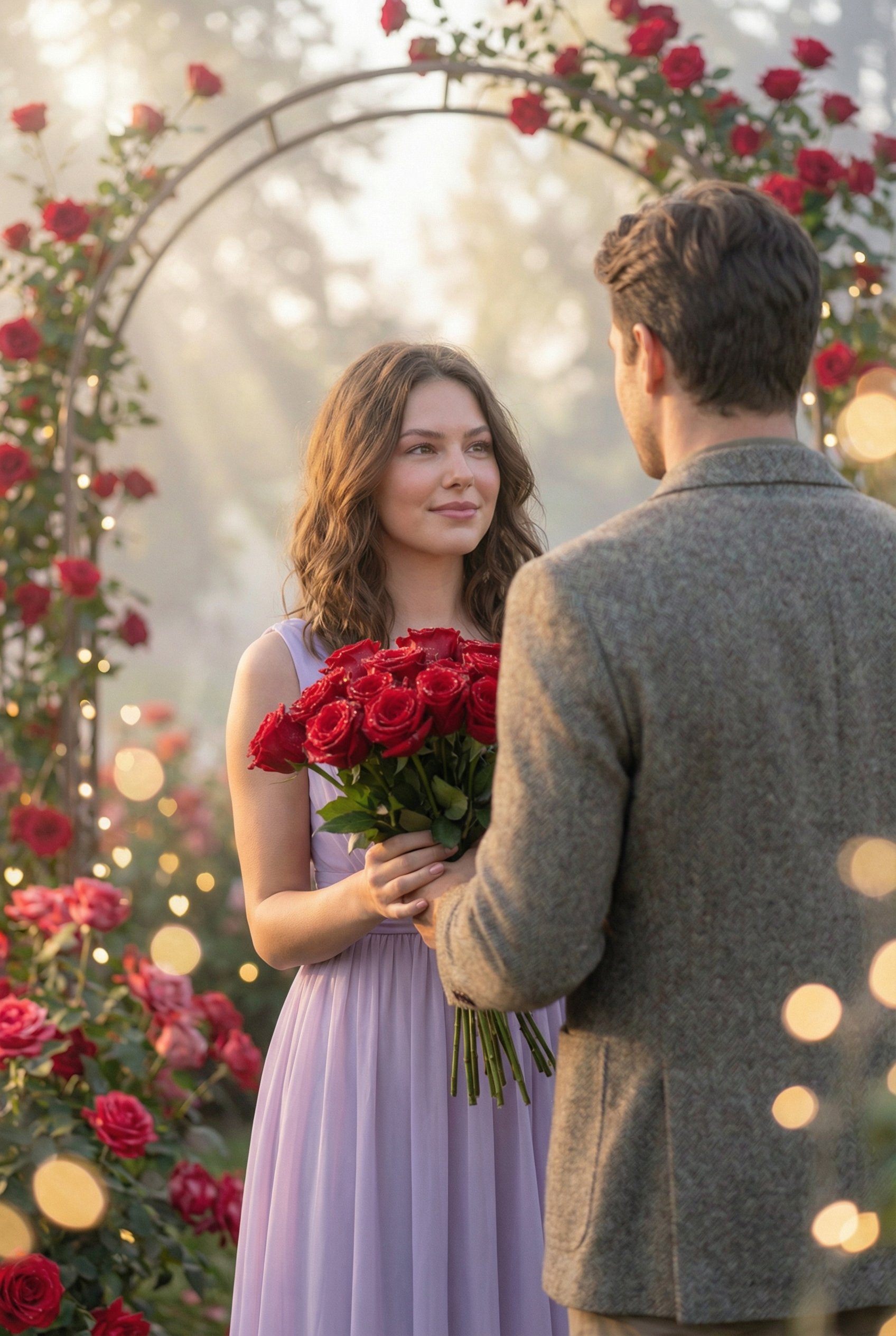
Rose Day
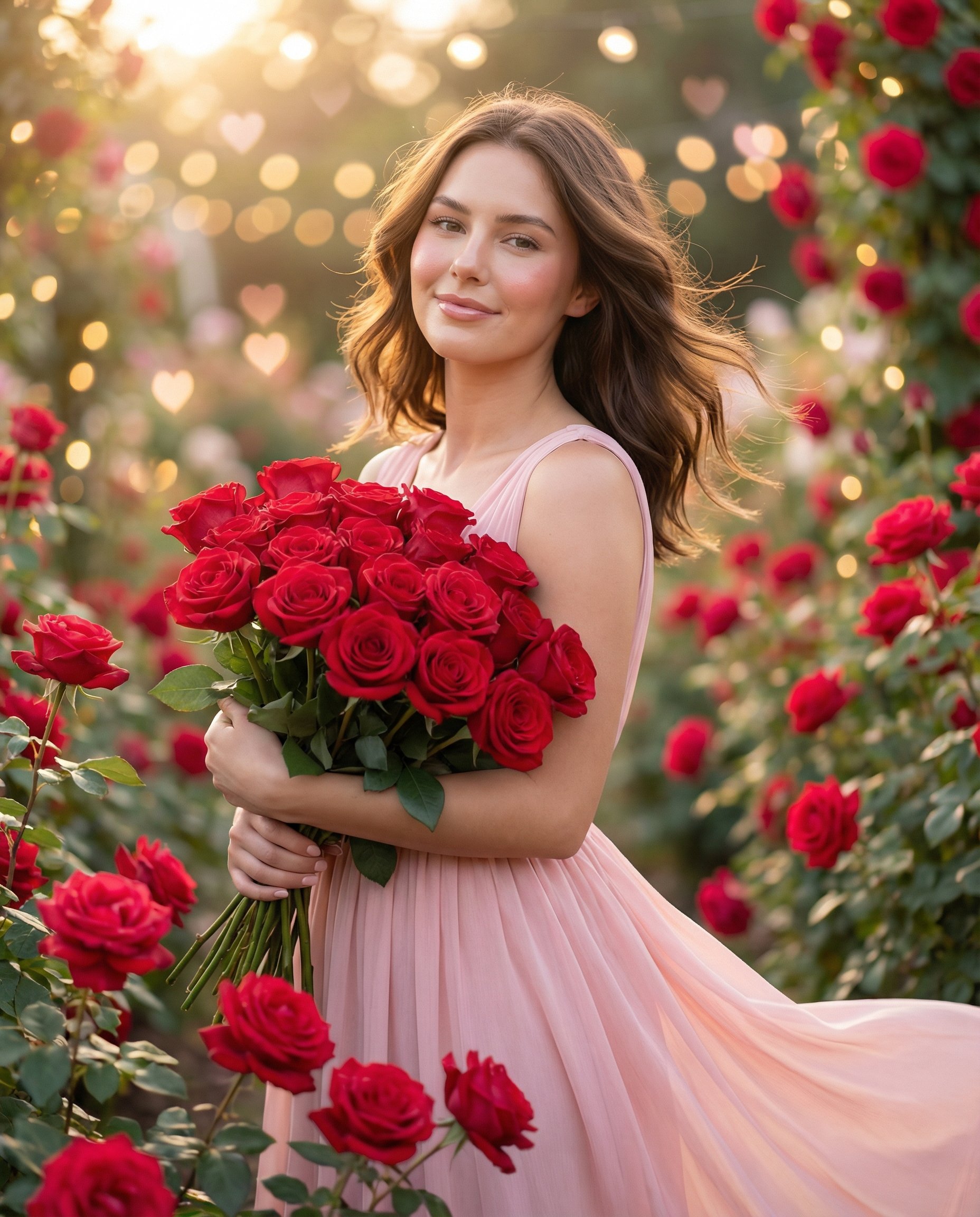
Rose day
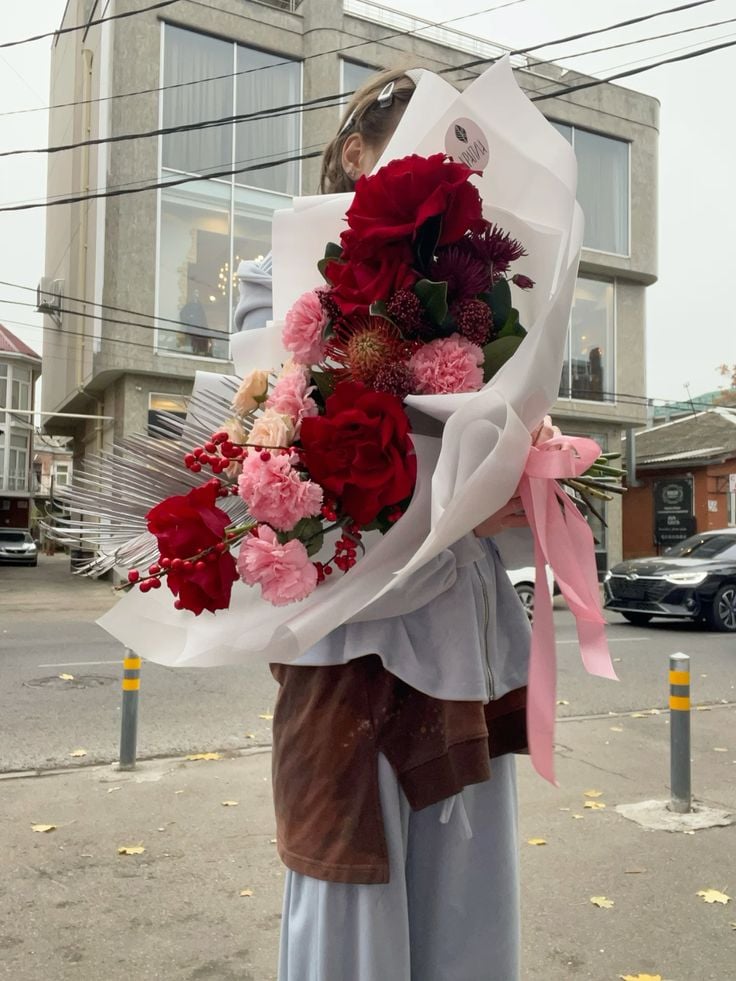
Urban Floral Boutique Bouquet
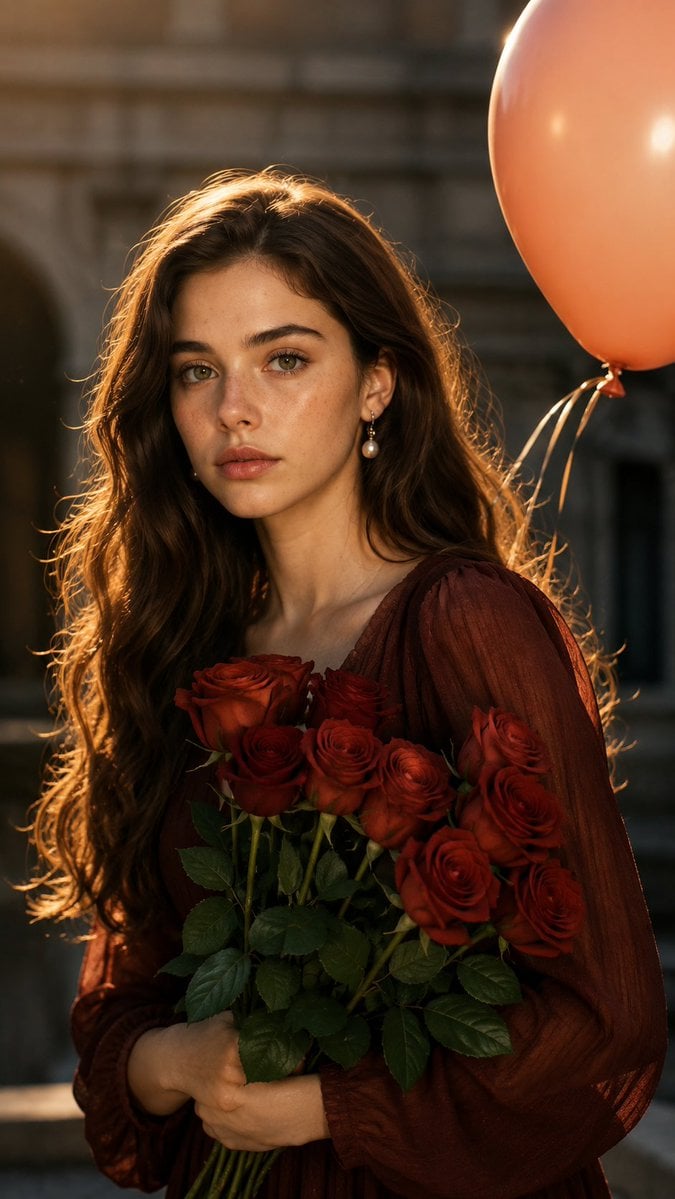
Golden Hour Rose Bouquet Portrait
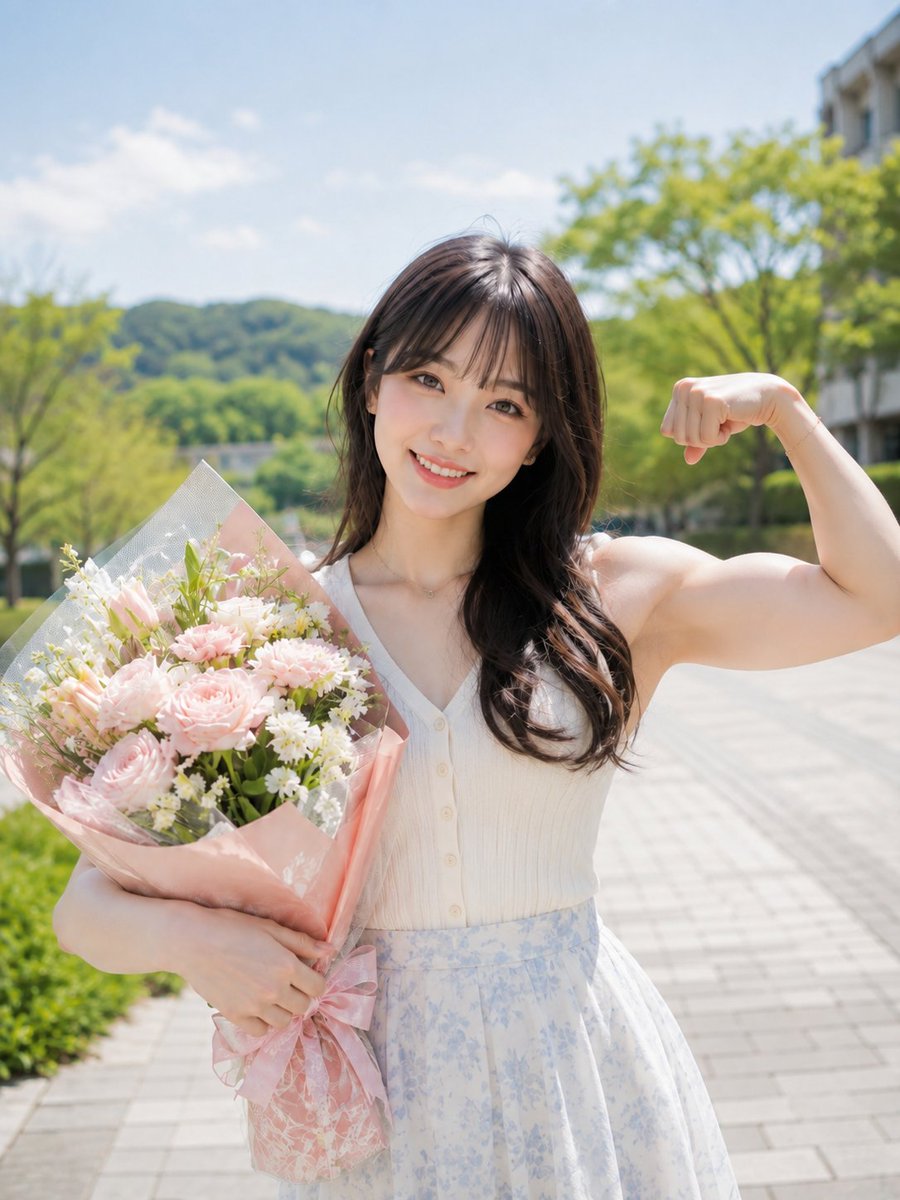
Flower Bouquet and Bicep Flex
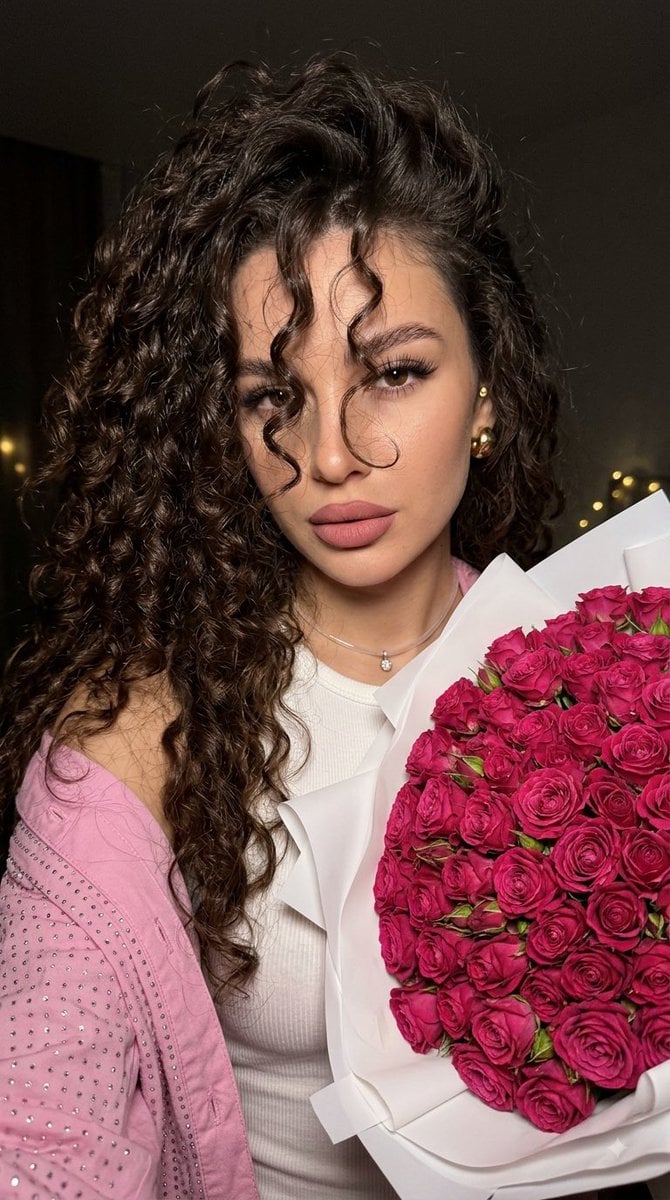
Fuchsia Rose Bouquet Selfie
Make it yours
Blushing Bouquet Floral Template works as-is. These are the safest ways to change it without losing the look.
Swap the light
One lighting change is enough to compare takes. Current light: “soft natural daylight”.
Change one field
Copy a single group, rewrite it, and generate again so you can see what that field is doing.
Keep the frame, change the subject
Hold the composition and light of Blushing Bouquet Floral Template, then swap wardrobe, props or the person for a new take.
| If the result… | Why | Fix |
|---|---|---|
| The result drifts from the preview | Too many fields changed at once. | Reuse Blushing Bouquet Floral Template as-is first, then change one group — subject, light, or setting. |
| PicX Studio ignores part of the JSON | Some models flatten or skip nested keys. | Keep the same values and paste them as a short paragraph instead. |
More image prompts
Fresh picks from across the catalog.

Golden Hour Fashion Portrait of a South Asian Man
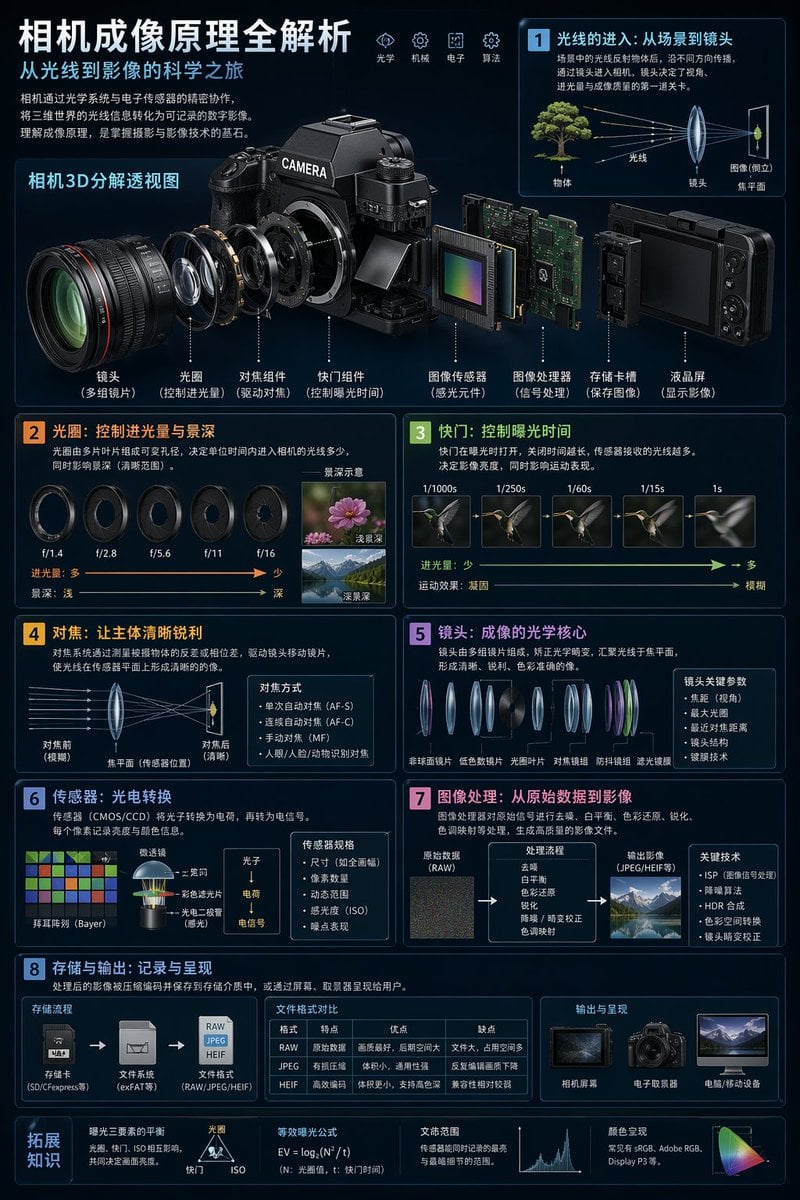
Camera Imaging Technology Infographic
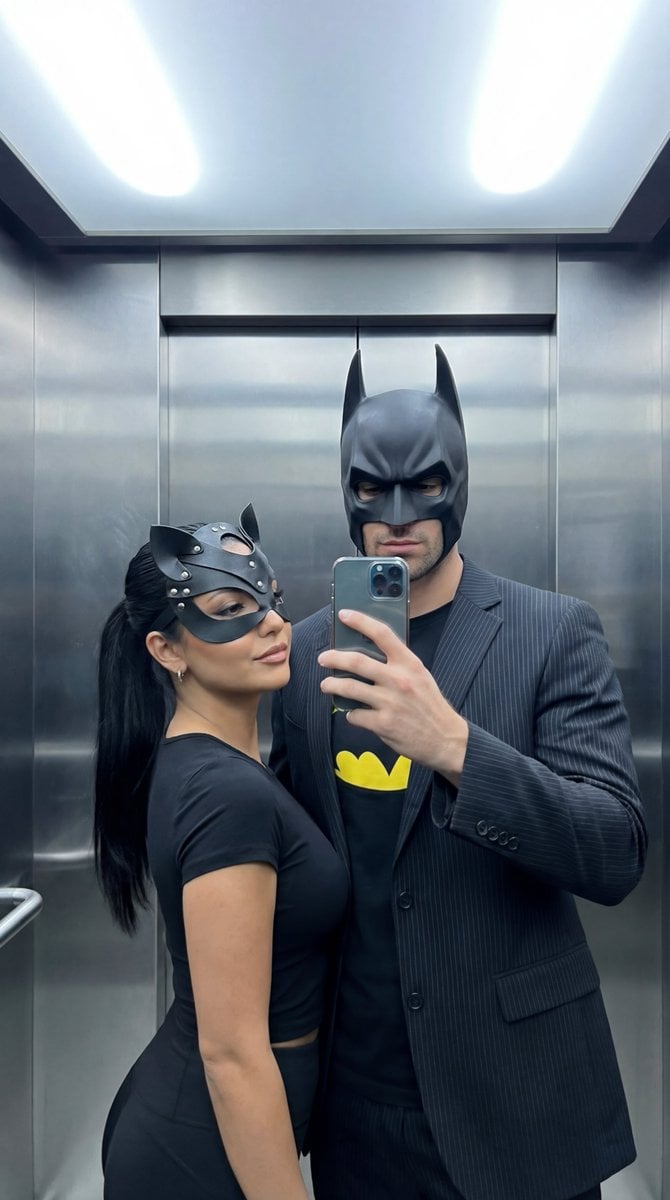
Cinematic Mirror Selfie: Batman and Catwoman Cosplay
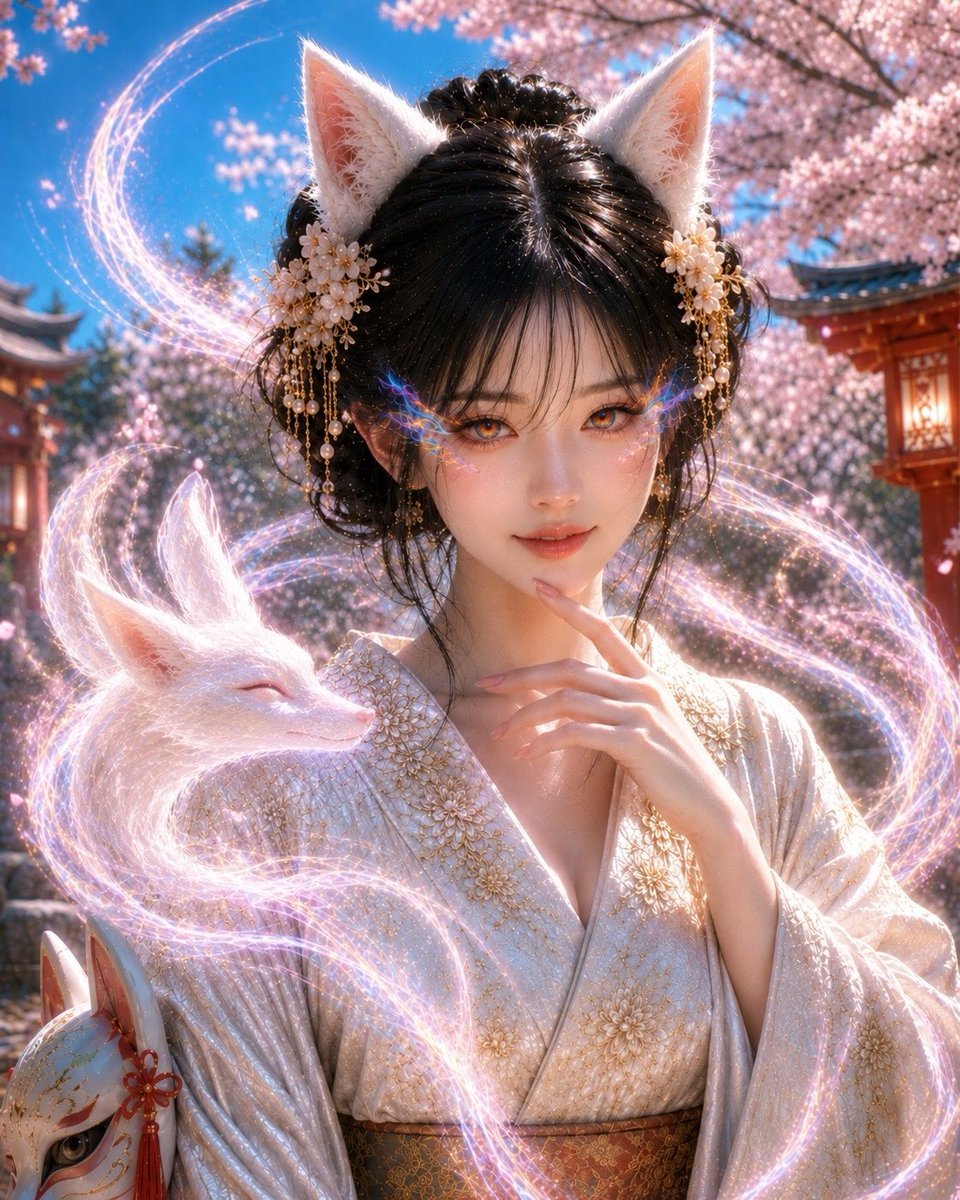
Mystical Kitsune Shrine Portrait
Vinyl Record Store Illusion Portrait

Dramatic Neon Hand-Lettering Portrait
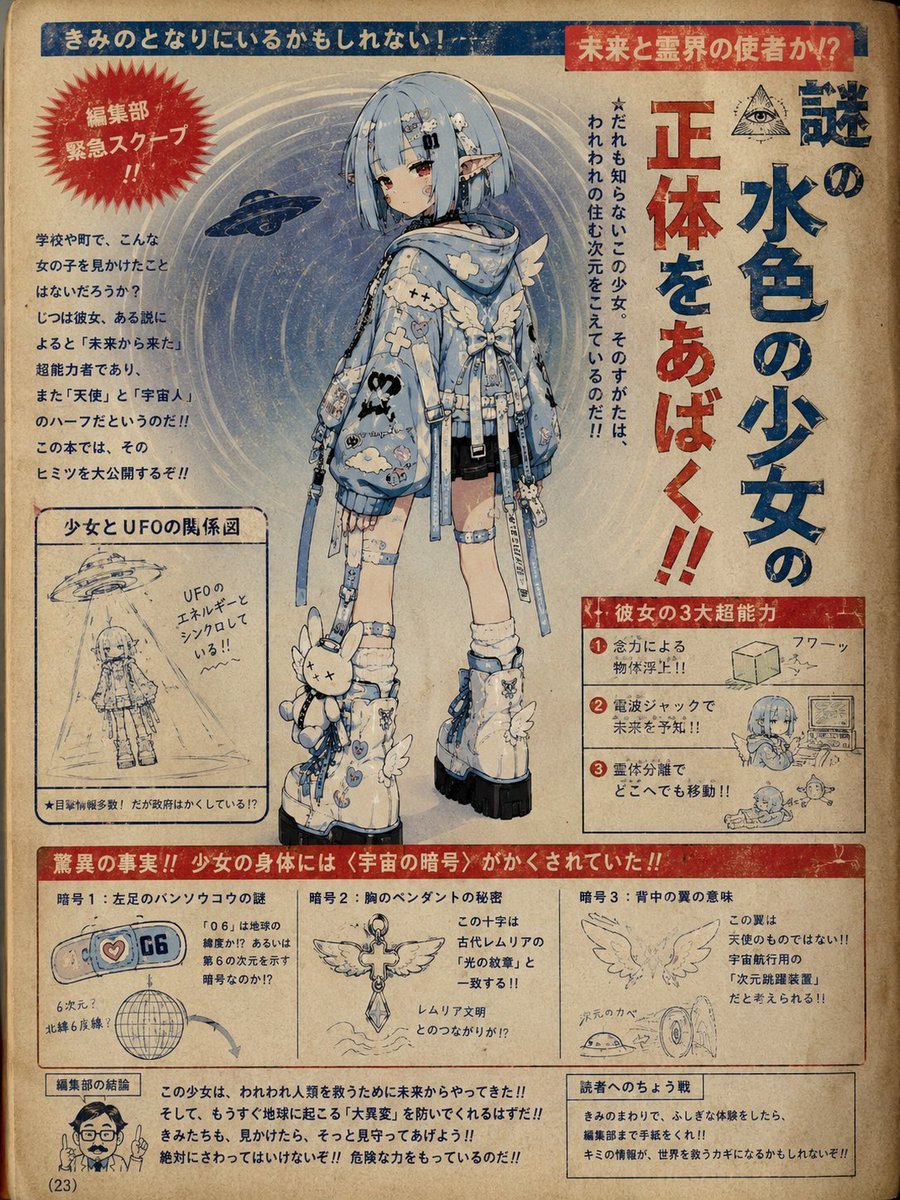
1970s Occult Children's Book Page
Nano Banana 2
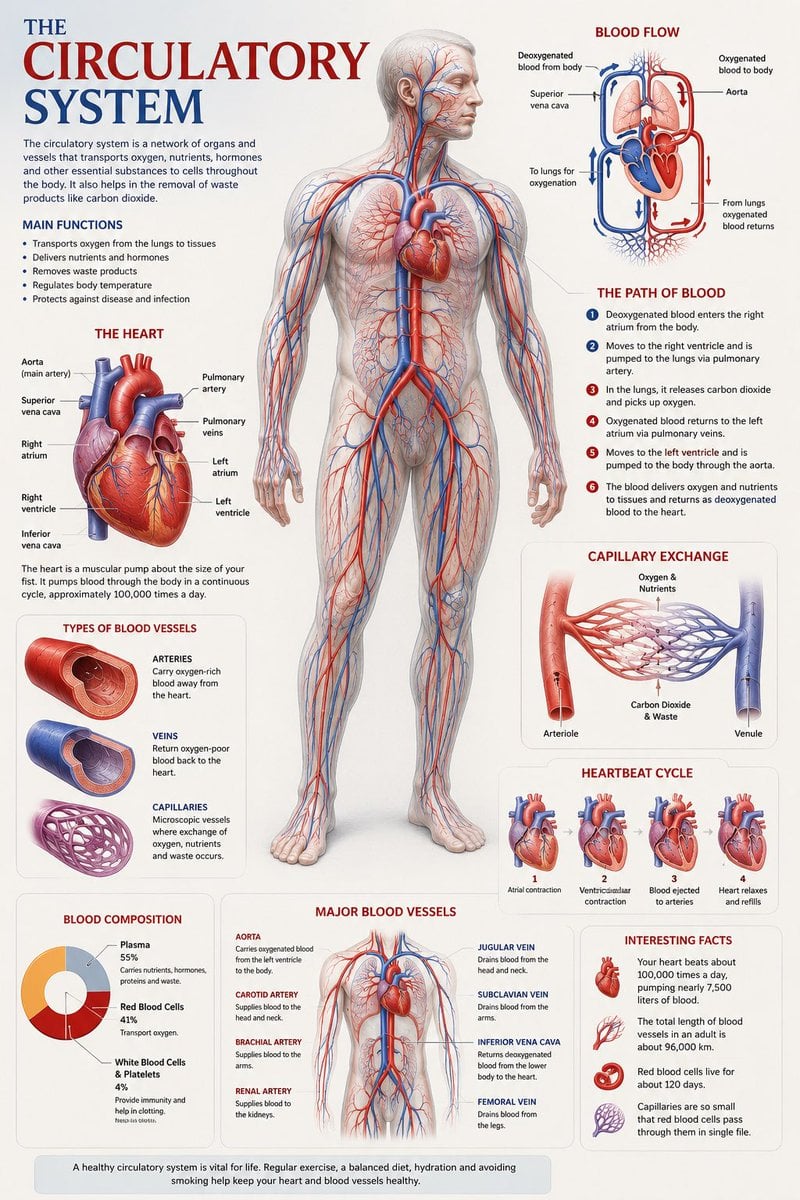
Medical Anatomy Visualization Poster
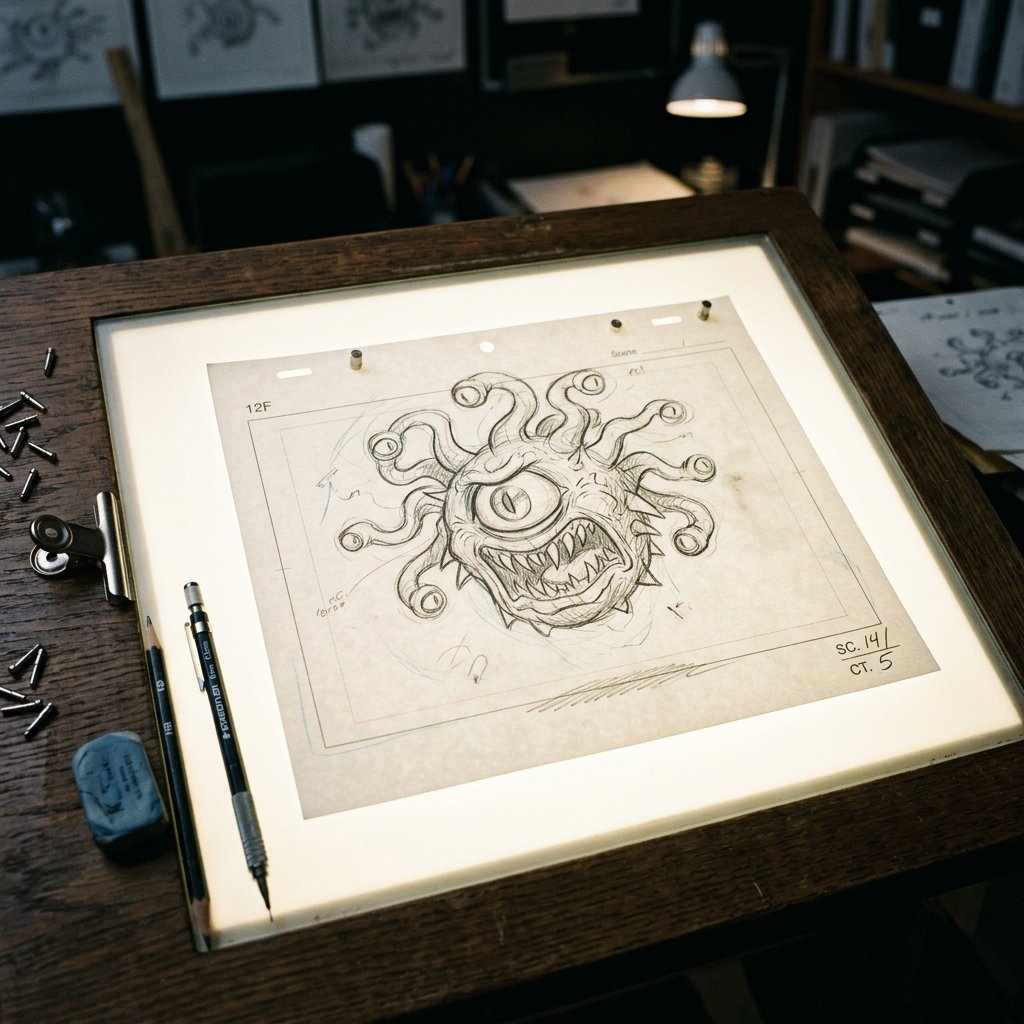
Classic Animation Light Table Prompt
Browse template categories
Blushing Bouquet Floral Template questions
How do I use the Blushing Bouquet Floral Template template?
Add your photo if the template asks for one, edit the prompt if you like — the template's model and format are already selected — and press Generate. Your version opens in PicX Studio.
Can I customize the Blushing Bouquet Floral Template template?
Yes. You can change the subject, setting, lighting, mood, format, and available model controls before creating your image.
Is the Blushing Bouquet Floral Template template free?
Opening and editing this template is free. Generating uses credits, shown on the Generate button when you are signed in.
Which AI model should I use?
Choose a compatible model in PicX Studio based on the style, speed, and output controls your project needs.
Looking for something else? Browse all templates.

Your photo, any look
Thousands of ready templates for every top image and video model, from one credit balance.