How do I use the High-Fashion Press Scrum Photograph Prompt template?
Choose the primary action to open PicX Studio with the available template settings. Review the model and format, personalize the creative direction, and generate when ready.
A detailed prompt for generating a high-fashion editorial photograph depicting a subject trapped in a claustrophobic 'paparazzi press swarm,' emphasizing high-contrast flash lighting, cinematic realism, and strict preservation of the subject's identity. Change the subject, setting, or lighting one variable at a time.

Transform the subject into a high-fashion press scrum photograph, surrounded tightly by cameras, microphones, and boom mics from all directions. Preserve the subject's face, features, and overall identity clearly recognizable. The subject is centered in the frame, partially obscured by overlapping microphones and camera lenses pointing inward, creating a sense of pressure and attention. Expression is calm, controlled, and unreadable - confident but distant. Styling is minimal and fashion-forward: dark clothing, sharp silhouette, sunglasses or statement eyewear optional. The image is shot like a real editorial photograph - direct flash, harsh highlights, deep shadows, and realistic textures on equipment. Colors are cool and neutral, dominated by black, grey, and metallic tones. The composition feels claustrophobic and symmetrical, with the subject visually trapped by media attention. Style: paparazzi press swarm, fashion editorial photography, cinematic realism, high-contrast flash, modern celebrity moment.
Choose the primary action to open PicX Studio with the available template settings. Review the model and format, personalize the creative direction, and generate when ready.
Yes. You can change the subject, setting, lighting, mood, format, and available model controls before creating your image.
This template is free to open and customize. Generation usage is shown in PicX Studio before you create.
Start with Nano Banana 2, which is the model associated with this template. You can compare another compatible model for a different finish.
Follow a topic to a crawlable collection of related PicX Studio templates.
43,474 public templates available. Verified via the PicX Studio public templates API; refreshed hourly.












![Naive doodle-style subject illustration — A doodle-style {argument name="subject" default="[subject]"}, naive lines, humorous shape exaggeration](https://pbs.twimg.com/media/G6Wl2YxbsAARB2b.jpg)











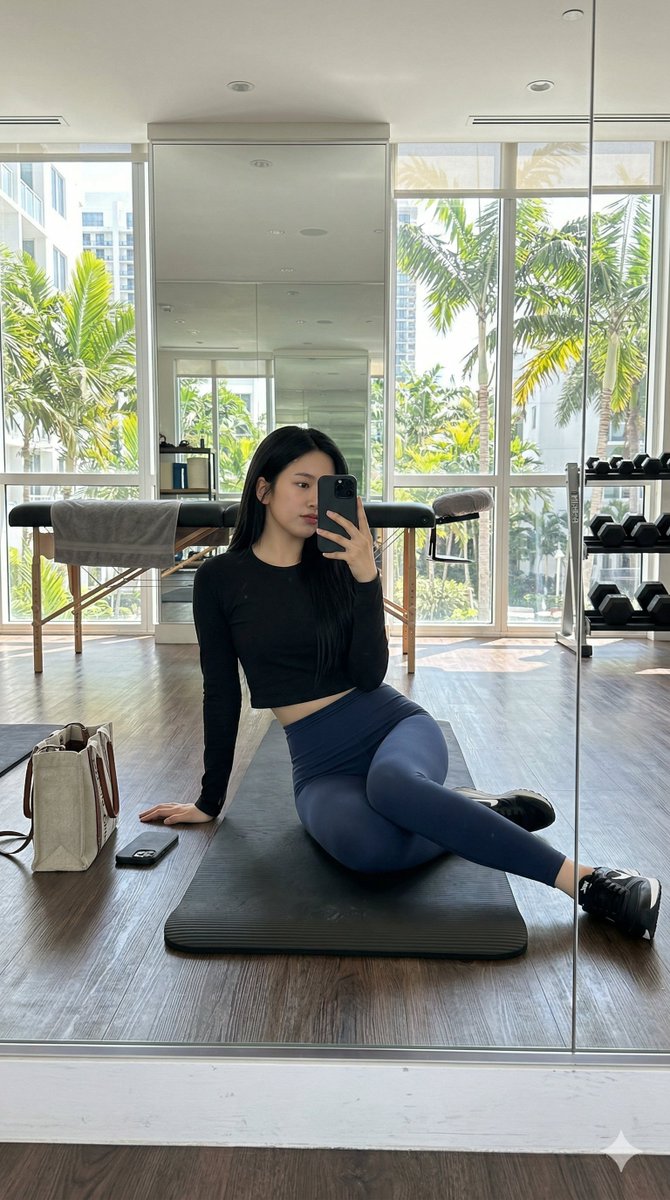

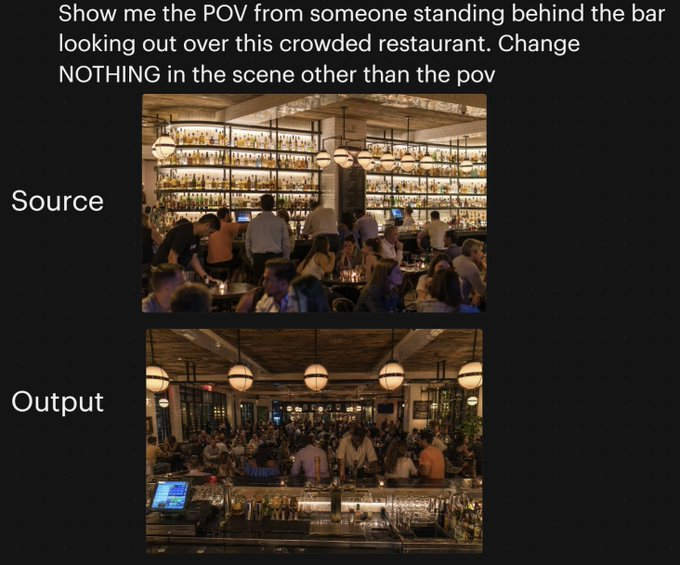
![42-advertising-style-food-photography-templ — Advertising-style food photography of [subject 1] arranged on a rustic table, with [subject 2] float…](/_next/image?url=https%3A%2F%2Fcdn.picxstudio.com%2Fuploads%2Fpost42_img0_fe356757-16bf-4f83-b449-5f91d6178a11.jpg&w=828&q=100)
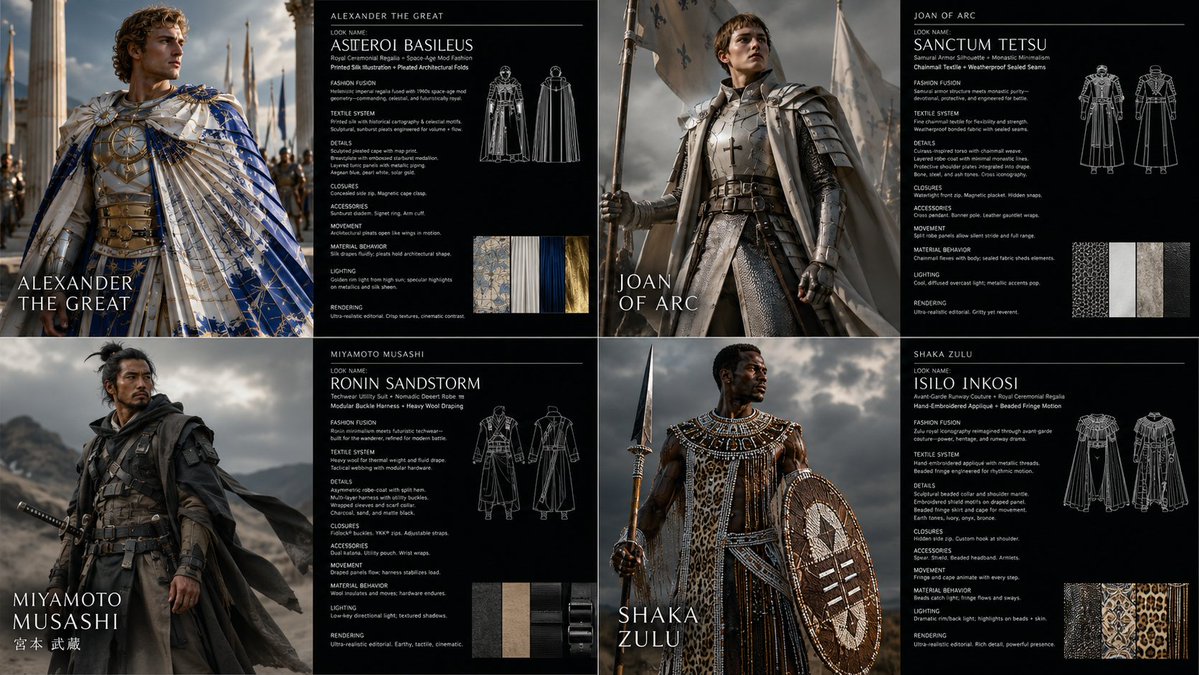


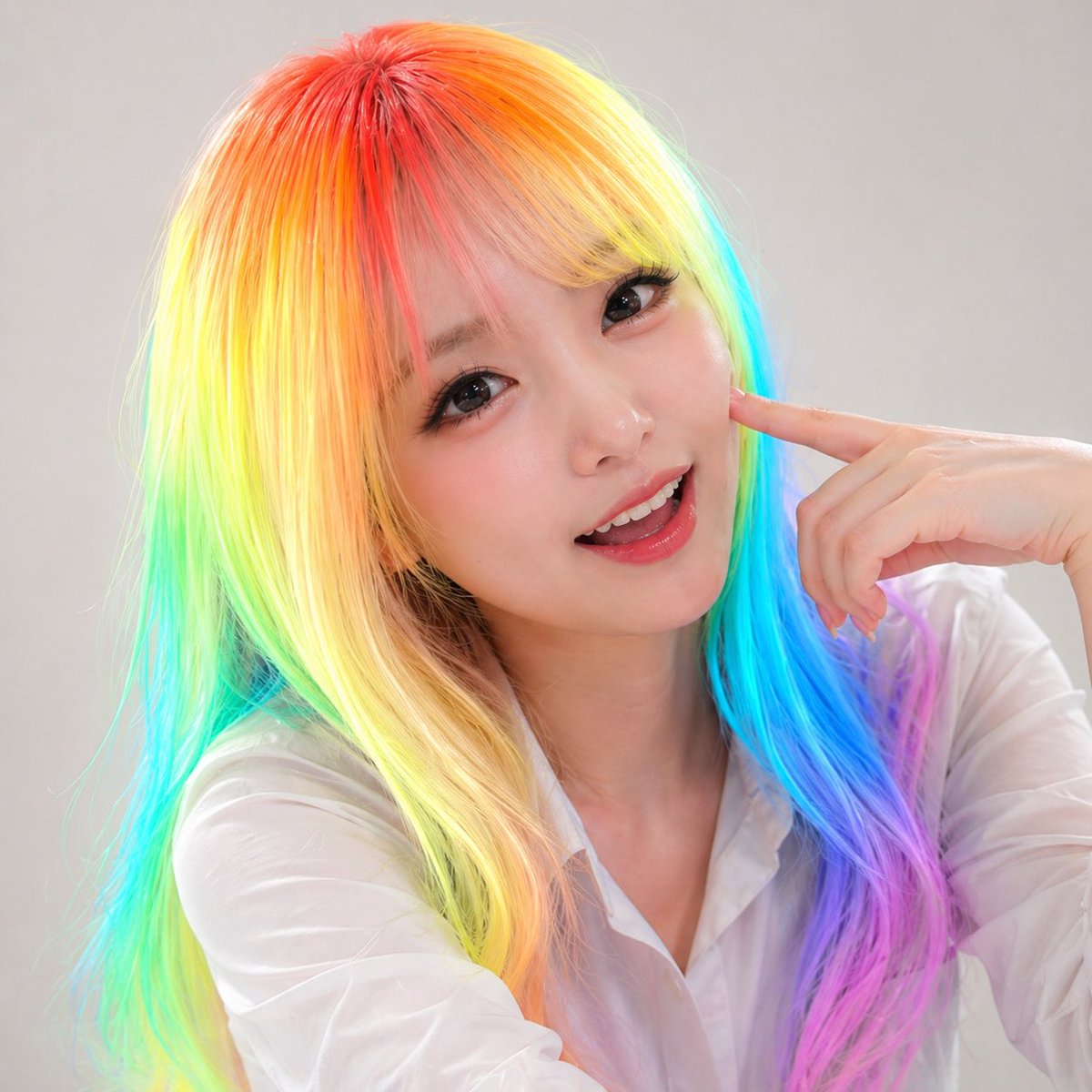





![Urban Street Portrait with Cartoon Inner Self Duo — Transform this image [Upload Your Image] into a 64K DSLR shot resolution of A creative urban street portrait](https://pbs.twimg.com/media/G-MH5fIbMAAmHyw.jpg)