How do I use the Vintage Character Film Restoration template?
Choose the primary action to open PicX Studio with the available template settings. Review the model and format, personalize the creative direction, and generate when ready.
An image transformation prompt that modifies outfit color to pink while maintaining raw film grain and detailed background textures. Change the subject, setting, or lighting one variable at a time.
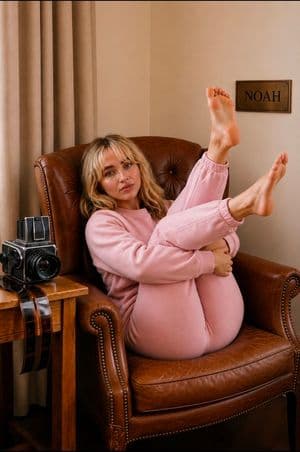
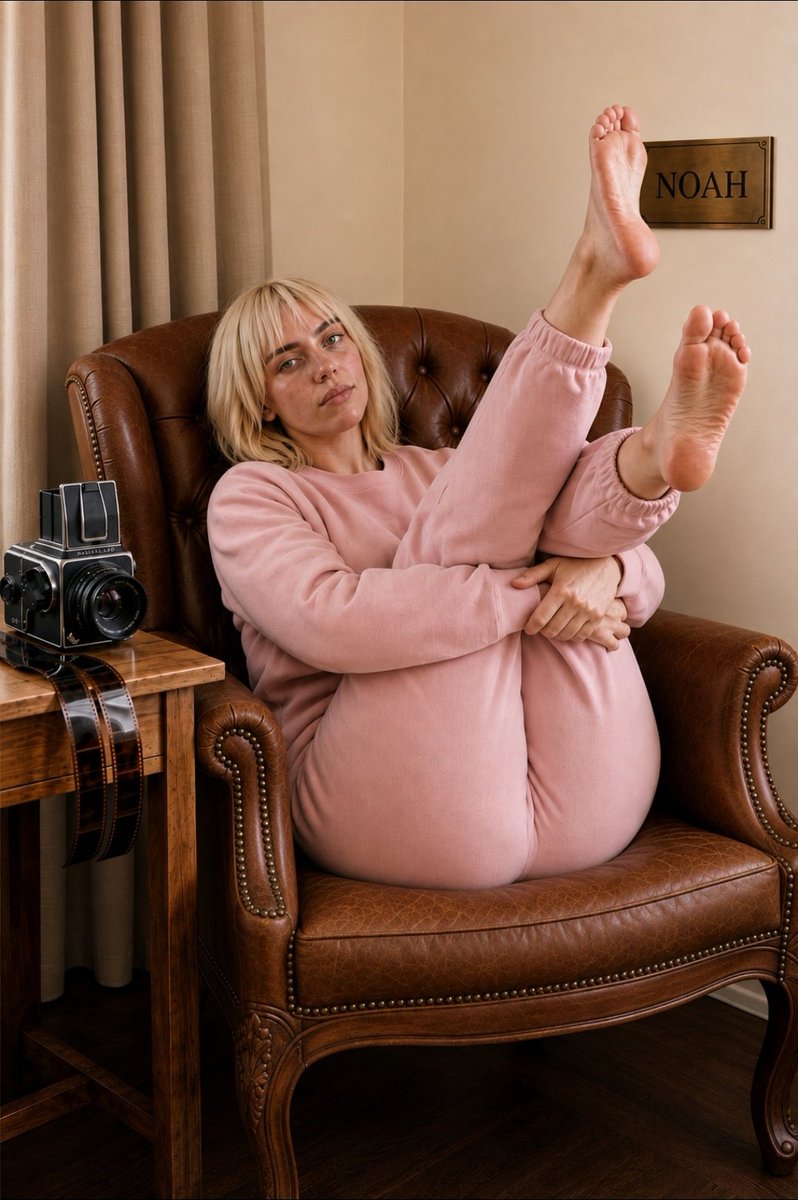
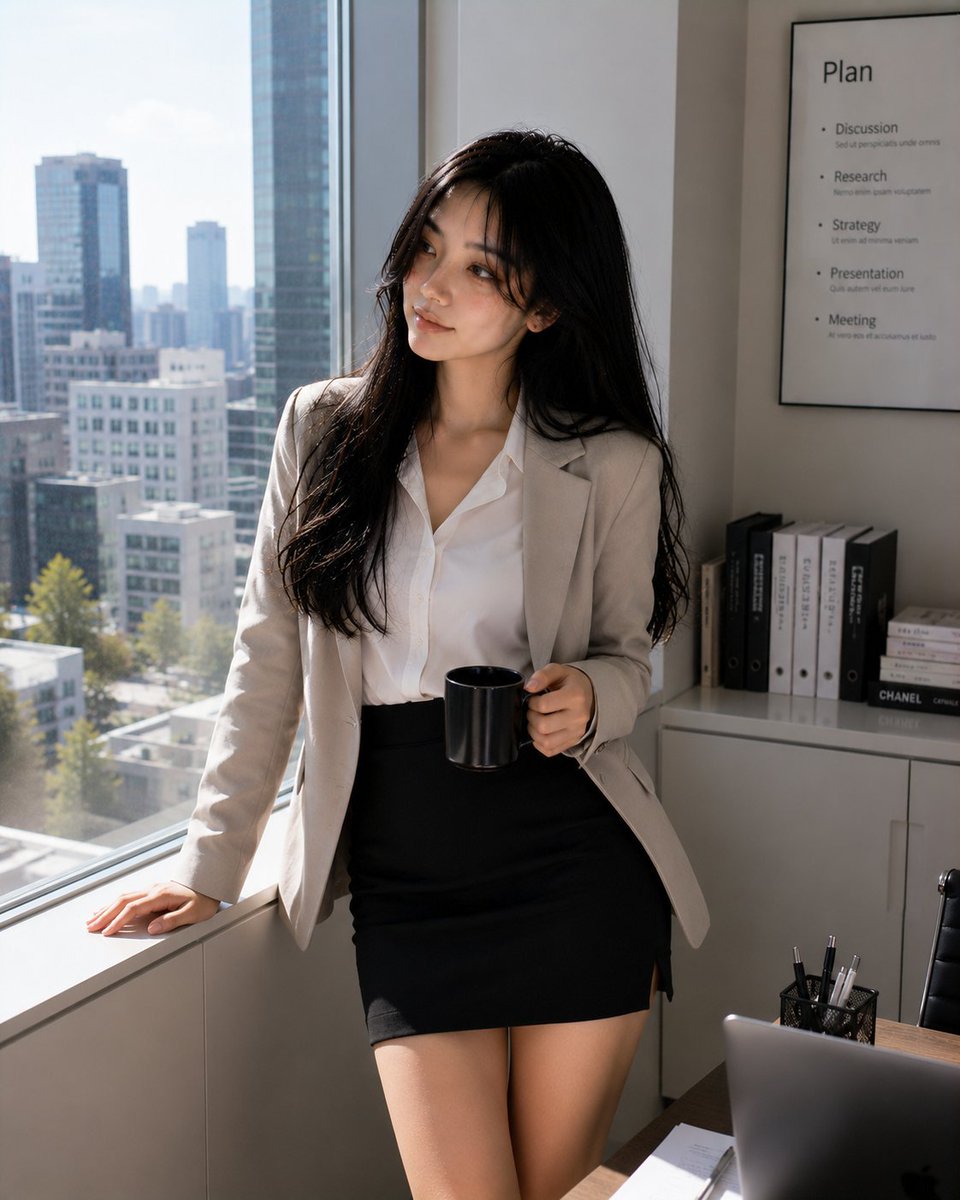
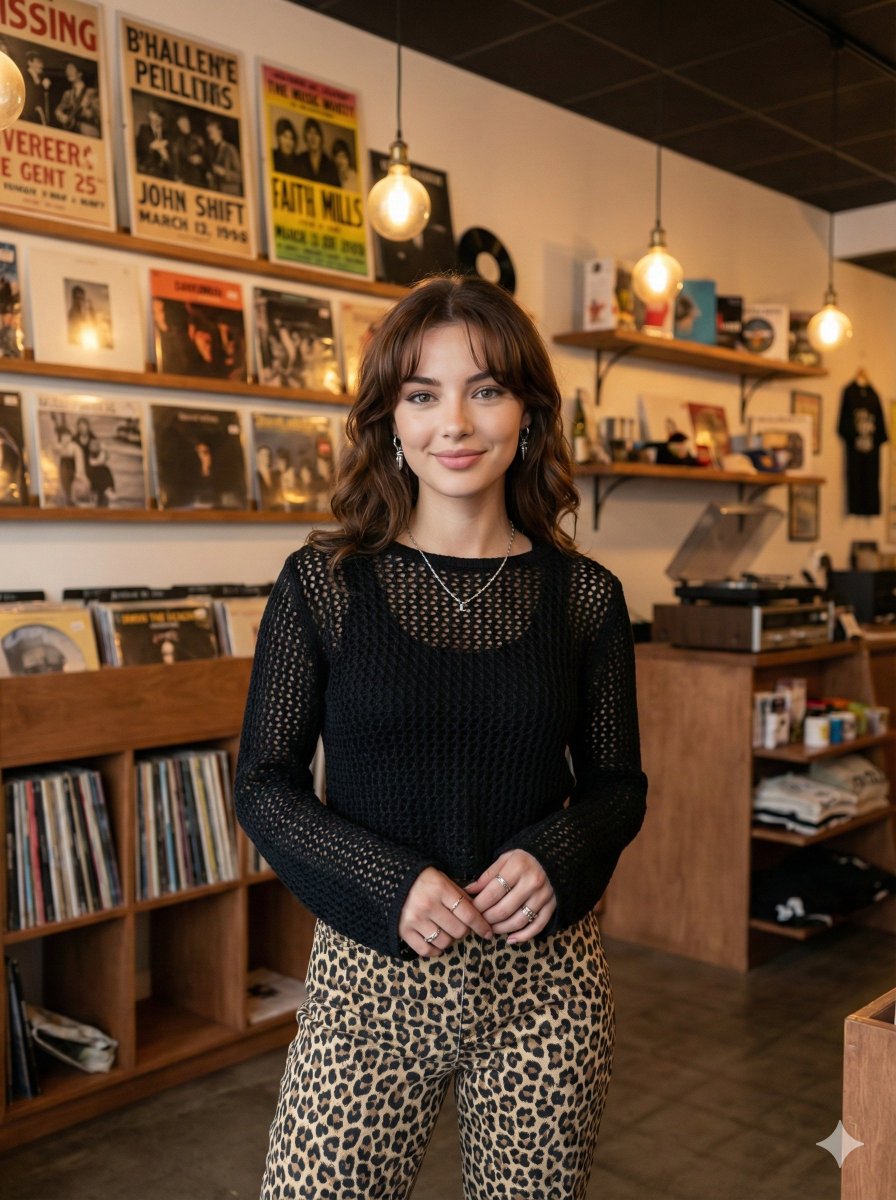
A candid, high-resolution raw film photograph, based on image_1.png, featuring the young woman with dark hair curled playfully in the vintage brown leather armchair. The scene retains her core pose and pastel pink sweatsuit, but all background elements are rendered in sharp focus. ONLY change: the outfit color is modified to a {argument name="outfit color" default="pastel pink"} sweatsuit, while preserving the exact same fabric texture, folds, stitching, shading, and fit with no redesign or alteration of style. The detailed leather chair, with its ornate starburst-patterned stitching, shows clear grain and texture. The adjacent wooden side desk with the vintage analog camera and stack of film negative strips is perfectly sharp, revealing intricate details on the lens and paper edges. The curtains are distinct. On the right-hand wall, replace the previous detailed data plaque entirely with a clean, precise, legible metallic plaque that simply reads '{argument name="plaque text" default="NOAH"}' in sharp engraved lettering with realistic metallic reflections. Subtle natural film grain is present throughout the entire deep-focus scene, emphasizing a raw, archival photograph aesthetic without any visual blur.
Vintage Character Film Restoration needs input media to work. Open it in the studio and these load alongside the prompt — pick whichever ones your chosen model can take.
Choose the primary action to open PicX Studio with the available template settings. Review the model and format, personalize the creative direction, and generate when ready.
Yes. You can change the subject, setting, lighting, mood, format, and available model controls before creating your image.
This template is free to open and customize. Generation usage is shown in PicX Studio before you create.
Start with gemini-3-pro-image-preview, which is the model associated with this template. You can compare another compatible model for a different finish.
Follow a topic to a crawlable collection of related PicX Studio templates.
43,449 public templates available. Verified via the PicX Studio public templates API; refreshed hourly.
Prompt stories that include this template.


![Retro Travel Poster Coast — Minimalist vintage travel poster of a coastal town, flat color blocks, bold sans headline [DESTINATION], aged paper texture, classic](/_next/image?url=https%3A%2F%2Fcdn.picxstudio.com%2Fuploads%2Fmeigen_c195d94bc316_b7640755-caf2-4d01-bfab-1219b4507b09.jpg&w=828&q=100)


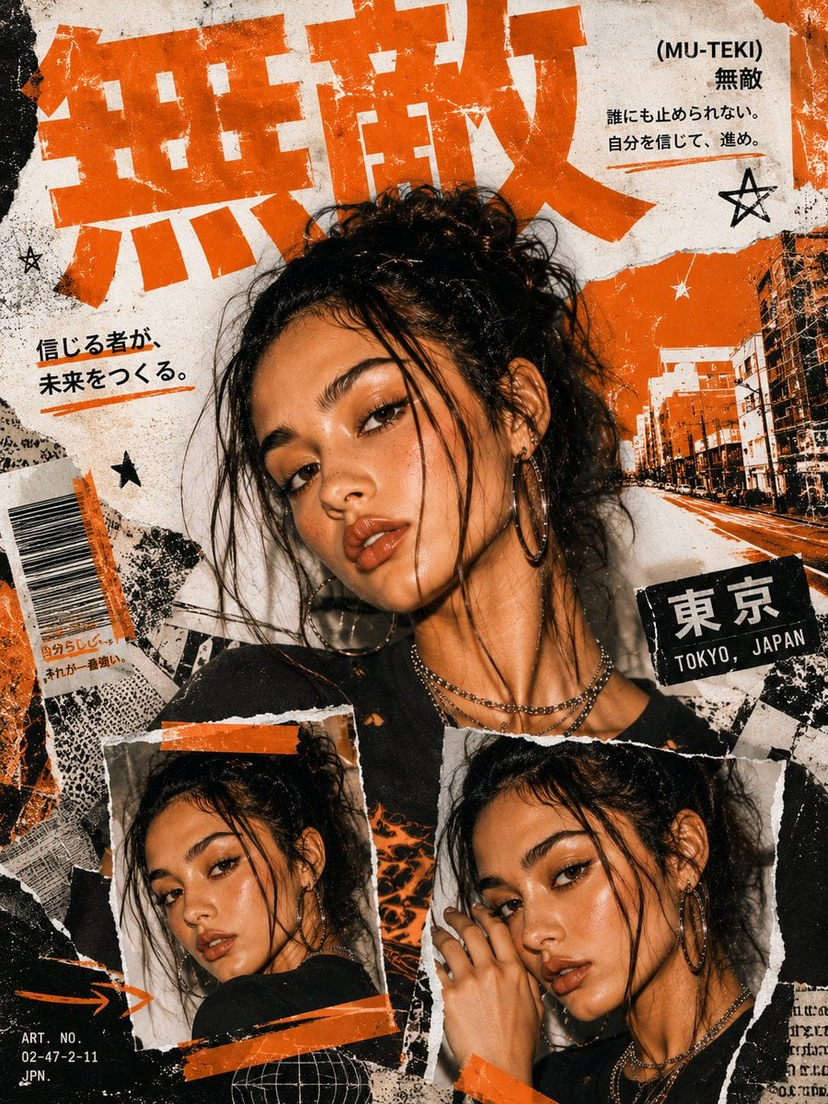


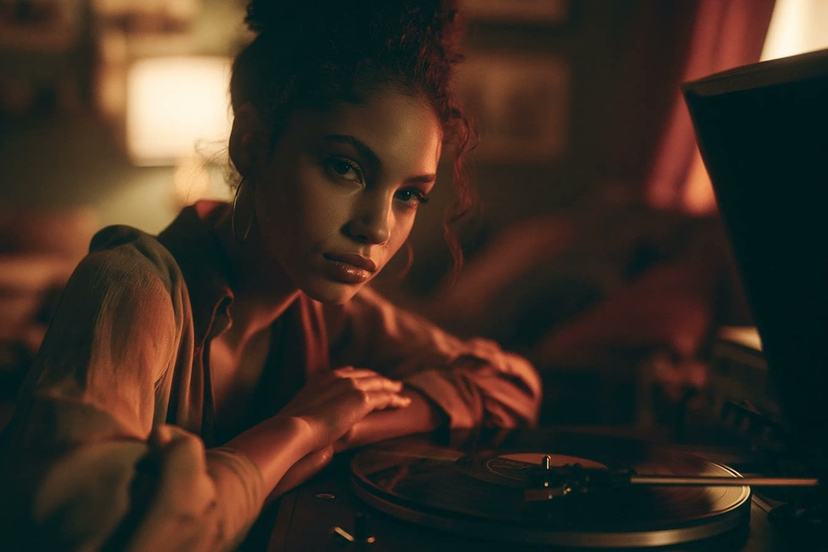


![Urban Street Mixed Media Portrait — Transform this image [Upload Your Image] into a 64K DSLR shot resolution of A creative urban street portrait featuring a you](https://cms-assets.youmind.com/media/1785137834120_1a6fgj_HOH_vMobUAAAZf1-300x224.jpg)


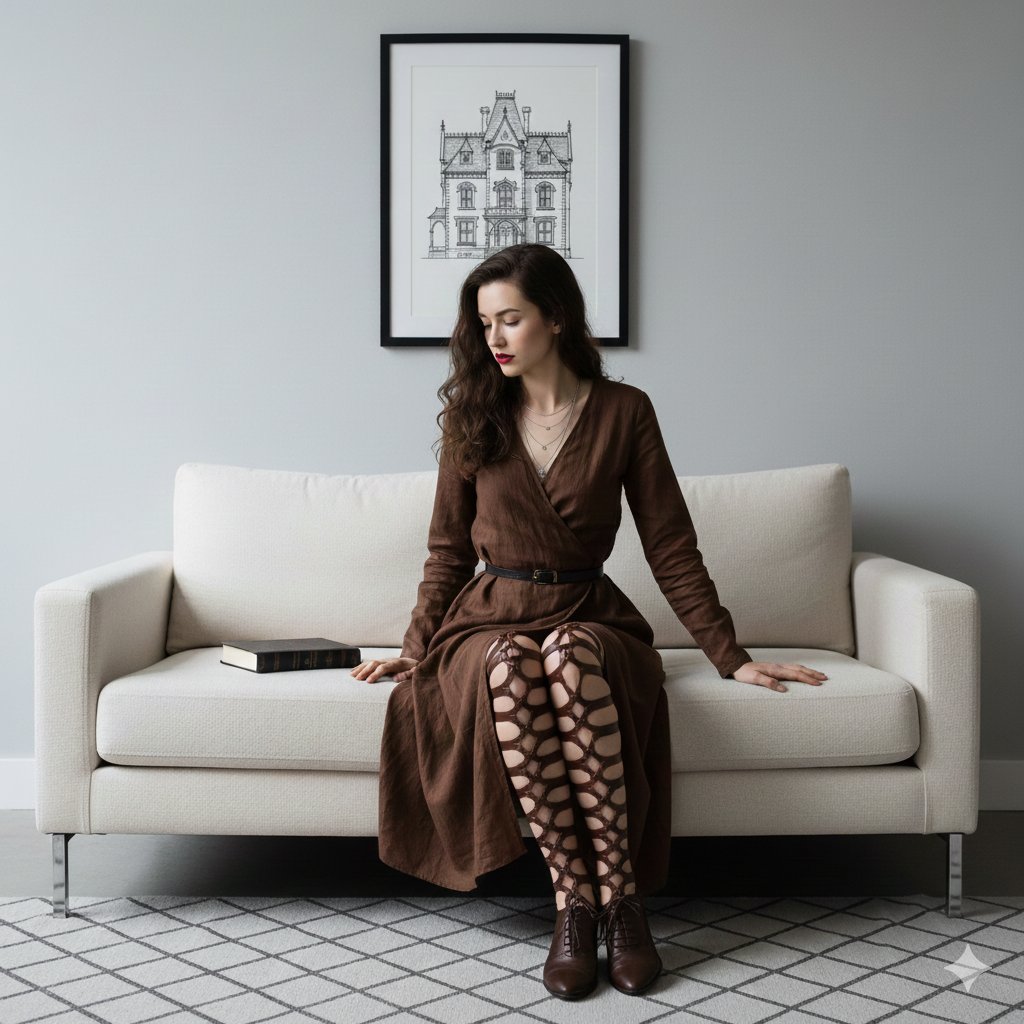

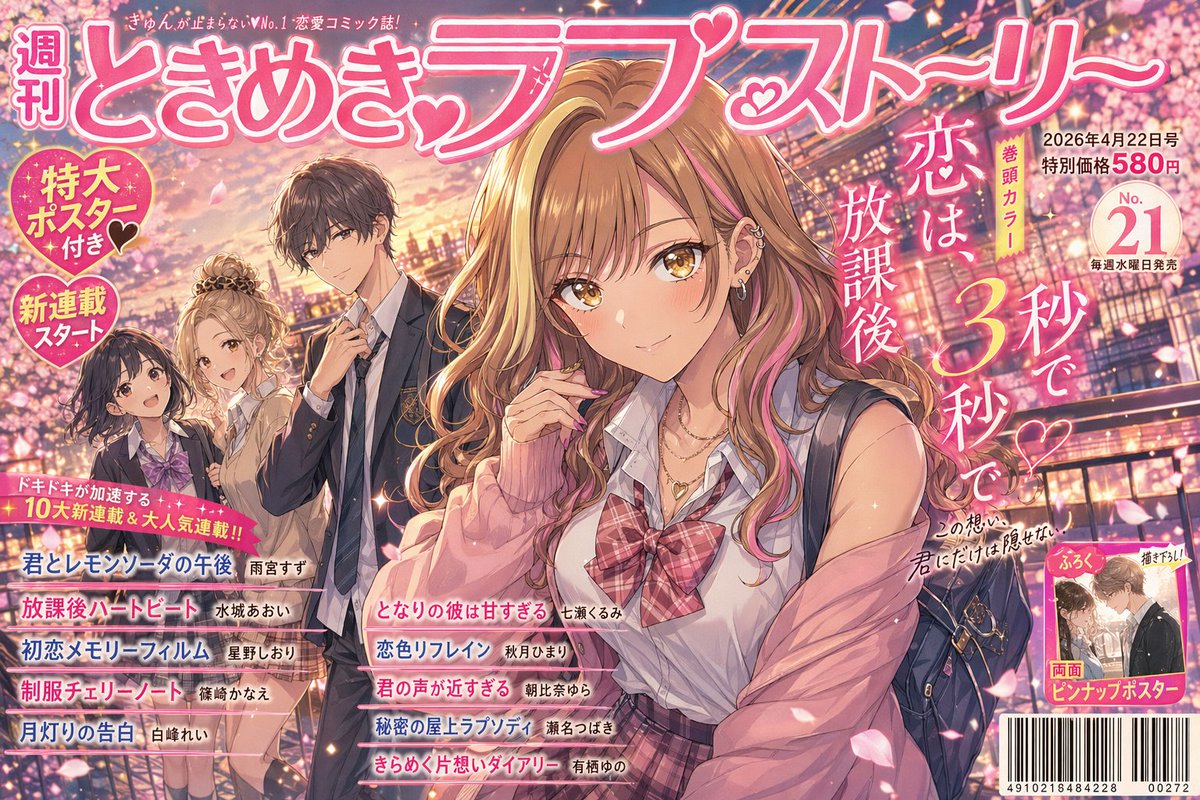










![Simple Silhouette Prompt — The silhouette of a basic outline of a {argument name="object" default="[PROMPT]"}. The background is bright yellow, and the silhouet](https://pbs.twimg.com/media/G8iasgJa8AAOl5Z.jpg)