
Romantic Valentine Flat Lay Template
Romantic Valentine Flat Lay Template is a ready photo look.

- Prompt included
- Model and format preset
- Premium template
The prompt behind this image
Copy the exact prompt behind Romantic Valentine Flat Lay Template, or open it in the studio and make it yours.
- Prompt
- A romantic Valentine's Day flatlay on a soft beige fabric background. A bouquet of red and pink roses in a ceramic vase, heart-shaped glass ornaments hanging on the flowers. Elegant table setting with white and gold-rimmed plates, sliced strawberries on the plate, a small glass with rose petals floating in water. Scattered rose petals and small heart candies across the scene. A box of luxury chocolates, gold rings placed in a small dish on top of a Vogue magazine. A red ribbon and a greeting card that says 'Be Mine'. Warm soft lighting, luxury lifestyle photography, ultra realistic, 4k, shallow depth of field, Pinterest aesthetic.
- Style
- photorealistic
- Aspect Ratio
- 3:4
- Lighting
- warm soft studio light
- Camera
- top-down flatlay photography lens
- Quality
- ultra high
- Mood
- romantic, luxury, cozy, elegant, valentine
Raw JSON
{
  "prompt": "A romantic Valentine's Day flatlay on a soft beige fabric background. A bouquet of red and pink roses in a ceramic vase, heart-shaped glass ornaments hanging on the flowers. Elegant table setting with white and gold-rimmed plates, sliced strawberries on the plate, a small glass with rose petals floating in water. Scattered rose petals and small heart candies across the scene. A box of luxury chocolates, gold rings placed in a small dish on top of a Vogue magazine. A red ribbon and a greeting card that says 'Be Mine'. Warm soft lighting, luxury lifestyle photography, ultra realistic, 4k, shallow depth of field, Pinterest aesthetic.",
  "style": "photorealistic",
  "aspect_ratio": "3:4",
  "lighting": "warm soft studio light",
  "camera": "top-down flatlay photography lens",
  "quality": "ultra high",
  "mood": "romantic, luxury, cozy, elegant, valentine"
}How to use Romantic Valentine Flat Lay Template in 3 steps
- 1
Open
The prompt is already in the box next to the preview, with the template's model and format selected.
- 2…a portrait of your subject in softgolden-hour light, 85mm…
Personalize
Edit the subject and creative details for your destination.
- 3Generate
Generate
Press Generate — your image is created in PicX Studio, so you can compare it with the original and refine one variable at a time.
More like this
Templates with the same subject, style or setup. Open one to see its prompt.
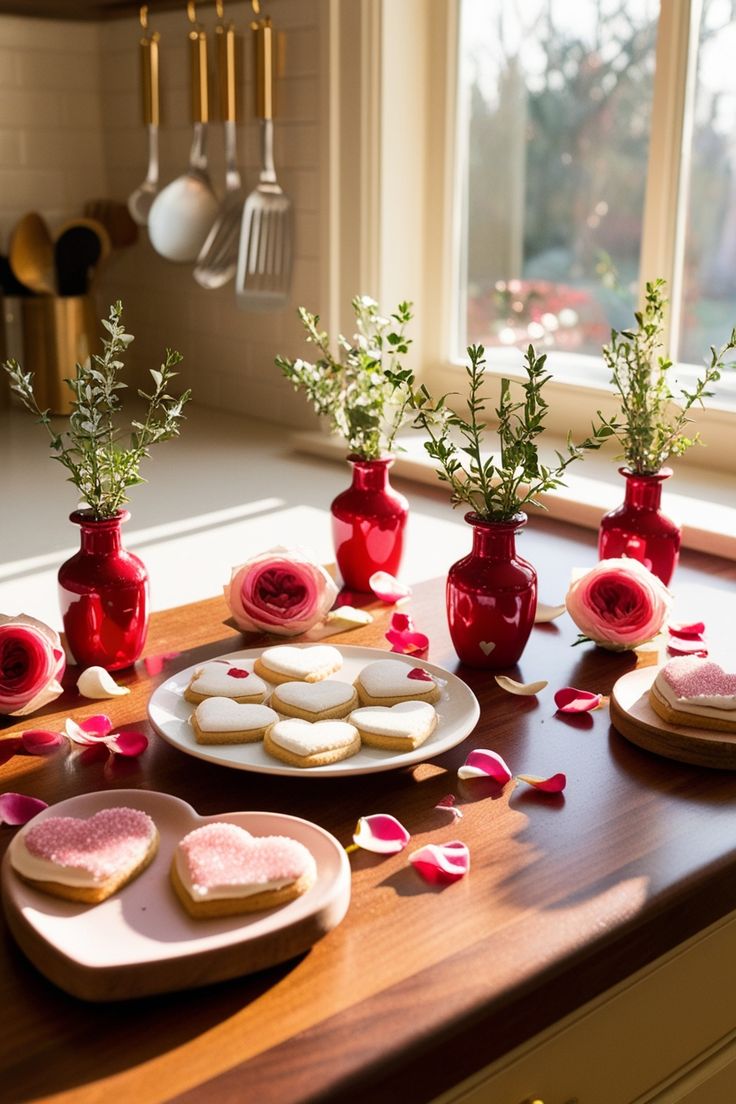
Romantic Valentine's Kitchen Flatlay

Couple Lock Screen iPhone Flat Lay
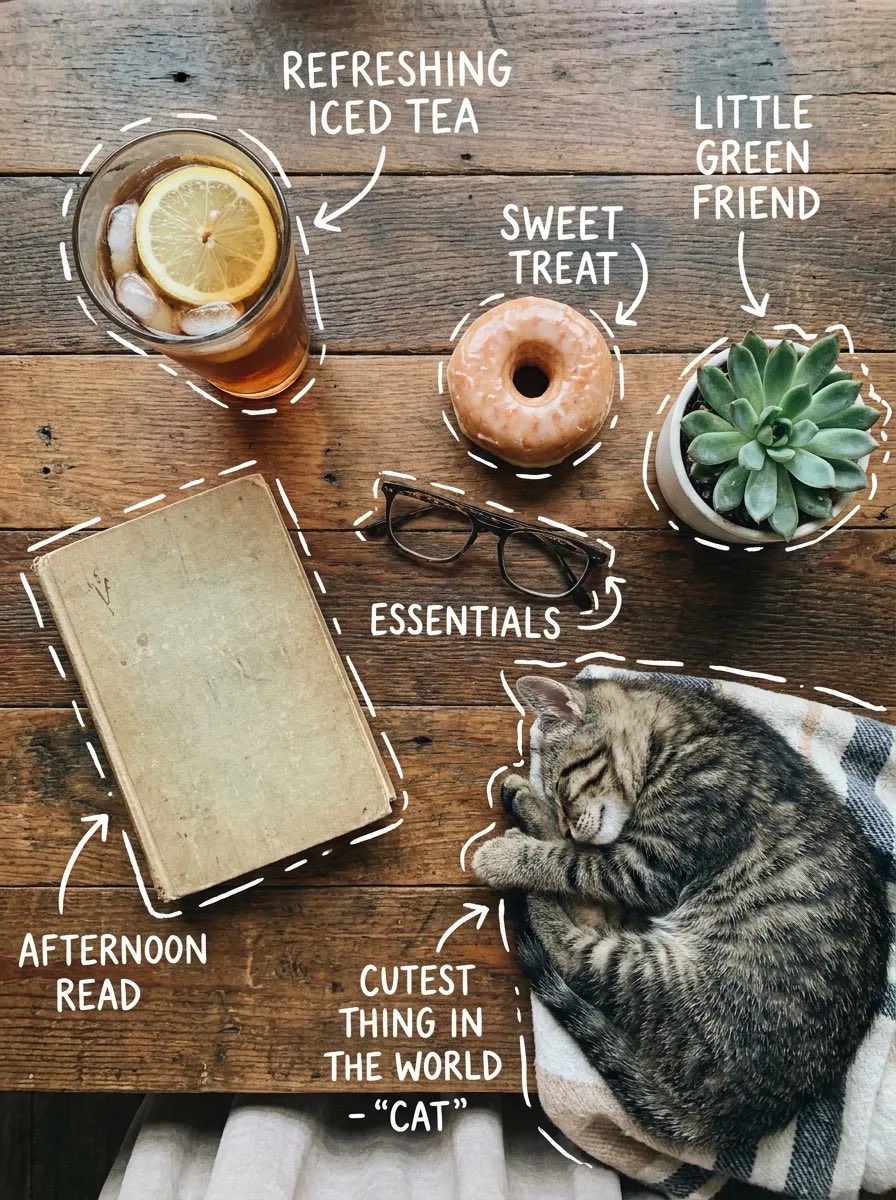
Cozy Tabletop Flat Lay with Doodles
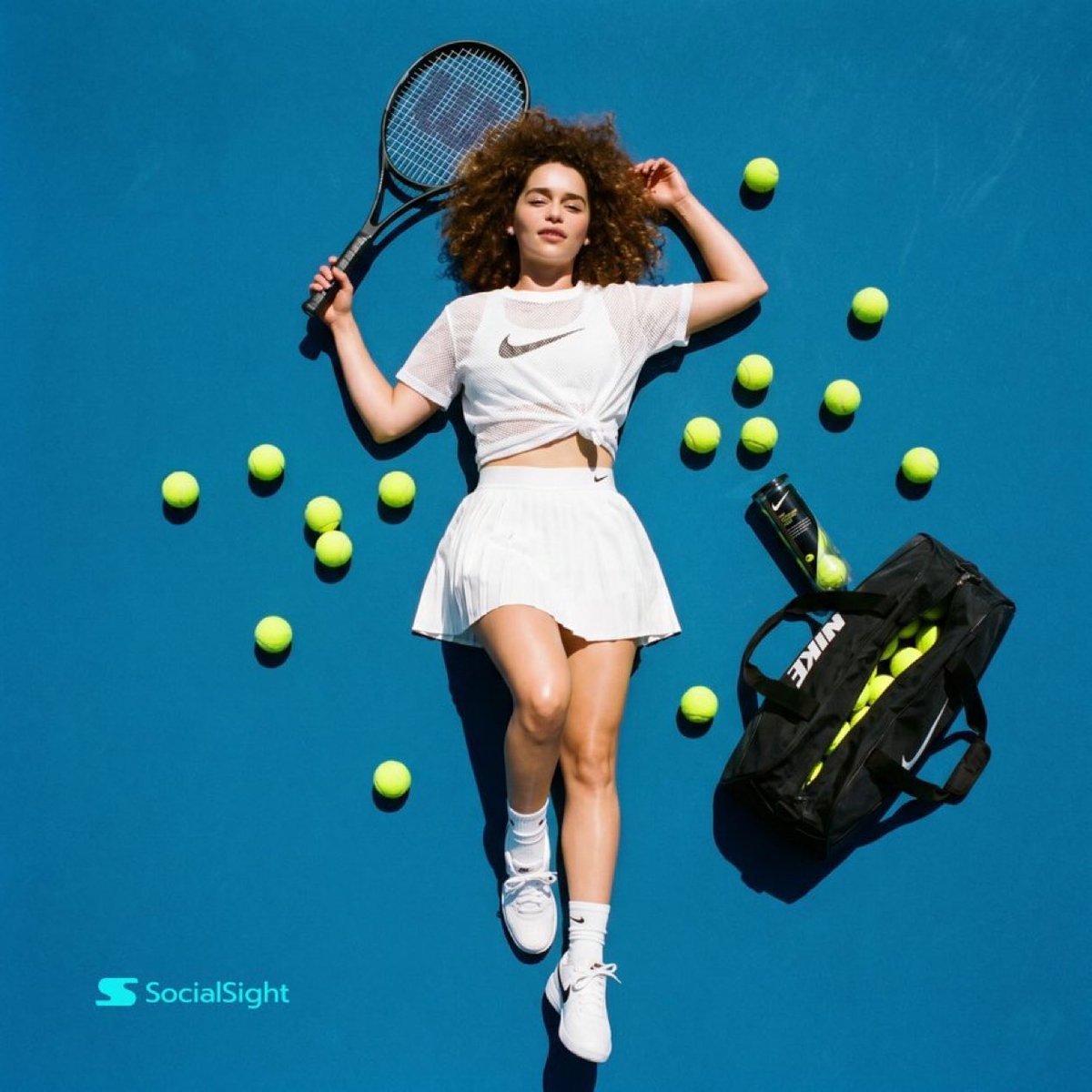
Tennis Court Top-Down Flat Lay
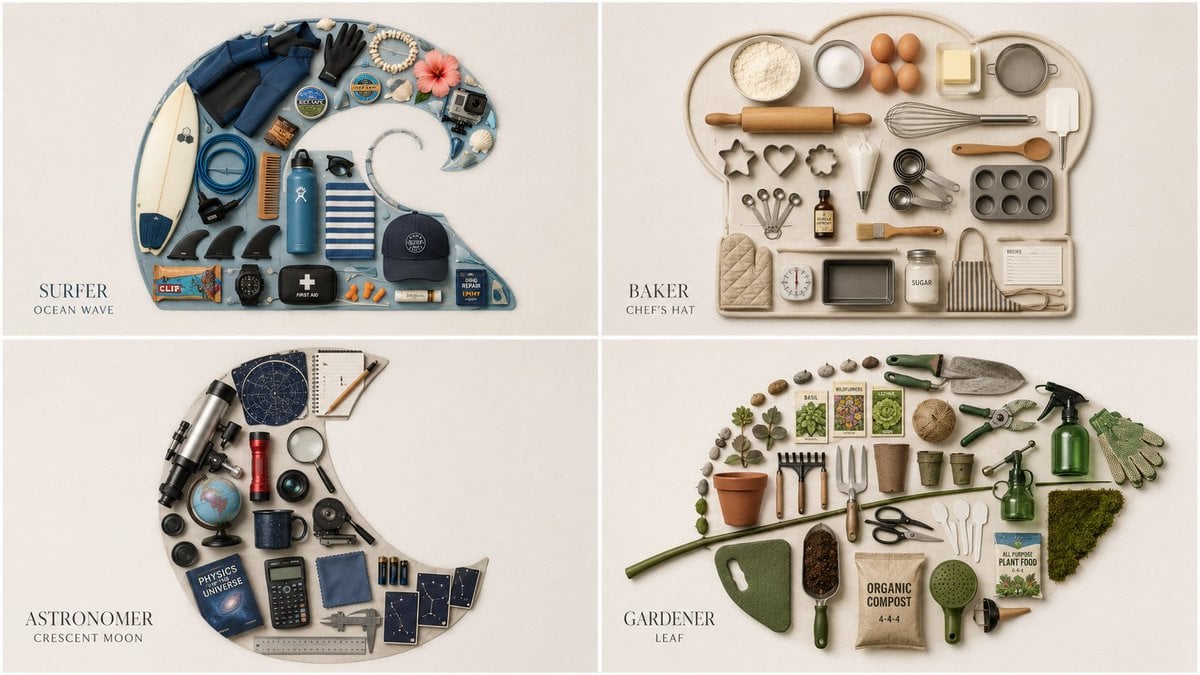
Themed Knolling Flat-Lay Grid
Cash Stack Flat Lay
Cozy Food Flat Lay Doodle Labels

Skincare Product Flat Lay Photography
Awaji Island Polaroid Travel Flat Lay
Rose Garden Travel Postcard Flat Lay
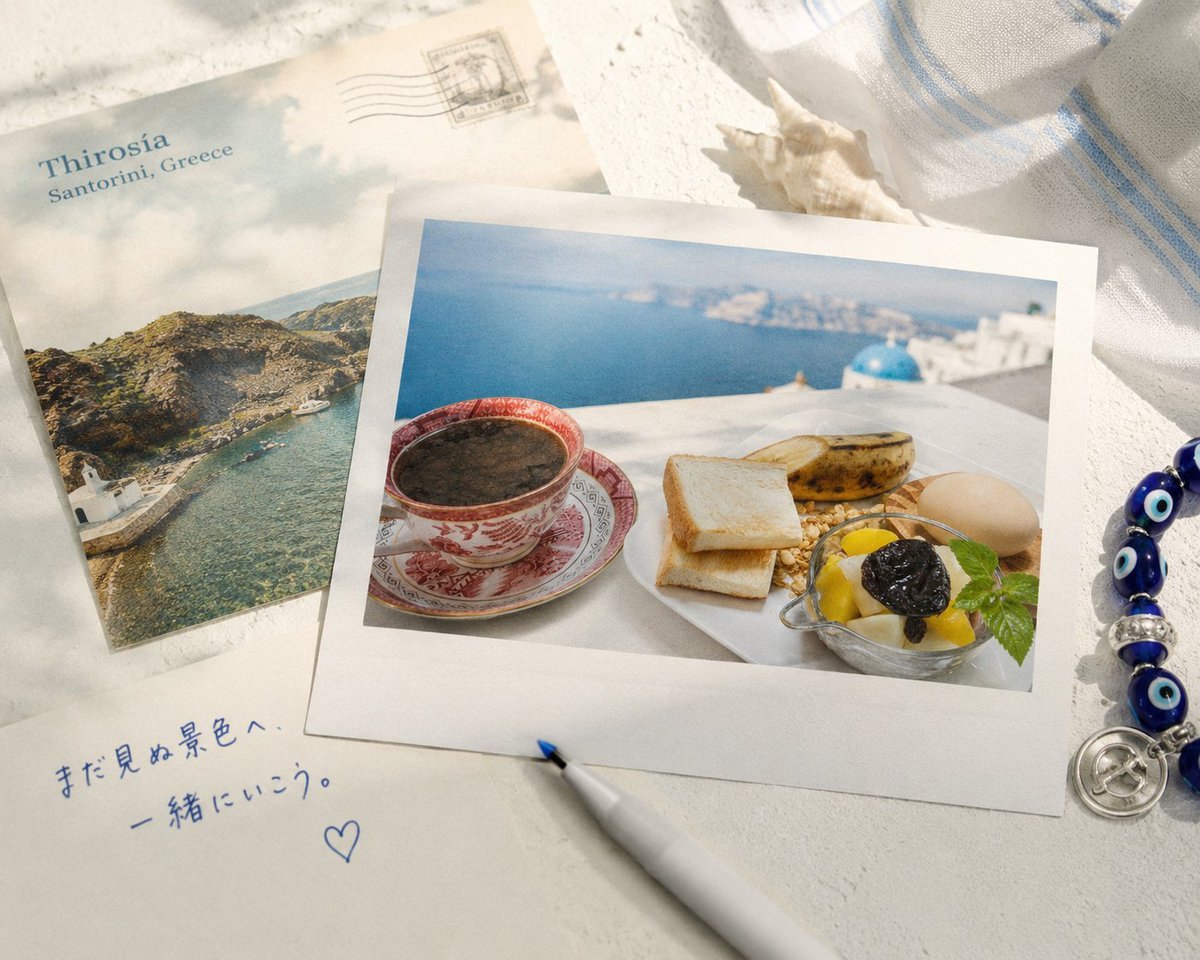
Santorini Breakfast Travel Flat Lay

Luxury Fashion Editorial Flat Lay
Make it yours
Romantic Valentine Flat Lay Template works as-is. These are the safest ways to change it without losing the look.
Swap the light
One lighting change is enough to compare takes. Current light: “warm soft studio light”.
Change one field
Copy a single group, rewrite it, and generate again so you can see what that field is doing.
Keep the frame, change the subject
Hold the composition and light of Romantic Valentine Flat Lay Template, then swap wardrobe, props or the person for a new take.
| If the result… | Why | Fix |
|---|---|---|
| The result drifts from the preview | Too many fields changed at once. | Reuse Romantic Valentine Flat Lay Template as-is first, then change one group — subject, light, or setting. |
| PicX Studio ignores part of the JSON | Some models flatten or skip nested keys. | Keep the same values and paste them as a short paragraph instead. |
More image prompts
Fresh picks from across the catalog.
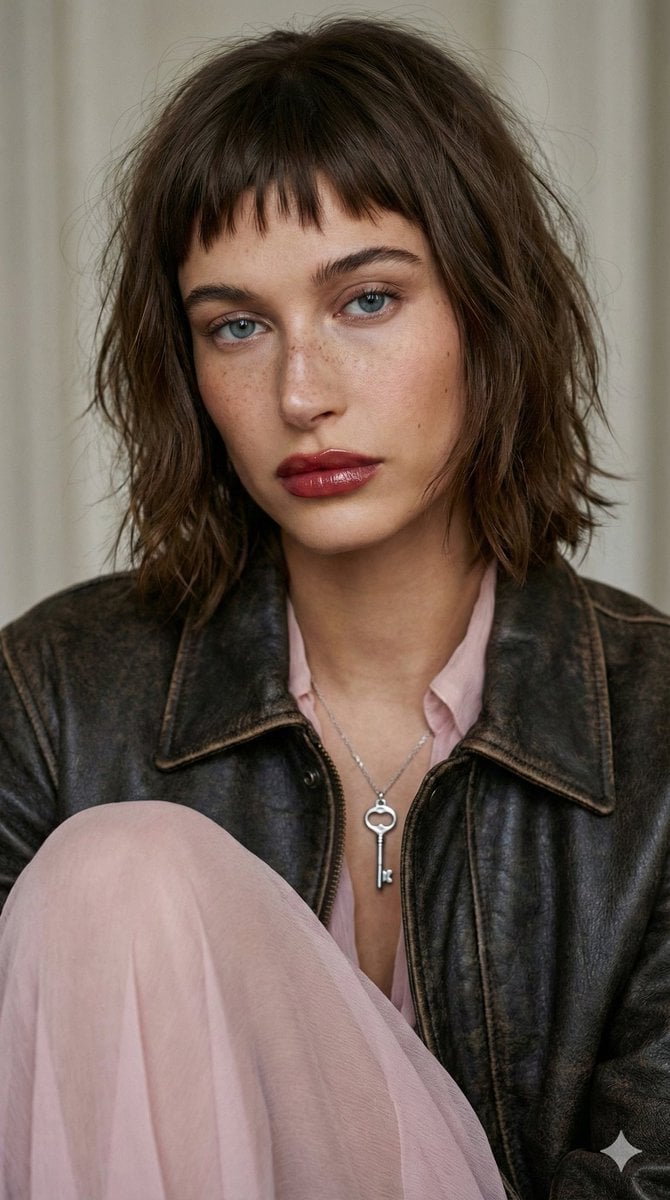
Editorial Fashion Portrait with Wolf-Cut Hairstyle Prompt
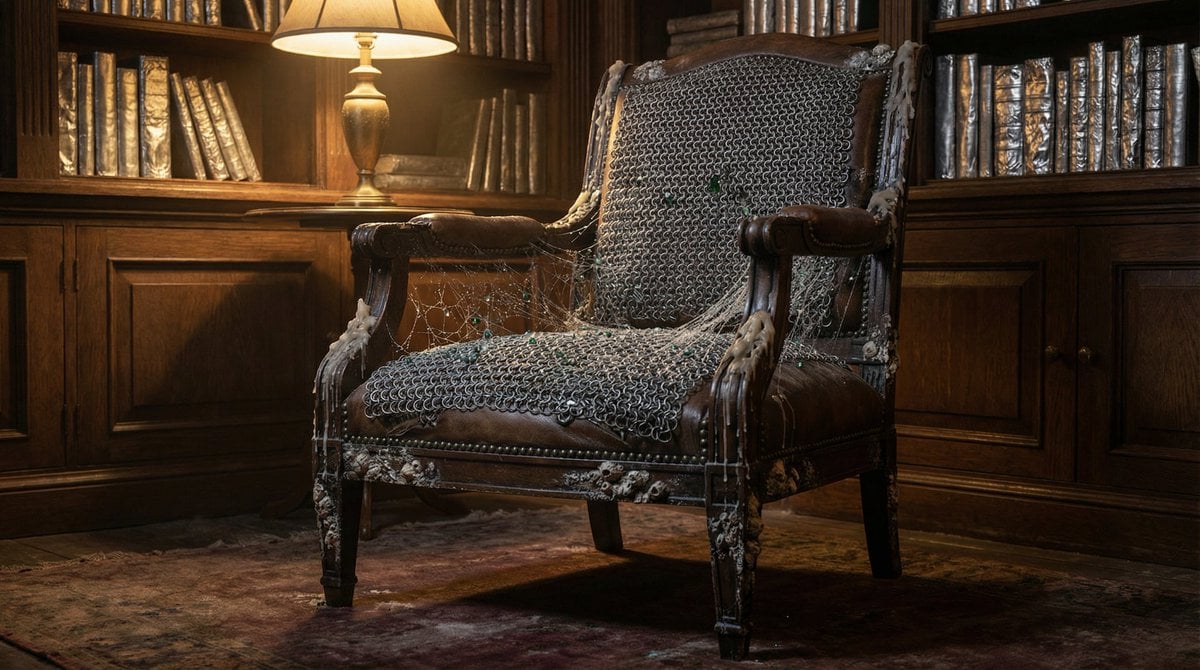
Surreal Library Armchair Generation

Cinematic Double Exposure Portrait

Casual Woman in Cafe Photo Prompt for Gemini Nano Banana
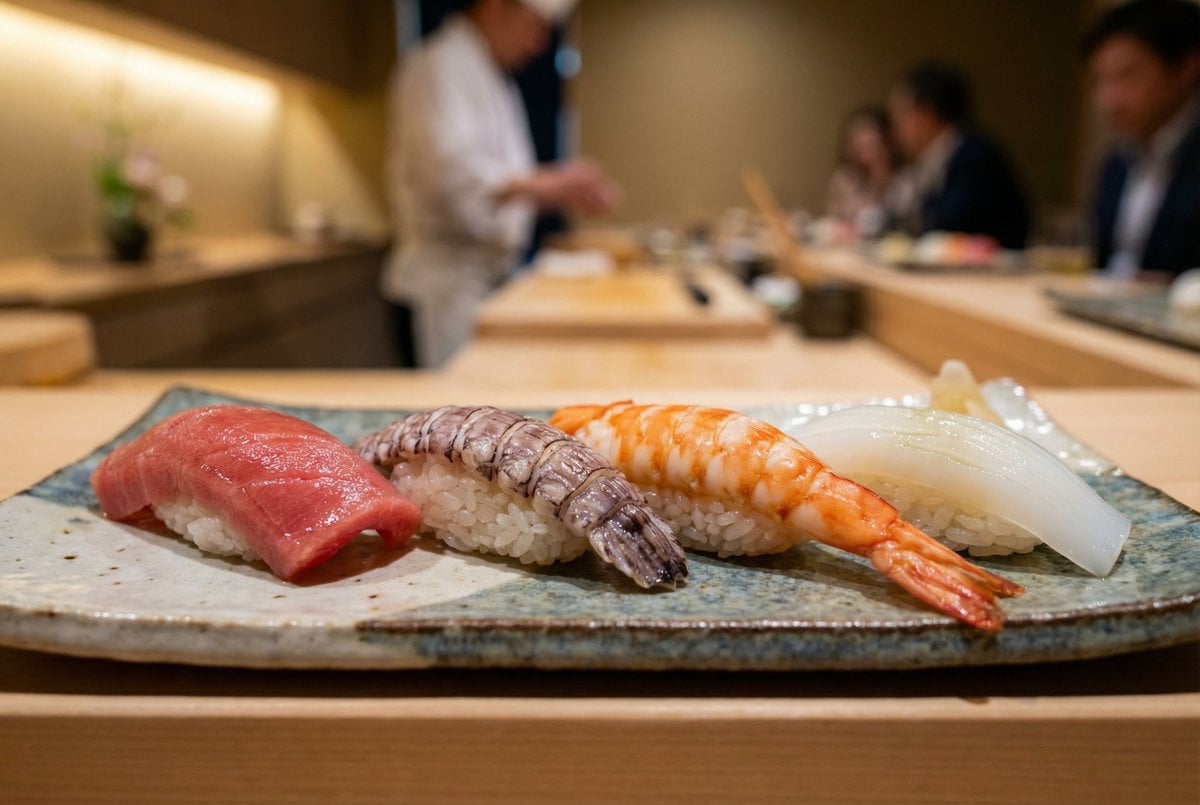
Controlling Lighting in Image Generation

Film Festival Poster Generation

Nano Banana 2 Higgsfield
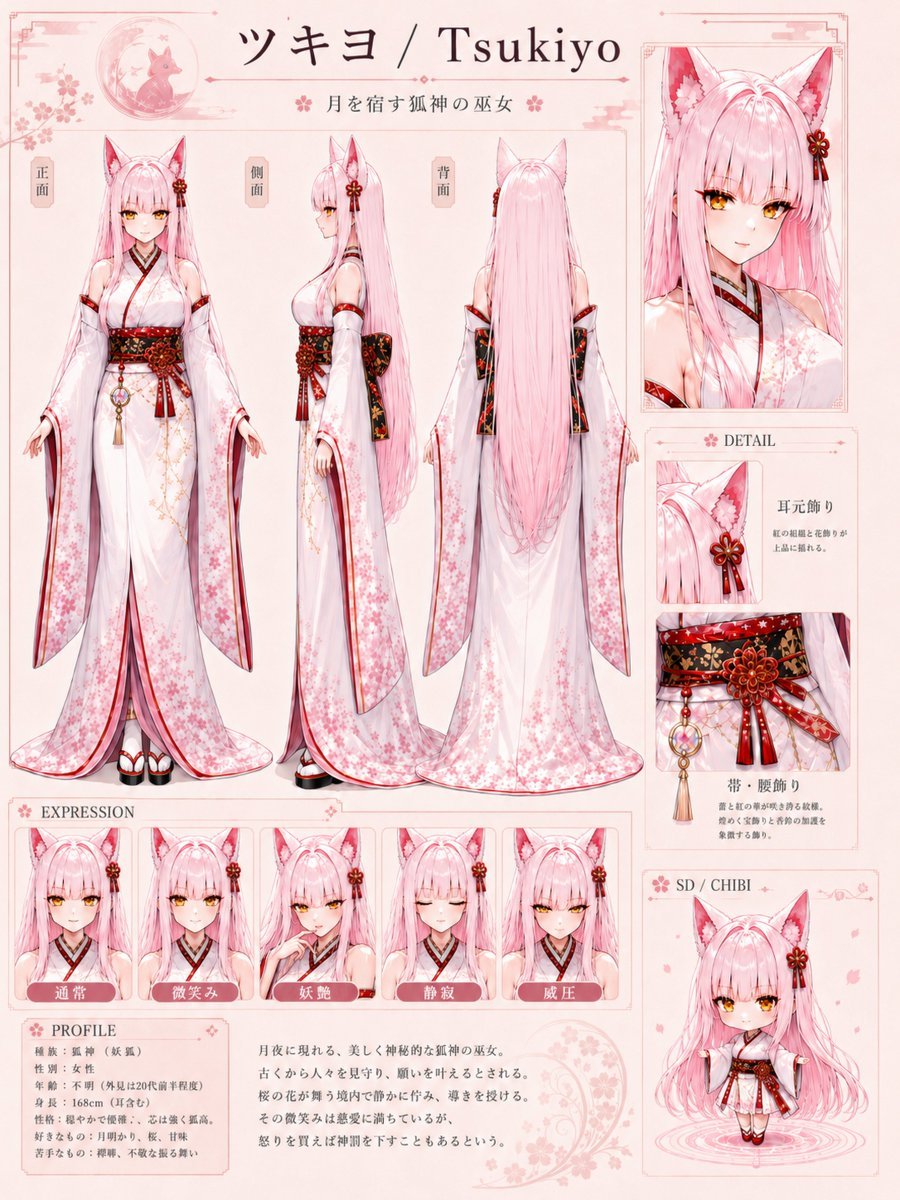
Tsukiyo Fox Shrine Maiden Reference Sheet
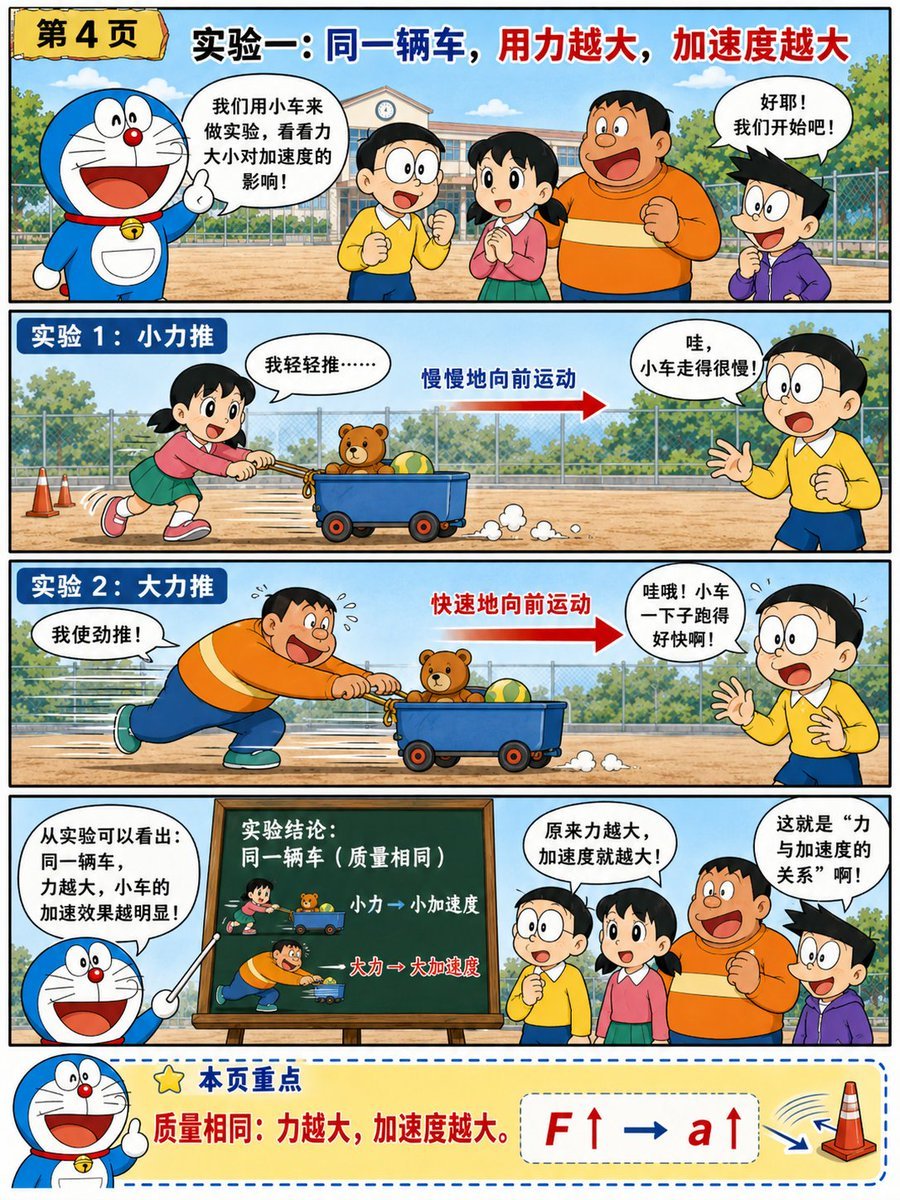
Doraemon-Style Newton’s Second Law Comic

Parisian Café Golden Hour Portrait
Browse template categories
Romantic Valentine Flat Lay Template questions
How do I use the Romantic Valentine Flat Lay Template template?
Add your photo if the template asks for one, edit the prompt if you like — the template's model and format are already selected — and press Generate. Your version opens in PicX Studio.
Can I customize the Romantic Valentine Flat Lay Template template?
Yes. You can change the subject, setting, lighting, mood, format, and available model controls before creating your image.
Is the Romantic Valentine Flat Lay Template template free?
Opening and editing this template is free. Generating uses credits, shown on the Generate button when you are signed in.
Which AI model should I use?
Choose a compatible model in PicX Studio based on the style, speed, and output controls your project needs.
Looking for something else? Browse all templates.

Your photo, any look
Thousands of ready templates for every top image and video model, from one credit balance.