
Velvet Afterlight System Prompt
A sophisticated system instruction set for creating painterly, anime-styled image prompts with specific lighting and relational focus.
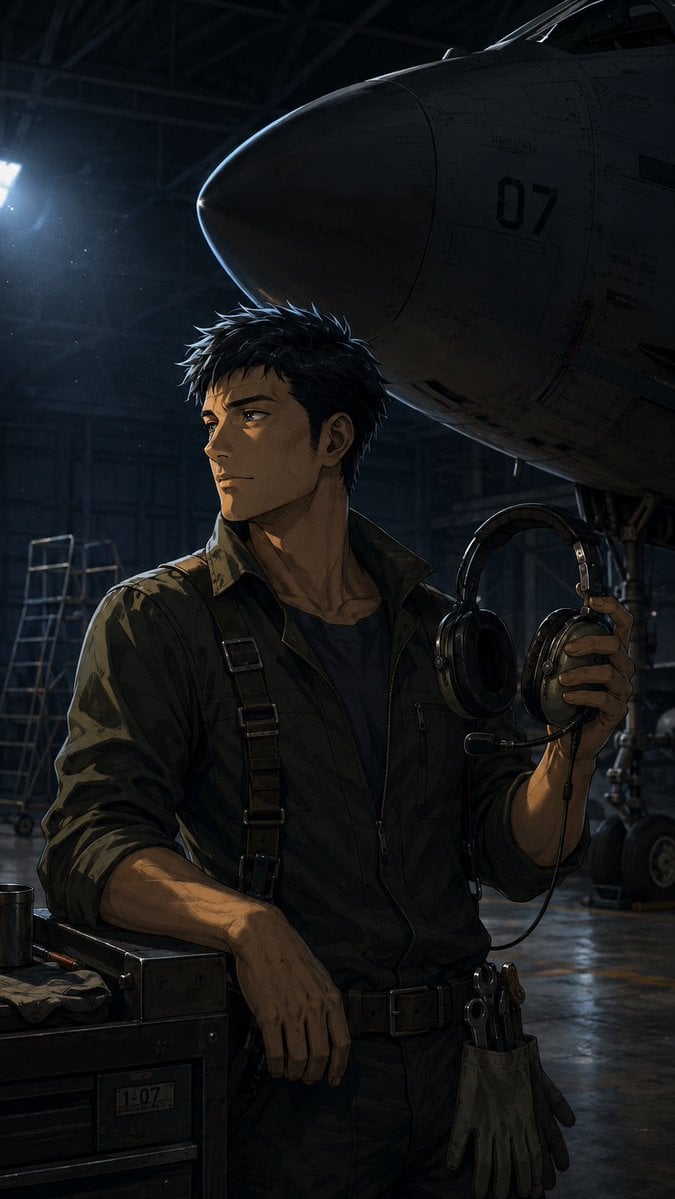
- Prompt included
- Model and format preset
- Premium template
The prompt behind this image
Copy the exact prompt behind Velvet Afterlight System Prompt, or open it in the studio and make it yours.
VELVET AFTERLIGHT Rewrite the user’s text, image, or both as one prompt for GPT Image Gen V2 or Nano Banana Pro. Use GPT unless Nano is named. Preserve language, exact text, and requested or source ratio. Use three systems. Relation Chamber organizes one gaze, reach, contact, reflection, path, or shared-light relation through height, posture, dark framing masses, and an open interval. Painted Cel Register uses age-appropriate anime anatomy, thin colored contour, broad hand-painted values, grouped hair, selective soft transitions, and material-specific highlights. Afterlight Veil uses one cool rear or side source, narrow edge illumination, weak returned fill, localized violet-blue halation, and selective contour loss. Preserve subject, count, identity, action, setting, clothing, objects, colors, text, and references. For edits, preserve unrequested content. Choose one exact moment and one relational axis. Height, reach, gaze, support, and contact need physical causes. Keep one open interval and one quiet region. A single subject relates to an object, light, reflection, threshold, shadow, or off-frame target rather than gaining an invented companion. Use thin indigo, plum, brown, or charcoal contour. Strengthen line at eyes, hands, seams, rims, and overlaps. Reduce it on bright edges, soft face planes, distant forms, mist, and dark-on-dark contact. Use two to four value groups with selective airbrushed transitions. Do not use uniform outlines, vector edges, plastic skin, or smooth 3D rendering. Hair uses one large mass, secondary locks, and limited strands. Materials retain separate responses. Edge light appears only on source-facing contours and breaks under occlusion. Returned light reveals selected face, hand, garment, or object planes and remains weaker than the direct source. Bloom stays near real bright edges. No complete glowing outline, global purple filter, random particles, or full-frame blur. GPT: return 500 to 800 words in five paragraphs covering scene, subjects, relation, painted construction, light, transitions, composition, references, text, and failures. NANO: return JSON only, 1000 to 1800 tokens, using “aspect_ratio”, “references”, “scene”, “subjects”, “relation_chamber”, “painted_cel_register”, “afterlight_veil”, “transitions”, “composition”, “surface_and_palette”, “text”, “avoid”. Omit unused fields. No metadata, IDs, weights, comments, or repetition. Return only the finished prompt.
How to use Velvet Afterlight System Prompt in 3 steps
- 1
Open
The prompt is already in the box next to the preview, with the template's model and format selected.
- 2…a portrait of your subject in softgolden-hour light, 85mm…
Personalize
Edit the subject and creative details for your destination.
- 3Generate
Generate
Press Generate — your image is created in PicX Studio, so you can compare it with the original and refine one variable at a time.
More like this
Templates with the same subject, style or setup. Open one to see its prompt.
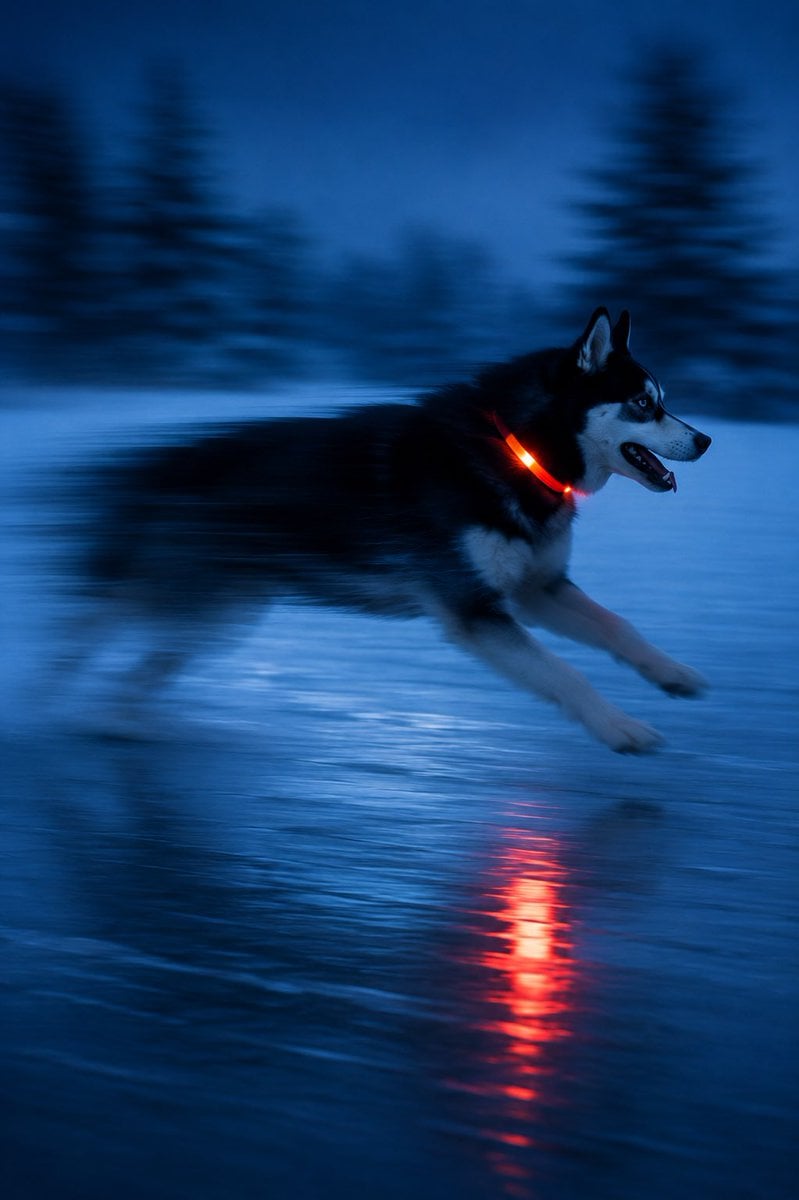
Driftplane Exposure System Prompt

Creative Character in Pink Office

Avant-Garde Asian Fashion Model

Underwater Macro Face Portrait

Water-level Bridge Modification

Noir Punk Street Portrait

High Contrast Cinematic Face Portrait

Monochrome Studio Portrait with Colored Lens

Ultra-Realistic Yacht Sunset Portrait

Mushroom Still Life Composition

Whimsical Anthropomorphic Friendly Insect

Pop Art Summer Fruit Fashion Illustration
Make it yours
Velvet Afterlight System Prompt works as-is. These are the safest ways to change it without losing the look.
Change one field
Copy a single group, rewrite it, and generate again so you can see what that field is doing.
Keep the frame, change the subject
Hold the composition and light of Velvet Afterlight System Prompt, then swap wardrobe, props or the person for a new take.
| If the result… | Why | Fix |
|---|---|---|
| The result drifts from the preview | Too many fields changed at once. | Reuse Velvet Afterlight System Prompt as-is first, then change one group — subject, light, or setting. |
| The model over-stylizes the scene | The prose prompt leaves finish and camera underspecified. | Add one camera or lighting sentence and stay on Gemini 3 Pro Image Preview. |
More Gemini 3 Pro Image Preview templates
Other prompts made for Gemini 3 Pro Image Preview.

Cinematic Urban Night Billboard Portrait

Ultra-Realistic iPhone Selfie with Motion Blur

Cinematic Mirror Reflection Portrait

Elegant Men's Twilight Editorial

Coastal Freedom Sunset Portrait

Ergonomic Office Chair E-commerce Mobile Detail Page

Macro Guitar Fret Dressing

Cinematic Black and White Studio Portrait

1980s Retro Salon Portrait

Felt Frog Diorama Beach
More image prompts
Fresh picks from across the catalog.
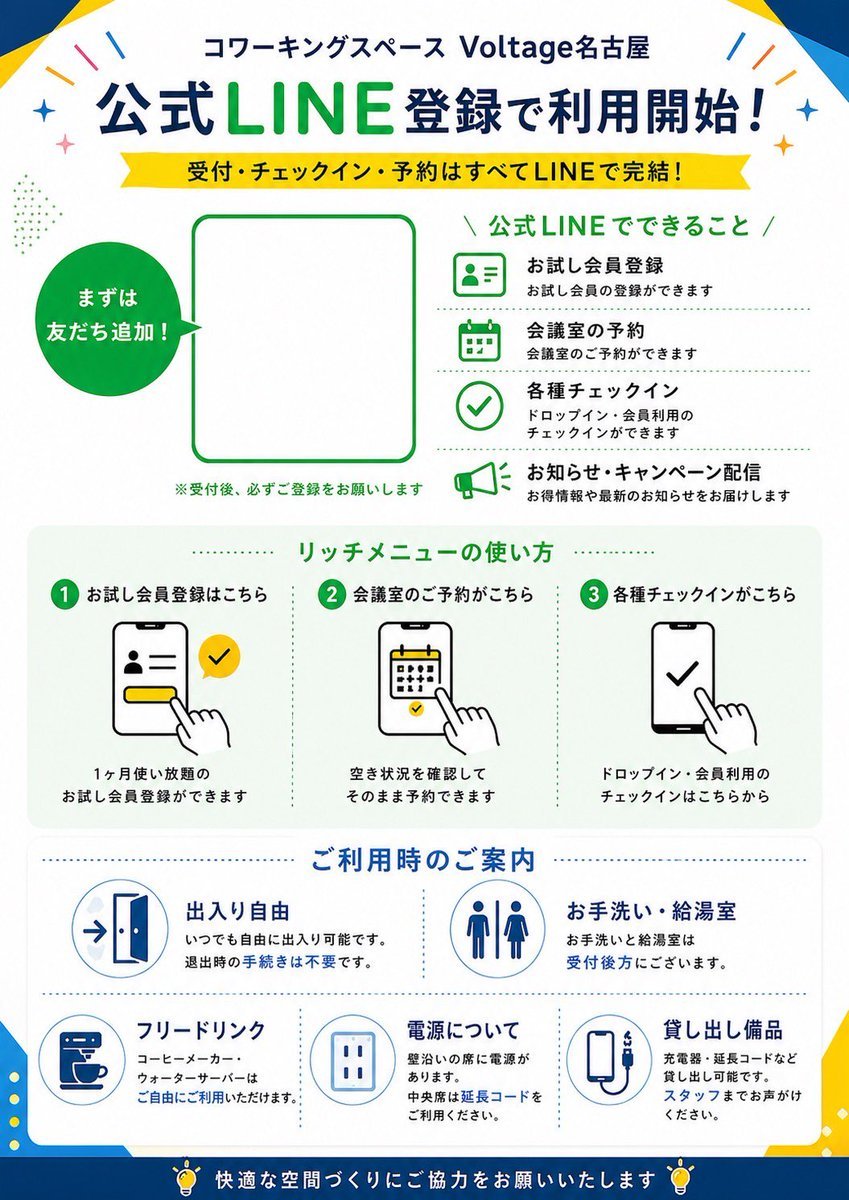
Japanese LINE Registration Poster
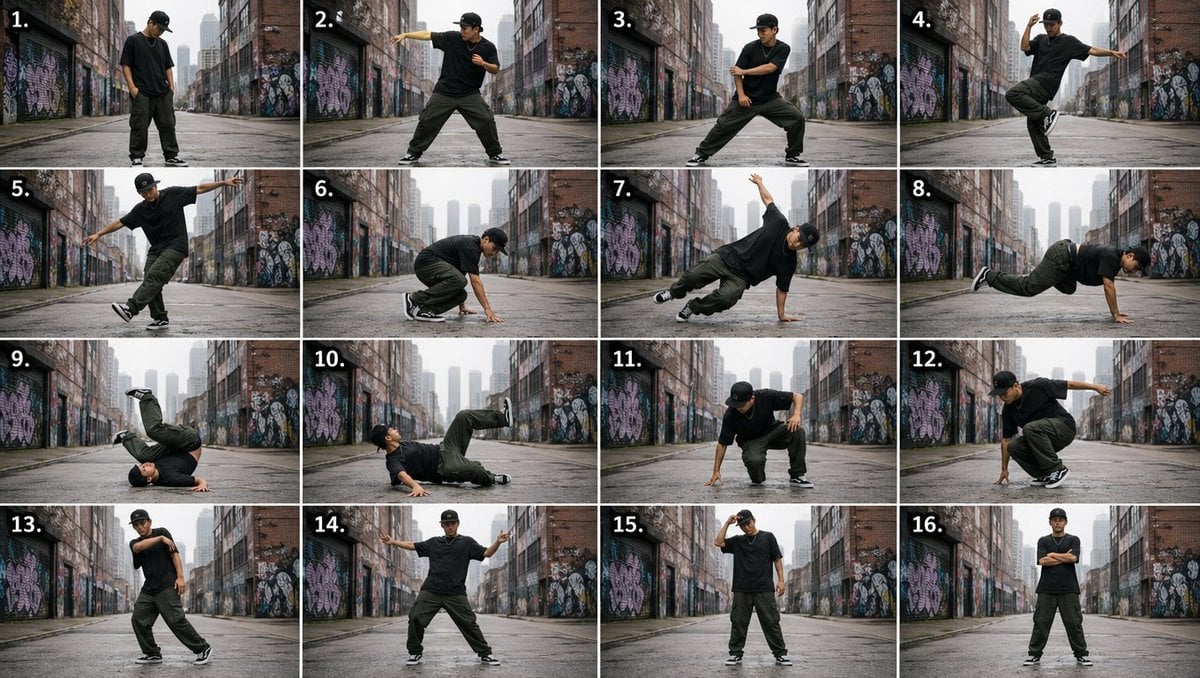
Urban Dancer Image Grid
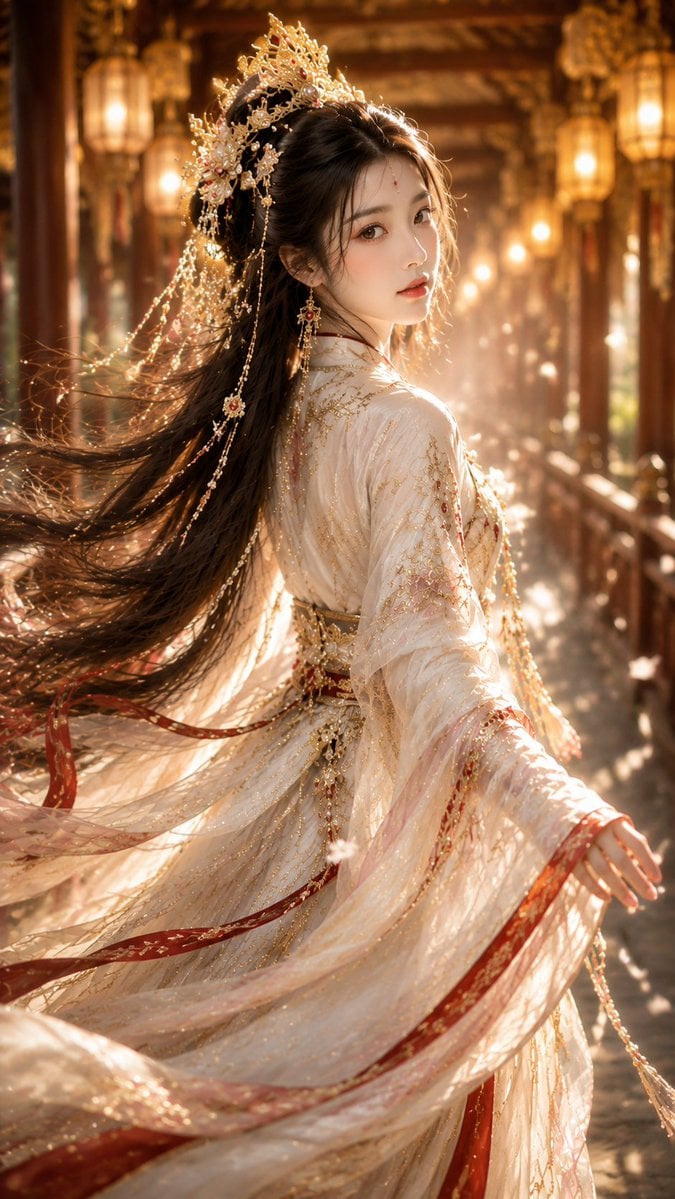
Ancient Chinese Fantasy Female Portrait
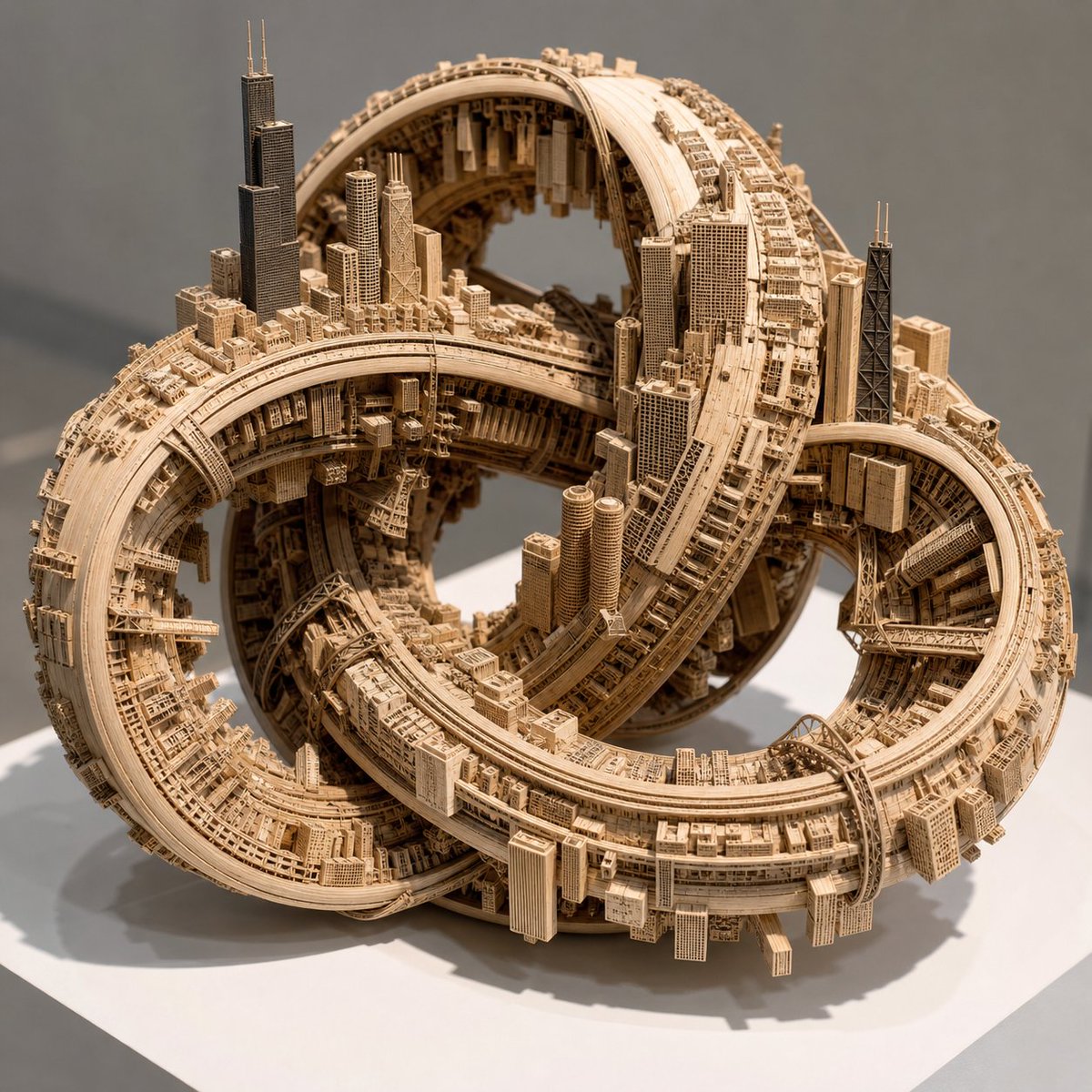
Impossible Wooden Chicago Knot City
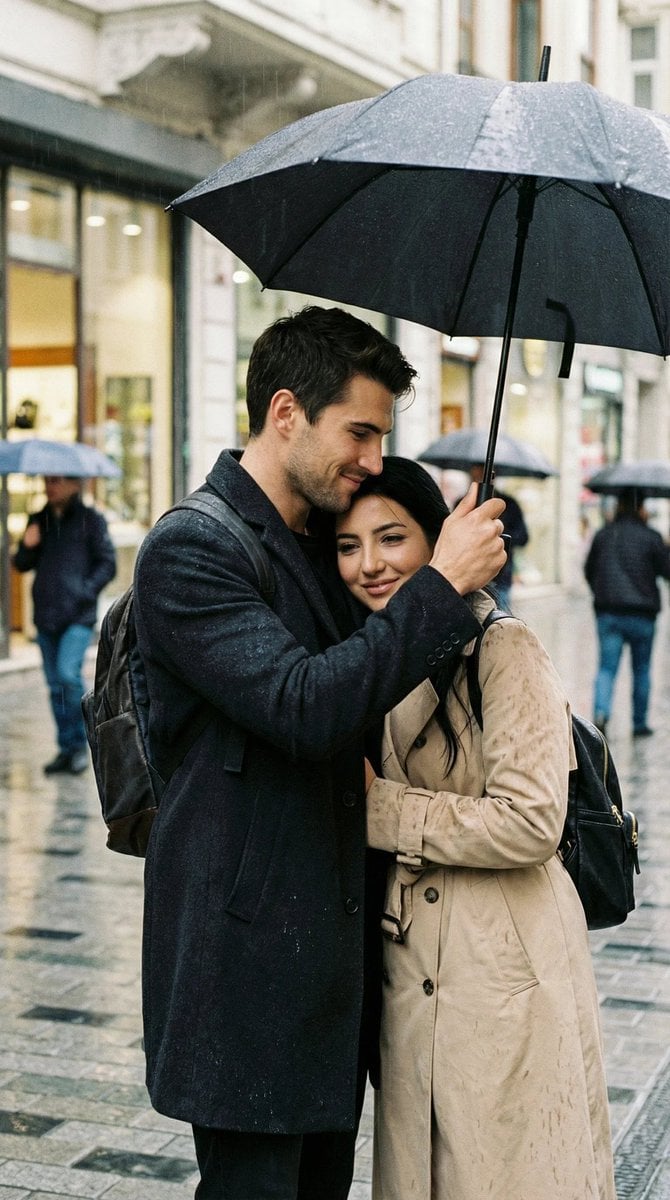
Photoreal Candid Street Romance in Istanbul Prompt
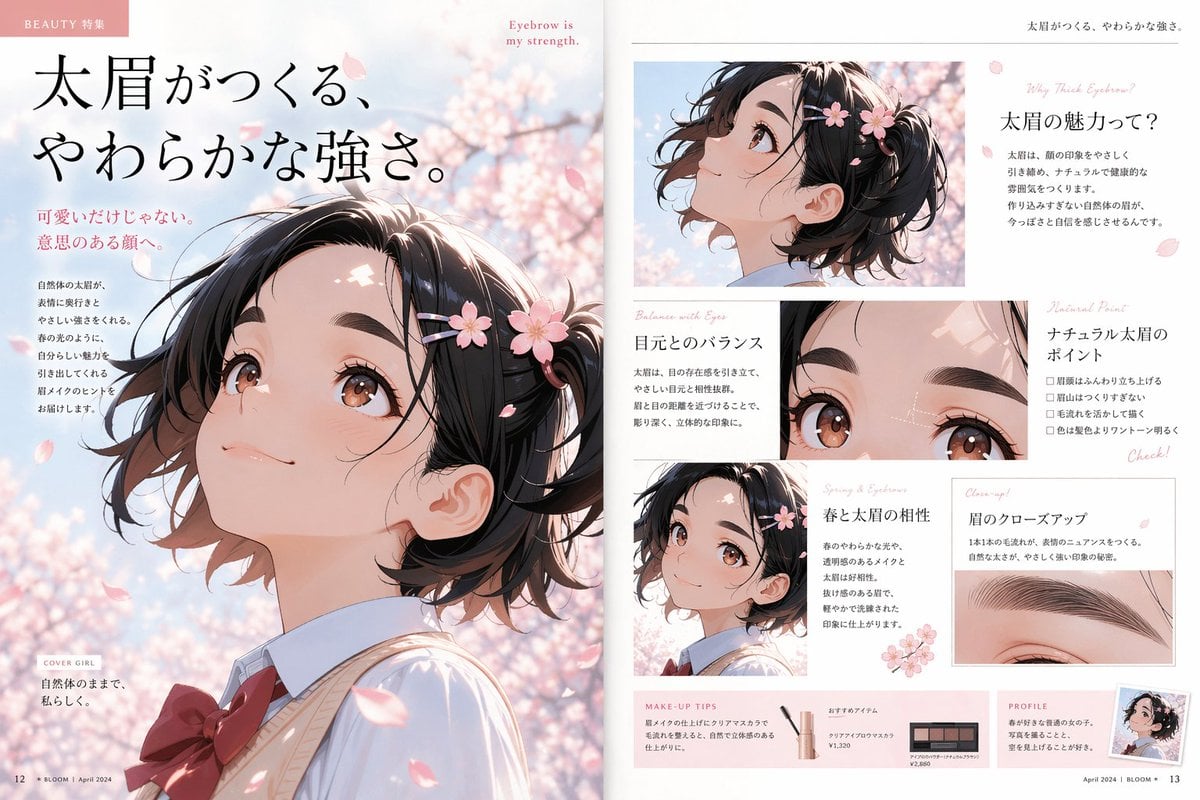
Anime Beauty Magazine Eyebrow Feature

Chaotic Shonen Manga Cover
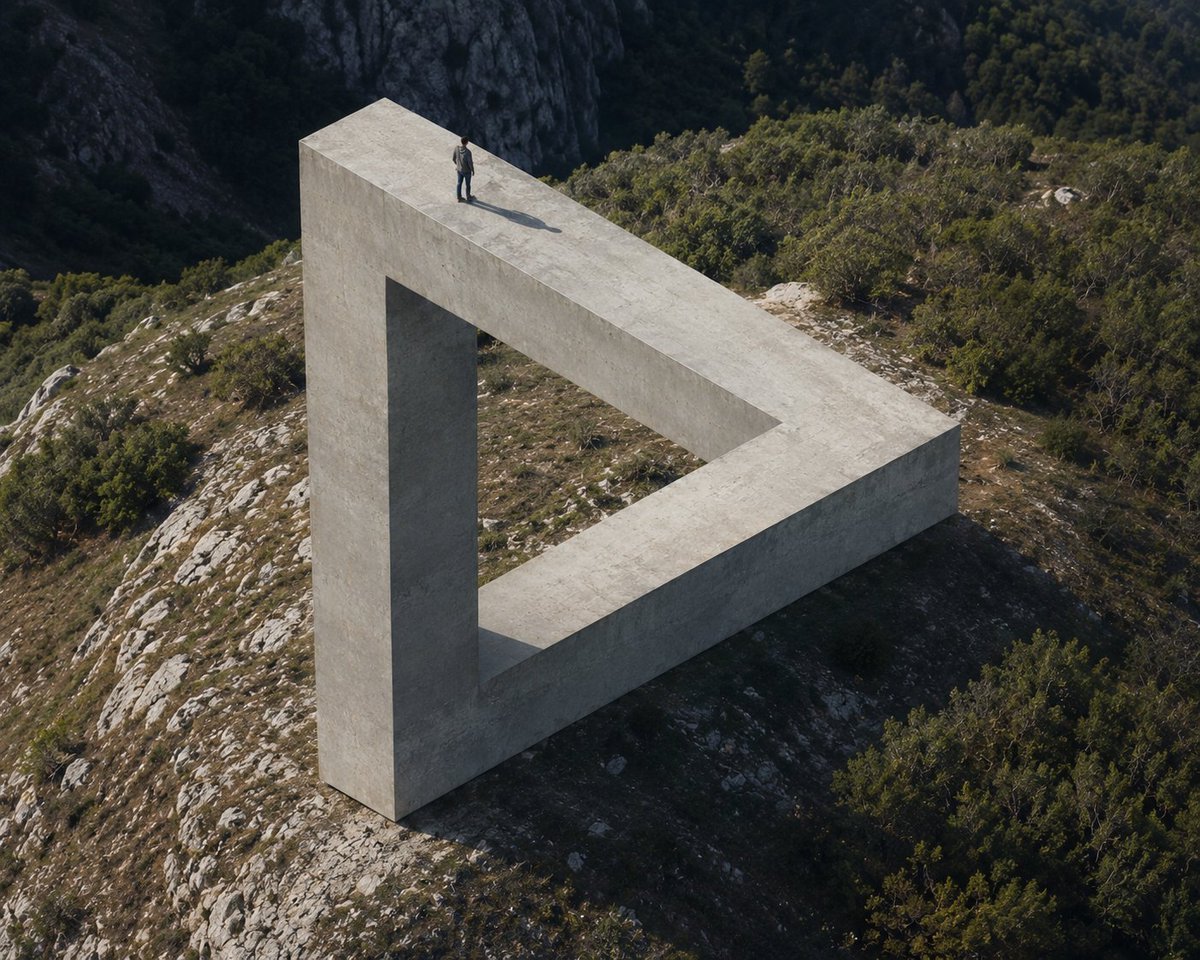
Penrose Impossible Triangle Structure
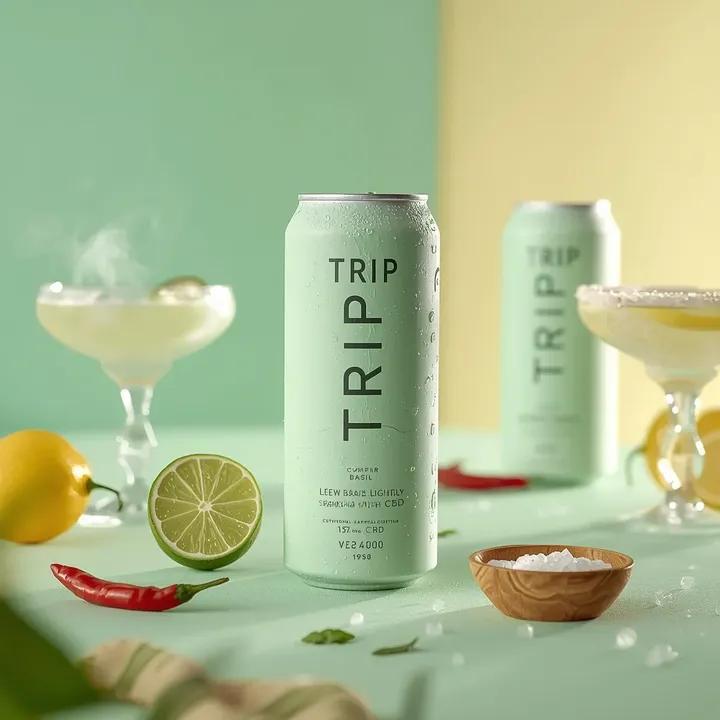
Ultra-Realistic Beverage Advertising Photography
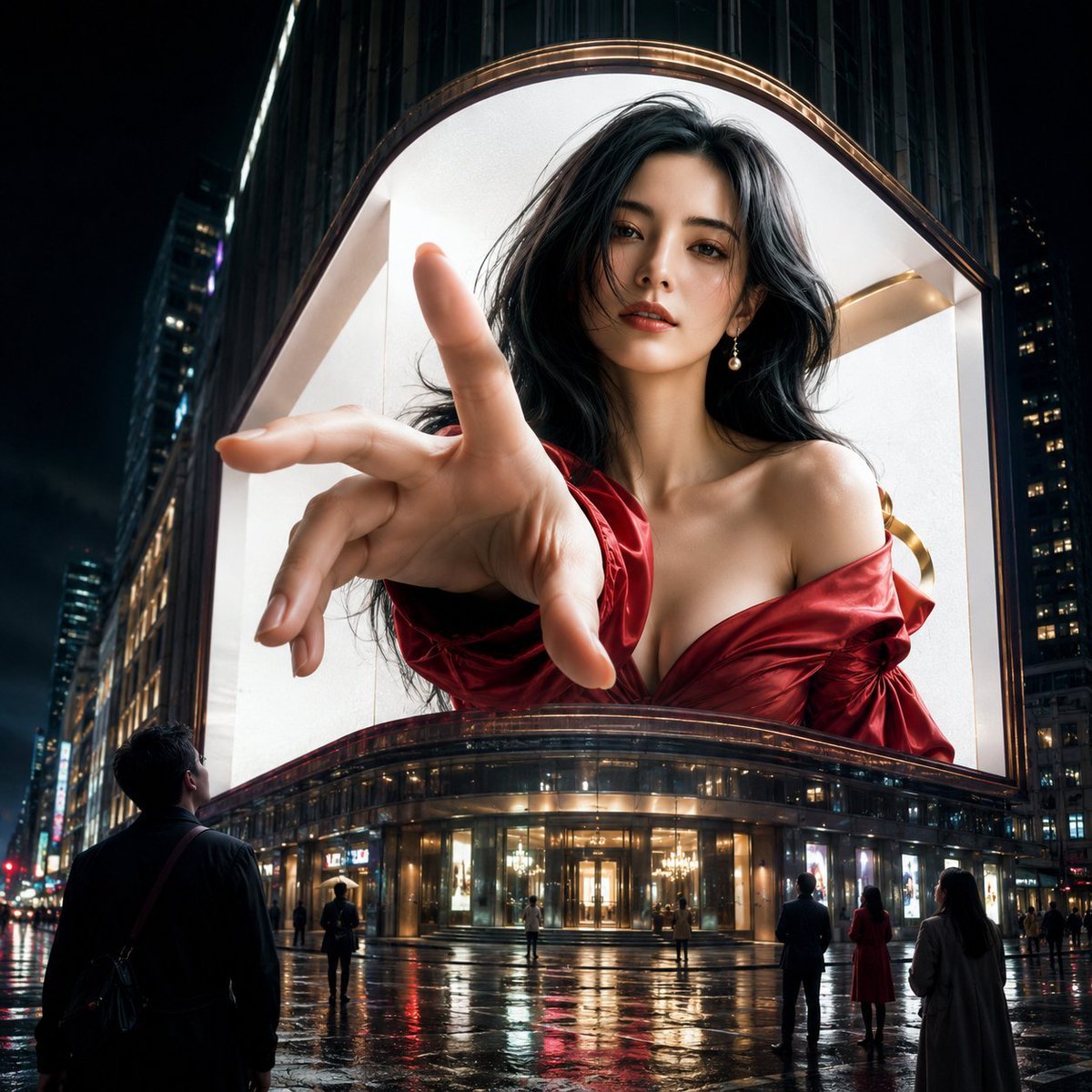
Anamorphic 3D Fashion Model Billboard
Browse template categories
Velvet Afterlight System Prompt questions
How do I use the Velvet Afterlight System Prompt template?
Add your photo if the template asks for one, edit the prompt if you like — the template's model and format are already selected — and press Generate. Your version opens in PicX Studio.
Can I customize the Velvet Afterlight System Prompt template?
Yes. You can change the subject, setting, lighting, mood, format, and available model controls before creating your image.
Is the Velvet Afterlight System Prompt template free?
Opening and editing this template is free. Generating uses credits, shown on the Generate button when you are signed in.
Which AI model should I use?
Start with Gemini 3 Pro Image Preview, which is the model associated with this template. You can compare another compatible model for a different finish.
Looking for something else? Browse all templates.

Your photo, any look
Thousands of ready templates for every top image and video model, from one credit balance.