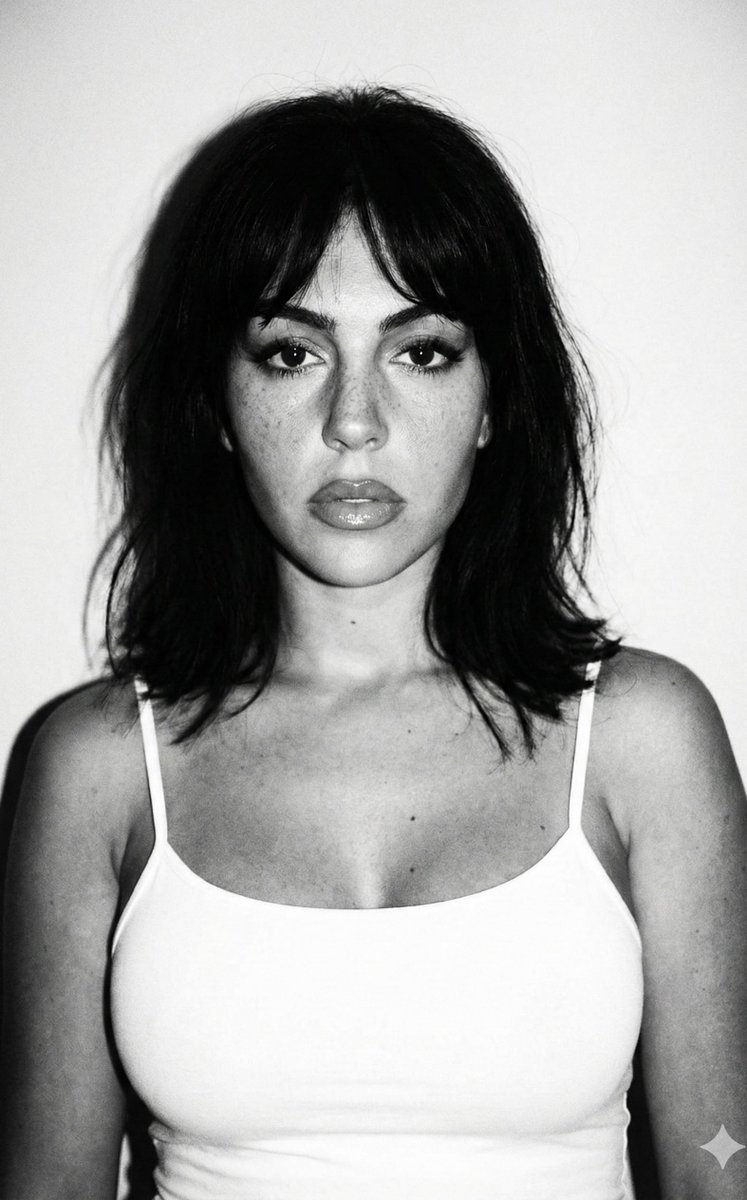
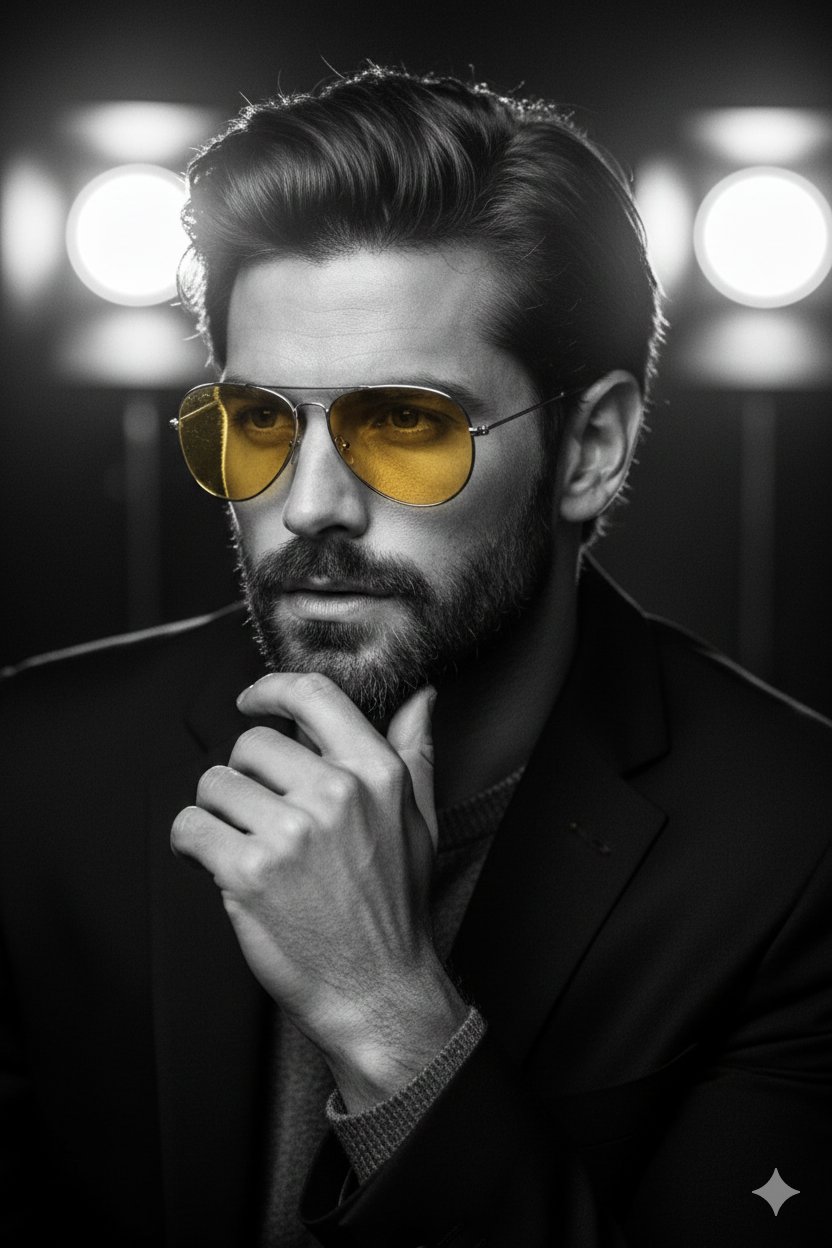
How do I use the Romantic Black and White Studio Portrait template?
Choose the primary action to open PicX Studio with the available template settings. Review the model and format, personalize the creative direction, and generate when ready.
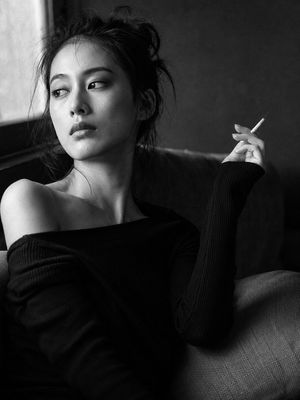
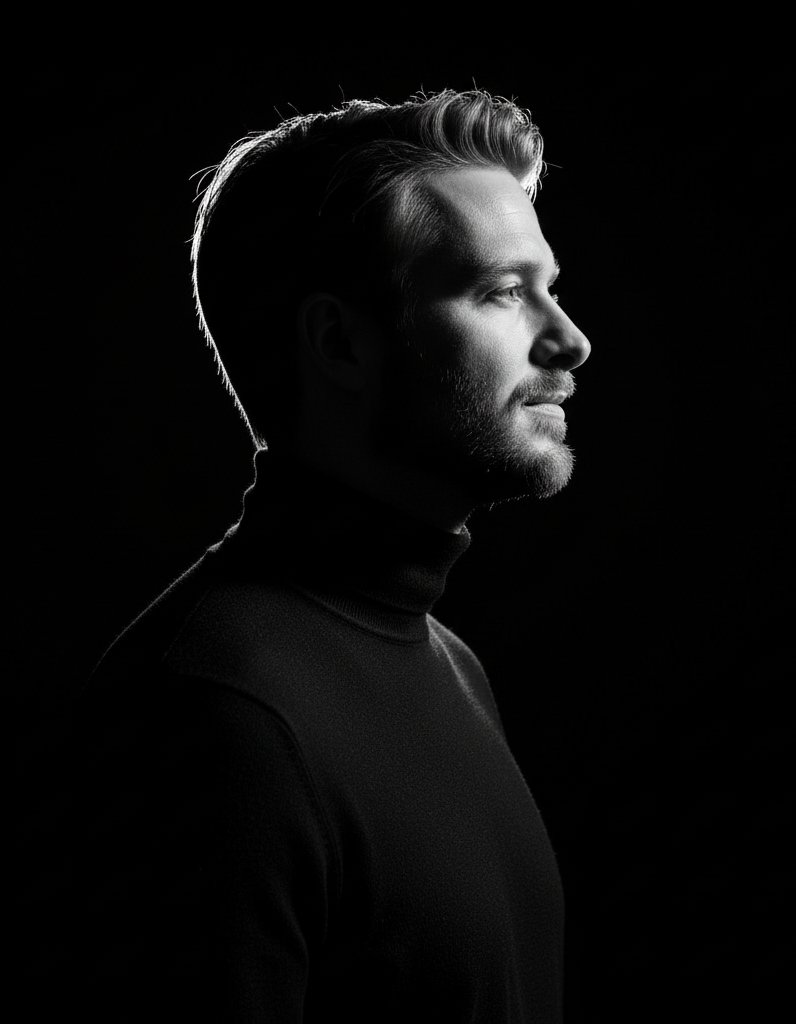
A romantic black-and-white studio portrait prompt for a couple, featuring dramatic lighting and a heart-shaped background effect.

Create a romantic black-and-white studio portrait of a real skinny, not medium weighed, couple standing in front of a wall with a {argument name="light shape" default="heart-shaped"} light projected behind them. The couple must maintain their real and original faces, preserving all authentic facial features and natural hair colors, with no changes. The man is leaning toward the woman, gently smelling her neck with a soft and loving expression, while holding her hand. The woman smiles slightly, with a romantic and affectionate look. Their outfits remain the same: the man wears a {argument name="men's outfit" default="plain fitted white t-shirt and light pants"}, while the woman wears a {argument name="women's outfit" default="sleeveless white top and dark jeans"}. The lighting is dramatic with strong contrast, highlighting the couple within the glowing heart shape. The image should be ultra-high resolution, with hyper-realistic details and a professional editorial photography style.
Choose the primary action to open PicX Studio with the available template settings. Review the model and format, personalize the creative direction, and generate when ready.
Yes. You can change the subject, setting, lighting, mood, format, and available model controls before creating your image.
This template is free to open and customize. Generation usage is shown in PicX Studio before you create.
Start with gemini-3-pro-image-preview, which is the model associated with this template. You can compare another compatible model for a different finish.
Follow a topic to a crawlable collection of related PicX Studio templates.