
Ultra-Detailed Cinematic Spring Portrait
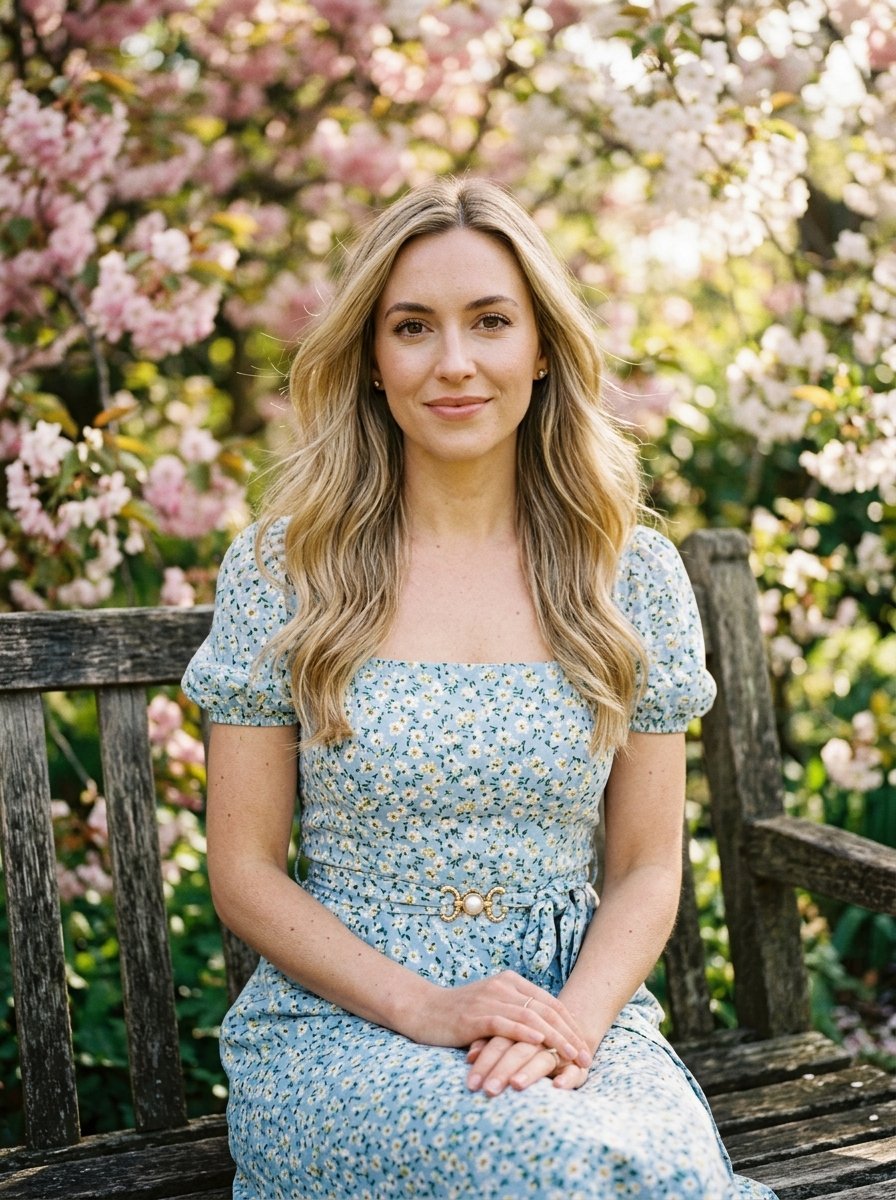
A highly specific prompt for generating consistent, realistic portraits of a woman in a park setting, featuring detailed identity and environment controls.
- Prompt included
- Model and format preset
- Free template
The prompt behind this image
Copy the exact prompt behind Ultra-Detailed Cinematic Spring Portrait, or open it in the studio and make it yours.
Create an ultra-detailed realistic 4K cinematic portrait of one young adult woman seated outdoors in a {argument name="location" default="spring park"}, preserving the same visible identity, facial structure, {argument name="hair color" default="blonde"} hair color, calm direct gaze, pose, {argument name="outfit" default="blue summer dress"}, wooden bench, blooming pink tree background, warm sunlight, shallow depth of field, and natural editorial photo style. SUBJECT LOCK: One young adult woman with a refined feminine appearance, fair warm skin tone, calm neutral expression, looking directly into the camera. Preserve the same elegant, relaxed presence and natural beauty, with realistic skin detail and no change to her visible identity. FACE / IDENTITY DETAILS: Preserve the same oval face shape, balanced facial proportions, softly defined cheekbones, straight nose, full natural lips, light-colored eyes, defined natural eyebrows, subtle natural makeup, smooth but realistic fair skin, small natural marks and pores, and composed camera-facing expression. Do not alter facial features. HAIR / HEAD DETAILS: Preserve the same blonde hair color exactly. Long glossy blonde hair, softly voluminous, slightly wavy and loosely curled, parted naturally with lift at the crown. A gentle wind moves loose strands and flyaways around the face and shoulders while keeping the same hairstyle and color. BODY / PROPORTION DETAILS: Slender young adult proportions, seated posture, shoulders relaxed, upper body turned slightly toward the camera. Arms rest naturally downward with hands placed together on the lap. Preserve natural anatomy and realistic limb proportions. POSE / GESTURE LOCK: She sits on the edge of a weathered wooden park bench, facing forward with a slight body angle, looking directly into the lens. Hands are folded neatly on her lap, fingers visible, nails in a clean French manicure. Pose remains elegant, still, and relaxed. OUTFIT / ACCESSORY LOCK: blue summer dress with a soft square neckline, fitted bodice, airy skirt, and semi-transparent organza bows tied on both shoulders. Lightweight fabric with delicate translucency at the edges, soft folds, and realistic cloth texture. No jewelry or extra accessories unless naturally subtle. SCENE / BACKGROUND LOCK: Outdoor park setting in spring, near a blooming tree filled with pale pink flowers. Weathered wooden bench with visible grain and aged texture. Background includes tree branches, blossoms, greenery, warm sunlit garden depth, and soft natural bokeh. COMPOSITION / CAMERA LOCK: Vertical portrait composition, medium seated framing from head to knees, subject centered slightly forward on the bench. Camera at approximately eye level with a natural portrait lens feel, shallow depth of field, softly blurred floral background, realistic perspective, and intimate editorial framing. LIGHTING LOCK: Warm natural sunlight from behind and slightly above, creating soft rim light on blonde hair, gentle highlights on face, shoulders, arms, and dress, with natural shadows and glow
How to use Ultra-Detailed Cinematic Spring Portrait in 3 steps
- 1
Open
The prompt is already in the box next to the preview, with the template's model and format selected.
- 2…a portrait of your subject in softgolden-hour light, 85mm…
Personalize
Edit the subject and creative details for your destination.
- 3Generate
Generate
Press Generate — your image is created in PicX Studio, so you can compare it with the original and refine one variable at a time.
More like this
Templates with the same subject, style or setup. Open one to see its prompt.
Candid Spring Selfie with Motion Blur

Nano Banana Pro Photoreal Playful Couple

Underwater Macro Face Portrait

Noir Punk Street Portrait

High Contrast Cinematic Face Portrait

Monochrome Studio Portrait with Colored Lens

Ultra-Realistic Yacht Sunset Portrait

Found Photograph: Us, 1970

80s Couple Studio Portrait

80s Bollywood Star

80s Golden Hour Cinema

Me in 1985
Make it yours
Ultra-Detailed Cinematic Spring Portrait works as-is. These are the safest ways to change it without losing the look.
Change one field
Copy a single group, rewrite it, and generate again so you can see what that field is doing.
Keep the frame, change the subject
Hold the composition and light of Ultra-Detailed Cinematic Spring Portrait, then swap wardrobe, props or the person for a new take.
| If the result… | Why | Fix |
|---|---|---|
| The result drifts from the preview | Too many fields changed at once. | Reuse Ultra-Detailed Cinematic Spring Portrait as-is first, then change one group — subject, light, or setting. |
| The model over-stylizes the scene | The prose prompt leaves finish and camera underspecified. | Add one camera or lighting sentence and stay on Gemini 3 Pro Image Preview. |
More Gemini 3 Pro Image Preview templates
Other prompts made for Gemini 3 Pro Image Preview.

Mushroom Still Life Composition

Whimsical Anthropomorphic Friendly Insect

Cinematic Urban Night Billboard Portrait

Pop Art Summer Fruit Fashion Illustration

Ultra-Realistic iPhone Selfie with Motion Blur

Cinematic Mirror Reflection Portrait

Elegant Men's Twilight Editorial

Coastal Freedom Sunset Portrait

Ergonomic Office Chair E-commerce Mobile Detail Page

Macro Guitar Fret Dressing
More image prompts
Fresh picks from across the catalog.
Ancient Painting to Real Scene Photo
Ultra-Realistic Close-Up Portrait
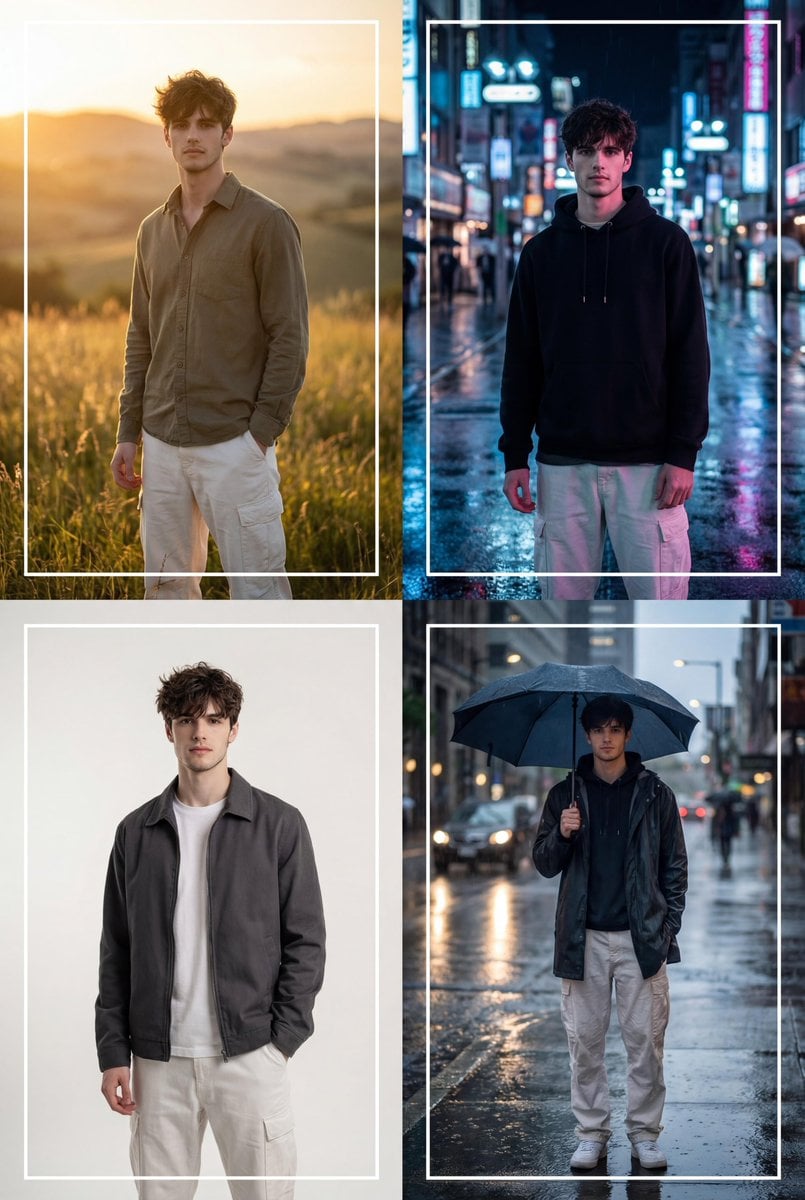
Cinematic 2x2 Grid Portrait with Consistent Identity

untitled
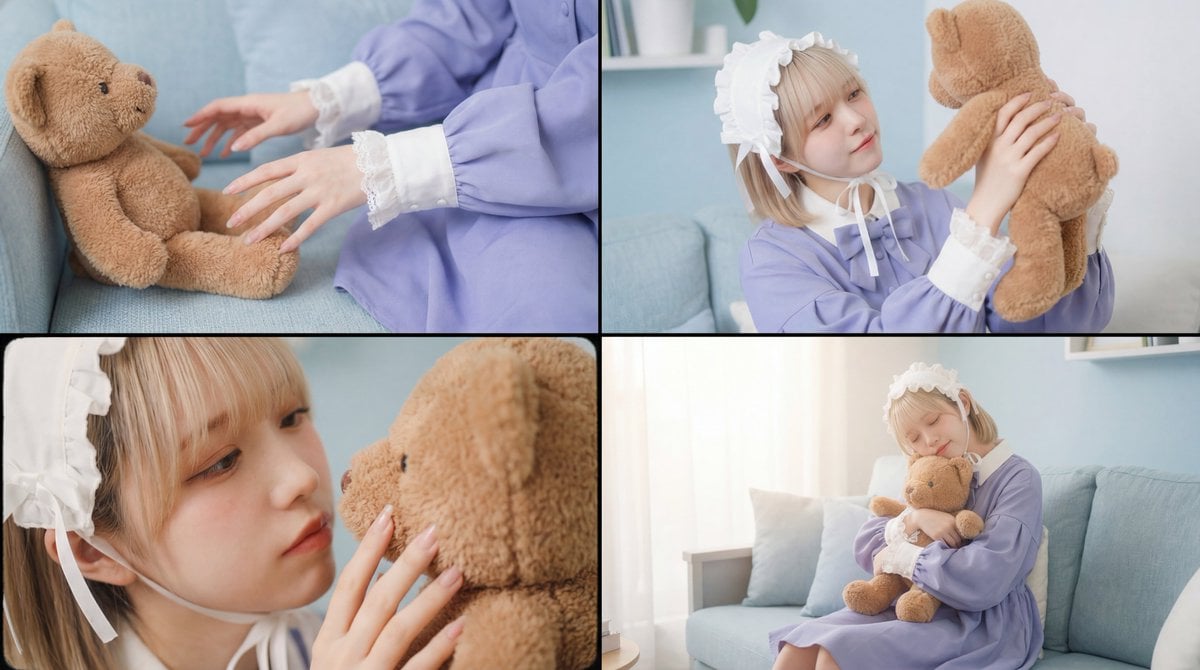
Warm, Nostalgic Cinematic Video of a Woman with a Teddy Bear
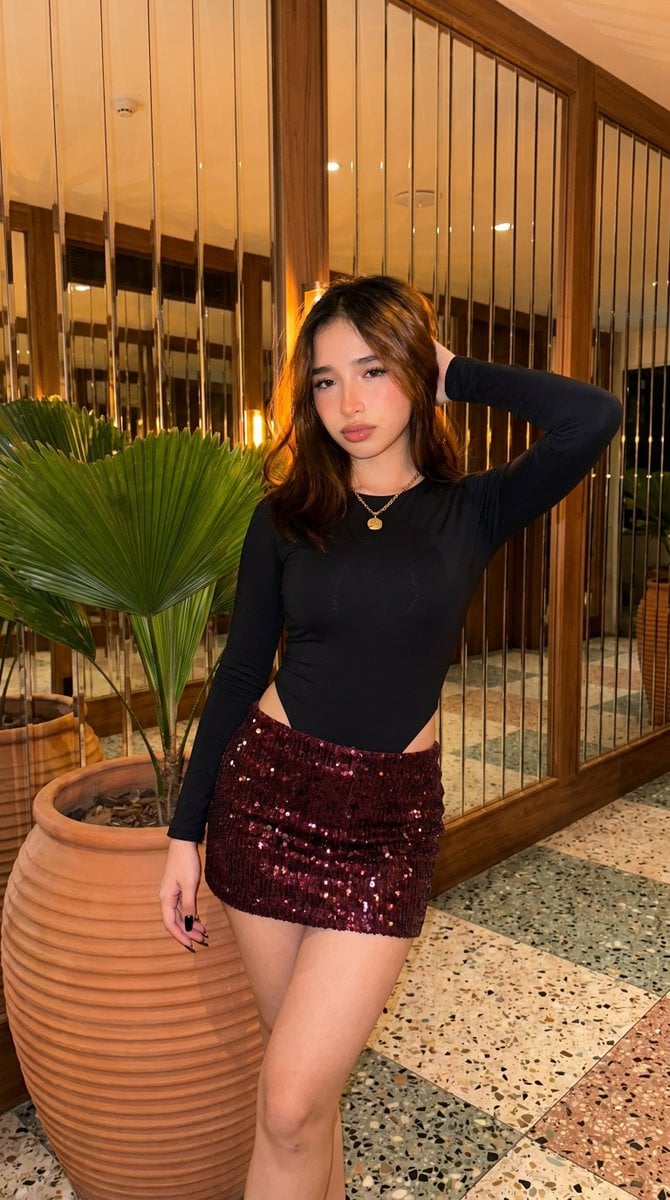
High-Fidelity Fashion Photography Prompt
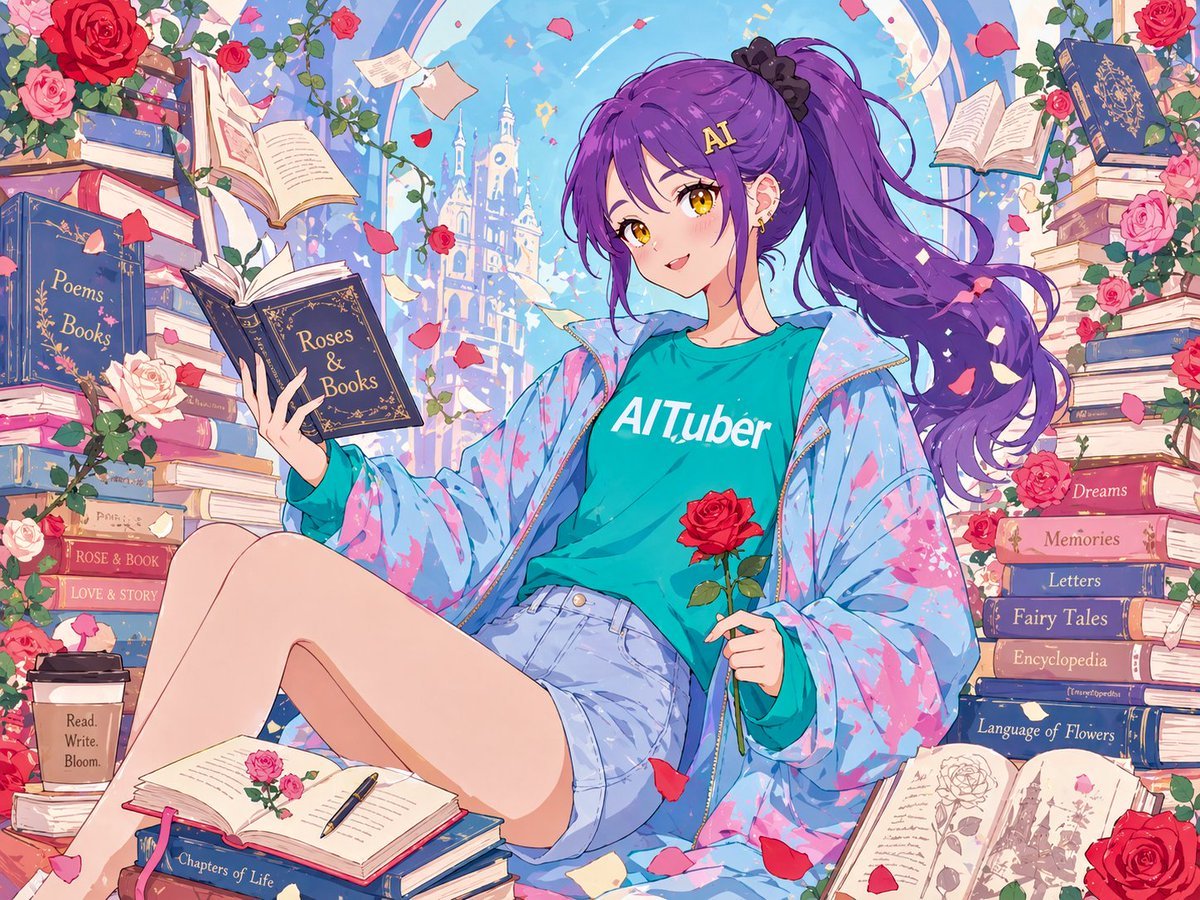
Anime Roses and Books End Card
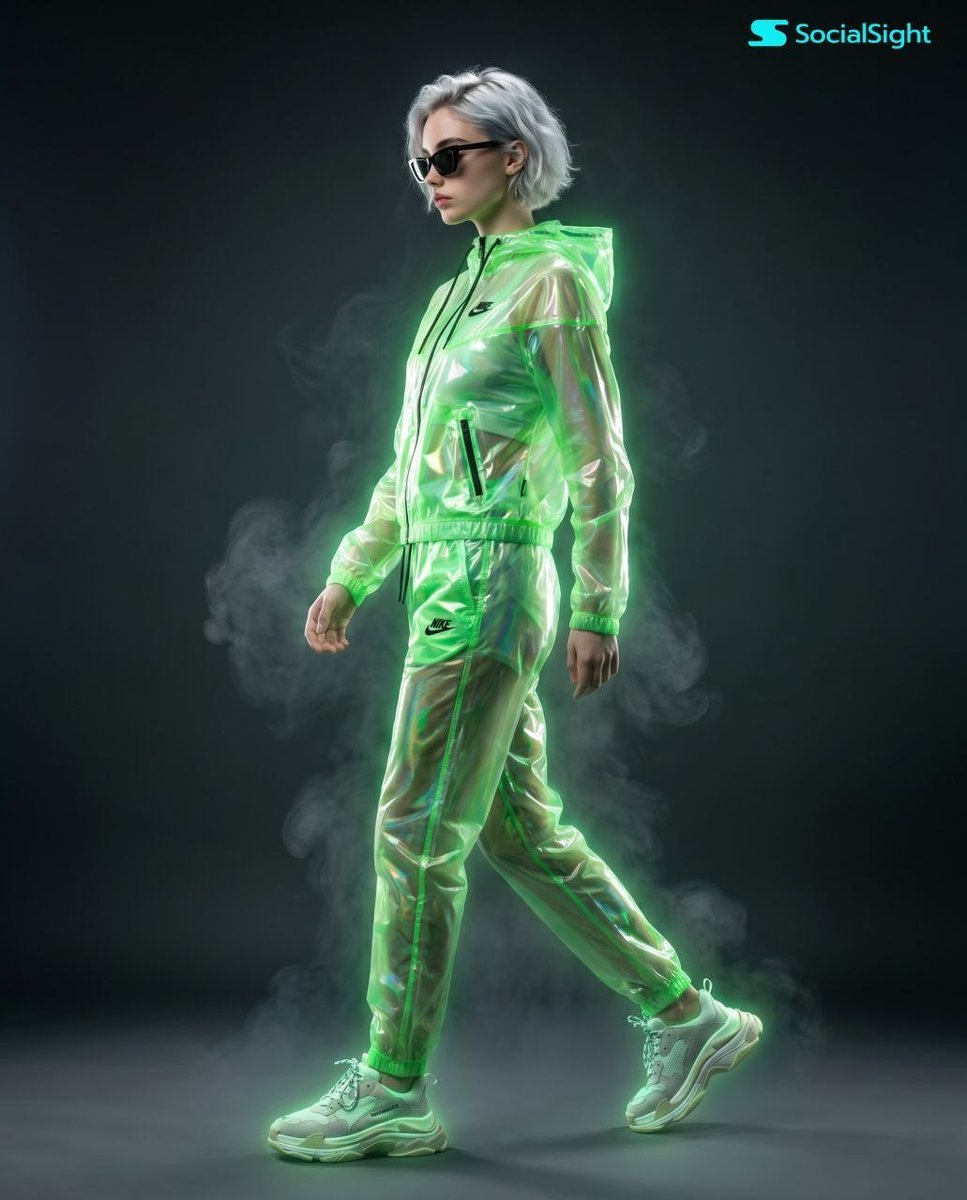
Cyberpunk Futuristic Fashion Editorial
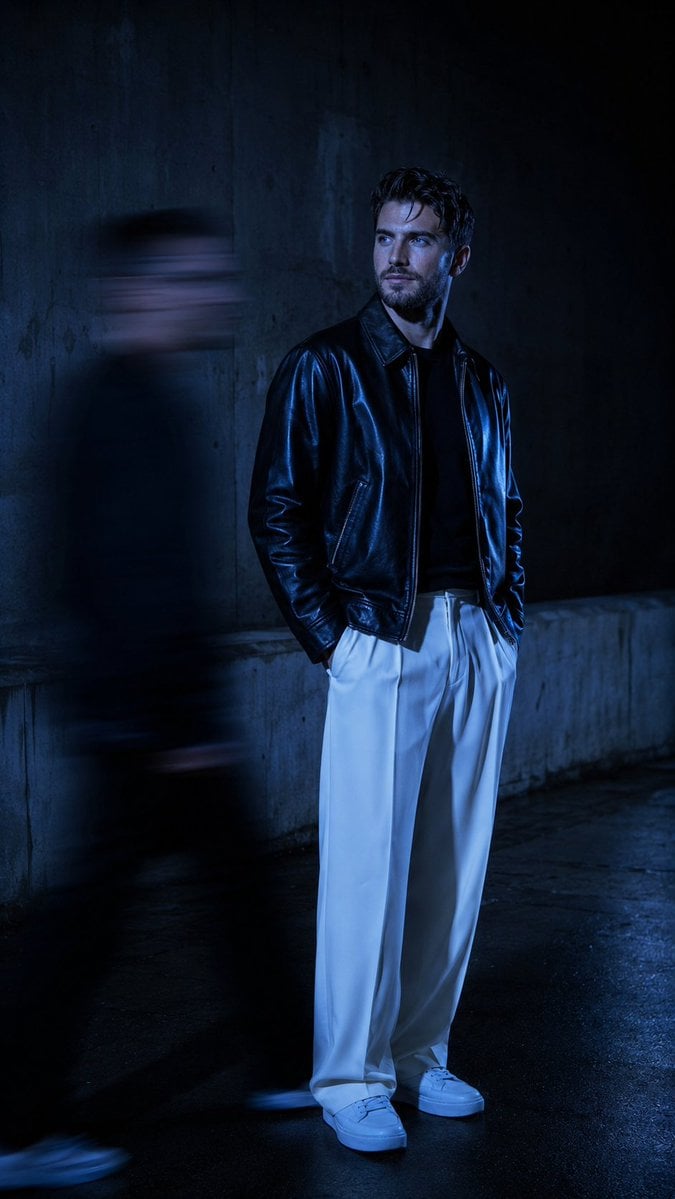
Urban Alley Night Portrait with Motion Blur
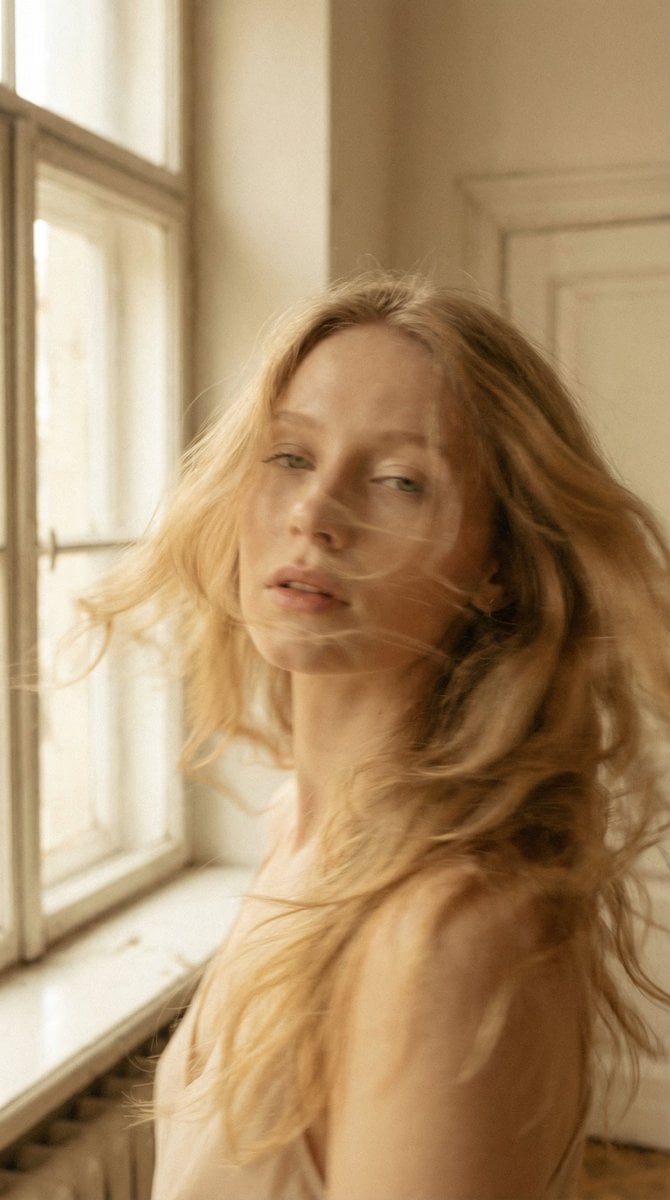
Soft Cinematic Portrait with Motion Blur
Browse template categories
Ultra-Detailed Cinematic Spring Portrait questions
How do I use the Ultra-Detailed Cinematic Spring Portrait template?
Add your photo if the template asks for one, edit the prompt if you like — the template's model and format are already selected — and press Generate. Your version opens in PicX Studio.
Can I customize the Ultra-Detailed Cinematic Spring Portrait template?
Yes. You can change the subject, setting, lighting, mood, format, and available model controls before creating your image.
Is the Ultra-Detailed Cinematic Spring Portrait template free?
Opening and editing this template is free. Generating uses credits, shown on the Generate button when you are signed in.
Which AI model should I use?
Start with Gemini 3 Pro Image Preview, which is the model associated with this template. You can compare another compatible model for a different finish.
Looking for something else? Browse all templates.

Your photo, any look
Thousands of ready templates for every top image and video model, from one credit balance.