
Golden-Blonde Garden Portrait
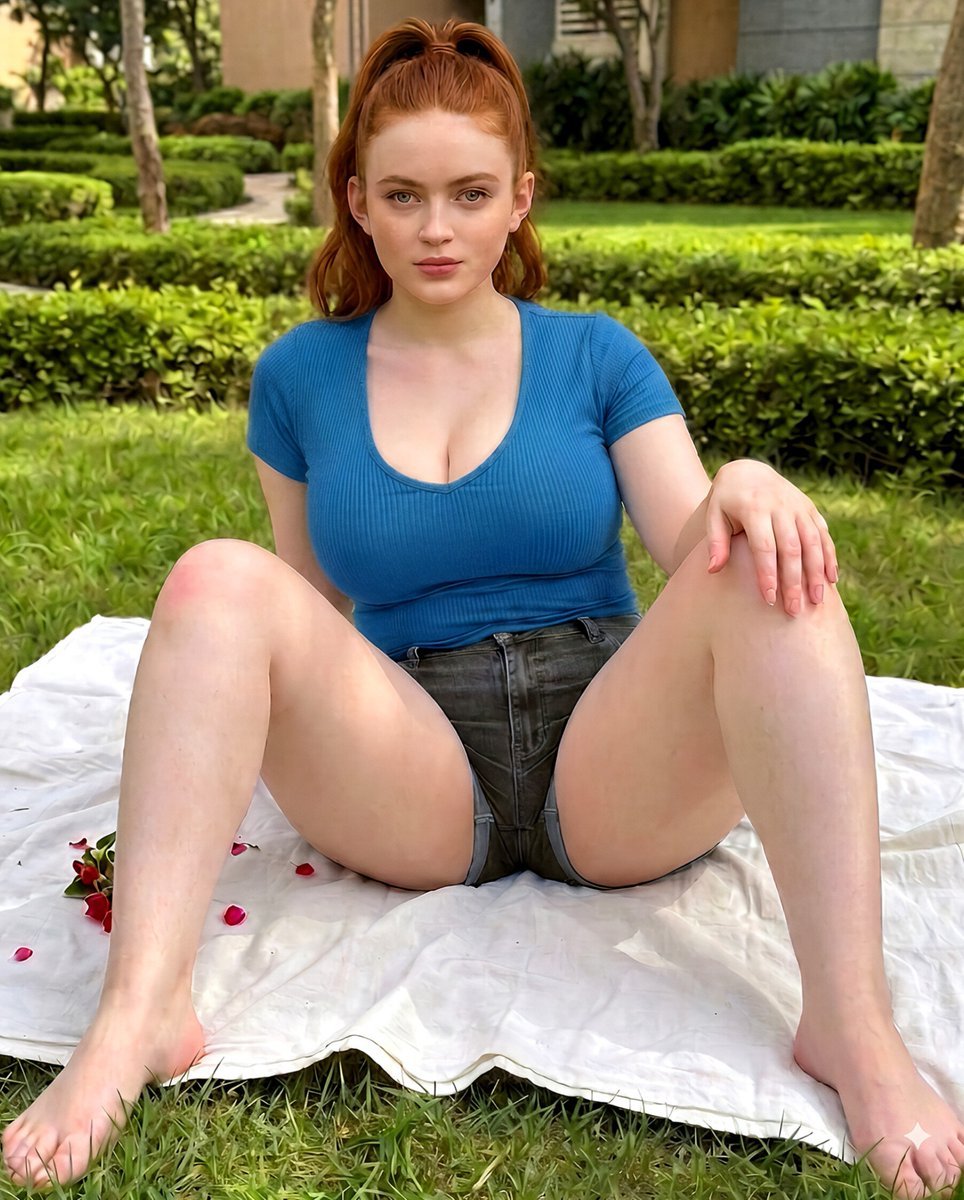
A photorealistic portrait of a blonde woman relaxing on a picnic blanket in a peaceful residential courtyard.
- Prompt included
- Model and format preset
- Free template
The prompt behind this image
Copy the exact prompt behind Golden-Blonde Garden Portrait, or open it in the studio and make it yours.
A photorealistic outdoor lifestyle portrait of a young woman with fair skin, {argument name="hair color" default="long golden-blonde hair"} gathered into a high ponytail, with softly textured strands falling over one shoulder. She has neatly shaped eyebrows, light-colored eyes, subtle natural makeup, and a composed, confident expression while looking directly toward the camera. She is seated comfortably on a clean {argument name="accessory" default="white picnic blanket"} placed on a well-maintained lawn, with both hands resting naturally on the blanket and her posture relaxed and balanced.\n\nShe is wearing a fitted dusty-pink short-sleeve top with a modest rounded neckline and high-waisted blue denim shorts with subtle distressed detailing. Add simple understated accessories such as small earrings and a delicate bracelet, keeping the overall styling casual, polished, and contemporary.\n\nThe setting is a beautifully landscaped {argument name="setting" default="garden or residential courtyard"} with freshly trimmed hedges, mature green trees, ornamental plants, and a modern building softly visible in the background. Place a small arrangement of fresh red rose petals on one side of the white blanket for a tasteful decorative detail. Use bright natural daylight filtered through surrounding trees, producing soft highlights, gentle shadows, and realistic greenery. Create a fresh, peaceful summer atmosphere with natural depth and dimensionality.\n\nPhotographed with an 85mm portrait lens at eye level, shallow depth of field, realistic perspective, crisp facial focus, softly blurred background, natural skin texture, detailed hair strands, realistic fabric texture, accurate anatomy, high dynamic range, subtle cinematic color grading, balanced exposure, warm natural tones, professional outdoor lifestyle photography, ultra-detailed photorealistic finish, high resolution, vertical portrait composition, no celebrity likeness, no text, no watermark.
How to use Golden-Blonde Garden Portrait in 3 steps
- 1
Open
The prompt is already in the box next to the preview, with the template's model and format selected.
- 2…a portrait of your subject in softgolden-hour light, 85mm…
Personalize
Edit the subject and creative details for your destination.
- 3Generate
Generate
Press Generate — your image is created in PicX Studio, so you can compare it with the original and refine one variable at a time.
More like this
Templates with the same subject, style or setup. Open one to see its prompt.
Athletic Blonde Curly Hair Portrait

80s Golden Hour Cinema

Rooftop Fisheye — Cat-Ear Balaclava at Golden Hour

Nano Banana Pro Photoreal Playful Couple

Underwater Macro Face Portrait

Noir Punk Street Portrait

High Contrast Cinematic Face Portrait

Monochrome Studio Portrait with Colored Lens

Ultra-Realistic Yacht Sunset Portrait

Cinematic Golden Hour Garden Portrait

Found Photograph: Us, 1970

80s Couple Studio Portrait
Make it yours
Golden-Blonde Garden Portrait works as-is. These are the safest ways to change it without losing the look.
Change one field
Copy a single group, rewrite it, and generate again so you can see what that field is doing.
Keep the frame, change the subject
Hold the composition and light of Golden-Blonde Garden Portrait, then swap wardrobe, props or the person for a new take.
| If the result… | Why | Fix |
|---|---|---|
| The result drifts from the preview | Too many fields changed at once. | Reuse Golden-Blonde Garden Portrait as-is first, then change one group — subject, light, or setting. |
| The model over-stylizes the scene | The prose prompt leaves finish and camera underspecified. | Add one camera or lighting sentence and stay on Gemini 3 Pro Image Preview. |
More Gemini 3 Pro Image Preview templates
Other prompts made for Gemini 3 Pro Image Preview.

Mushroom Still Life Composition

Whimsical Anthropomorphic Friendly Insect

Cinematic Urban Night Billboard Portrait

Pop Art Summer Fruit Fashion Illustration

Ultra-Realistic iPhone Selfie with Motion Blur

Cinematic Mirror Reflection Portrait

Elegant Men's Twilight Editorial

Coastal Freedom Sunset Portrait

Ergonomic Office Chair E-commerce Mobile Detail Page

Macro Guitar Fret Dressing
More image prompts
Fresh picks from across the catalog.
Cinematic horror sequence from base image
ChatGPT Apple Generation Screenshot

Dramatic Cinematic Portrait of a Rugged Young Man

Profile URL to Magazine Infographic Prompt
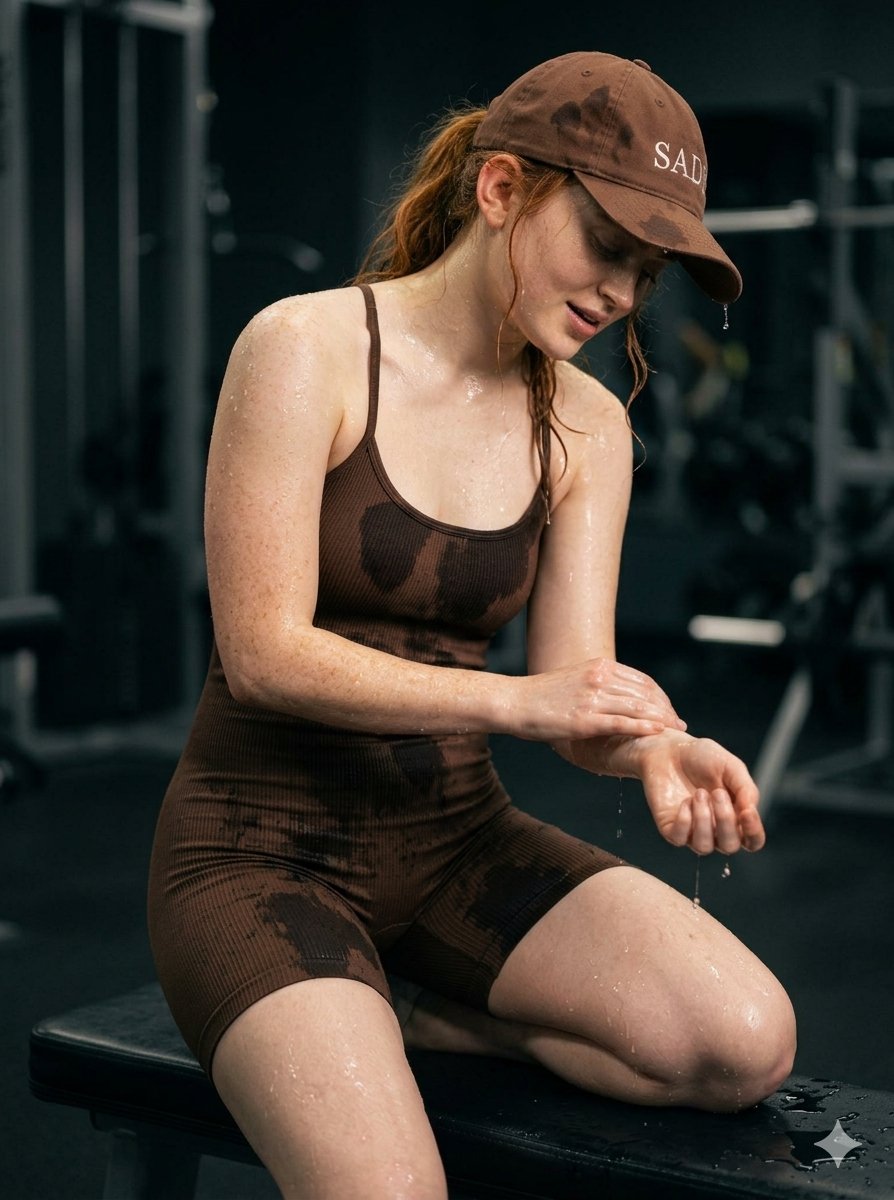
Structured Prompt for Woman Posing in a Gym

Cinematic Teal Goblin Warrior
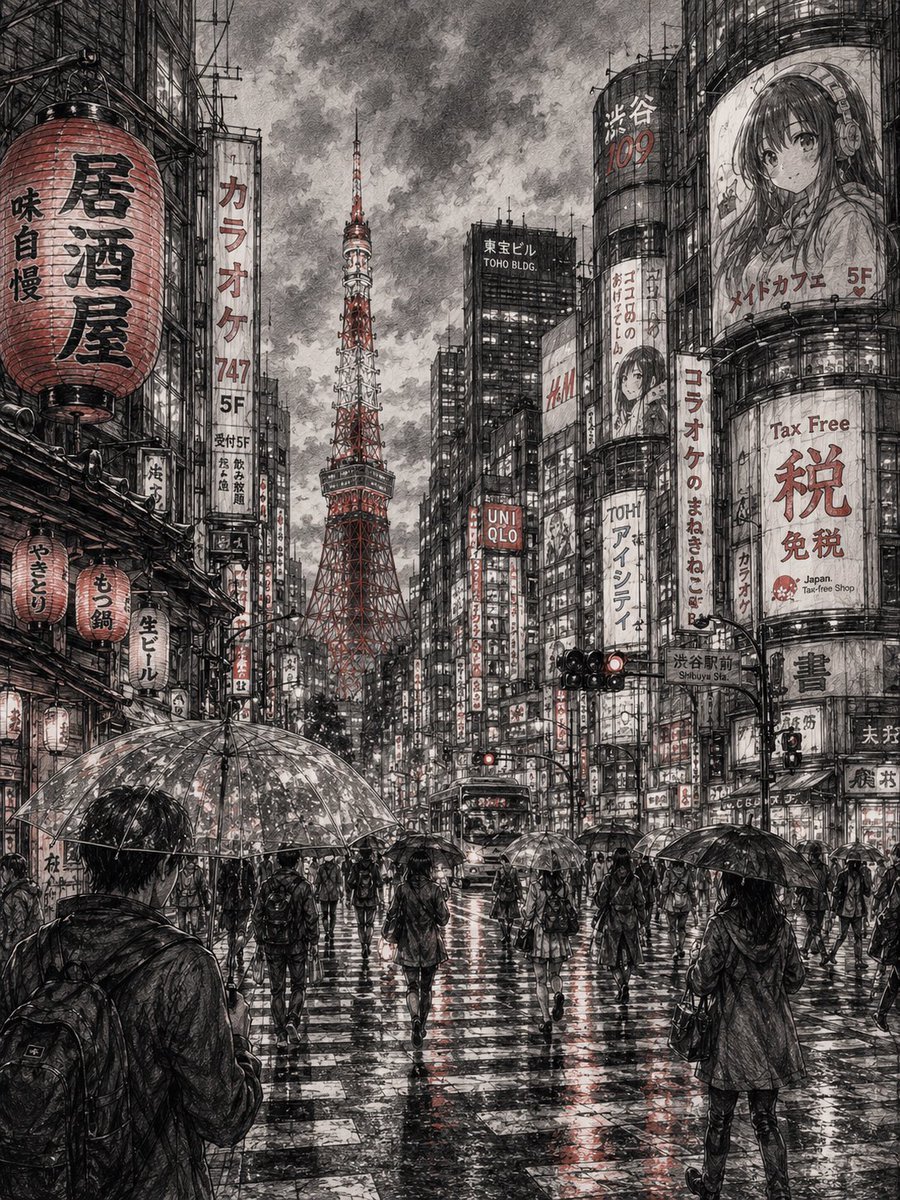
Detailed Cityscape Pencil Sketch

High-End Streetwear Campaign Poster
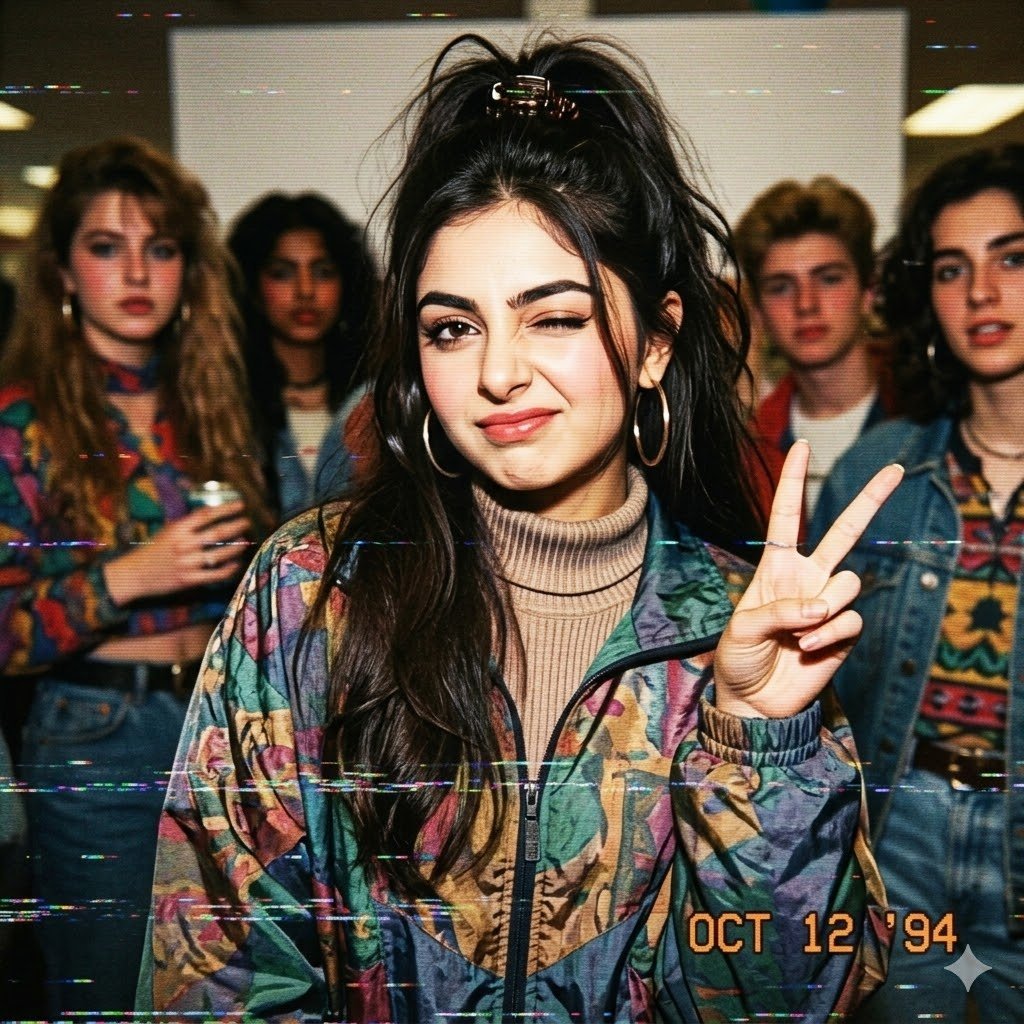
VHS 90s Mall Teen Group Portrait
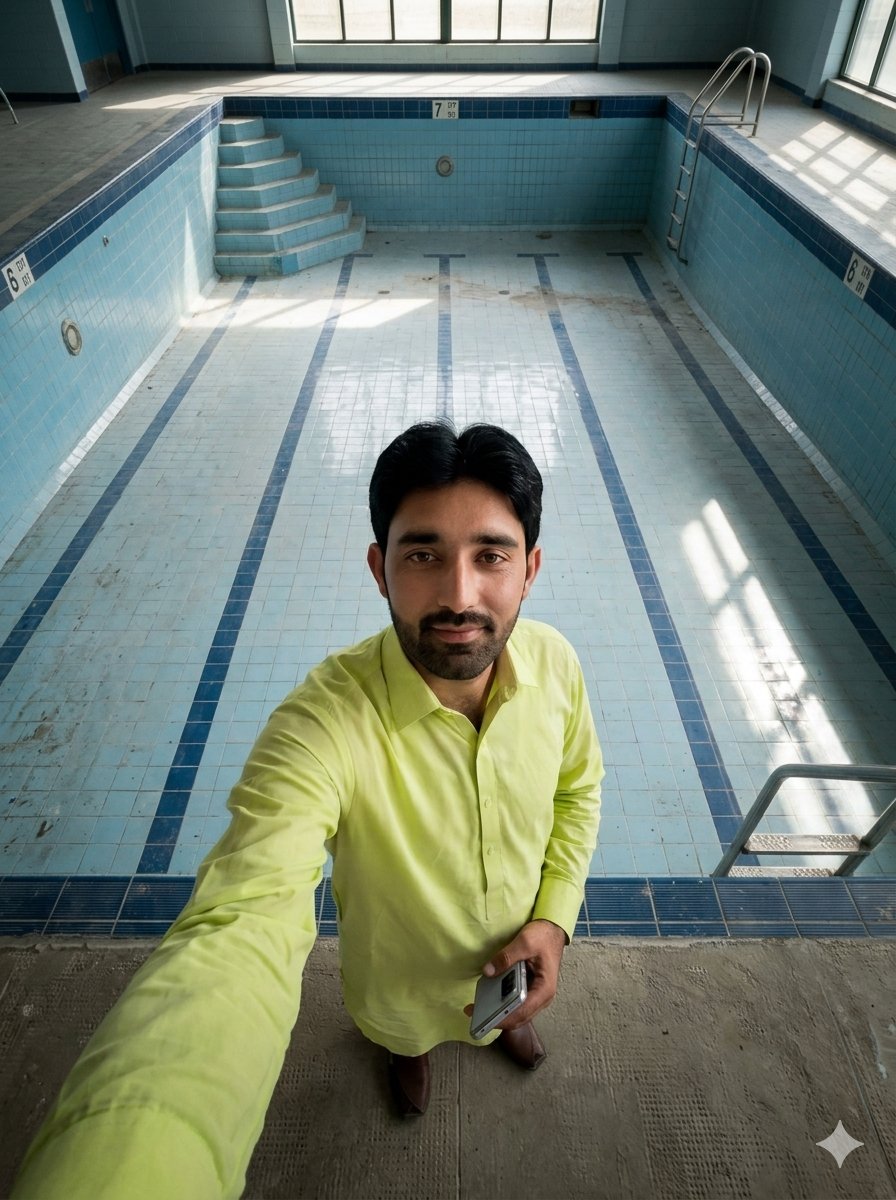
Top-Down Selfie in Empty Indoor Pool
Browse template categories
Golden-Blonde Garden Portrait questions
How do I use the Golden-Blonde Garden Portrait template?
Add your photo if the template asks for one, edit the prompt if you like — the template's model and format are already selected — and press Generate. Your version opens in PicX Studio.
Can I customize the Golden-Blonde Garden Portrait template?
Yes. You can change the subject, setting, lighting, mood, format, and available model controls before creating your image.
Is the Golden-Blonde Garden Portrait template free?
Opening and editing this template is free. Generating uses credits, shown on the Generate button when you are signed in.
Which AI model should I use?
Start with Gemini 3 Pro Image Preview, which is the model associated with this template. You can compare another compatible model for a different finish.
Looking for something else? Browse all templates.

Your photo, any look
Thousands of ready templates for every top image and video model, from one credit balance.