
Elegant Mirror Selfie with Parrot
A sophisticated interior mirror-selfie prompt featuring a woman in a yellow dress with a small parrot perched on her head.
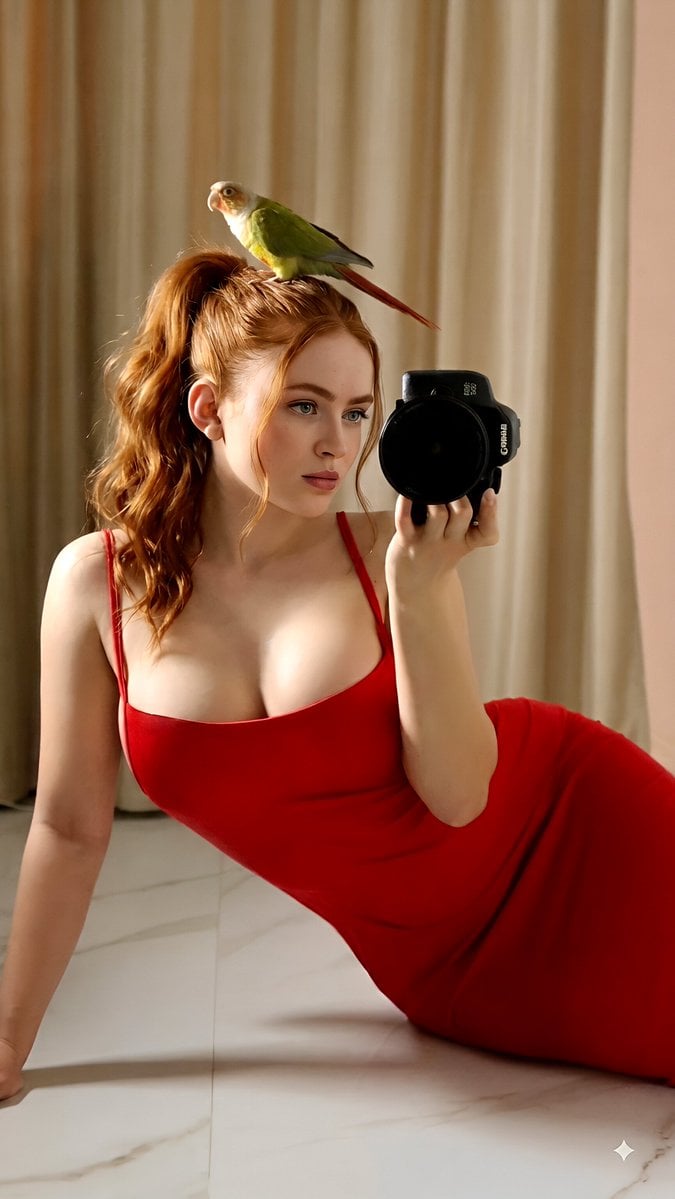
- Prompt included
- Model and format preset
- Free template
The prompt behind this image
Copy the exact prompt behind Elegant Mirror Selfie with Parrot, or open it in the studio and make it yours.
Create a highly realistic, elegant indoor mirror-selfie portrait of a young woman relaxing on a polished light-colored floor, accompanied by a {argument name="bird color" default="small green parrot"} perched gently on top of her head. 1. Subject Description, Hair, Skin, Expression & Pose: A young woman with fair, naturally textured skin and long dark-brown hair styled into a high, loose ponytail. Several soft strands naturally frame the sides of her face. Her facial features are refined and realistic, with natural eyebrows, subtle makeup, soft pink lips, and clear expressive eyes. She has a calm, thoughtful expression while looking slightly toward the mirror rather than directly into the camera lens. She is seated in a relaxed, elegant pose on the floor, with her upper body supported naturally by one arm while her other hand holds a professional camera in front of the mirror. Her posture should feel comfortable and natural, with realistic anatomy, believable proportions, relaxed shoulders, and naturally positioned hands. A small green parrot is perched safely and naturally on top of her hair. The bird has vivid green plumage, a pale face, a curved beak, darker wing details, and a long reddish-brown tail. It should appear calm and balanced, with detailed feathers and realistic anatomy. 2. Clothing & Accessories: She wears an elegant {argument name="dress color" default="mustard-yellow"}, floor-length dress with thin shoulder straps and a smooth, flowing fabric. The dress should have realistic textile texture, subtle folds, natural draping, and believable movement across the floor. Keep the styling sophisticated and tasteful. She holds a professional black DSLR or mirrorless camera with a large lens in one hand. The camera should have realistic buttons, dials, lens details, reflections, and construction. Keep other accessories minimal and refined so the focus remains on the subject, camera, dress, and bird. 3. Environment & Lighting: Set the scene inside a sophisticated, softly decorated interior with tall beige curtains covering the background. Include a large clean mirror creating the visible reflection and a polished pale marble or stone floor with subtle natural veining. Use {argument name="lighting time" default="warm late-afternoon sunlight"} entering through the curtains, producing soft golden illumination across the woman's face, hair, dress, and the parrot's feathers. Add gentle shadows on the floor and subtle highlights along the fabric. The overall environment should feel peaceful, luxurious, warm, and inviting. 4. Camera & Style: Photorealistic editorial photography, vertical 4:6 composition, realistic mirror-selfie perspective, approximately 50mm lens appearance, natural perspective, moderate depth of field, sharp focus on the woman
How to use Elegant Mirror Selfie with Parrot in 3 steps
- 1
Open
The prompt is already in the box next to the preview, with the template's model and format selected.
- 2…a portrait of your subject in softgolden-hour light, 85mm…
Personalize
Edit the subject and creative details for your destination.
- 3Generate
Generate
Press Generate — your image is created in PicX Studio, so you can compare it with the original and refine one variable at a time.
More like this
Templates with the same subject, style or setup. Open one to see its prompt.

Rooftop Fisheye — Cat-Ear Balaclava at Golden Hour

Felt & Knit 3D Character — Photo-Exact Face, Pixar-Quality Plush Figurine

Surreal Cat Astronaut — Humanoid Face Freefall
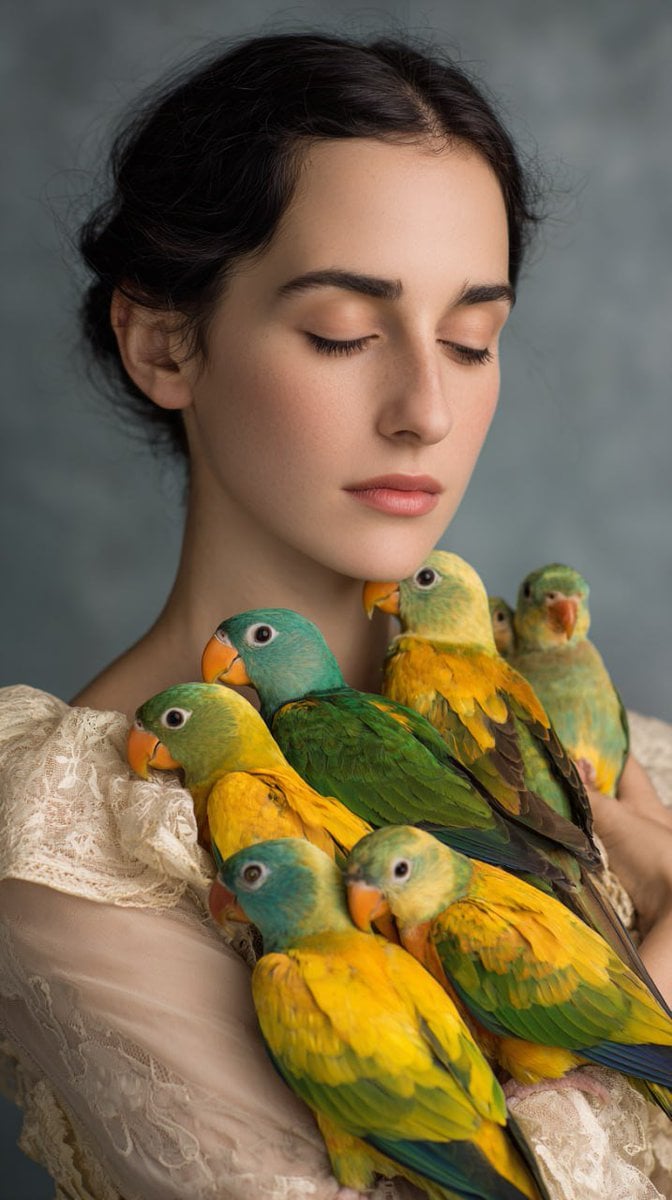
Woman with Teal and Yellow Parrots
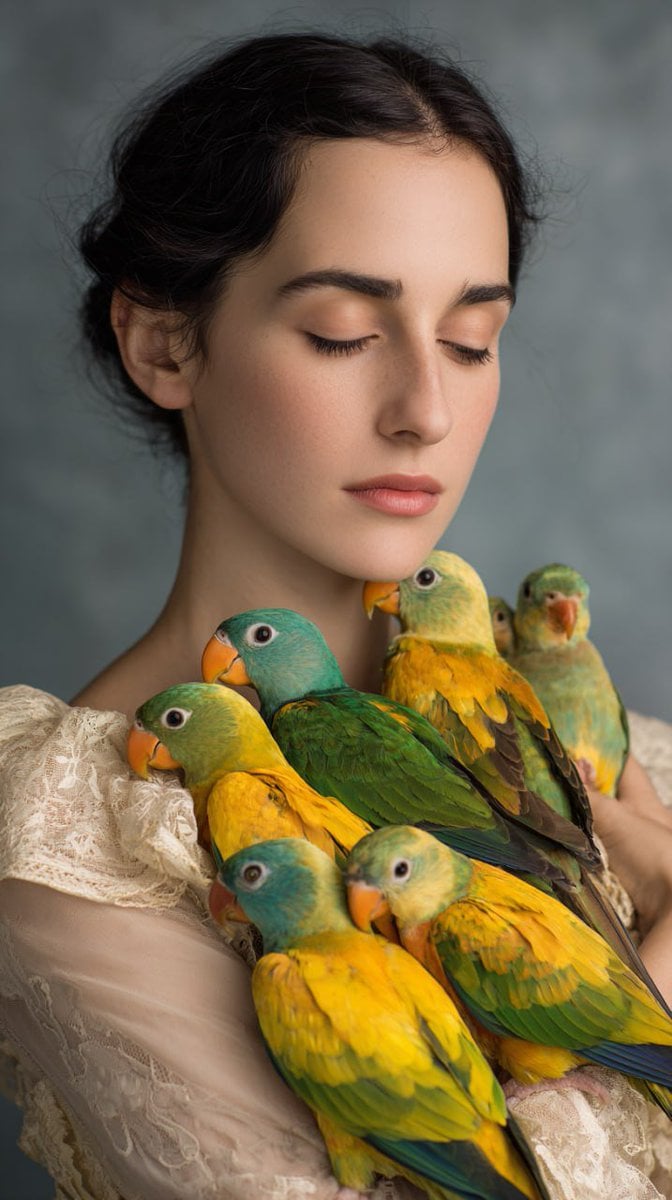
Studio Portrait with Parrots
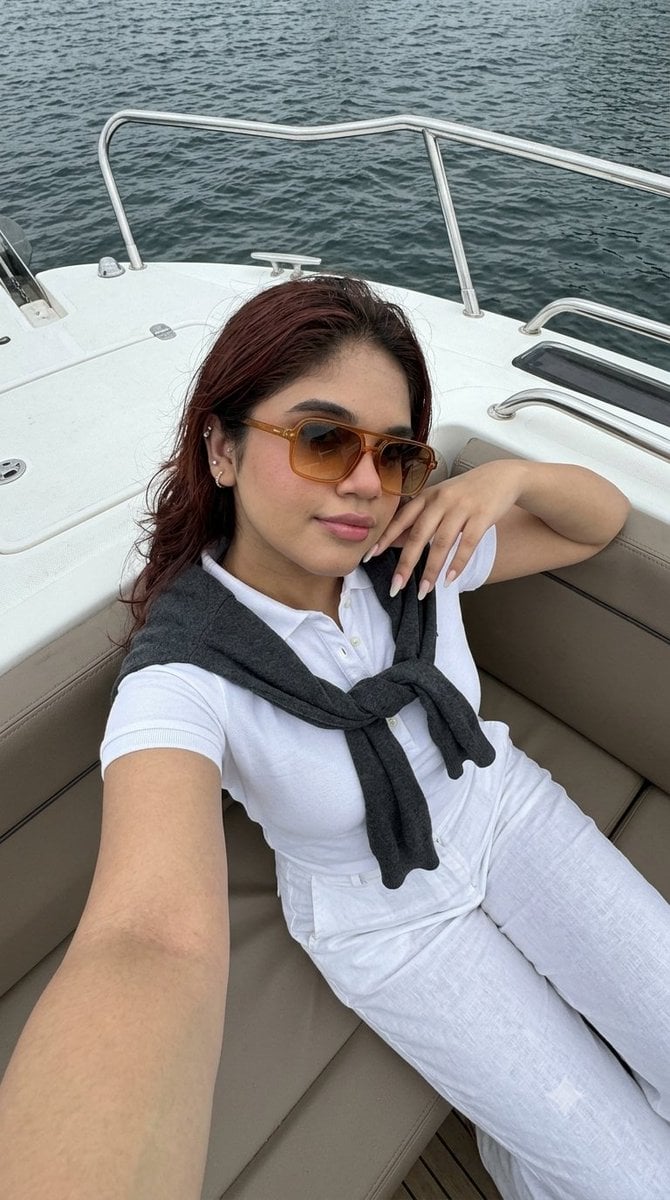
Smartphone Selfie on Motorboat
Elegant Monochromatic Mirror Selfie
Nano Banana Pro Prompt: Candid Mirror Selfie with Cat

Creative Character in Pink Office

Avant-Garde Asian Fashion Model

Underwater Macro Face Portrait

Water-level Bridge Modification
Make it yours
Elegant Mirror Selfie with Parrot works as-is. These are the safest ways to change it without losing the look.
Change one field
Copy a single group, rewrite it, and generate again so you can see what that field is doing.
Keep the frame, change the subject
Hold the composition and light of Elegant Mirror Selfie with Parrot, then swap wardrobe, props or the person for a new take.
| If the result… | Why | Fix |
|---|---|---|
| The result drifts from the preview | Too many fields changed at once. | Reuse Elegant Mirror Selfie with Parrot as-is first, then change one group — subject, light, or setting. |
| The model over-stylizes the scene | The prose prompt leaves finish and camera underspecified. | Add one camera or lighting sentence and stay on Gemini 3 Pro Image Preview. |
More Gemini 3 Pro Image Preview templates
Other prompts made for Gemini 3 Pro Image Preview.

Cinematic Urban Night Billboard Portrait

Ultra-Realistic iPhone Selfie with Motion Blur

Cinematic Mirror Reflection Portrait

Elegant Men's Twilight Editorial

Coastal Freedom Sunset Portrait

Ergonomic Office Chair E-commerce Mobile Detail Page

Macro Guitar Fret Dressing

Cinematic Black and White Studio Portrait

1980s Retro Salon Portrait

Felt Frog Diorama Beach
More image prompts
Fresh picks from across the catalog.

Hybrid Realism Ink-Wash Art
Hollywood-Style Cinematic Photo with Time Distortion
Rokumeikan Ballroom Portrait

Photorealistic Shenzhen Factory Entrance
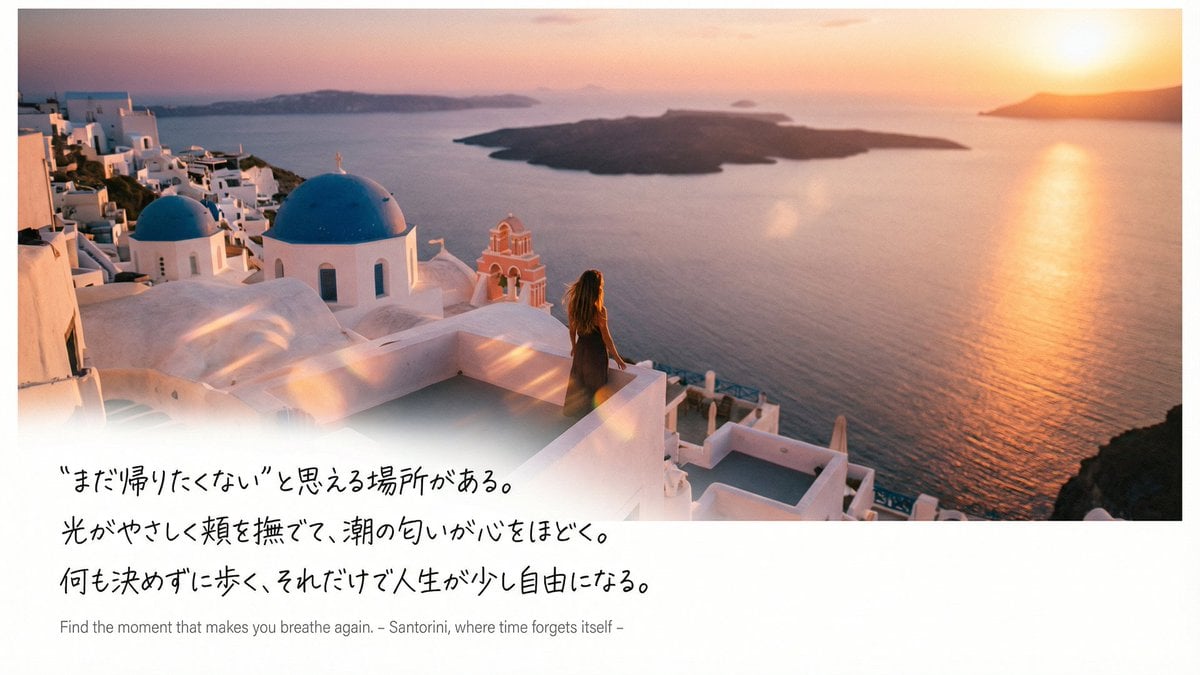
Emotional Sea Journey Thumbnail Design Prompt (Santorini)
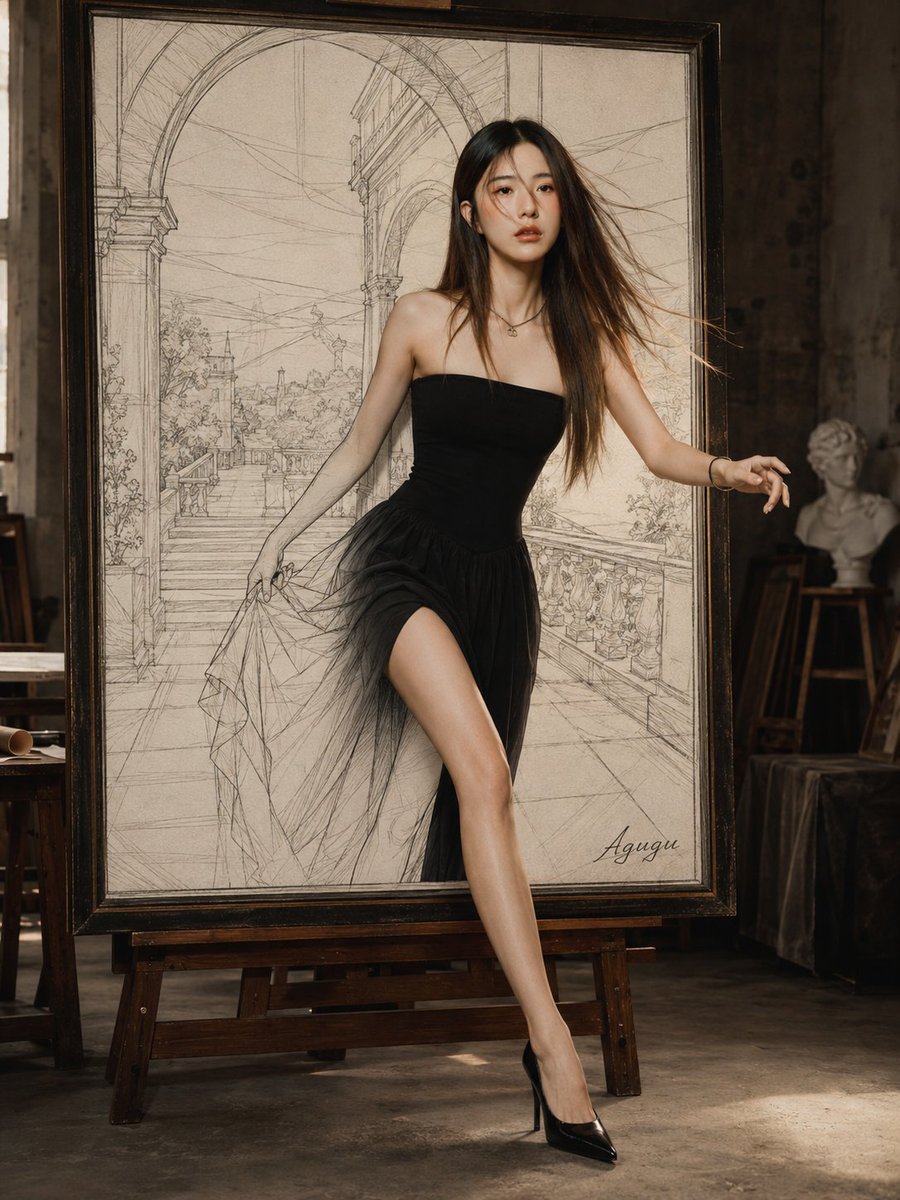
Woman Stepping Out of Sketch
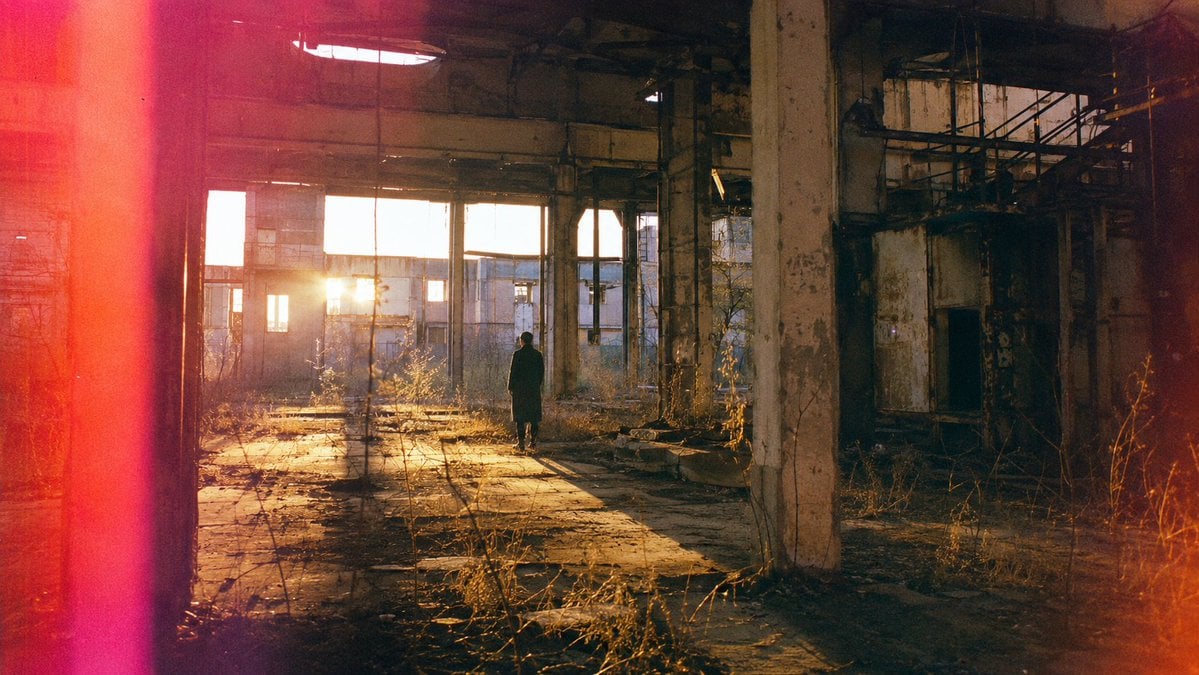
Lone Figure in Abandoned Warehouse

Frozen Empire Crystal Throne
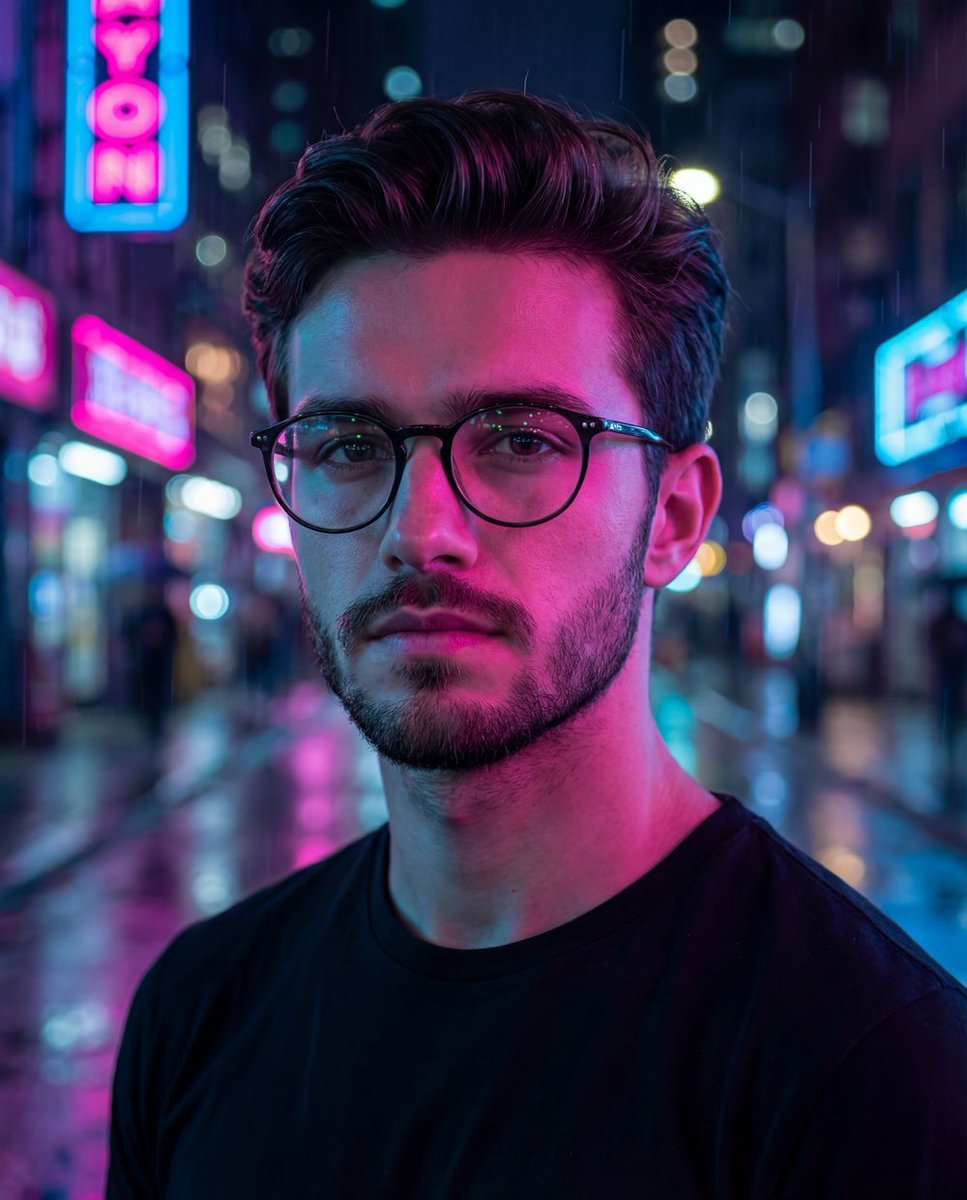
Cyberpunk Neon Night Street Portrait
Romantic Editorial Couple Portrait
Browse template categories
Elegant Mirror Selfie with Parrot questions
How do I use the Elegant Mirror Selfie with Parrot template?
Add your photo if the template asks for one, edit the prompt if you like — the template's model and format are already selected — and press Generate. Your version opens in PicX Studio.
Can I customize the Elegant Mirror Selfie with Parrot template?
Yes. You can change the subject, setting, lighting, mood, format, and available model controls before creating your image.
Is the Elegant Mirror Selfie with Parrot template free?
Opening and editing this template is free. Generating uses credits, shown on the Generate button when you are signed in.
Which AI model should I use?
Start with Gemini 3 Pro Image Preview, which is the model associated with this template. You can compare another compatible model for a different finish.
Looking for something else? Browse all templates.

Your photo, any look
Thousands of ready templates for every top image and video model, from one credit balance.