
iPhone Street Style Autumn Hoodie Portrait
An ultra-realistic iPhone 16 Pro ground angle portrait of a girl in an oversized black hoodie holding a coffee cup next to an autumn foliage tree.

- Prompt included
- Model and format preset
- Free template
The prompt behind this image
Copy the exact prompt behind iPhone Street Style Autumn Hoodie Portrait, or open it in the studio and make it yours.
Create a **photorealistic autumn street-style photograph** captured from an extremely low, ground-level angle, looking upward toward the girl. She is standing naturally and facing the camera, with her face turned directly toward the lens. Her expression is calm and effortless, with a subtle genuine smile. She is wearing an **oversized black hoodie**, with the loose hood naturally pulled over her head. Her long hair flows freely from beneath the hood, falling naturally across her chest and shoulders on both sides. Individual strands move slightly in a gentle autumn breeze. In one hand, she holds a **Starbucks coffee cup extremely close to her face at eye level**, creating a natural foreground element. The cup partially covers one eye, while her other eye remains completely visible and looks directly into the camera. Keep the cup realistic in size, texture, lighting, and perspective. Position her slightly toward the **right third of the composition**, leaving more visual space toward the left side. Her body should feel naturally close to the camera, with parts of her figure subtly extending beyond the frame for an immersive, candid composition. Directly overhead is a **large mature tree covered in rich autumn foliage**, featuring deep red, orange, amber, and warm golden leaves. Sunlight streams naturally through gaps in the branches and leaves, creating bright scattered highlights and realistic patches of light across the scene. Small fragments of clear blue sky are visible between the branches. Maintain **maximum depth of field**. The girl, face, visible eye, coffee cup, hoodie, hood, individual strands of hair, tree trunk, branches, leaves, and distant surroundings must all remain **perfectly sharp and highly detailed from foreground to infinity**. Absolutely **no bokeh, no portrait blur, no artificial background separation, and no shallow depth of field**. The perspective should feel like a real photograph captured on an **iPhone 16 Pro**, using a 24mm equivalent wide-angle lens, f/8, 1/500s, ISO 50. Vertical 9:16 composition, extreme low-angle perspective, realistic wide-angle geometry, natural skin texture, accurate proportions, realistic sunlight, authentic shadows, subtle lens characteristics, natural color science, crisp micro-details, and documentary-style realism. **Style:** authentic iPhone photography, cinematic but completely natural, realistic autumn atmosphere, high dynamic range, true-to-life colors, physically accurate lighting, realistic textures, no artificial beauty retouching, no plastic skin, no CGI appearance, no illustration, no painting, **absolute photorealism**.
How to use iPhone Street Style Autumn Hoodie Portrait in 3 steps
- 1
Open
The prompt is already in the box next to the preview, with the template's model and format selected.
- 2…a portrait of your subject in softgolden-hour light, 85mm…
Personalize
Edit the subject and creative details for your destination.
- 3Generate
Generate
Press Generate — your image is created in PicX Studio, so you can compare it with the original and refine one variable at a time.
More like this
Templates with the same subject, style or setup. Open one to see its prompt.
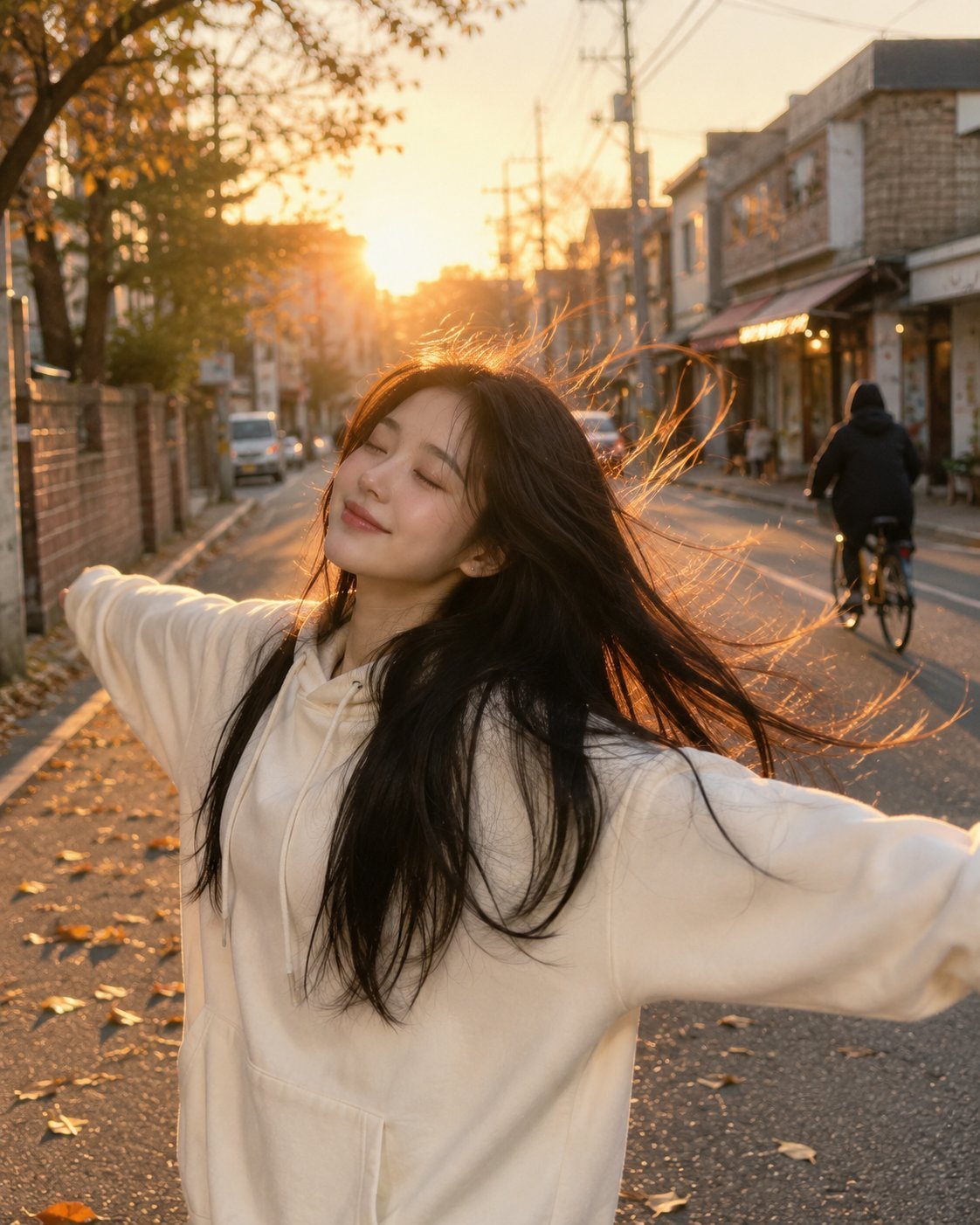
Golden Hour Street Hoodie Lifestyle Portrait
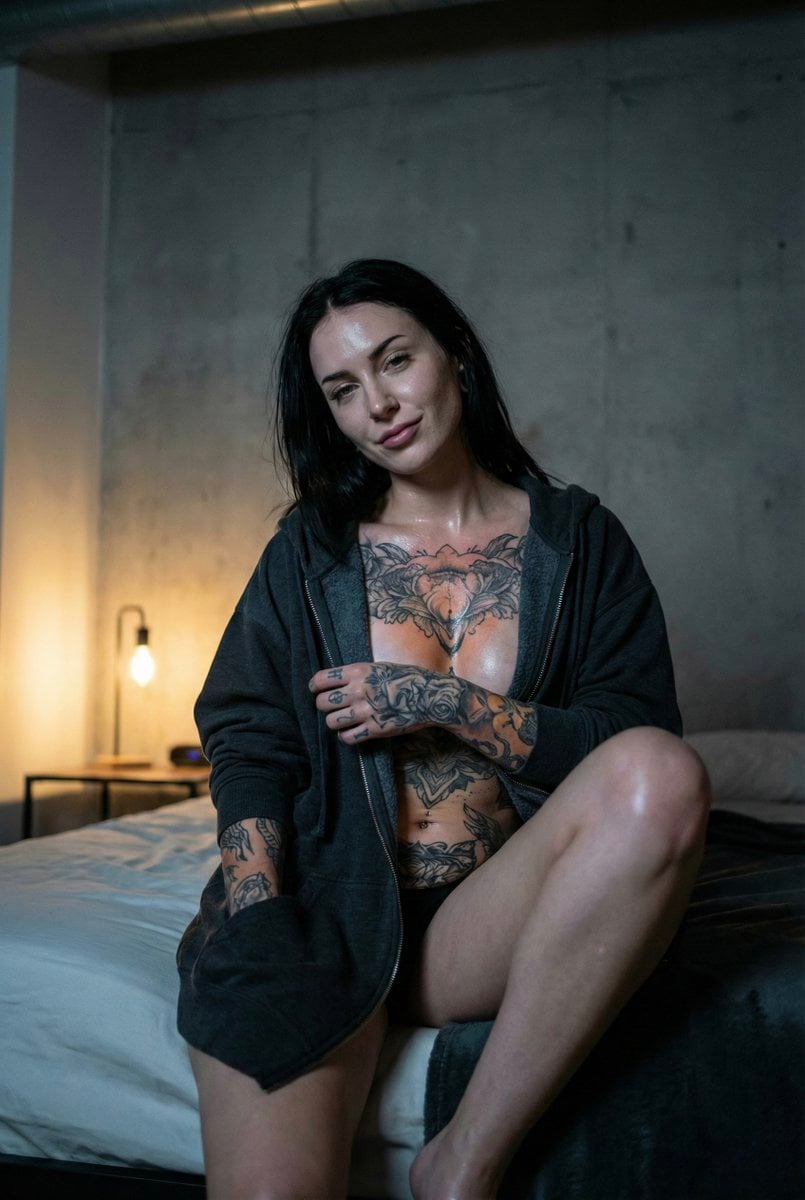
Low Light iPhone Realism Hoodie Portrait Prompt for Nano Banana 2
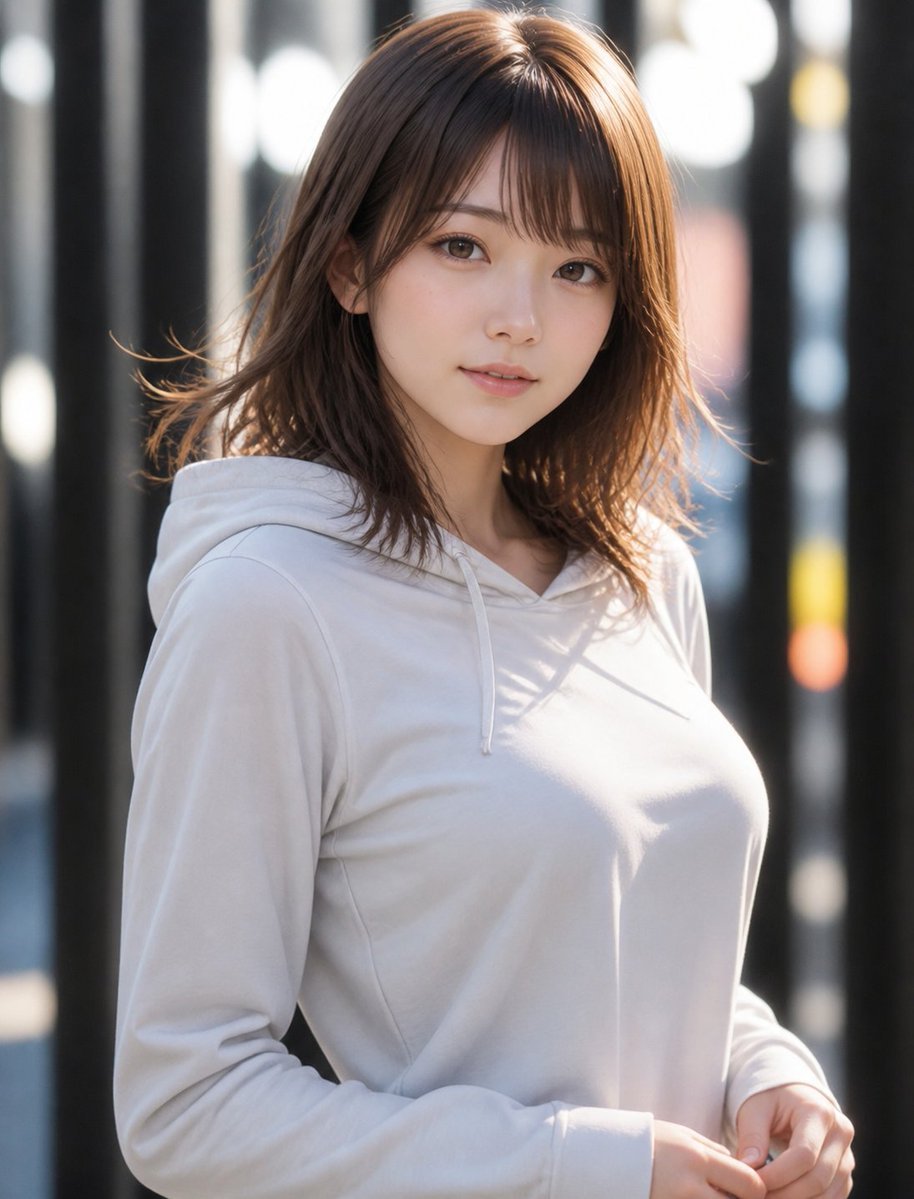
Natural Hoodie Street Portrait

Autumn Squirrel Child Street Portrait

Nano Banana Pro Photoreal Playful Couple

Two Tickets, One Night

Found Photograph: Us, 1970

Meet Me When It Rains

Two Hearts. One Scooter.

80s Couple Studio Portrait

80s Bollywood Star

1986 Street Couple
Make it yours
iPhone Street Style Autumn Hoodie Portrait works as-is. These are the safest ways to change it without losing the look.
Change one field
Copy a single group, rewrite it, and generate again so you can see what that field is doing.
Keep the frame, change the subject
Hold the composition and light of iPhone Street Style Autumn Hoodie Portrait, then swap wardrobe, props or the person for a new take.
| If the result… | Why | Fix |
|---|---|---|
| The result drifts from the preview | Too many fields changed at once. | Reuse iPhone Street Style Autumn Hoodie Portrait as-is first, then change one group — subject, light, or setting. |
| The model over-stylizes the scene | The prose prompt leaves finish and camera underspecified. | Add one camera or lighting sentence and stay on Gemini 3 Pro Image Preview. |
More Gemini 3 Pro Image Preview templates
Other prompts made for Gemini 3 Pro Image Preview.

Avant-Garde Asian Fashion Model

Underwater Macro Face Portrait

Water-level Bridge Modification

Noir Punk Street Portrait

High Contrast Cinematic Face Portrait

Monochrome Studio Portrait with Colored Lens

Ultra-Realistic Yacht Sunset Portrait

Mushroom Still Life Composition

Whimsical Anthropomorphic Friendly Insect

Cinematic Urban Night Billboard Portrait
More image prompts
Fresh picks from across the catalog.
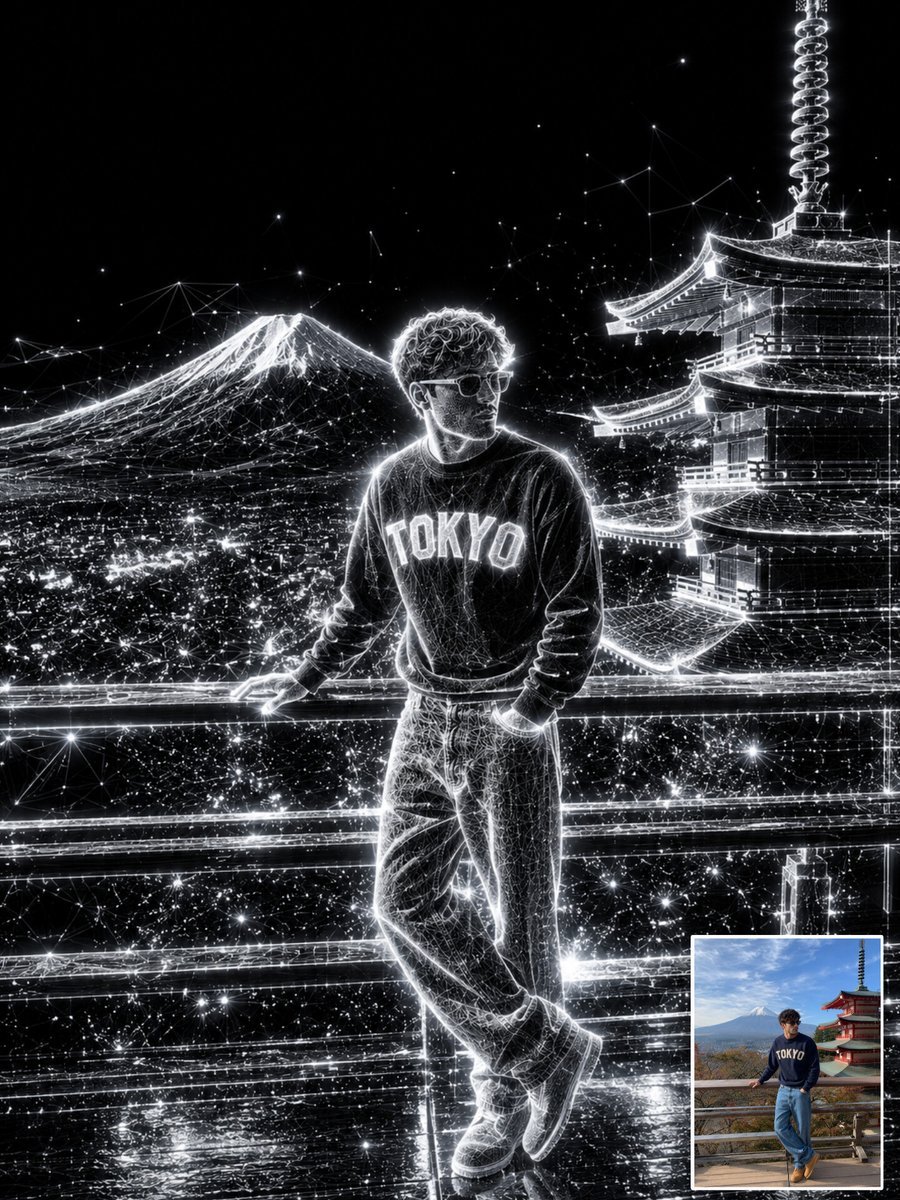
Holographic Wireframe Character Art
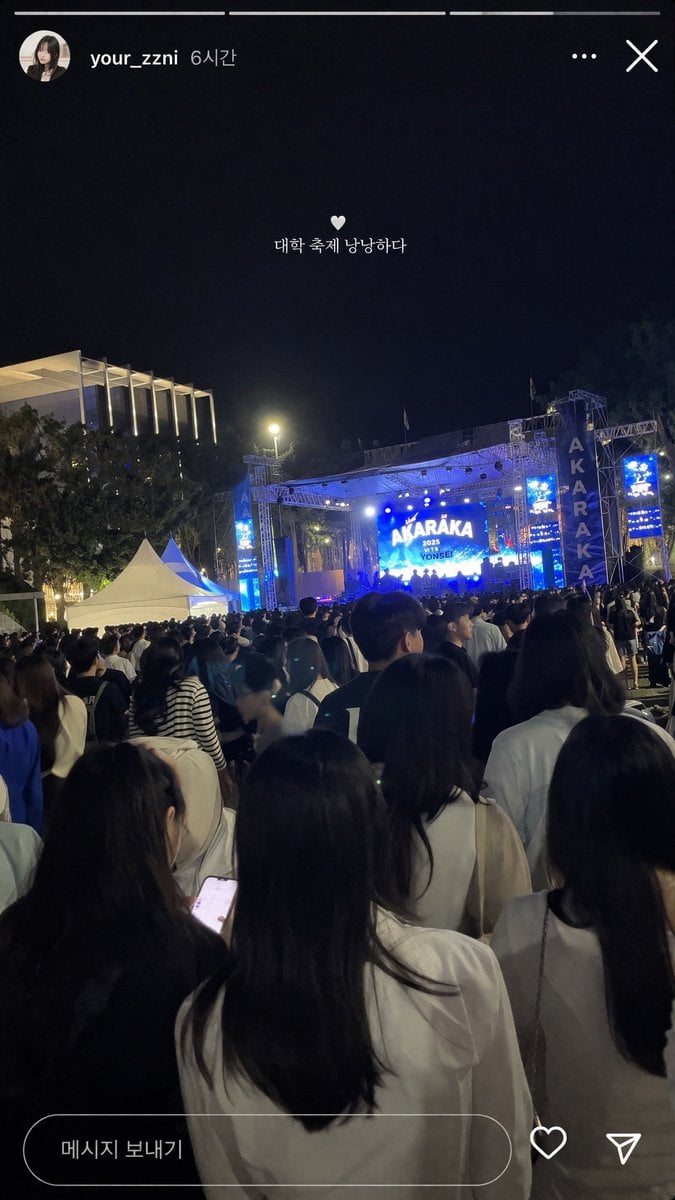
Social Media Concert Story Mockup

Minimalist Conceptual Scene Description
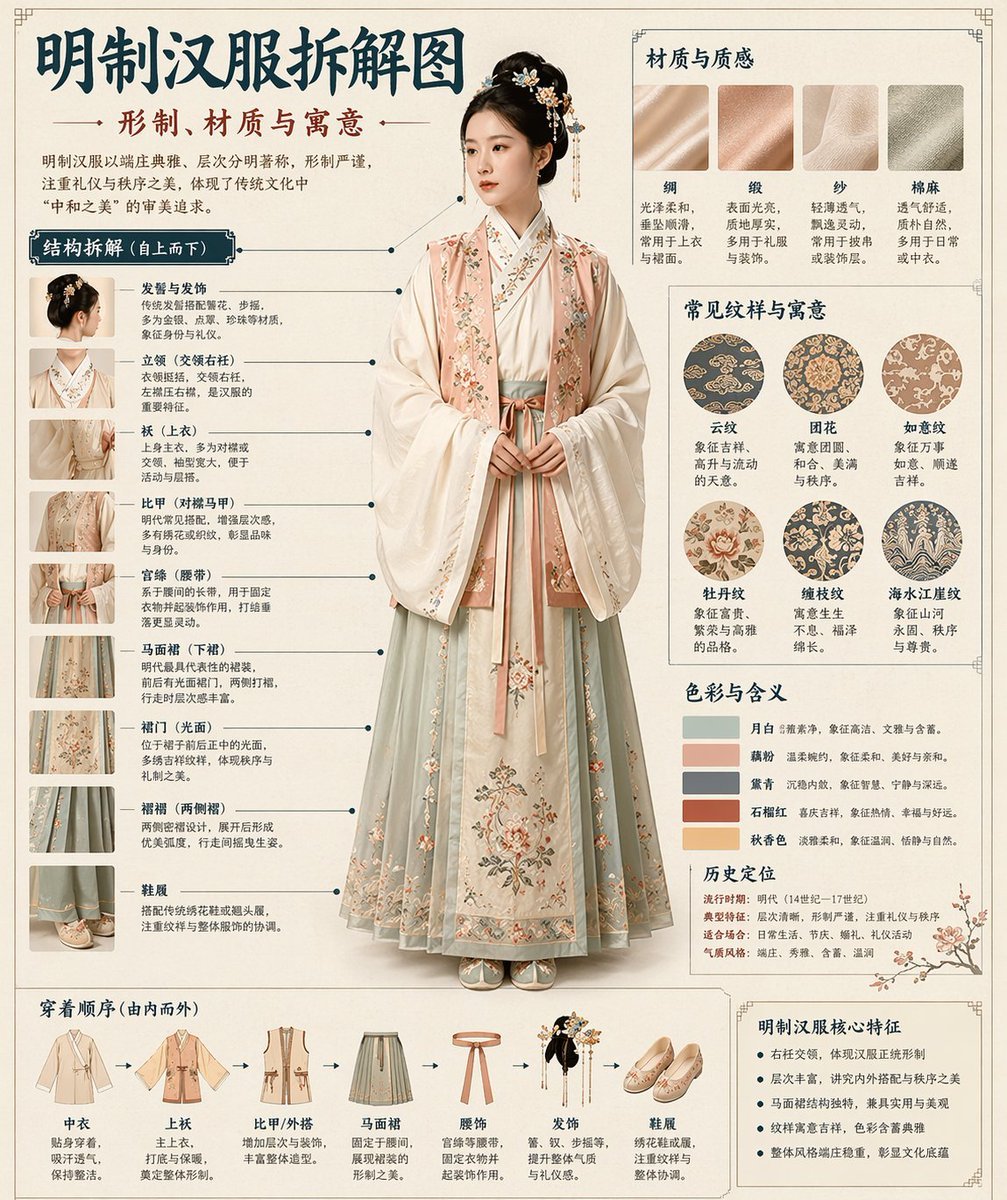
Chinese Museum Deconstruction Infographic

Fanta Soda Product Photography with Splashes
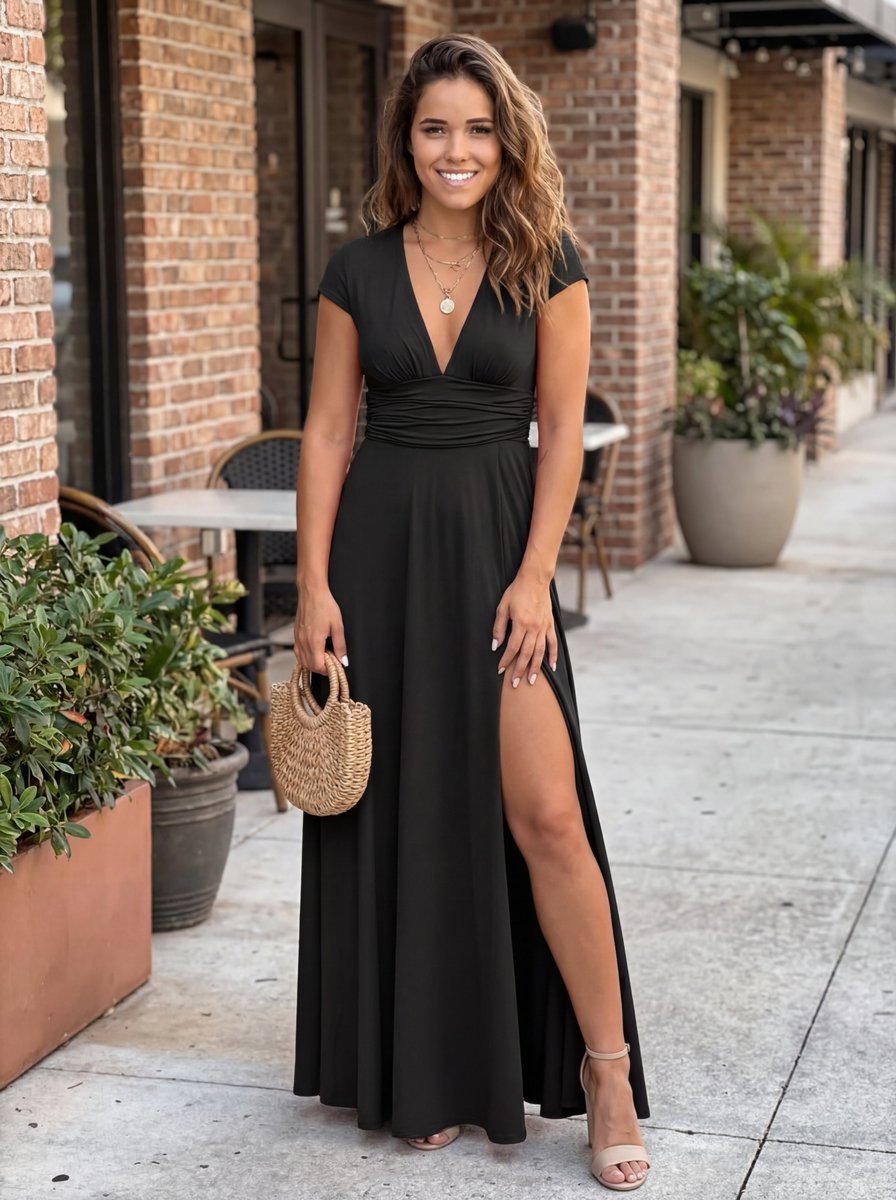
Commercial Lifestyle Photograph with Garment Preservation Prompt
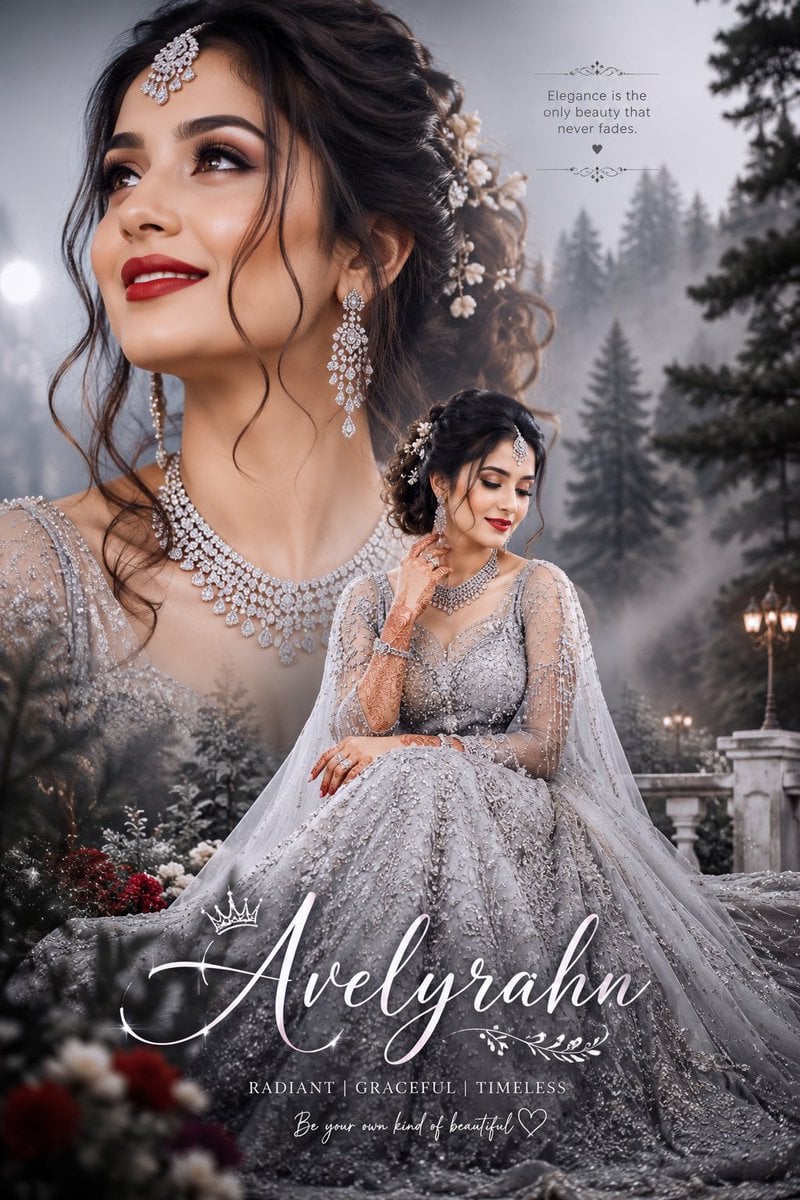
Silver Lehenga Bridal Portrait
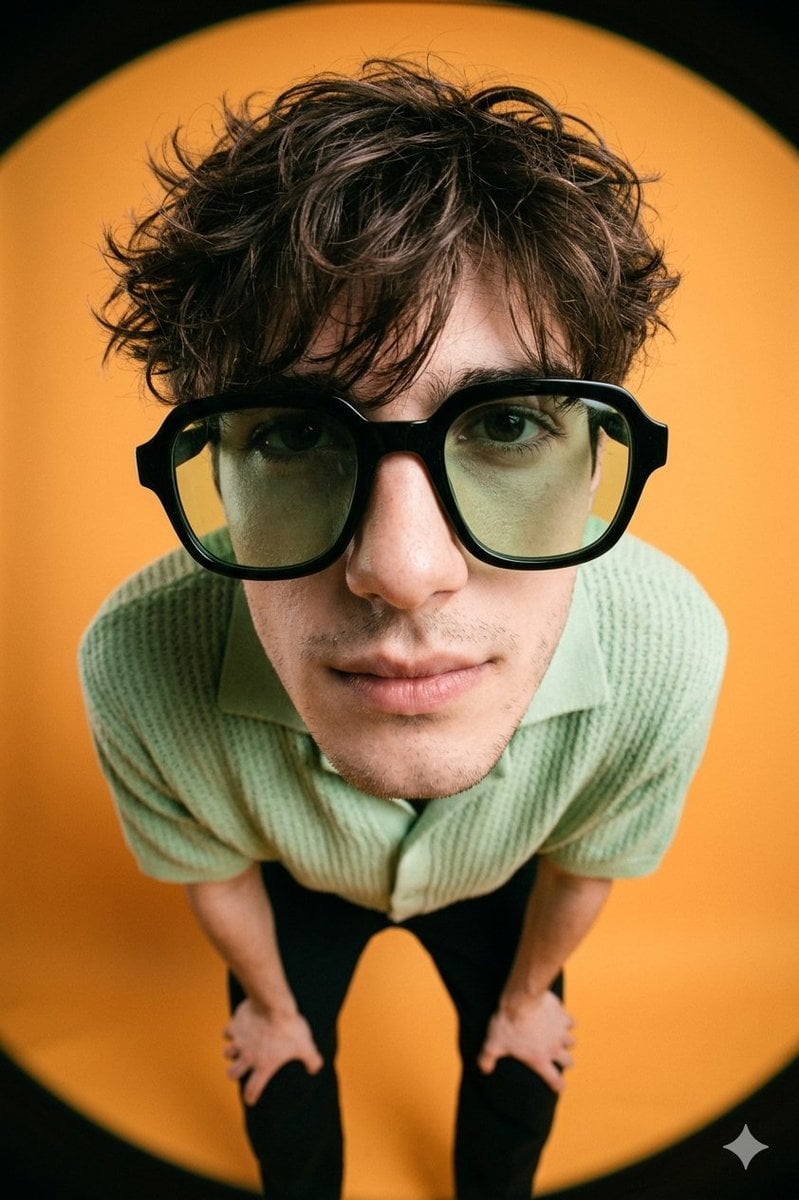
High-Fashion Editorial Image with Exaggerated Fisheye Distortion
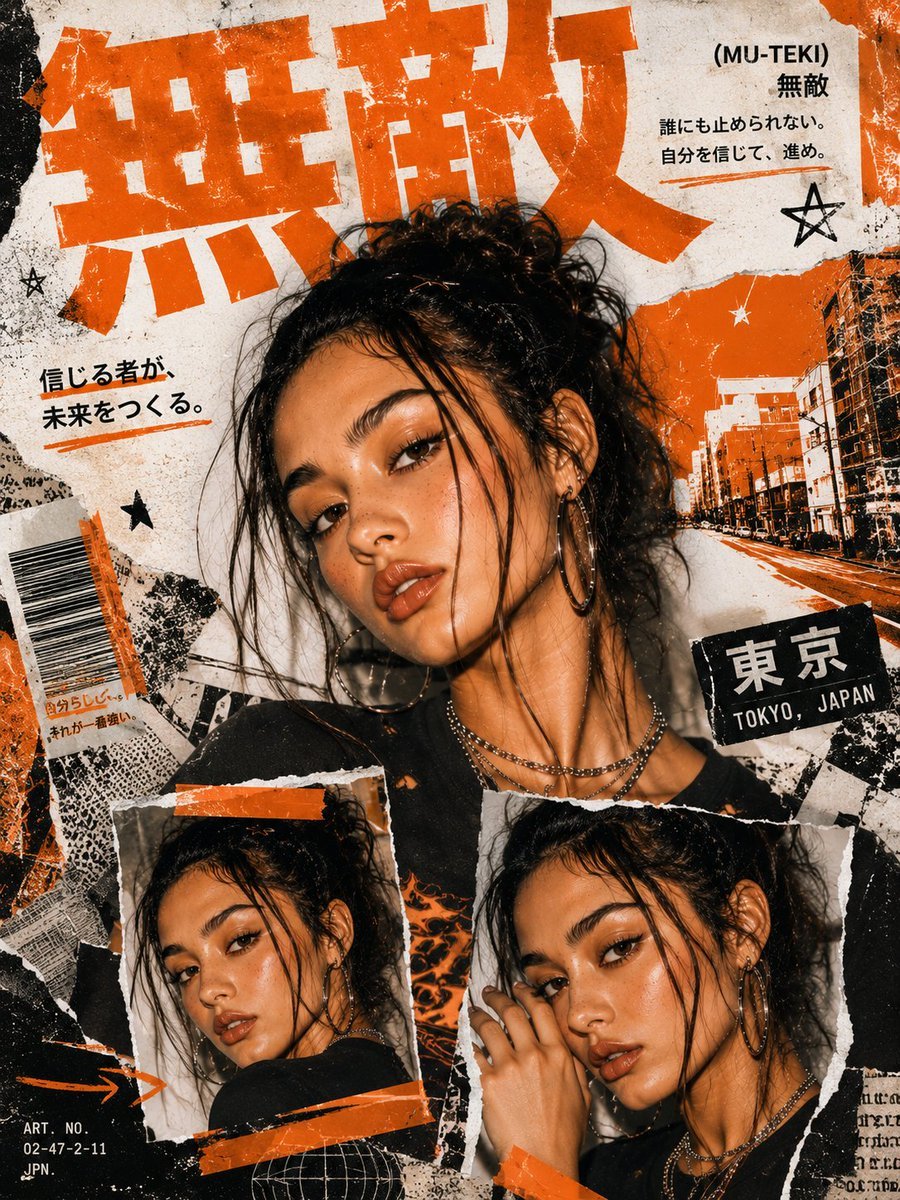
Y2K Japanese Street Editorial Poster
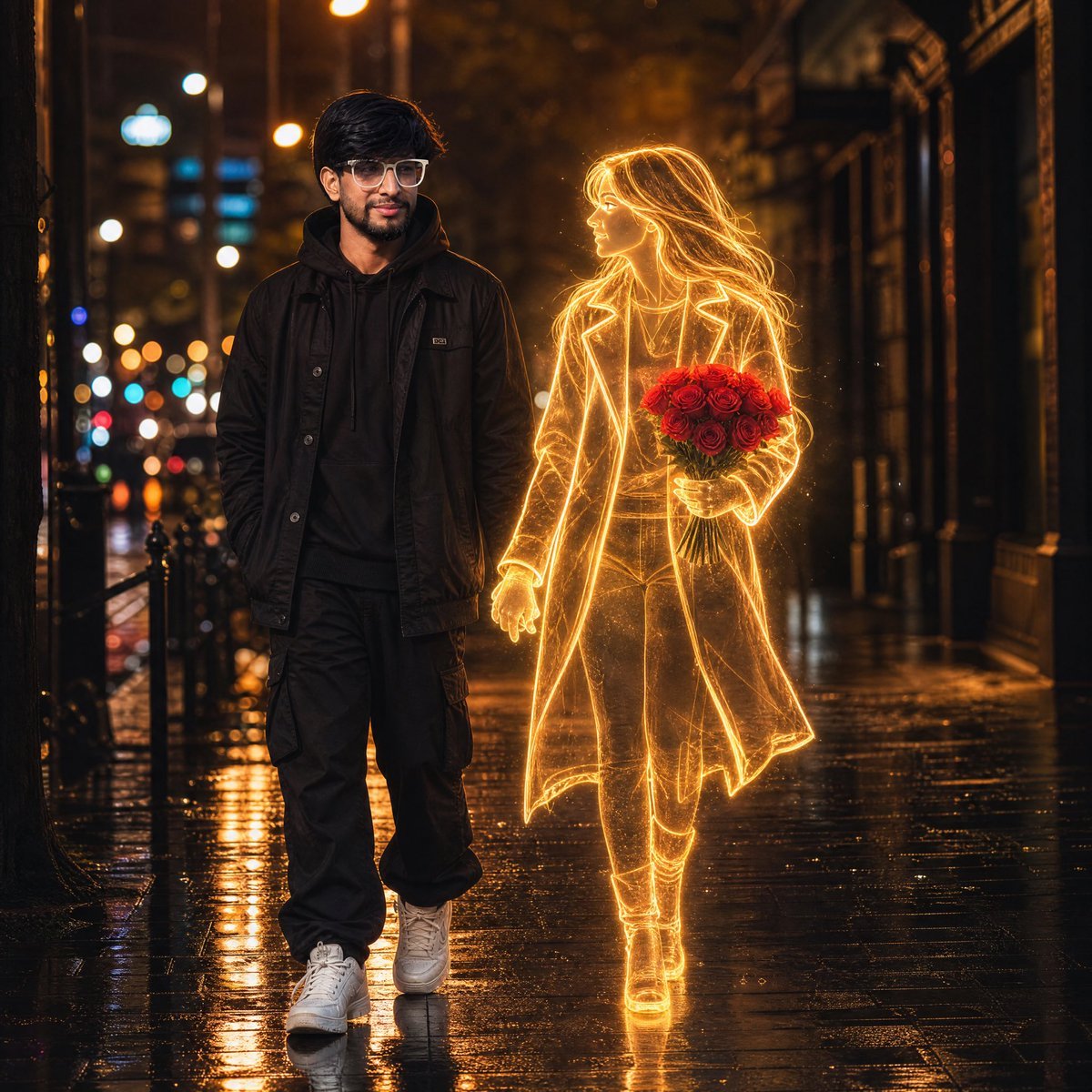
Glowing Hologram Night Scene
Browse template categories
iPhone Street Style Autumn Hoodie Portrait questions
How do I use the iPhone Street Style Autumn Hoodie Portrait template?
Add your photo if the template asks for one, edit the prompt if you like — the template's model and format are already selected — and press Generate. Your version opens in PicX Studio.
Can I customize the iPhone Street Style Autumn Hoodie Portrait template?
Yes. You can change the subject, setting, lighting, mood, format, and available model controls before creating your image.
Is the iPhone Street Style Autumn Hoodie Portrait template free?
Opening and editing this template is free. Generating uses credits, shown on the Generate button when you are signed in.
Which AI model should I use?
Start with Gemini 3 Pro Image Preview, which is the model associated with this template. You can compare another compatible model for a different finish.
Looking for something else? Browse all templates.

Your photo, any look
Thousands of ready templates for every top image and video model, from one credit balance.