
Vintage Americana Fashion Editorial
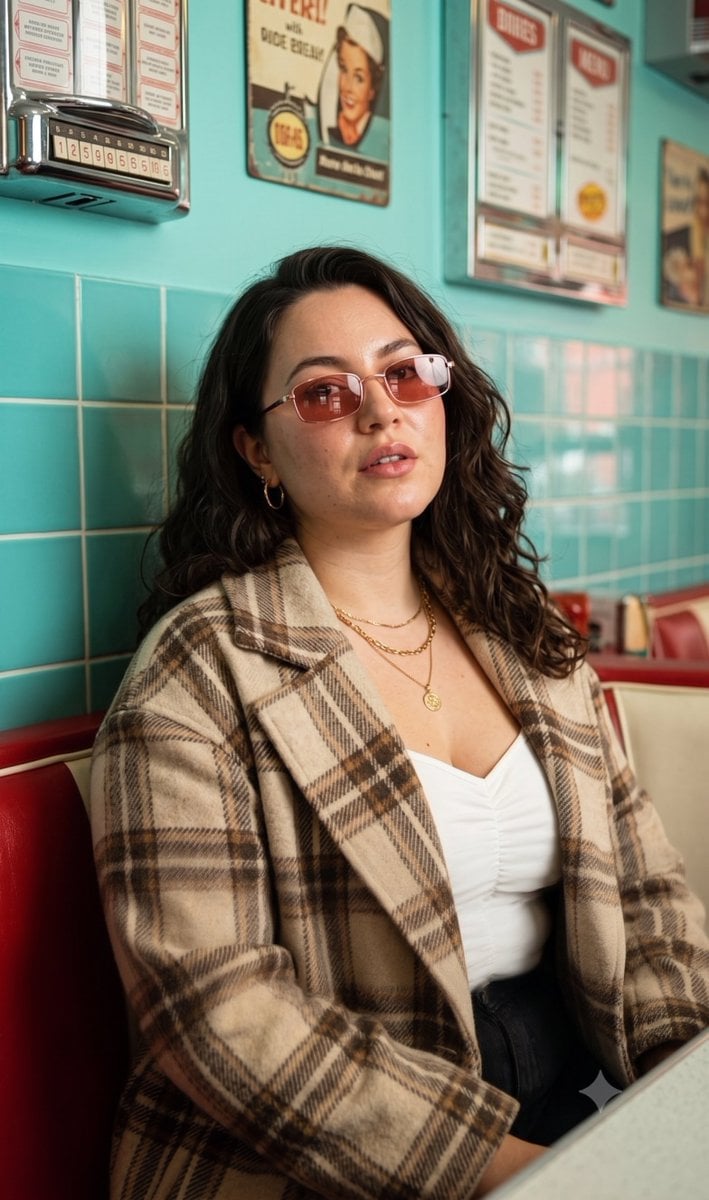
A high-end retro fashion editorial portrait set in a nostalgic 1950s-style American diner.
- Prompt included
- Model and format preset
- Free template
The prompt behind this image
Copy the exact prompt behind Vintage Americana Fashion Editorial, or open it in the studio and make it yours.
Create a high-end fashion editorial portrait of a {argument name="subject description" default="stylish young woman in her early 20s with a slim figure, fair skin with warm-neutral undertones"}. She has a soft, defined jawline, high cheekbones, a small straight nose, full lips wearing glossy coral lipstick, thick naturally arched eyebrows, and shoulder-length light brown hair styled in soft, voluminous tousled waves with a center part. Her expression is calm and confident, with a relaxed gaze and slightly parted lips. Dress her in an {argument name="clothing" default="oversized beige and brown plaid wool coat layered over a white ruched camisole"}. Complete the look with rose-tinted rectangular sunglasses, gold layered chain necklaces, and classic gold hoop earrings, creating a modern retro-chic fashion aesthetic inspired by vintage Americana. Pose her seated inside a {argument name="setting" default="classic retro diner booth"}, facing the camera with a relaxed lean and her head tilted slightly upward. Her hands remain naturally outside the frame, giving the composition an effortless editorial feel. Set the scene inside a nostalgic American diner featuring turquoise tiled walls, vintage red booth seating, retro menu boards, and classic wall décor. Use a moderately shallow depth of field to keep the subject perfectly sharp while softly blurring the background for a cinematic editorial look. Light the portrait with soft, high-contrast artificial interior lighting from a frontal overhead direction, creating glossy skin highlights, rich vibrant colours, and a nostalgic retro atmosphere. Frame the shot at eye level as a medium portrait with razor-sharp focus on the face. Finish the image with professional editorial retouching, subtle vintage-inspired colour grading, minimal noise, outstanding sharpness, and a premium magazine-quality fashion photography aesthetic.
How to use Vintage Americana Fashion Editorial in 3 steps
- 1
Open
The prompt is already in the box next to the preview, with the template's model and format selected.
- 2…a portrait of your subject in softgolden-hour light, 85mm…
Personalize
Edit the subject and creative details for your destination.
- 3Generate
Generate
Press Generate — your image is created in PicX Studio, so you can compare it with the original and refine one variable at a time.
More like this
Templates with the same subject, style or setup. Open one to see its prompt.

80s College Gate

1988 Mall Style

80s Polka Dot Saree
High Fashion Editorial Portrait

21 Glass Floor Skyscraper — California Series

19 Luxury Helicopter Travel — California Series

08 Rodeo Drive Luxury Exit — California Series

03 Beverly Hills Convertible — California Series

Caution Tape Fashion — Industrial Editorial

Nano Banana - Paris Cafe Editorial

Avant-Garde Asian Fashion Model

Pop Art Summer Fruit Fashion Illustration
Make it yours
Vintage Americana Fashion Editorial works as-is. These are the safest ways to change it without losing the look.
Change one field
Copy a single group, rewrite it, and generate again so you can see what that field is doing.
Keep the frame, change the subject
Hold the composition and light of Vintage Americana Fashion Editorial, then swap wardrobe, props or the person for a new take.
| If the result… | Why | Fix |
|---|---|---|
| The result drifts from the preview | Too many fields changed at once. | Reuse Vintage Americana Fashion Editorial as-is first, then change one group — subject, light, or setting. |
| The model over-stylizes the scene | The prose prompt leaves finish and camera underspecified. | Add one camera or lighting sentence and stay on Gemini 3 Pro Image Preview. |
More Gemini 3 Pro Image Preview templates
Other prompts made for Gemini 3 Pro Image Preview.

Creative Character in Pink Office

Underwater Macro Face Portrait

Water-level Bridge Modification

Noir Punk Street Portrait

High Contrast Cinematic Face Portrait

Monochrome Studio Portrait with Colored Lens

Ultra-Realistic Yacht Sunset Portrait

Mushroom Still Life Composition

Whimsical Anthropomorphic Friendly Insect

Cinematic Urban Night Billboard Portrait
More image prompts
Fresh picks from across the catalog.
Vlog-Style Fashion Video Prompt
Rooftop Athletic Lifestyle Portrait Prompt
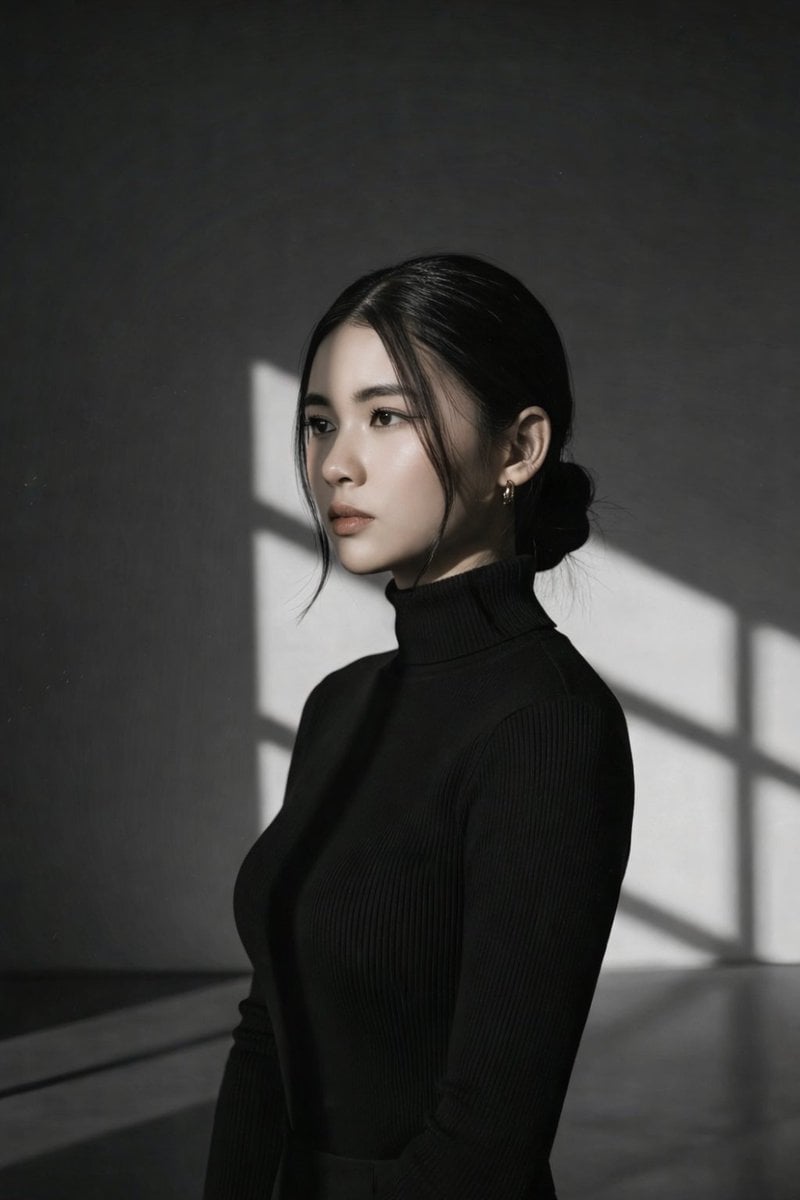
Minimalist Window Light Black and White Portrait Prompt
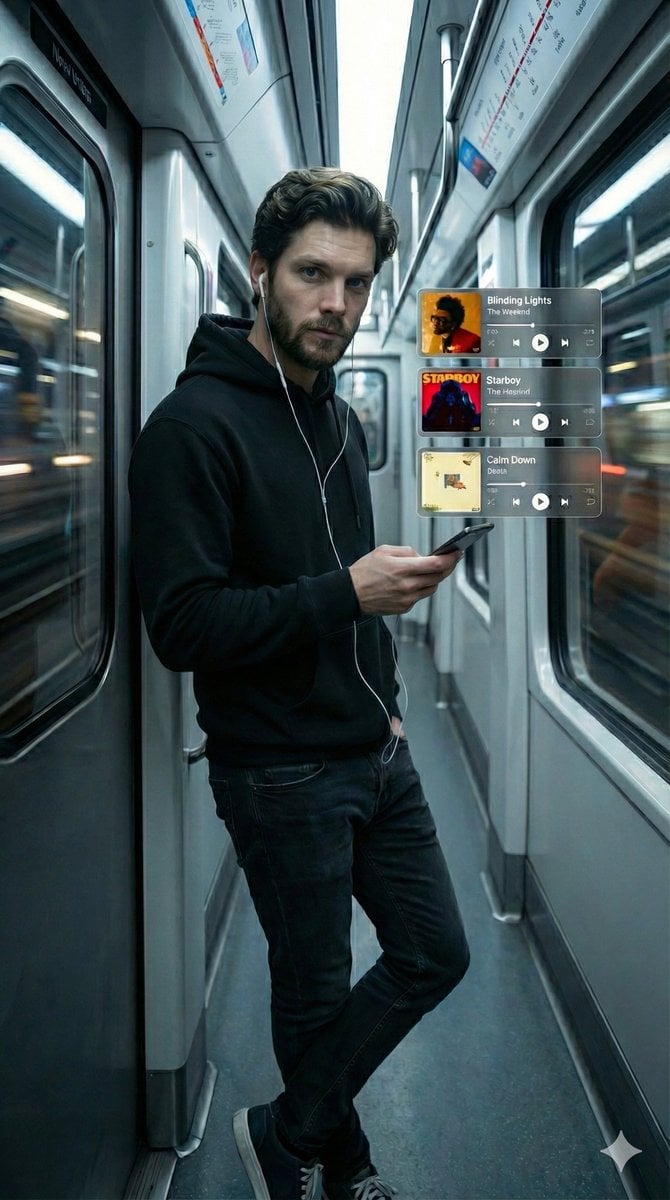
Cinematic Subway Portrait with Holographic Music UI
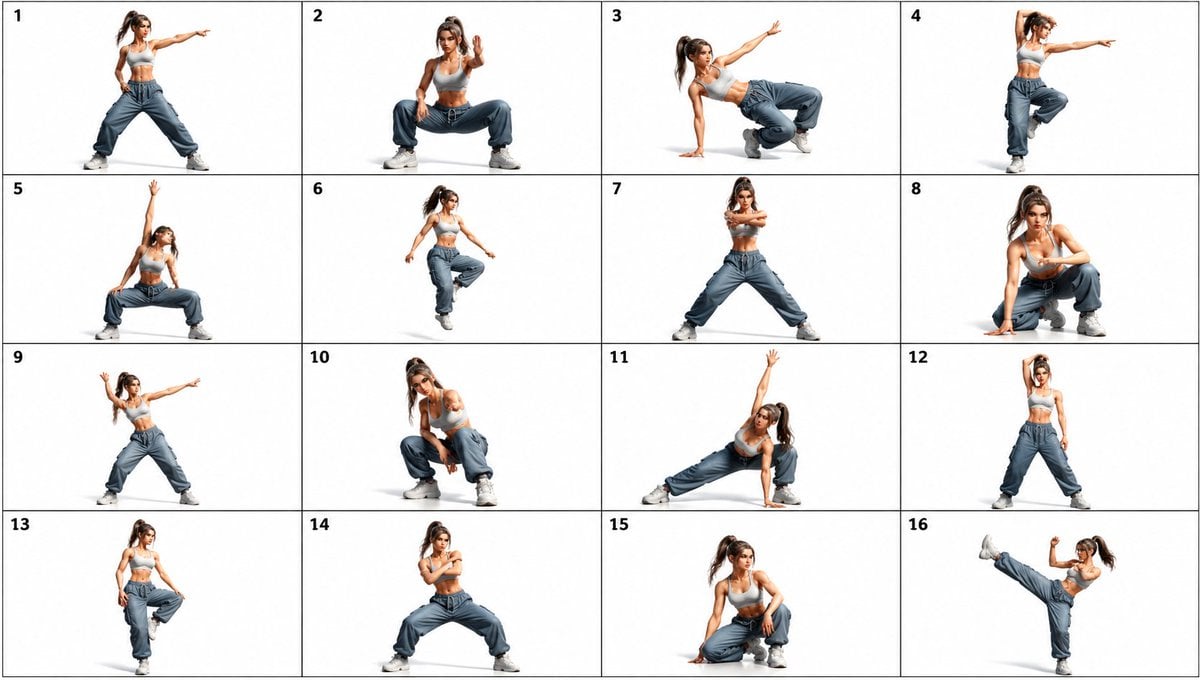
Gpt2 Comic Storyboard 16 Panel Dance Pose Reference Sheet
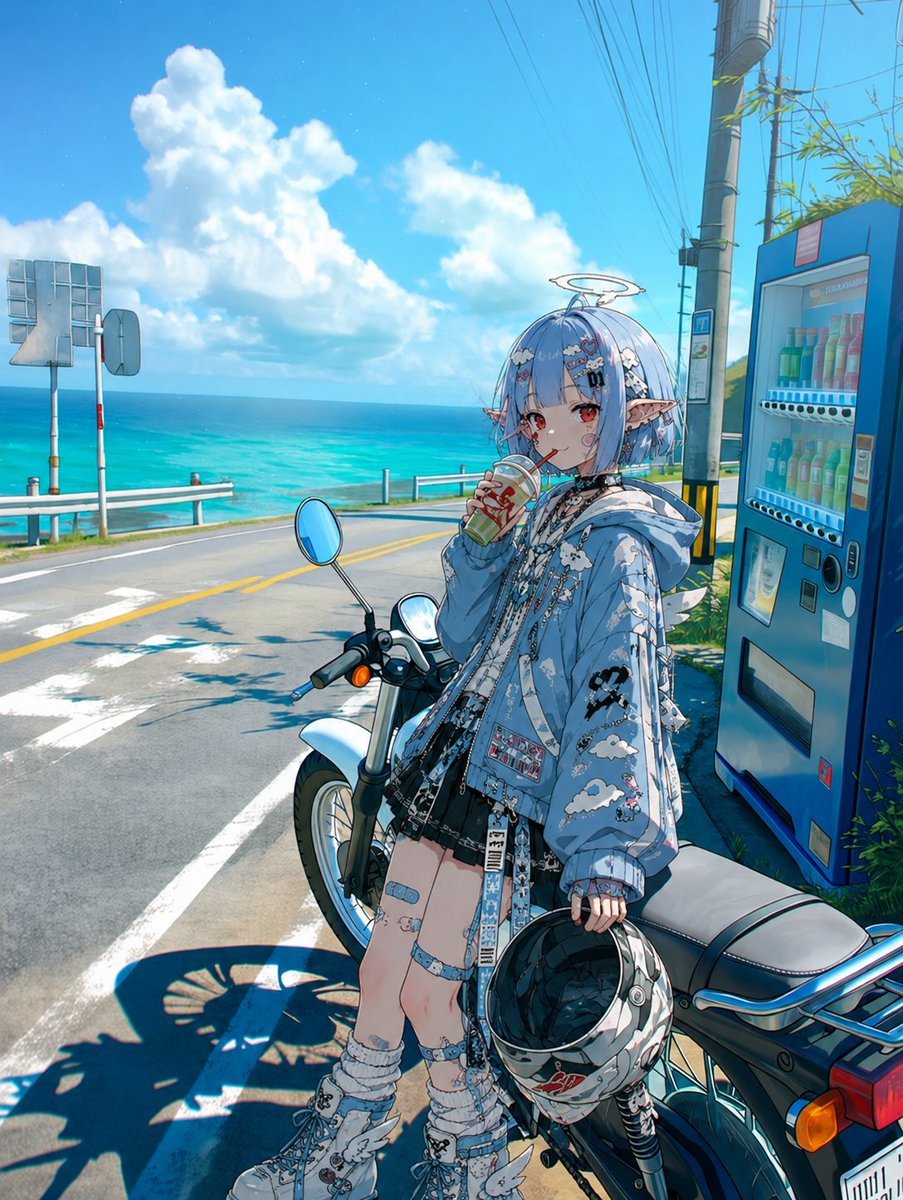
Coastal Motorcycle Anime Girl
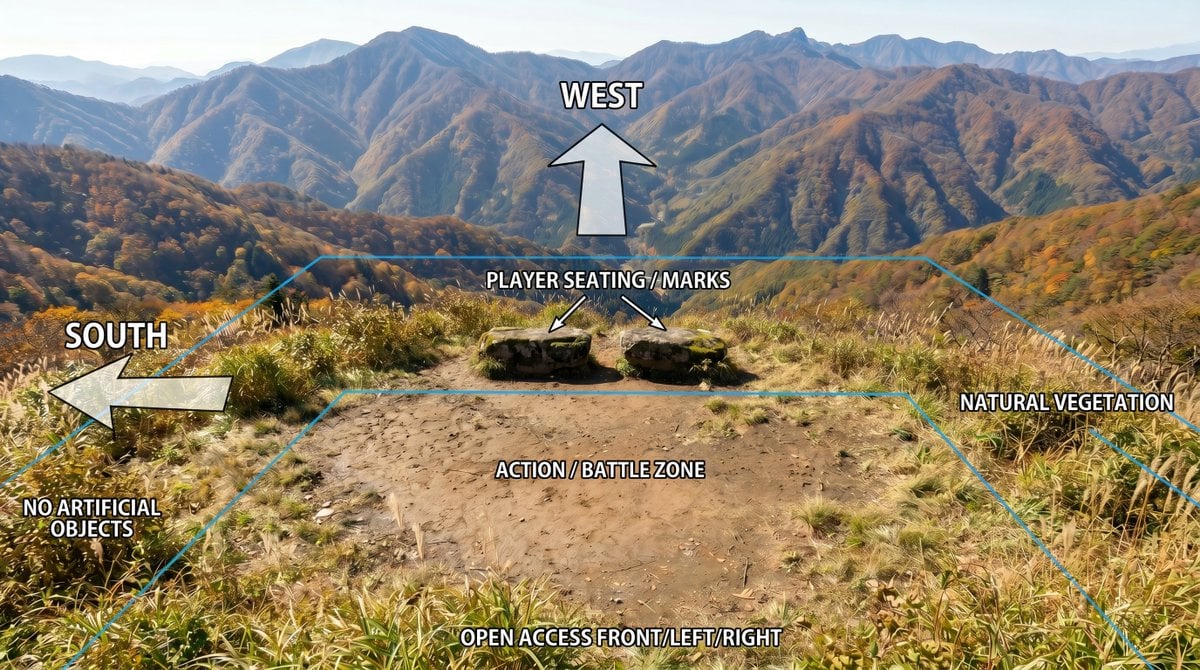
Annotated Mountain Location Diagram
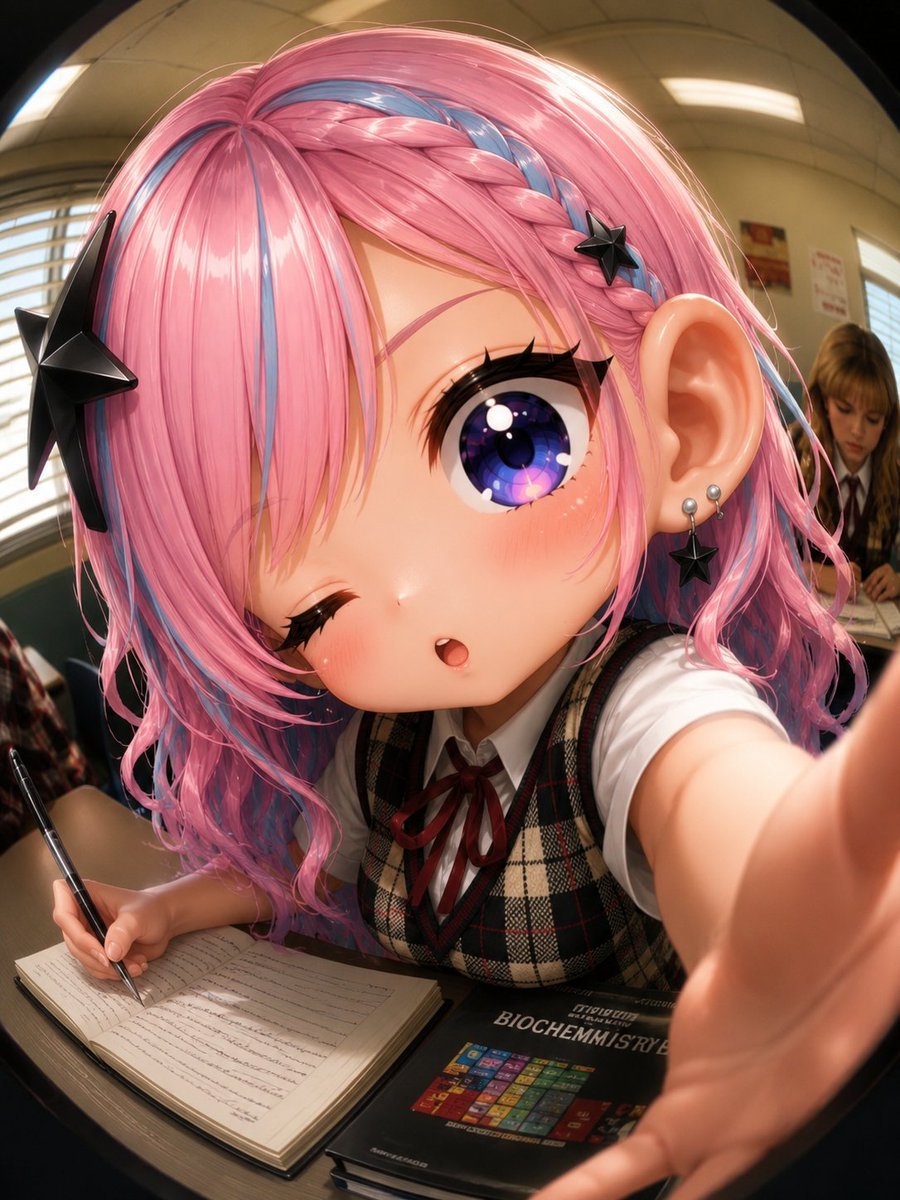
Fisheye Anime Schoolgirl Selfie

Japanese AI Design Webinar Thumbnail
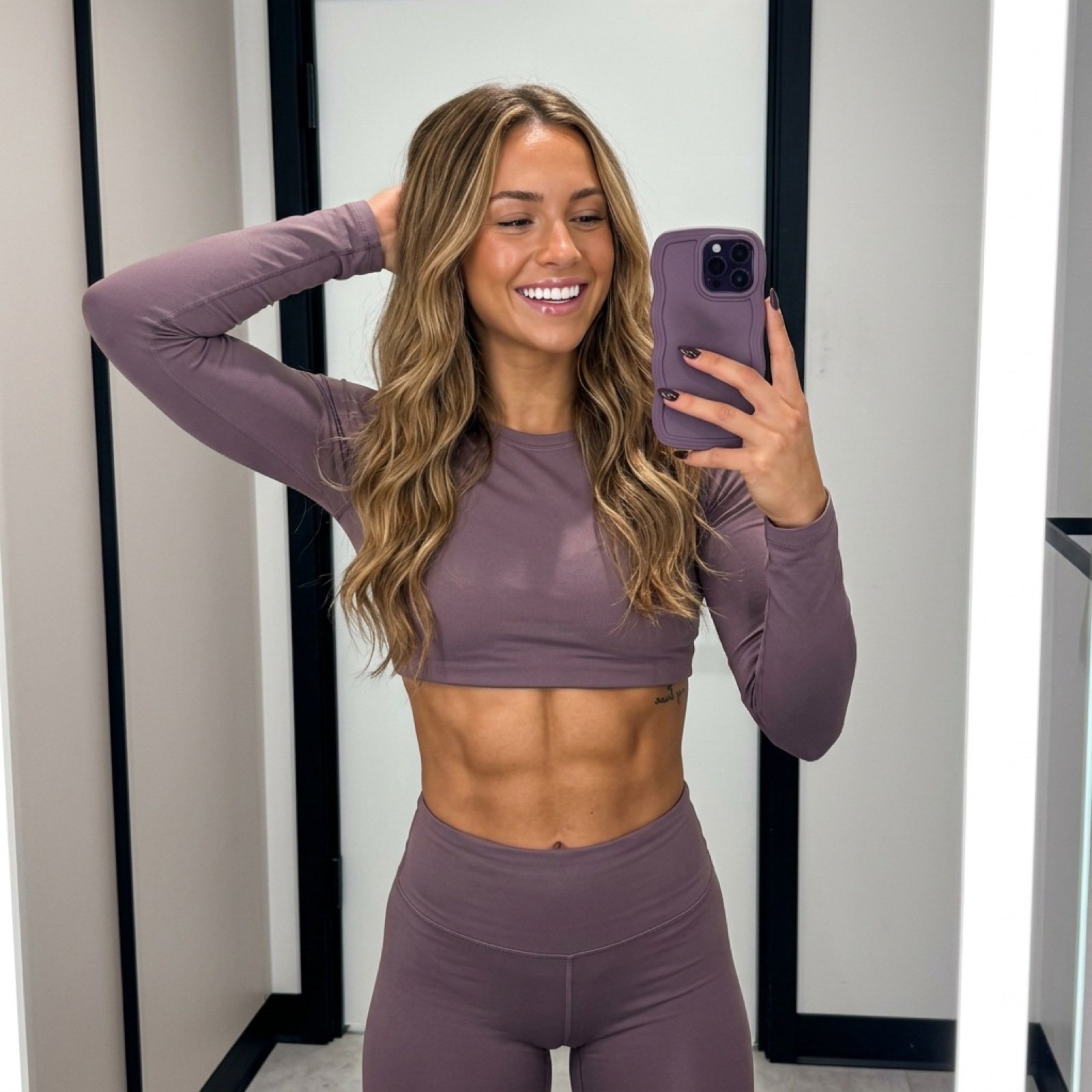
Athletic Mirror Selfie with Defined Physique
Browse template categories
Vintage Americana Fashion Editorial questions
How do I use the Vintage Americana Fashion Editorial template?
Add your photo if the template asks for one, edit the prompt if you like — the template's model and format are already selected — and press Generate. Your version opens in PicX Studio.
Can I customize the Vintage Americana Fashion Editorial template?
Yes. You can change the subject, setting, lighting, mood, format, and available model controls before creating your image.
Is the Vintage Americana Fashion Editorial template free?
Opening and editing this template is free. Generating uses credits, shown on the Generate button when you are signed in.
Which AI model should I use?
Start with Gemini 3 Pro Image Preview, which is the model associated with this template. You can compare another compatible model for a different finish.
Looking for something else? Browse all templates.

Your photo, any look
Thousands of ready templates for every top image and video model, from one credit balance.