
Facial Identity Preservation Portrait
A technical prompt designed to maintain 100% facial identity and skin texture while transforming a reference portrait into a stylized professional photo.

- Prompt included
- Model and format preset
- Free template
The prompt behind this image
Copy the exact prompt behind Facial Identity Preservation Portrait, or open it in the studio and make it yours.
Use the uploaded image as the only facial reference and preserve 100% facial identity, hairstyle, beard, skin tone, and natural skin texture. A handsome man same face photograph of the same young man from image_0.png, maintaining his charming smile and direct eye contact. He is upward looking back to face on a surface, looking at the camera. He wears a {argument name="clothing" default="purple shifon kurta"}, with the sleeves showing. {argument name="accessory" default="rolix watch"}. black ring. His {argument name="hair color" default="dark brown"} hair. The lighting is soft and natural. The background is nhait mood sky blue ton simple and out of focus. Skin: Porcelain-smoth, "glass skin"
How to use Facial Identity Preservation Portrait in 3 steps
- 1Upload ImagePNG, JPG or paste
Add your photo
Upload the photo the template builds on. The prompt, model and format are already set.
- 2…a portrait of your subject in softgolden-hour light, 85mm…
Personalize
Edit the subject and creative details for your destination.
- 3Generate
Generate
Press Generate — your image is created in PicX Studio, so you can compare it with the original and refine one variable at a time.
More like this
Templates with the same subject, style or setup. Open one to see its prompt.

Nano Banana Pro Identity Lock — Composition + Face Reference

Nano Banana Pro Photoreal Playful Couple

Underwater Macro Face Portrait

Noir Punk Street Portrait

High Contrast Cinematic Face Portrait

Monochrome Studio Portrait with Colored Lens

Ultra-Realistic Yacht Sunset Portrait
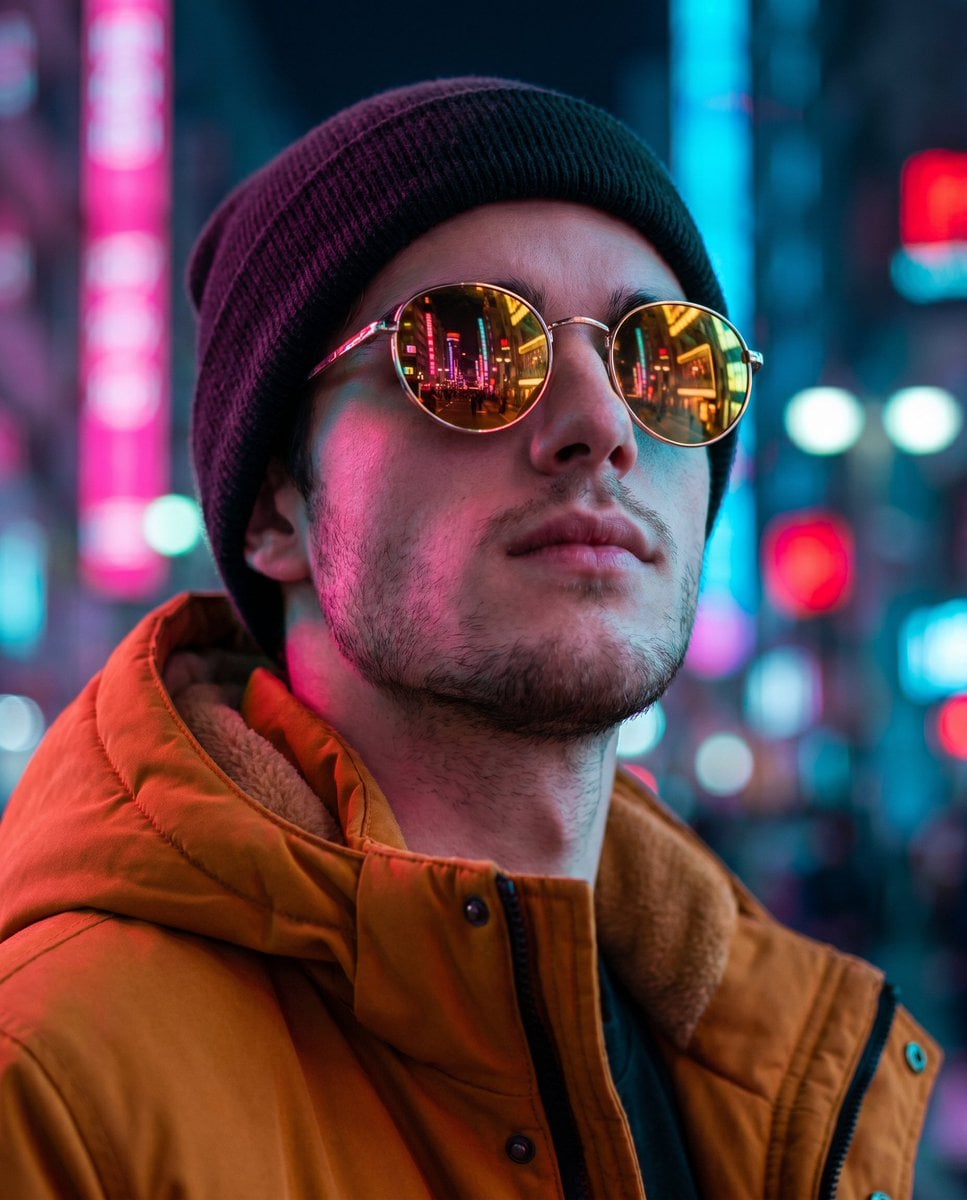
Cyberpunk Identity Preservation Portrait
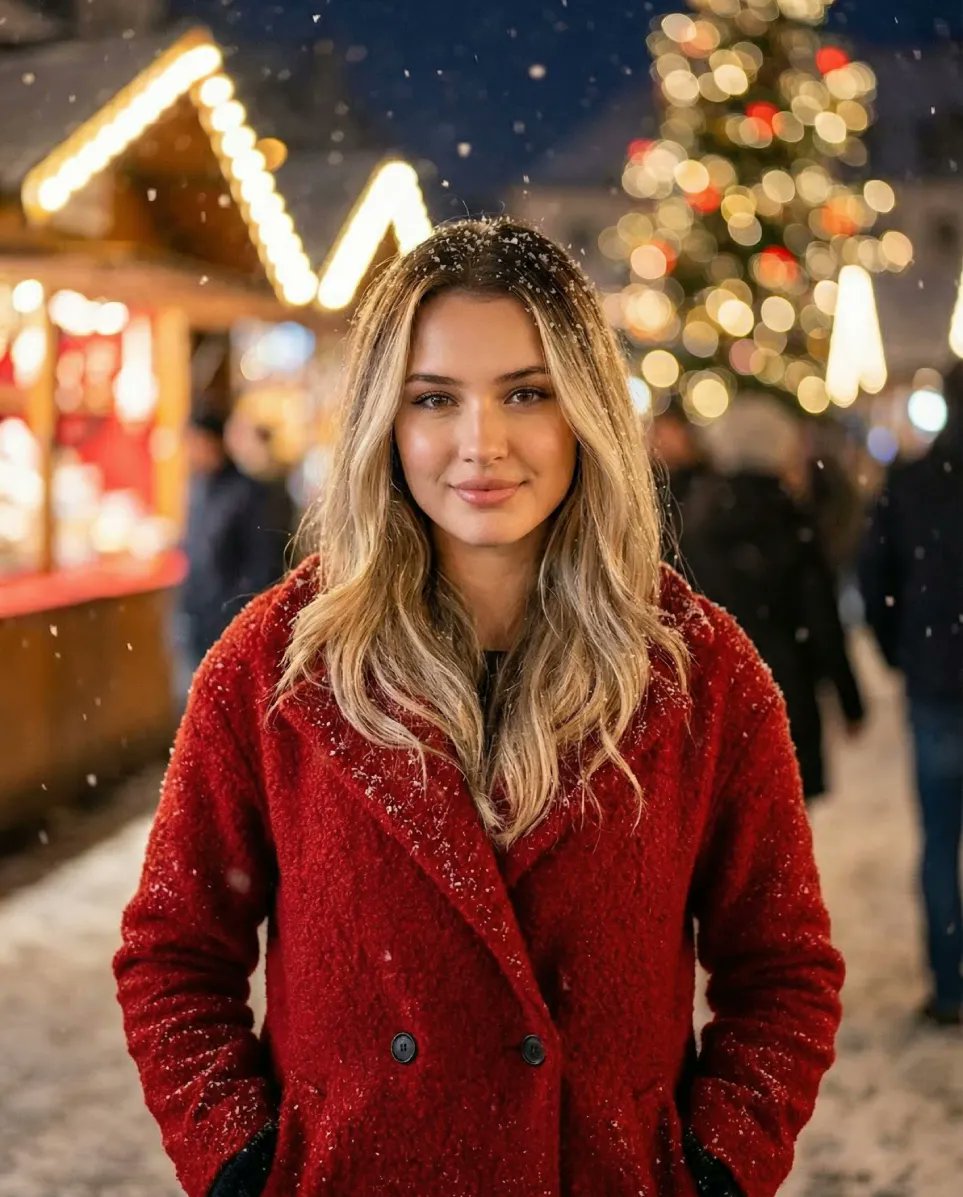
Cozy Christmas Market Portrait with Identity Preservation
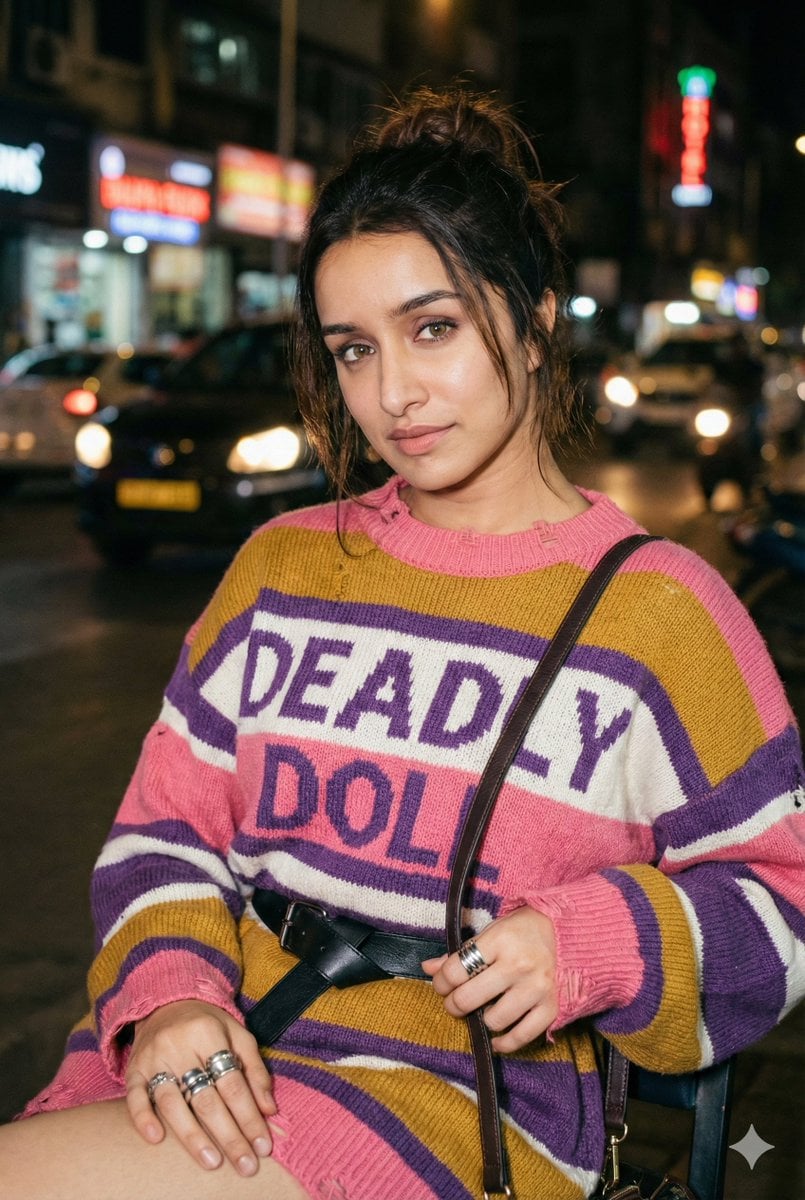
Editorial Nighttime Urban Portrait with Identity Preservation
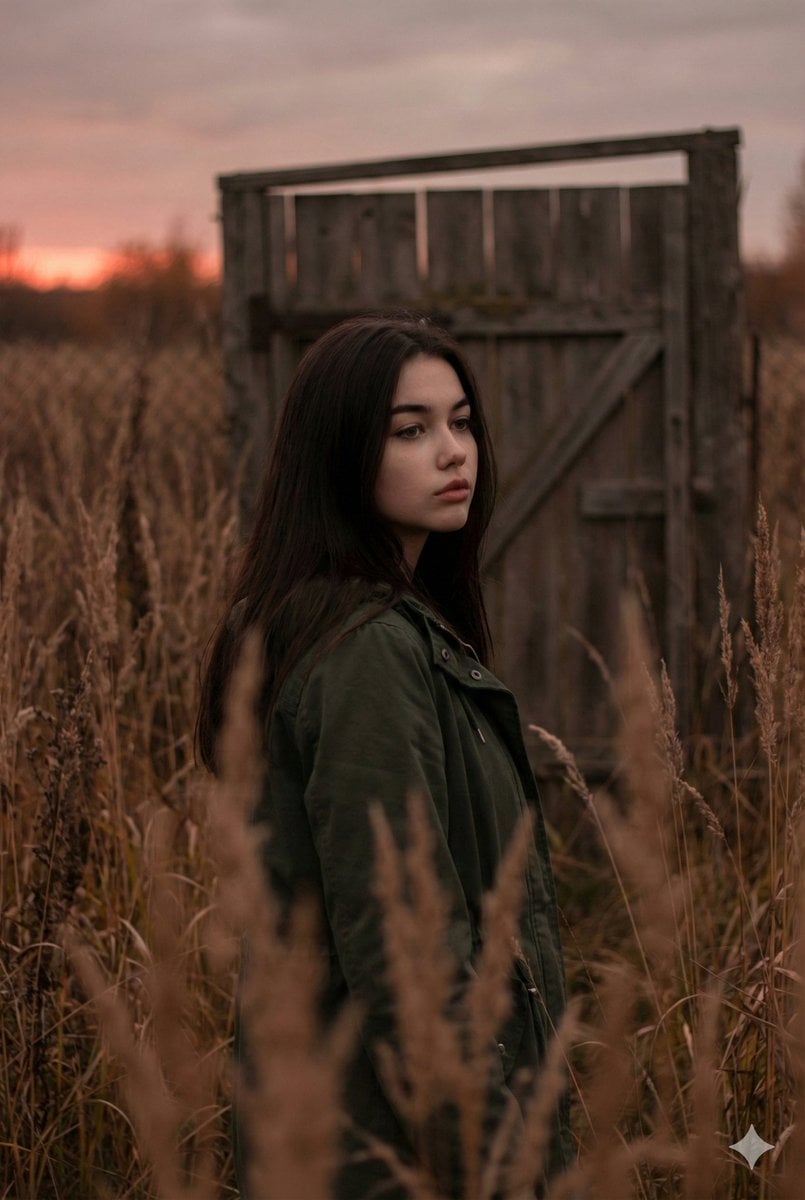
Atmospheric Sunset Portrait Edit Prompt with Identity Preservation
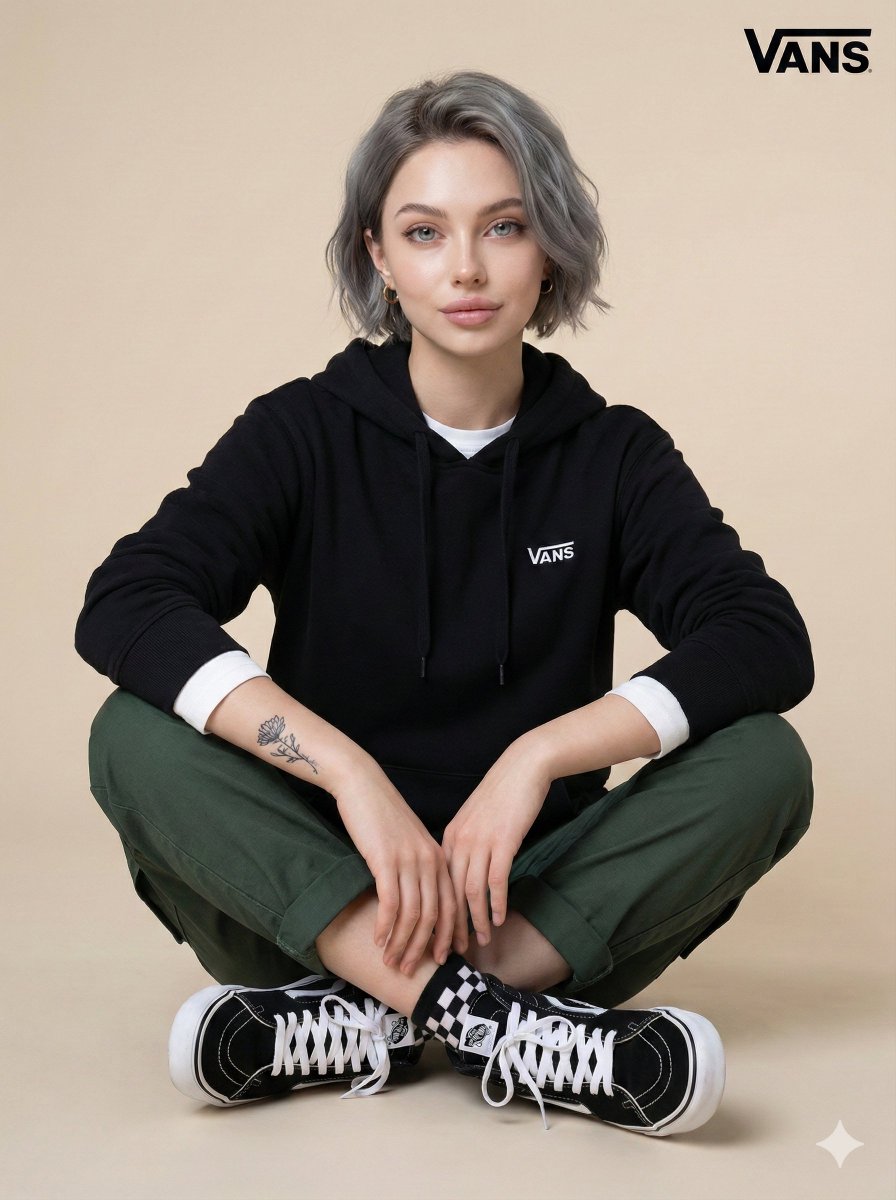
Casual Studio Portrait with Identity Preservation Prompt
Make it yours
Facial Identity Preservation Portrait works as-is. These are the safest ways to change it without losing the look.
Change one field
Copy a single group, rewrite it, and generate again so you can see what that field is doing.
Keep the frame, change the subject
Hold the composition and light of Facial Identity Preservation Portrait, then swap wardrobe, props or the person for a new take.
| If the result… | Why | Fix |
|---|---|---|
| The result drifts from the preview | Too many fields changed at once. | Reuse Facial Identity Preservation Portrait as-is first, then change one group — subject, light, or setting. |
| The model over-stylizes the scene | The prose prompt leaves finish and camera underspecified. | Add one camera or lighting sentence and stay on Gemini 3 Pro Image Preview. |
More Gemini 3 Pro Image Preview templates
Other prompts made for Gemini 3 Pro Image Preview.

Creative Character in Pink Office

Avant-Garde Asian Fashion Model

Water-level Bridge Modification

Mushroom Still Life Composition

Whimsical Anthropomorphic Friendly Insect

Cinematic Urban Night Billboard Portrait

Pop Art Summer Fruit Fashion Illustration

Ultra-Realistic iPhone Selfie with Motion Blur

Cinematic Mirror Reflection Portrait

Elegant Men's Twilight Editorial
More image prompts
Fresh picks from across the catalog.
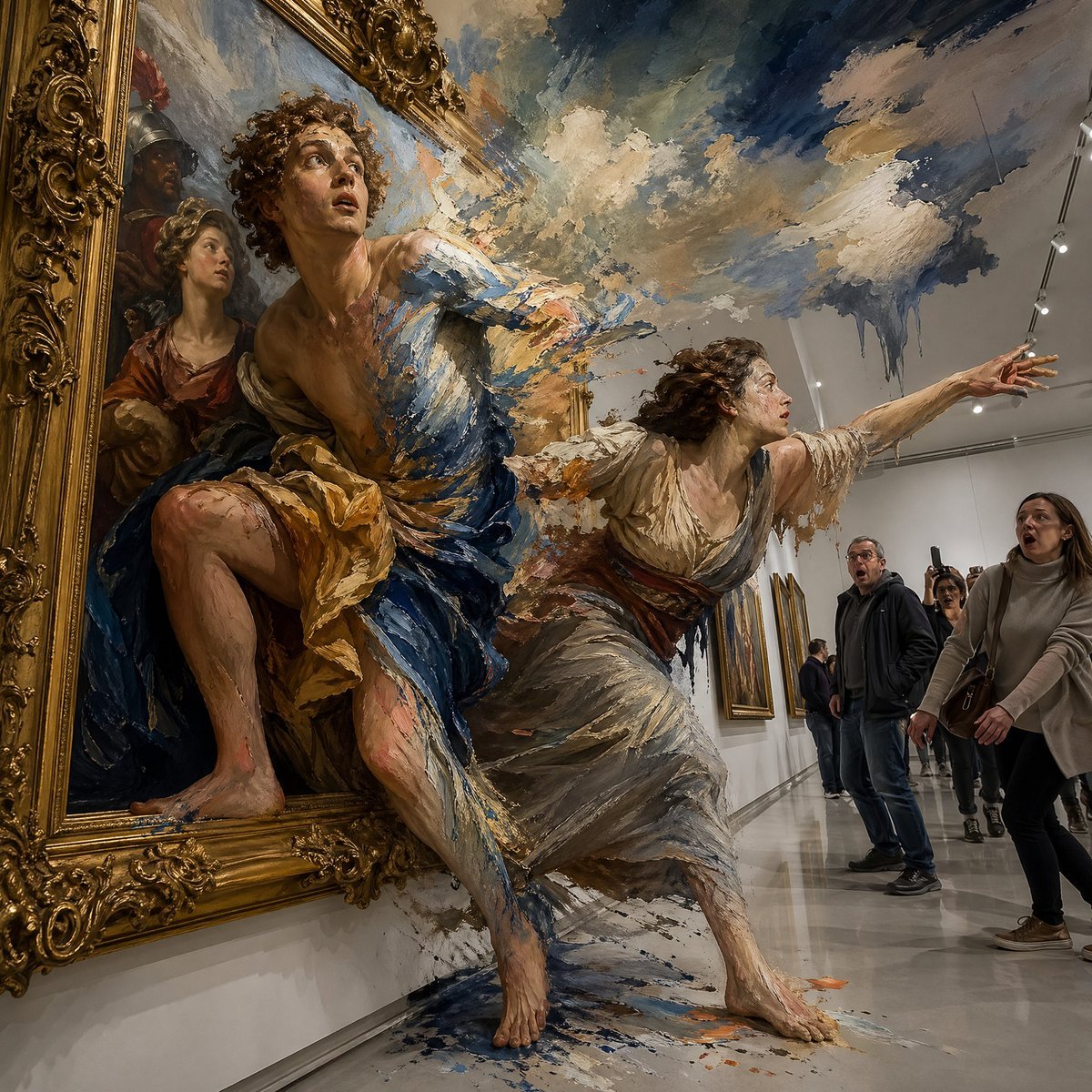
Gpt2 Comic Storyboard Surreal Baroque Painting Reality Fracture
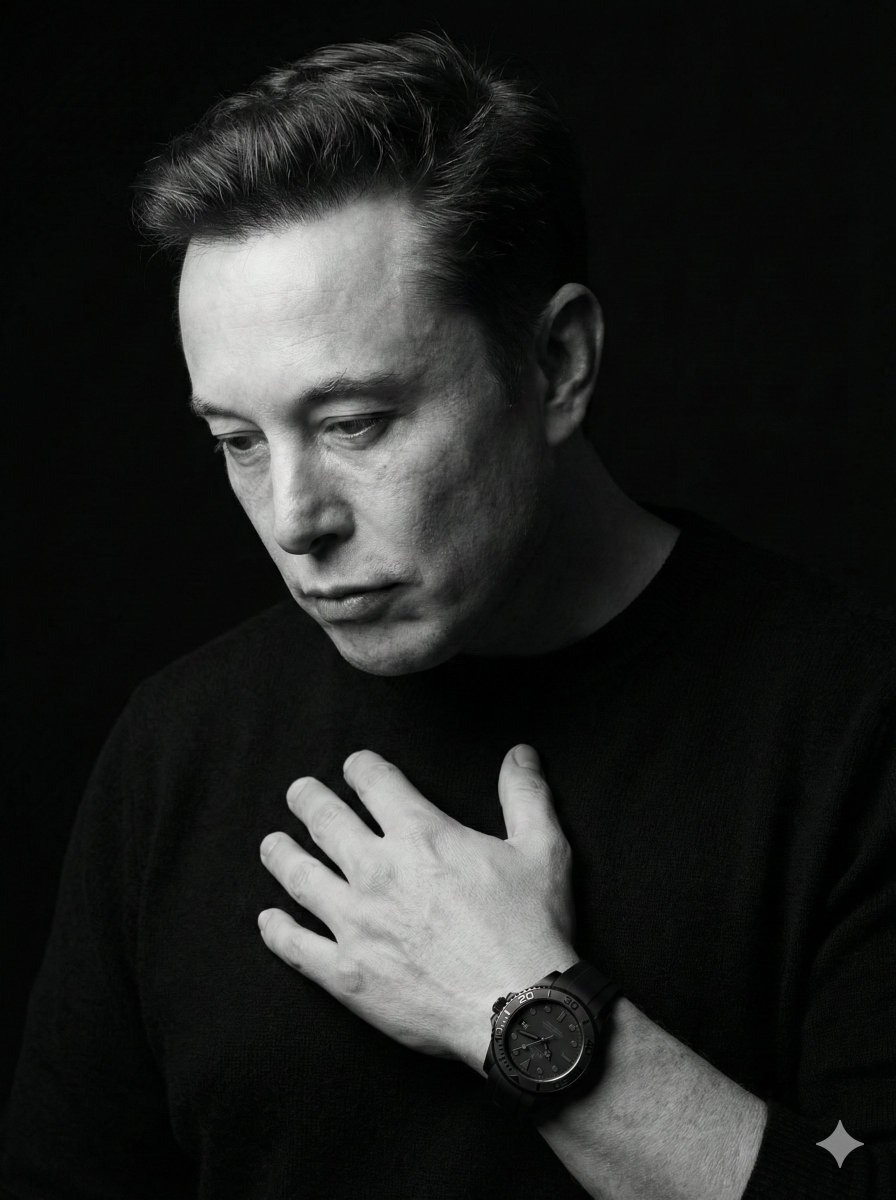
Dramatic Black & White Portrait
Microsoft PowerWordEx Logo Mockup
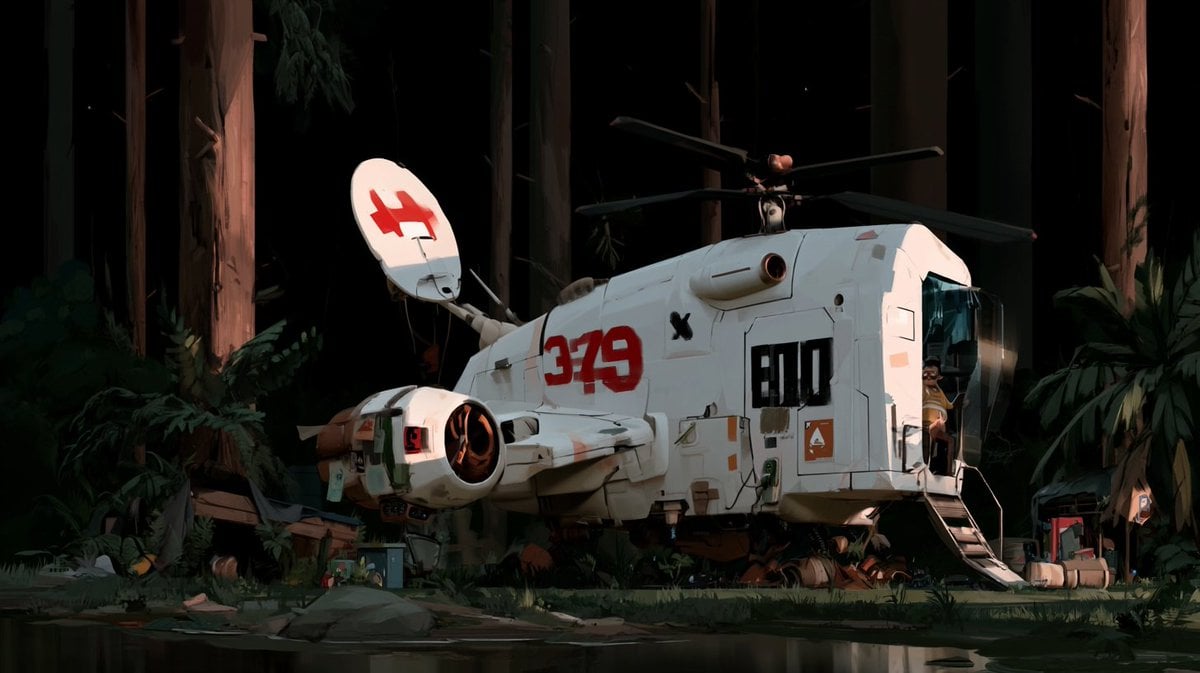
Night Forest Spaceship Landing
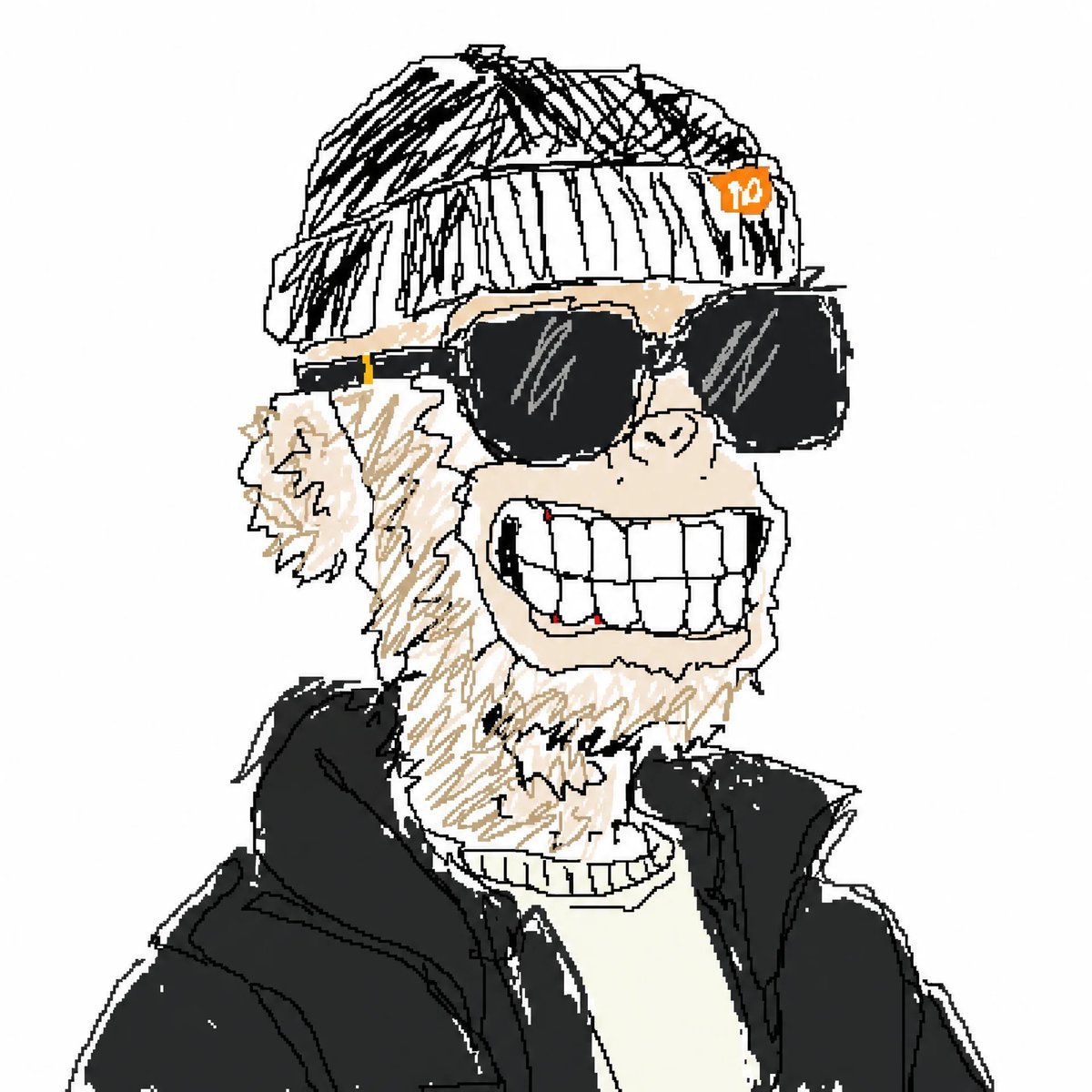
Bad MS Paint Meme Portrait
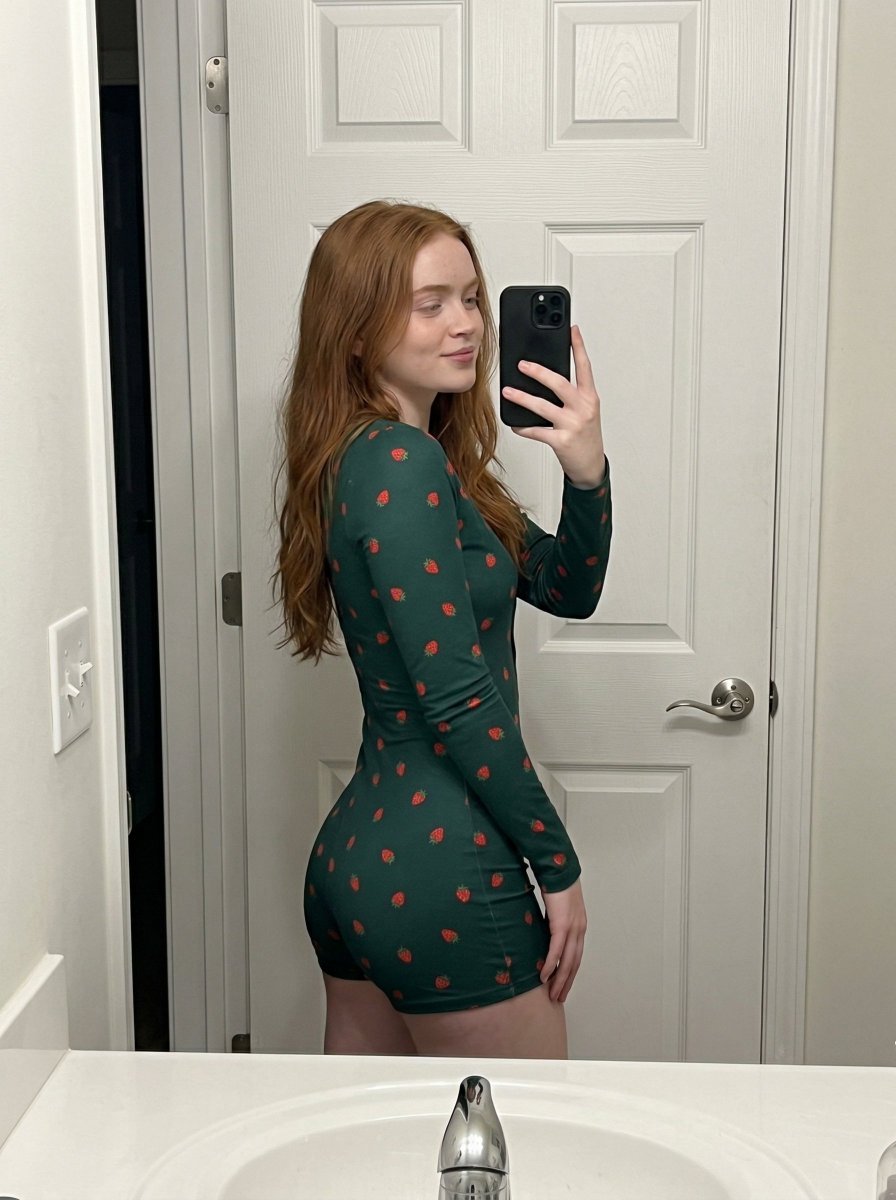
Strawberry Onesie Mirror Selfie with ControlNet
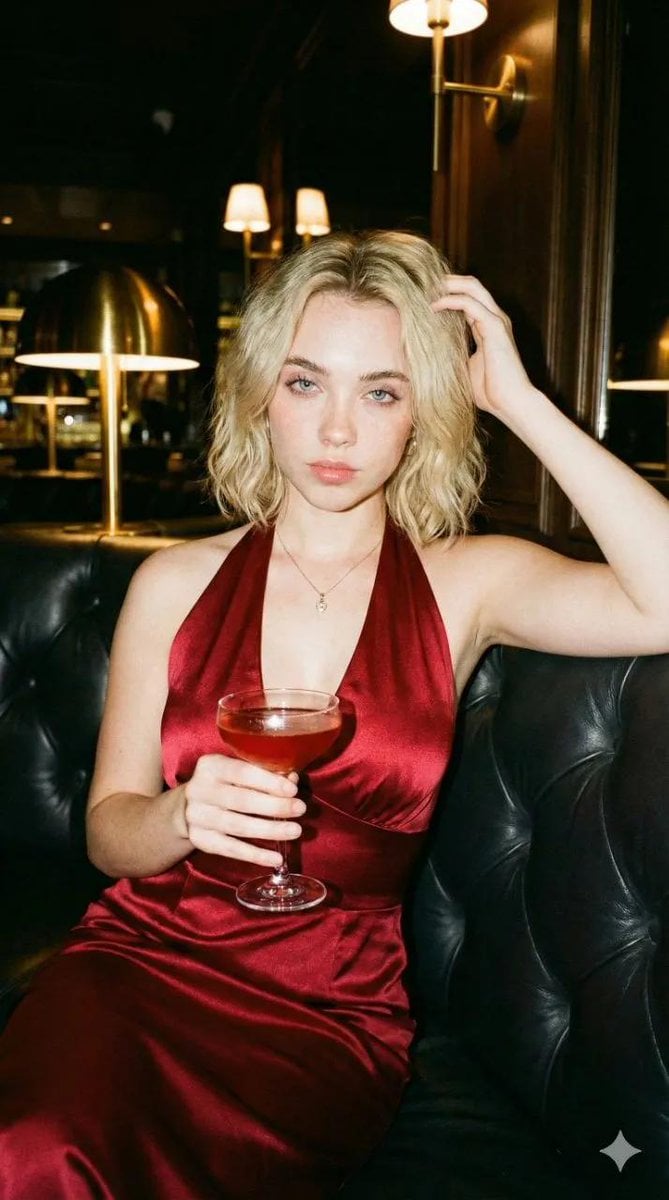
Editorial Nightlife Portrait with Flash

Editorial Luxury Photo Analysis Prompt
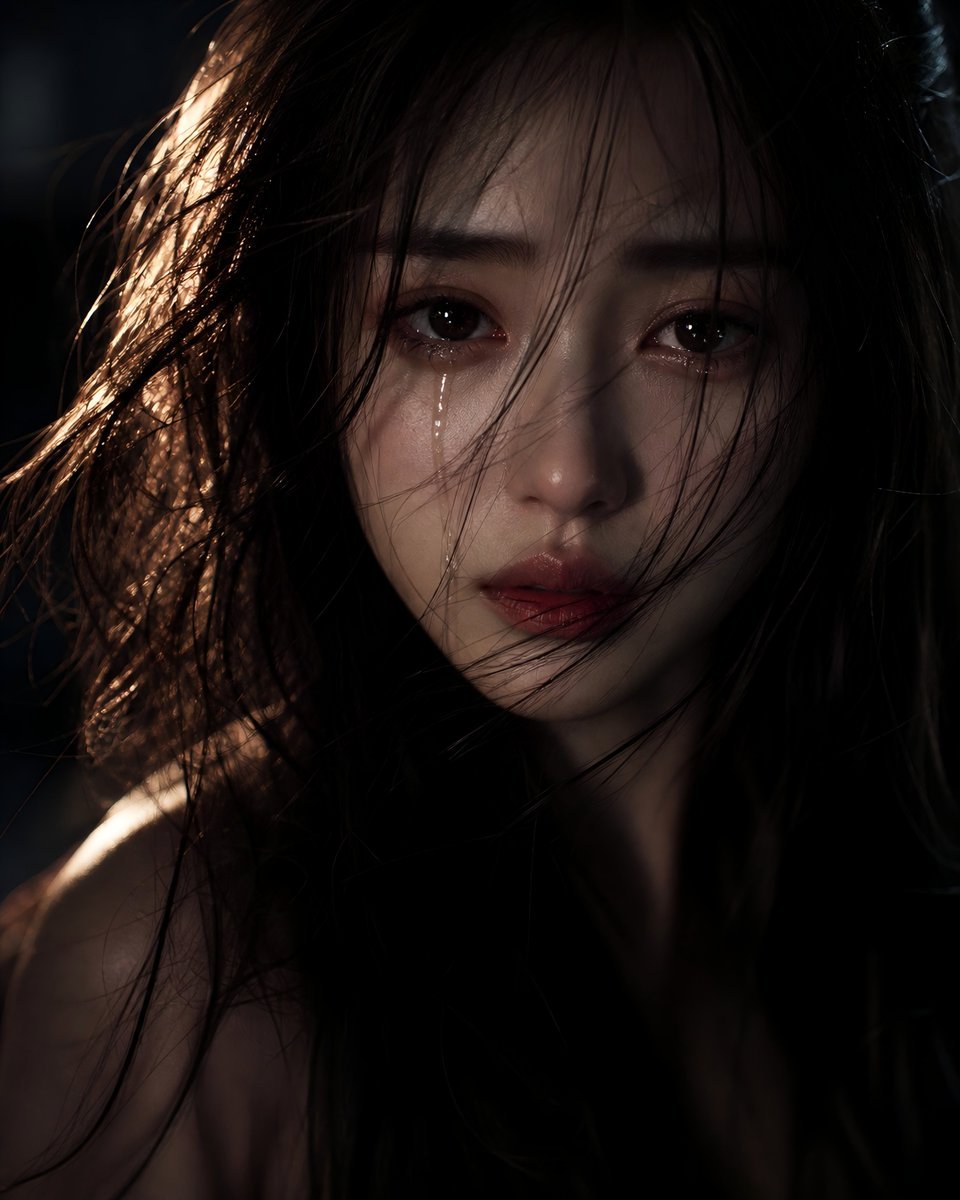
Sorrowful Night Cinematic Portrait
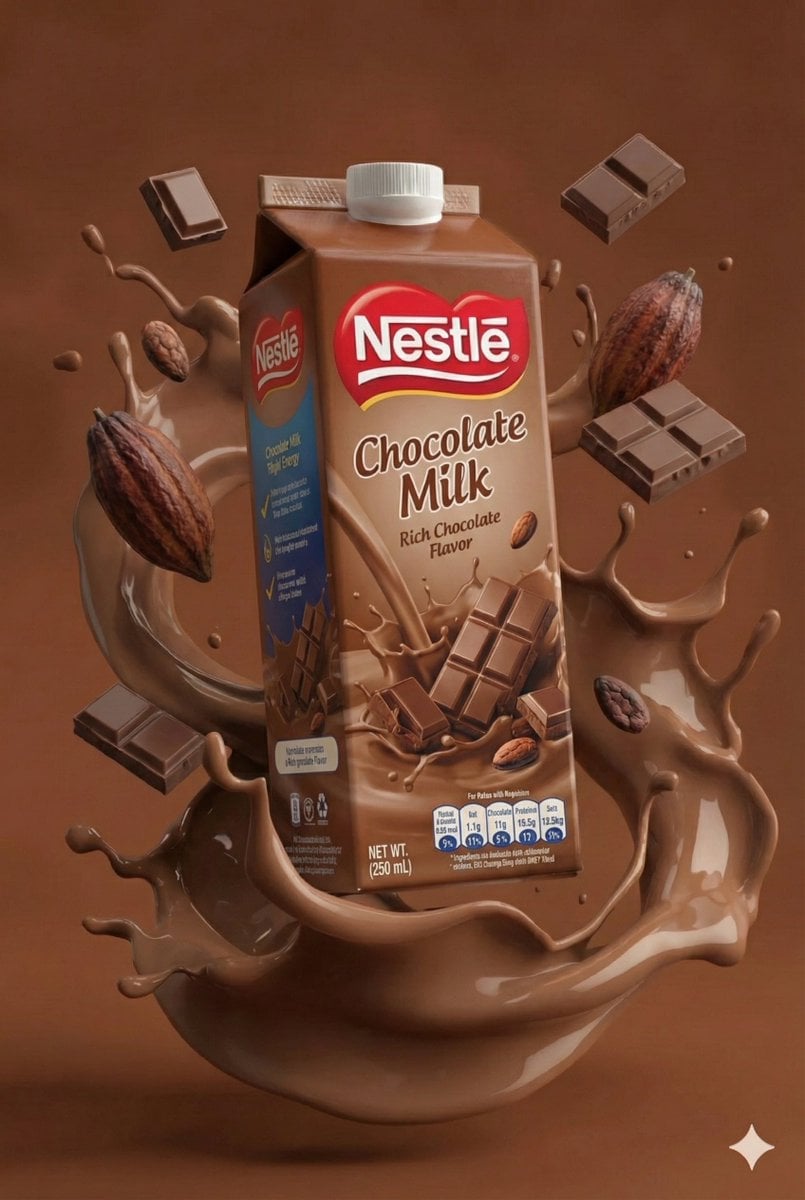
Structured JSON Prompt for Juice Box Product Photography
Browse template categories
Facial Identity Preservation Portrait questions
How do I use the Facial Identity Preservation Portrait template?
Add your photo if the template asks for one, edit the prompt if you like — the template's model and format are already selected — and press Generate. Your version opens in PicX Studio.
Can I customize the Facial Identity Preservation Portrait template?
Yes. You can change the subject, setting, lighting, mood, format, and available model controls before creating your image.
Is the Facial Identity Preservation Portrait template free?
Opening and editing this template is free. Generating uses credits, shown on the Generate button when you are signed in.
Which AI model should I use?
Start with Gemini 3 Pro Image Preview, which is the model associated with this template. You can compare another compatible model for a different finish.
Looking for something else? Browse all templates.

Your photo, any look
Thousands of ready templates for every top image and video model, from one credit balance.