
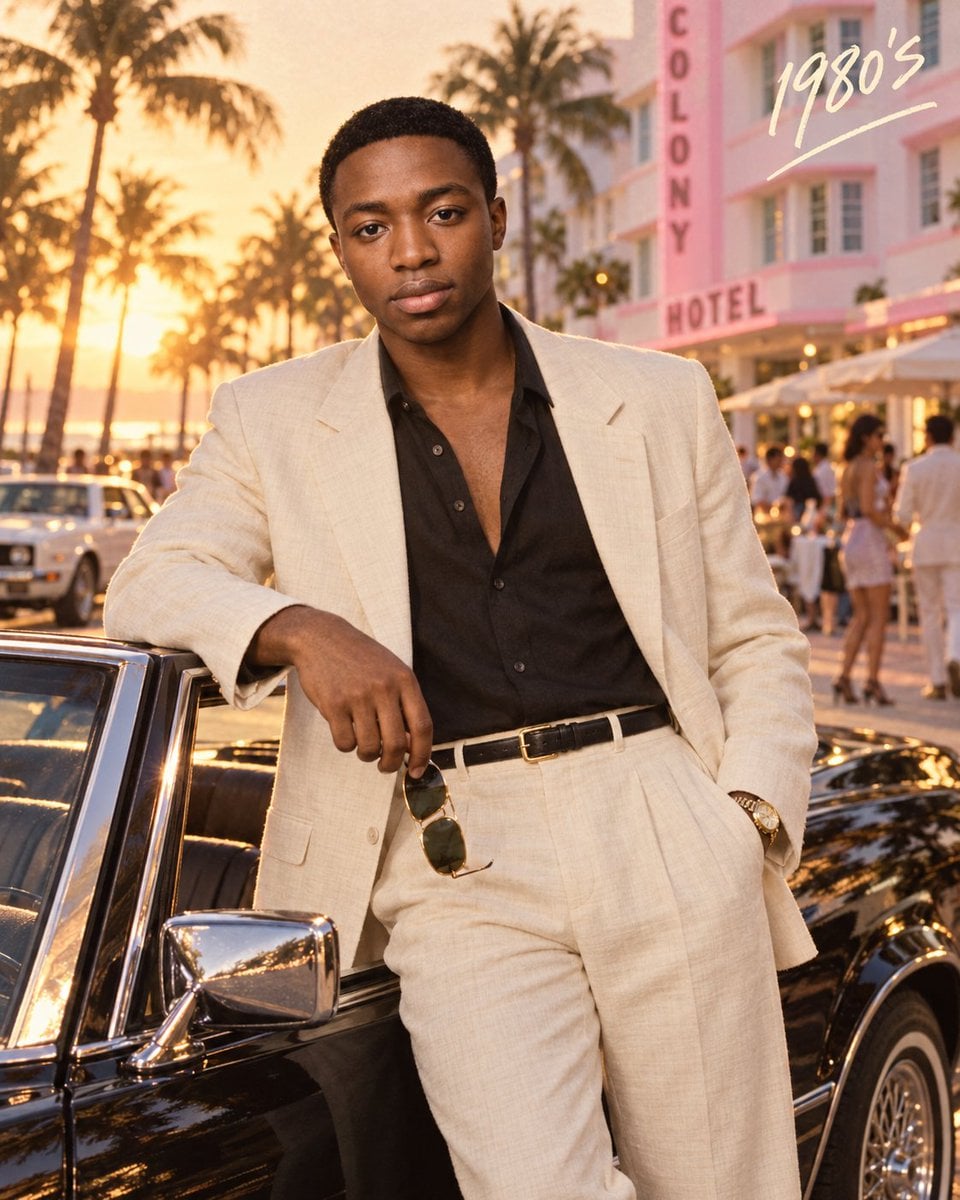
80s Retro Miami Ferrari Portrait
A cinematic retro prompt for generating a stylish man leaning against a white Ferrari Testarossa in Miami at sunset, featuring 80s film grain and vibrant colors.
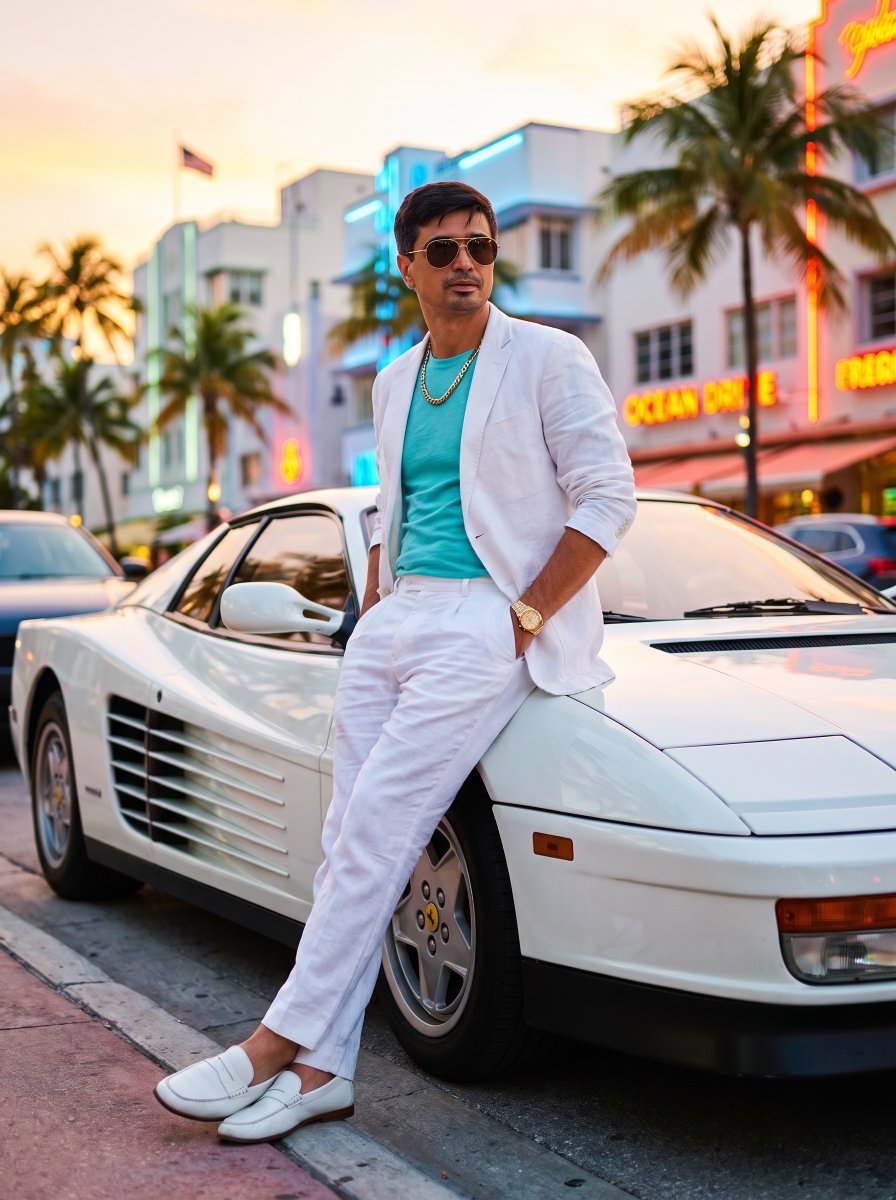
- Prompt included
- Model and format preset
- Free template
The prompt behind this image
Copy the exact prompt behind 80s Retro Miami Ferrari Portrait, or open it in the studio and make it yours.
Subject: A charismatic late-20s man. Clothing: {argument name="clothing brand" default="WHITES"} linen blazer (sleeves rolled up), {argument name="t-shirt color" default="turquoise"} t-shirt, white pleated trousers. Footwear: White leather loafers with no socks. Accessories: Aviator sunglasses (mirrored), chunky gold chain necklace, gold watch. Pose: Leaning against a white {argument name="car model" default="Ferrari Testarossa"}, one hand on the car door, looking coolly over his sunglasses. Camera Setup: Canon 1DX Mark III, 35mm lens, f/4.0. Angle of Capture: Medium wide shot, low angle. Setting: Ocean Drive, Miami, at sunset with palm trees. Lighting/Mood/Time of Day: Vibrant golden hour, neon signs beginning to glow, energetic and stylish mood. Style and Finish: Retro cinematic, highly saturated colors, strong bokeh on the background, 80s film grain. KEEP FACE FEATURES IDENTICAL FROM ATTACHED PHOTO Negative Prompt 62: Modern clothing, dull colors, formal attire, blur, bad anatomy, extra limbs, poor quality, noisy, out of focus, duplicate elements, weird textures, digital, beige turtleneck
How to use 80s Retro Miami Ferrari Portrait in 3 steps
- 1Upload ImagePNG, JPG or paste
Add your photo
Upload the photo the template builds on. The prompt, model and format are already set.
- 2…a portrait of your subject in softgolden-hour light, 85mm…
Personalize
Edit the subject and creative details for your destination.
- 3Generate
Generate
Press Generate — your image is created in PicX Studio, so you can compare it with the original and refine one variable at a time.
More like this
Templates with the same subject, style or setup. Open one to see its prompt.








Make it yours
80s Retro Miami Ferrari Portrait works as-is. These are the safest ways to change it without losing the look.
Change one field
Copy a single group, rewrite it, and generate again so you can see what that field is doing.
Keep the frame, change the subject
Hold the composition and light of 80s Retro Miami Ferrari Portrait, then swap wardrobe, props or the person for a new take.
| If the result… | Why | Fix |
|---|---|---|
| The result drifts from the preview | Too many fields changed at once. | Reuse 80s Retro Miami Ferrari Portrait as-is first, then change one group — subject, light, or setting. |
| The model over-stylizes the scene | The prose prompt leaves finish and camera underspecified. | Add one camera or lighting sentence and stay on Gemini 3 Pro Image Preview. |
More Gemini 3 Pro Image Preview templates
Other prompts made for Gemini 3 Pro Image Preview.

Creative Character in Pink Office

Avant-Garde Asian Fashion Model

Underwater Macro Face Portrait

Water-level Bridge Modification

Noir Punk Street Portrait

High Contrast Cinematic Face Portrait

Monochrome Studio Portrait with Colored Lens

Ultra-Realistic Yacht Sunset Portrait

Mushroom Still Life Composition

Whimsical Anthropomorphic Friendly Insect
More image prompts
Fresh picks from across the catalog.
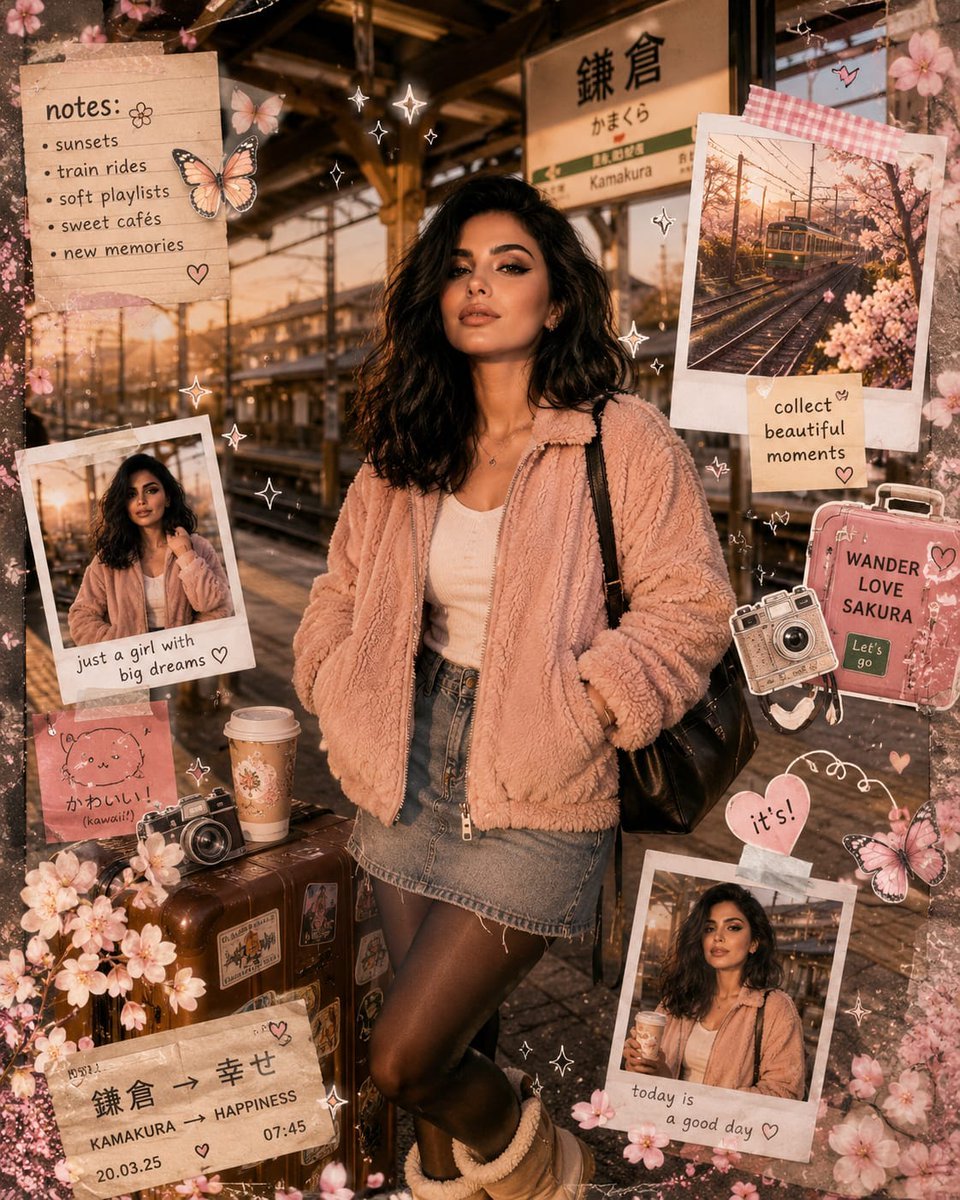
Kawaii Journal and Miniature Diorama Styles
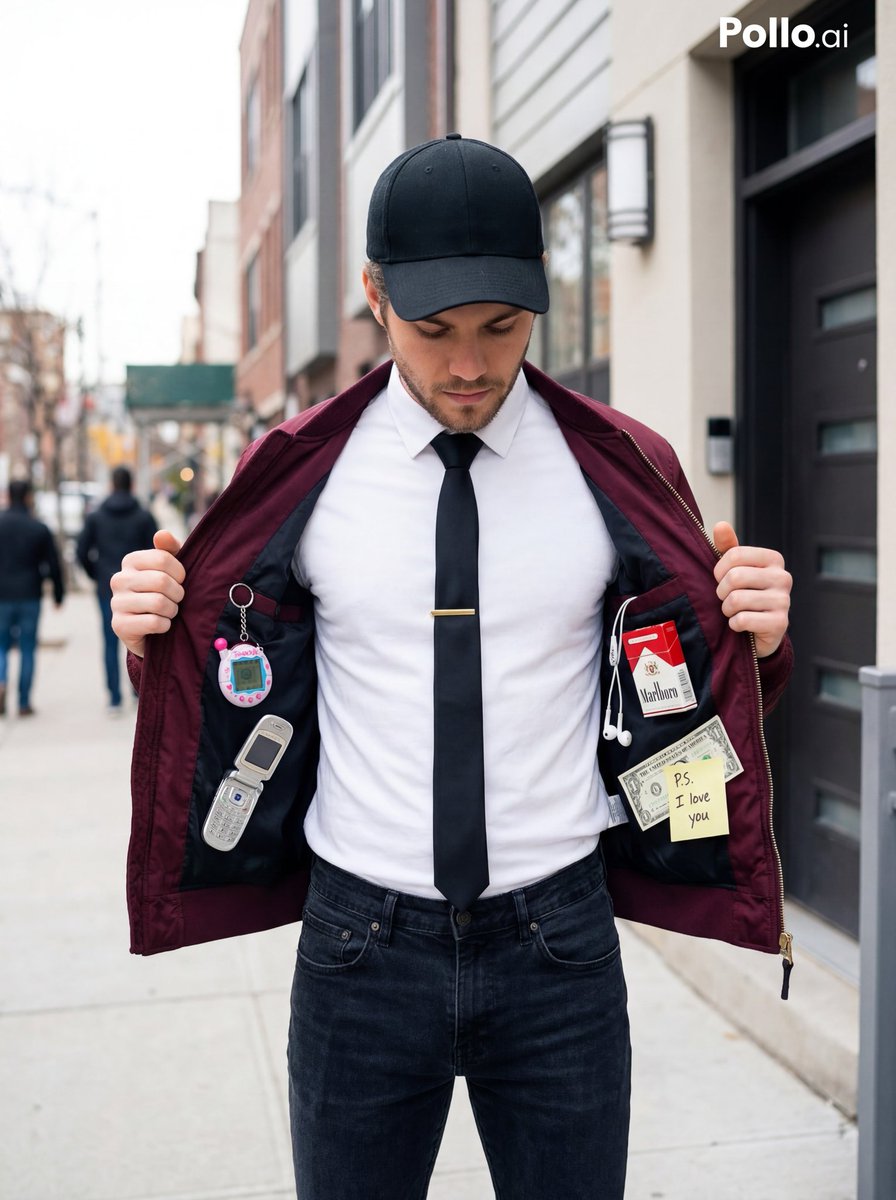
Street Fashion Editorial with 90s Nostalgia Items
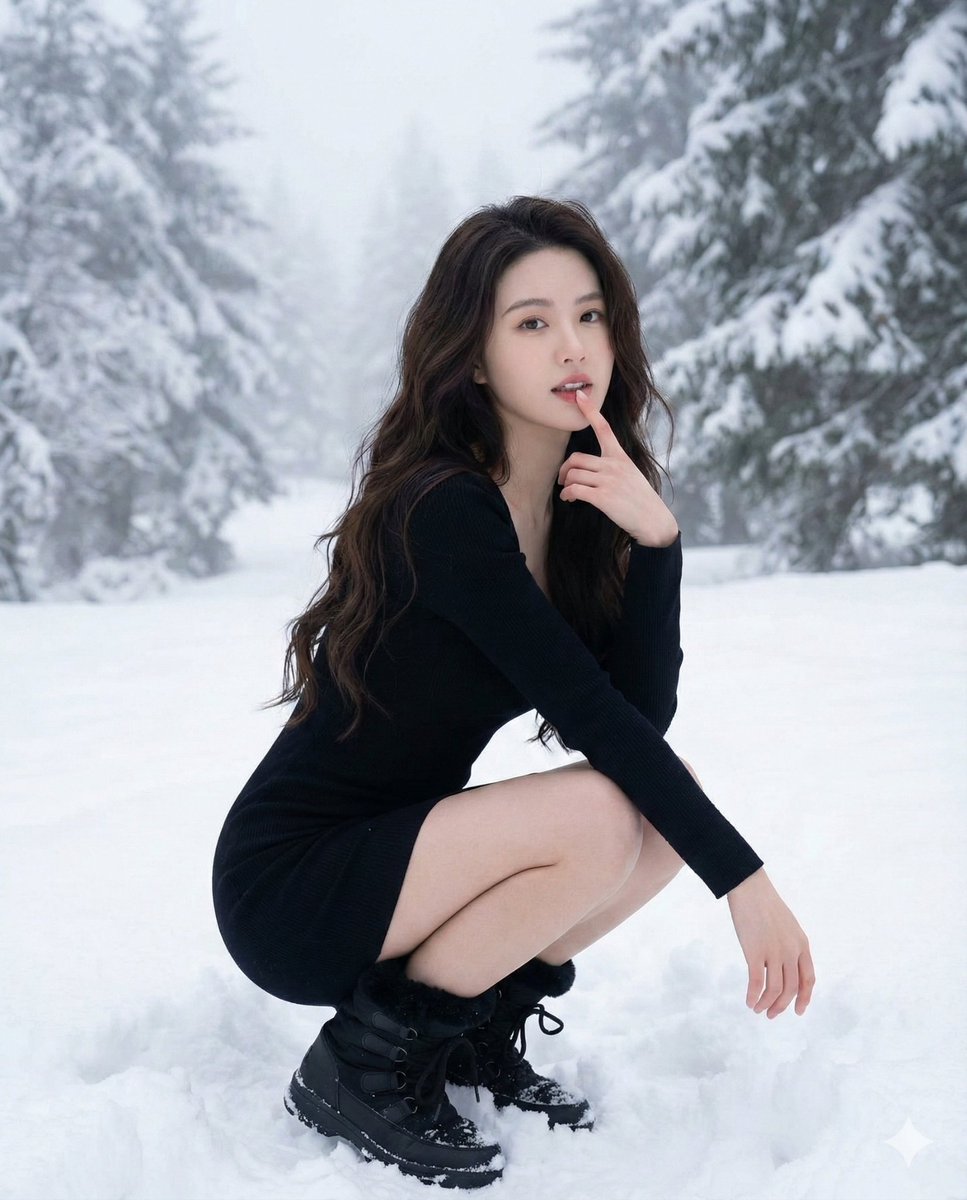
Ultra-Realistic Winter Fashion Portrait
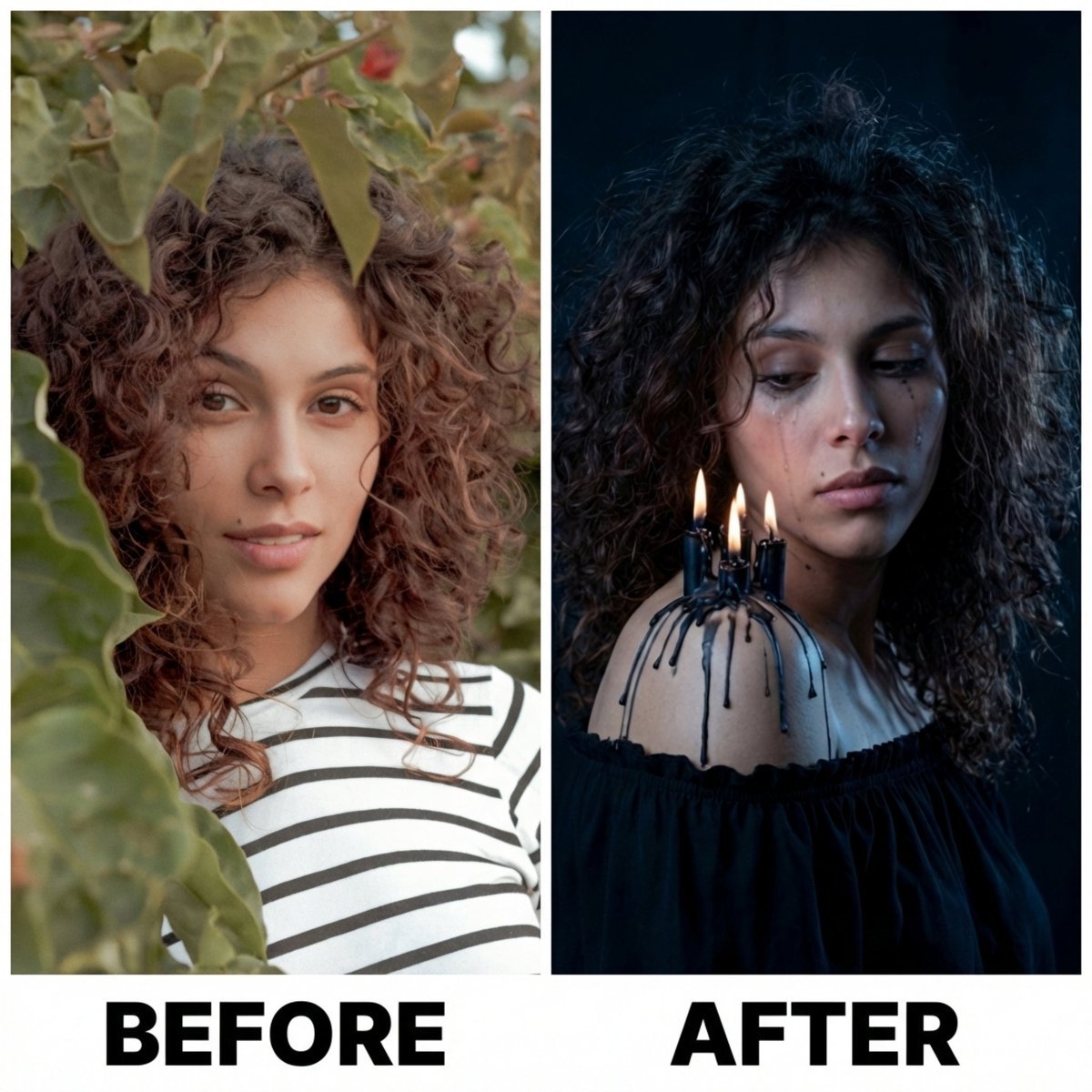
Moody Portrait with Dripping Candles
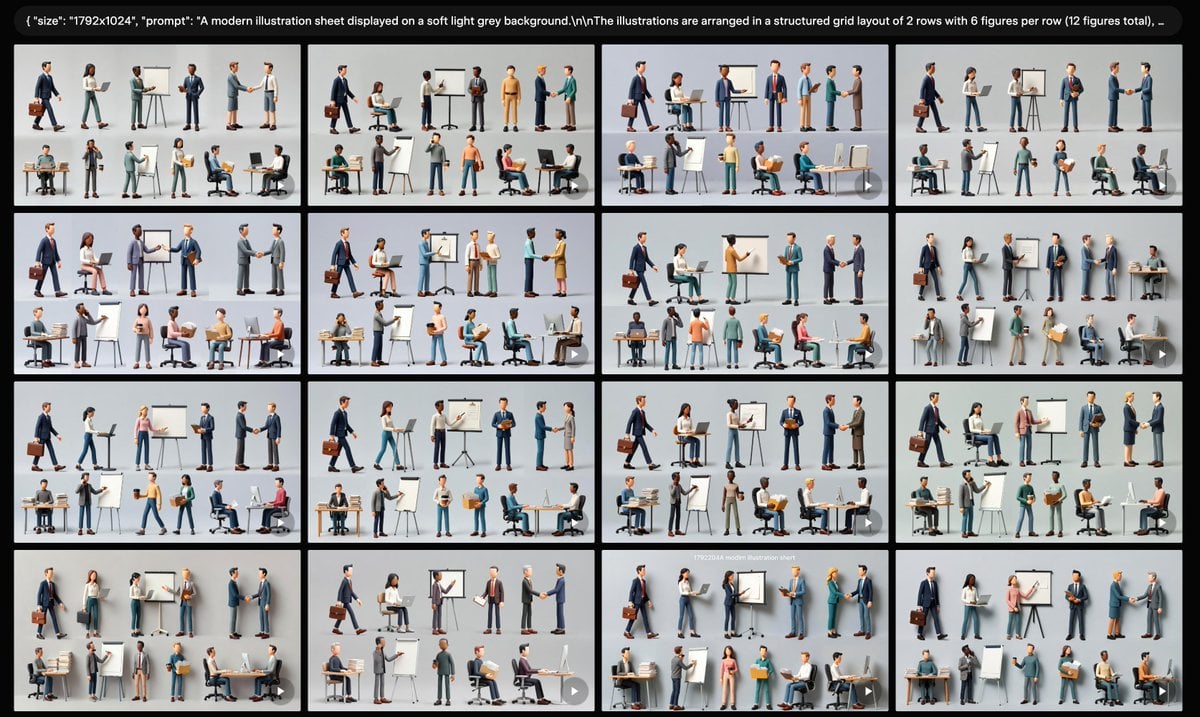
Business Character Sheet Gallery
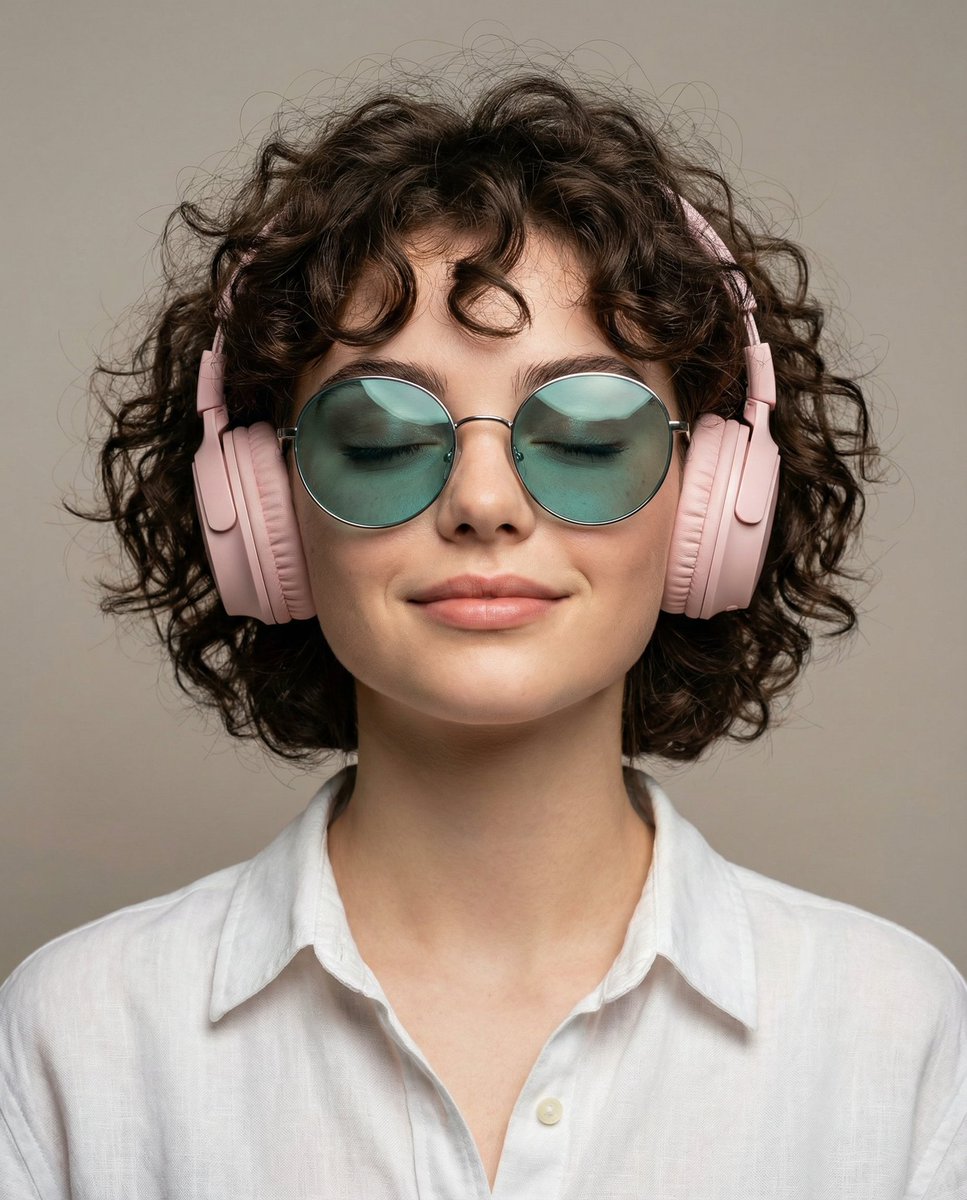
Ultra-Realistic Studio Portrait of Woman with Eyes Closed and Headphones
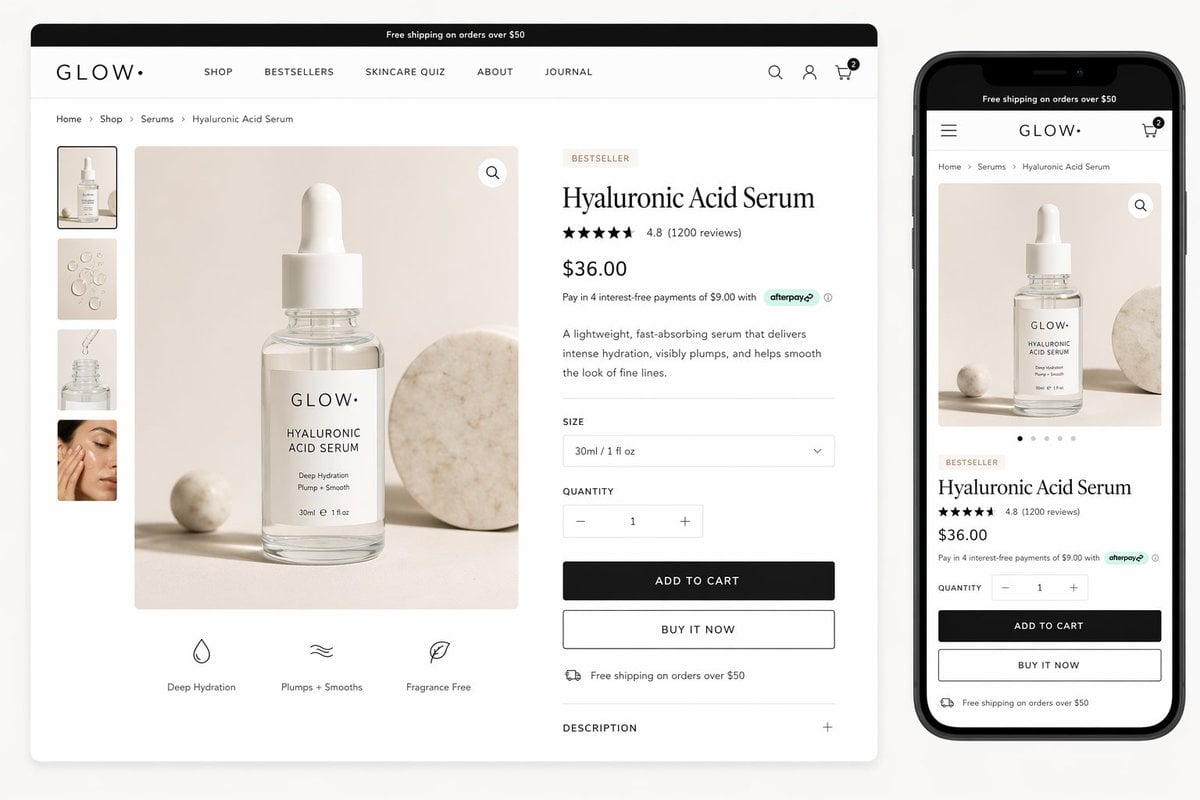
Luxury Skincare Product Page Mockup

Double Exposure Nature Portrait
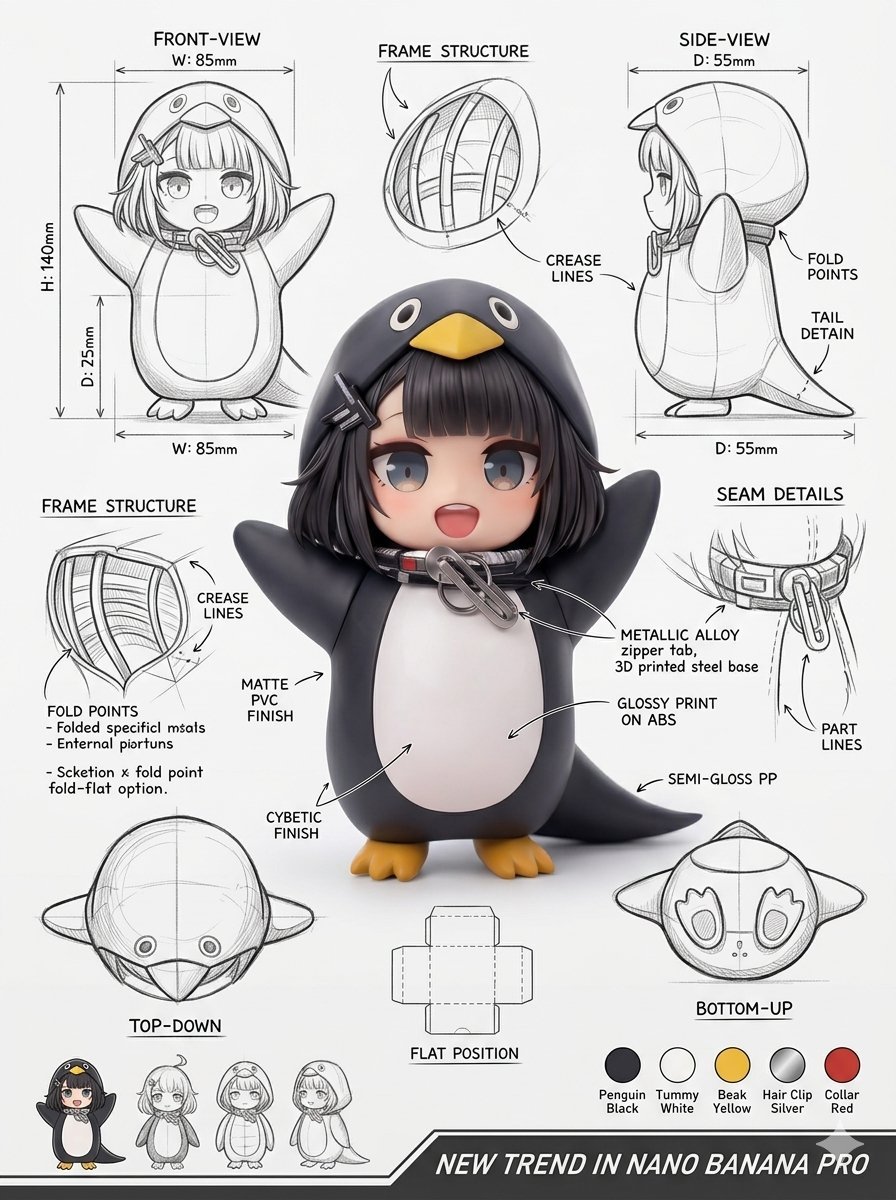
Industrial Packaging Design Sheet
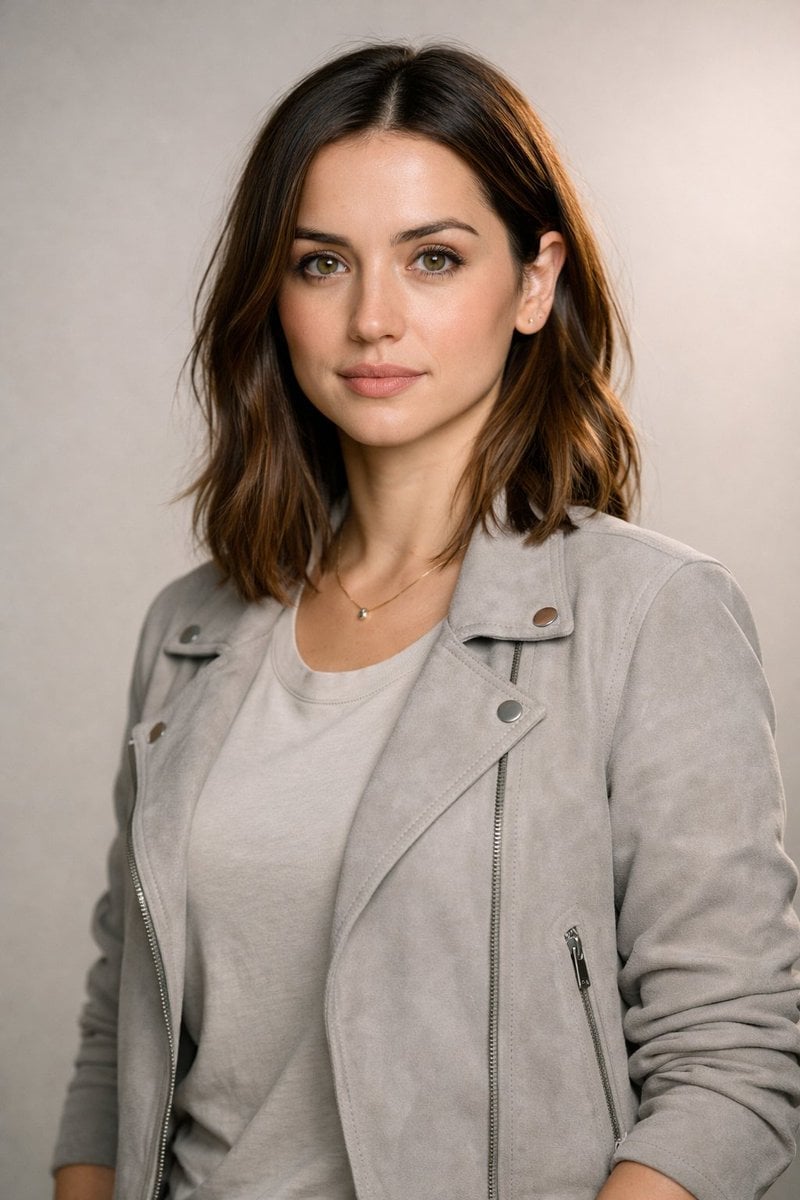
8K Editorial Studio Portrait Prompt
Browse template categories
80s Retro Miami Ferrari Portrait questions
How do I use the 80s Retro Miami Ferrari Portrait template?
Add your photo if the template asks for one, edit the prompt if you like — the template's model and format are already selected — and press Generate. Your version opens in PicX Studio.
Can I customize the 80s Retro Miami Ferrari Portrait template?
Yes. You can change the subject, setting, lighting, mood, format, and available model controls before creating your image.
Is the 80s Retro Miami Ferrari Portrait template free?
Opening and editing this template is free. Generating uses credits, shown on the Generate button when you are signed in.
Which AI model should I use?
Start with Gemini 3 Pro Image Preview, which is the model associated with this template. You can compare another compatible model for a different finish.
Looking for something else? Browse all templates.

Your photo, any look
Thousands of ready templates for every top image and video model, from one credit balance.