
1980s Miami Lifestyle Fashion Portrait
Generates a photorealistic 1980s-inspired Miami fashion portrait of a man with a vintage car, utilizing a reference image for environment and pose.
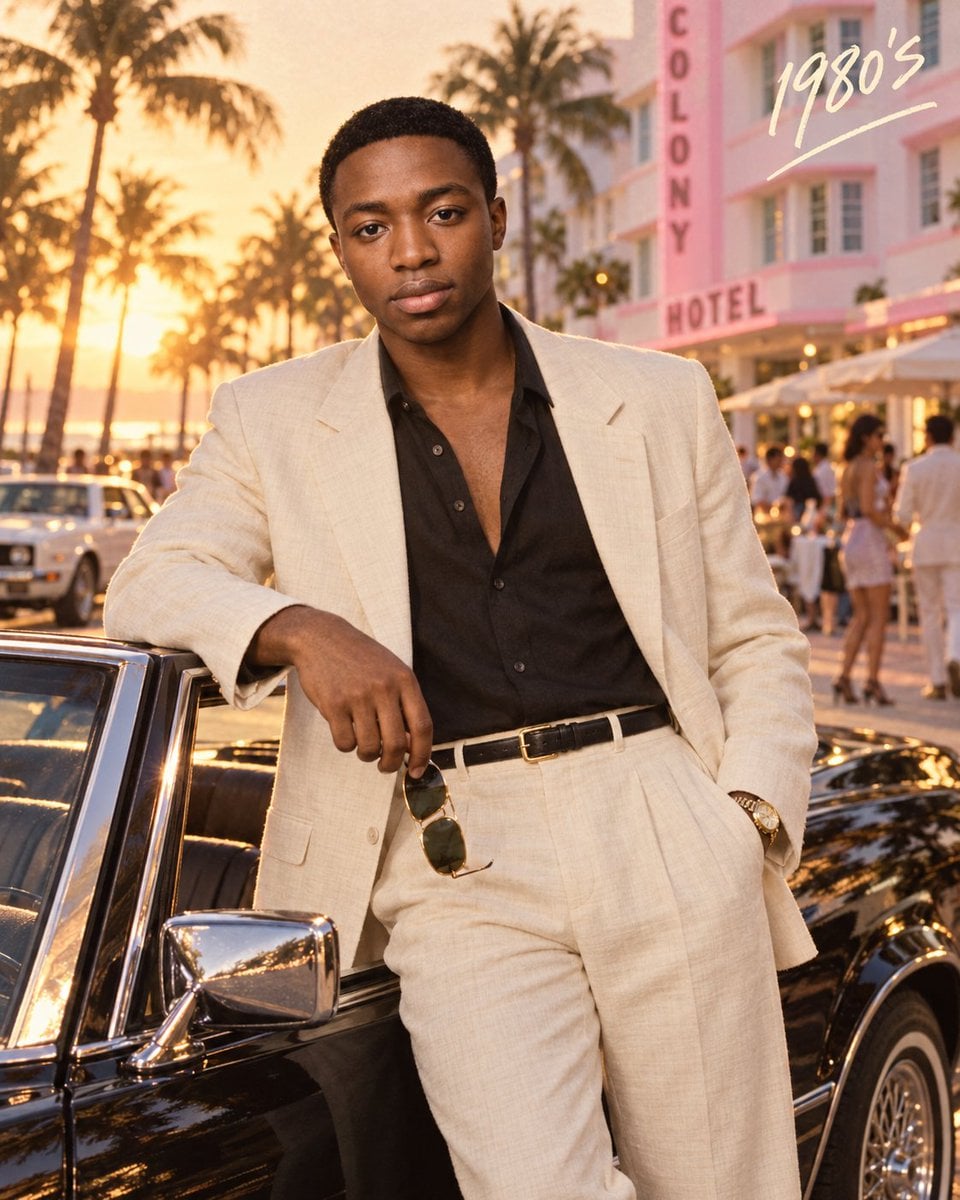
- Prompt included
- Model and format preset
- Free template
The prompt behind this image
Copy the exact prompt behind 1980s Miami Lifestyle Fashion Portrait, or open it in the studio and make it yours.
Use the uploaded image as the main composition, styling, pose, lighting, and environment reference. Create a photorealistic 1980s-inspired Miami lifestyle fashion portrait of an adult man standing beside a glossy {argument name="car color" default="black"} vintage {argument name="car type" default="convertible"} during golden hour. Frame him from approximately mid-thigh upward, leaning casually against the open driver-side door with a relaxed, confident expression while looking toward the camera. One hand rests naturally near the car while holding a pair of classic aviator sunglasses, and the other hand is casually tucked into his trouser pocket. Dress him in an elegant cream/off-white linen suit with a relaxed tailored blazer and high-waisted pleated trousers. Underneath, add a black open-collar shirt with the top buttons undone for a sophisticated retro look. Add a slim black leather belt with a polished gold buckle and a classic gold-tone wristwatch. Keep the styling refined, masculine, minimal, and authentic to the 1980s. Place the scene on a glamorous Miami Beach–inspired boulevard, surrounded by tall palm trees, pastel Art Deco architecture, outdoor cafés, vintage cars, and softly blurred pedestrians in the distance. Position a pastel pink-and-white Art Deco hotel building in the background to enhance the vintage South Beach atmosphere. Use warm late-afternoon sunlight, golden rim lighting around the subject, soft shadows, subtle lens flare, cinematic highlights reflecting across the black car, and a warm nostalgic film color grade. Add realistic skin texture, natural facial details, crisp linen fabric texture, shallow depth of field, soft atmospheric bokeh, subtle film grain, and premium editorial photography. Add handwritten cream-colored text “{argument name="overlay text" default="1980’s"}” in the upper-right corner with a loose underline stroke. Style: vintage luxury fashion campaign, 1980s Miami aesthetic, cinematic editorial photography, warm analog film look, realistic DSLR quality, 50mm lens, shallow depth of field, ultra-detailed, natural proportions, photorealistic. Aspect ratio: 4:5 vertical.
How to use 1980s Miami Lifestyle Fashion Portrait in 3 steps
- 1Upload ImagePNG, JPG or paste
Add your photo
Upload the photo the template builds on. The prompt, model and format are already set.
- 2…a portrait of your subject in softgolden-hour light, 85mm…
Personalize
Edit the subject and creative details for your destination.
- 3Generate
Generate
Press Generate — your image is created in PicX Studio, so you can compare it with the original and refine one variable at a time.
More like this
Templates with the same subject, style or setup. Open one to see its prompt.

Miniature Self Portrait Collage

Found Photograph: Us, 1970

80s Couple Studio Portrait

80s College Gate

1988 Mall Style

Nano Banana 2 High Fashion Sports Campai

Couture Fashion Editorial Woman and Drag

Ive Yujin Fashion Portrait in Blue

Nano Banana 2 Editorial Fashion Portrait

Caution Tape Fashion — Industrial Editorial

Nano Banana - Paris Cafe Editorial

Two Tickets, One Night
Make it yours
1980s Miami Lifestyle Fashion Portrait works as-is. These are the safest ways to change it without losing the look.
Change one field
Copy a single group, rewrite it, and generate again so you can see what that field is doing.
Keep the frame, change the subject
Hold the composition and light of 1980s Miami Lifestyle Fashion Portrait, then swap wardrobe, props or the person for a new take.
| If the result… | Why | Fix |
|---|---|---|
| The result drifts from the preview | Too many fields changed at once. | Reuse 1980s Miami Lifestyle Fashion Portrait as-is first, then change one group — subject, light, or setting. |
| The model over-stylizes the scene | The prose prompt leaves finish and camera underspecified. | Add one camera or lighting sentence and stay on GPT Image 2. |
More GPT Image 2 templates
Other prompts made for GPT Image 2.

Six VTuber Japanese Logo Sheet

Realistic Portrait of Woman and Deer

The Vista Modular Condo Poster

AI Model Routing Comparison Infographic

2.5D Anime Art Board

Isometric Productivity Desk Scene

New York Double Exposure Poster

Four-Panel AI Landscape Comparison

Japanese Tatami Lifestyle Magazine Cover

NESCAFÉ Coffee Map Poster
More image prompts
Fresh picks from across the catalog.
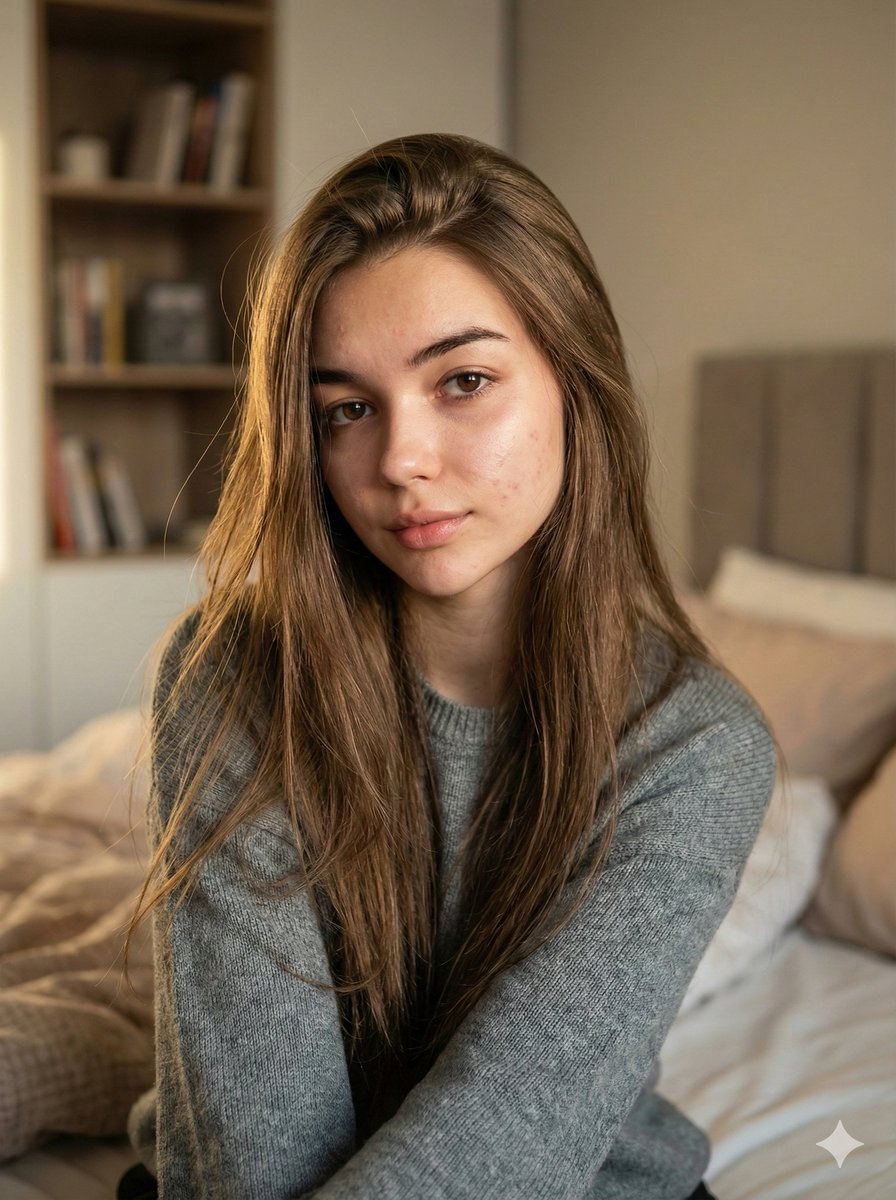
Nano Banana Pro Ultra Realistic Indoor Portrait Prompt
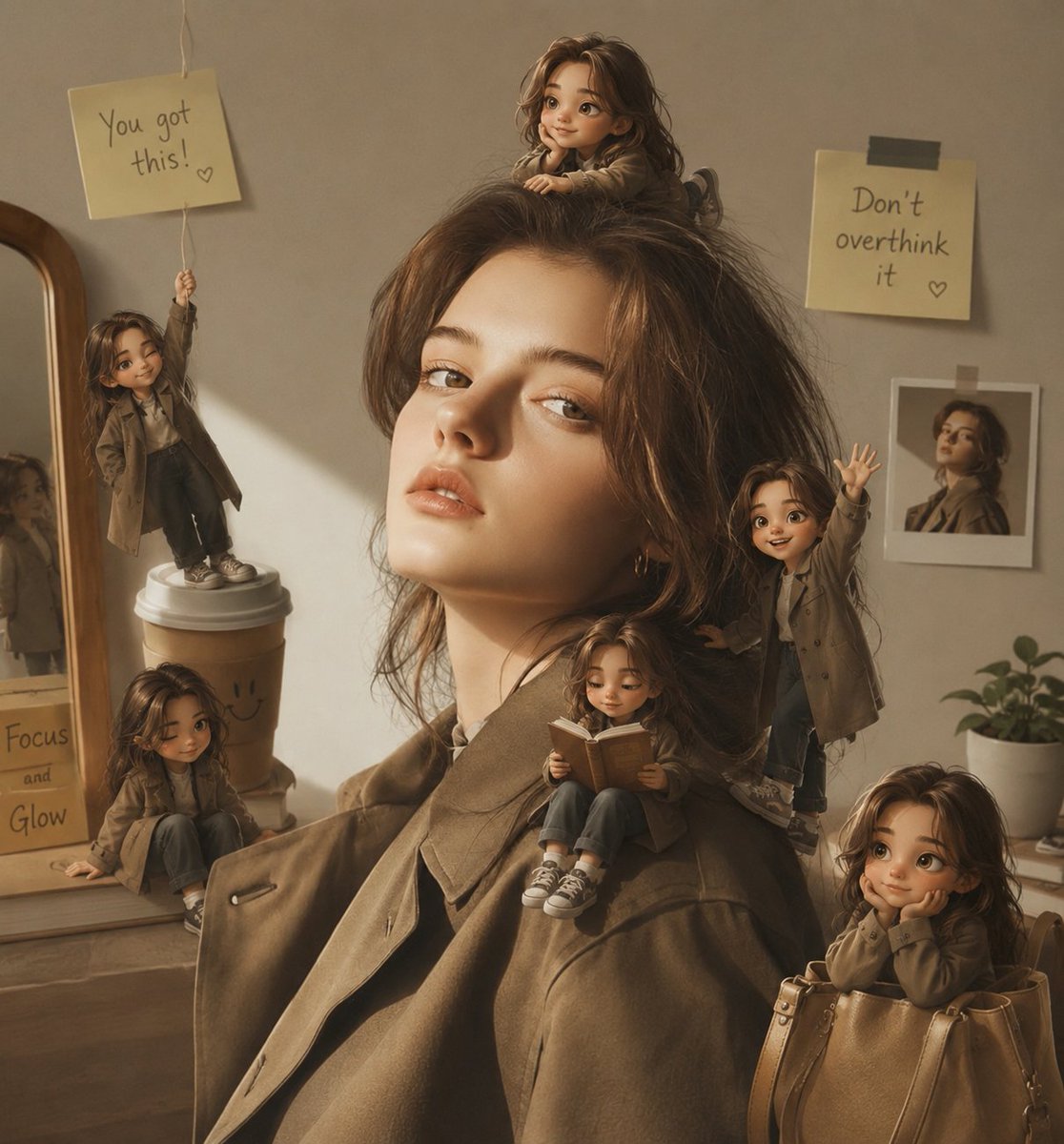
Magical Mini Me Portrait
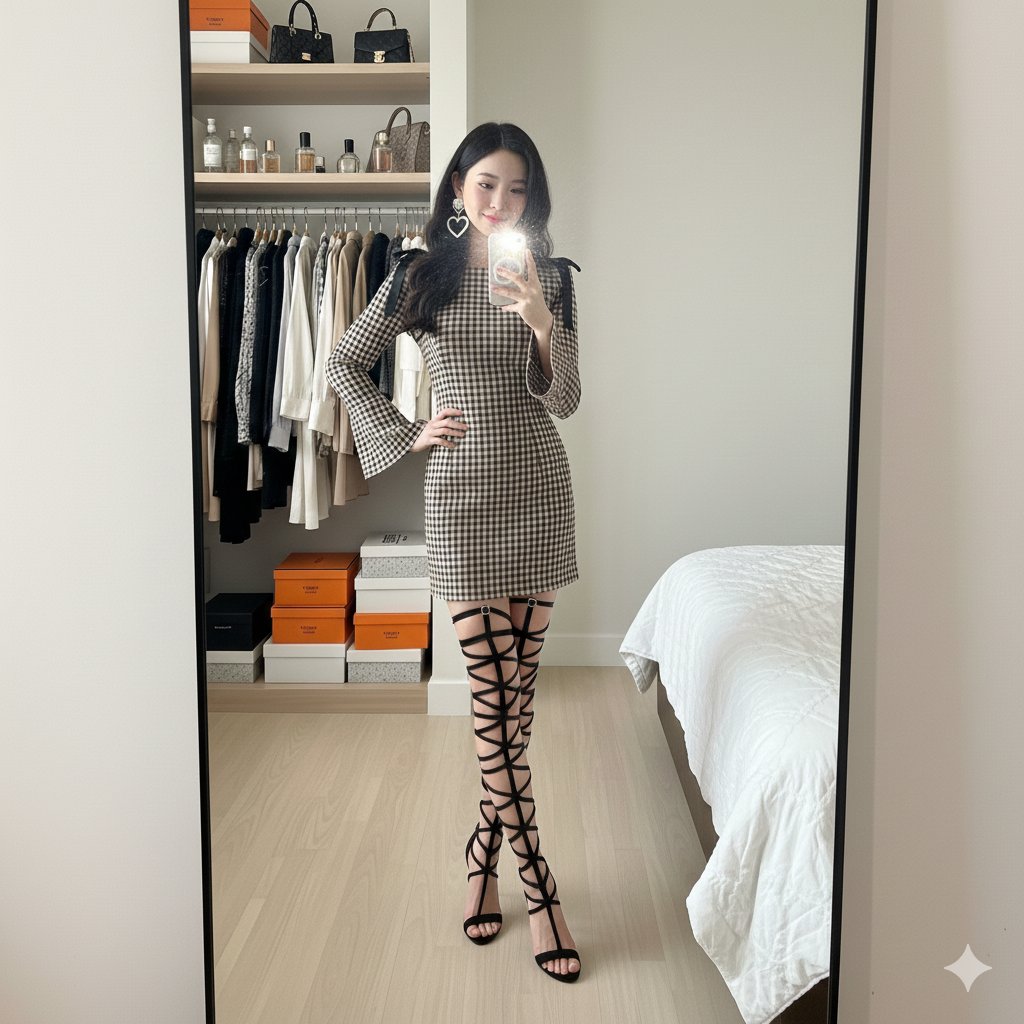
Mirror Selfie in Walk-In Closet Prompt
Golden Hour Rose Portrait
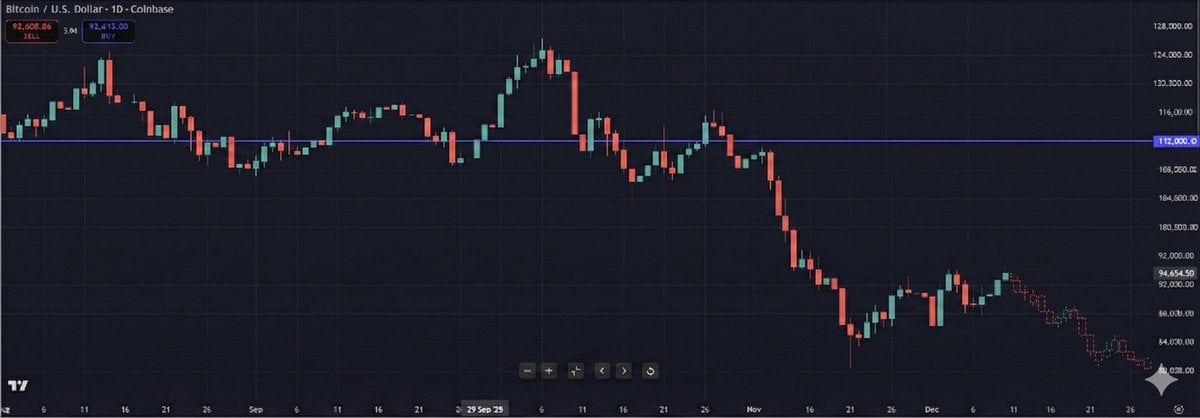
Predictive K-Line Chart Extension for Stock Trends
Transparent Gummy Character Encapsulation
Misty Cliffside Mule Trail
Enhanced Cinematic Noir Worm's-Eye View

WeChat Official Account Cover Image Generator
Whimsical Portrait Blending Realism with Tiny Pixar Character
Featured in prompt roundups
Hand-picked collections that include this template.
Browse template categories
1980s Miami Lifestyle Fashion Portrait questions
How do I use the 1980s Miami Lifestyle Fashion Portrait template?
Add your photo if the template asks for one, edit the prompt if you like — the template's model and format are already selected — and press Generate. Your version opens in PicX Studio.
Can I customize the 1980s Miami Lifestyle Fashion Portrait template?
Yes. You can change the subject, setting, lighting, mood, format, and available model controls before creating your image.
Is the 1980s Miami Lifestyle Fashion Portrait template free?
Opening and editing this template is free. Generating uses credits, shown on the Generate button when you are signed in.
Which AI model should I use?
Start with GPT Image 2, which is the model associated with this template. You can compare another compatible model for a different finish.
Looking for something else? Browse all templates.

Your photo, any look
Thousands of ready templates for every top image and video model, from one credit balance.