
Emotional Monologue in Kitchen
A continuous long-take monologue prompt featuring rapid emotional transitions and dynamic lighting circling the subject in a dimly lit kitchen.
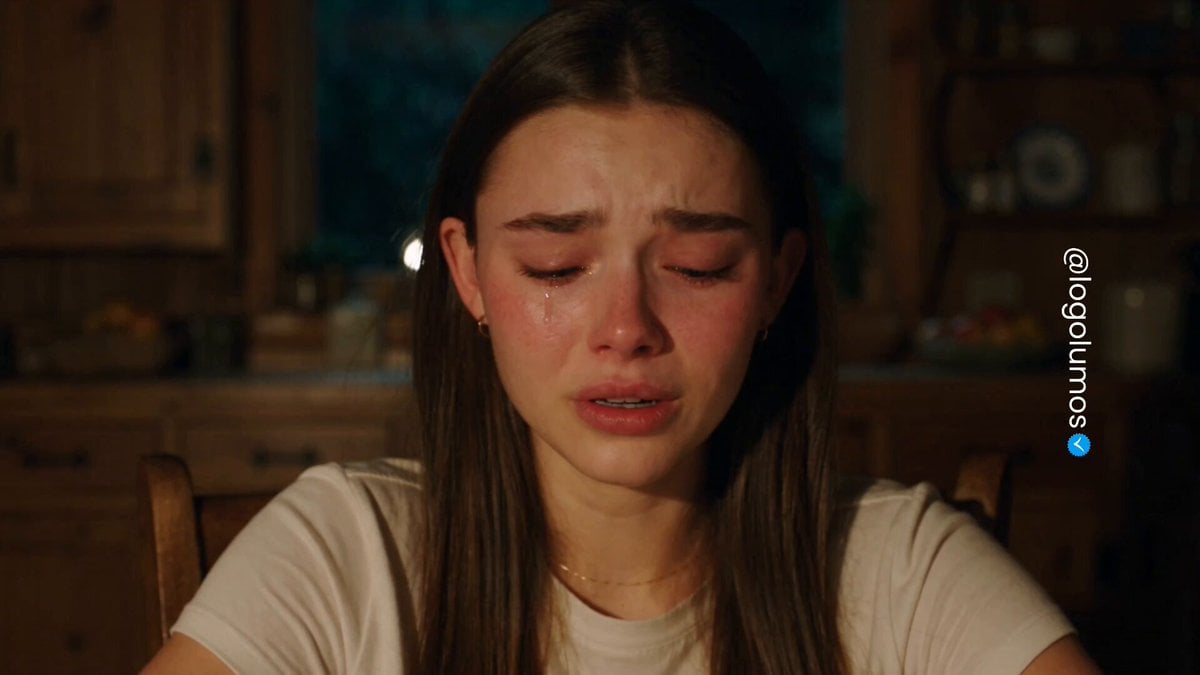
- Prompt included
- Model and format preset
- Free template
The prompt behind this video
Copy the exact prompt behind Emotional Monologue in Kitchen, or open it in the studio and make it yours.
Close-up of an emotional monologue. The woman in @image_1 sits at a wooden dining table in the dimly lit, warm wooden kitchen of @image_2—wooden cabinets, deeply blurred bowls, plates, and storage shelves behind her, night outside the window. There are no visible light sources in the frame—no chandeliers, lamps, lighting equipment, or fixtures—only the light itself and how it falls on her face are visible; all light sources are outside the frame. The entire film is shot in a single, continuous long take, without any editing, transitions, or camera changes—the same uninterrupted camera from beginning to end. She remains silent throughout, not uttering a single word—the entire emotion is conveyed solely through facial expressions and eye contact. All emotions shift rapidly, quickly transitioning from one to the next, each stage brief—the performance swiftly glides through each emotional phase in a tight rhythm. Camera: The camera position is fixed in place, but it presents the texture of handheld shooting—vivid handheld tremors, slight shaking and vibrations, the lens drifting almost imperceptibly left and right, breathing with the scene. The camera consistently focuses on her face, a close-up, keeping her centered and within the frame—only the subtle hand-held movement around her creates tension. This trembling, intimate feel builds tension, amplifying the emotional outburst. The light moves in circles around her, an invisible beam smoothly circling her along its trajectory, the illumination shifting with each stage: Stage 1 (Fast) – Suppressing bitterness. Her gaze is lowered, tears welling, her lower lip trembling, her chin furrowed, her breathing labored, her lips pressed tightly together. Lighting: Directly facing her, illuminating her entire face evenly and softly from the front, warm spots of light falling on her face, the surrounding background fading into warm darkness. Stage 2 (Fast) – Tears. Tears stream down her cheeks, she abruptly looks up, blinking to force the tears back, quickly wiping her eyes with the back of her hand, her eyes bright and red. Lighting: Shifts to her right side—now only the right half of her face is illuminated, the left half sinking into shadow, a soft, flowing shadow spreading across her face. Stage 3 (Fast) – A burst of laughter. A silent, hysterical laugh bursts forth through her tears, a mixture of sobs and laughter, her head shaking, her expression shifting from pain to relief. The lighting: continues to move behind her—her entire face sinks into shadow, the light coming from behind, the harsh backlight outlining her head with bright edges, illuminating her ears, cheekbones, and wispy strands of hair, leaving her face mostly dark, almost a silhouette with luminous edges. Fourth Stage (Climax)—Breakdown and Relief. She slams her hand on the table—the instant she strikes, the light suddenly blazes, illuminating her entire body. The lighting during the table slam: a strong, direct beam of
How to use Emotional Monologue in Kitchen in 3 steps
- 1
Open
The prompt is already in the box next to the preview, with the template's model and format selected.
- 2…a portrait of your subject in softgolden-hour light, 85mm…
Personalize
Edit the subject and creative details for your destination.
- 3Generate
Generate
Press Generate — your video is created in PicX Studio, so you can compare it with the original and refine one variable at a time.
More like this
Templates with the same subject, style or setup. Open one to see its prompt.

Emotional Anime Monologue Video

Emotional Breakdown and Fabric Interaction - Seedance 2.5
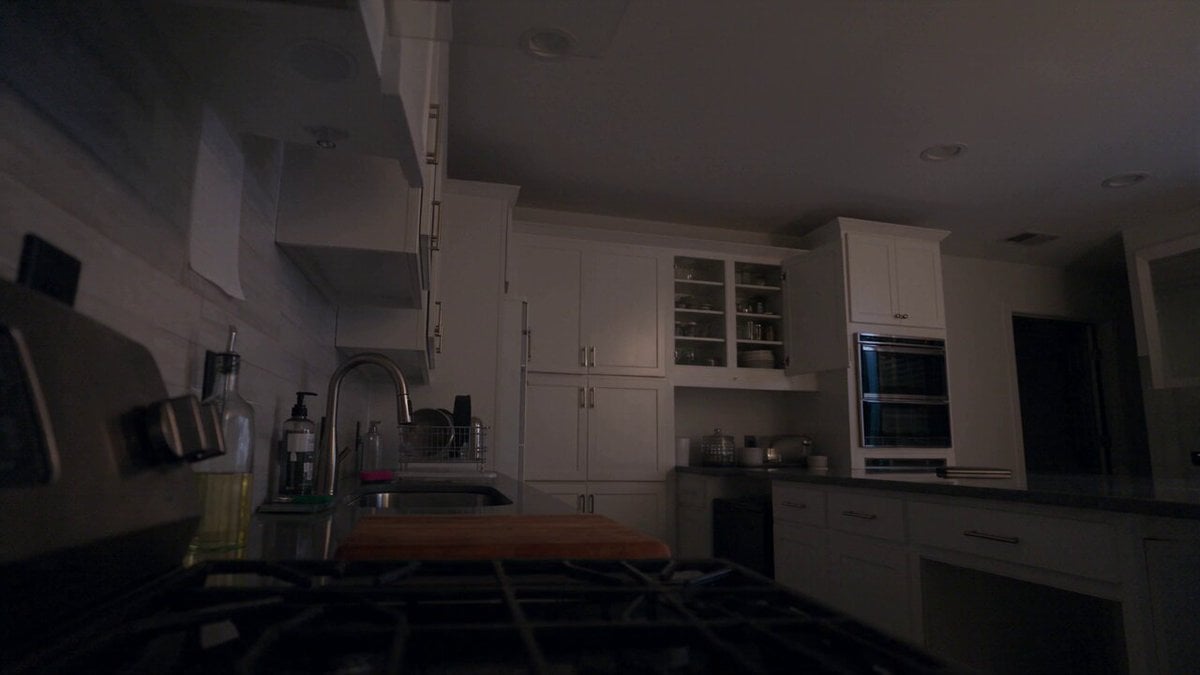
Late Night Kitchen Phone Recording - Seedance 2.5
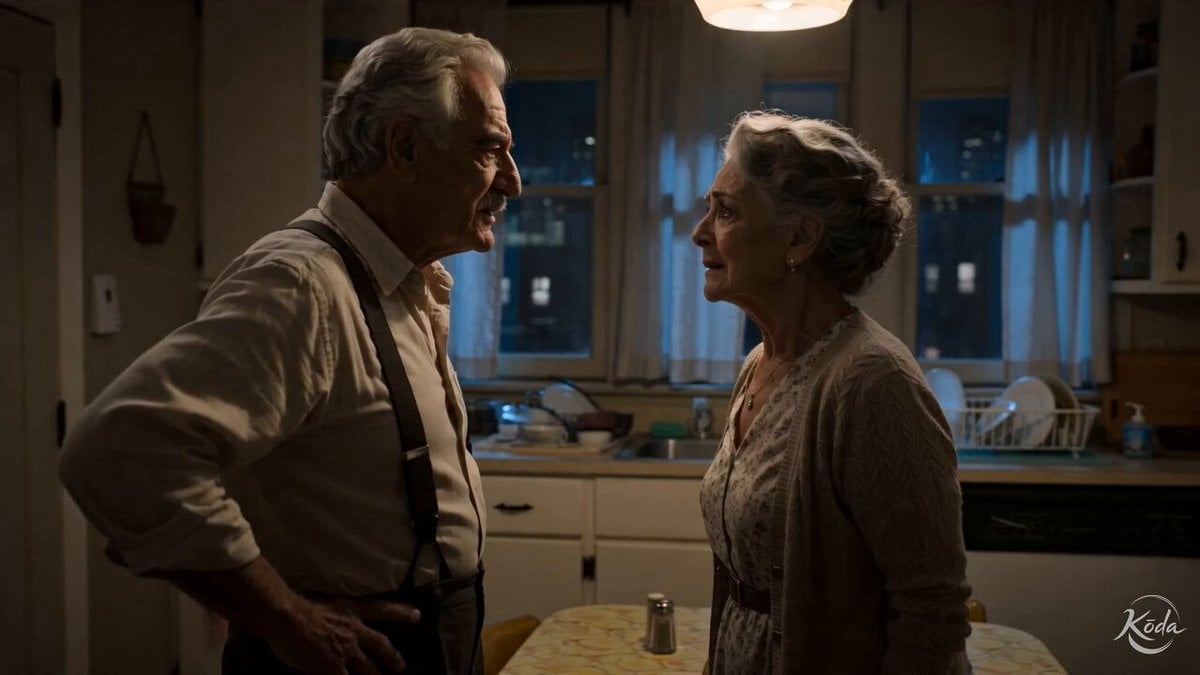
Cinematic Emotional Kitchen Confrontation
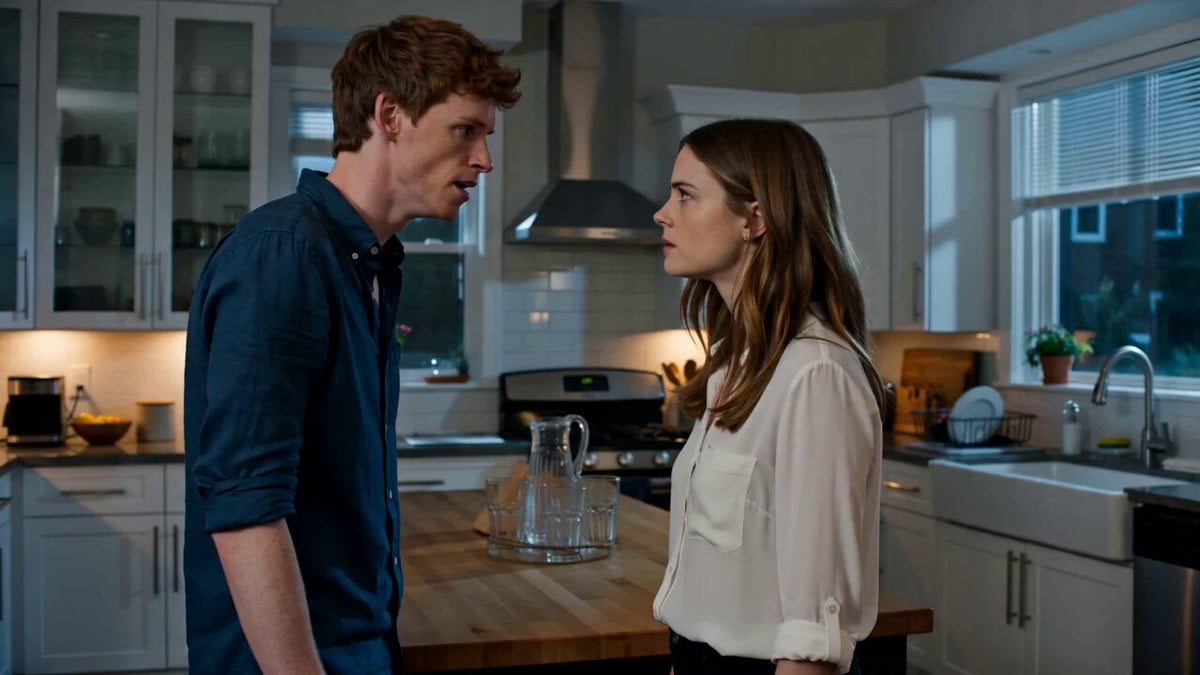
Emotional Kitchen Confrontation Drama
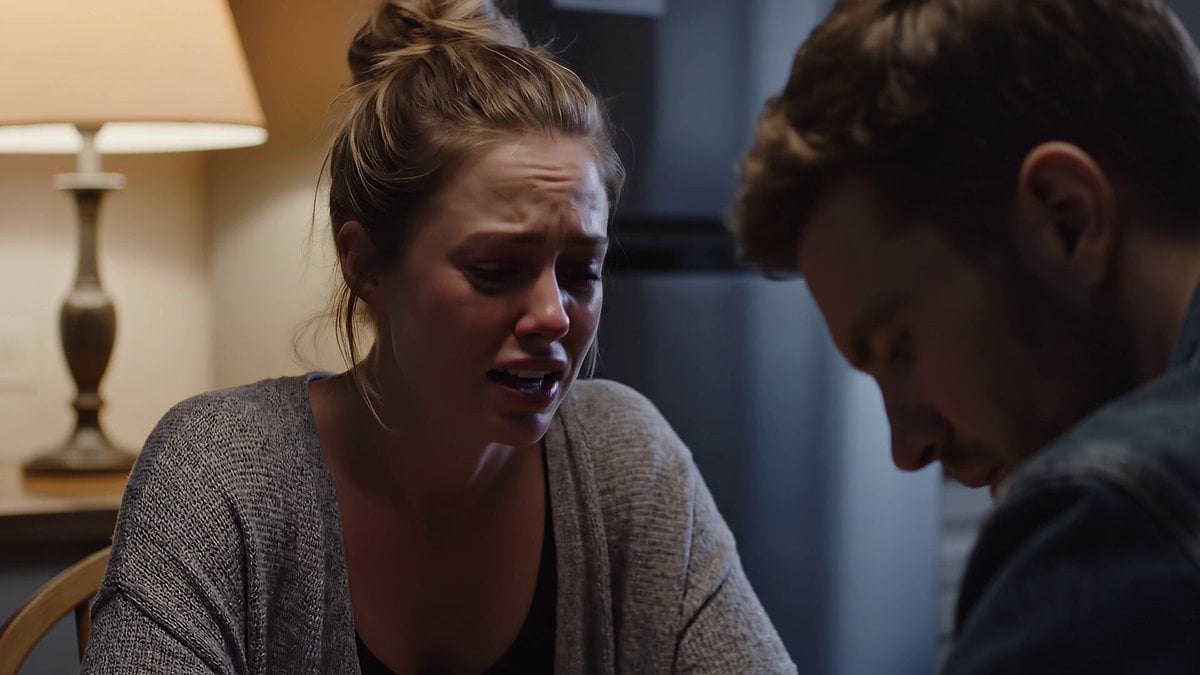
Emotional Kitchen Scene with Dialogue
Luxury House Tour — 15 Shots in 15 Seconds (Seedance)

Mixed-Media Kitchen Cooking Animation
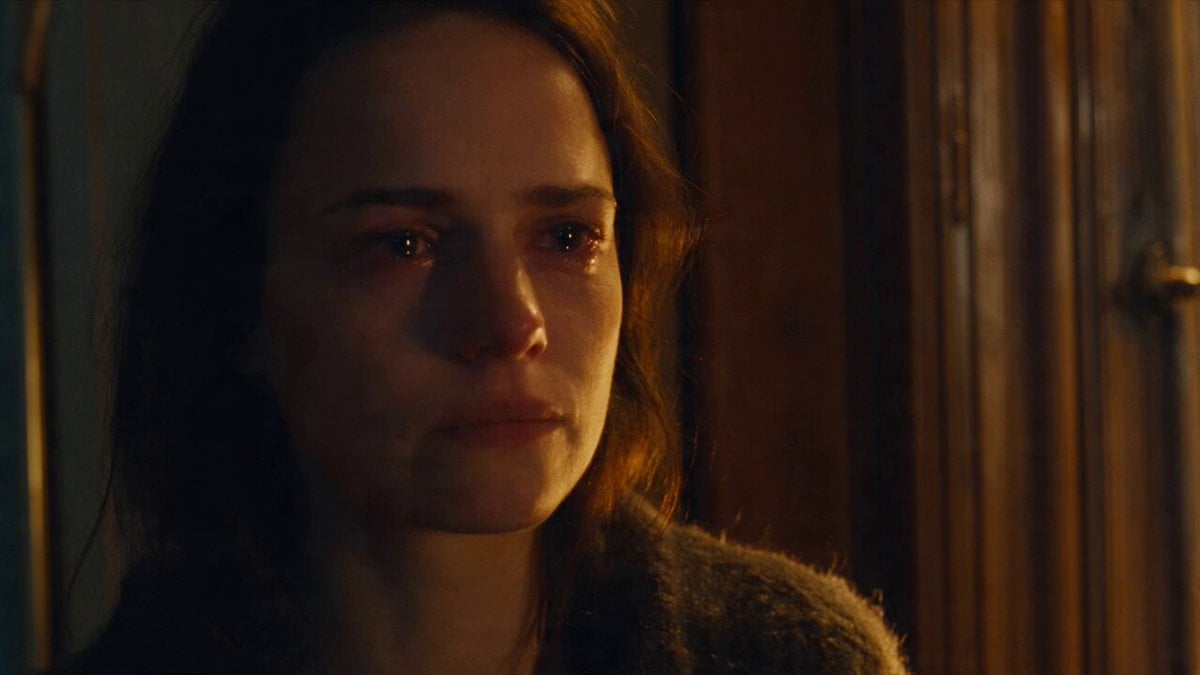
Emotional Parisian Apartment Drama

Realistic Vanity Character Monologue
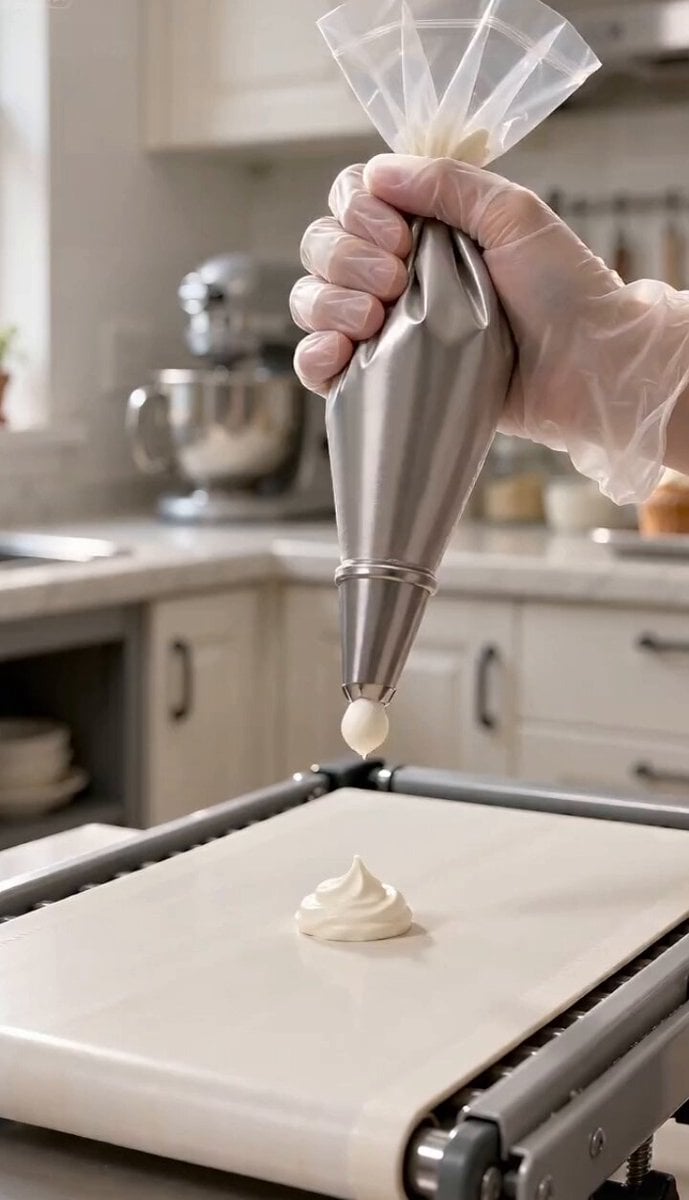
Magic Baking Kitchen Cat Transformation
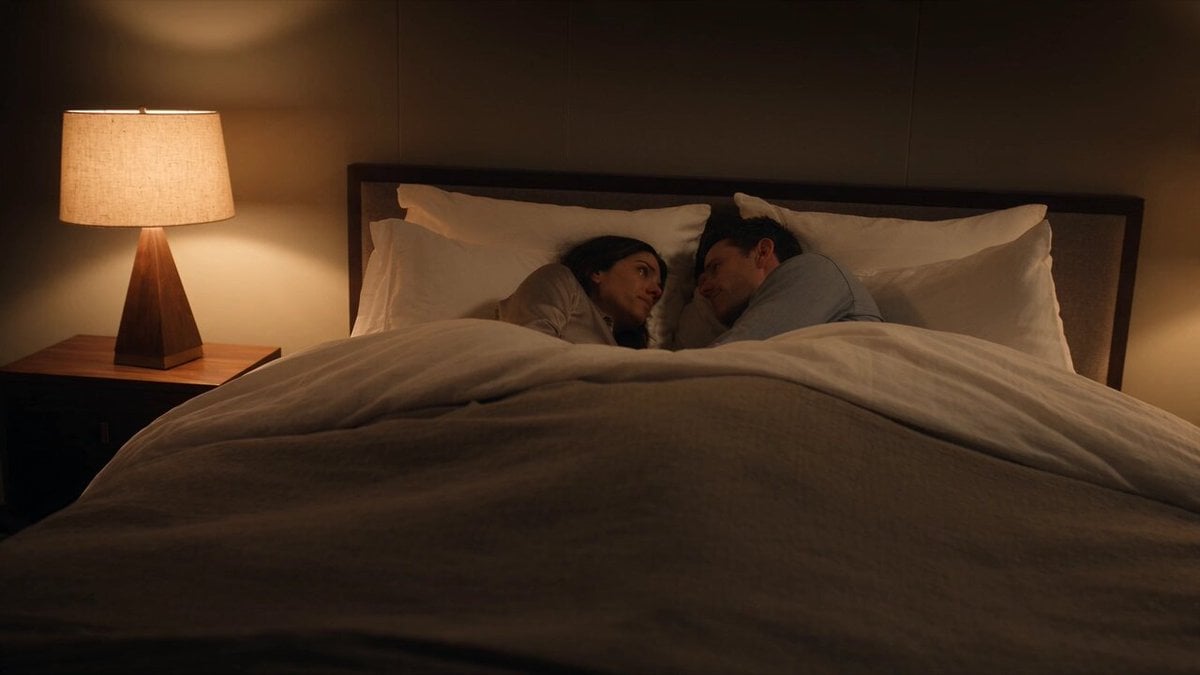
Emotional Bedroom Dialogue Scene
Make it yours
Emotional Monologue in Kitchen works as-is. These are the safest ways to change it without losing the look.
Change one field
Copy a single group, rewrite it, and generate again so you can see what that field is doing.
Keep the frame, change the subject
Hold the composition and light of Emotional Monologue in Kitchen, then swap wardrobe, props or the person for a new take.
| If the result… | Why | Fix |
|---|---|---|
| The result drifts from the preview | Too many fields changed at once. | Reuse Emotional Monologue in Kitchen as-is first, then change one group — subject, light, or setting. |
| The model over-stylizes the scene | The prose prompt leaves finish and camera underspecified. | Add one camera or lighting sentence and stay on Seedance 2.0. |
More Seedance 2.0 templates
Other prompts made for Seedance 2.0.

Comical Martial Arts Punch Scene

Maglev Train Action Sequence

Martial Arts Fight Sequence

Wuxia Protection and Trust Script

Vintage Korean Arcade MiniDV Vlog

Mercedes 190 SL Luxury Ad

Rainy Night Supernatural Reverse Comedy Video Script

Amazon Civilization Discovery

Futuristic South Asian City Transformation

Cozy Luxury Cafe Commercial
More video prompts
Fresh picks from across the catalog.
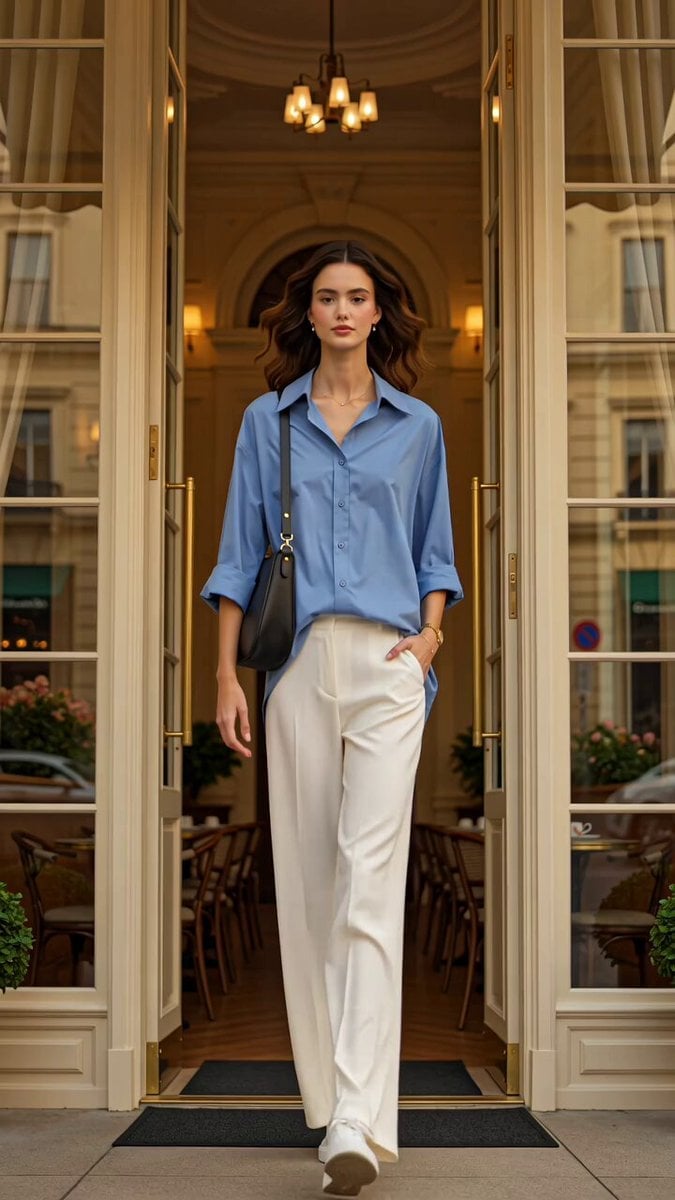
Luxury Fashion European Cafe Commercial
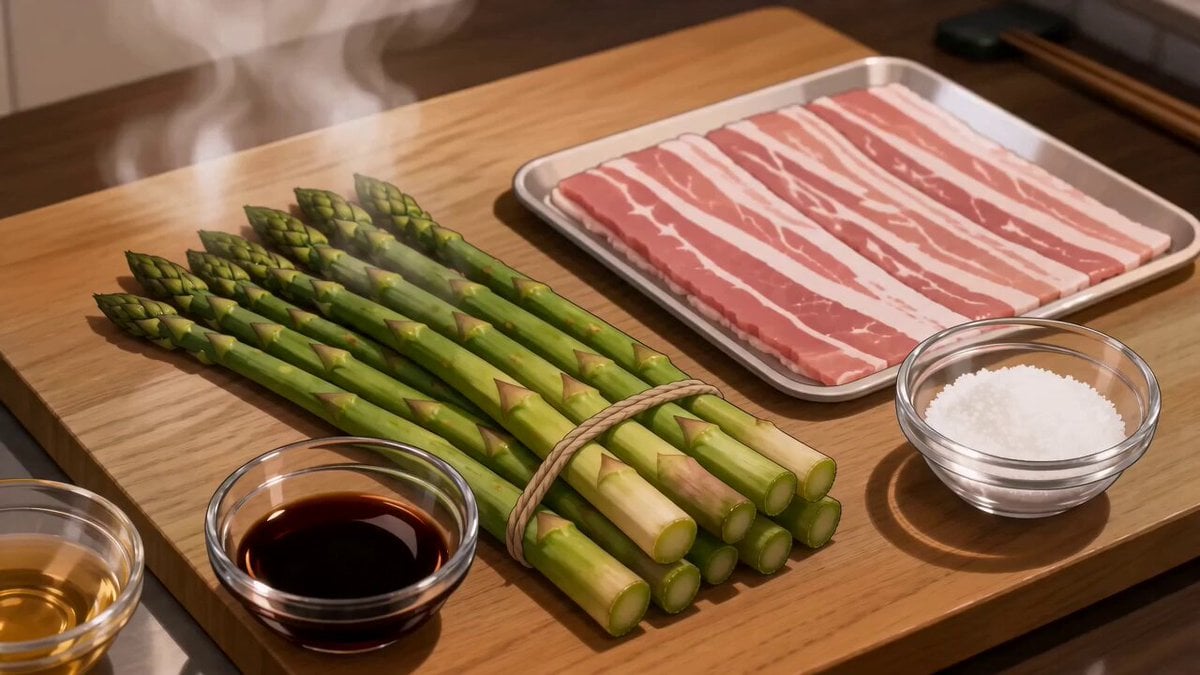
Anime Pork-Wrapped Asparagus Cooking Video

Planet X Starship Arrival
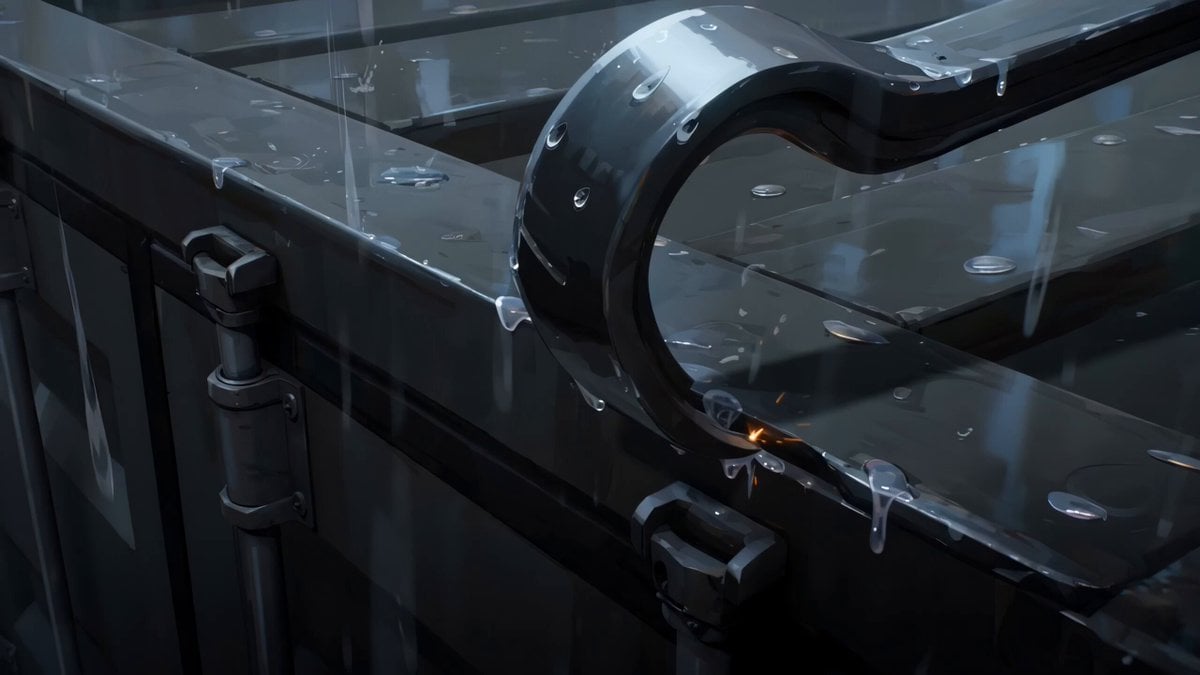
Rainy Midnight Shipyard Video Scene
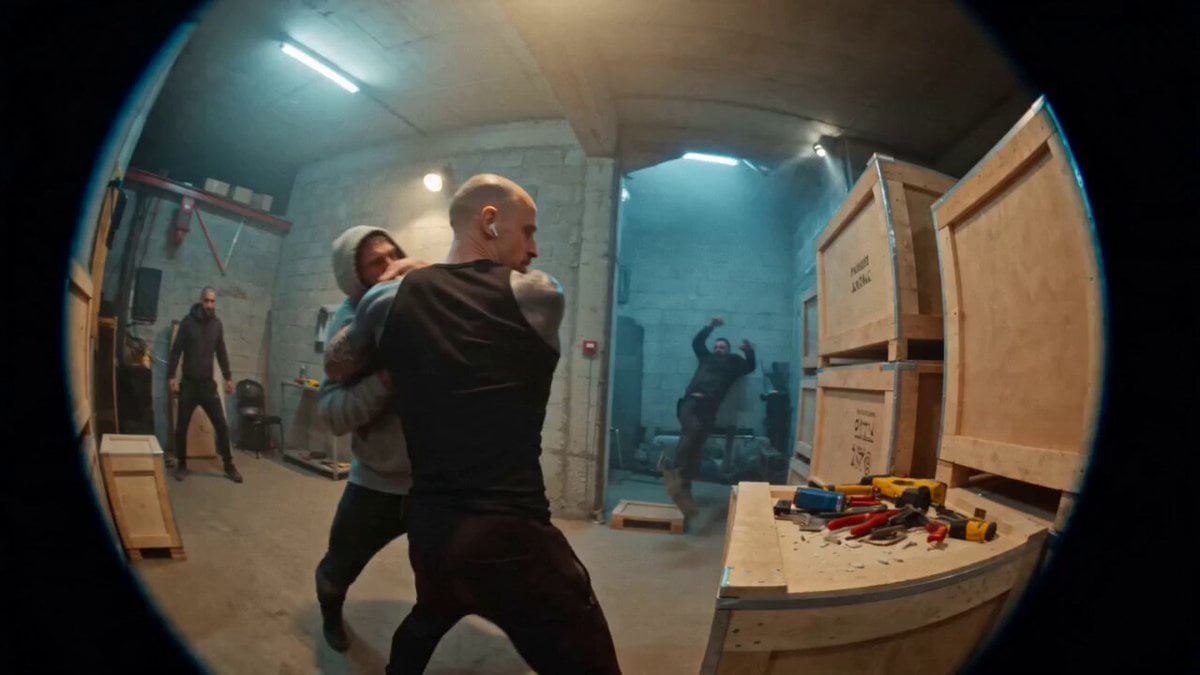
Urban Warehouse Street Fight Sequence

Grok Imagine Prompt: Slow Motion Nature Scene

Seedance 2.0 prompt for a Wuxia fantasy battle scene
Thornmaw Monarch — Crimson Glass Desert Beast

Cyberpunk High-Speed Combat CG

Celestial Aurora Weaving
Browse template categories
Emotional Monologue in Kitchen questions
How do I use the Emotional Monologue in Kitchen template?
Add your photo if the template asks for one, edit the prompt if you like — the template's model and format are already selected — and press Generate. Your version opens in PicX Studio.
Can I customize the Emotional Monologue in Kitchen template?
Yes. You can change the subject, setting, lighting, mood, format, and available model controls before creating your video.
Is the Emotional Monologue in Kitchen template free?
Opening and editing this template is free. Generating uses credits, shown on the Generate button when you are signed in.
Which AI model should I use?
Start with Seedance 2.0, which is the model associated with this template. You can compare another compatible model for a different finish.
Looking for something else? Browse all templates.

Your photo, any look
Thousands of ready templates for every top image and video model, from one credit balance.