
Professional Commercial Storyboard Sheet
A detailed prompt for generating professional commercial storyboard sheets with structured panels, including visual descriptions, camera directions, and dialogue for production planning.
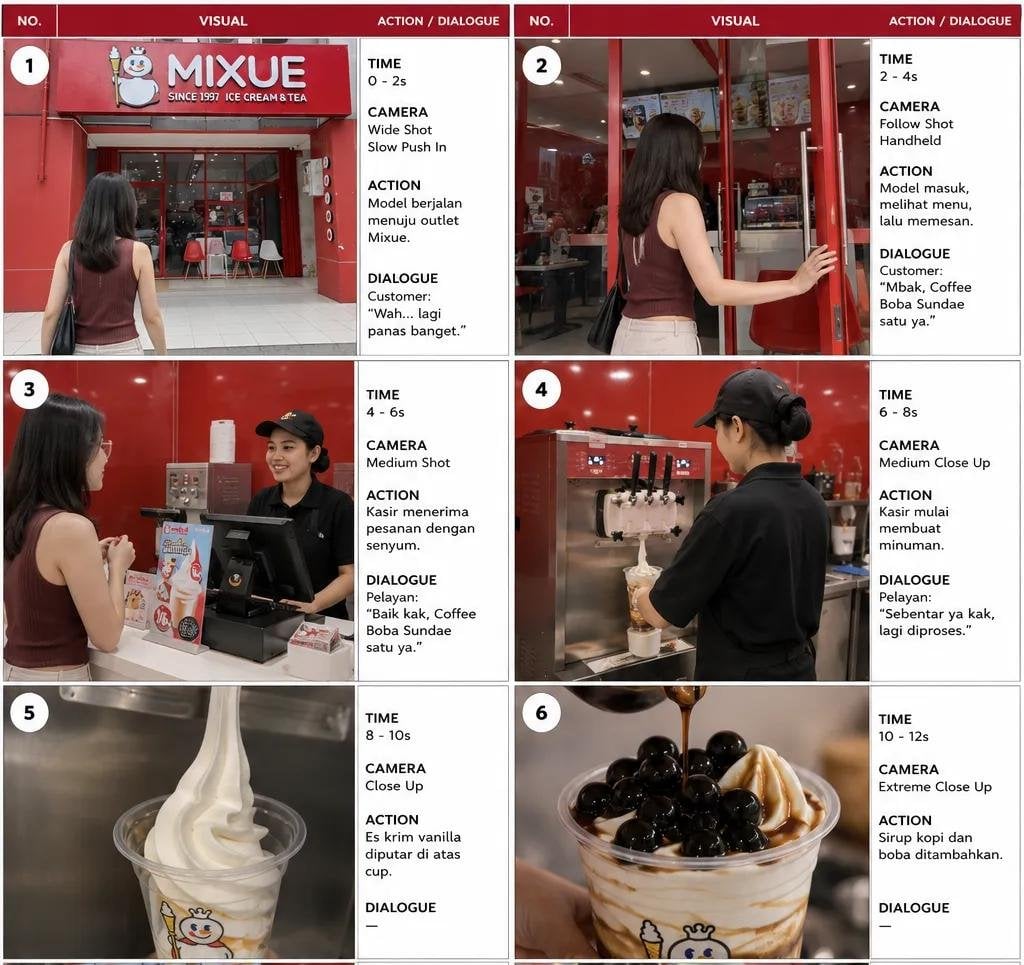
- Prompt included
- Model and format preset
- Free template
The prompt behind this image
Copy the exact prompt behind Professional Commercial Storyboard Sheet, or open it in the studio and make it yours.
Create a premium professional commercial storyboard sheet in {argument name="aspect ratio" default="3:4 landscape"}, designed exactly like a real production storyboard. LAYOUT — LOCKED - 2 columns × 3 rows = exactly 6 storyboard panels - Each panel has a {argument name="header color" default="dark deep-red"} header bar at the top - Header divided into 3 sections: NO. | VISUAL | ACTION / DIALOGUE - Large cinematic image area on the left - Narrow white information area on the right - Large white numbered circle in the upper-left corner of every visual - Thin black/gray panel borders - Clean white background - Professional advertising storyboard / pre-production document aesthetic - Realistic printed storyboard appearance - All text must be sharp, clean and highly legible - No extra panels, no title page, no decorative elements PANEL 1 TIME: 0–2s CAMERA: Wide Shot, Slow Push In ACTION: A young Indonesian woman with shoulder-length black hair, sleeveless dark maroon top, light beige pants and black shoulder bag walks toward a red {argument name="brand name" default="MIXUE"} ice cream and tea outlet on a hot day. DIALOGUE: Customer: “Wah... lagi panas banget.” Visual: Full exterior storefront, prominent red MIXUE sign, glass entrance, red-and-white interior visible through windows, woman seen from behind walking toward the entrance. Bright realistic daylight. PANEL 2 TIME: 2–4s CAMERA: Follow Shot, Handheld ACTION: The woman enters the MIXUE outlet, looks at the menu and approaches the counter to order. DIALOGUE: Customer: “Mbak, Coffee Boba Sundae satu ya.” Visual: Same woman opening the red-framed glass door, realistic MIXUE interior, menu boards, tables and chairs visible, natural handheld documentary framing. PANEL 3 TIME: 4–6s CAMERA: Medium Shot ACTION: A smiling female cashier in a black MIXUE uniform and black cap receives the order. The customer stands opposite her at the counter. DIALOGUE: Pelayan: “Baik kak, Coffee Boba Sundae satu ya.” Visual: Realistic counter interaction, POS machine, promotional menu stand, cashier smiling naturally, consistent characters and wardrobe. PANEL 4 TIME: 6–8s CAMERA: Medium Close Up ACTION: The cashier begins preparing the Coffee Boba Sundae at the soft-serve machine. DIALOGUE: Pelayan: “Sebentar ya kak, lagi diproses.” Visual: Cashier from behind/side, black uniform and cap, red MIXUE interior, professional soft-serve machine dispensing vanilla ice cream into a transparent cup. PANEL 5 TIME: 8–10s CAMERA: Close Up ACTION: Vanilla soft-serve ice cream is smoothly dispensed and spiraled into the transparent MIXUE cup. DIALOGUE: — Visual: Macro food-commercial shot, creamy white vanilla soft serve forming perfect smooth swirls, transparent branded cup, stainless-steel machine background, realistic texture and lighting. PANEL 6 TIME: 10–12s CAMERA: Extreme Close Up ACTION: Coffee syrup is poured over the vanilla soft serve and glossy black boba pearls are added on top. DIALOGUE: — Visual: Premium appetizing macro shot of the finished Coffee Boba Sundae, vanilla soft serve
How to use Professional Commercial Storyboard Sheet in 3 steps
- 1
Open
The prompt is already in the box next to the preview, with the template's model and format selected.
- 2…a portrait of your subject in softgolden-hour light, 85mm…
Personalize
Edit the subject and creative details for your destination.
- 3Generate
Generate
Press Generate — your image is created in PicX Studio, so you can compare it with the original and refine one variable at a time.
More like this
Templates with the same subject, style or setup. Open one to see its prompt.

Character Archive — Blueprint Concept Sheet
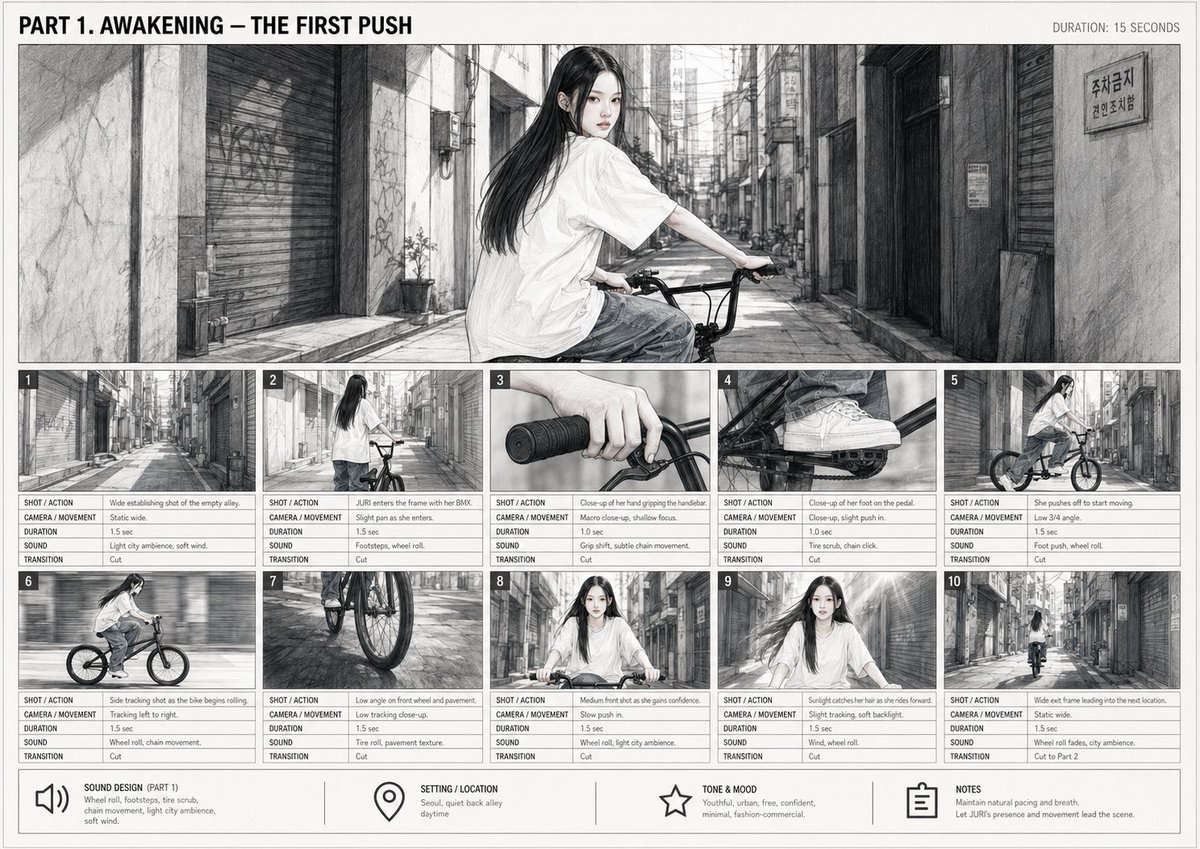
Cinematic BMX Storyboard Sheet
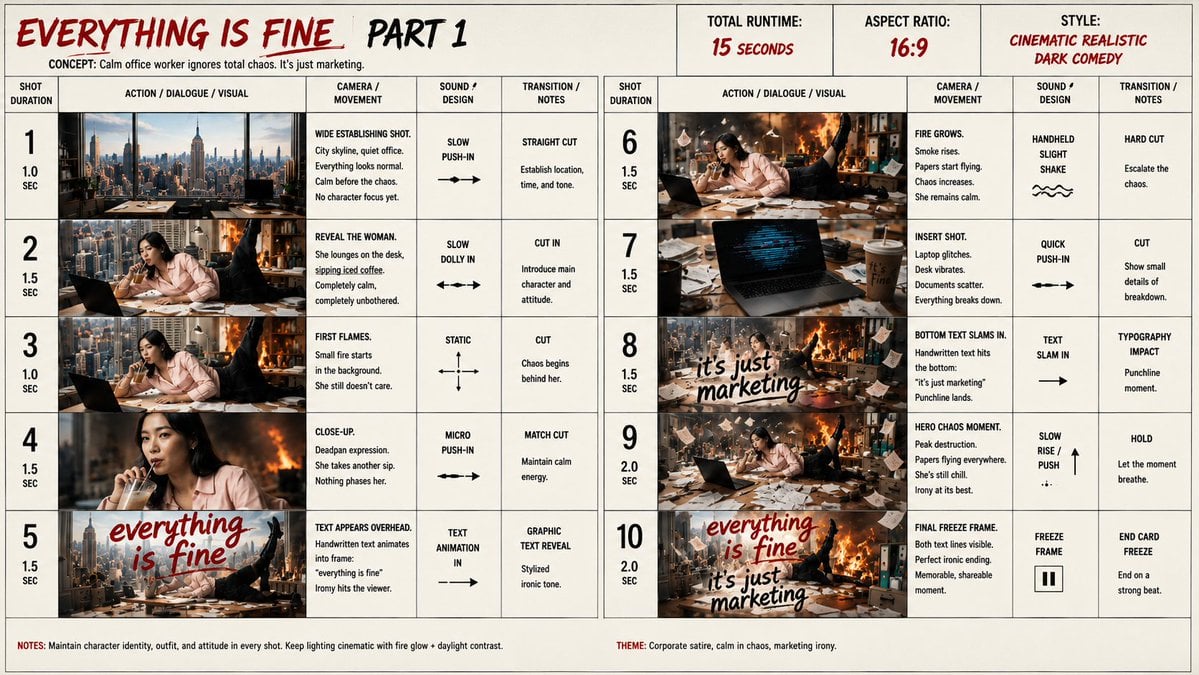
Everything Is Fine Storyboard Sheet

Soft Shadow Studio Minimalist Product Shot
Soft Shadow Studio Minimalist Product Shot

Goalmaster Youth Sports Poster

Headphones Lifestyle Nine Panel Grid

Cappuccino Bottle Splash Product Ad

FIFA-Inspired — World Cup Final Goal Net Commercial
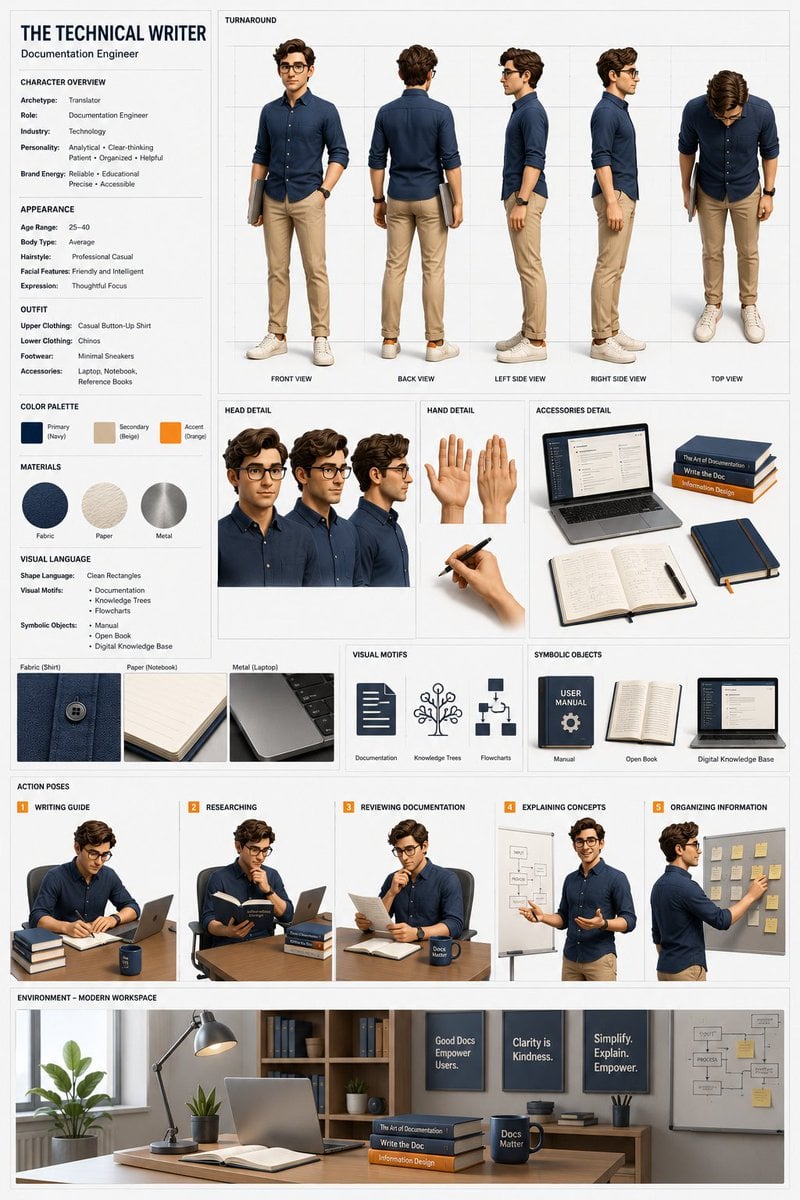
Professional 3D Character Concept Sheet

Dancer Character - Four View Reference Sheet

Movement Sheet - Dance Reference (Seedance 2.0)
Make it yours
Professional Commercial Storyboard Sheet works as-is. These are the safest ways to change it without losing the look.
Change one field
Copy a single group, rewrite it, and generate again so you can see what that field is doing.
Keep the frame, change the subject
Hold the composition and light of Professional Commercial Storyboard Sheet, then swap wardrobe, props or the person for a new take.
| If the result… | Why | Fix |
|---|---|---|
| The result drifts from the preview | Too many fields changed at once. | Reuse Professional Commercial Storyboard Sheet as-is first, then change one group — subject, light, or setting. |
| The model over-stylizes the scene | The prose prompt leaves finish and camera underspecified. | Add one camera or lighting sentence and stay on GPT Image 2. |
More GPT Image 2 templates
Other prompts made for GPT Image 2.

Six VTuber Japanese Logo Sheet

Realistic Portrait of Woman and Deer

The Vista Modular Condo Poster

AI Model Routing Comparison Infographic

2.5D Anime Art Board

Isometric Productivity Desk Scene

New York Double Exposure Poster

Four-Panel AI Landscape Comparison

Japanese Tatami Lifestyle Magazine Cover

NESCAFÉ Coffee Map Poster
More image prompts
Fresh picks from across the catalog.

Y2K Candid Flash Photo in Snowy Moscow
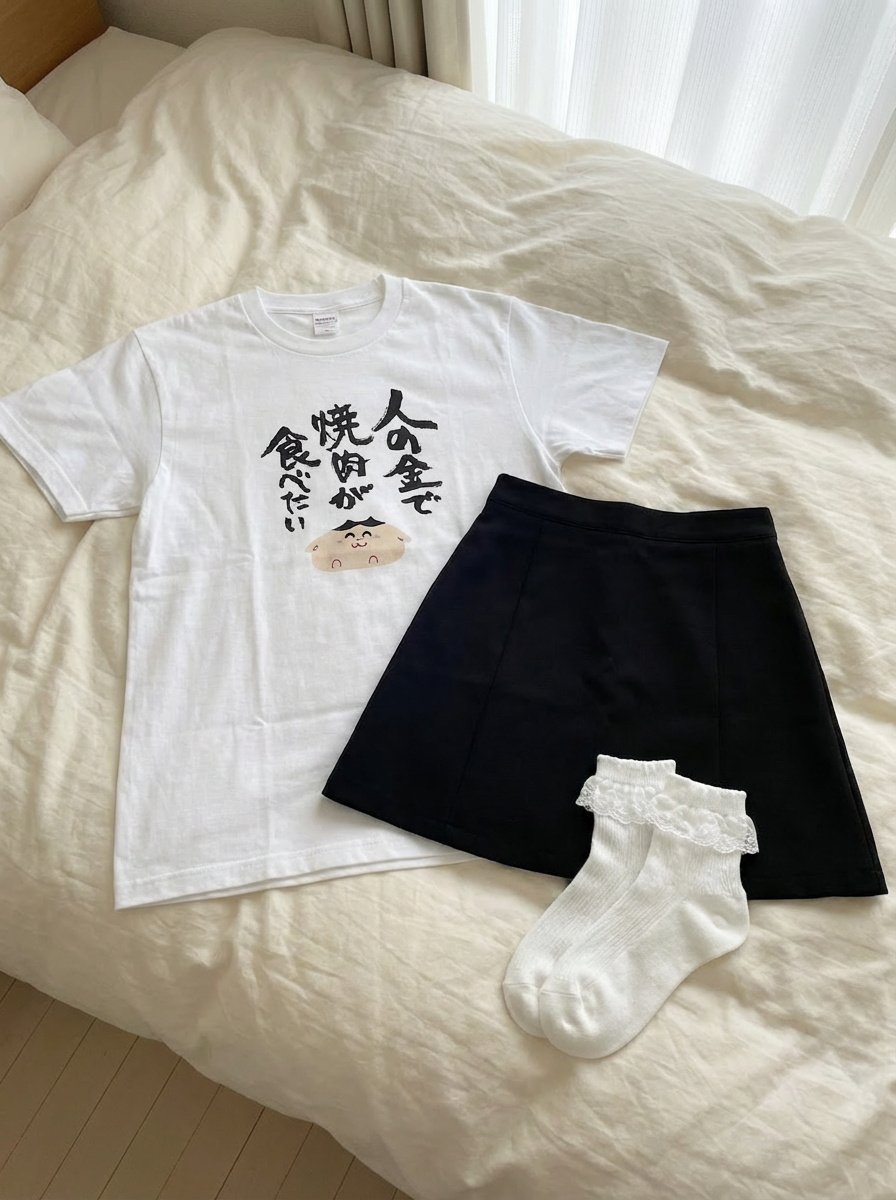
Clothing separated on the bed
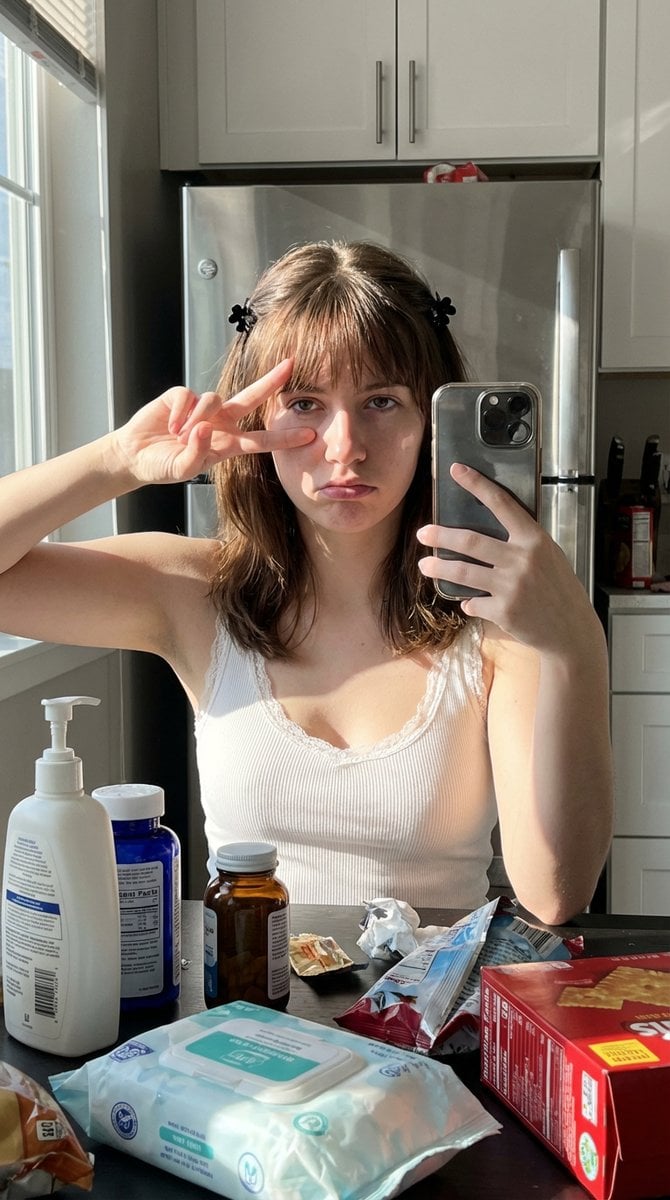
Simulated iPhone 14 Pro Selfie in Harsh Lighting

Romantic Street Editorial Portrait (Image-to-Image)

Comparison of Nano Banana Pro and Seedre

Cinematic Eid al-Adha Fashion Editorial

Nano Banana Pro Image Generation of a Mythological Warrior
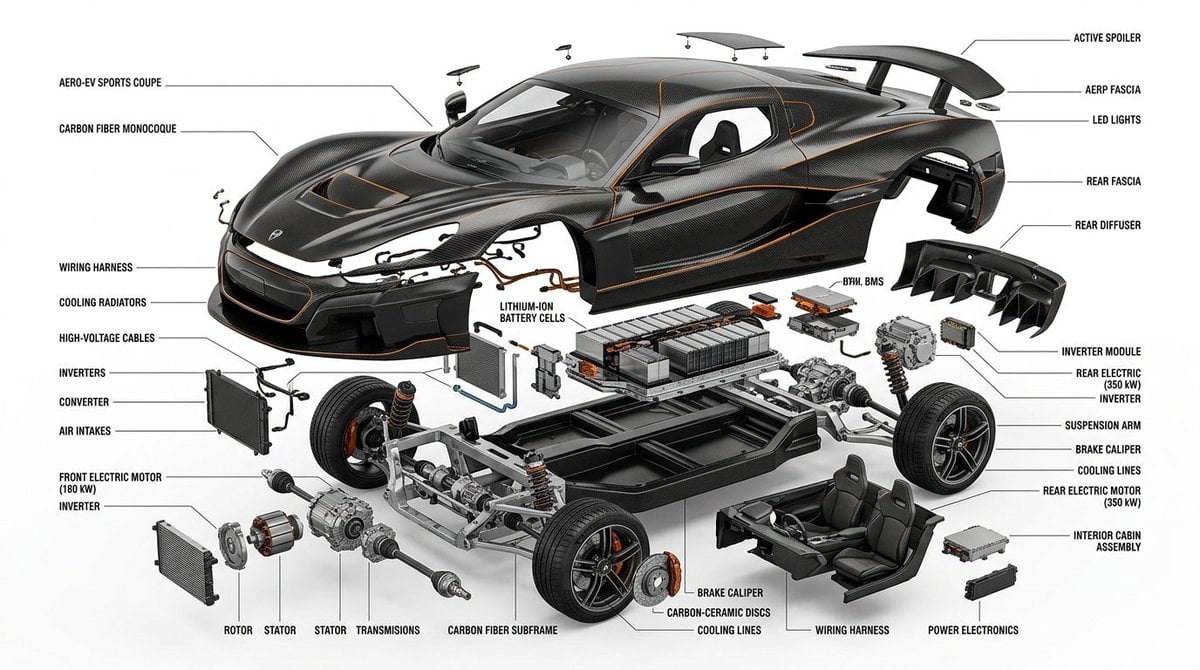
Exploded View Infographic Diagram Prompt
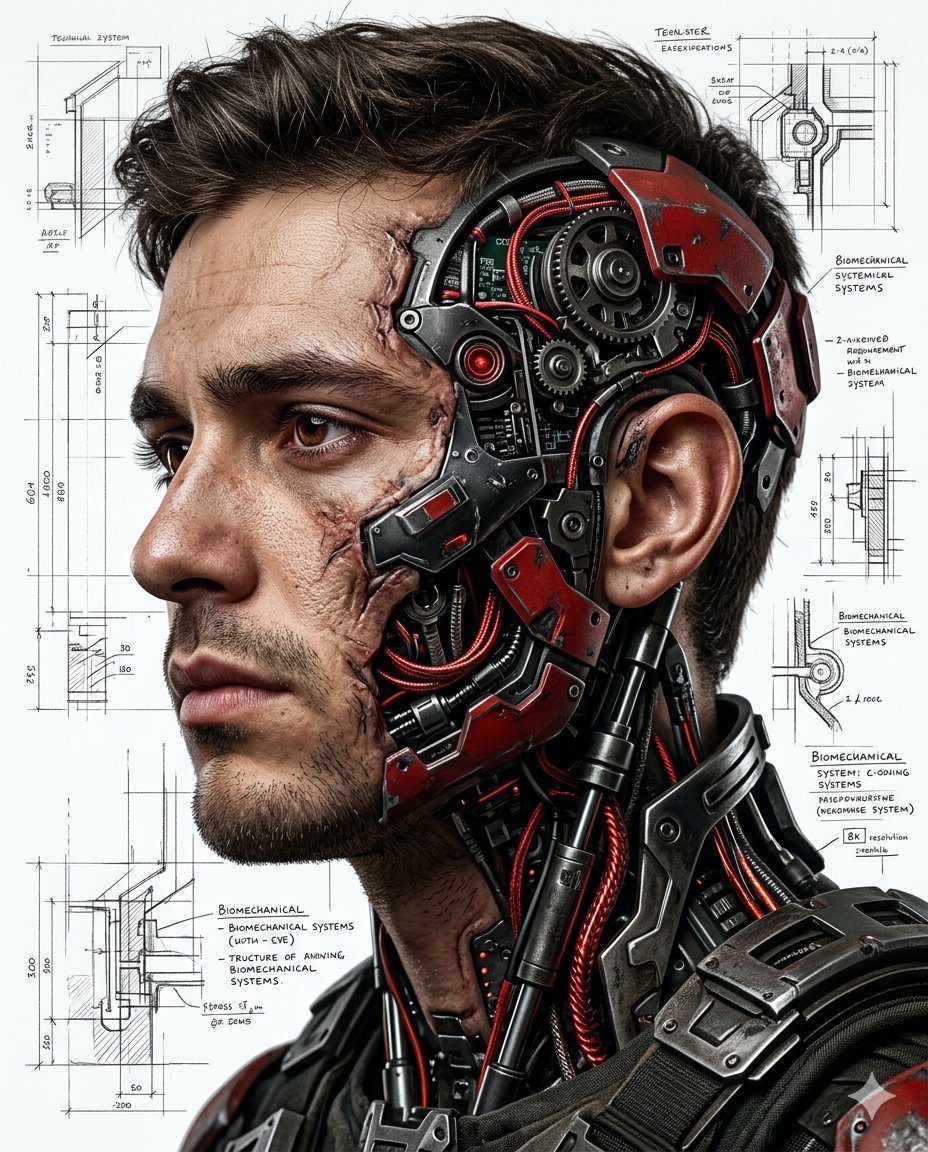
Hyper-realistic Cyborg Side Profile

Japanese Idol Concert Portrait
Browse template categories
Professional Commercial Storyboard Sheet questions
How do I use the Professional Commercial Storyboard Sheet template?
Add your photo if the template asks for one, edit the prompt if you like — the template's model and format are already selected — and press Generate. Your version opens in PicX Studio.
Can I customize the Professional Commercial Storyboard Sheet template?
Yes. You can change the subject, setting, lighting, mood, format, and available model controls before creating your image.
Is the Professional Commercial Storyboard Sheet template free?
Opening and editing this template is free. Generating uses credits, shown on the Generate button when you are signed in.
Which AI model should I use?
Start with GPT Image 2, which is the model associated with this template. You can compare another compatible model for a different finish.
Looking for something else? Browse all templates.

Your photo, any look
Thousands of ready templates for every top image and video model, from one credit balance.