
Anime Car View of Tokyo Billboards
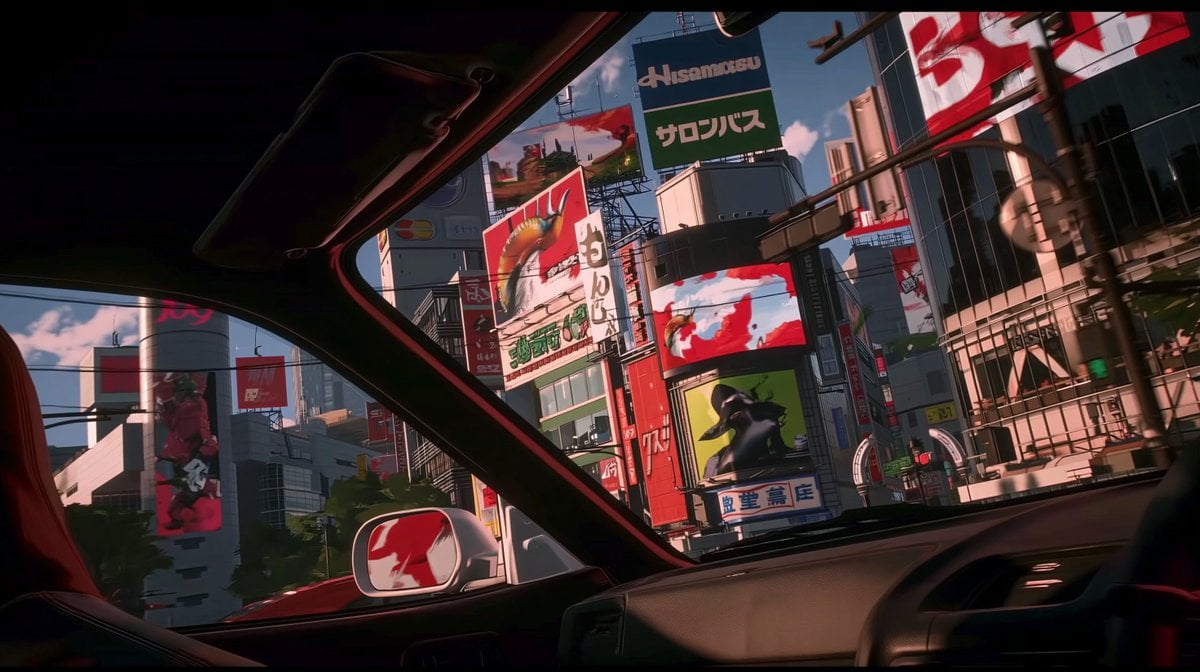
Transforms the reference’s cinematic anime lighting and polish into a car-interior view of a dense Tokyo billboard district for concept art or AI video frames.
- Prompt included
- Model and format preset
- Free template
The prompt behind this image
Copy the exact prompt behind Anime Car View of Tokyo Billboards, or open it in the studio and make it yours.
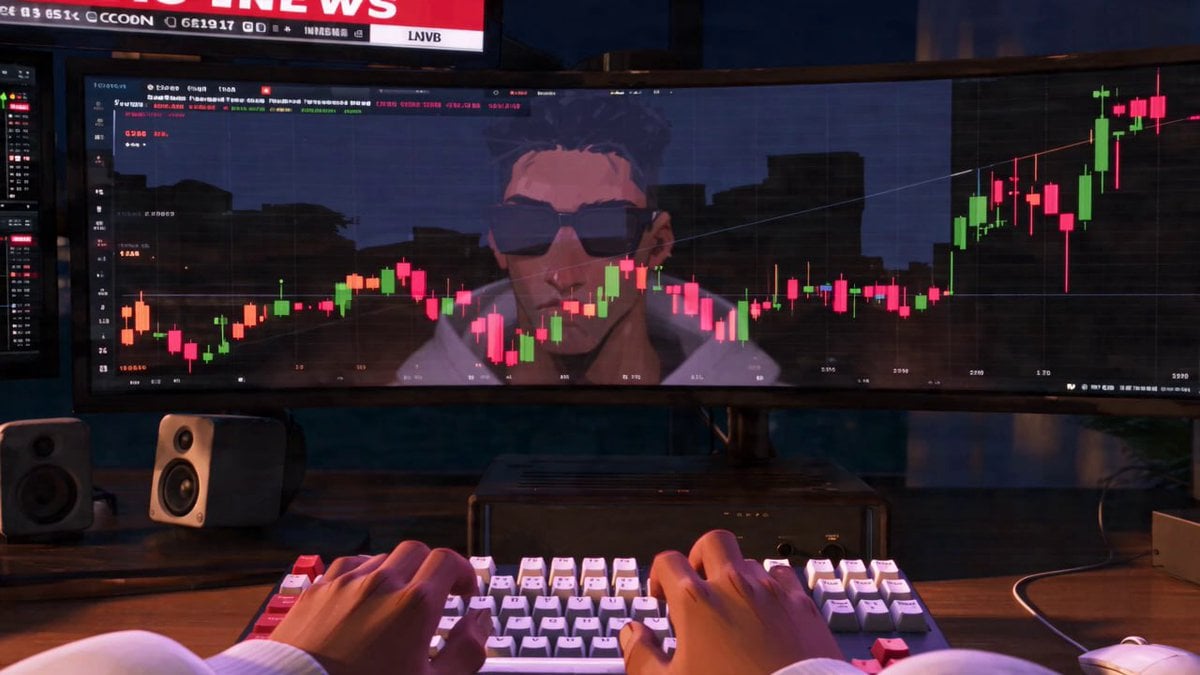
Using REFERENCE_0 as the visual style reference, transform the scene from a trading desk setup into a cinematic anime view from inside {argument name="vehicle type" default="a car"} looking out through the windshield and side window at {argument name="city setting" default="a dense Tokyo commercial district"}. Preserve the same widescreen aspect ratio, polished cel-shaded/3D-anime look, dramatic red-and-green color accents, glossy reflections, and high-contrast lighting, but remove the monitors, keyboard, hands, speakers, and trading-chart interface entirely. New composition: place the viewer in the front passenger area of the car, with the dark roof frame, windshield pillars, dashboard, steering wheel edge, side mirror, and a red seat partially visible in the foreground. Outside, show tall urban buildings packed tightly together under {argument name="time of day" default="bright late-afternoon sunlight"}, with strong shadows and reflective glass surfaces. Added signage: include exactly 9 prominent billboard/sign elements across the buildings: 1 large central top sign with Japanese text, 1 red dragon/creature billboard, 1 vertical white Japanese sign, 1 wide red-and-white digital screen, 1 green character billboard, 1 blue-and-white Japanese storefront sign, 1 large red-and-white billboard on the upper right, 1 tall left-side cylindrical screen with a red figure, and 1 smaller distant red rectangular sign. Keep the signage mostly graphic and stylized, with plausible Japanese typography rather than perfectly readable text. Style constraints: make it feel like a clean, upscale AI-video concept frame; sharp perspective, cinematic framing, no people in the foreground, no trading charts, no desktop equipment, no watermark.
Reference images included
Anime Car View of Tokyo Billboards needs input media to work. They load alongside the prompt when you open it in the studio.
How to use Anime Car View of Tokyo Billboards in 3 steps
- 1Upload ImagePNG, JPG or paste
Add your photo
Upload the photo the template builds on. The prompt, model and format are already set.
- 2…a portrait of your subject in softgolden-hour light, 85mm…
Personalize
Edit the subject and creative details for your destination.
- 3Generate
Generate
Press Generate — your image is created in PicX Studio, so you can compare it with the original and refine one variable at a time.
More like this
Templates with the same subject, style or setup. Open one to see its prompt.









Make it yours
Anime Car View of Tokyo Billboards works as-is. These are the safest ways to change it without losing the look.
Change one field
Copy a single group, rewrite it, and generate again so you can see what that field is doing.
Keep the frame, change the subject
Hold the composition and light of Anime Car View of Tokyo Billboards, then swap wardrobe, props or the person for a new take.
| If the result… | Why | Fix |
|---|---|---|
| The result drifts from the preview | Too many fields changed at once. | Reuse Anime Car View of Tokyo Billboards as-is first, then change one group — subject, light, or setting. |
| The model over-stylizes the scene | The prose prompt leaves finish and camera underspecified. | Add one camera or lighting sentence and stay on GPT Image 2. |
More GPT Image 2 templates
Other prompts made for GPT Image 2.

Six VTuber Japanese Logo Sheet

Realistic Portrait of Woman and Deer

The Vista Modular Condo Poster

AI Model Routing Comparison Infographic

2.5D Anime Art Board

Isometric Productivity Desk Scene

New York Double Exposure Poster

Four-Panel AI Landscape Comparison

Japanese Tatami Lifestyle Magazine Cover

NESCAFÉ Coffee Map Poster
More image prompts
Fresh picks from across the catalog.
Sunset Ancient Spanish City Landscape

Grid K-Pop Idol Photocard Style Prompt (JSON)
Pedestrian Markings as Personal Silhouette
Boxed Figure to Anime Key Visual

Ultra-Detailed 3D Plush Cartoon Character Rendering
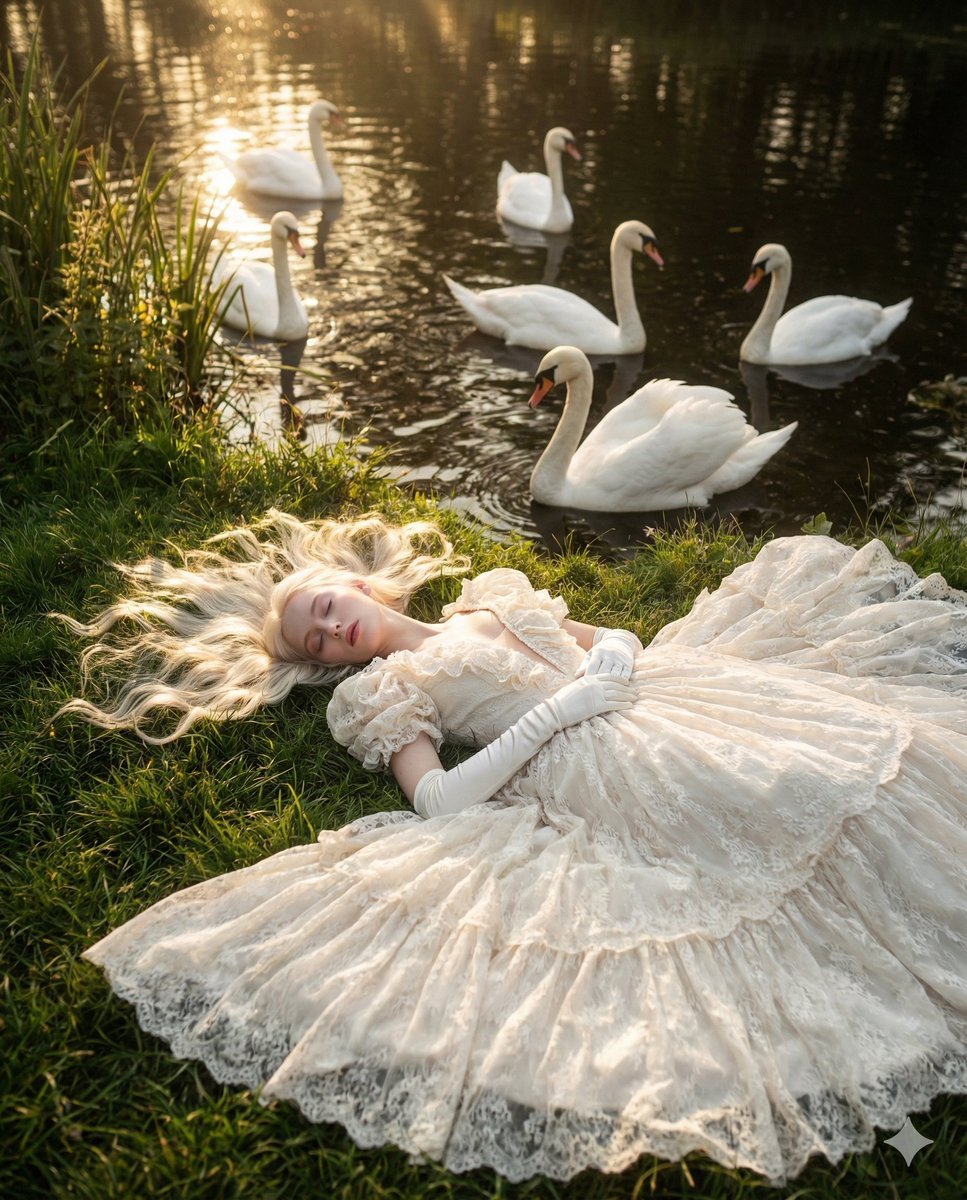
Ethereal Fantasy Portrait with Swans and Golden Hour Light
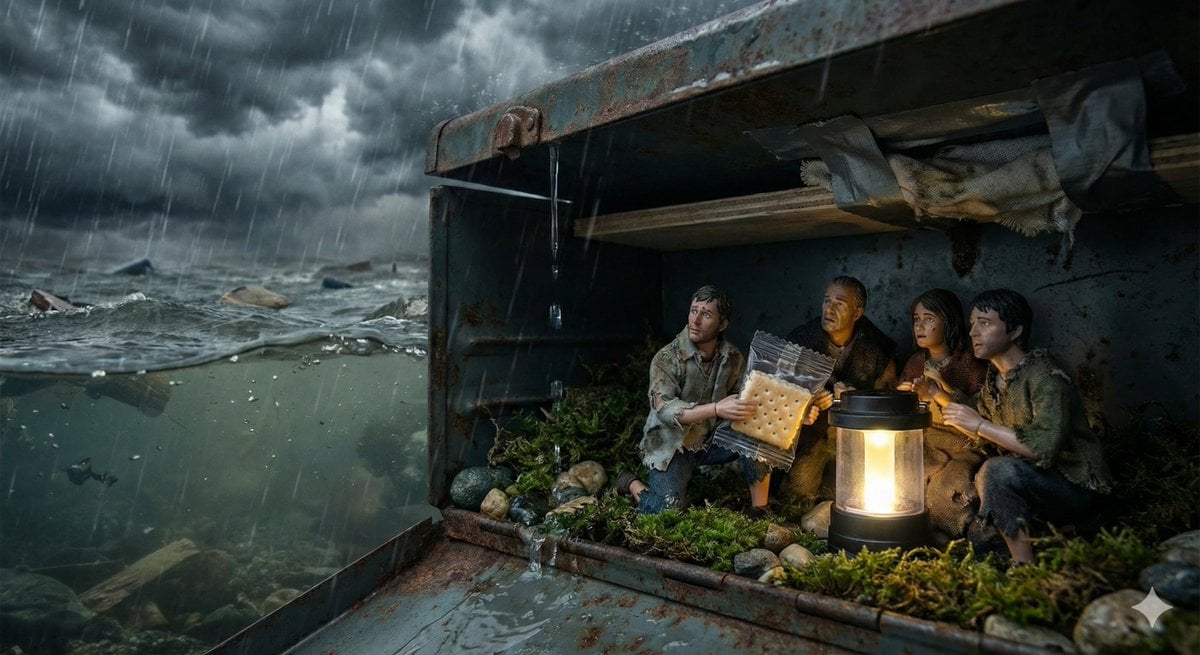
Ordinary Object as Desperate Refuge During Catastrophe
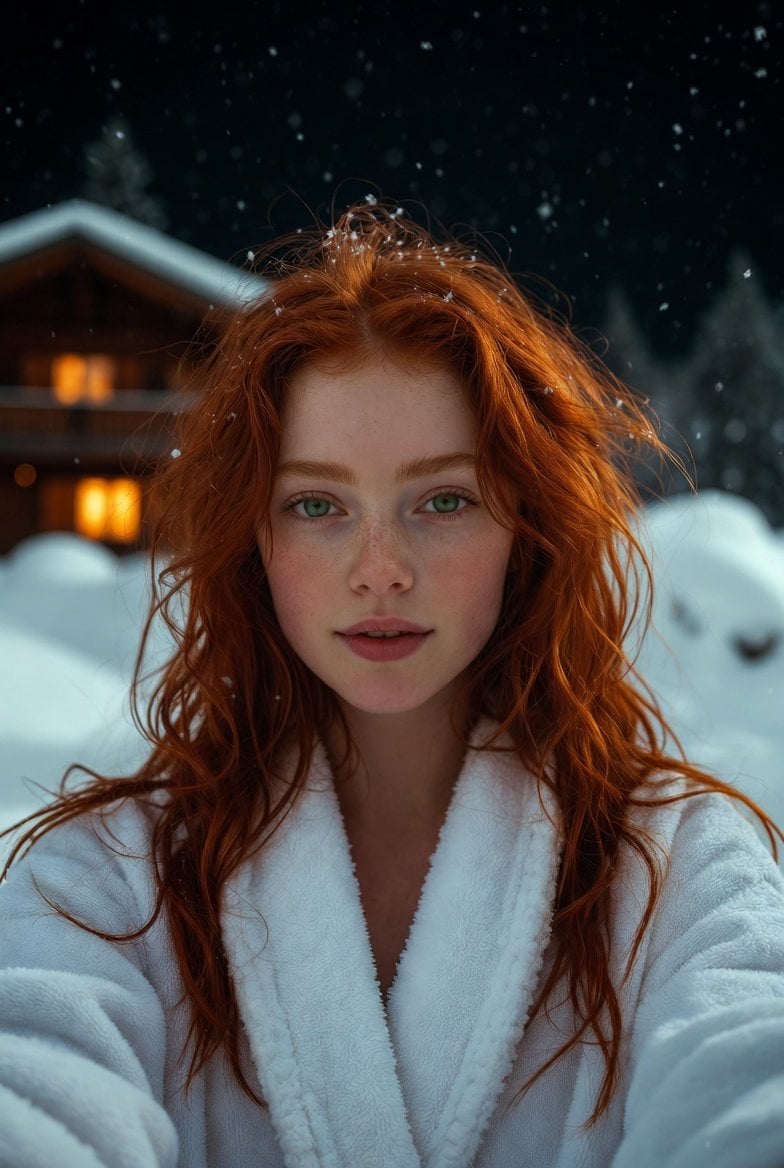
Flash Selfie in Snow at Alpine Chalet Prompt
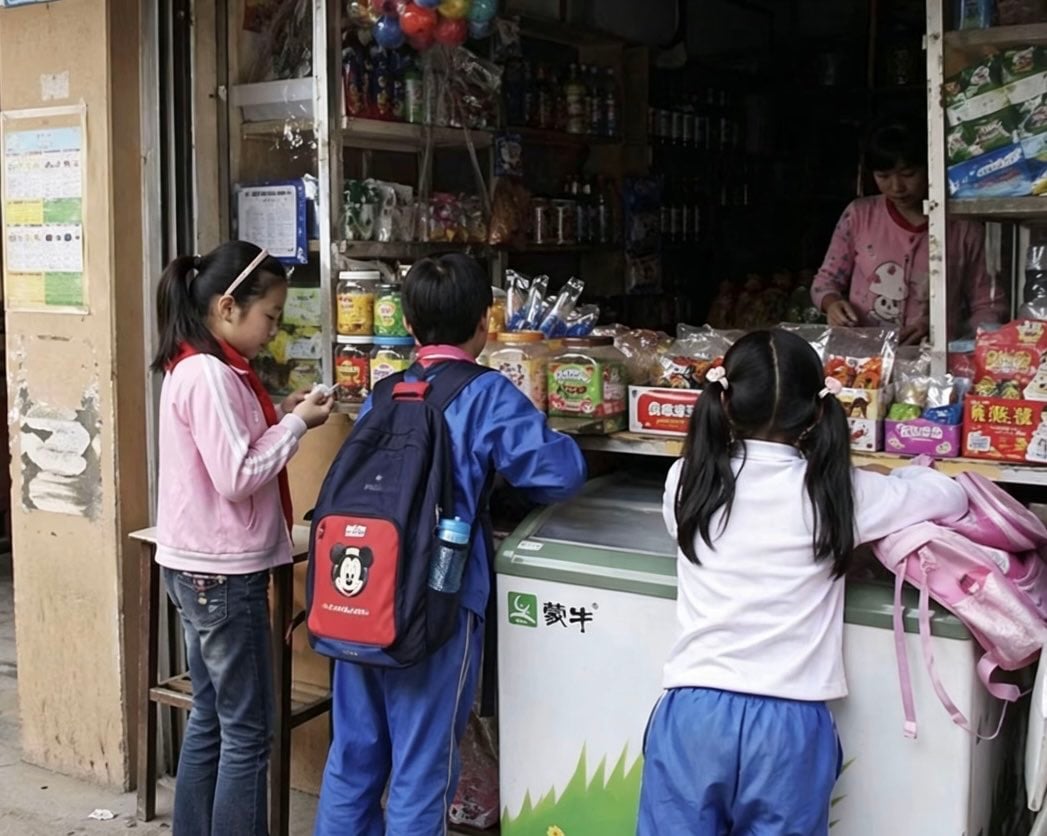
Chinese Schoolchildren at Corner Shop
Luxury Café Fashion Street Photography
Browse template categories
Anime Car View of Tokyo Billboards questions
How do I use the Anime Car View of Tokyo Billboards template?
Add your photo if the template asks for one, edit the prompt if you like — the template's model and format are already selected — and press Generate. Your version opens in PicX Studio.
Can I customize the Anime Car View of Tokyo Billboards template?
Yes. You can change the subject, setting, lighting, mood, format, and available model controls before creating your image.
Is the Anime Car View of Tokyo Billboards template free?
Opening and editing this template is free. Generating uses credits, shown on the Generate button when you are signed in.
Which AI model should I use?
Start with GPT Image 2, which is the model associated with this template. You can compare another compatible model for a different finish.
Looking for something else? Browse all templates.

Your photo, any look
Thousands of ready templates for every top image and video model, from one credit balance.