
Kinetic Motion Streetwear Editorial
High-fashion studio campaign layout capturing a young man against a bright red background with horizontal time-stretch motion trails.
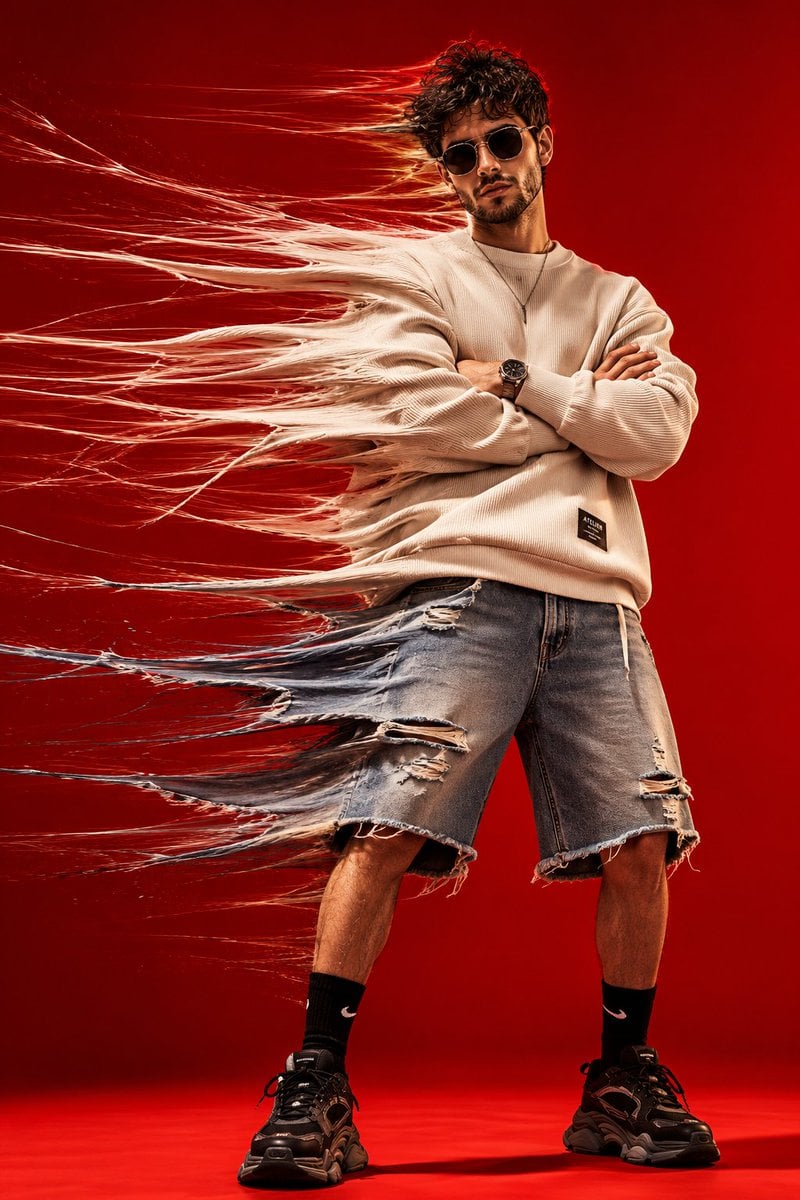
- Prompt included
- Model and format preset
- Free template
The prompt behind this image
Copy the exact prompt behind Kinetic Motion Streetwear Editorial, or open it in the studio and make it yours.
High-fashion conceptual studio portrait of a stylish young man standing confidently against a seamless {argument name="background color" default="vivid red"} background, wearing an {argument name="upper garment" default="oversized cream ribbed sweatshirt"}, loose knee-length distressed denim shorts, black crew socks, chunky black sneakers, a minimalist necklace and sleek dark futuristic sunglasses, arms folded across his chest, legs slightly apart, calm and confident expression. Create an extreme horizontal time-stretch motion effect pulling the entire left side of his body and clothing toward the left: stretch the sweatshirt sleeves, torso fabric, denim shorts, hair and silhouette into long flowing translucent fabric fibers and fine motion trails, while keeping his face, sunglasses, crossed arms, central torso, legs and shoes sharp, clean and anatomically realistic. The stretched fabric should look like physical textile fibers being dragged through space, with hundreds of layered strands, subtle transparency and realistic folds dissolving into motion blur. Strong studio lighting, vivid red monochrome backdrop and floor, dramatic shadows, crisp textile texture, cinematic contrast, experimental fashion photography, surreal kinetic movement, luxury streetwear editorial campaign, analog film grain, photorealistic skin, high detail, professional 35mm fashion photography, dynamic full-body composition, vertical 4:5.
How to use Kinetic Motion Streetwear Editorial in 3 steps
- 1
Open
The prompt is already in the box next to the preview, with the template's model and format selected.
- 2…a portrait of your subject in softgolden-hour light, 85mm…
Personalize
Edit the subject and creative details for your destination.
- 3Generate
Generate
Press Generate — your image is created in PicX Studio, so you can compare it with the original and refine one variable at a time.
More like this
Templates with the same subject, style or setup. Open one to see its prompt.

Urban Fashion Editorial Collage Poster

Motion Graphics Finale Fireworks

Motion Graphics Garden Maze

Motion Graphics Castle Gate

Motion Graphics Kitchen Chaos

Motion Graphics Carnival Ride

Motion Graphics Rainy Bus Stop
Motion Graphics Space Dock
Motion Graphics Cafe Morning
Motion Graphics Mountain Summit
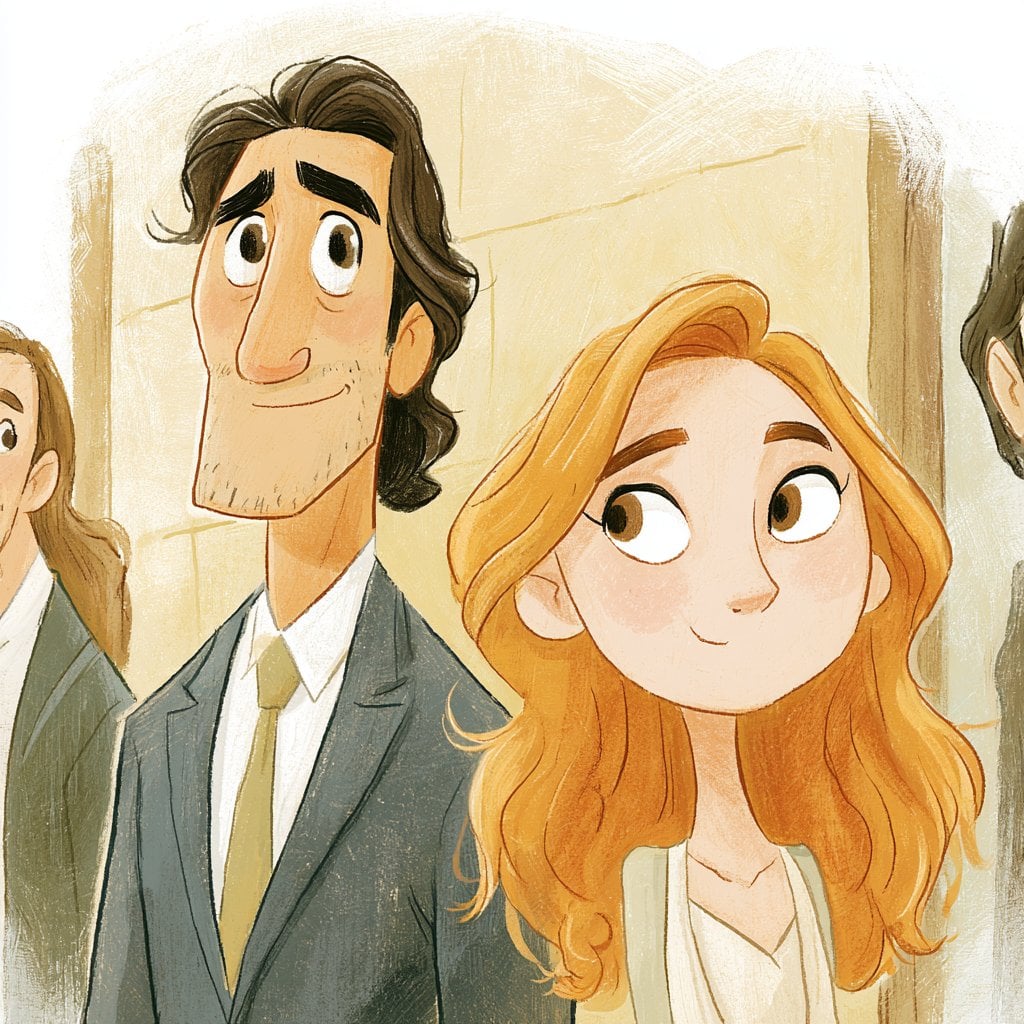
Motion Graphics Underwater Reef
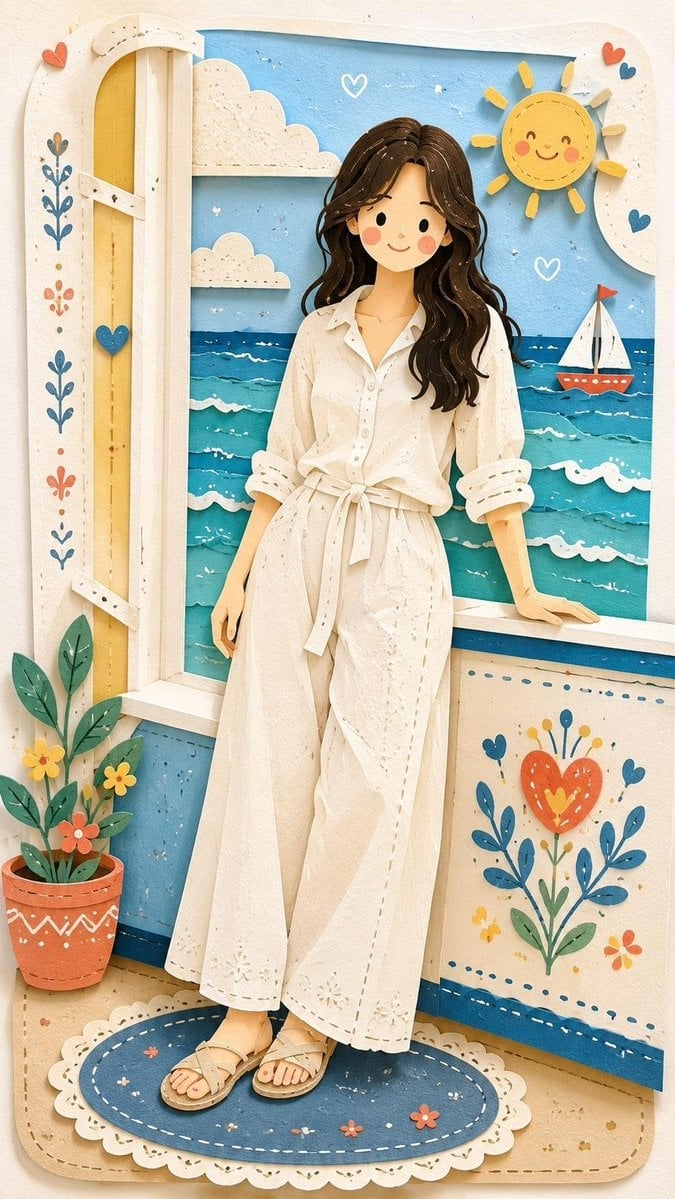
Motion Graphics Street Festival
Make it yours
Kinetic Motion Streetwear Editorial works as-is. These are the safest ways to change it without losing the look.
Change one field
Copy a single group, rewrite it, and generate again so you can see what that field is doing.
Keep the frame, change the subject
Hold the composition and light of Kinetic Motion Streetwear Editorial, then swap wardrobe, props or the person for a new take.
| If the result… | Why | Fix |
|---|---|---|
| The result drifts from the preview | Too many fields changed at once. | Reuse Kinetic Motion Streetwear Editorial as-is first, then change one group — subject, light, or setting. |
| The model over-stylizes the scene | The prose prompt leaves finish and camera underspecified. | Add one camera or lighting sentence and stay on GPT Image 2. |
More GPT Image 2 templates
Other prompts made for GPT Image 2.

Six VTuber Japanese Logo Sheet

Realistic Portrait of Woman and Deer

The Vista Modular Condo Poster

AI Model Routing Comparison Infographic

2.5D Anime Art Board

Isometric Productivity Desk Scene

New York Double Exposure Poster

Four-Panel AI Landscape Comparison

Japanese Tatami Lifestyle Magazine Cover

NESCAFÉ Coffee Map Poster
More image prompts
Fresh picks from across the catalog.
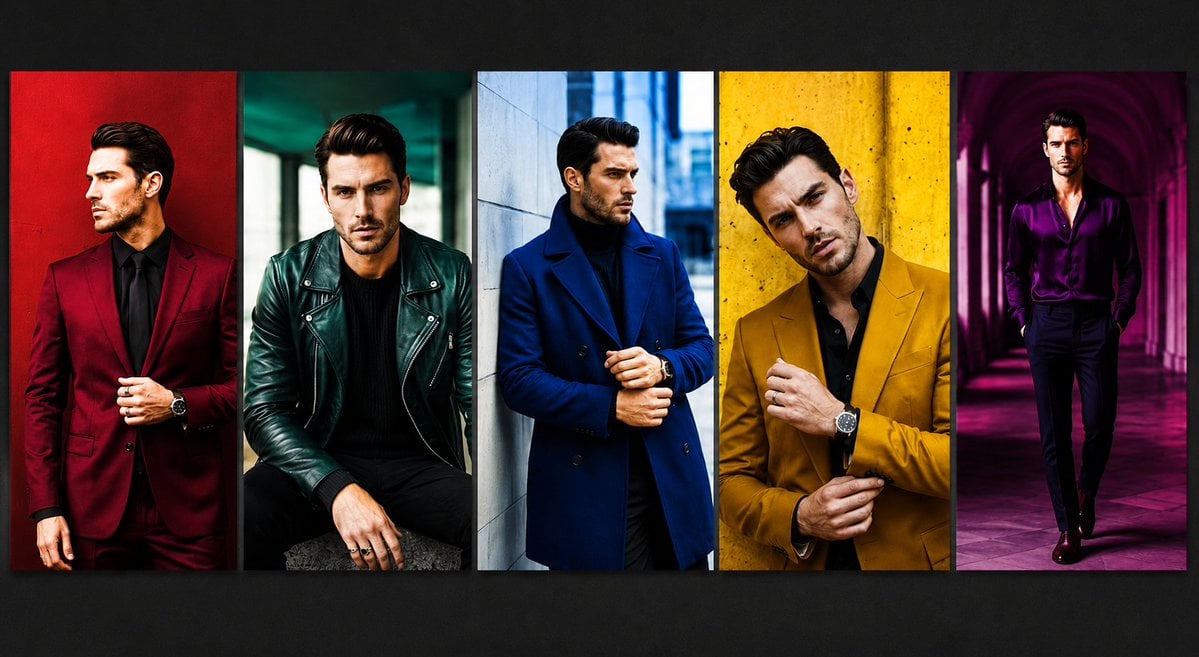
Luxury Menswear Fashion Collage
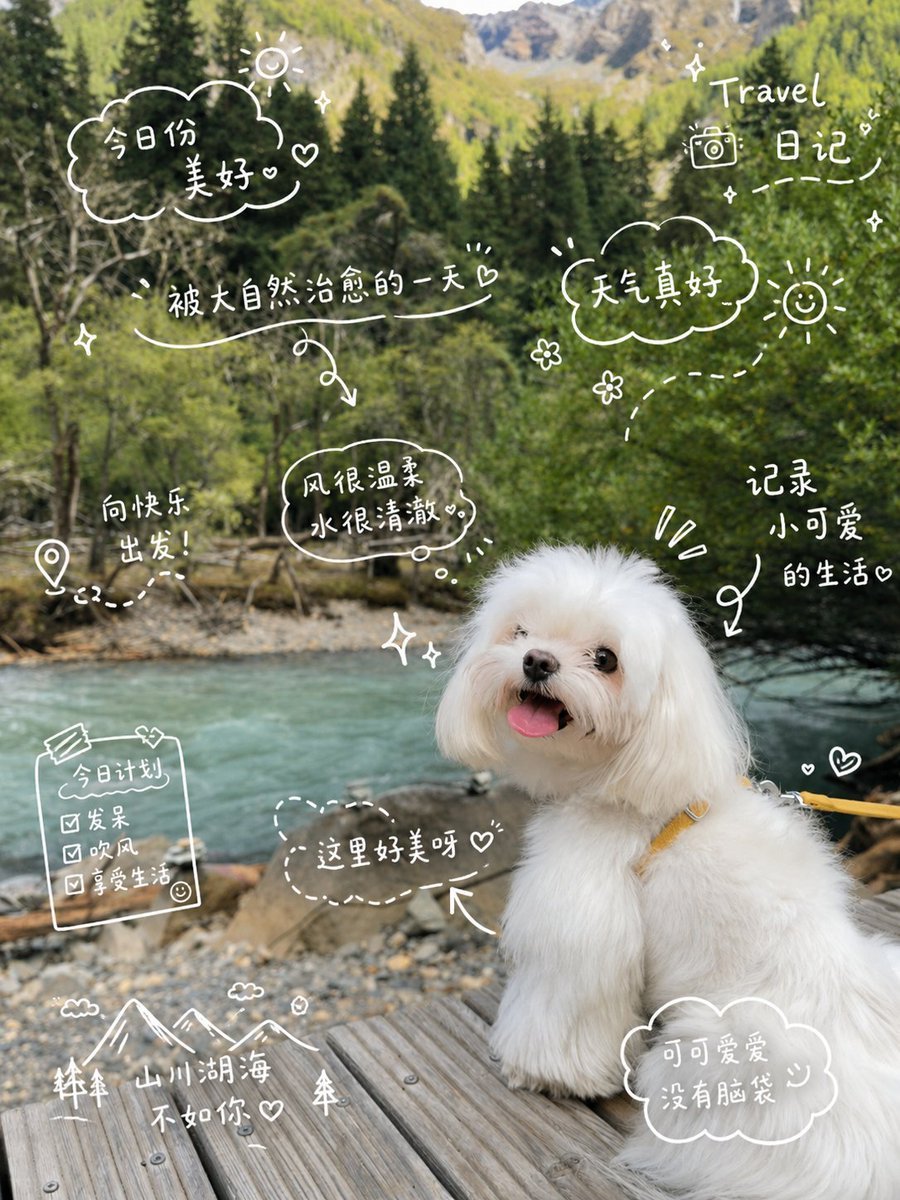
Cute Dog Travel Diary Doodles
Designer Art Toy Collectible
DUMBO Bridge Desktop Wallpaper
Pulp Comic Style Poster Design with Multiple Characters Prompt
Misty Lotus Pond Heron Sunrise
Black and White Aesthetic Image Generation
Cute Lifestyle Photo in a Modern Bakery
Clean Photo of The Last Supper Fresco
Armored Cosplayer in Ikebukuro
Browse template categories
Kinetic Motion Streetwear Editorial questions
How do I use the Kinetic Motion Streetwear Editorial template?
Add your photo if the template asks for one, edit the prompt if you like — the template's model and format are already selected — and press Generate. Your version opens in PicX Studio.
Can I customize the Kinetic Motion Streetwear Editorial template?
Yes. You can change the subject, setting, lighting, mood, format, and available model controls before creating your image.
Is the Kinetic Motion Streetwear Editorial template free?
Opening and editing this template is free. Generating uses credits, shown on the Generate button when you are signed in.
Which AI model should I use?
Start with GPT Image 2, which is the model associated with this template. You can compare another compatible model for a different finish.
Looking for something else? Browse all templates.

Your photo, any look
Thousands of ready templates for every top image and video model, from one credit balance.