
Rio Travel Poster Diorama
A unique prompt for GPT Image 2 that generates a photorealistic 3D paper diorama of Rio de Janeiro held by a hand, blending photography with vintage illustration.
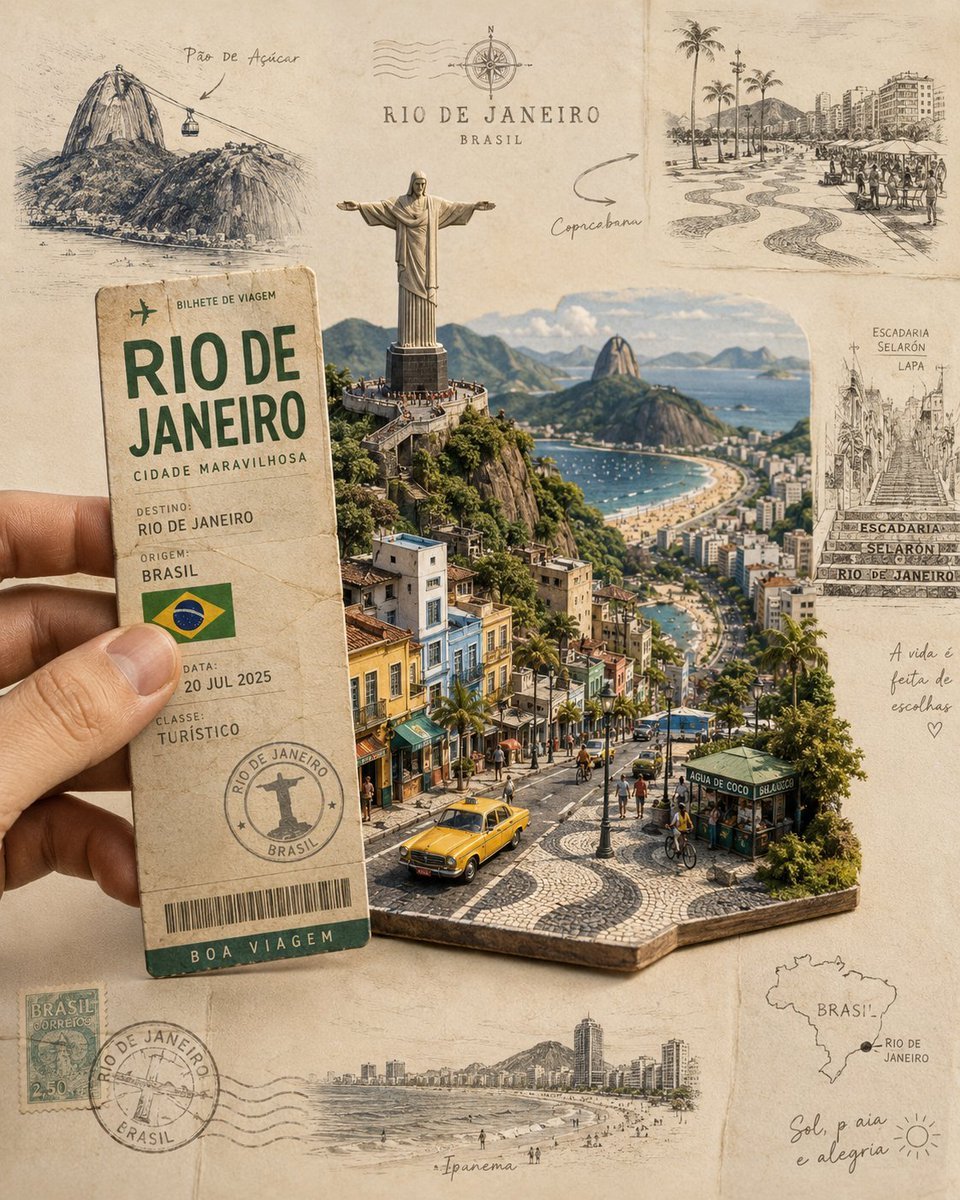
- Prompt included
- Model and format preset
- Free template
The prompt behind this image
Copy the exact prompt behind Rio Travel Poster Diorama, or open it in the studio and make it yours.
Create a highly detailed, photorealistic miniature travel-poster diorama inspired by Rio de Janeiro, arranged as a handcrafted 3D paper scene on a warm ivory, slightly textured background. In the foreground, a realistic human hand holds a vintage Brazilian travel ticket or Rio-themed transit card vertically on the left side. Give the card aged paper texture, subtle printing imperfections, elegant typography, and authentic-looking travel details. From behind the card, a miniature Rio de Janeiro landscape physically rises outward like an intricate pop-up diorama. Make Christ the Redeemer the dominant central landmark, positioned high above a miniature cityscape with lush green mountains surrounding it. Below, build a tiny realistic Rio street featuring a classic yellow taxi, colorful buildings, palm trees, pedestrians, cyclists, street lamps, tiled sidewalks, and small Brazilian urban details. Add Copacabana beach elements in the distance with tiny umbrellas, beachgoers, and a glimpse of the Atlantic Ocean. Layer the architecture and terrain so everything appears physically constructed from paper, wood, plaster, and miniature materials, with convincing depth, cast shadows, overlapping surfaces, and a slight three-quarter perspective. Around the main 3D scene, incorporate delicate black, charcoal, and muted sepia hand-drawn travel illustrations on the cream paper. Include a small Sugarloaf Mountain sketch in the upper left, an artistic Copacabana promenade illustration in the upper right, a detailed Selarón Steps sketch along the right side, and a small Ipanema beachfront skyline drawing near the bottom. Add subtle handwritten travel notes, tiny map markings, architectural outlines, compass symbols, postage-stamp details, and understated Brazilian travel annotations. Keep the composition refined rather than crowded. Blend realistic miniature photography with vintage travel-journal design, tactile paper fibers, faint ink bleed, imperfect hand-drawn lines, warm natural studio lighting, gentle shadows, subtle film grain, and a sophisticated cream, charcoal, muted green, ocean blue, and Brazilian yellow palette. The final image should feel like a premium collectible Rio de Janeiro travel postcard transformed into a physical miniature world, with the central diorama sharply detailed and the surrounding illustrations slightly softer. Highly realistic human hand and fingers, believable miniature materials, cinematic product photography, editorial travel-magazine aesthetic, shallow depth of field, ultra-fine textures, photorealistic 3D details, vertical 4:5 composition, 8K quality.
How to use Rio Travel Poster Diorama in 3 steps
- 1
Open
The prompt is already in the box next to the preview, with the template's model and format selected.
- 2…a portrait of your subject in softgolden-hour light, 85mm…
Personalize
Edit the subject and creative details for your destination.
- 3Generate
Generate
Press Generate — your image is created in PicX Studio, so you can compare it with the original and refine one variable at a time.
More like this
Templates with the same subject, style or setup. Open one to see its prompt.
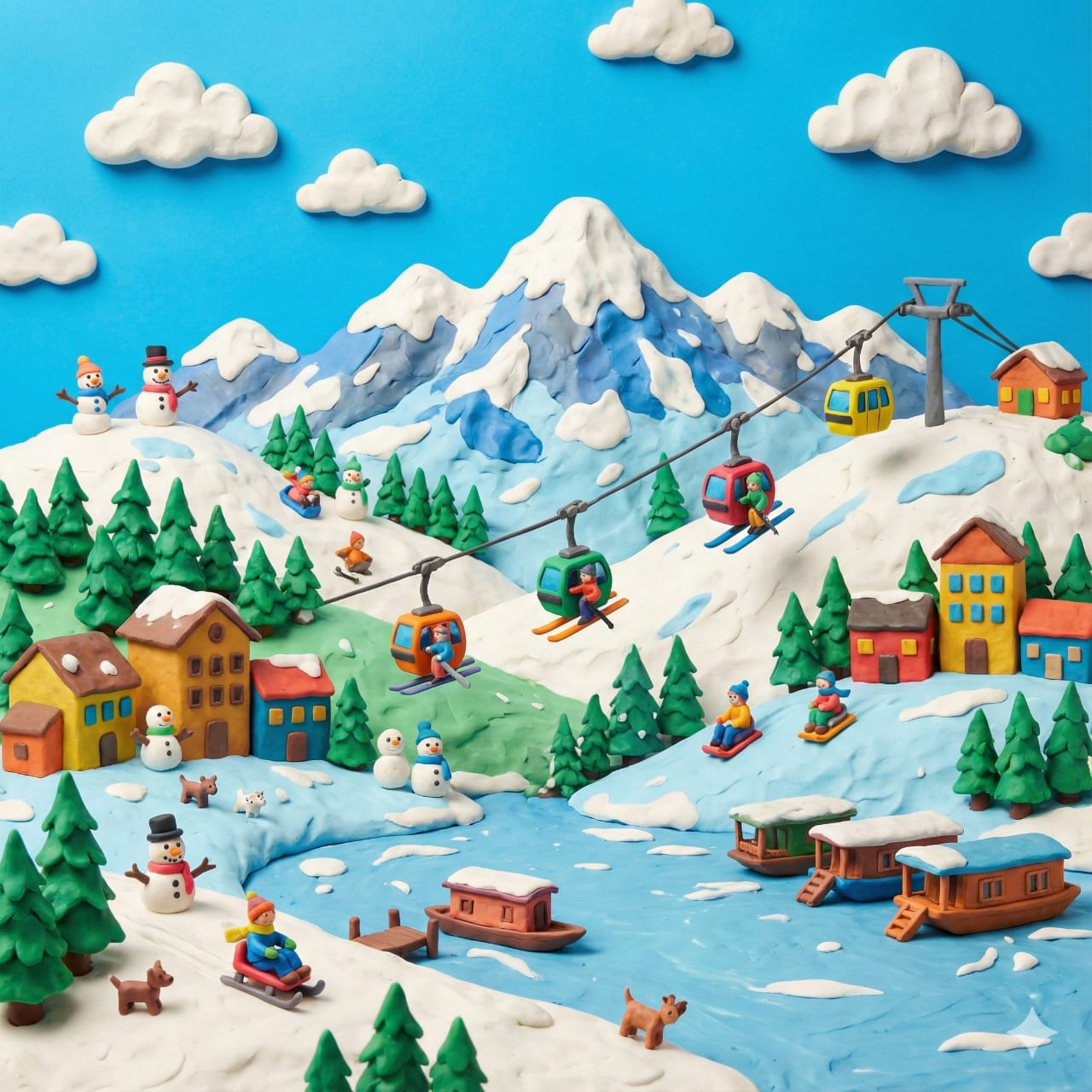
Clay Miniature Landmark Travel Diorama

Japan Travel Brochure Poster
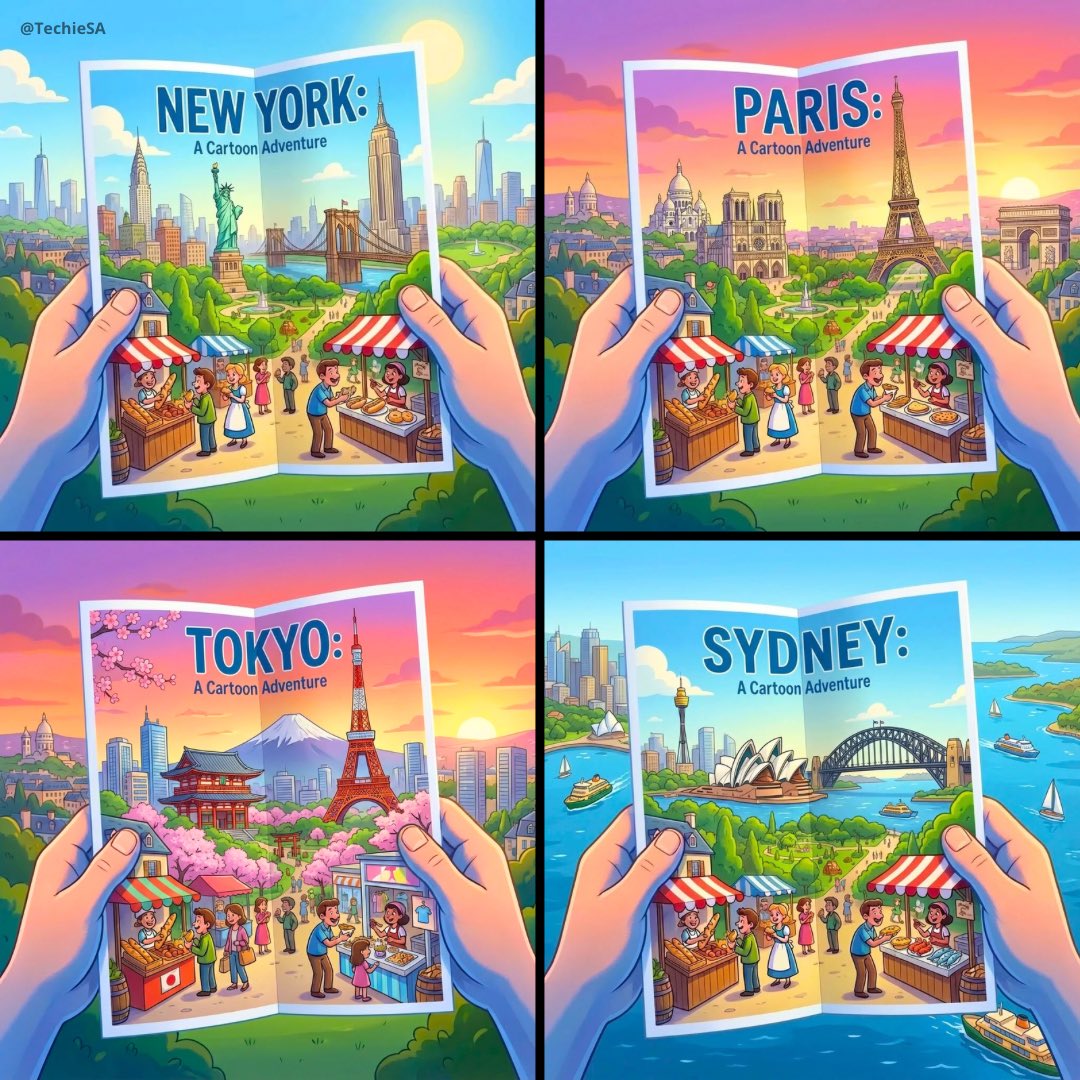
City Posters by Nano Banana Pro
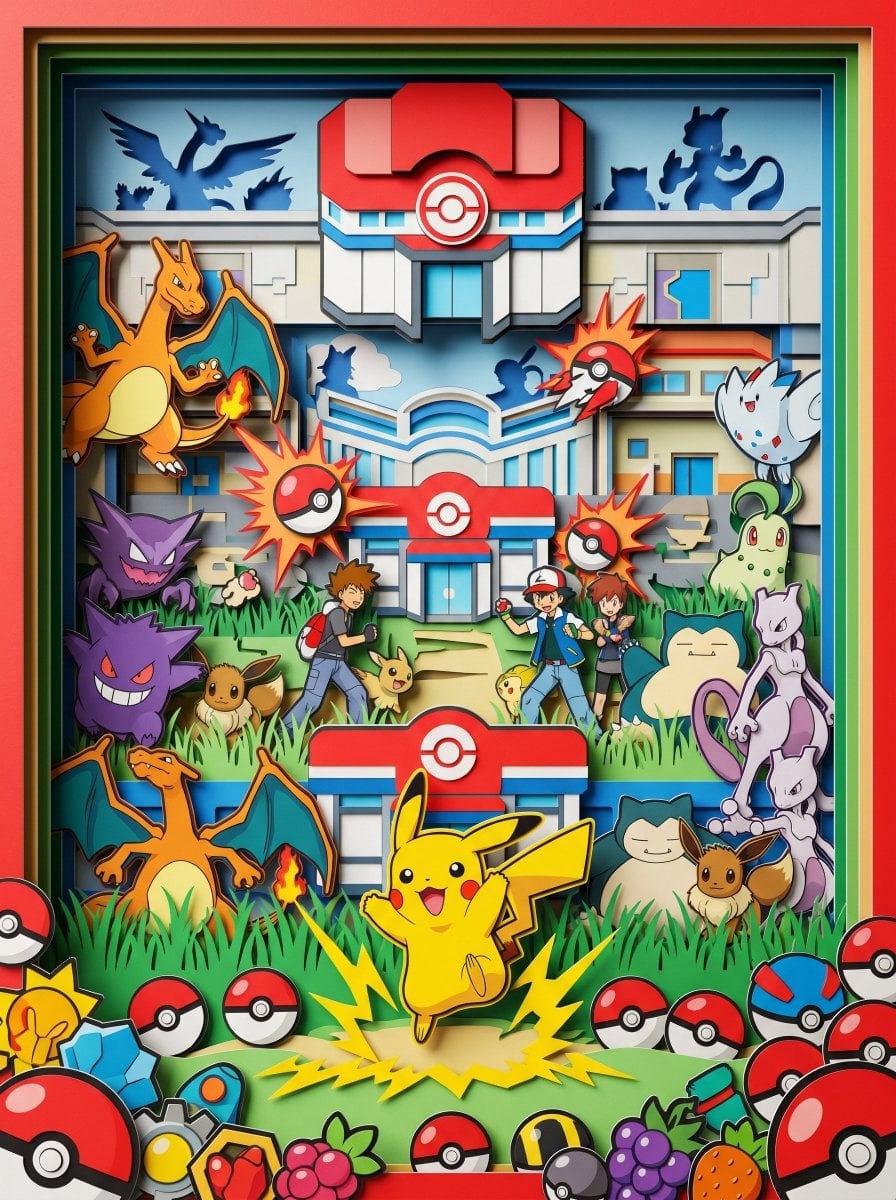
Layered Paper Cut Forest Diorama
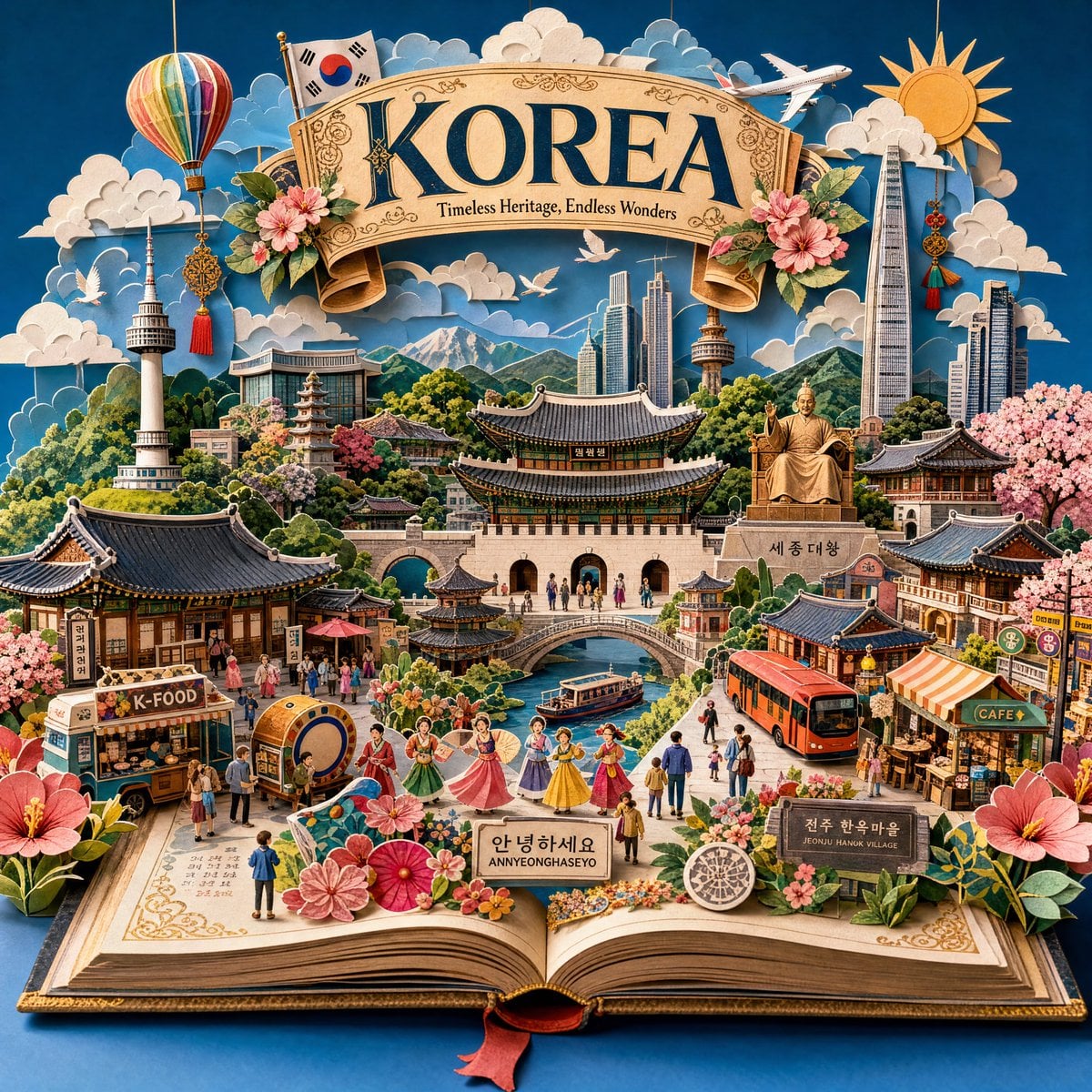
Master Pop-Up Storybook — 3D Paper Engineered Travel Diorama
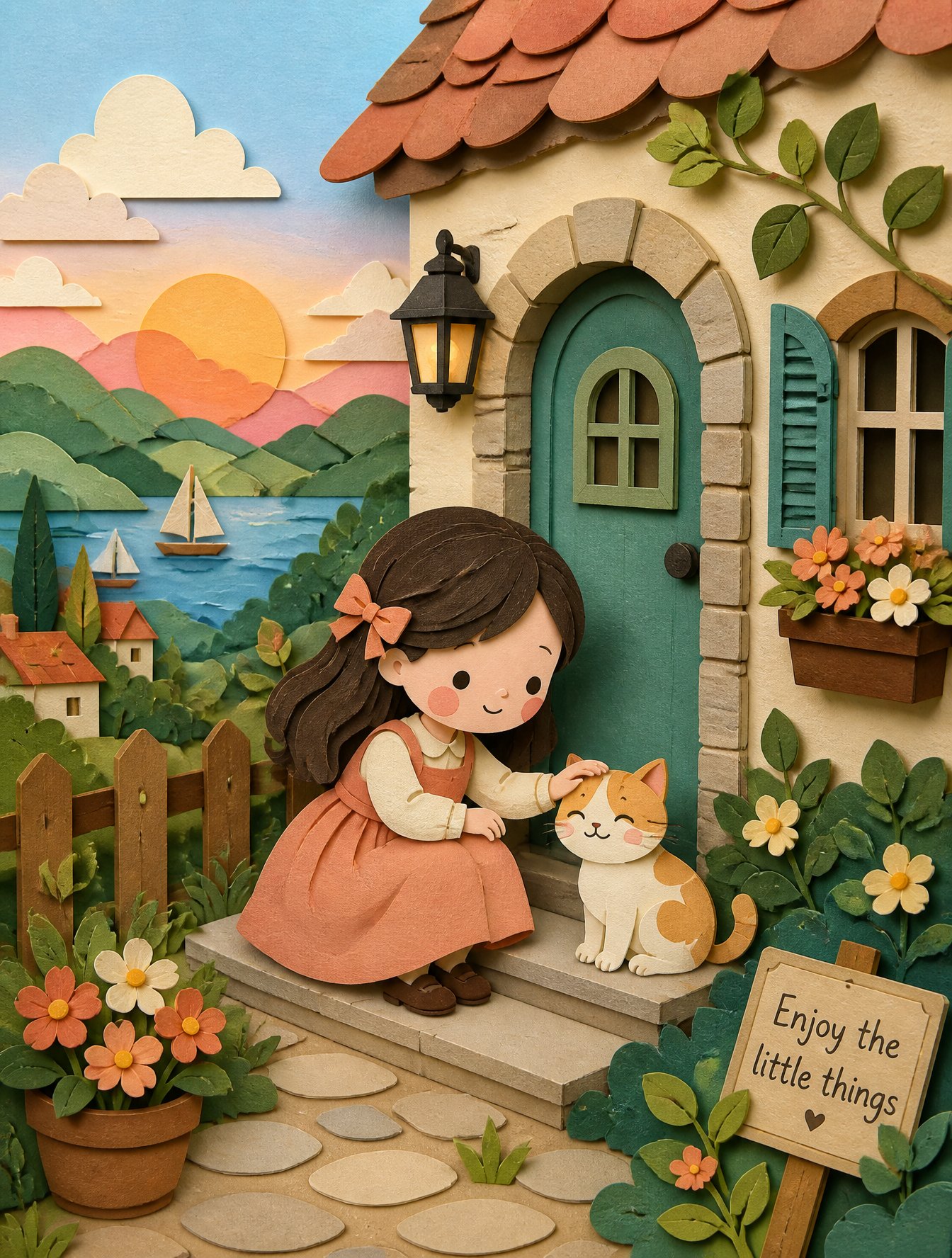
Soft Handcrafted Paper-Cut Layered Illustration

Cartoon TV Show Poster Pack

Trendy Cafe Drink Promo Poster

Urban Fashion Editorial Collage Streetwear Poster

Premium Fashion Editorial Cover Layout System

Polo Ralph Lauren Luxury American Heritage Fashion Campaign

Monochrome Halftone Editorial Fashion Poster
Make it yours
Rio Travel Poster Diorama works as-is. These are the safest ways to change it without losing the look.
Change one field
Copy a single group, rewrite it, and generate again so you can see what that field is doing.
Keep the frame, change the subject
Hold the composition and light of Rio Travel Poster Diorama, then swap wardrobe, props or the person for a new take.
| If the result… | Why | Fix |
|---|---|---|
| The result drifts from the preview | Too many fields changed at once. | Reuse Rio Travel Poster Diorama as-is first, then change one group — subject, light, or setting. |
| The model over-stylizes the scene | The prose prompt leaves finish and camera underspecified. | Add one camera or lighting sentence and stay on GPT Image 2. |
More GPT Image 2 templates
Other prompts made for GPT Image 2.

Six VTuber Japanese Logo Sheet

Realistic Portrait of Woman and Deer

The Vista Modular Condo Poster

AI Model Routing Comparison Infographic

2.5D Anime Art Board

Isometric Productivity Desk Scene

New York Double Exposure Poster

Four-Panel AI Landscape Comparison

Japanese Tatami Lifestyle Magazine Cover

NESCAFÉ Coffee Map Poster
More image prompts
Fresh picks from across the catalog.

Cinematic Portrait with Dramatic Rim Lighting
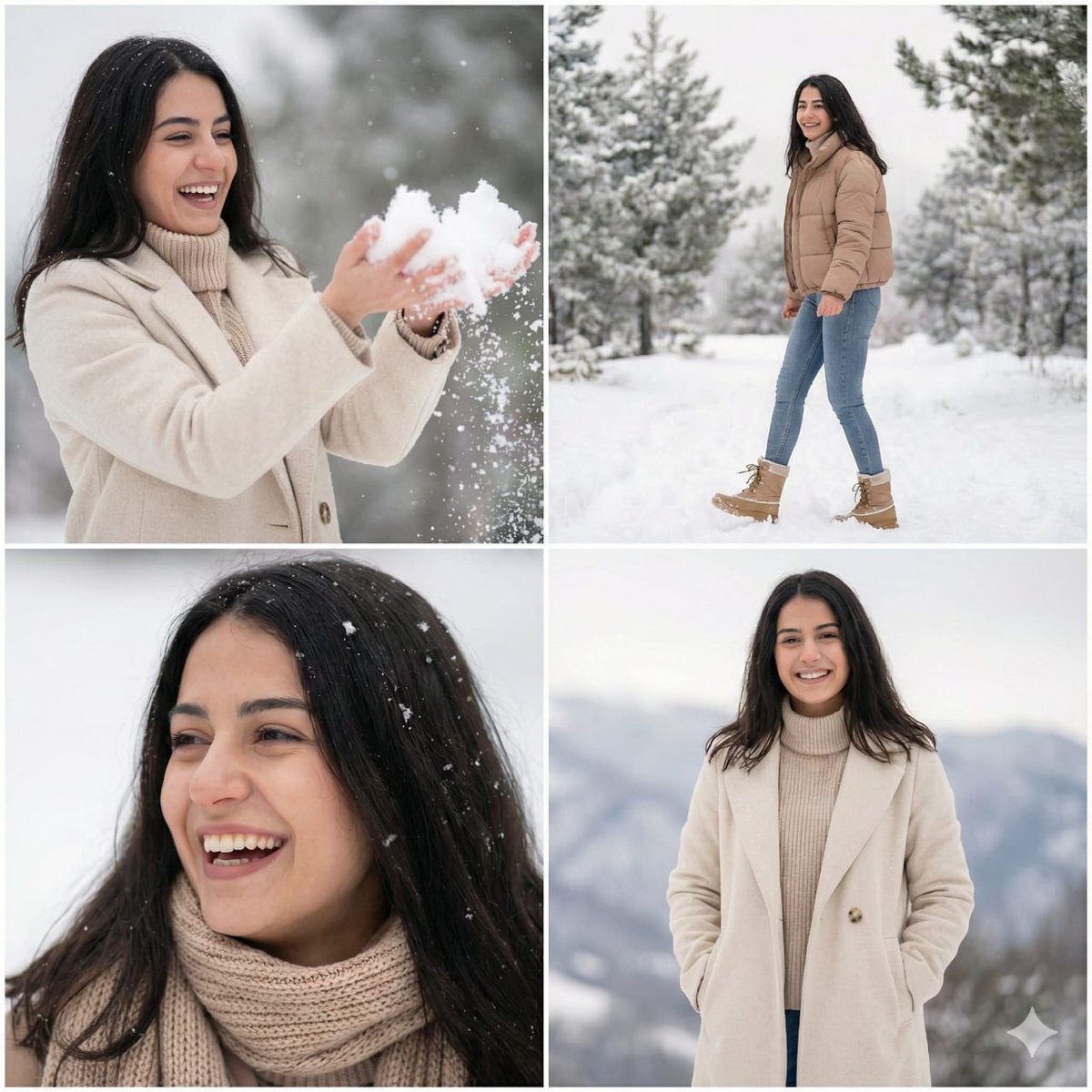
Modern Winter Aesthetic Collage
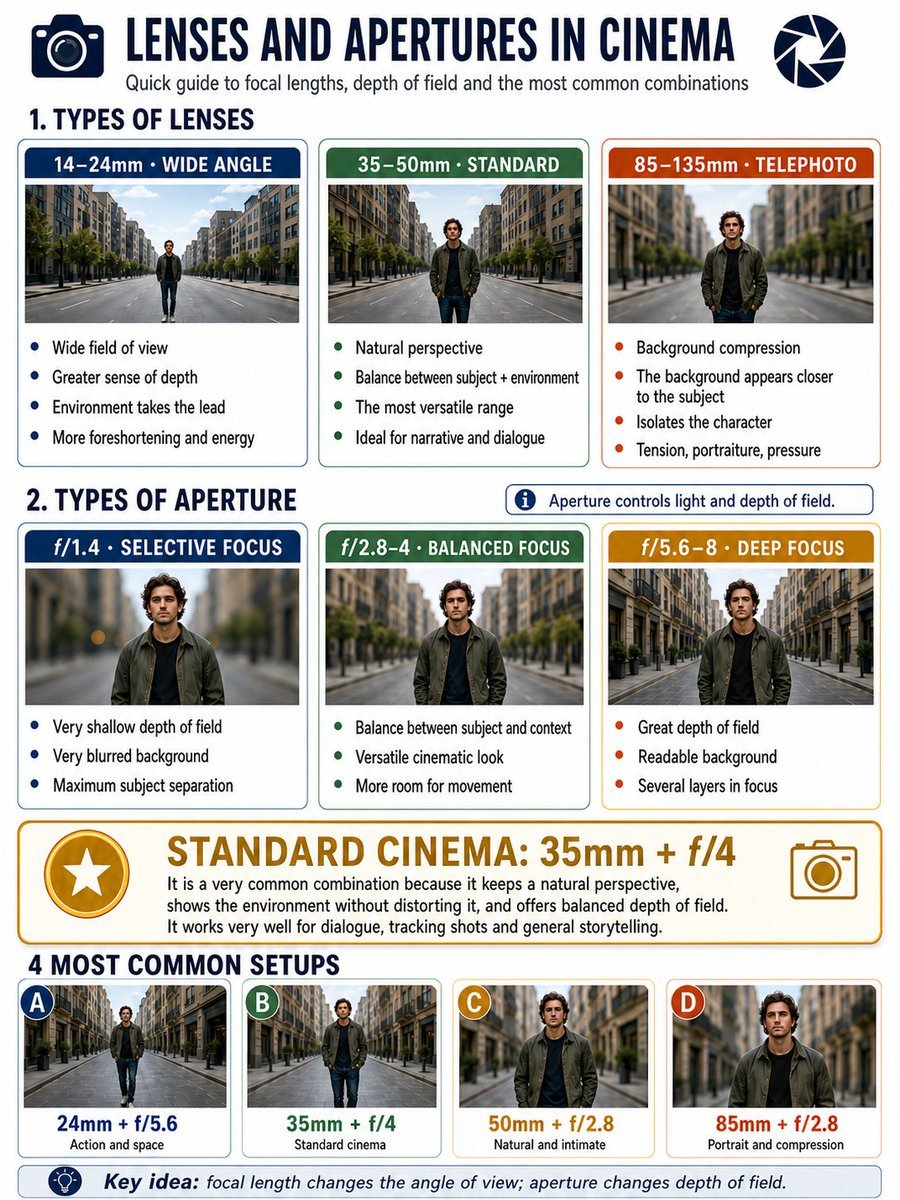
Cinema Lens Infographic Guide
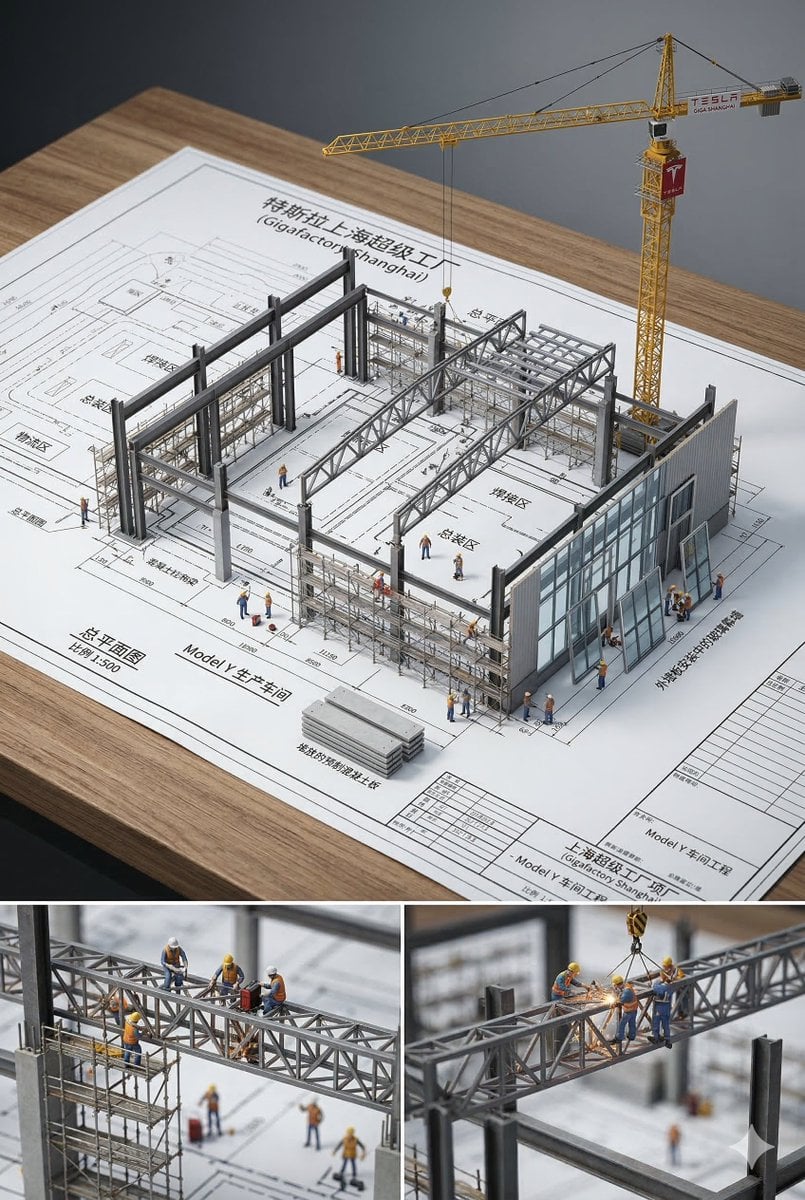
3D Miniature Architectural Blueprint
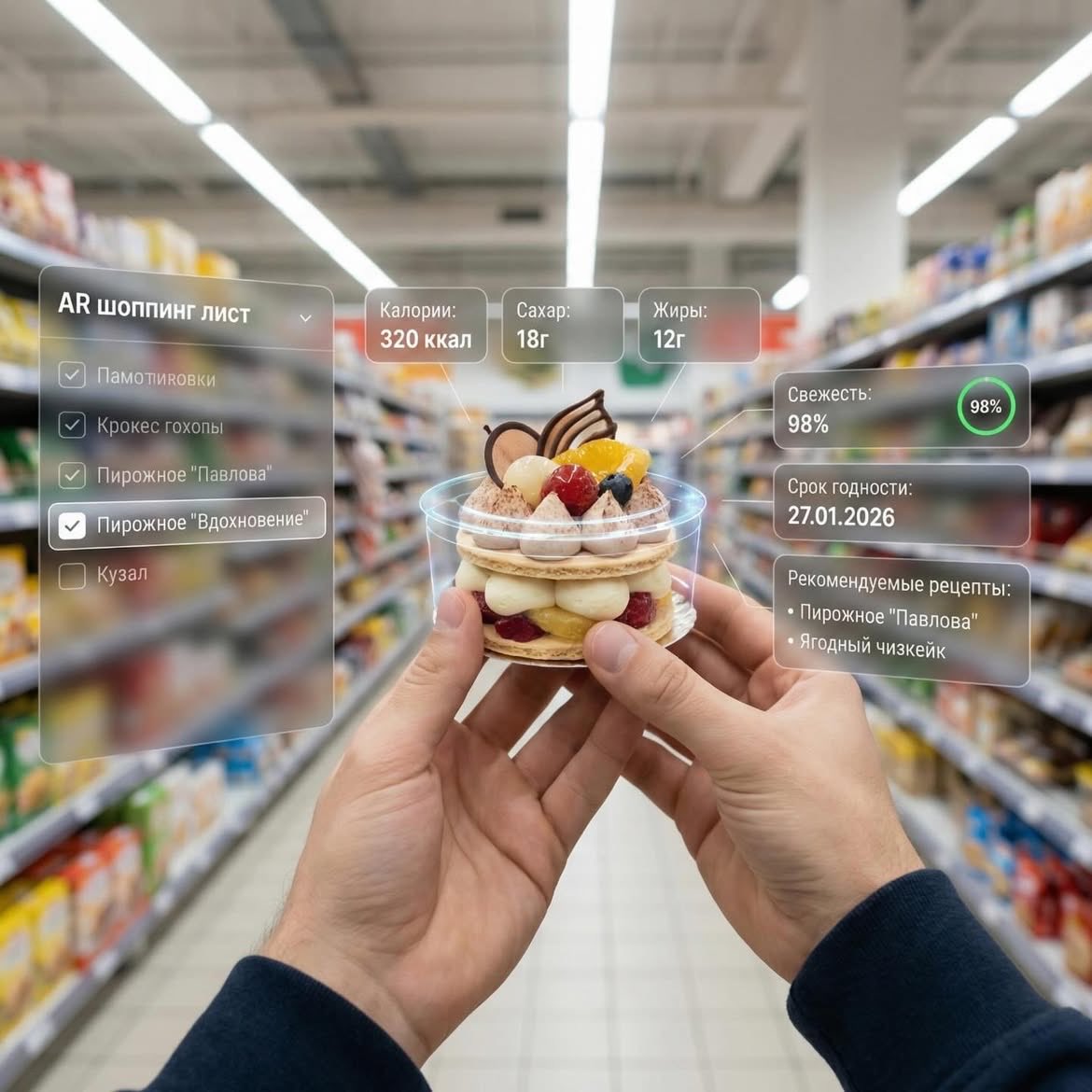
Augmented Reality UI Overlays on Food Items
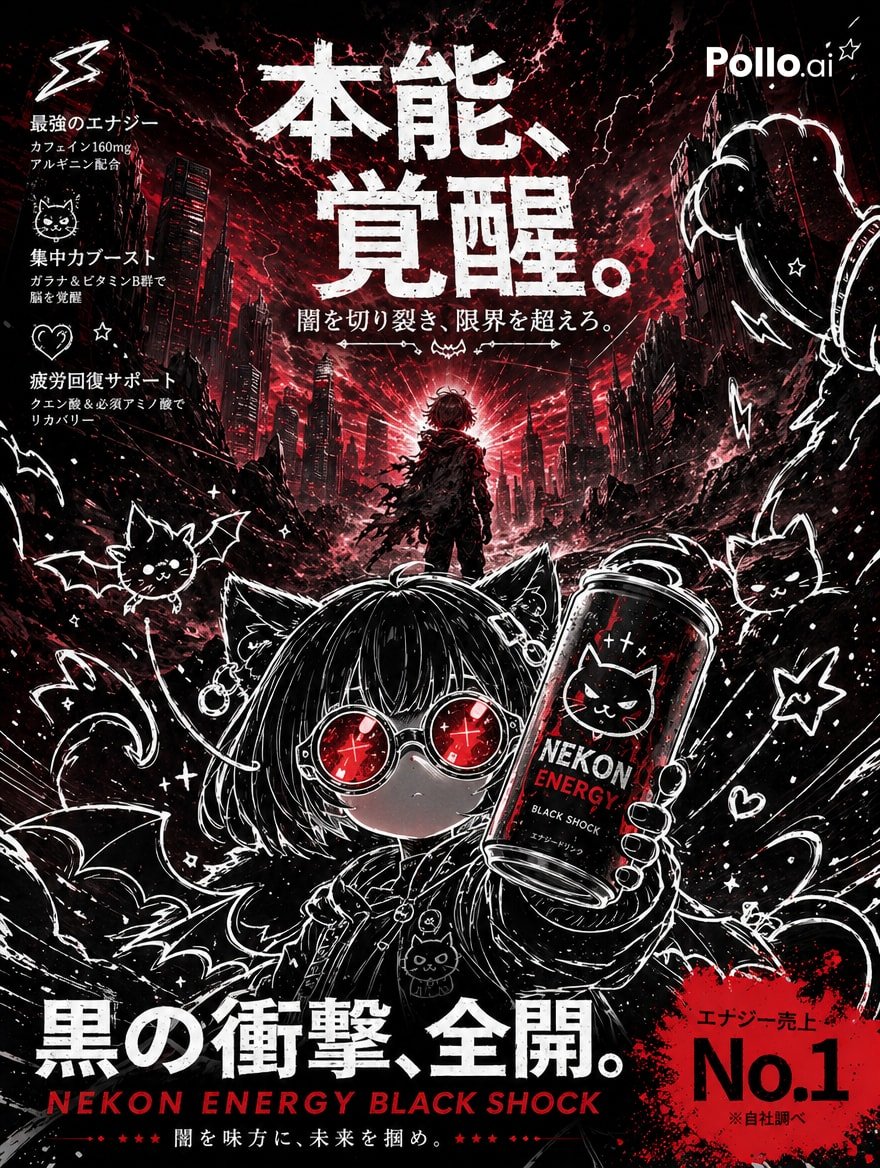
Dark Anime Energy Drink Poster

Cinematic Night Forest Editorial Portrait Prompt
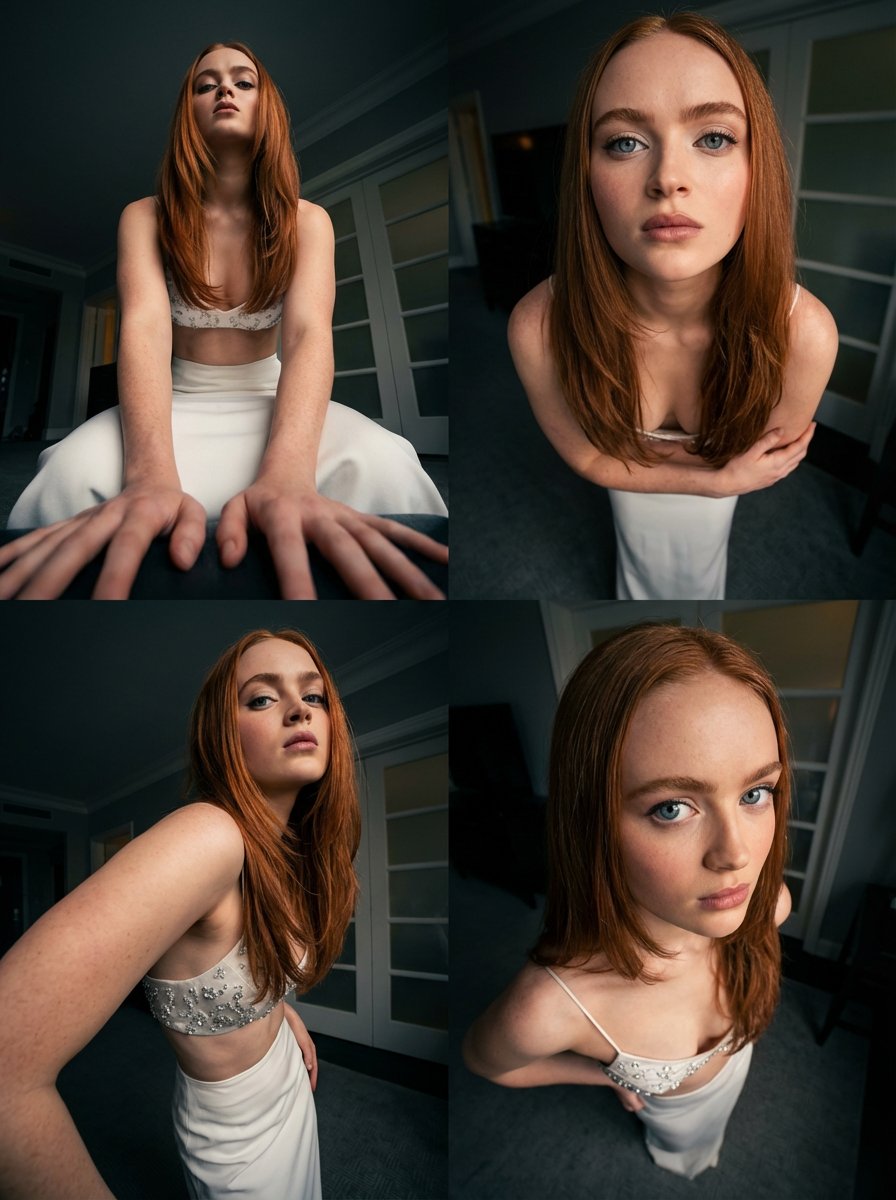
Dynamic Multi-Angle Portrait Grid Generation
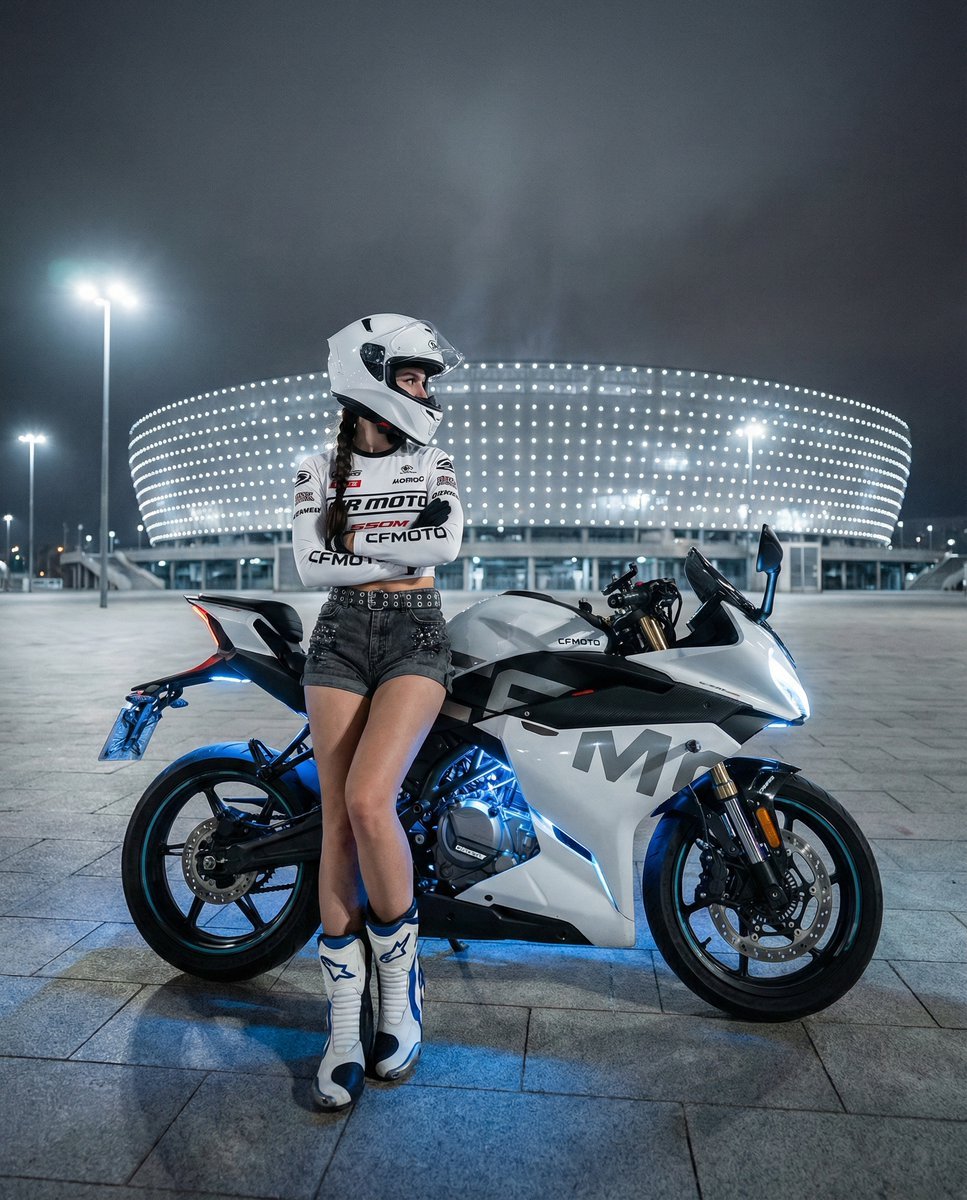
Nighttime Sportbike Rider Portrait
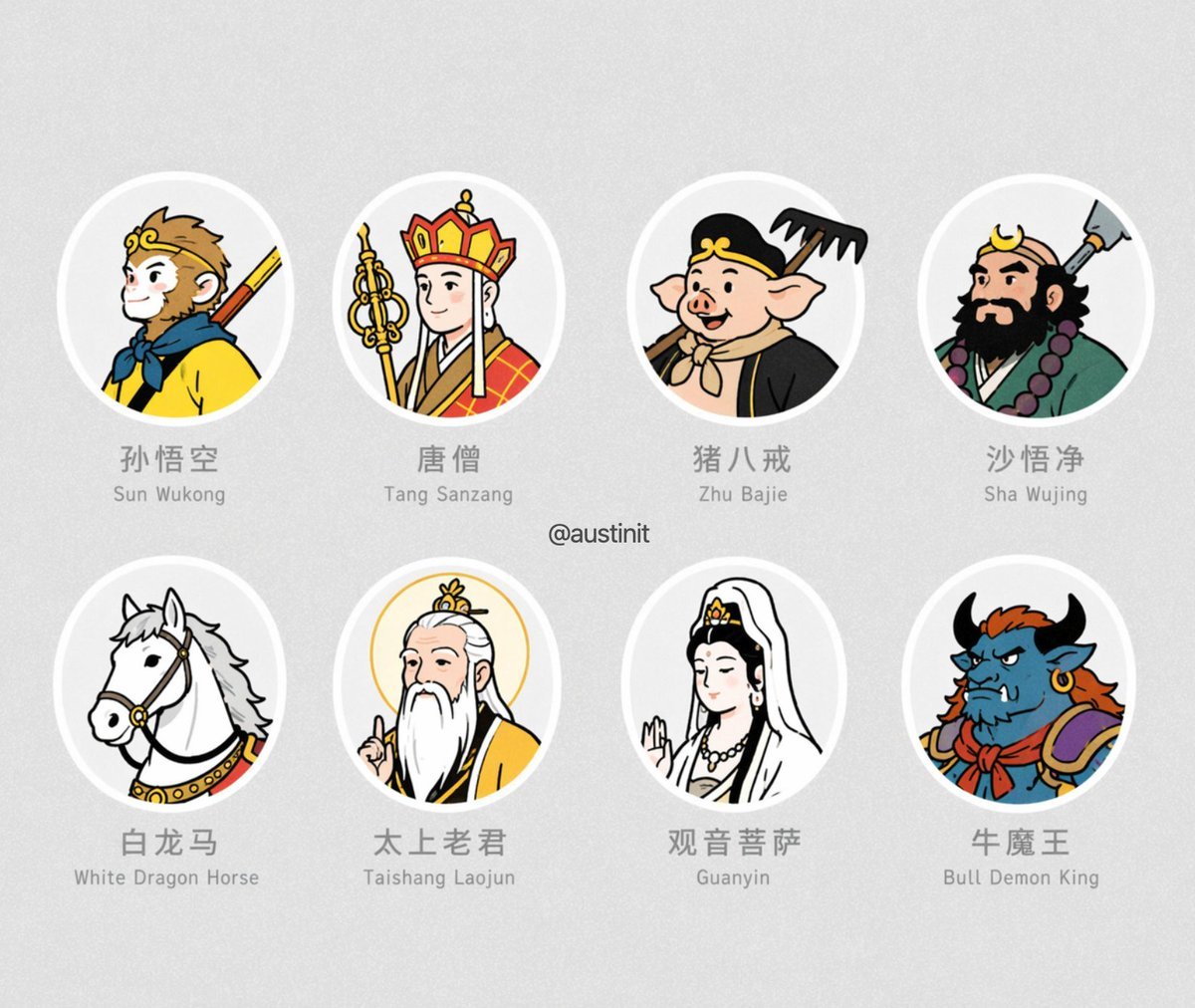
Journey to the West Avatar Grid
Browse template categories
Rio Travel Poster Diorama questions
How do I use the Rio Travel Poster Diorama template?
Add your photo if the template asks for one, edit the prompt if you like — the template's model and format are already selected — and press Generate. Your version opens in PicX Studio.
Can I customize the Rio Travel Poster Diorama template?
Yes. You can change the subject, setting, lighting, mood, format, and available model controls before creating your image.
Is the Rio Travel Poster Diorama template free?
Opening and editing this template is free. Generating uses credits, shown on the Generate button when you are signed in.
Which AI model should I use?
Start with GPT Image 2, which is the model associated with this template. You can compare another compatible model for a different finish.
Looking for something else? Browse all templates.

Your photo, any look
Thousands of ready templates for every top image and video model, from one credit balance.