
Tamago Kake Gohan Food Photo
A realistic Japanese breakfast food photo featuring raw egg over steamed rice with soy sauce and simple tabletop props.
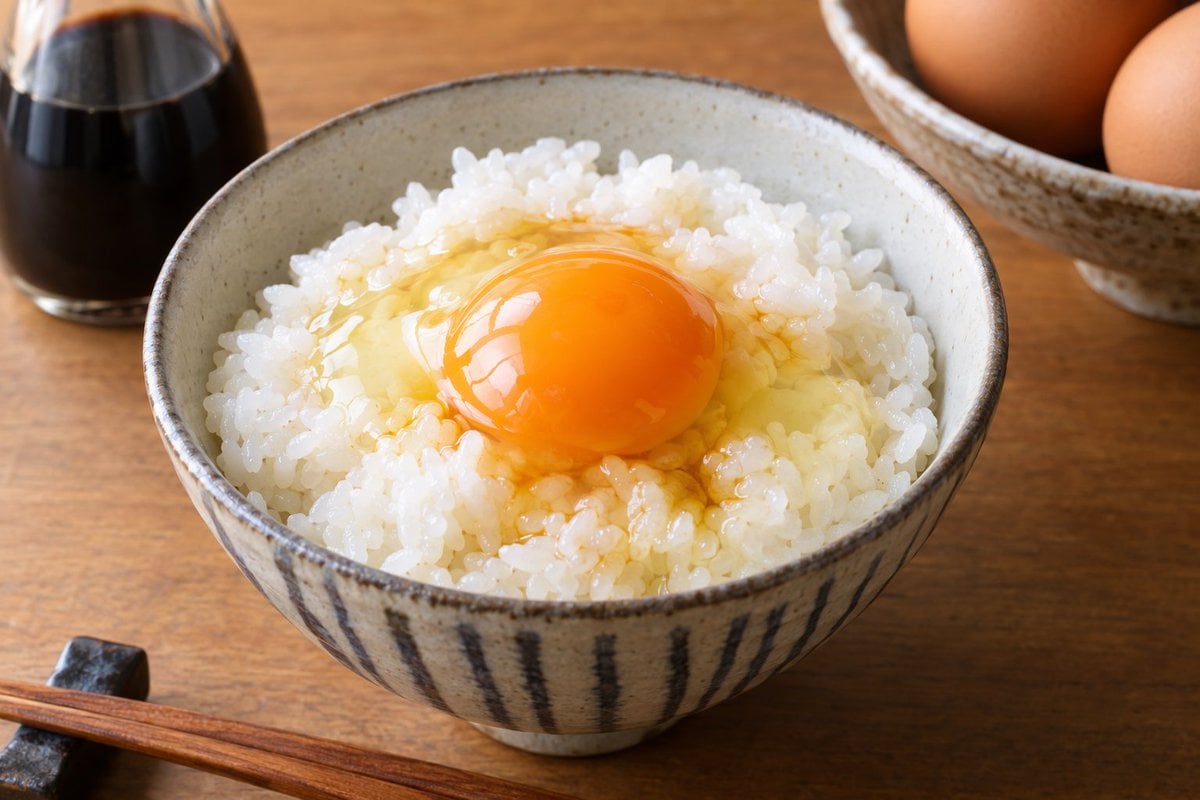
- Prompt included
- Model and format preset
- Free template
The prompt behind this image
Copy the exact prompt behind Tamago Kake Gohan Food Photo, or open it in the studio and make it yours.
Create a realistic food photography image of {argument name="dish" default="tamago kake gohan, Japanese steamed white rice topped with a raw egg"} in a rustic ceramic bowl. The bowl is centered in the foreground on a warm wooden table, filled with glossy short-grain white rice and one cracked raw egg on top: a vivid orange yolk sitting intact in the middle, surrounded by translucent egg white spreading into the rice with a light soy-sauce tint. Use a shallow depth of field and natural soft window light, with appetizing highlights on the yolk and individual rice grains clearly visible. In the background, place exactly 2 supporting props: a small glass soy sauce dispenser with dark liquid on the left, slightly blurred, and a ceramic bowl containing exactly 3 brown eggs on the right, also blurred. In the lower left foreground, include exactly 1 pair of wooden chopsticks resting diagonally beside a small dark chopstick rest. Style the scene as a high-resolution Japanese home breakfast photo, warm tones, realistic textures, no text, no hands, no people, no packaging, no extra utensils.
How to use Tamago Kake Gohan Food Photo in 3 steps
- 1Upload ImagePNG, JPG or paste
Add your photo
Upload the photo the template builds on. The prompt, model and format are already set.
- 2…a portrait of your subject in softgolden-hour light, 85mm…
Personalize
Edit the subject and creative details for your destination.
- 3Generate
Generate
Press Generate — your image is created in PicX Studio, so you can compare it with the original and refine one variable at a time.
More like this
Templates with the same subject, style or setup. Open one to see its prompt.

Cozy Food Flat Lay Doodle Labels

Premium Food Advertising Campaign Scenes
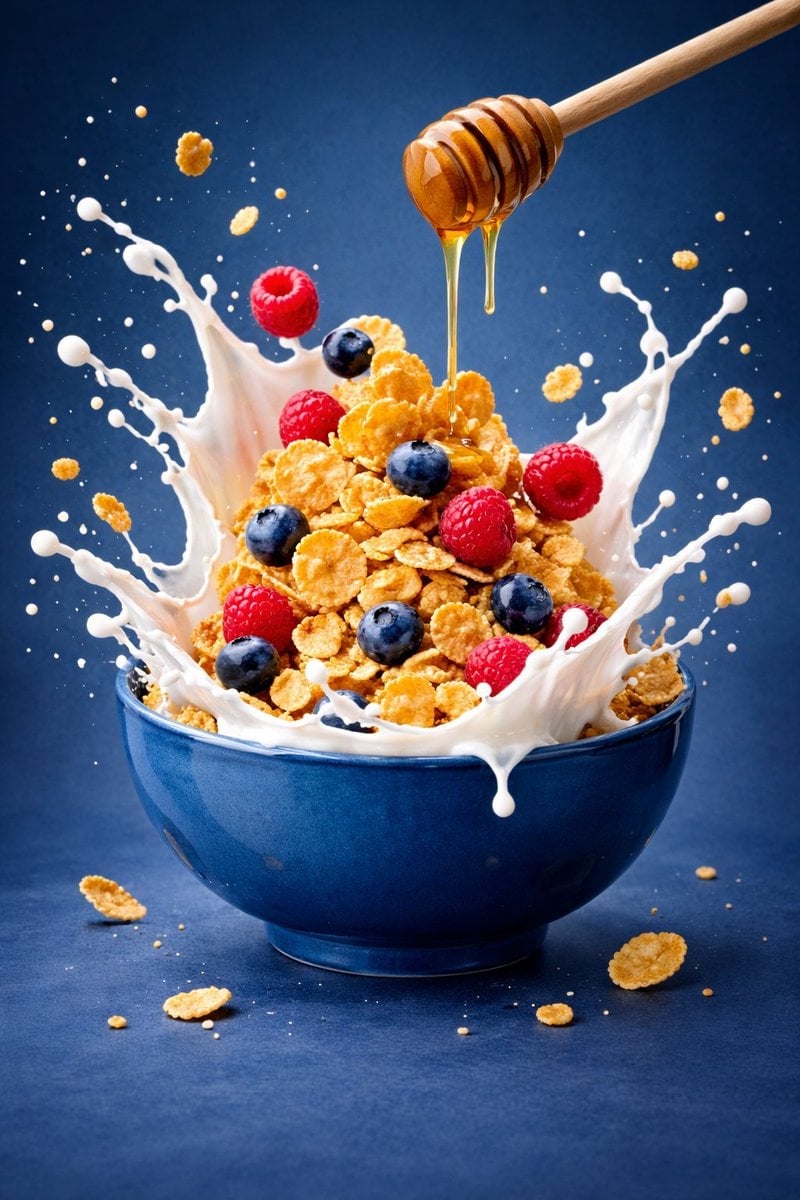
Ultra-premium cinematic food photography, 8K UHD, 3 4 aspect ratio

Bold, intense, premium, cinematic, high-impact food commercial aesthetic

Cinematic Cafe Portrait with Food
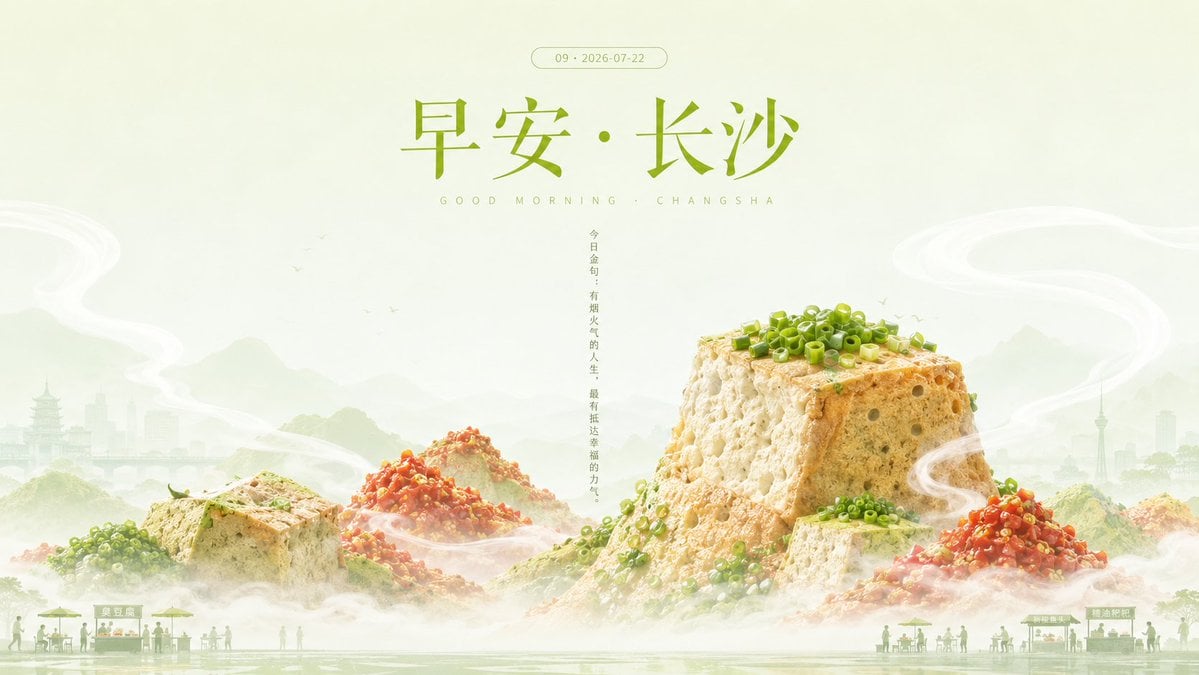
Good Morning Changsha Food Poster
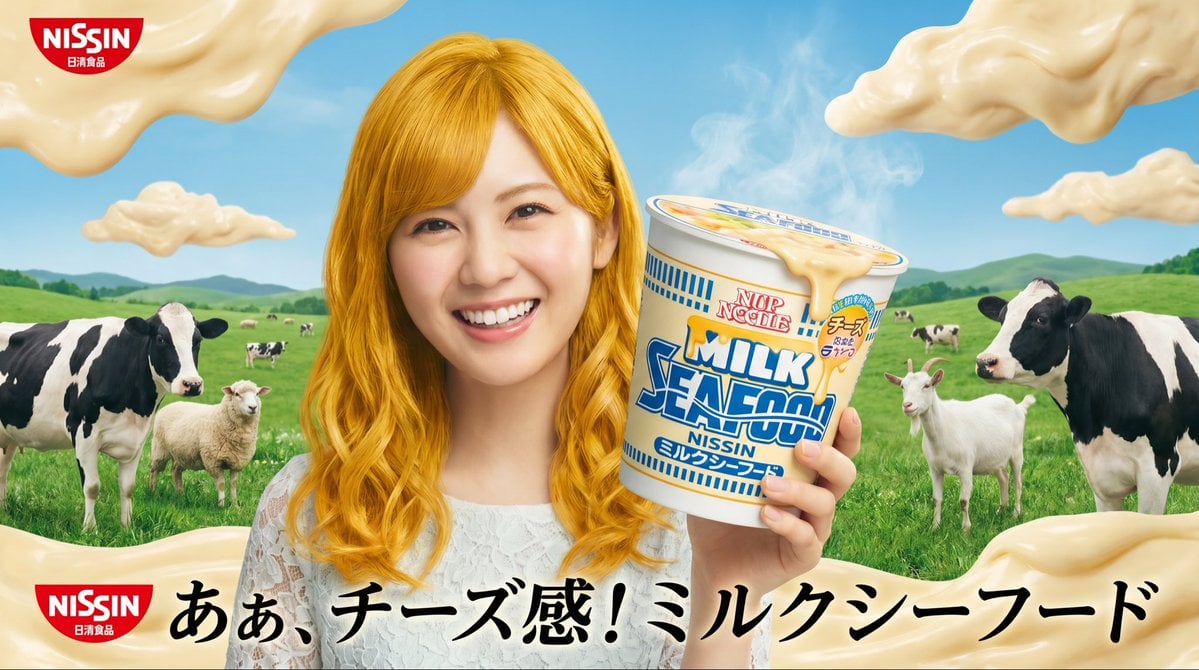
Surreal NISSIN Milk Seafood Ad
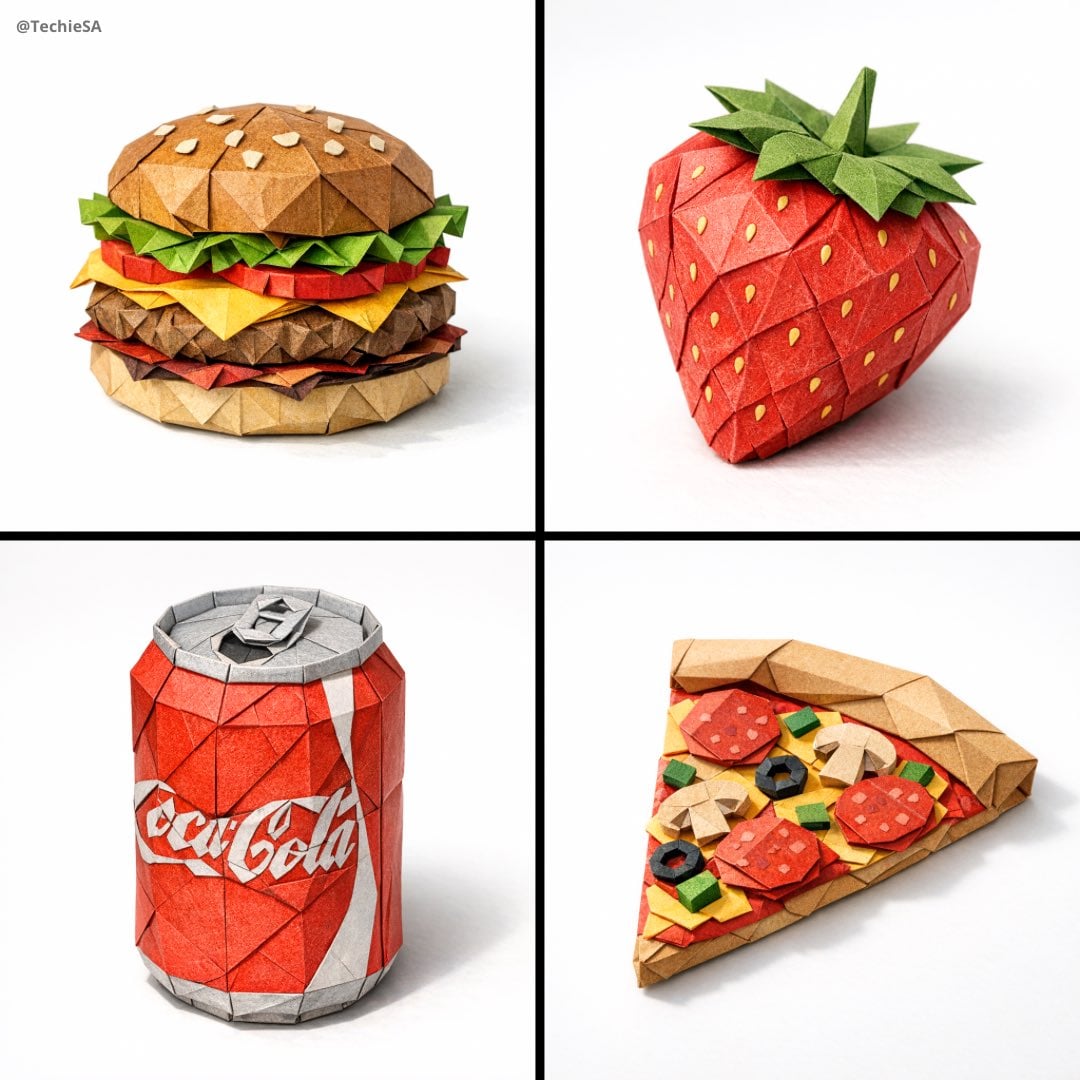
Master Origami Food Art — Hyper-Detailed Paper Folding Cuisine
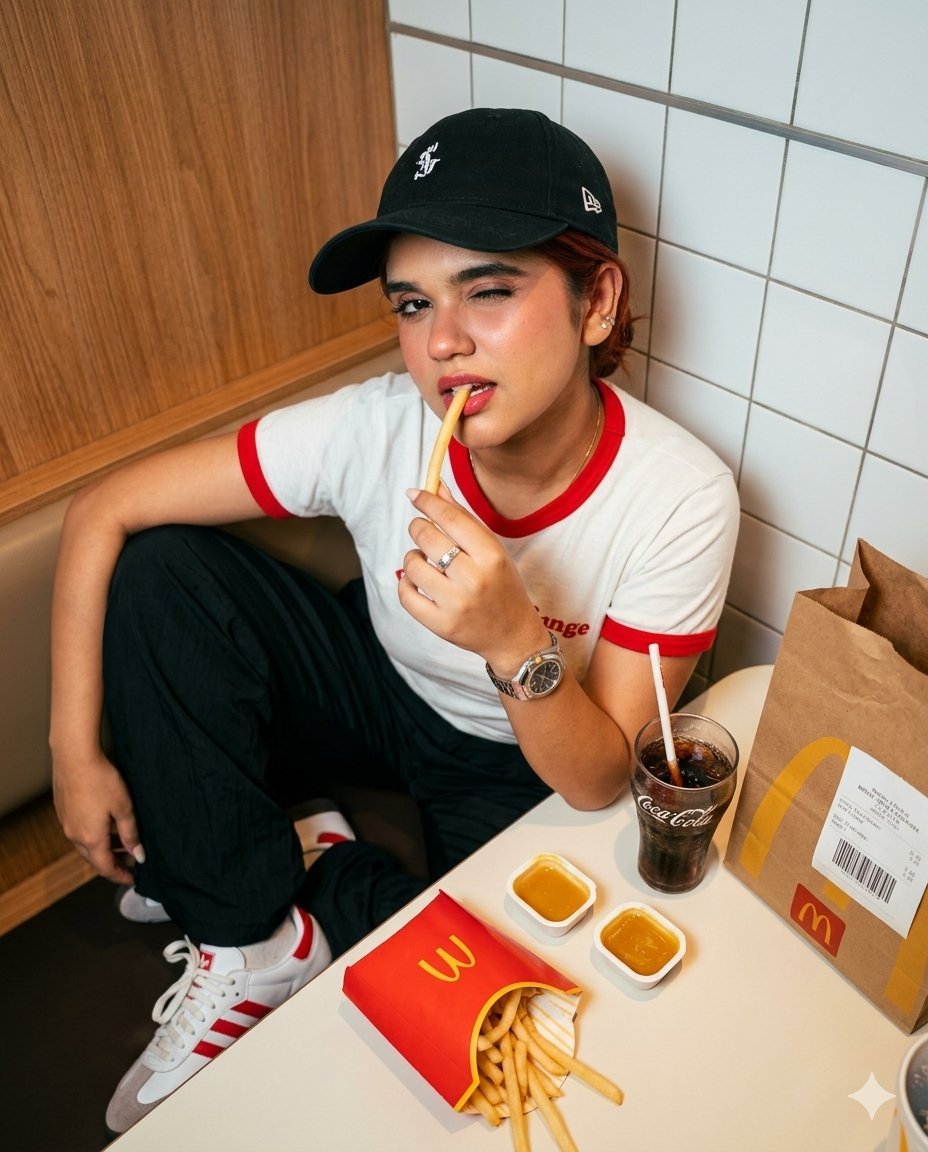
Fast Food Dining Lifestyle Shot
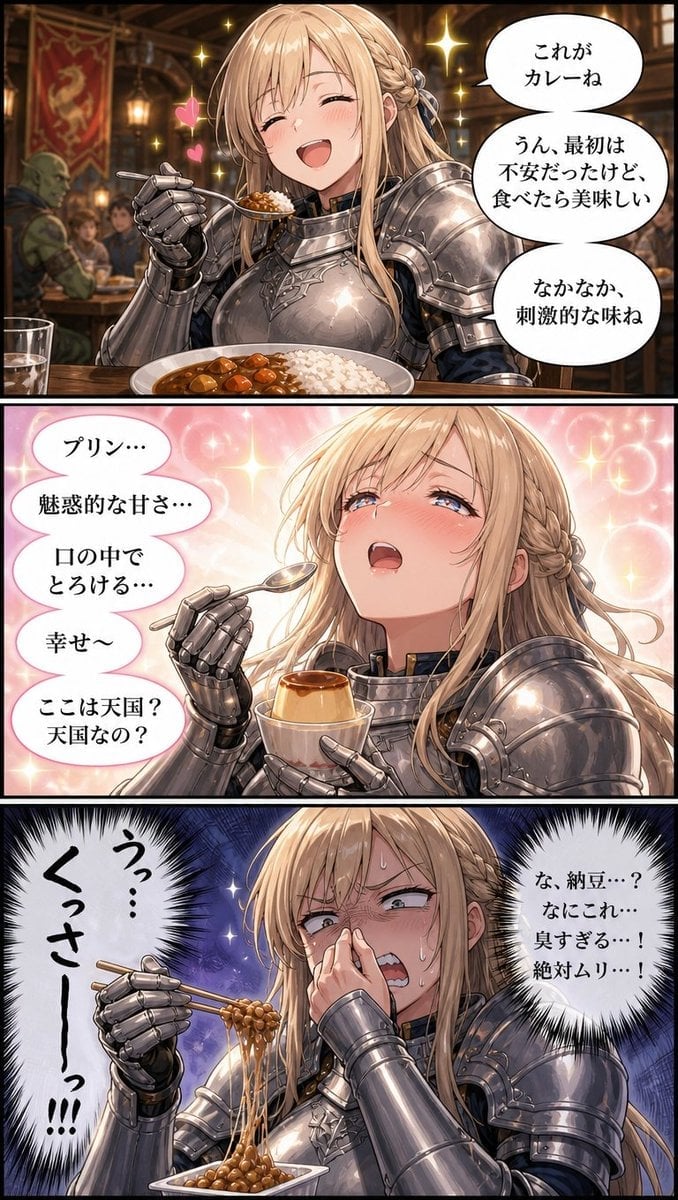
Fantasy Knight Food Reaction Manga
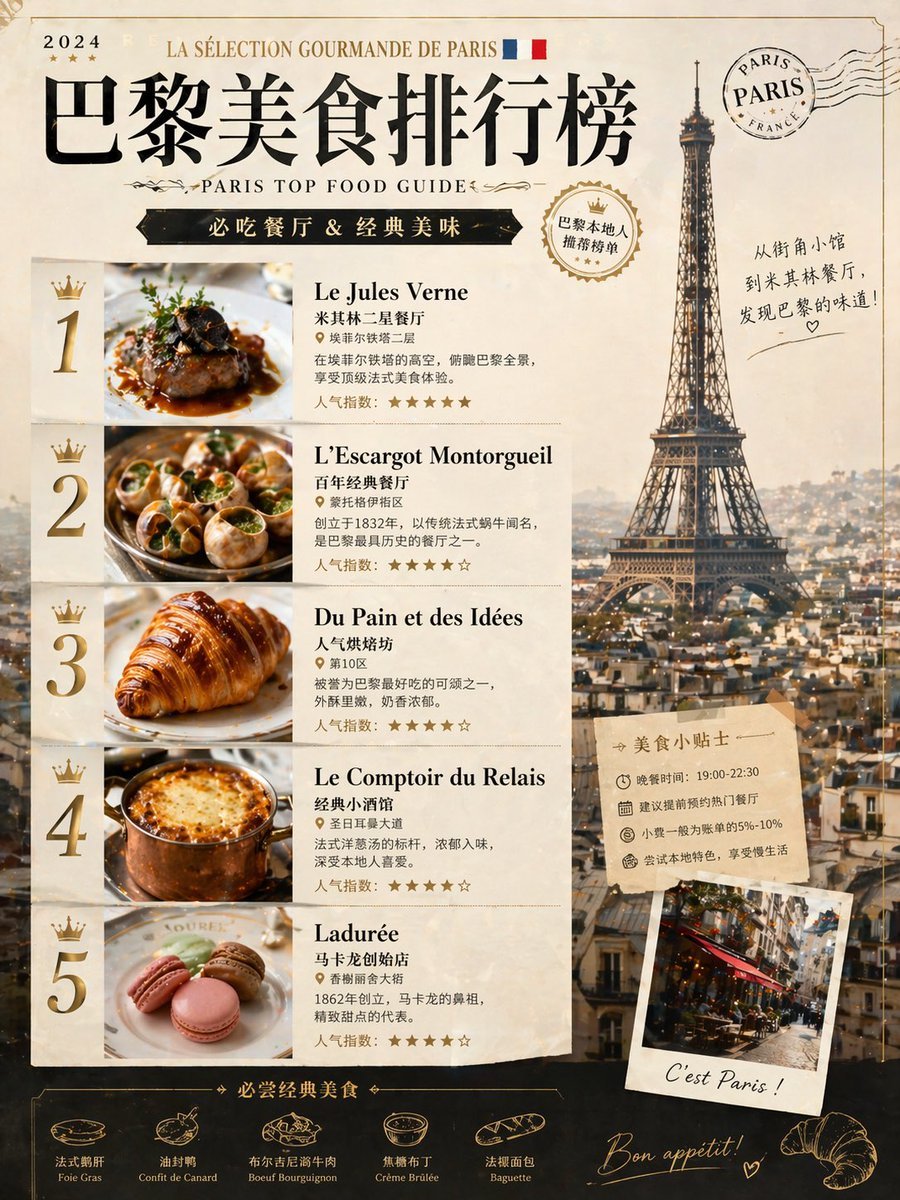
Paris Food Ranking Poster Prompt
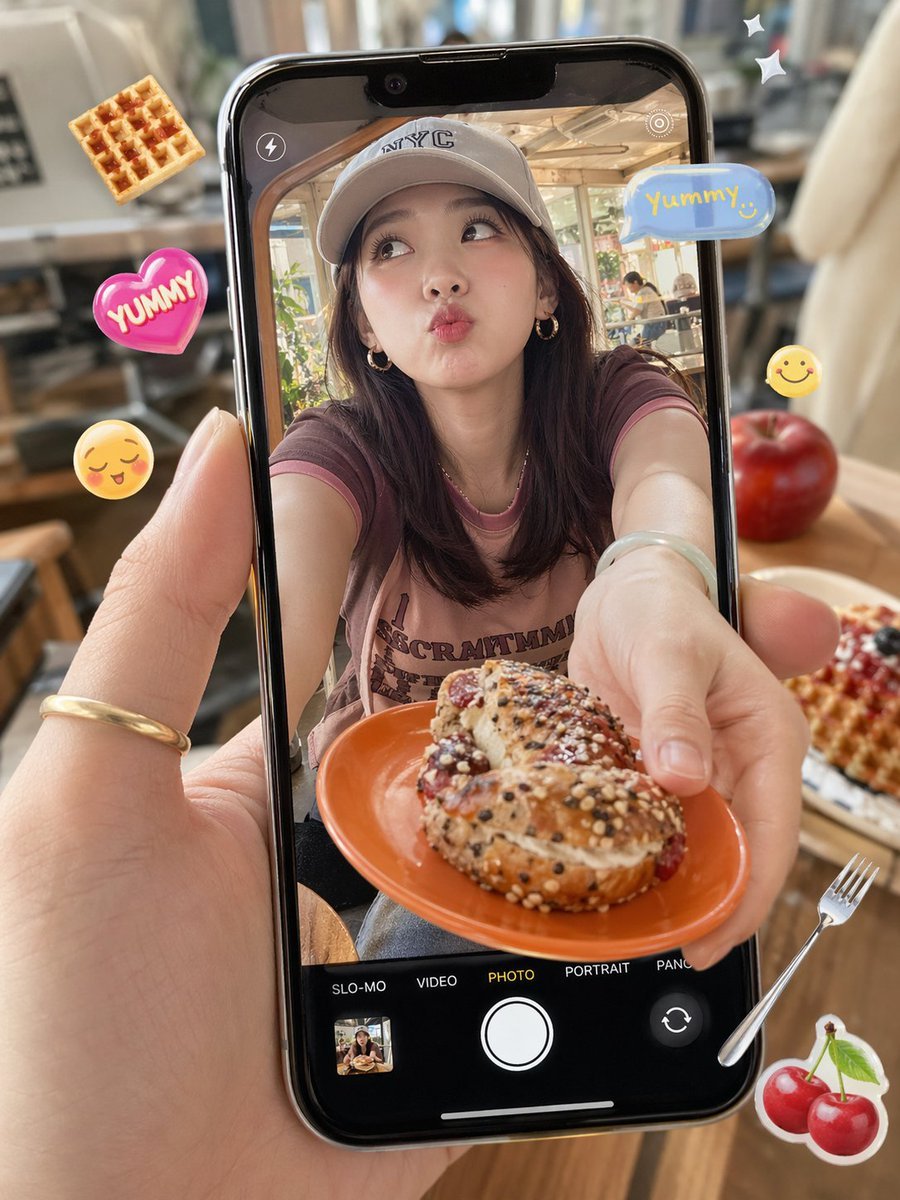
Cafe Phone Camera Food Snapshot
Make it yours
Tamago Kake Gohan Food Photo works as-is. These are the safest ways to change it without losing the look.
Change one field
Copy a single group, rewrite it, and generate again so you can see what that field is doing.
Keep the frame, change the subject
Hold the composition and light of Tamago Kake Gohan Food Photo, then swap wardrobe, props or the person for a new take.
| If the result… | Why | Fix |
|---|---|---|
| The result drifts from the preview | Too many fields changed at once. | Reuse Tamago Kake Gohan Food Photo as-is first, then change one group — subject, light, or setting. |
| The model over-stylizes the scene | The prose prompt leaves finish and camera underspecified. | Add one camera or lighting sentence and stay on GPT Image 2. |
More GPT Image 2 templates
Other prompts made for GPT Image 2.

Six VTuber Japanese Logo Sheet

Realistic Portrait of Woman and Deer

The Vista Modular Condo Poster

AI Model Routing Comparison Infographic

2.5D Anime Art Board

Isometric Productivity Desk Scene

New York Double Exposure Poster

Four-Panel AI Landscape Comparison

Japanese Tatami Lifestyle Magazine Cover

NESCAFÉ Coffee Map Poster
More image prompts
Fresh picks from across the catalog.
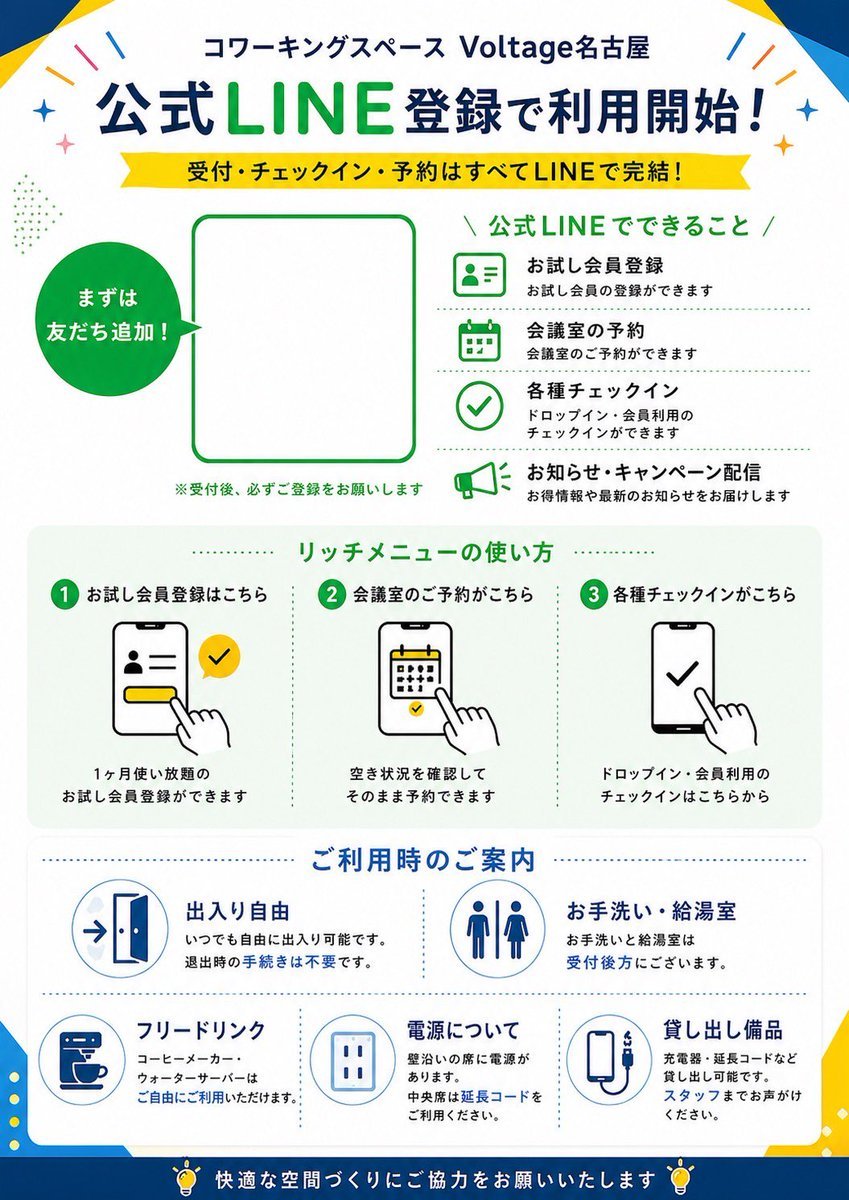
Japanese LINE Registration Poster

Blonde Woman in Red Bodysuit in Snow

Glamorous Vintage Car Portrait Prompt (Identity Locked)
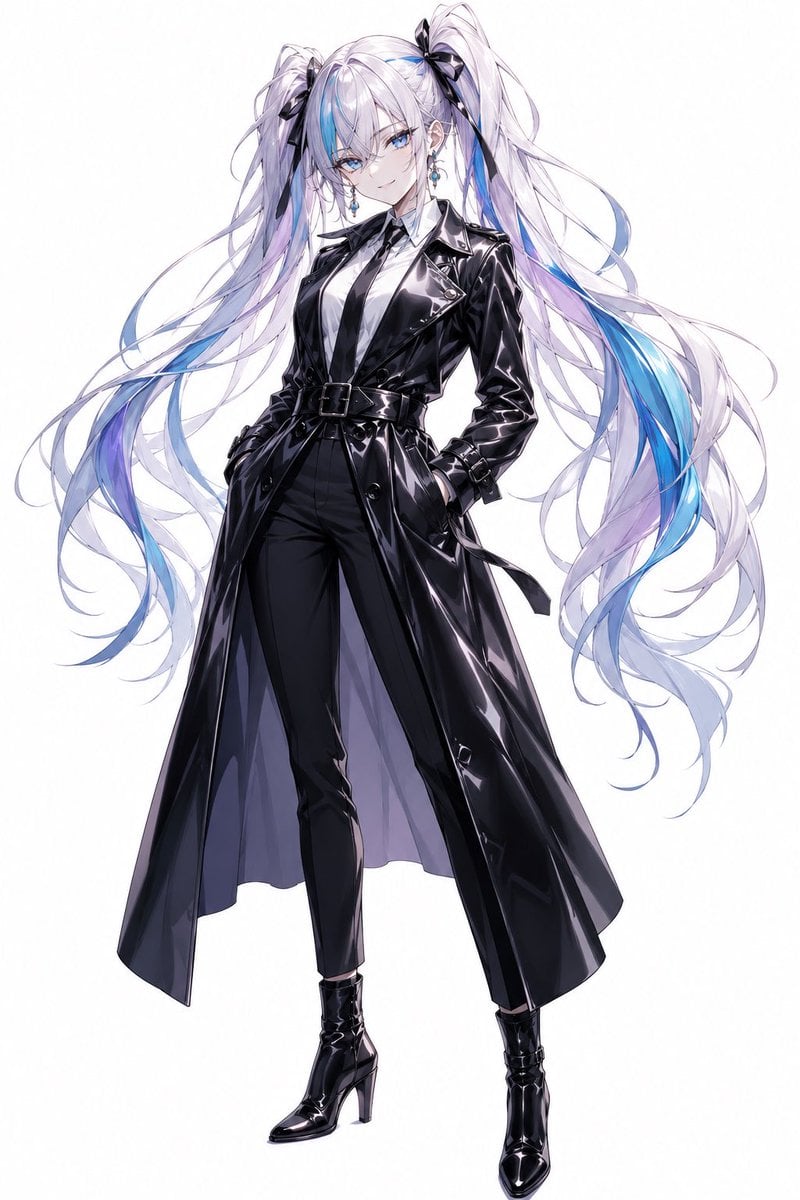
Anime Twin-Tail Patent Trench Fashion

Minimalist Capri Luxury Editorial
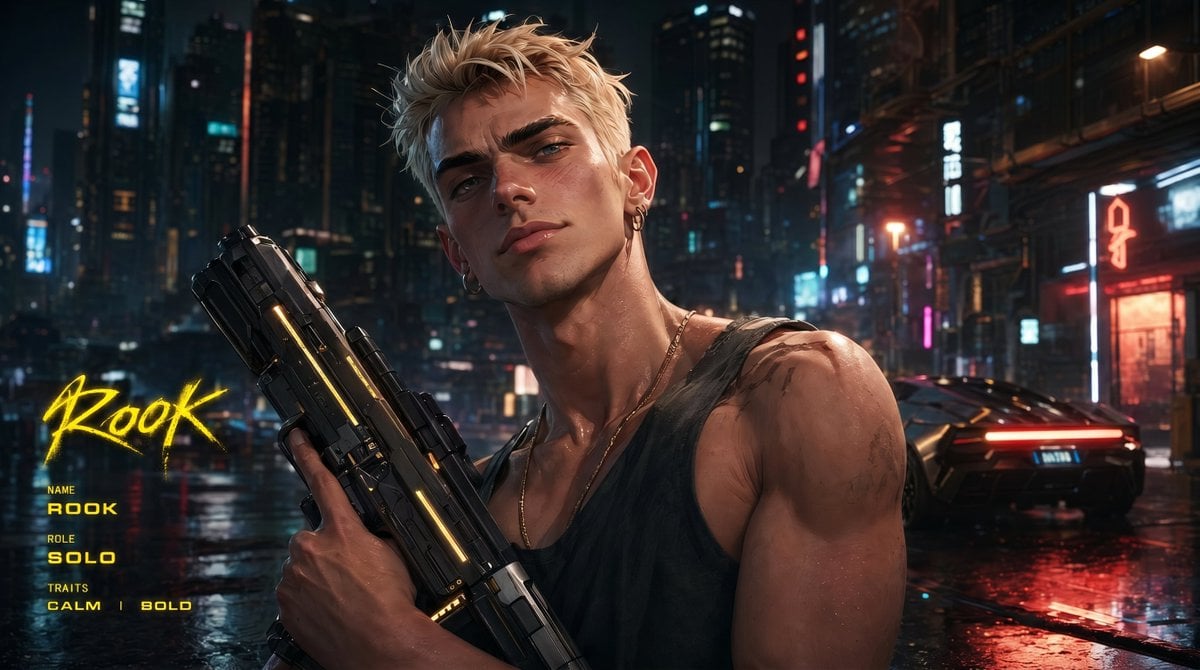
Cyberpunk Character Redesign

Nano Banana - Pont Alexandre III Kiss

Cute Ferrets Cuddling in Pet Bed
Warriors Fan Surprised Courtside Portrait

Luxury Crimson Red Dress Fashion Editorial
Browse template categories
Tamago Kake Gohan Food Photo questions
How do I use the Tamago Kake Gohan Food Photo template?
Add your photo if the template asks for one, edit the prompt if you like — the template's model and format are already selected — and press Generate. Your version opens in PicX Studio.
Can I customize the Tamago Kake Gohan Food Photo template?
Yes. You can change the subject, setting, lighting, mood, format, and available model controls before creating your image.
Is the Tamago Kake Gohan Food Photo template free?
Opening and editing this template is free. Generating uses credits, shown on the Generate button when you are signed in.
Which AI model should I use?
Start with GPT Image 2, which is the model associated with this template. You can compare another compatible model for a different finish.
Looking for something else? Browse all templates.

Your photo, any look
Thousands of ready templates for every top image and video model, from one credit balance.