
Fukushima Anime Travel Character
A comprehensive prompt that takes a character reference and generates high-quality anime illustrations of that character traveling to various authentic landmarks and destinations within Fukushima Prefecture.
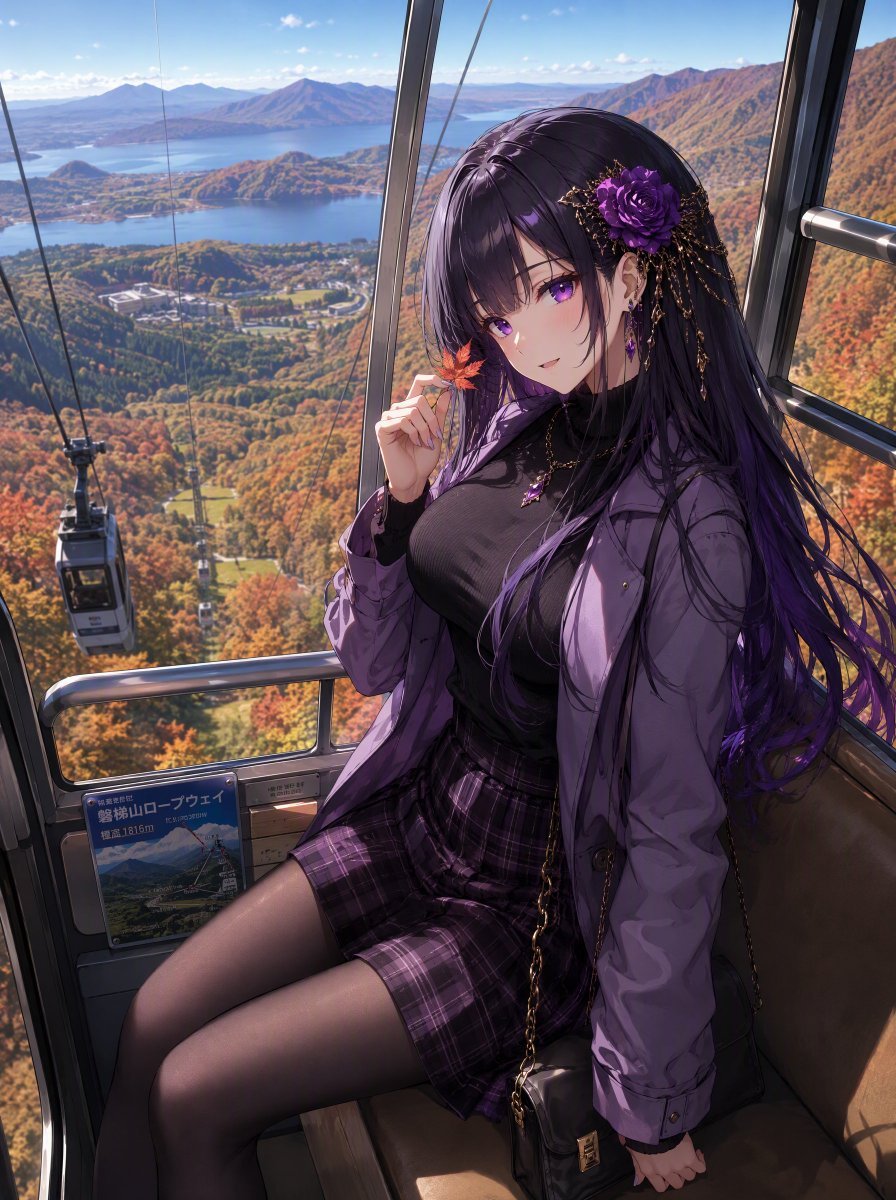
- Prompt included
- Model and format preset
- Free template
The prompt behind this image
Copy the exact prompt behind Fukushima Anime Travel Character, or open it in the studio and make it yours.
Use the attached image as the main character reference.\n\nKeep the character's identity highly consistent, including face, hairstyle, hair color, eye color, body proportions, and recognizable features.\n\nCreate a high-quality {argument name="style" default="anime-style illustration"} of this character traveling to a completely random tourist destination in {argument name="destination" default="Fukushima Prefecture"}, Japan.\n\nRandom Destination\n\nRandomly select any real location within Fukushima Prefecture, including Aizu, Nakadori, and Hamadori.\n\nThe destination can be famous or obscure: towns, villages, shrines, temples, castles, historic streets, hot springs, mountains, lakes, rivers, forests, rural areas, beaches, fishing ports, local railways, festivals, and hidden scenic spots.\n\nSelect the destination unpredictably from across the entire prefecture.\n\nLocal Clothing & Atmosphere\n\nChange the character's outfit to naturally match the selected location, local culture, season, weather, and activity.\n\nUse traditional regional clothing, festival costumes, yukata, winter clothing, mountain or coastal clothing, or modern fashion incorporating local motifs when appropriate.\n\nCreate an authentic background that clearly represents the selected Fukushima location. Avoid generic Japanese scenery.\n\nSeasonal Matching\n\nAutomatically match clothing, weather, lighting, vegetation, and scenery to the location and season.\n\nTravel Scene\n\nShow the character actively enjoying the destination through sightseeing, walking, eating local food, visiting shrines, riding a local train, hiking, relaxing at a hot spring, enjoying the coast, or another activity appropriate to the location.\n\nStyle\n\nHigh-quality anime illustration, cinematic travel composition, beautiful natural lighting, detailed environment, authentic local atmosphere, expressive face, natural pose, intricate clothing details.\n\nThe character should look excited, curious, and happy to discover a new part of Fukushima.\n\nImportant: The destination must be within {argument name="prefecture" default="Fukushima Prefecture"}. Every generation should feel like a different, unpredictable Fukushima travel experience.
How to use Fukushima Anime Travel Character in 3 steps
- 1Upload ImagePNG, JPG or paste
Add your photo
Upload the photo the template builds on. The prompt, model and format are already set.
- 2…a portrait of your subject in softgolden-hour light, 85mm…
Personalize
Edit the subject and creative details for your destination.
- 3Generate
Generate
Press Generate — your image is created in PicX Studio, so you can compare it with the original and refine one variable at a time.
More like this
Templates with the same subject, style or setup. Open one to see its prompt.












Make it yours
Fukushima Anime Travel Character works as-is. These are the safest ways to change it without losing the look.
Change one field
Copy a single group, rewrite it, and generate again so you can see what that field is doing.
Keep the frame, change the subject
Hold the composition and light of Fukushima Anime Travel Character, then swap wardrobe, props or the person for a new take.
| If the result… | Why | Fix |
|---|---|---|
| The result drifts from the preview | Too many fields changed at once. | Reuse Fukushima Anime Travel Character as-is first, then change one group — subject, light, or setting. |
| The model over-stylizes the scene | The prose prompt leaves finish and camera underspecified. | Add one camera or lighting sentence and stay on GPT Image 2. |
More GPT Image 2 templates
Other prompts made for GPT Image 2.

Six VTuber Japanese Logo Sheet

Realistic Portrait of Woman and Deer

The Vista Modular Condo Poster

AI Model Routing Comparison Infographic

2.5D Anime Art Board

Isometric Productivity Desk Scene

New York Double Exposure Poster

Four-Panel AI Landscape Comparison

Japanese Tatami Lifestyle Magazine Cover

NESCAFÉ Coffee Map Poster
More image prompts
Fresh picks from across the catalog.
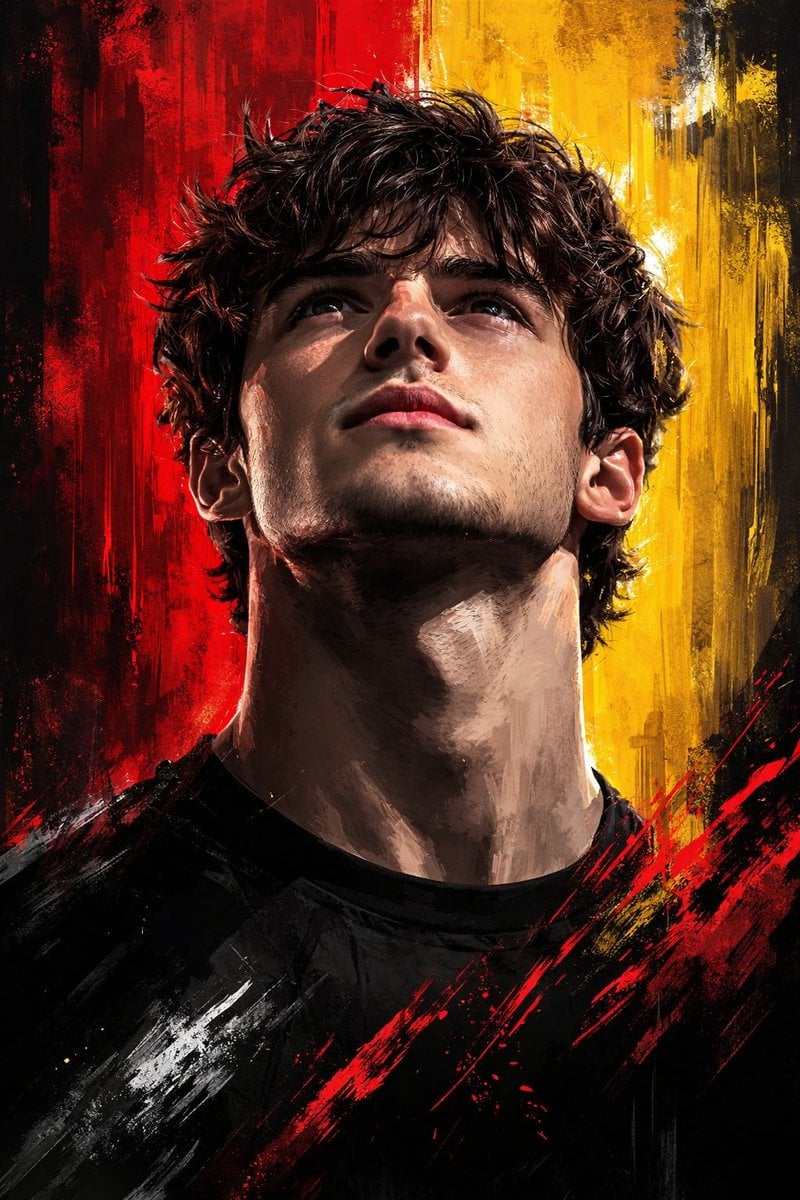
Dramatic Digital Painting Portrait with Limited Palette
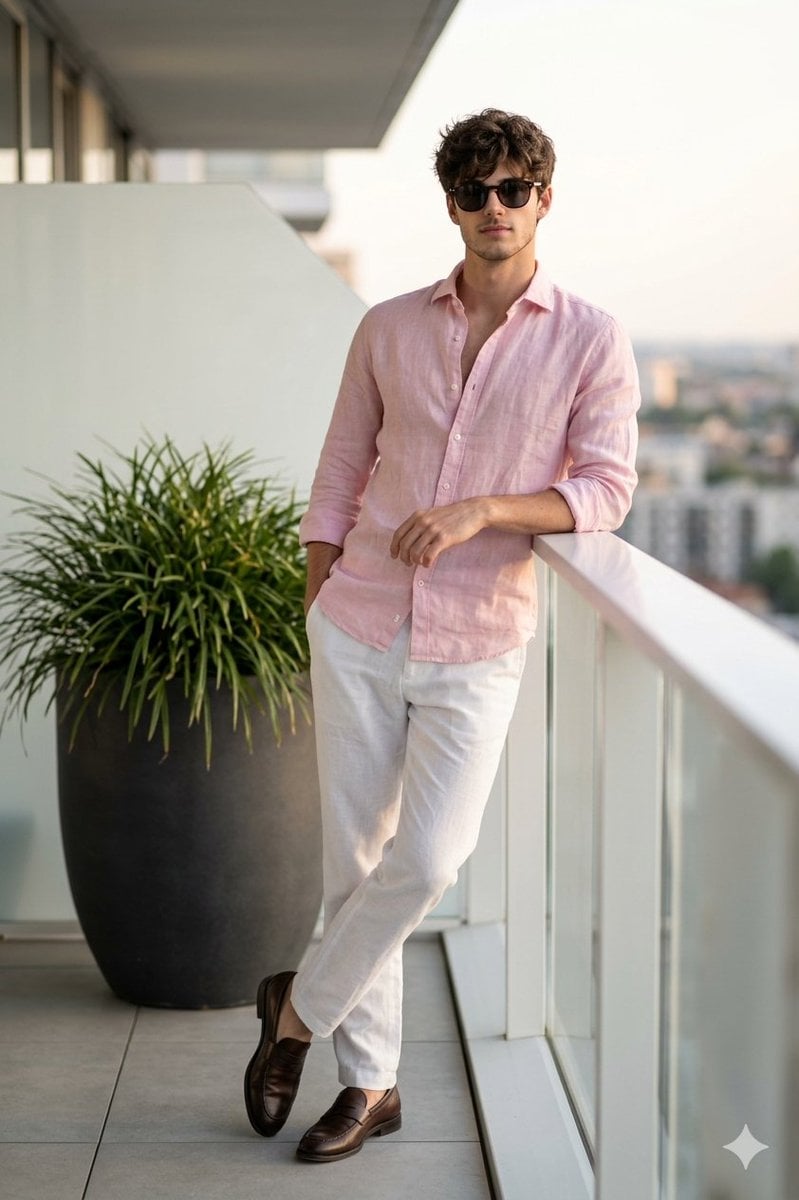
Cinematic Portrait of a Man on a Luxury Balcony
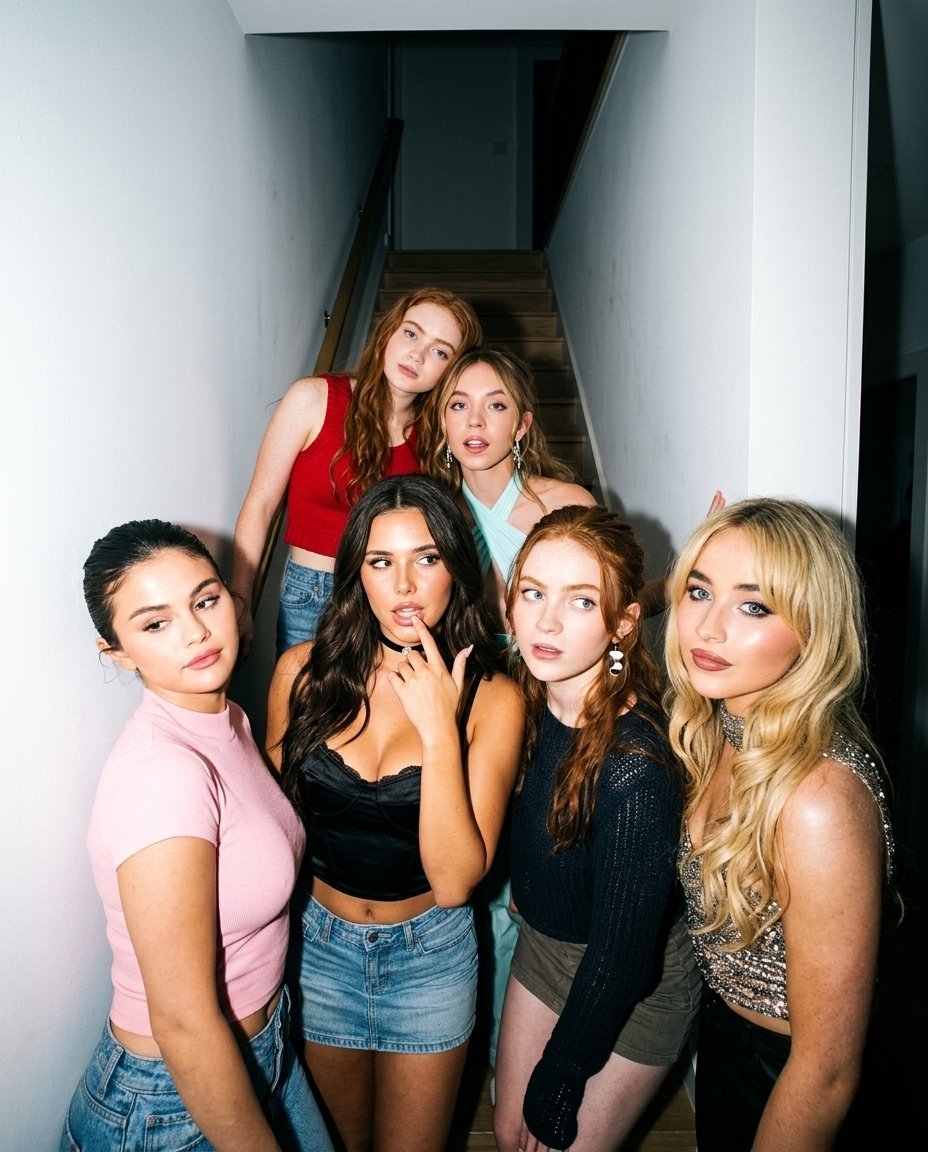
Indoor Group Flash Photo Prompt for Nano Banana
8K Studio Fashion Portrait in Red Jumpsuit
Tropical Greenhouse Editorial Portrait

Explosive Chili Peppers Food Photography Prompt for Nano Banana 2
Ultra-Luxury Art Deco Fashion Editorial Prompt

Anime Style Character Transformation
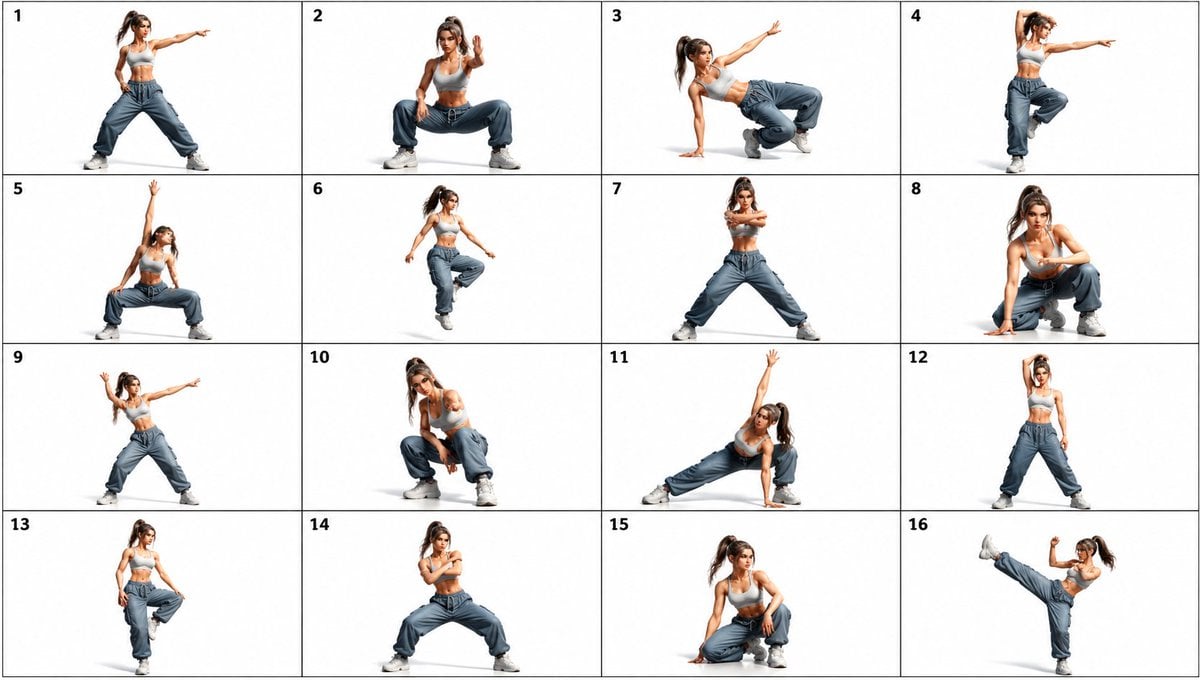
Gpt2 Comic Storyboard 16 Panel Dance Pose Reference Sheet
Origami Kitchen Cutaway
Browse template categories
Fukushima Anime Travel Character questions
How do I use the Fukushima Anime Travel Character template?
Add your photo if the template asks for one, edit the prompt if you like — the template's model and format are already selected — and press Generate. Your version opens in PicX Studio.
Can I customize the Fukushima Anime Travel Character template?
Yes. You can change the subject, setting, lighting, mood, format, and available model controls before creating your image.
Is the Fukushima Anime Travel Character template free?
Opening and editing this template is free. Generating uses credits, shown on the Generate button when you are signed in.
Which AI model should I use?
Start with GPT Image 2, which is the model associated with this template. You can compare another compatible model for a different finish.
Looking for something else? Browse all templates.

Your photo, any look
Thousands of ready templates for every top image and video model, from one credit balance.