How do I use the Luxury Fashion Editorial Portrait template?
Choose the primary action to open PicX Studio with the available template settings. Review the model and format, personalize the creative direction, and generate when ready.
A professional fashion editorial prompt designed to maintain model consistency from a reference image while changing the pose and setting for a high-end magazin
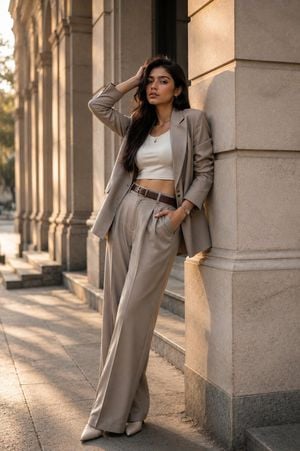
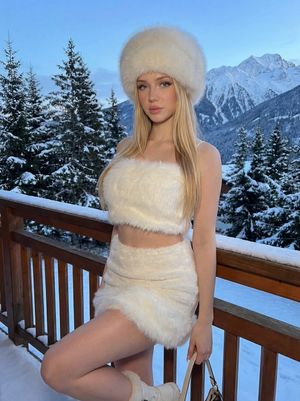
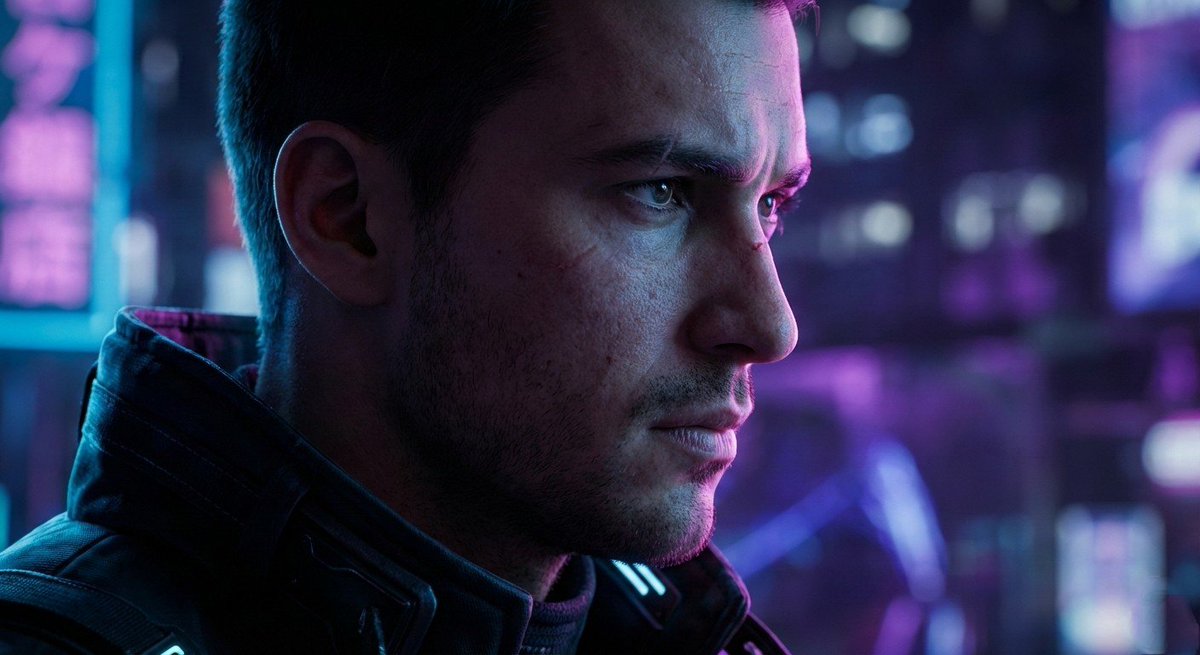
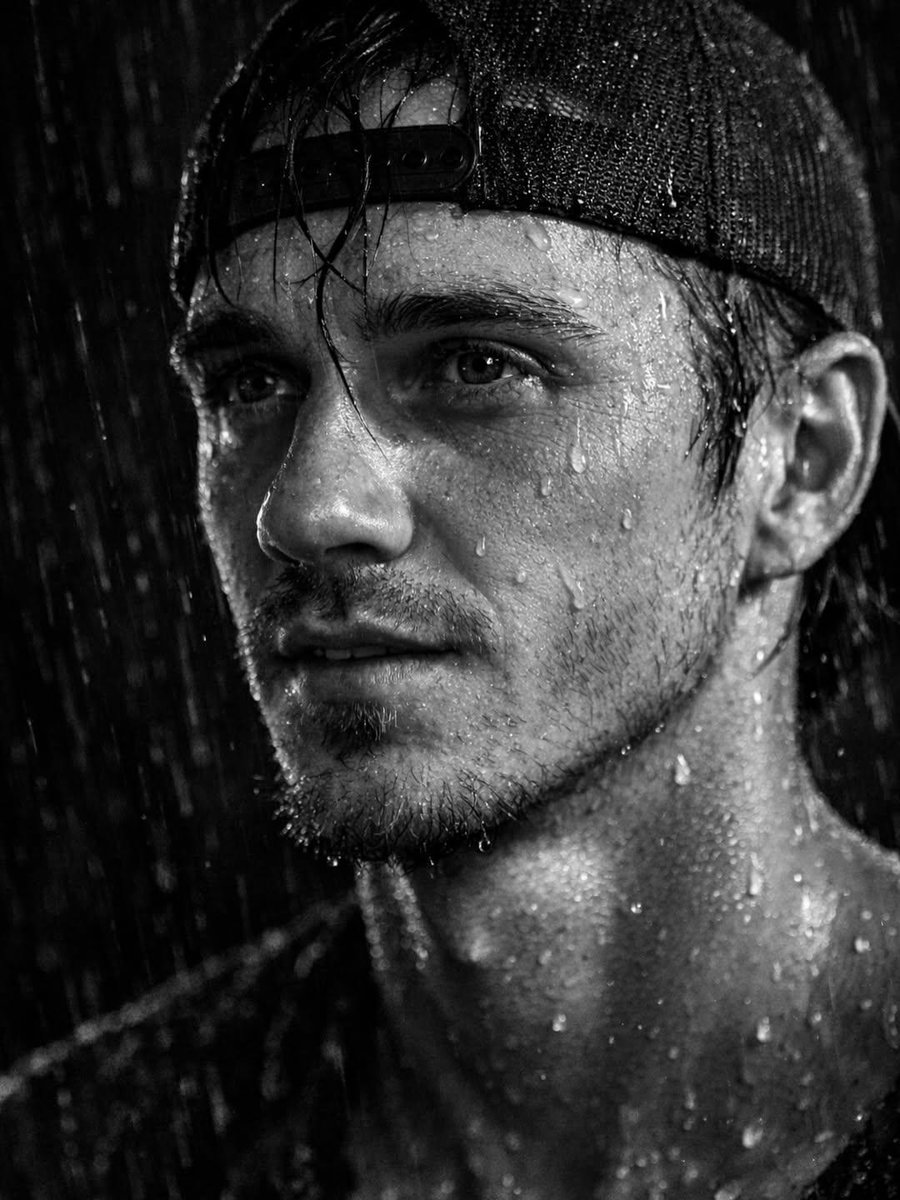
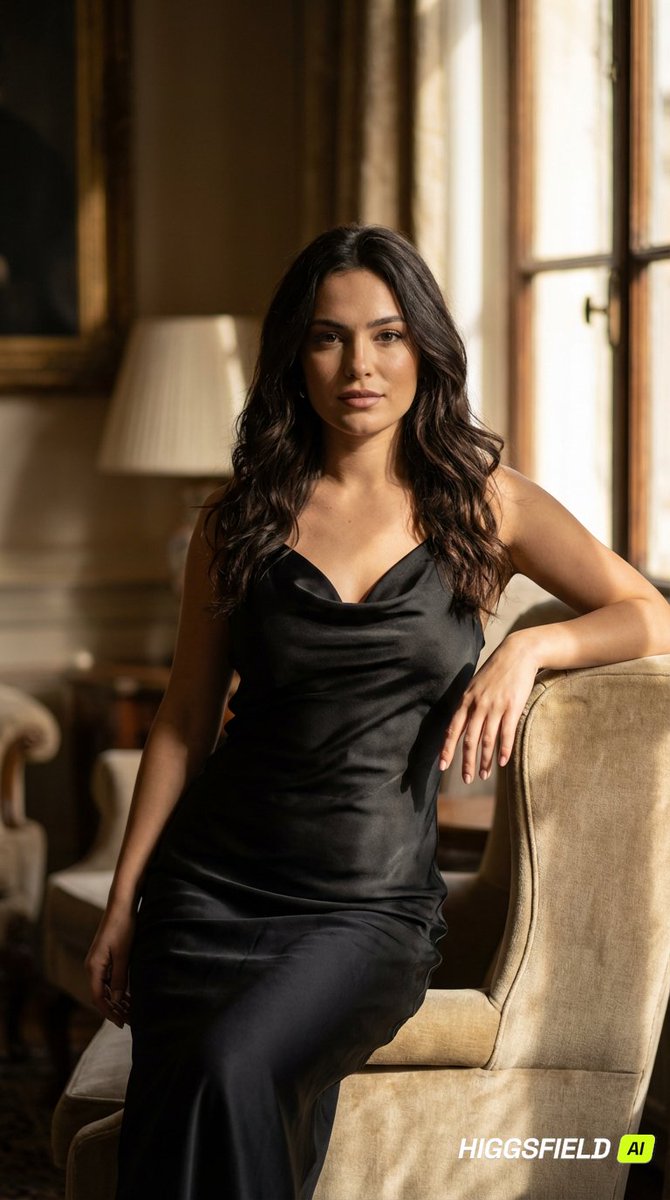
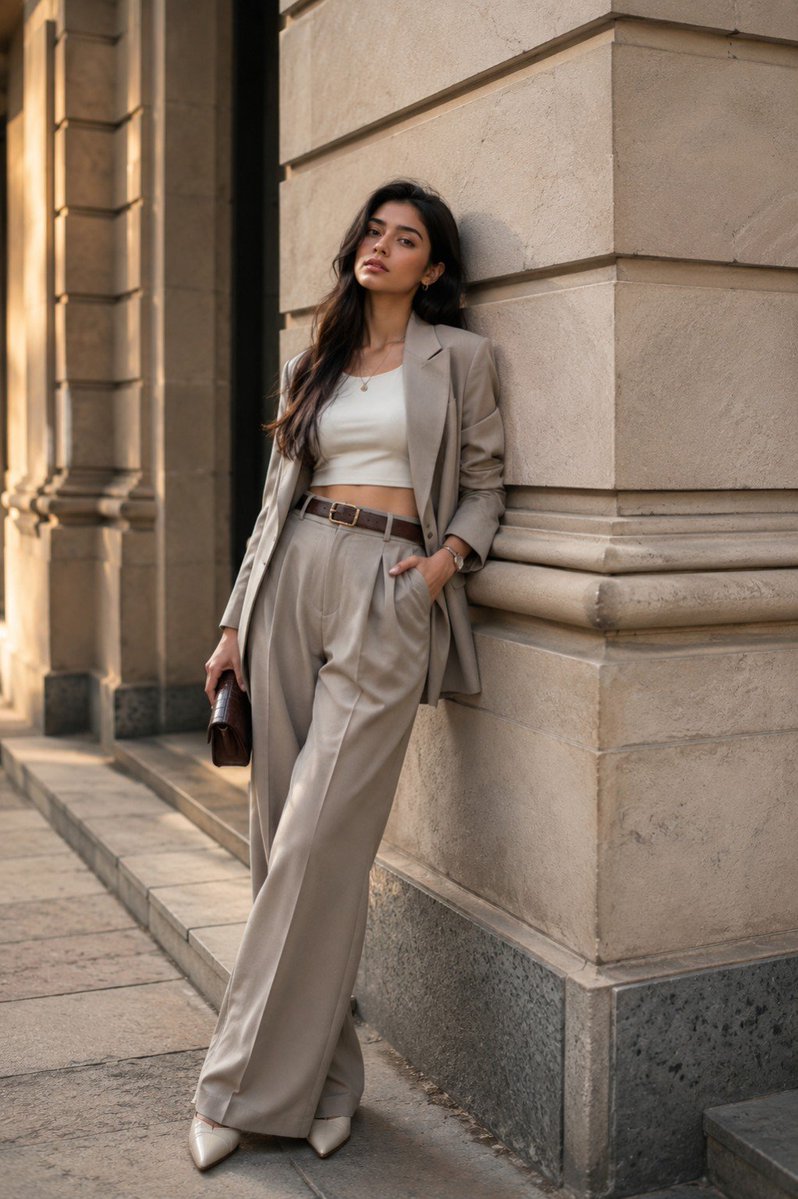
Create an ultra-photorealistic luxury fashion editorial photograph of the SAME model wearing the SAME outfit and accessories as the reference, maintaining her facial appearance, hairstyle, proportions, and overall aesthetic. Change the pose, body positioning, and camera composition completely so it feels like a separate professional photoshoot. Give her an elegant, confident, naturally relaxed pose with realistic hands and anatomy. Use a {argument name="setting" default="sophisticated architectural setting"} with {argument name="lighting" default="warm golden-hour cinematic lighting"}, realistic shadows, subtle background bokeh, and premium editorial color grading. Shoot on a professional full-frame camera with an 85mm lens at f/2.0, natural eye-level perspective, realistic proportions, shallow depth of field, fine film grain, detailed skin pores, individual hair strands, authentic fabric texture and physically accurate lighting. Absolutely no tilted camera, Dutch angle, rotated horizon, extreme wide-angle distortion, AI-looking skin, plastic texture, distorted hands, or unnatural anatomy. The final result should look like a genuine {argument name="magazine style" default="high-end Vogue-style fashion campaign"} photograph, not an AI-generated image.
Luxury Fashion Editorial Portrait needs input media to work. Open it in the studio and these load alongside the prompt — pick whichever ones your chosen model can take.
Choose the primary action to open PicX Studio with the available template settings. Review the model and format, personalize the creative direction, and generate when ready.
Yes. You can change the subject, setting, lighting, mood, format, and available model controls before creating your image.
This template is free to open and customize. Generation usage is shown in PicX Studio before you create.
Start with GPT Image 2, which is the model associated with this template. You can compare another compatible model for a different finish.
Follow a topic to a crawlable collection of related PicX Studio templates.