
Candid Golden Hour Smartphone Portrait
An ultra-photorealistic prompt designed to capture a spontaneous, candid smartphone-style portrait of a young woman in a car during the golden hour.
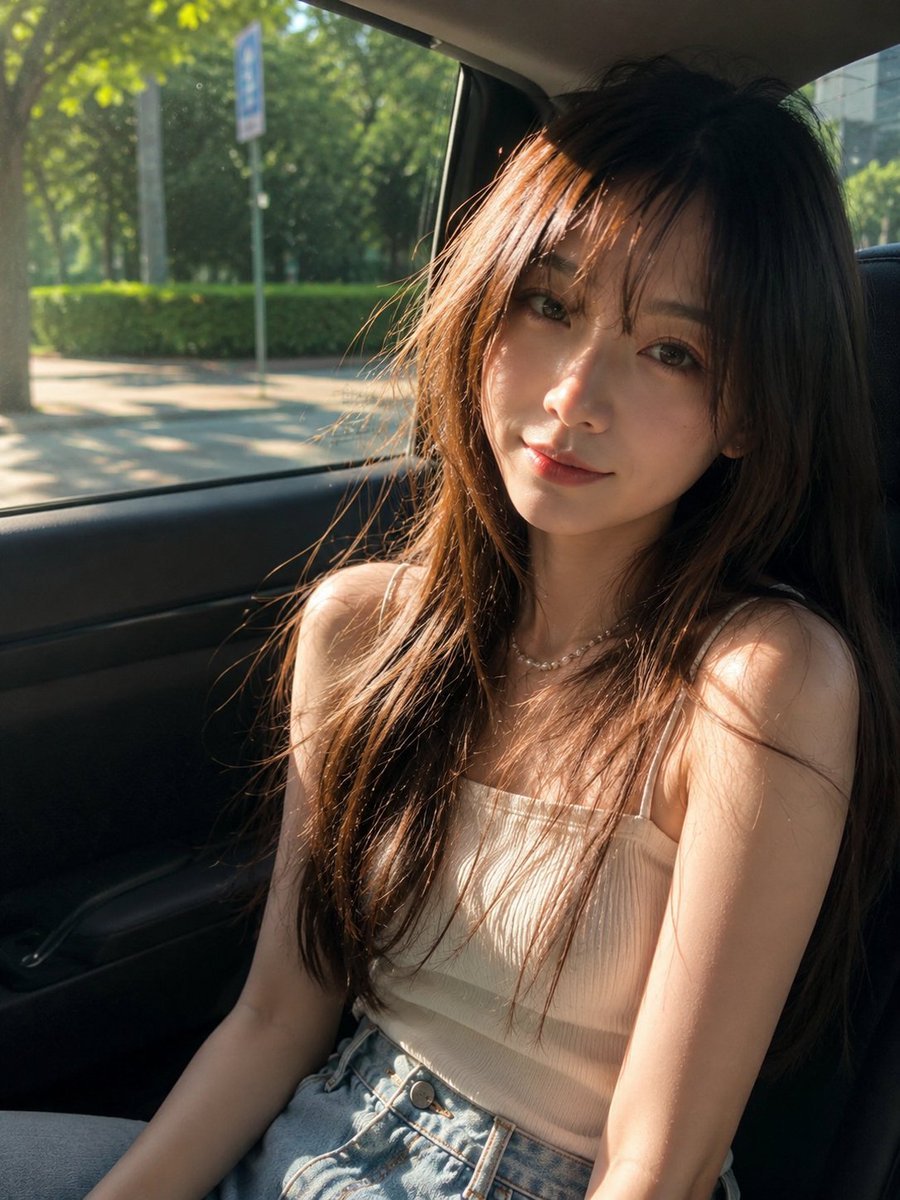
- Prompt included
- Model and format preset
- Free template
The prompt behind this image
Copy the exact prompt behind Candid Golden Hour Smartphone Portrait, or open it in the studio and make it yours.
Create an irresistibly beautiful, ultra-photorealistic candid smartphone portrait of a {argument name="subject" default="gorgeous young East Asian woman"} sitting by the window in the back seat of a {argument name="vehicle" default="modern car"} during a {argument name="lighting" default="perfect late-afternoon golden hour"}.\n\nShe has exceptionally natural beauty: luminous realistic skin with visible fine texture, soft expressive dark-brown eyes, delicate facial features, naturally rosy lips, and a subtle dreamy half-smile that feels completely candid rather than posed. Her long silky chestnut-brown hair falls loosely over her shoulders, with airy curtain bangs and a few wind-touched strands catching the sunlight.\n\nShe wears a minimalist ivory-white ribbed camisole with thin delicate straps, relaxed high-waisted light-wash vintage jeans, and a tiny elegant pearl necklace. Her styling is effortlessly chic, feminine, youthful, and understated.\n\nThe viral hook: capture the exact split second when a beam of golden sunlight passes through the car window and paints glowing streaks across her hair and cheek while a few loose strands float naturally in the light. She looks slightly toward the camera with a mysterious, gentle expression—as if someone accidentally captured her most beautiful moment.\n\nOutside the window: lush green trees, sunlit sidewalk, soft urban scenery, and creamy circular bokeh melting into the background. The moving city outside has subtle motion blur, making the portrait feel like a real spontaneous road-trip moment.\n\nComposition: vertical 3:4 portrait, intimate close-to-medium framing, slightly imperfect handheld smartphone perspective, natural off-center composition, face positioned near the upper-right third, beautiful leading lines from the car window, realistic depth and dimensionality.\n\nLighting: warm golden-hour sunlight, natural rim light around the hair, delicate highlights across the face and shoulders, soft shadows, subtle lens flare, realistic reflected light from the car interior.\n\nAesthetic: “the girl you accidentally notice through the car window” — dreamy, nostalgic, effortlessly expensive, romantic, authentic, and instantly attention-grabbing without looking AI-generated.\n\nUltra-photorealistic, editorial lifestyle photography, cinematic but believable, realistic skin pores, individual hair strands, authentic fabric texture, natural imperfections, HDR-like dynamic range without overprocessing, shallow depth of field, creamy bokeh, 50mm smartphone-camera look, pristine details, 8K quality.\n\nAvoid: plastic skin, excessive makeup, exaggerated beauty filters, doll-like face, unnatural eyes, over-smoothing, distorted hands, extra fingers, warped anatomy, artificial hair, oversaturated colors, excessive sharpening, CGI appearance, text, watermark, or artificial-looking facial symmetry.
How to use Candid Golden Hour Smartphone Portrait in 3 steps
- 1
Open
The prompt is already in the box next to the preview, with the template's model and format selected.
- 2…a portrait of your subject in softgolden-hour light, 85mm…
Personalize
Edit the subject and creative details for your destination.
- 3Generate
Generate
Press Generate — your image is created in PicX Studio, so you can compare it with the original and refine one variable at a time.
More like this
Templates with the same subject, style or setup. Open one to see its prompt.

80s Golden Hour Cinema

Rooftop Fisheye — Cat-Ear Balaclava at Golden Hour

Candid Winter Smartphone Portrait

Candid Indoor Smartphone Portrait

Cinematic Golden Hour Garden Portrait

Cinematic Golden Hour Urban Portrait
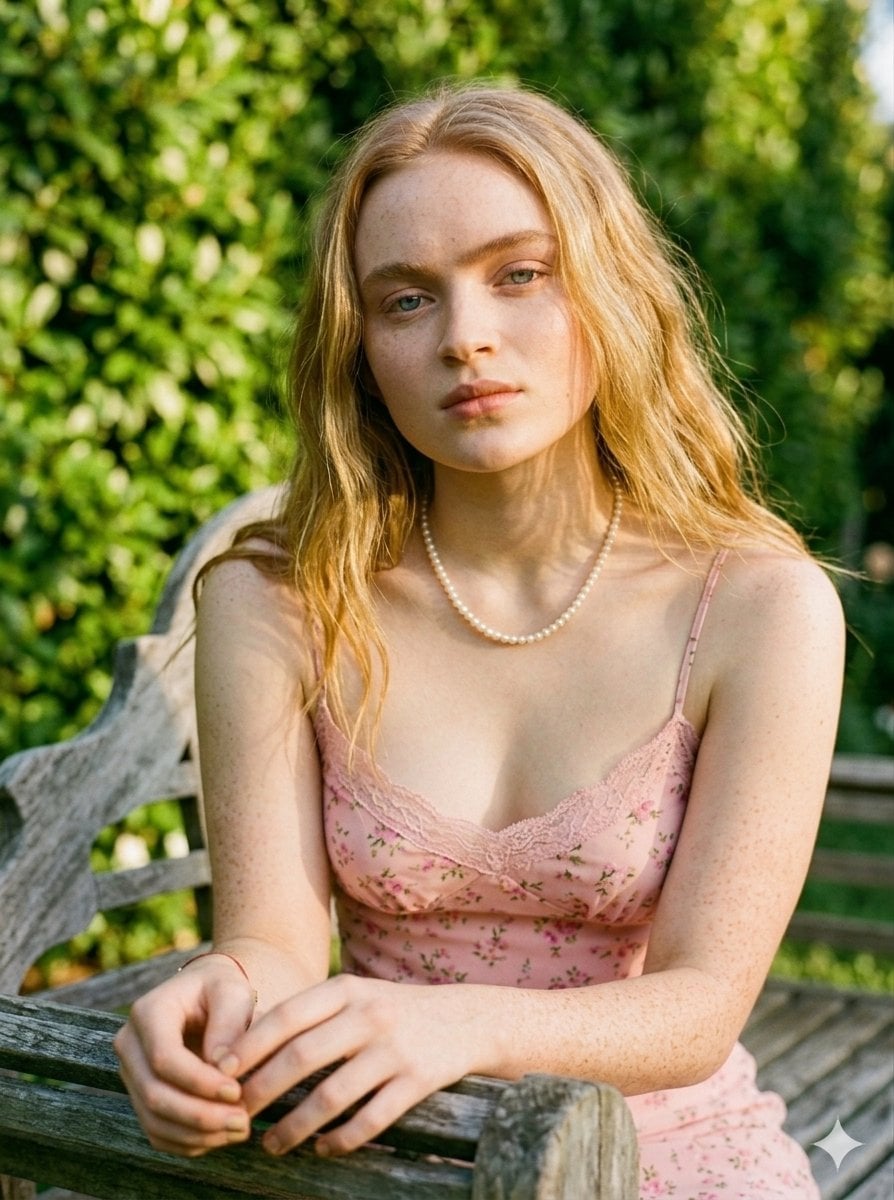
Golden Hour Redhead Portrait
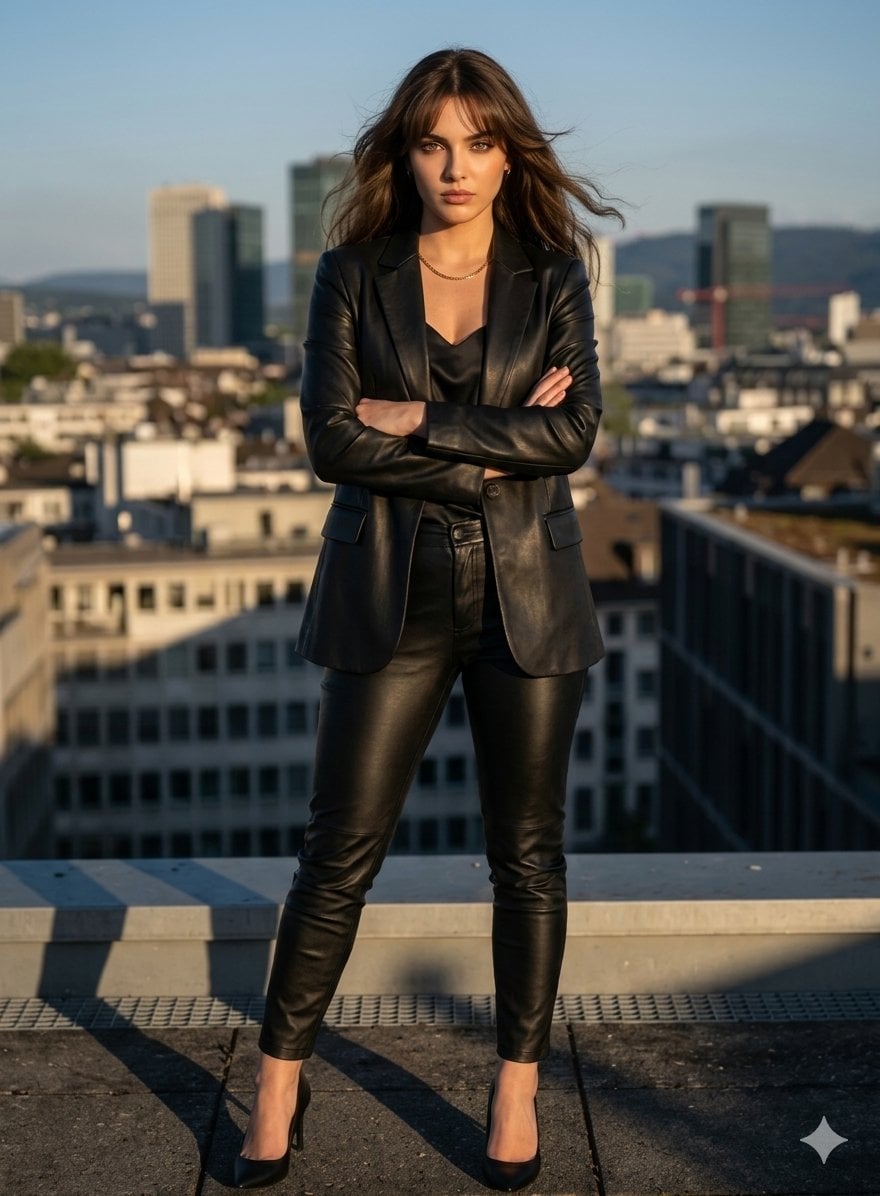
Golden Hour Cinematic Boss Energy Portrait

Golden Hour Cinematic Portrait
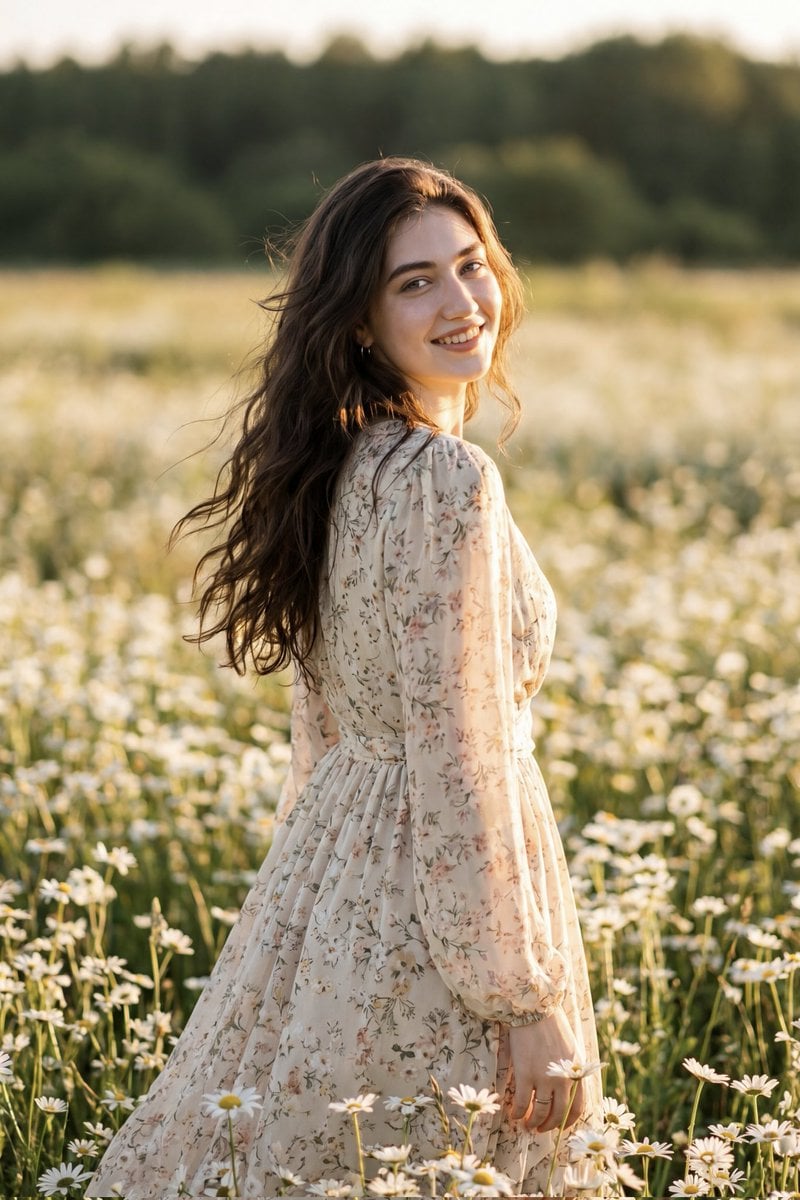
Golden Hour Daisy Field Portrait
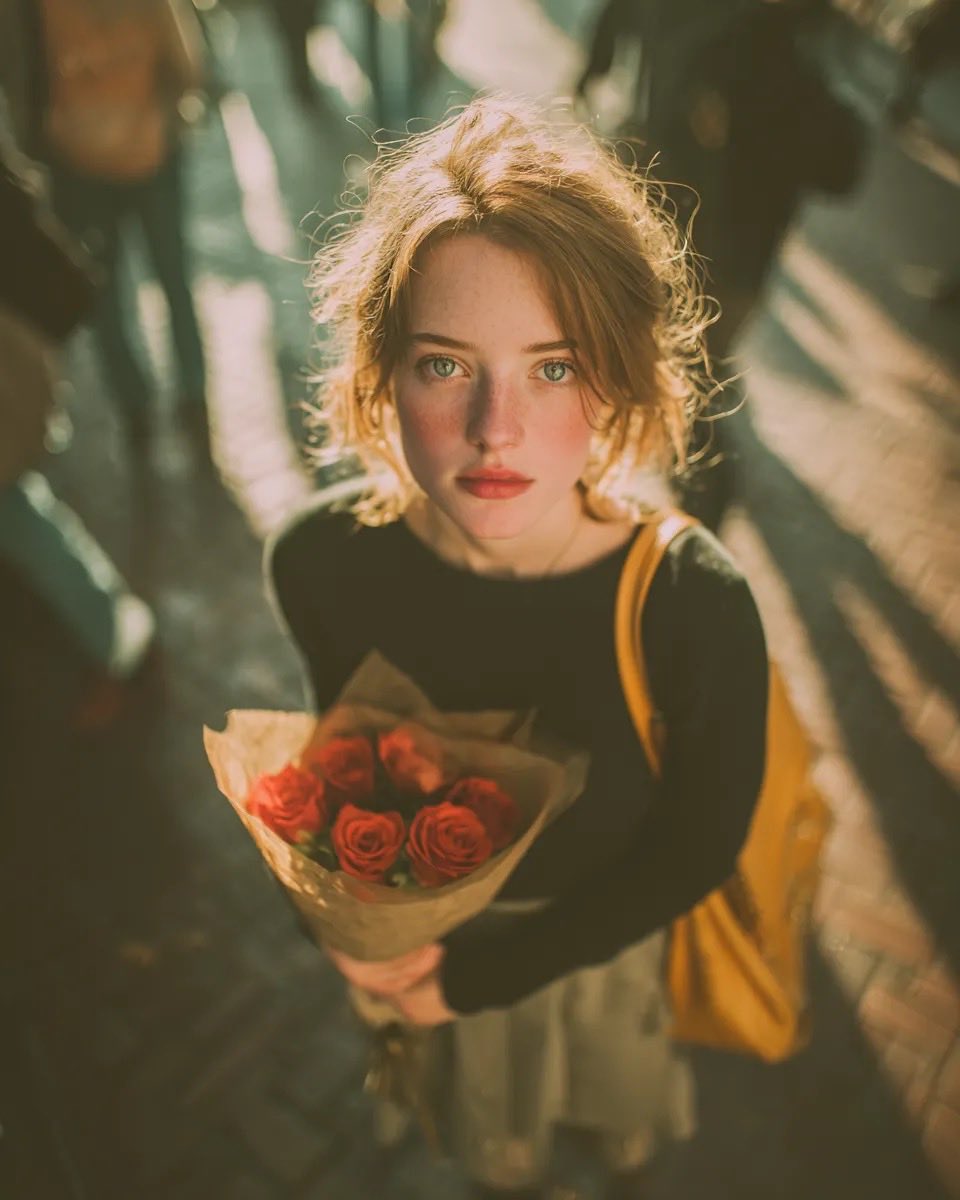
Golden Hour Rose Portrait

Golden Hour Korean Classroom Portrait
Make it yours
Candid Golden Hour Smartphone Portrait works as-is. These are the safest ways to change it without losing the look.
Change one field
Copy a single group, rewrite it, and generate again so you can see what that field is doing.
Keep the frame, change the subject
Hold the composition and light of Candid Golden Hour Smartphone Portrait, then swap wardrobe, props or the person for a new take.
| If the result… | Why | Fix |
|---|---|---|
| The result drifts from the preview | Too many fields changed at once. | Reuse Candid Golden Hour Smartphone Portrait as-is first, then change one group — subject, light, or setting. |
| The model over-stylizes the scene | The prose prompt leaves finish and camera underspecified. | Add one camera or lighting sentence and stay on GPT Image 2. |
More GPT Image 2 templates
Other prompts made for GPT Image 2.

Six VTuber Japanese Logo Sheet

Realistic Portrait of Woman and Deer

The Vista Modular Condo Poster

AI Model Routing Comparison Infographic

2.5D Anime Art Board

Isometric Productivity Desk Scene

New York Double Exposure Poster

Four-Panel AI Landscape Comparison

Japanese Tatami Lifestyle Magazine Cover

NESCAFÉ Coffee Map Poster
More image prompts
Fresh picks from across the catalog.

Massive Ancient Abandoned Alien Mining Machine Prompt
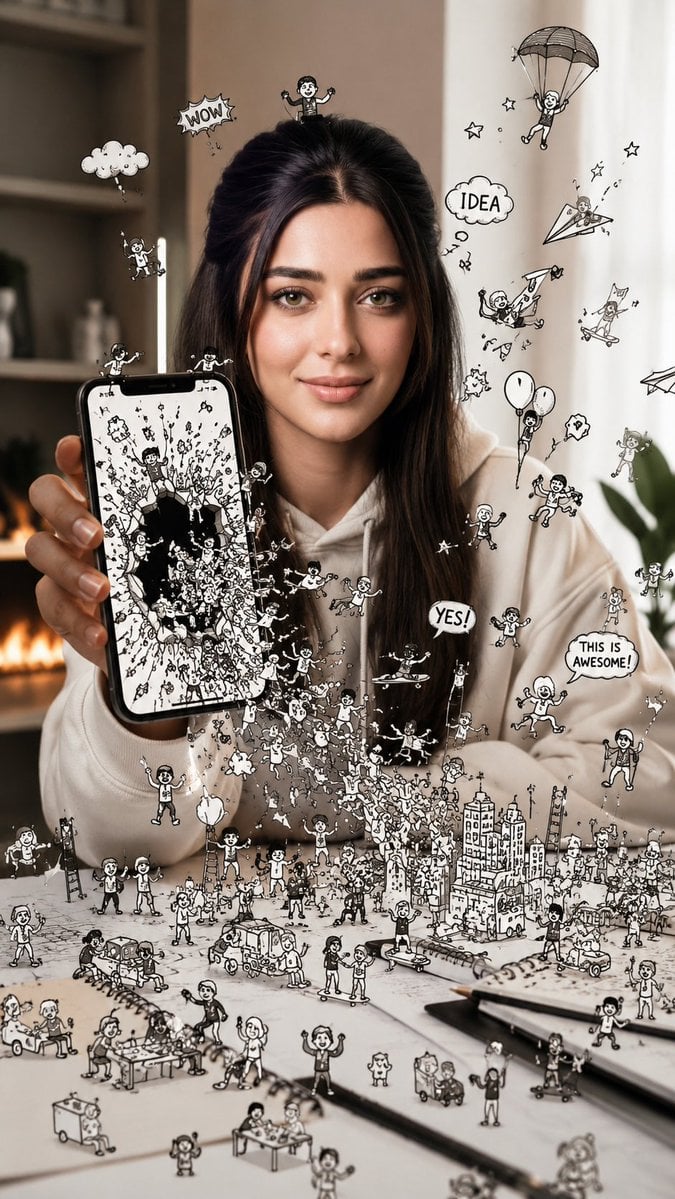
Shattered Phone Screen Doodle Portal

Luxury Skincare Ad Poster
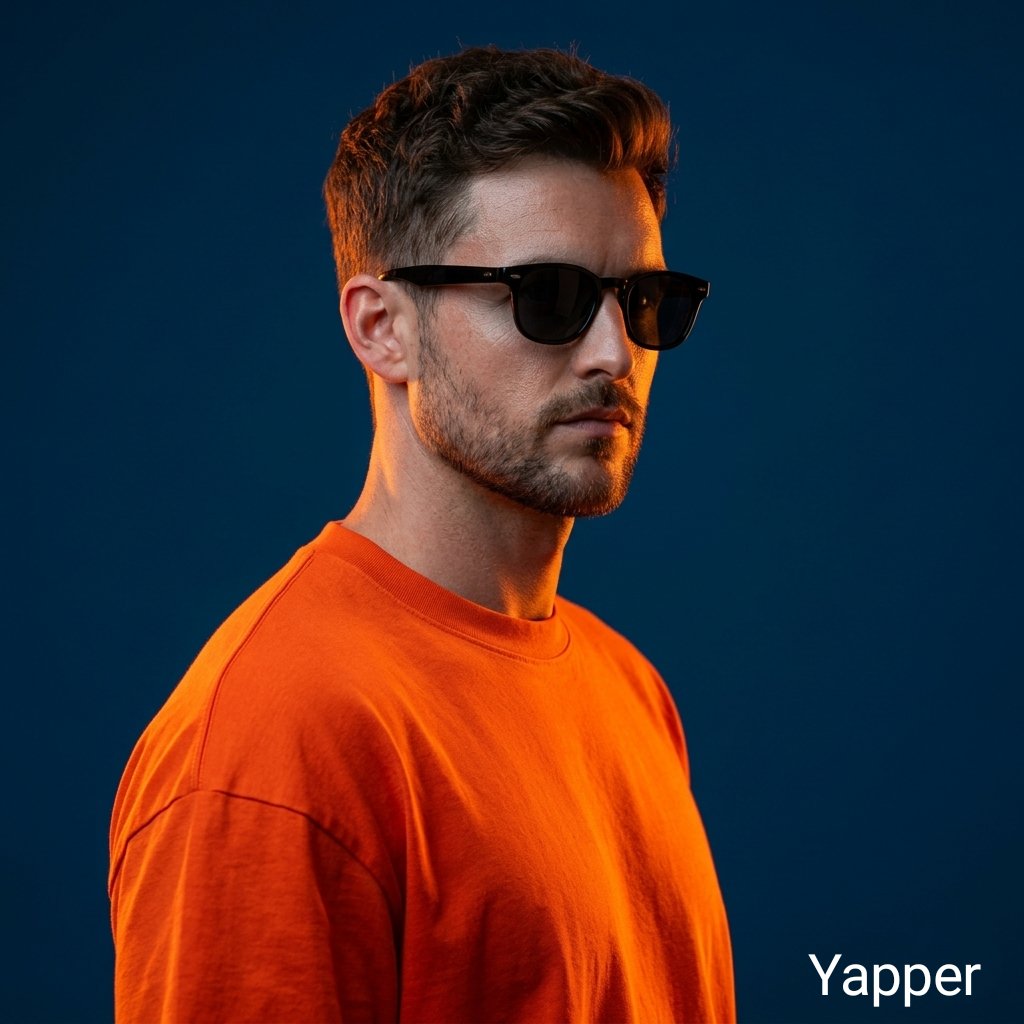
Ultra-Realistic Portrait with Neon Rim Lighting

Gothic Android Warrior Cathedral Key Art

Synthwave Monochromatic Portrait with Bokeh

High-detail story-art layout with frames and speech bubbles

Hyperrealistic glass pork belly on a grill

Surreal Coffee Cup Artwork Prompt
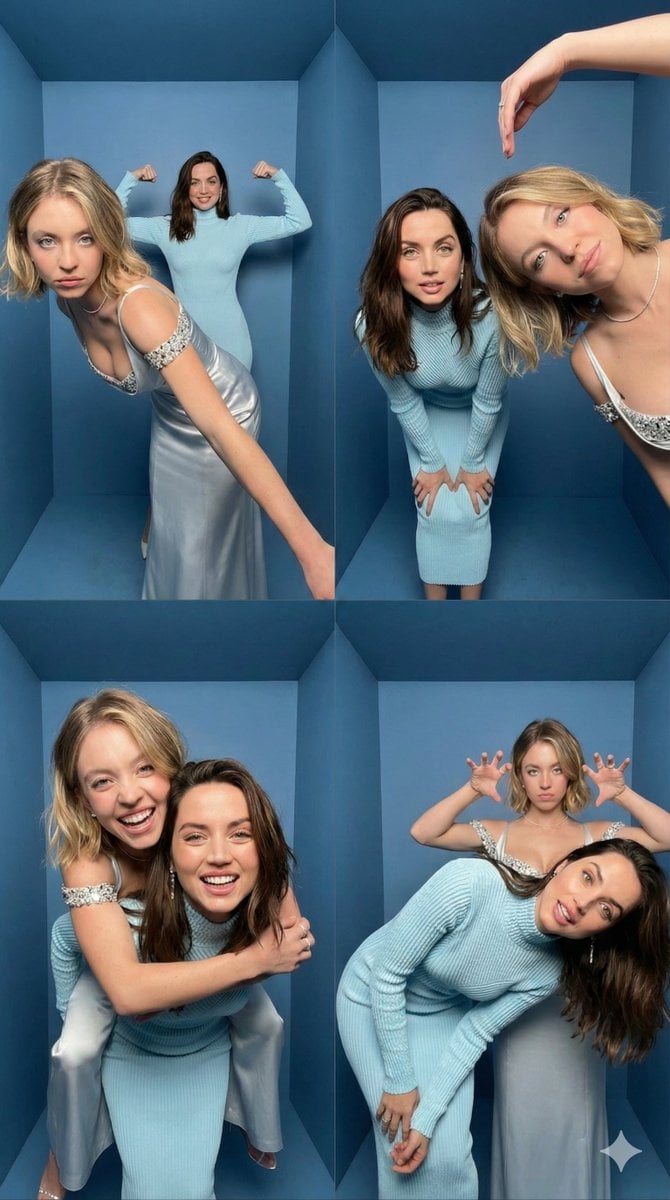
iPhone Photobooth Collage Prompt with Reference Lock
Browse template categories
Candid Golden Hour Smartphone Portrait questions
How do I use the Candid Golden Hour Smartphone Portrait template?
Add your photo if the template asks for one, edit the prompt if you like — the template's model and format are already selected — and press Generate. Your version opens in PicX Studio.
Can I customize the Candid Golden Hour Smartphone Portrait template?
Yes. You can change the subject, setting, lighting, mood, format, and available model controls before creating your image.
Is the Candid Golden Hour Smartphone Portrait template free?
Opening and editing this template is free. Generating uses credits, shown on the Generate button when you are signed in.
Which AI model should I use?
Start with GPT Image 2, which is the model associated with this template. You can compare another compatible model for a different finish.
Looking for something else? Browse all templates.

Your photo, any look
Thousands of ready templates for every top image and video model, from one credit balance.