
Editorial Fashion Portrait in Wildflower Meadow
A detailed editorial prompt for an outdoor fashion portrait of an Asian woman in a countryside setting, emphasizing realistic textures and cinematic bokeh.
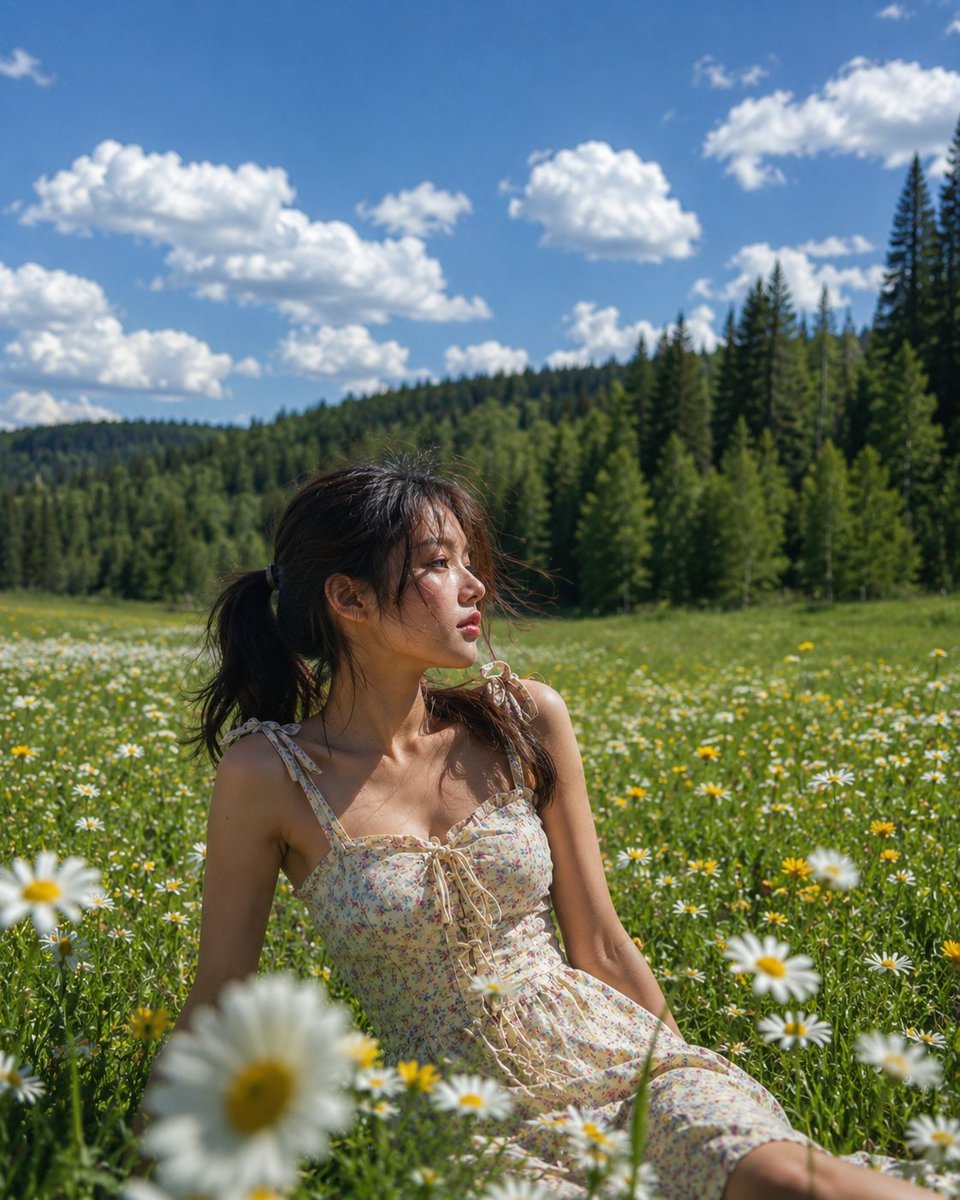
- Prompt included
- Model and format preset
- Free template
The prompt behind this image
Copy the exact prompt behind Editorial Fashion Portrait in Wildflower Meadow, or open it in the studio and make it yours.
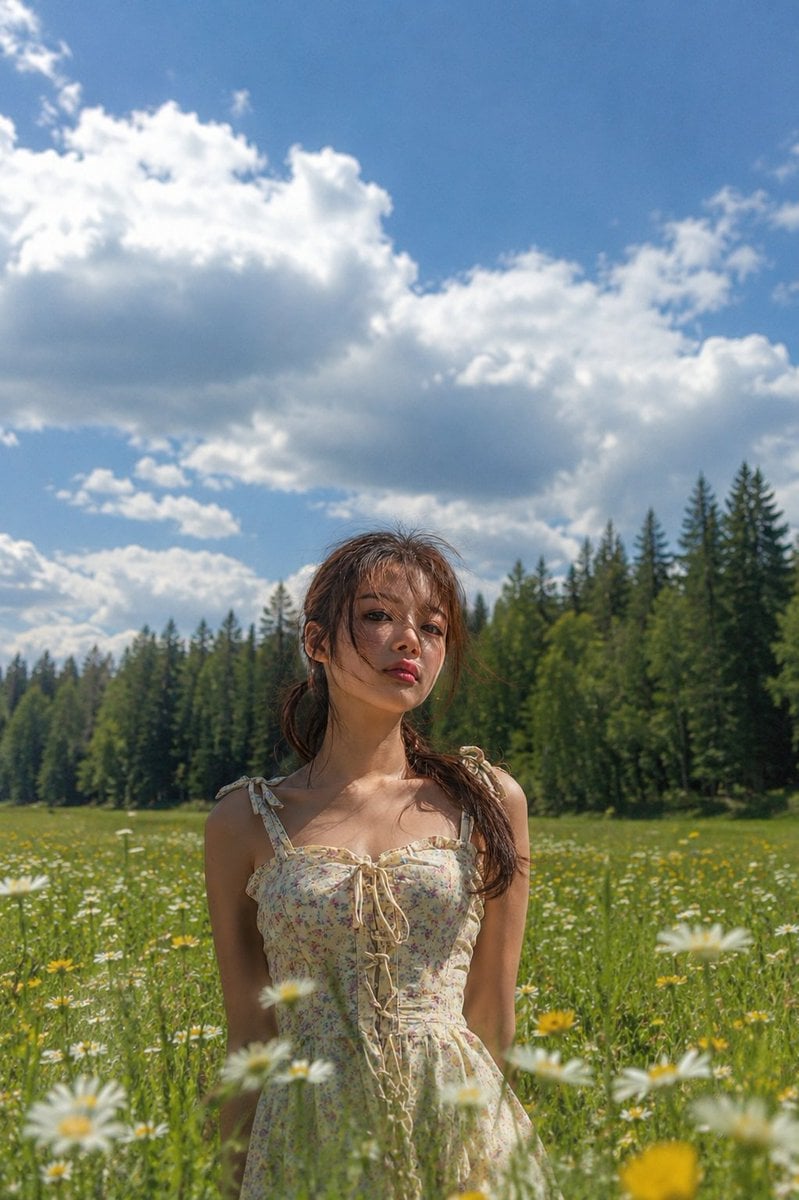
Ultra-photorealistic outdoor fashion portrait of {argument name="subject" default="the same young Asian woman"} from the reference image, preserving her exact facial identity, soft facial structure, natural skin texture, dark brown eyes, subtle pink lips, and dark brown hair tied in a loose low ponytail with wispy strands blowing naturally across her face. She is seated gracefully in a vast wildflower meadow, leaning back on one arm with her legs softly folded to one side, looking away toward the horizon with a calm, dreamy expression. The pose feels candid rather than posed, as if captured during a real editorial photoshoot. She wears {argument name="outfit" default="the same cream-colored floral sundress"} featuring tiny pastel flowers, thin shoulder straps tied into bows, a sweetheart neckline with delicate ruffle trim, lace-up corset front, fitted bodice, and lightweight flowing fabric. Environment: {argument name="environment" default="endless field filled with white daisies and vibrant yellow wildflowers stretching into the distance"}, lush green grass, dense forest tree line in the background, rolling hills, bright blue summer sky with large fluffy cumulus clouds, crystal-clear atmosphere, fresh countryside landscape. Lighting: authentic golden summer daylight, natural directional sunlight from camera-left, soft shadows, realistic skin highlights, subtle backlight on hair, physically accurate global illumination, balanced exposure, no HDR overprocessing. Camera: full-frame Sony A7R V, 85mm f/1.8 portrait lens, eye-level angle with a slight side perspective, medium-full body composition, shallow depth of field, creamy cinematic bokeh, foreground flowers softly blurred, subject tack sharp with precise eye focus. Style: luxury outdoor editorial fashion photography, Vogue countryside aesthetic, cinematic realism, effortless candid moment, natural body proportions, realistic fabric folds, wind interaction with dress and hair, true-to-life colors, extremely detailed skin pores, micro-textures, high dynamic range, subtle filmic color grading, impossible to distinguish from a real DSLR photograph.
Reference images included
Editorial Fashion Portrait in Wildflower Meadow needs input media to work. They load alongside the prompt when you open it in the studio.
How to use Editorial Fashion Portrait in Wildflower Meadow in 3 steps
- 1Upload ImagePNG, JPG or paste
Add your photo
Upload the photo the template builds on. The prompt, model and format are already set.
- 2…a portrait of your subject in softgolden-hour light, 85mm…
Personalize
Edit the subject and creative details for your destination.
- 3Generate
Generate
Press Generate — your image is created in PicX Studio, so you can compare it with the original and refine one variable at a time.
More like this
Templates with the same subject, style or setup. Open one to see its prompt.

Caution Tape Fashion — Industrial Editorial
Cinematic Portrait in a Wildflower Meado

Couture Fashion Editorial Woman and Drag

Nano Banana 2 Editorial Fashion Portrait

untitled

Nano Banana 2 High Fashion Sports Campai

Ive Yujin Fashion Portrait in Blue

21 Glass Floor Skyscraper — California Series

19 Luxury Helicopter Travel — California Series

08 Rodeo Drive Luxury Exit — California Series

03 Beverly Hills Convertible — California Series

Nano Banana - Paris Cafe Editorial
Make it yours
Editorial Fashion Portrait in Wildflower Meadow works as-is. These are the safest ways to change it without losing the look.
Change one field
Copy a single group, rewrite it, and generate again so you can see what that field is doing.
Keep the frame, change the subject
Hold the composition and light of Editorial Fashion Portrait in Wildflower Meadow, then swap wardrobe, props or the person for a new take.
| If the result… | Why | Fix |
|---|---|---|
| The result drifts from the preview | Too many fields changed at once. | Reuse Editorial Fashion Portrait in Wildflower Meadow as-is first, then change one group — subject, light, or setting. |
| The model over-stylizes the scene | The prose prompt leaves finish and camera underspecified. | Add one camera or lighting sentence and stay on GPT Image 2. |
More GPT Image 2 templates
Other prompts made for GPT Image 2.

Six VTuber Japanese Logo Sheet

Realistic Portrait of Woman and Deer

The Vista Modular Condo Poster

AI Model Routing Comparison Infographic

2.5D Anime Art Board

Isometric Productivity Desk Scene

New York Double Exposure Poster

Four-Panel AI Landscape Comparison

Japanese Tatami Lifestyle Magazine Cover

NESCAFÉ Coffee Map Poster
More image prompts
Fresh picks from across the catalog.
Elegant beauty in luxury lounge
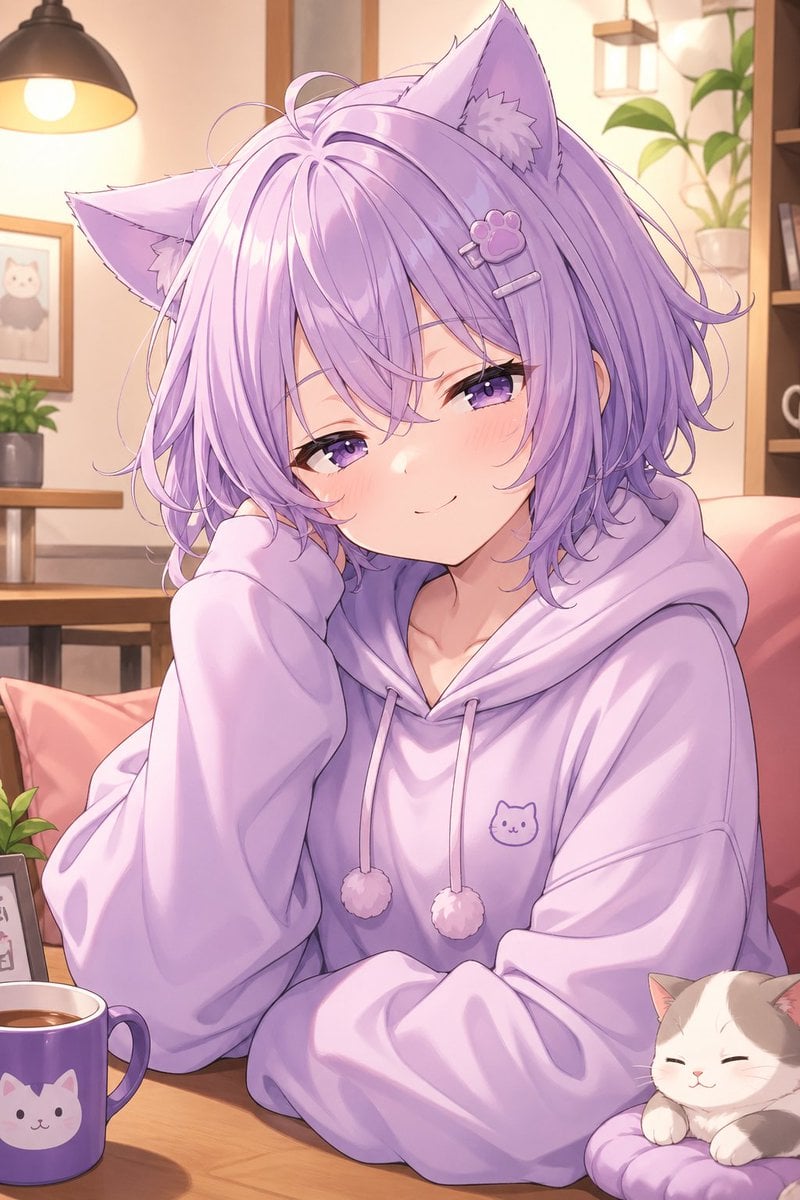
Cozy Lavender Catgirl Portrait
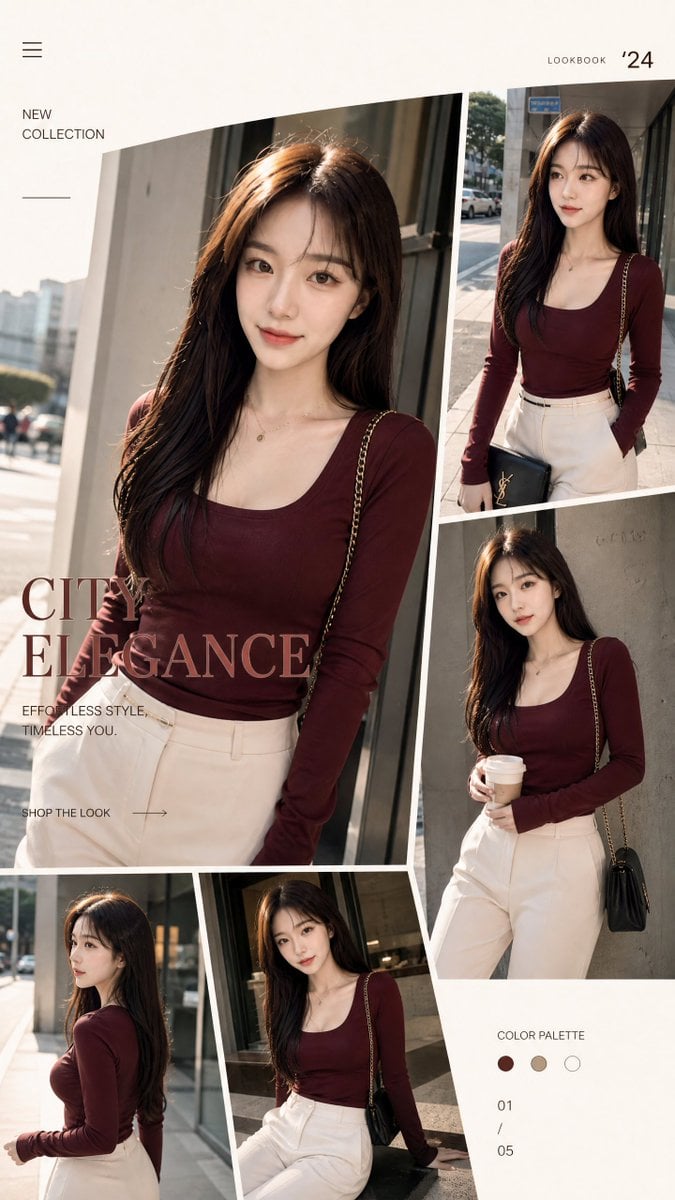
Streetwear Fashion Catalog Shoot
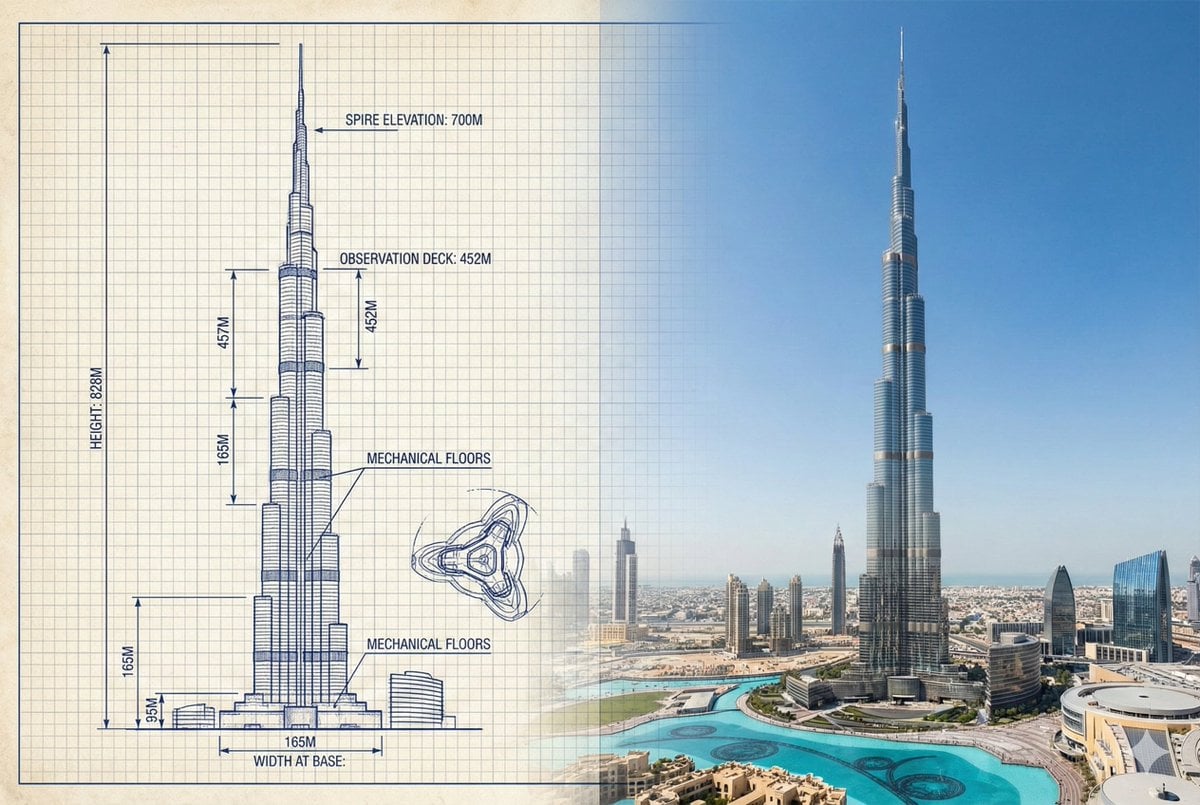
Burj Khalifa Technical Sketch and Real Photo Comparison
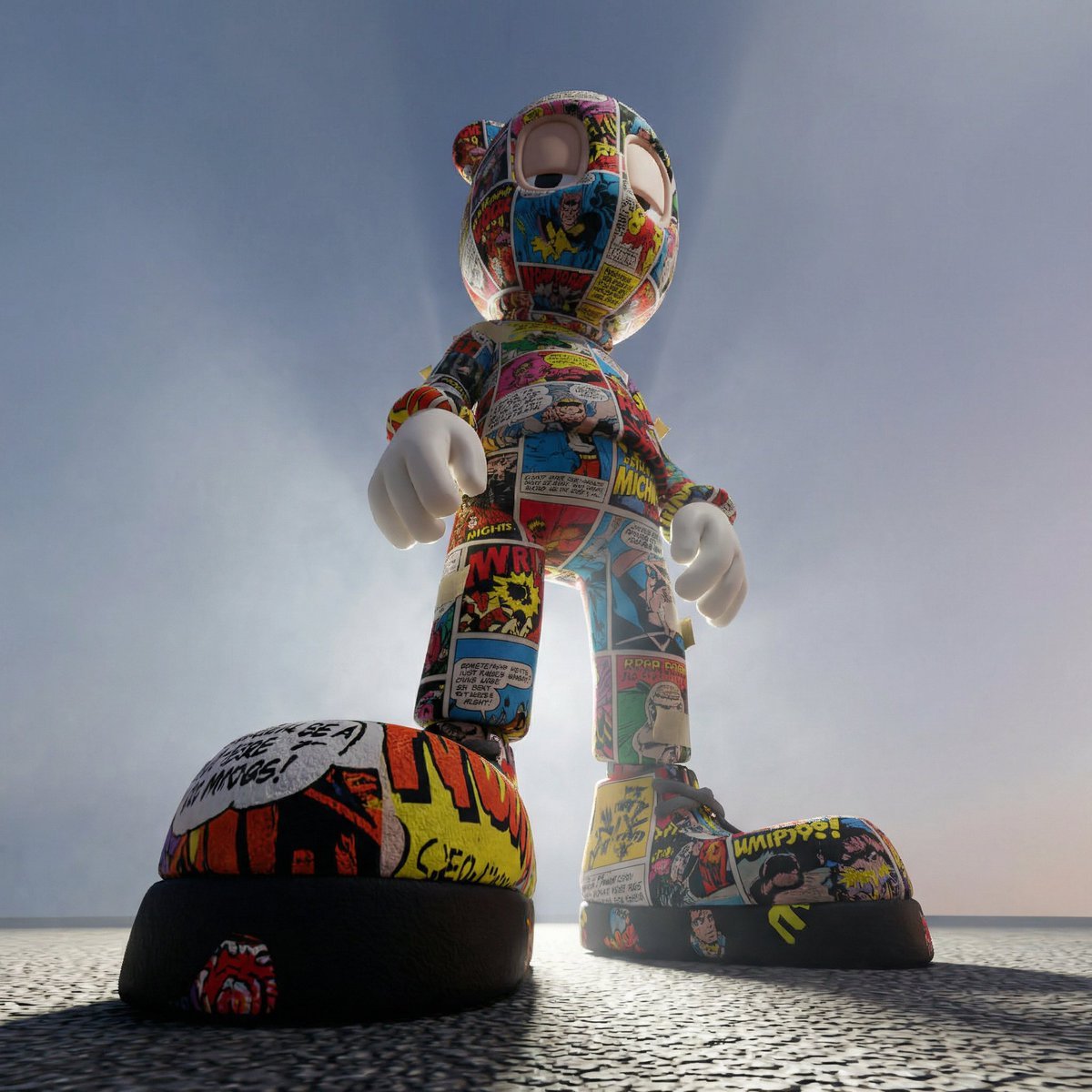
Worm's-Eye Perspective Character Shot (Likeness Preservation)
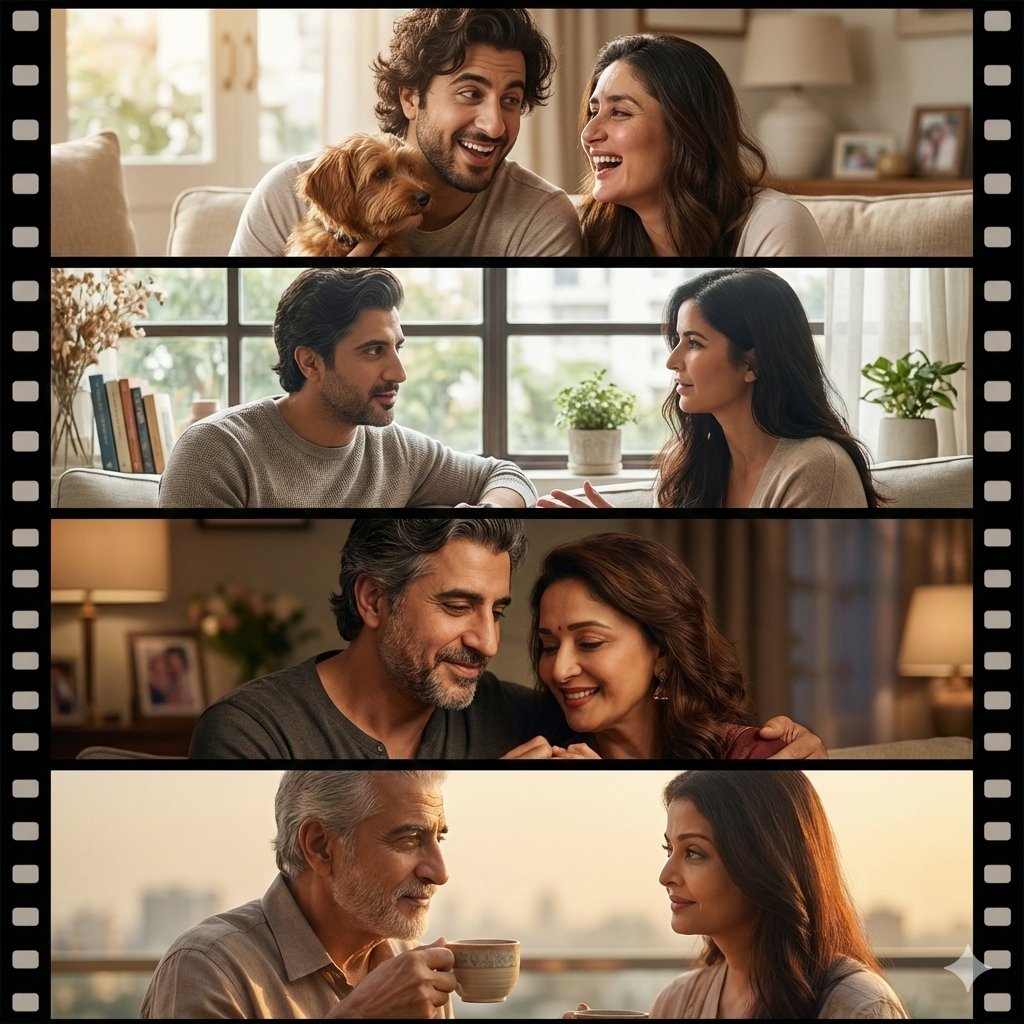
Cinematic Life-Journey Film Strip Portrait
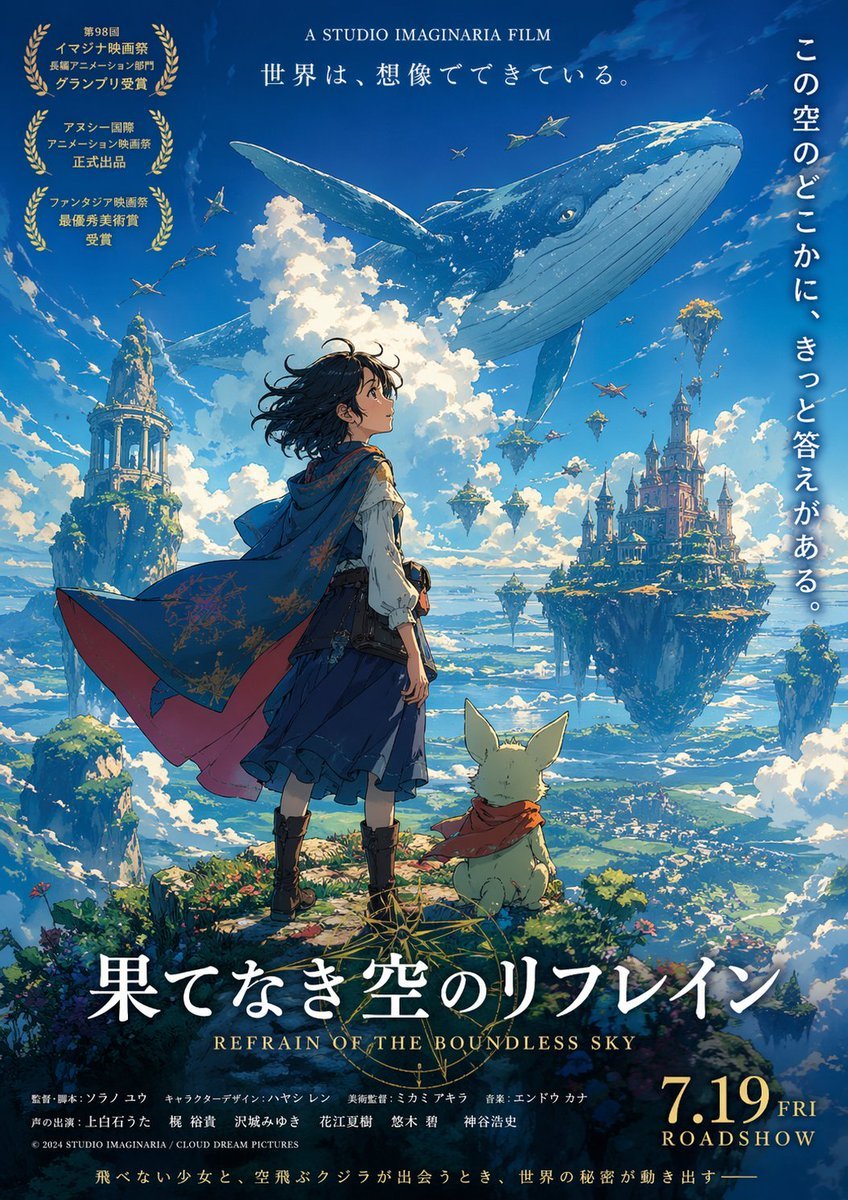
Anime Film Poster Generator
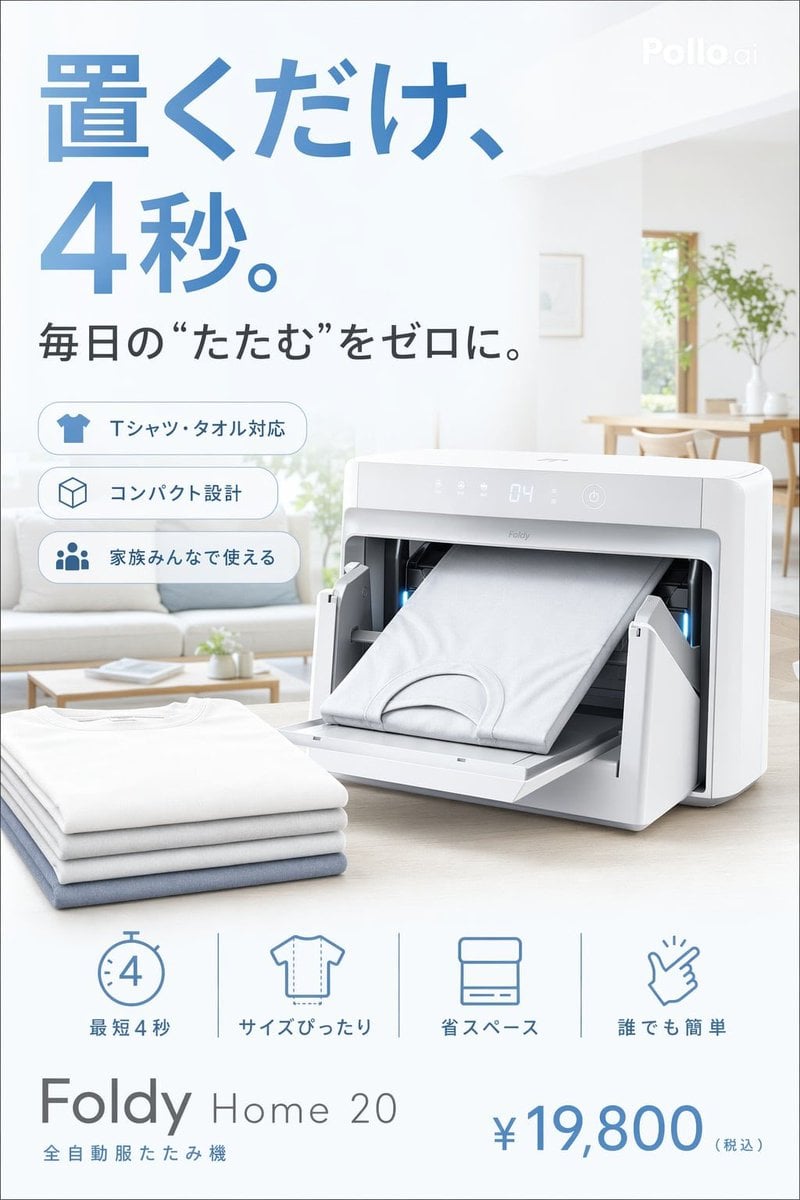
Japanese Auto Laundry Folder Ad
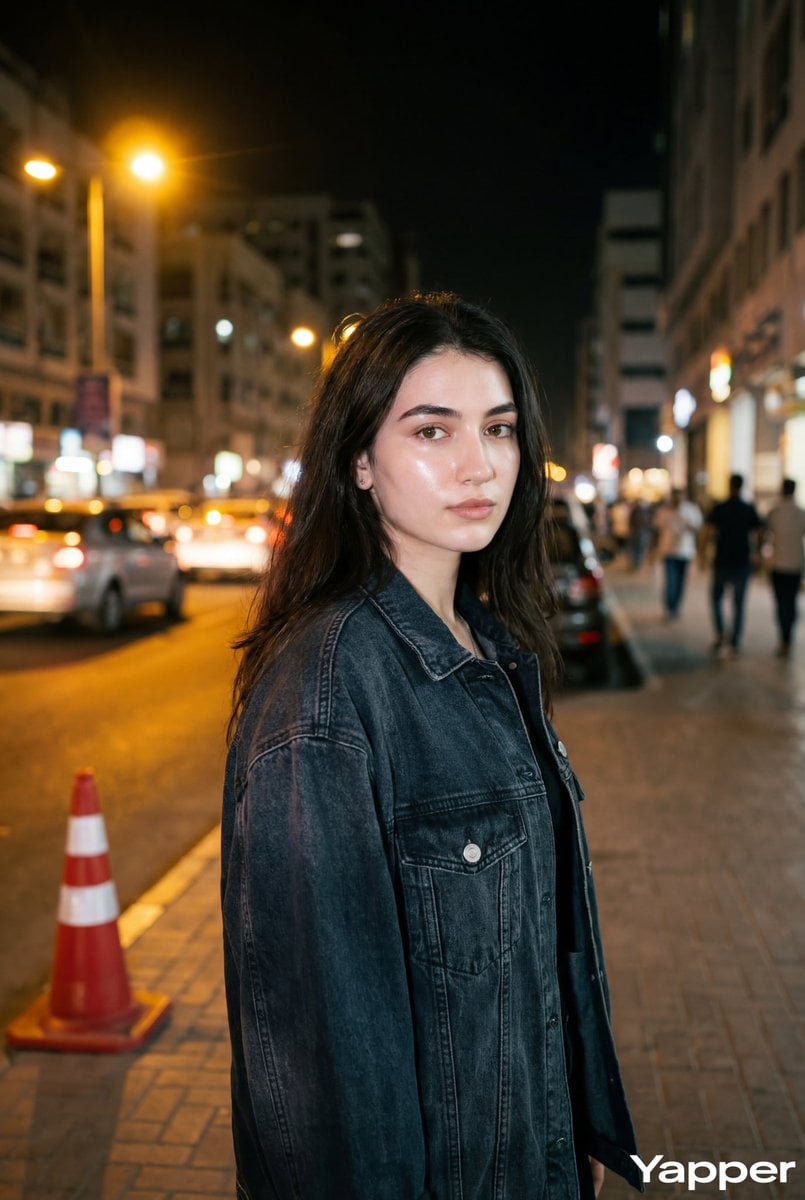
Night Street Portrait with Flash Prompt
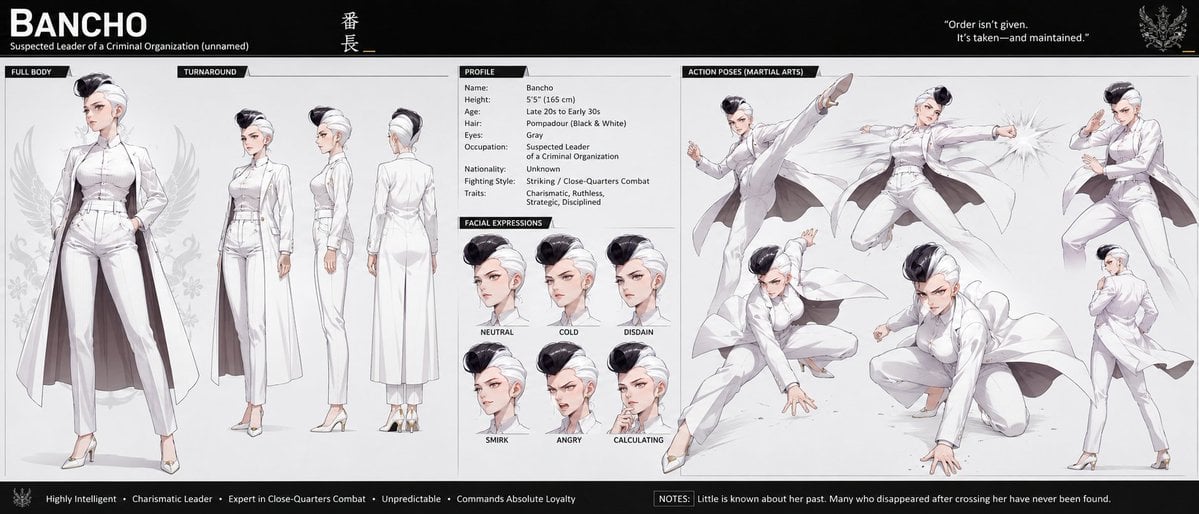
Bancho Anime Character Dossier
Browse template categories
Editorial Fashion Portrait in Wildflower Meadow questions
How do I use the Editorial Fashion Portrait in Wildflower Meadow template?
Add your photo if the template asks for one, edit the prompt if you like — the template's model and format are already selected — and press Generate. Your version opens in PicX Studio.
Can I customize the Editorial Fashion Portrait in Wildflower Meadow template?
Yes. You can change the subject, setting, lighting, mood, format, and available model controls before creating your image.
Is the Editorial Fashion Portrait in Wildflower Meadow template free?
Opening and editing this template is free. Generating uses credits, shown on the Generate button when you are signed in.
Which AI model should I use?
Start with GPT Image 2, which is the model associated with this template. You can compare another compatible model for a different finish.
Looking for something else? Browse all templates.

Your photo, any look
Thousands of ready templates for every top image and video model, from one credit balance.